


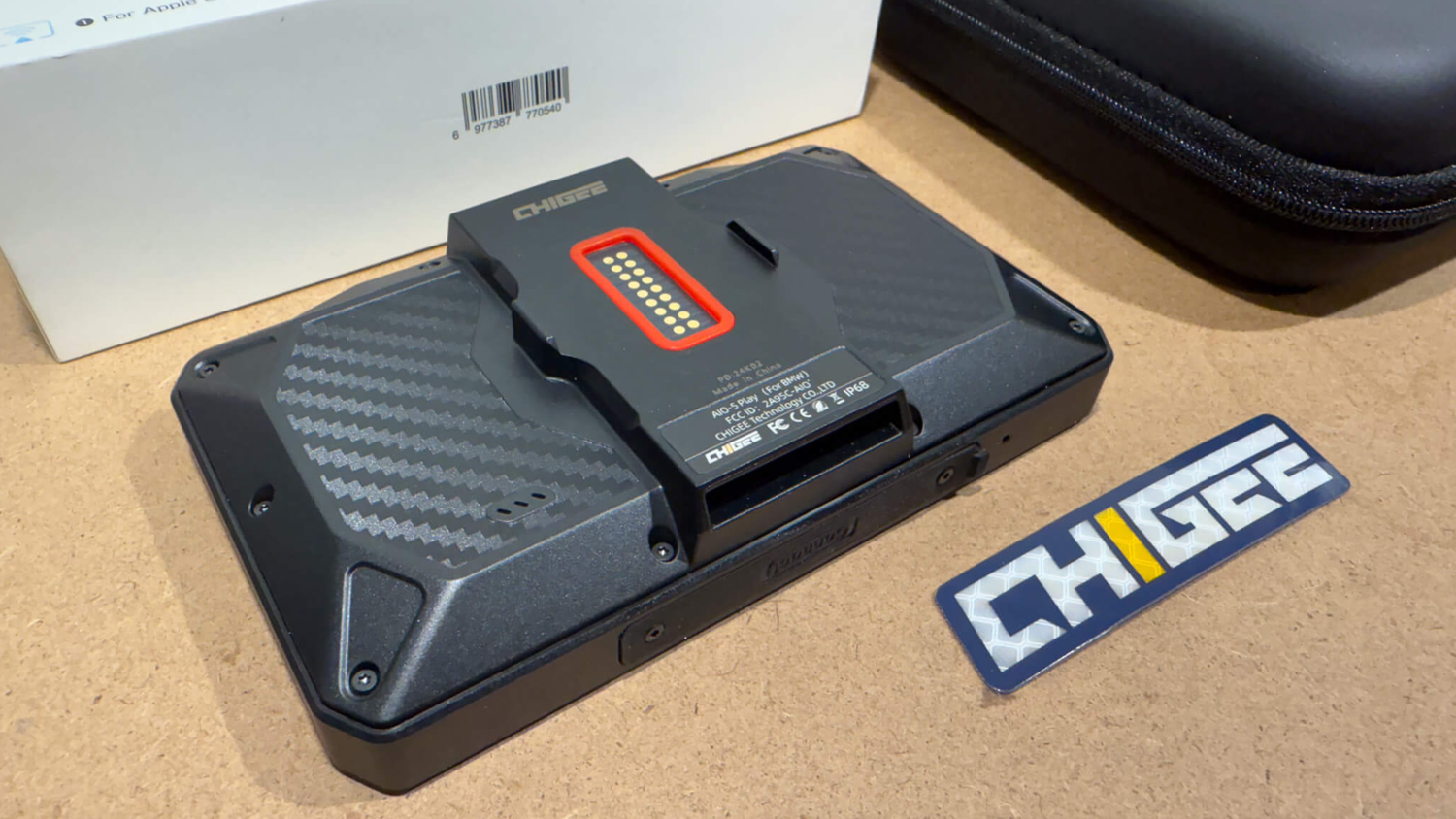
If you've been riding a BMW with Nav Prep and watching your friends tap through CarPlay on their handlebars, you already know what you're missing. The AIO-5 Play for BMW changes that with true plug-and-play installation: no wiring, no battery connections, just click it into your Nav Prep cradle and ride.
But here's the catch. Not every BMW works the same way with this system, and the difference between a perfect installation and a frustrating one comes down to understanding what your specific bike needs before you buy. Some models work flawlessly out of the box. Others need an extra module. A few won't support Wonder Wheel control at all, no matter what you do.
This guide walks you through compatibility, explains what works on your bike, covers the setup process, and shows you how to avoid the mistakes that trip up most first-time installers.

Snap, sync, and ride — AIO-5 Play transforms BMW Nav Prep into a full CarPlay cockpit in seconds. Source
Why the BMW Edition Exists
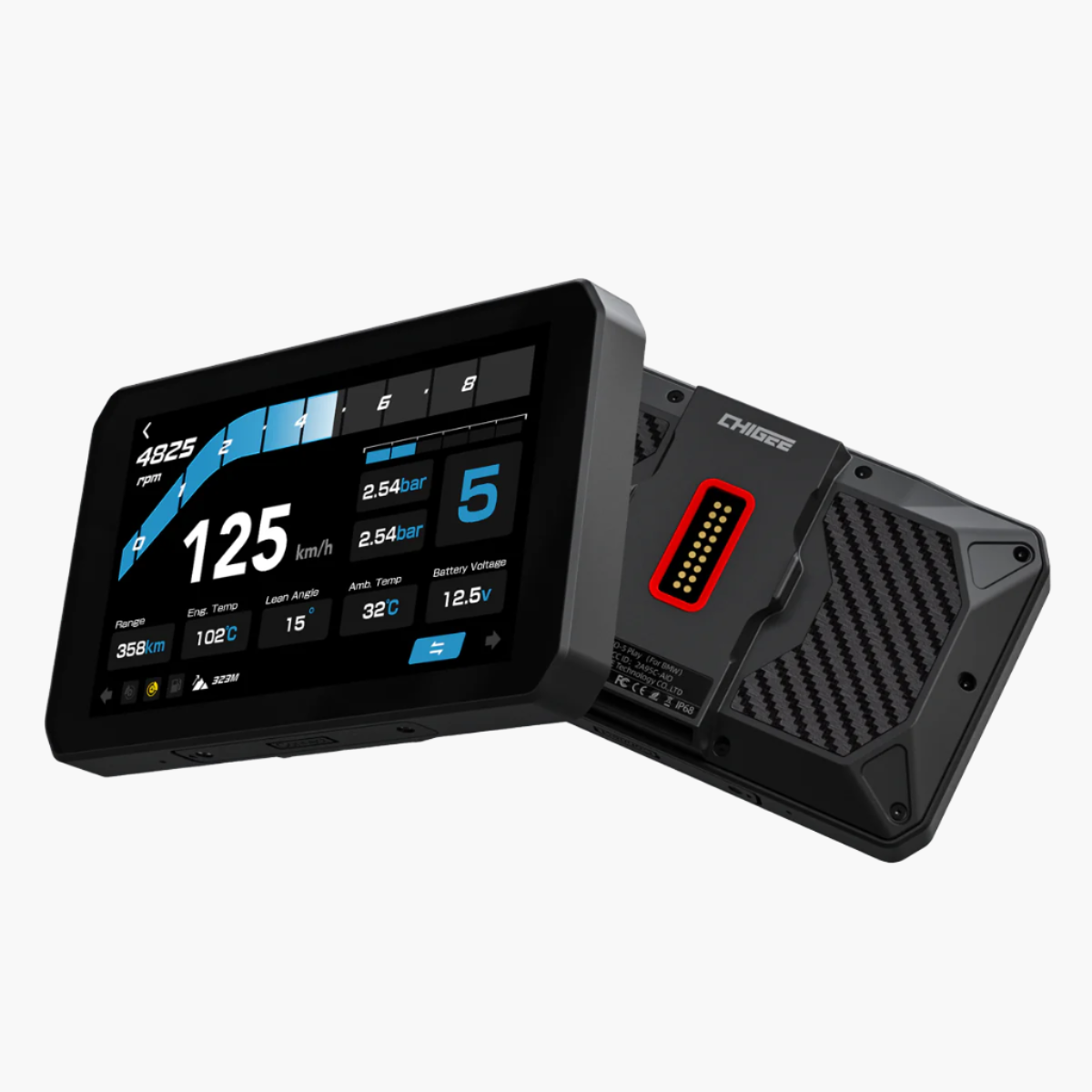
Chigee makes three versions of the AIO-5 Play. The standard edition works on any motorcycle but requires hardwiring to your battery and uses fixed mounting. The Lite adds dashcams and blind spot detection. The BMW edition does something different: it integrates directly with BMW's navigation preparation system.
That integration is what makes the BMW edition special. Instead of splicing wires and routing cables, you plug it into the Nav Prep cradle already on your bike. Power flows through the cradle. Data flows from your motorcycle's systems. The Wonder Wheel on your left grip controls the display. Your factory TPMS readings show up automatically. It feels less like adding an accessory and more like activating a feature BMW should have included from the factory.

Three builds, one idea — AIO-5 Play adapts to every rider: Standard for all, Lite for safety, BMW for seamless integration.
The tradeoff is specificity. This device only works on BMW motorcycles equipped with Nav Prep 5 or 6. If you ride multiple brands or your BMW lacks the Nav Prep system, the standard AIO-5 Play makes more sense. If you need dashcam recording or blind spot detection, neither Play model offers that. The AIO-5 Lite is your option.
Understanding BMW Compatibility
Not all BMWs work the same way with the AIO-5 Play. Your experience depends on three things: whether your bike has Nav Prep installed, which model and year you're riding, and whether BMW's SA 272 navigation data package is activated on your motorcycle.
What Is Nav Prep?
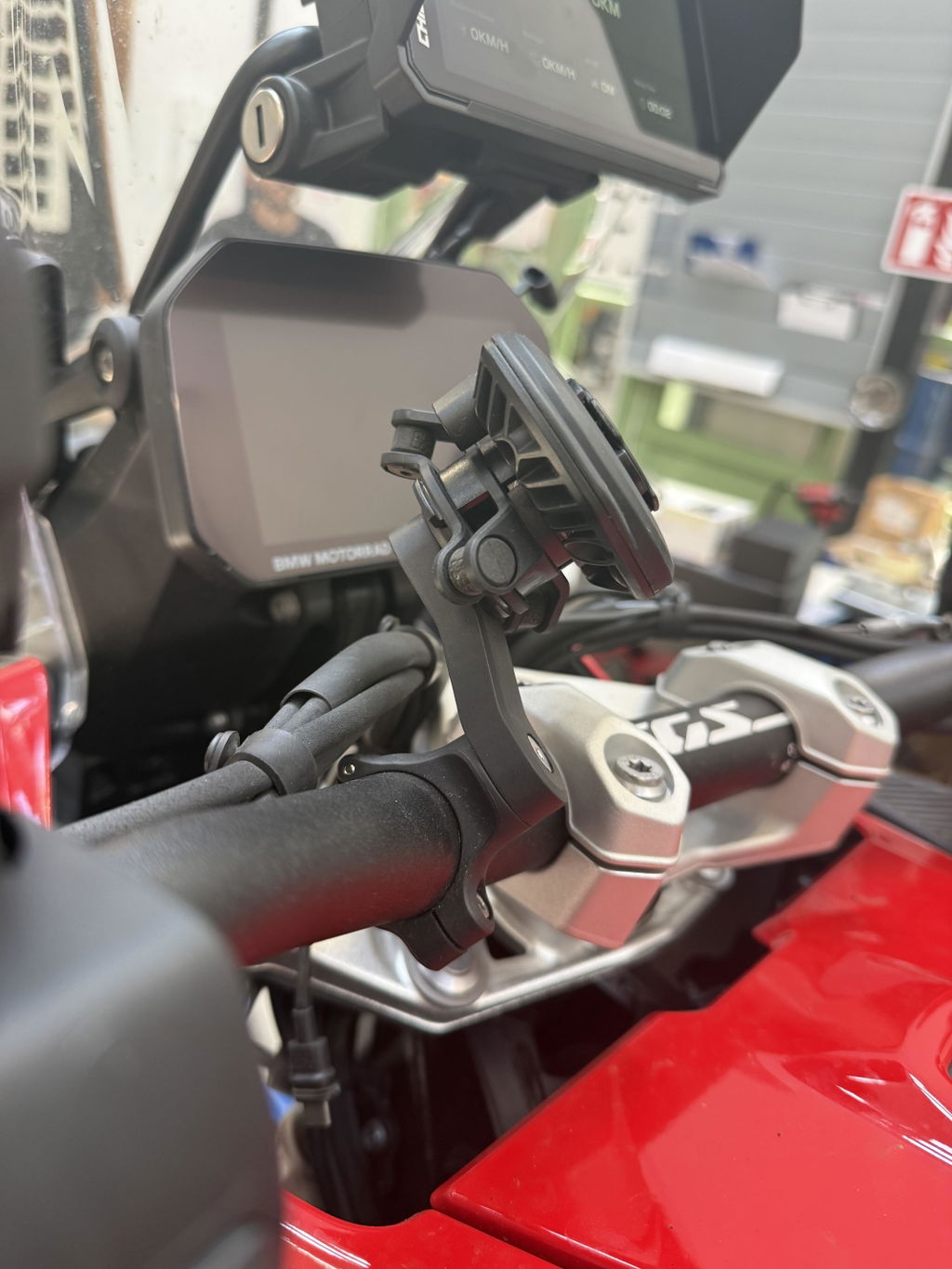
Navigation Preparation is BMW's system for mounting GPS devices. It's more than just a cradle. Nav Prep 5 and 6 include a 3-pin connector that delivers power and enables data communication between the GPS device and the motorcycle. When you plug the AIO-5 Play into a Nav Prep cradle, it receives power, reads data from your bike's systems, and integrates with the Wonder Wheel.

Plug-in precision — With Nav Prep 5 or 6, AIO-5 Play taps into your BMW’s power, data, and Wonder Wheel.
If your BMW doesn't have Nav Prep installed, you can purchase and install an original BMW Navigator cradle from BMW. Once the cradle is in place, the AIO-5 Play will work as intended. Third-party mounts may not support full integration even if they physically fit.
Bikes That Work Out of the Box
These models support full Wonder Wheel control and native data reading without additional hardware:
- R1300GS (2024+)
- R1250GS / R1250GS Adventure (2019+)
- R1200GS / R1200GS Adventure (with Nav Prep 5/6)
- S1000XR (2020+)
- F900GS / F900XR
- F850GS / F850GS Adventure
- F800GS (with Nav Prep 5/6)
- F750GS
On these bikes, you'll see "TFT-NAV" in the upper right corner of your TFT dashboard after connecting the AIO-5 Play. That indicator confirms communication between the device and your motorcycle. Long-pressing the Menu button switches control between your BMW's system and the Chigee display.
Bikes That Need the CGRC CAN Module
These models require an additional CGRC CAN module (sold separately) to enable Wonder Wheel control:
- K1600 series (all years)
- R1200RT (all years)
- R12 Nine T
- R1200R (2010-2015)
- Some 2016-2017 R1200R models
The control logic on these bikes wasn't designed to switch between systems. The CGRC CAN module acts as an interface that handles the switching properly. Without it, the AIO-5 Play will display and read data from your bike, but you won't be able to control it with the Wonder Wheel. You'll need to use the touchscreen or add the CGRC PRO wireless remote.

Power meets precision — Add the CGRC CAN module for full Wonder Wheel integration on select BMW models.
Note for K1600 riders: Older K1600 models were designed for the BMW Navigator 4, which uses a 4.3-inch screen. The AIO-5 Play uses a 5-inch format. You'll need to purchase a dashboard cover designed for the BMW Navigator 5/6 to fit the AIO-5 Play properly.
Bikes Where Wonder Wheel Control Doesn't Work
Some newer RT and K series models with TFT instruments cannot support Wonder Wheel control, even with the CGRC CAN module:
- R1250RT (2021-2023)
- K1600 models (2022-2023)
- K1600B (2022-2023)
For these bikes, we recommend using the CGRC PRO wireless remote for control. The remote uses 2.4GHz wireless (not Bluetooth), so it won't conflict with other devices. The AIO-5 Play will still display navigation and read data from your motorcycle. You just can't use the Wonder Wheel to control it.
The SA 272 Activation Requirement
Even if your bike is on the compatibility list and has Nav Prep installed, you might still run into issues if BMW's SA 272 navigation data package isn't activated. Many BMWs leave the factory with Nav Prep hardware but without SA 272 enabled in the software.
If you don't see "TFT-NAV" in the corner of your dashboard after installing the AIO-5 Play, SA 272 is likely inactive. You'll need to visit a BMW dealer and request:
- Activation of the SA 272 data package
- A software update to the latest version
This activation is required for Wonder Wheel control and for the AIO-5 Play to read data from your motorcycle. It's a common issue that frustrates first-time installers who assume their bike is incompatible when it just needs a software update.
Setting Up the AIO-5 Play for BMW
Installation on compatible bikes takes 5 to 10 minutes. The process is straightforward because there's no wiring involved. Everything flows through the Nav Prep cradle.
What You'll Need
- Your AIO-5 Play for BMW
- A compatible BMW with Nav Prep 5 or 6 installed
- Your smartphone with Bluetooth and Wi-Fi enabled
- Optional: CGRC CAN module (if your bike requires it)
Step One: Mount the Unit
Align the AIO-5 Play with your Nav Prep cradle. Push the unit into place until you hear or feel it click. The quick-release mechanism locks it securely. To remove it later, pull or twist depending on your Nav Prep version.
Make sure the unit sits flush against the cradle. If it feels loose or doesn't click into place, check that the Nav Prep cradle itself is properly mounted and not wobbling.
Step Two: Power On
Turn on your motorcycle's ignition. The AIO-5 Play draws power directly from the Nav Prep system, so there's no separate battery connection. The screen should light up within a few seconds.

Power through the cradle — AIO-5 Play wakes with your ignition, no wiring needed.
If the screen doesn't turn on, check that the Nav Prep cradle is receiving power from the bike. On some models, the Nav Prep power is tied to the accessory circuit and only flows when the ignition is on.
Step Three: Connect Your Phone
On first startup, the AIO-5 Play searches for nearby devices. Enable Bluetooth and Wi-Fi on your smartphone. Select your phone when it appears on the display.
For iOS users, authorize CarPlay when prompted. For Android users, follow the Android Auto setup prompts. The connection should complete in under a minute.
Pair once, ride always — AIO-5 Play connects instantly to CarPlay or Android Auto every time you start up.
Once connected, your phone will automatically reconnect each time you start the bike. Routes that were open in your navigation app will appear on the display, ready to continue.
Step Four: Configure Wonder Wheel Control
If your bike supports Wonder Wheel integration, you'll want to configure how it interacts with the display. The default settings work well for most riders, but you can customize the control scheme in Settings > Features > RC.
Enable vertical scrolling mode if you prefer BMW's native control feel. With this enabled, vertical scrolling moves the cursor, left scroll confirms selections, and right scroll goes back. This matches how BMW's own interface works, making the transition seamless.
Step Five: Test Data Integration
Once the phone is connected, check that your motorcycle data is displaying correctly. You should see:
- Engine temperature (currently Celsius only)
- Voltage
- Gear position
- Speed
- Factory TPMS data (if your bike has it)
If these readings aren't showing up, SA 272 may not be activated. Visit a BMW dealer to enable it.
Features Built for BMW Integration
Native Data Reading
The AIO-5 Play for BMW reads and displays data directly from your motorcycle:
- Engine temperature (currently Celsius only, Fahrenheit option coming in future update)
- Voltage
- Gear position
- Speed
- Factory TPMS data (if equipped)
This data appears automatically on compatible models with SA 272 activated. There's no configuration needed beyond the initial setup.
Wonder Wheel Integration
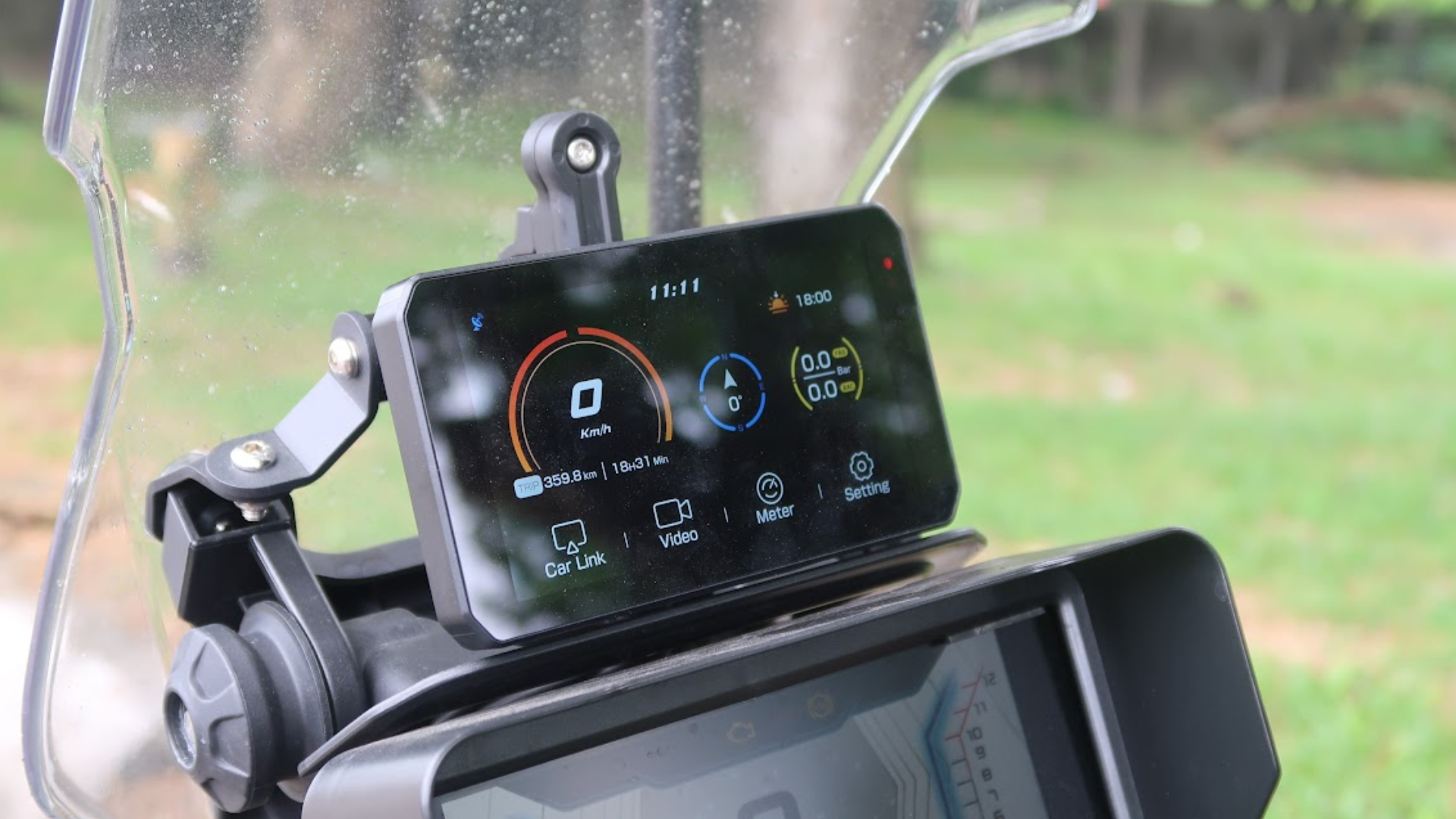
The Wonder Wheel lets you control the AIO-5 Play without touching the screen. The top-left corner of the display shows which system you're controlling: "TFT" for your BMW's system or "NAV" for the Chigee display. Long-press the Menu button to switch between them.

Your bike, your data — AIO-5 Play pulls real-time info straight from your BMW with seamless wheel control.
You can enable vertical scrolling mode in Settings > Features > RC. Once enabled, vertical scrolling moves the cursor, left scroll confirms selections, and right scroll goes back. This makes navigation feel more natural for riders used to BMW's control logic.
Quick-Release Convenience
The quick-release mounting is perfect for riders who want to remove the display when parking in public or who swap between multiple BMWs. Unplug it from one Nav Prep cradle, plug it into another, and you're ready to ride. The unit recognizes the new bike automatically and displays the appropriate data.
Factory TPMS Integration
If your BMW has factory TPMS, the AIO-5 Play displays tire pressure and temperature without additional sensors. You can set custom alert thresholds for front and rear tires independently. When pressure drops below your threshold, a warning appears with exact readings.
This integration saves money compared to buying aftermarket TPMS sensors and gives you one less accessory to install.
What You Give Up Compared to Other Models
Understanding the limitations matters as much as knowing the features.
No Camera Support
The AIO-5 Play for BMW cannot add dashcams. The power available through Nav Prep is enough for the display but not for additional cameras. The quick-release design also rules out camera cables running from the display to mounting points on the bike.
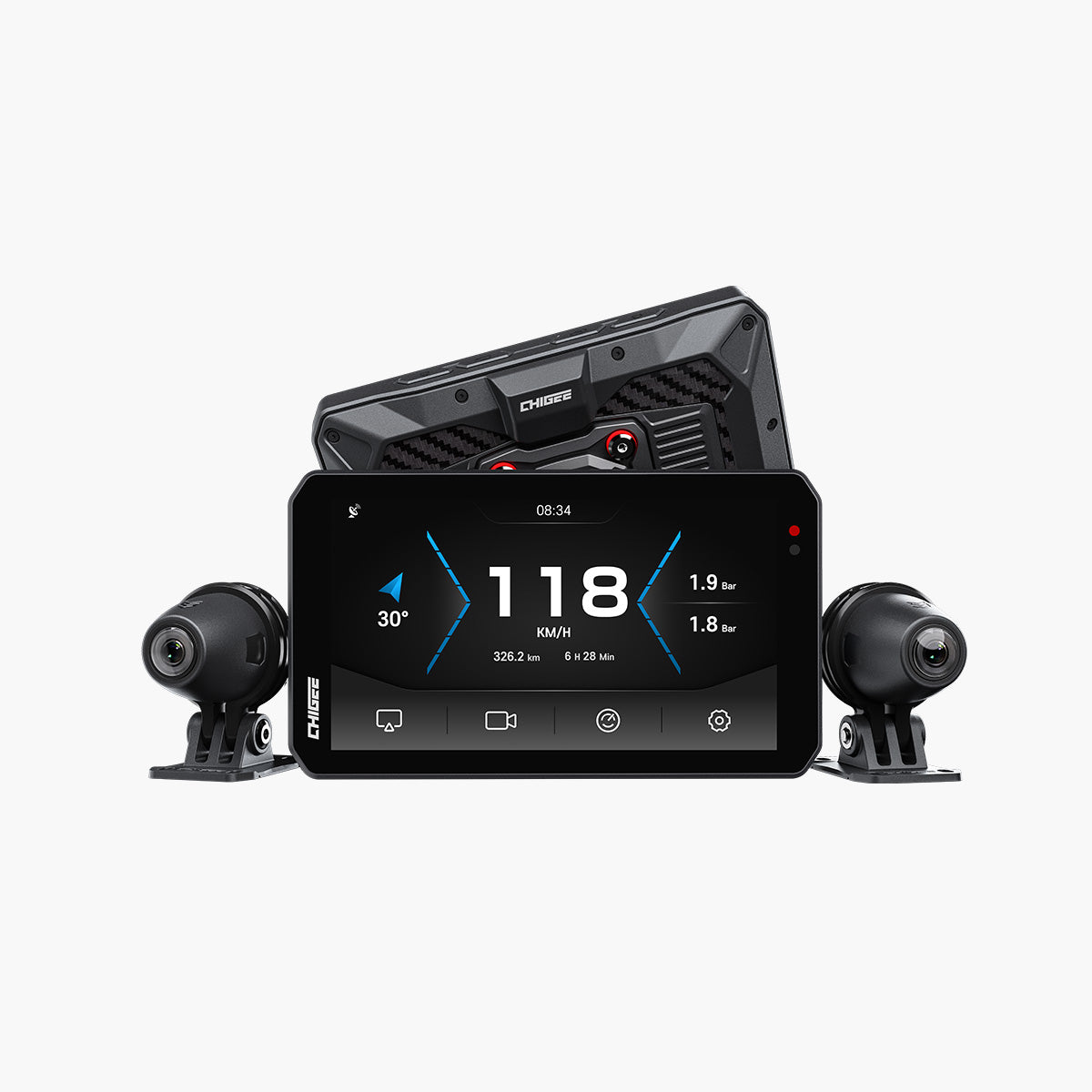
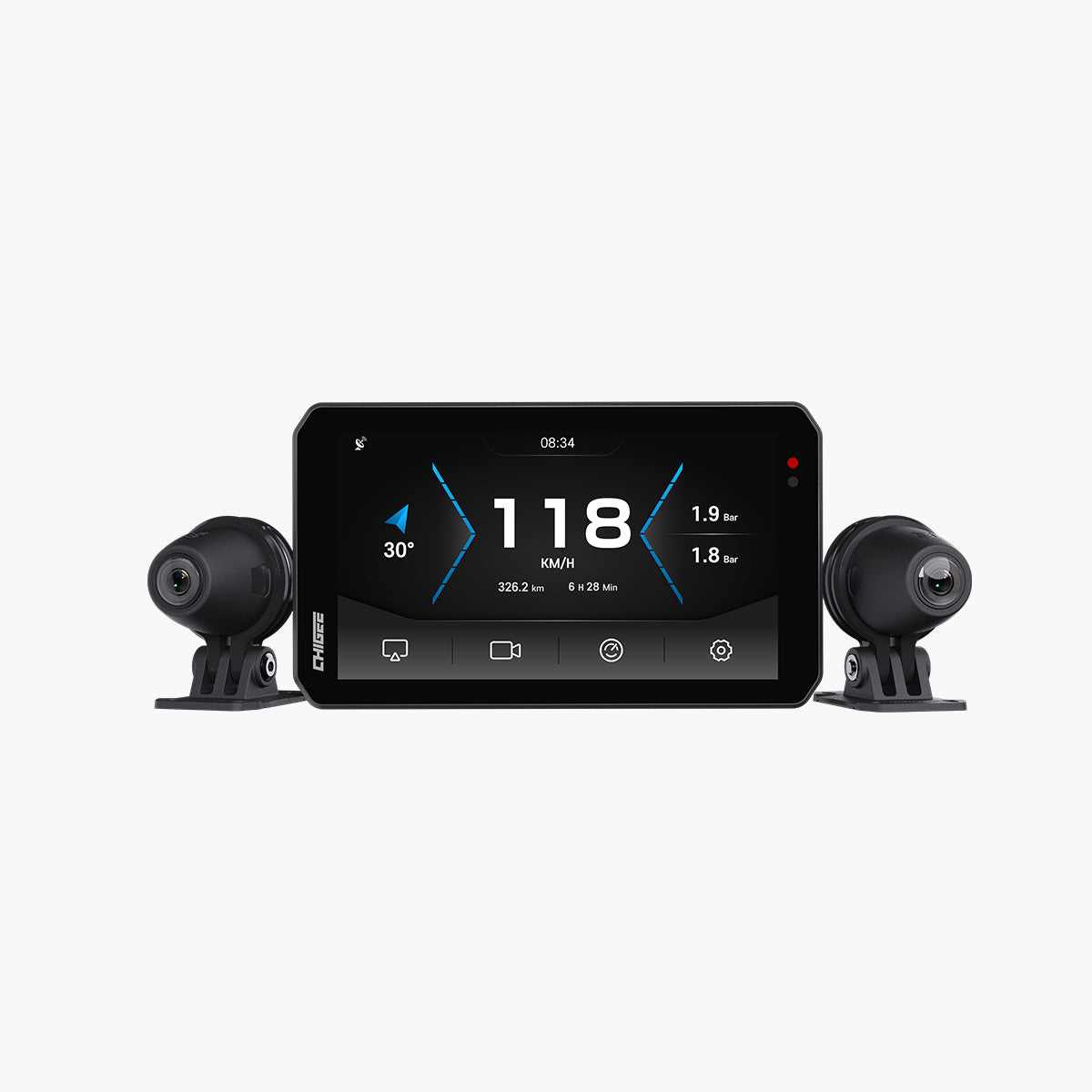
If you need video recording for insurance documentation, blind spot detection, or parking surveillance, the AIO-5 Lite is the better choice. It includes front and rear cameras, AI-powered blind spot detection, and parking monitor functionality.
No Internal Battery
The unit has no battery and cannot be charged separately. It requires continuous power from the Nav Prep system. This isn't an issue for riding, but it means you can't use the device away from the bike.
BMW Motorcycles Only
This version is engineered specifically for BMW motorcycles with Nav Prep. It won't work on other brands or on universal mounts. If you ride multiple brands, the standard AIO-5 Play offers broader compatibility.
Limited Storage
The BMW edition includes 8GB internal storage with 2GB RAM. This is adequate for navigation, music streaming, and system updates, but it's smaller than the Lite's 32GB/4GB configuration. Without camera recording, the smaller storage isn't a limitation for most riders.
Moving the Unit Between Multiple BMWs
One advantage of the quick-release design is portability. If you own multiple compatible BMW motorcycles, you can move the AIO-5 Play between them in seconds.
Unplug the unit from one Nav Prep cradle and plug it into another. The device will recognize the new bike automatically and display the appropriate data. Your phone will reconnect via CarPlay or Android Auto as soon as you start the bike.
Each bike must have Nav Prep 5 or 6 installed and be on the compatibility list. If one of your bikes requires the CGRC CAN module for Wonder Wheel control, you'll need to install that module on that specific bike.
Accessories That Extend Functionality
CGRC CAN Module
Required for Wonder Wheel control on K1600 series, R1200RT, R12 Nine T, and certain R1200R models. The module connects between your bike and the AIO-5 Play to enable full functionality. Without it, these models can display the unit and read data but can't control it via Wonder Wheel.

Unlock full control — The CGRC CAN module enables Wonder Wheel functions on select BMW models.
CGRC PRO Wireless Remote
An alternative control method for models where Wonder Wheel integration isn't possible or for riders who prefer dedicated buttons. The remote uses 2.4GHz wireless (not Bluetooth), so it won't interfere with your phone connection or other Bluetooth devices.

Ride your way — The CGRC PRO Wireless Remote keeps controls close when Wonder Wheel isn’t available. Source
The remote includes buttons for answering calls, switching screens, taking photos, and menu navigation. All controls work with gloves.
Chigee TPMS Sensors
If your BMW doesn't have factory TPMS, Chigee offers external (MFP0019) and internal (MFP0018) sensors. Only Chigee-branded TPMS works with the AIO-5 Play. Third-party sensors are not compatible.
Screen Protector
Protects against scratches and reduces glare without affecting touch response. Worth considering for daily riders or anyone parking outside regularly.
Firmware Updates Keep It Current
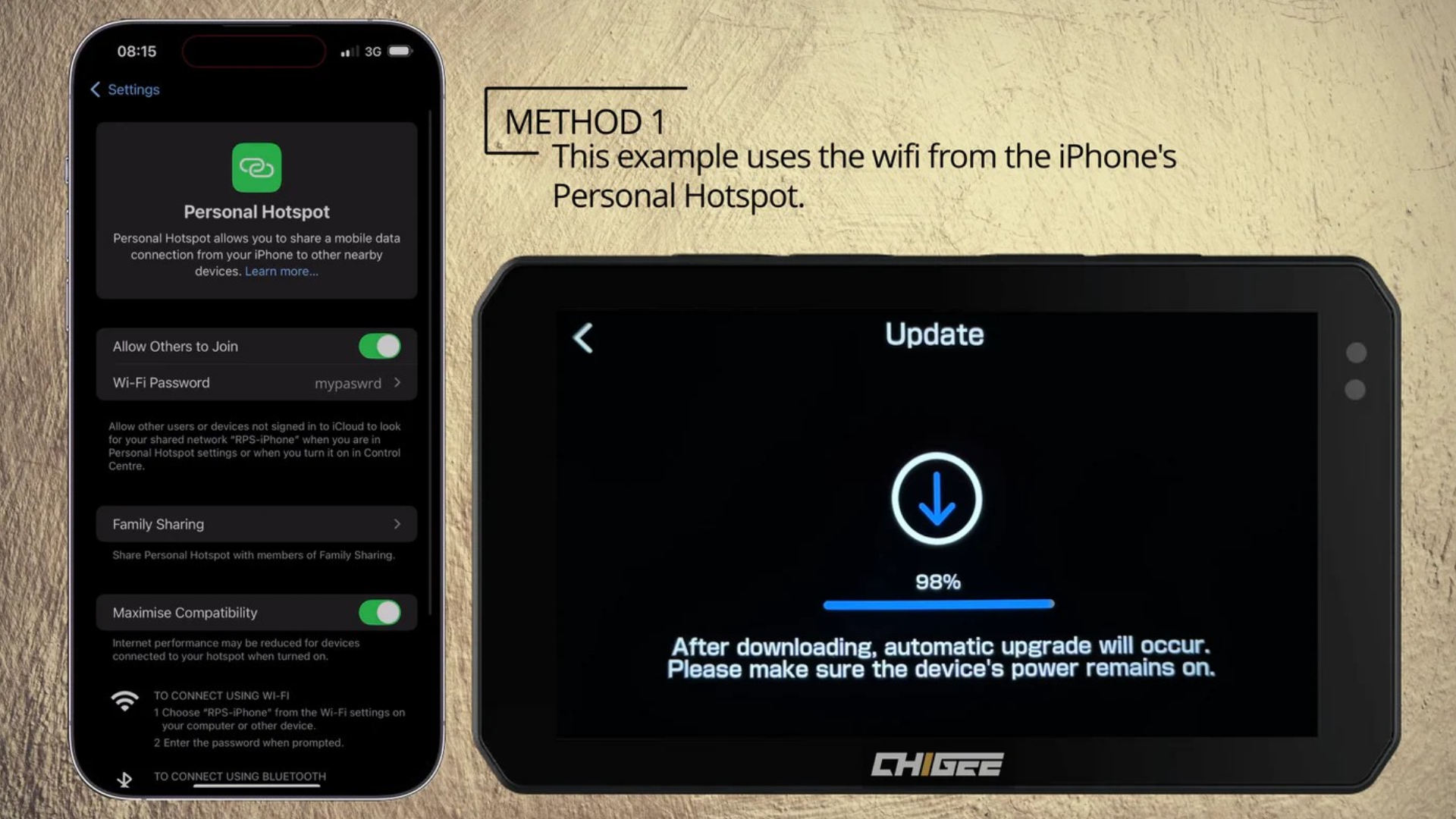
The AIO-5 Play for BMW supports over-the-air updates. We release firmware updates regularly to optimize performance, deepen BMW integration, add features, and fix bugs.
Updates download and install automatically when connected to Wi-Fi. You'll receive a notification when an update is available. Recent updates have added vertical Wonder Wheel scrolling, improved TPMS alert customization, enhanced CarPlay and Android Auto stability, and faster boot times.
Comparing Your Options

Choose your edge — AIO-5 Play BMW for seamless factory fit, Standard for any bike, Lite for all-seeing safety. Source
AIO-5 Play for BMW
Best for BMW riders who want seamless integration with quick-release convenience. Plug-and-play installation via Nav Prep. Native data reading. Wonder Wheel control on compatible models. Direct factory TPMS reading. No camera support. IP68 waterproofing. BMW motorcycles only.
AIO-5 Play Standard Edition
Best for riders who want CarPlay and Android Auto on any motorcycle brand. Requires battery hardwiring or USB power. Fixed mounting with security Torx bolts. No native bike data reading. Optional TPMS via Chigee sensors. No camera support. Universal compatibility.
AIO-5 Lite
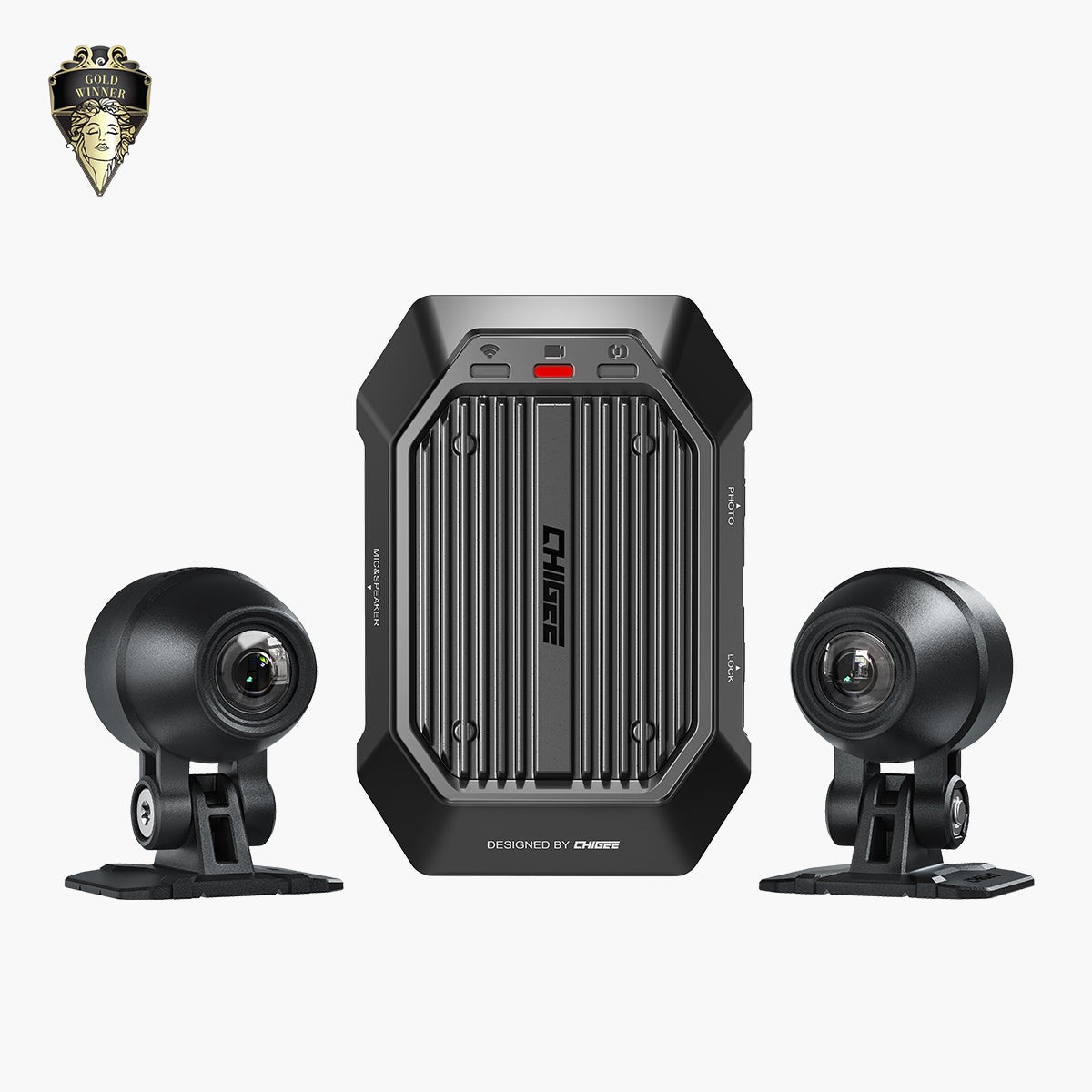
Best for riders who need built-in video recording, blind spot detection, and parking surveillance. Front and rear 1080p cameras with Sony Starvis sensors included. AI-powered blind spot detection. Parking monitor with triggered recording. Loop recording with G-sensor auto-lock. 4GB RAM / 32GB storage. Works on any motorcycle brand.
Want to see how Chigee stacks up? Check the It’s Better On The Road Chigee AIO-5 Lite review for display, camera, and ride impressions.
Before You Buy
Confirm these details before purchasing the AIO-5 Play for BMW:
- Your BMW has Nav Prep 5 or 6 installed, or you're willing to purchase and install a genuine BMW Navigator cradle.
- Your model is on the compatibility list above.
- You understand whether your bike needs the CGRC CAN module for Wonder Wheel control.
- You're okay with no camera support, or you plan to use an action camera separately.
- You have SA 272 activated or are willing to visit a BMW dealer for activation and software update.
- You understand this unit only works on BMW motorcycles and cannot be used on other brands.
If any of these don't match your situation, the standard AIO-5 Play or AIO-5 Lite might be a better fit.
For detailed answers to specific questions about features, compatibility, and future updates, see AIO-5 Play for BMW: Top 14 Questions Answered.
Join the Chigee Facebook Group to see more reviews, share your setup, and get tips from other riders using Chigee displays.






7 comments
Gary Hartwig
What components are required for full wonderwheel capabilities for 2019 BMW k1600 grand American?
Manuel Fernández Duque
Saludos buenas tardes, hace tiempo tuve un Chigee AIO 5 Sra BMW, tengo una GS 1200 ADVENTURE DE 2014, lo compré intentando solucionar los problemas que había tenido antes con otros Carplay.
En resumen es que no me facilitaban los datos de voltaje (dando valores de 25,5) no de RPM (daba valores de 20475)., y millones de kilómetros.
Lo acabé vendiendo pensando que el fallo era de la moto, me he seguido informado y los errores en los datos vienen provocados por el canbus Lin de mi moto que es distinto de la 1250 y posteriores.
Si lo vuelvo a adquirir, ustedes me garantizan que tienen un firmware adecuado de comunicación entre mi moto y el Chigee.
Según parece el mostrar esos valores es por el conflicto en la descodificación de datos de la moto.
La moto tiene de origen la cuna del GPS,, está actualizada al último software, porque todas esas posibilidades ya las miré.
Gracias, espero su respuesta.
Phildra
Bonjour
J´aurai bien besoin d´explications pour brancher le module CGRC sur une K 1600 GTL ! Je ne trouve aucun tuto
Merci de votre aide
Mauro
Buongiorno ho una moto BMW RT1300 anno 2026, che modello devo acquistare? E con quale supporto?
Grazie a chi mi risponde.
Patrick
J’ai le même problème que Philippe, impossible de valider la connexion avec le programme chigee-go et sais bien dommage.
Leave a comment
All comments are moderated before being published.
This site is protected by hCaptcha and the hCaptcha Privacy Policy and Terms of Service apply.