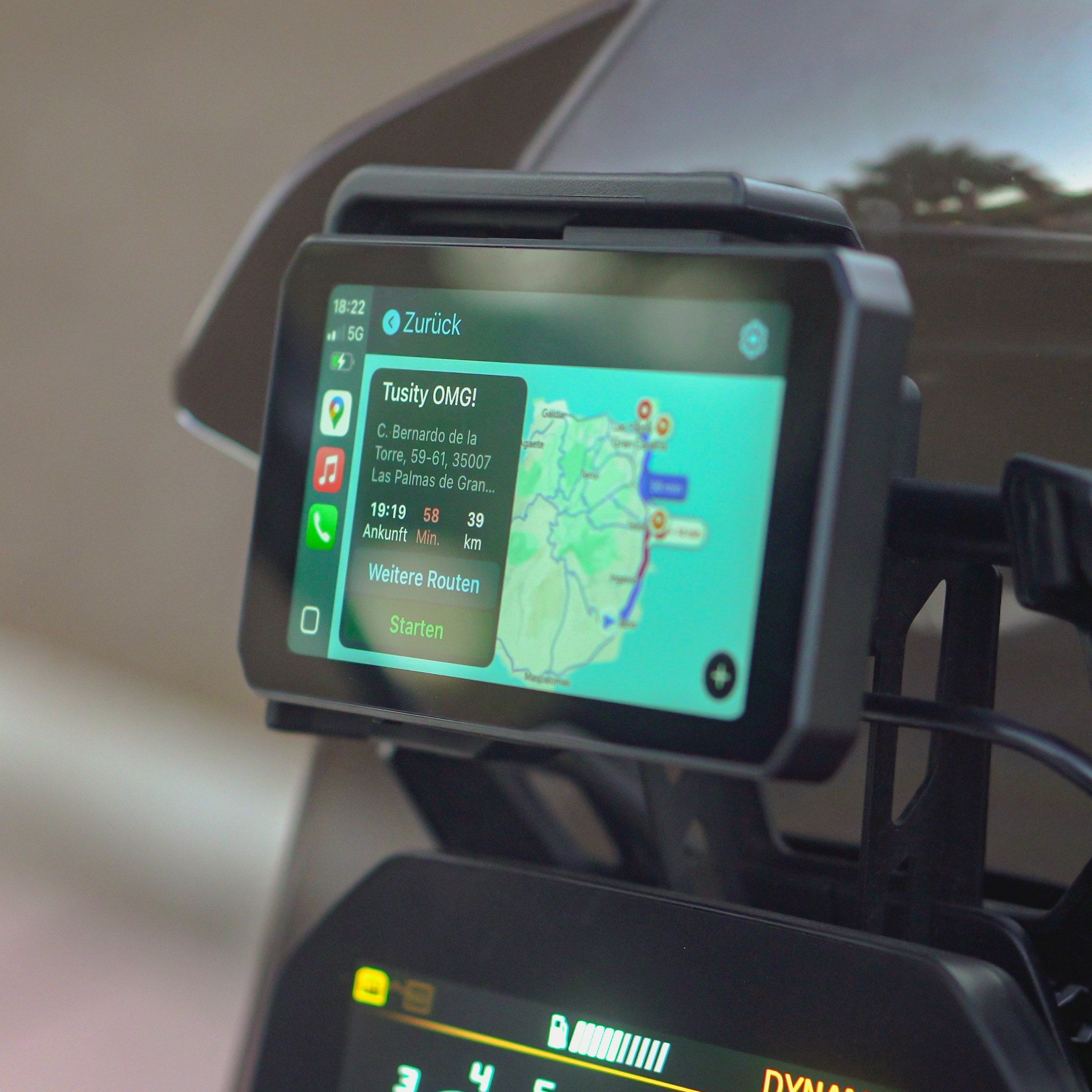
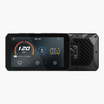
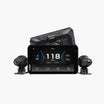
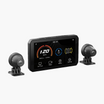
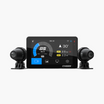
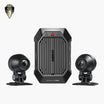
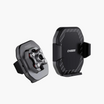
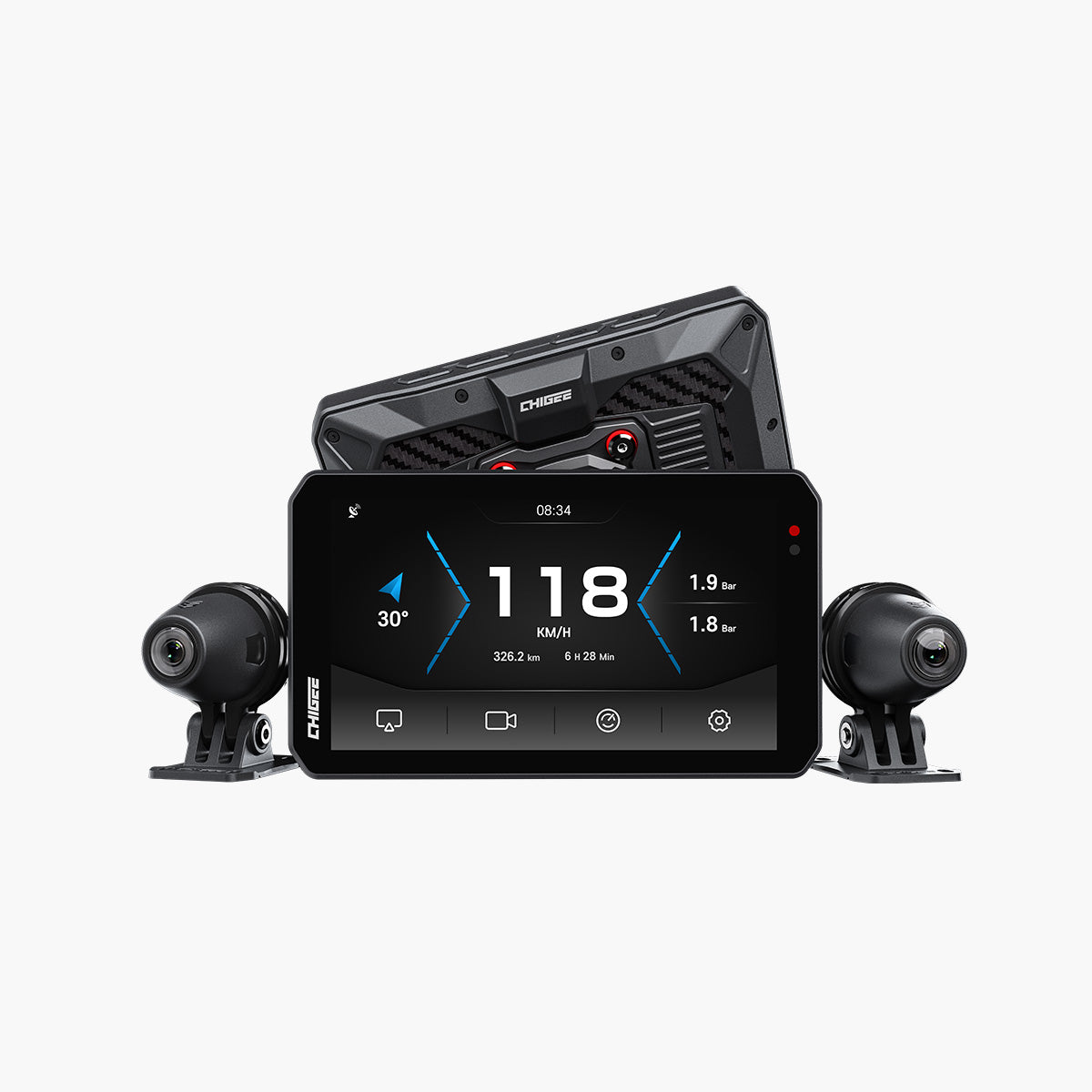
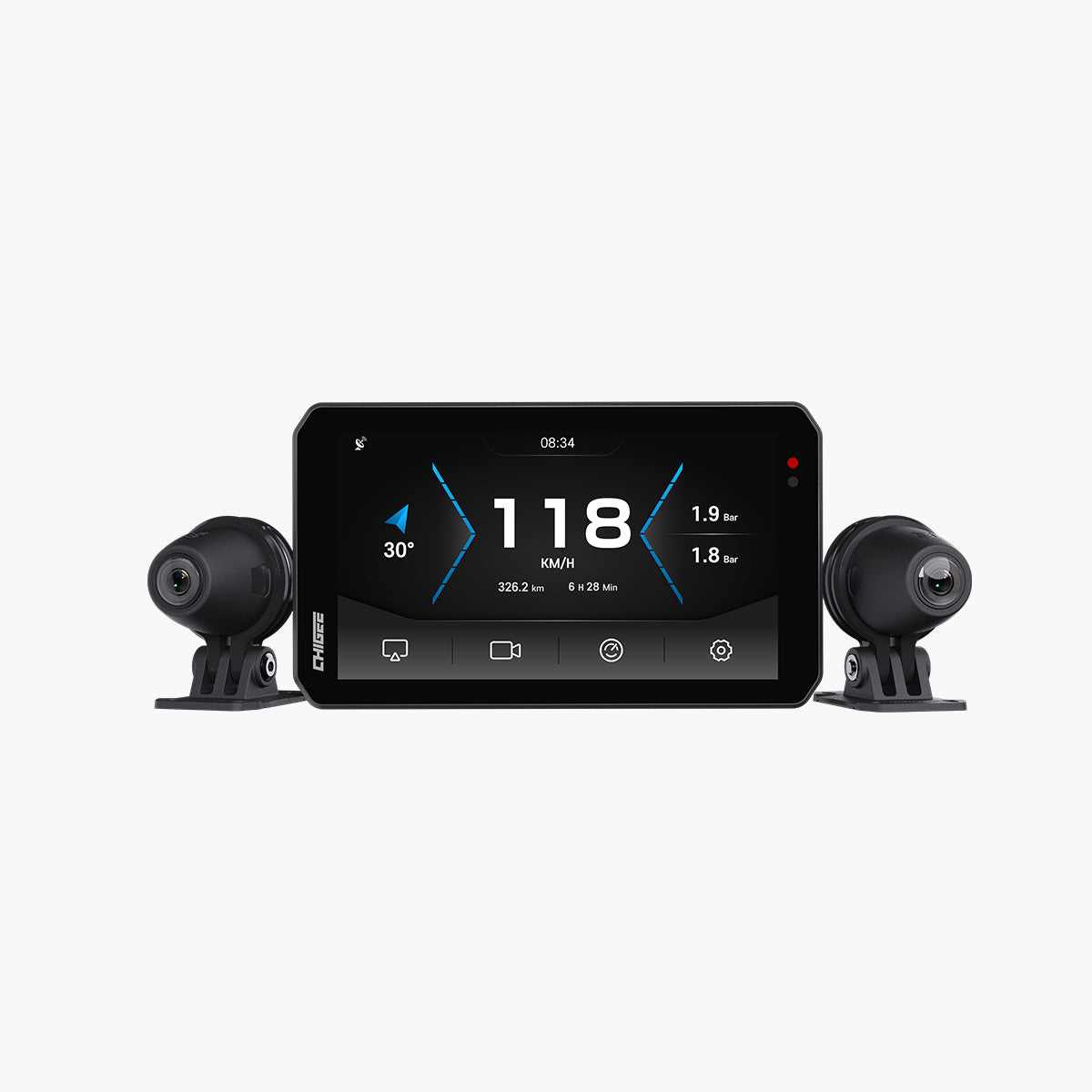
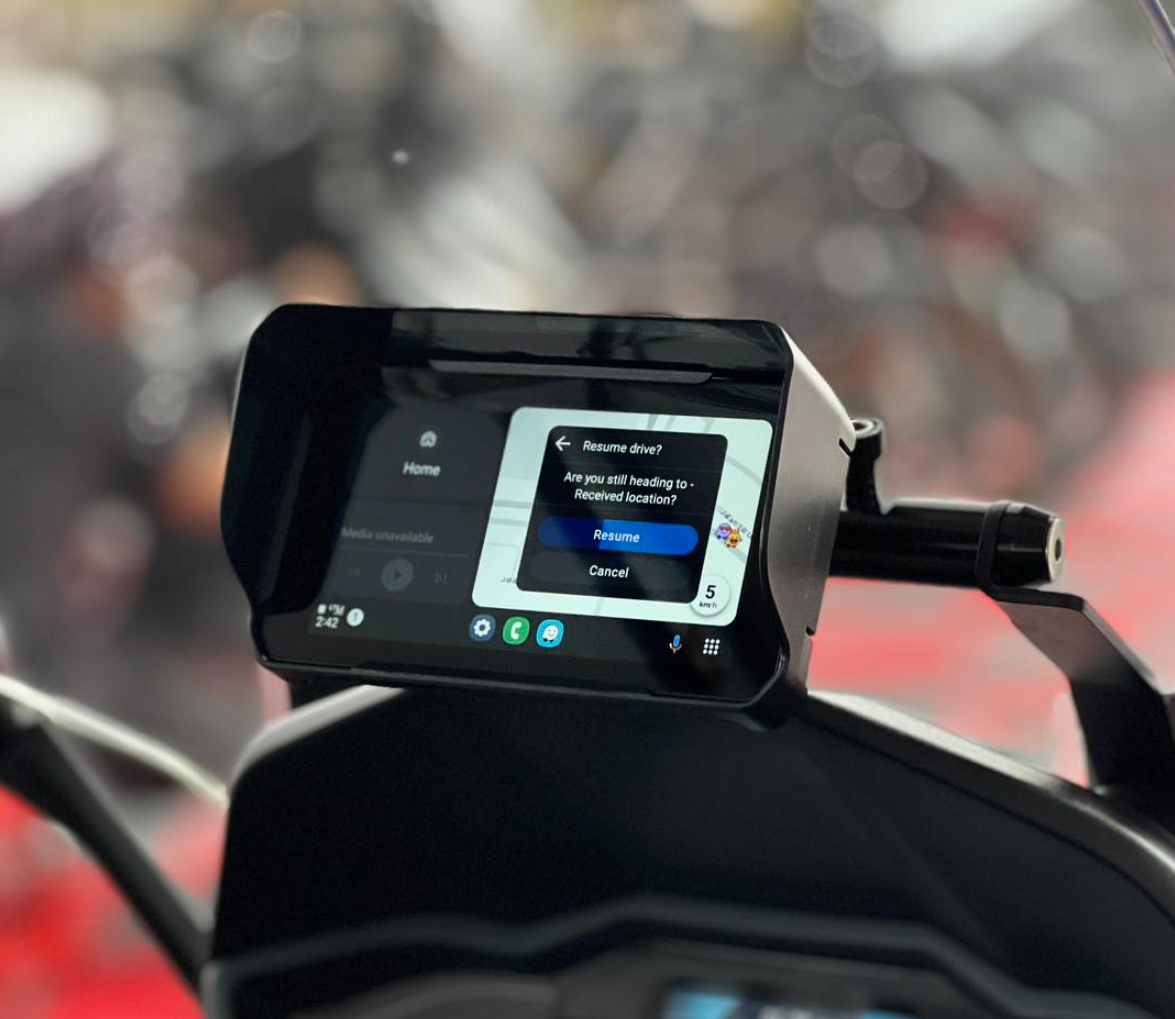
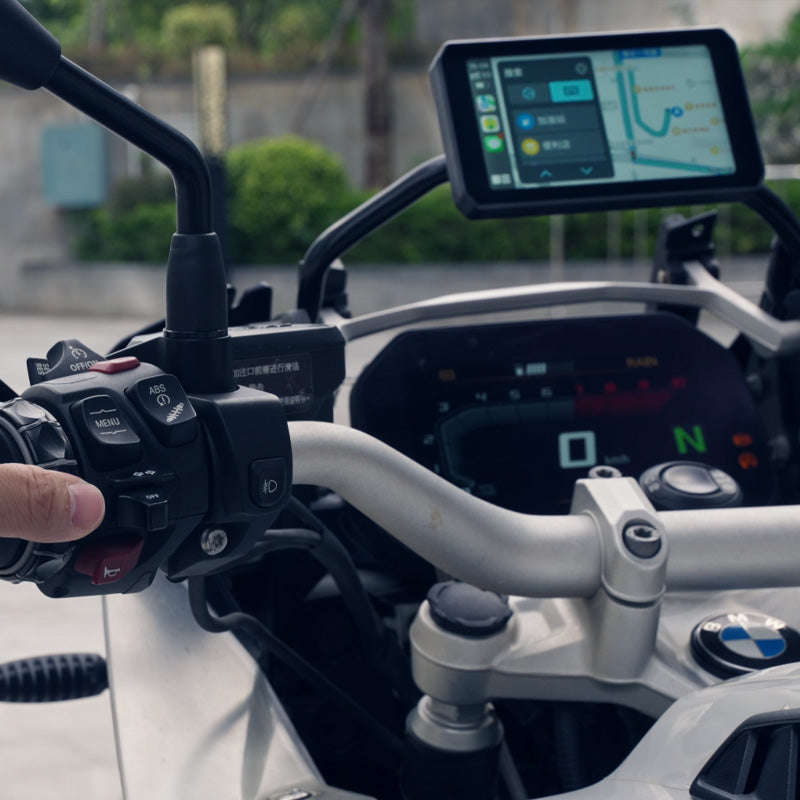
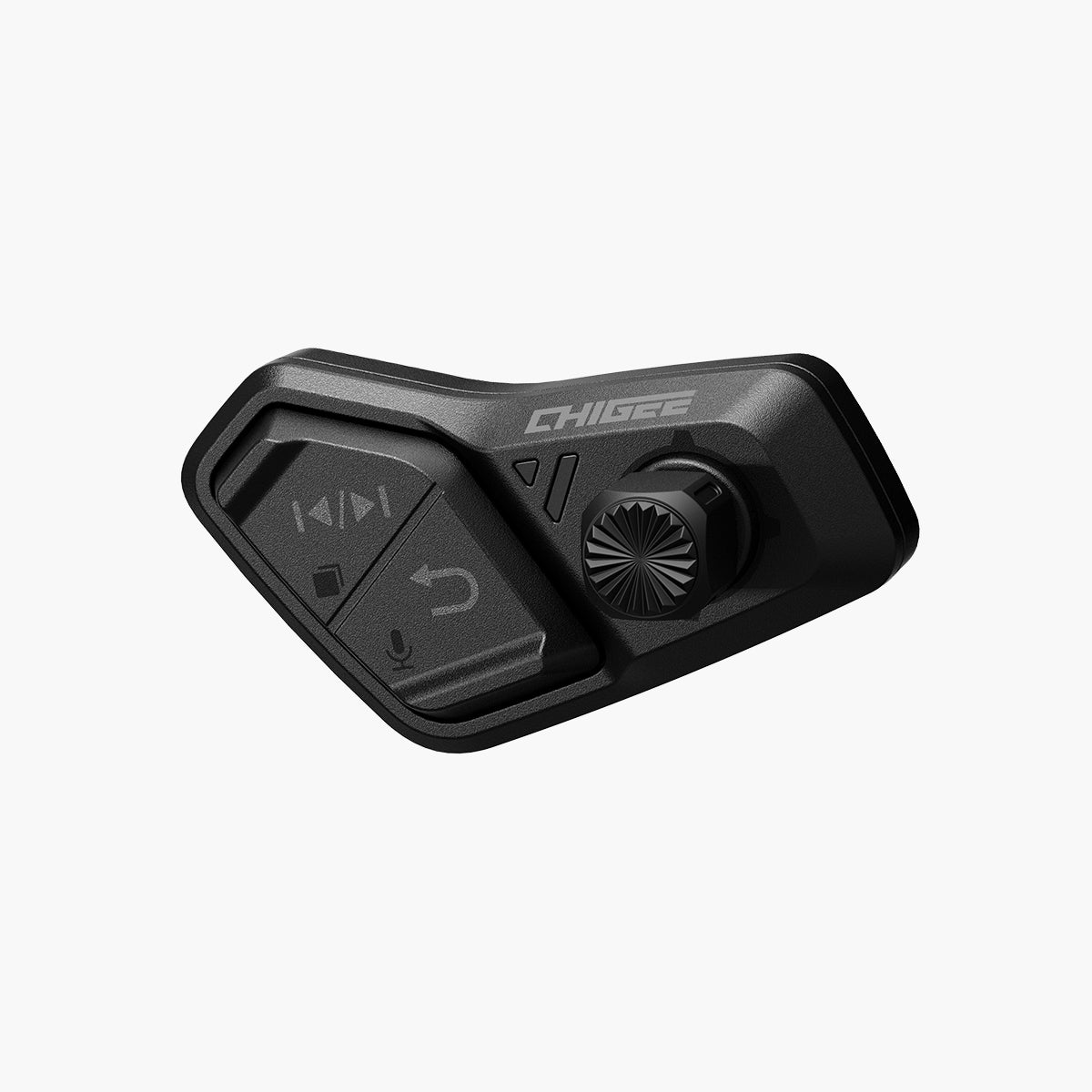
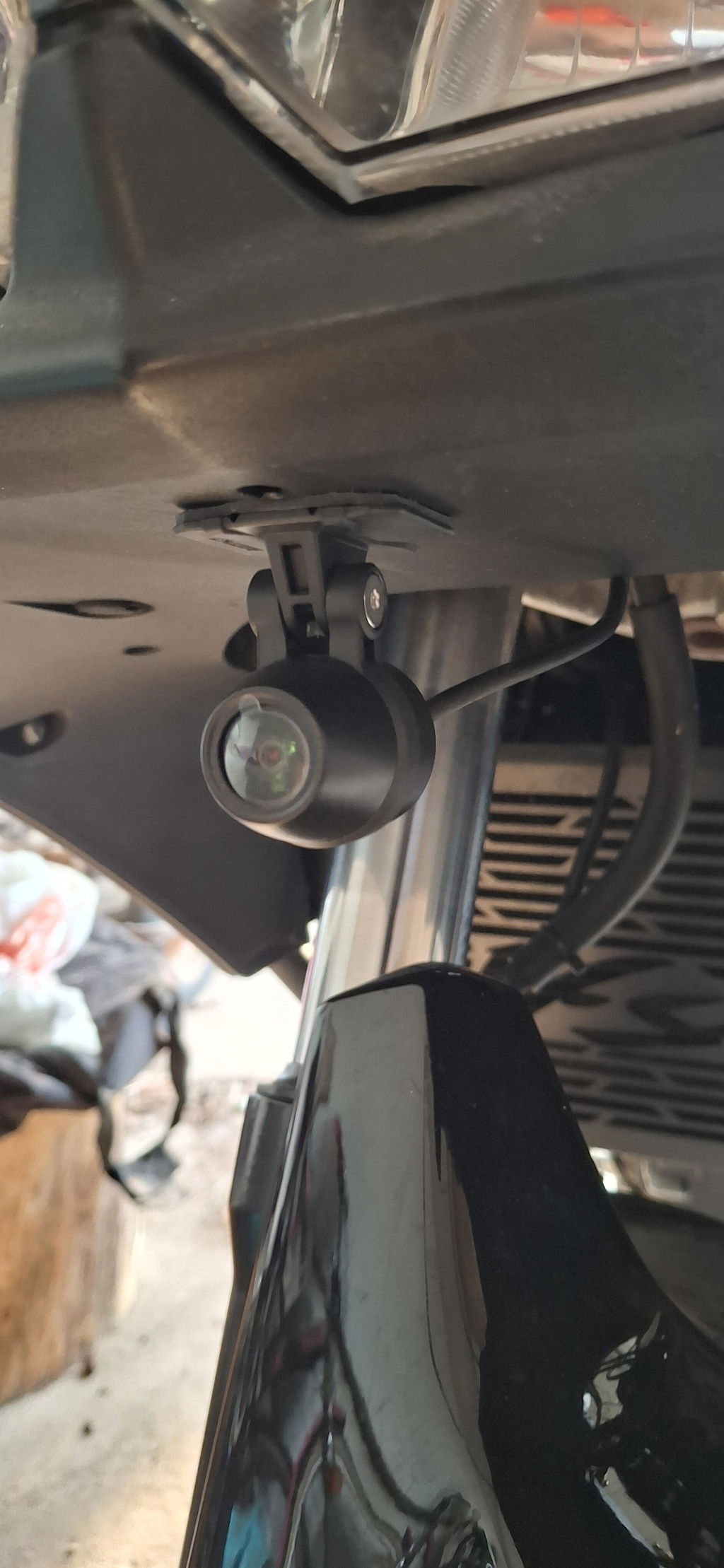
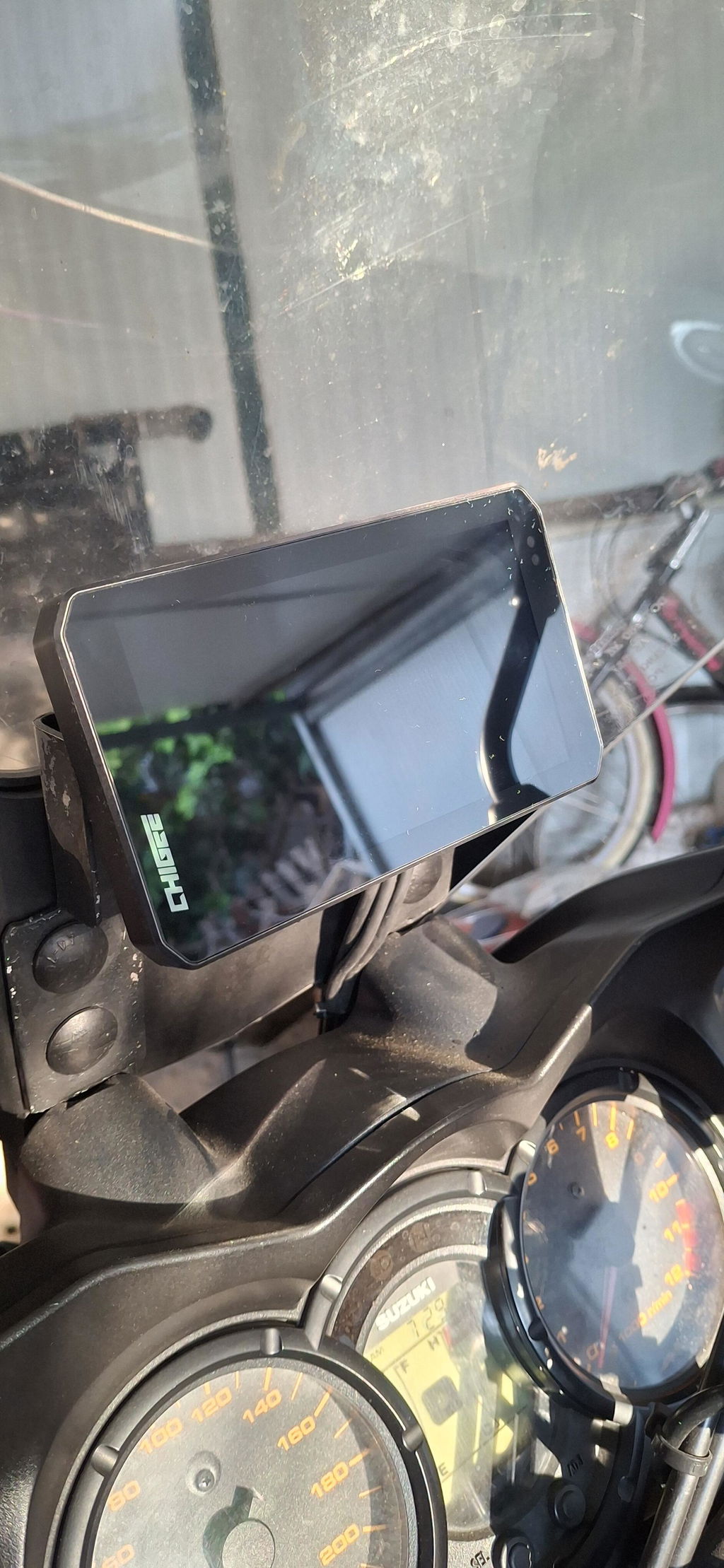
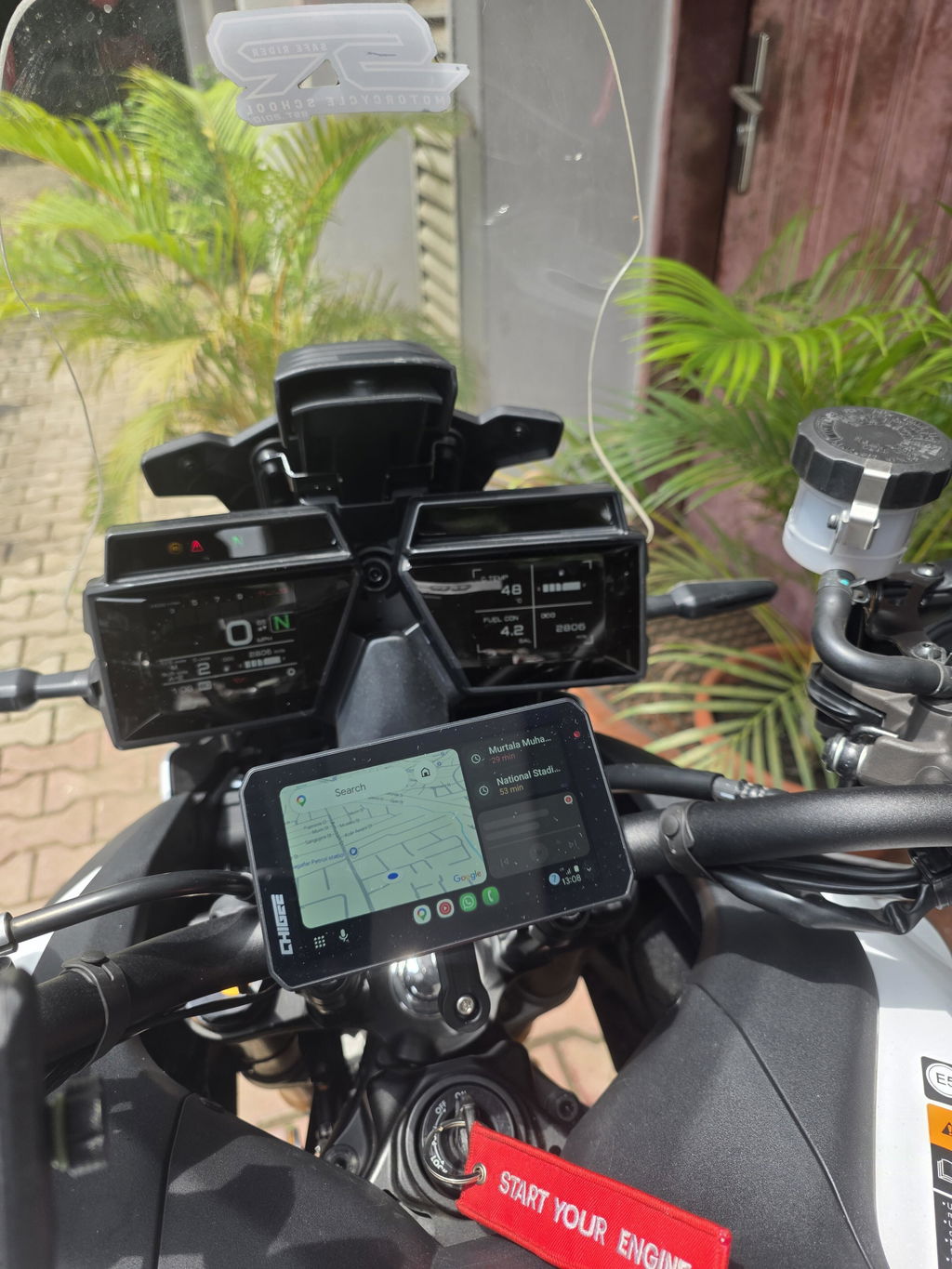
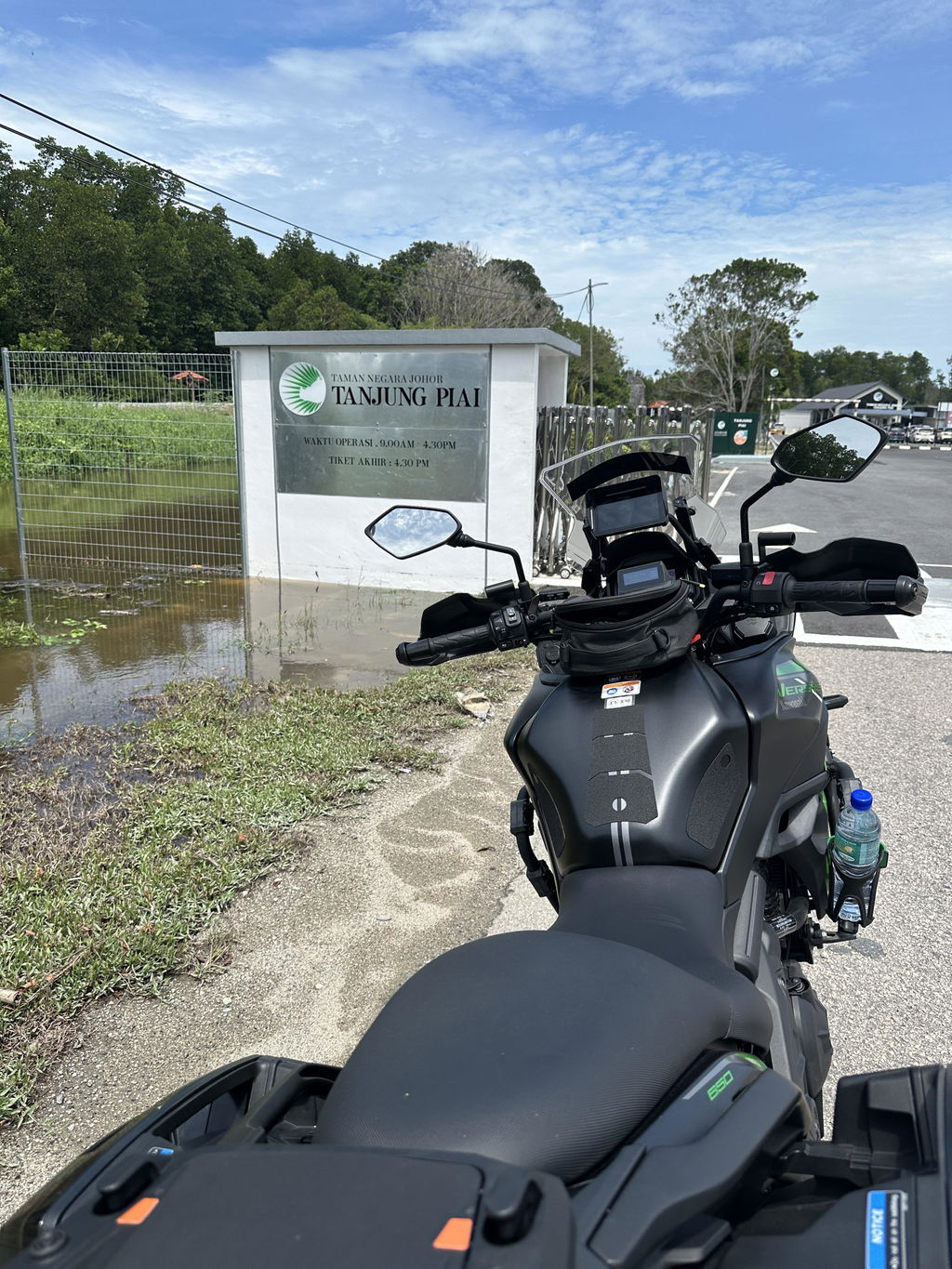
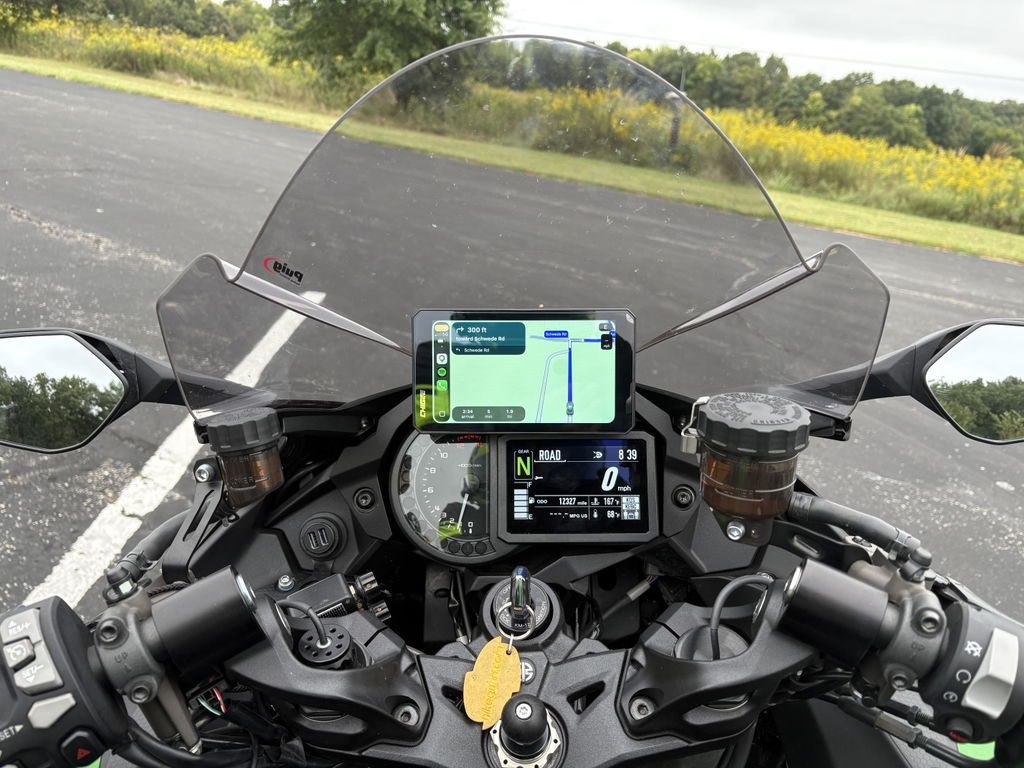
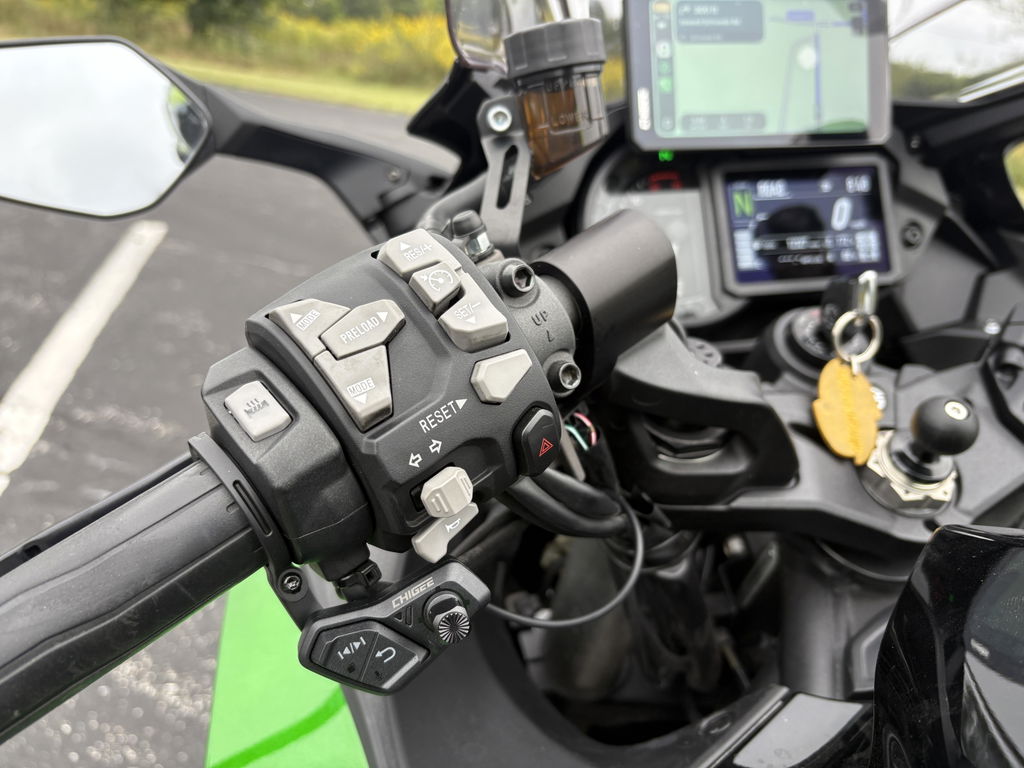
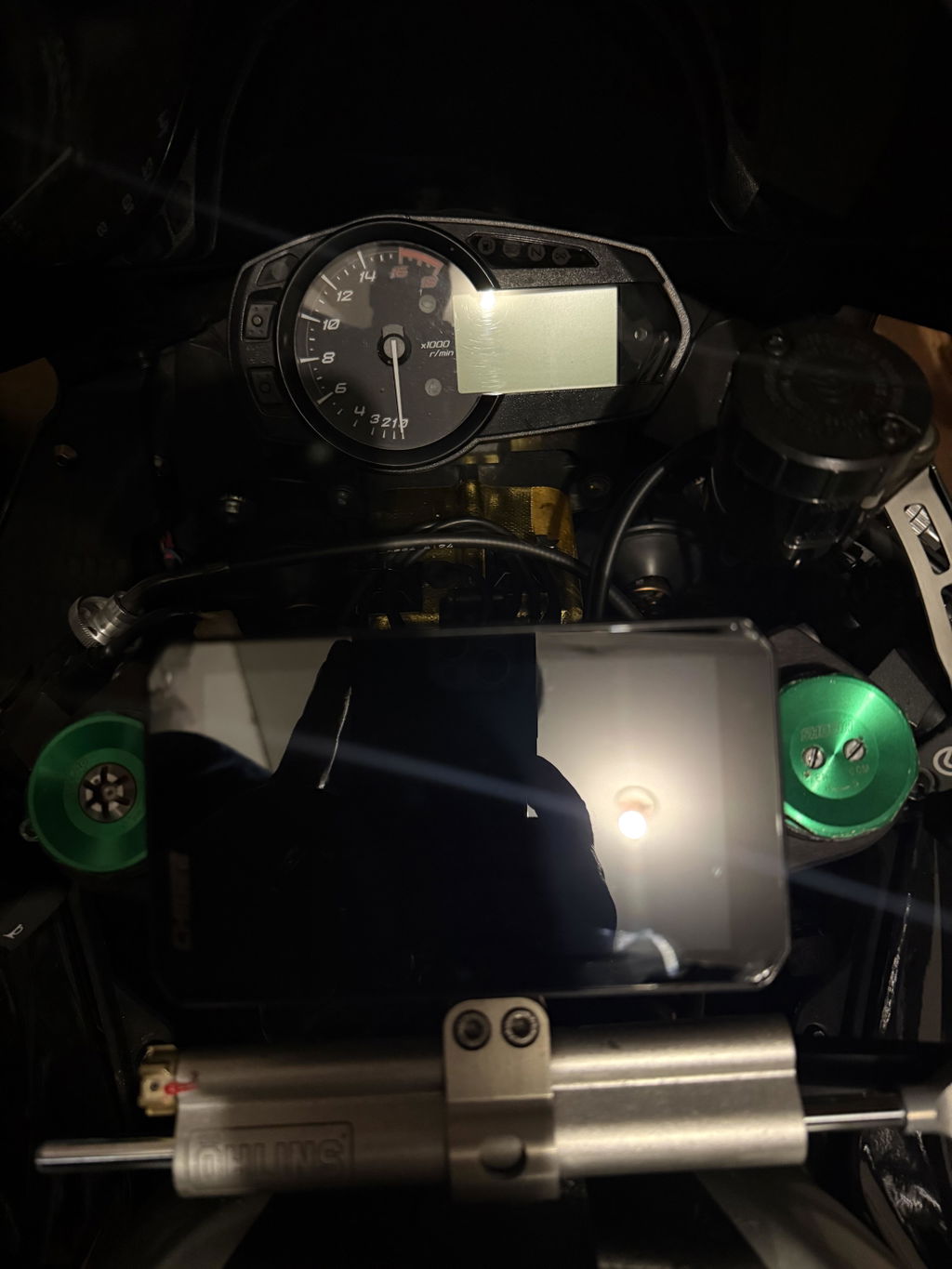
AIO-5 EVO turns your cockpit into a smarter command center—bringing wireless CarPlay & Android Auto, dual 1080p dashcam recording, blind-spot alerts, and action camera preview + control to one bright, rugged 5" display.
30-Day Money-Back Guarantee
Full refund if not satisfied.
1-Year Replacement Warranty
We replace, not repair.
See it in action
AIO-5 EVO: BMW Wonder Wheel & Data Readout Not Supported
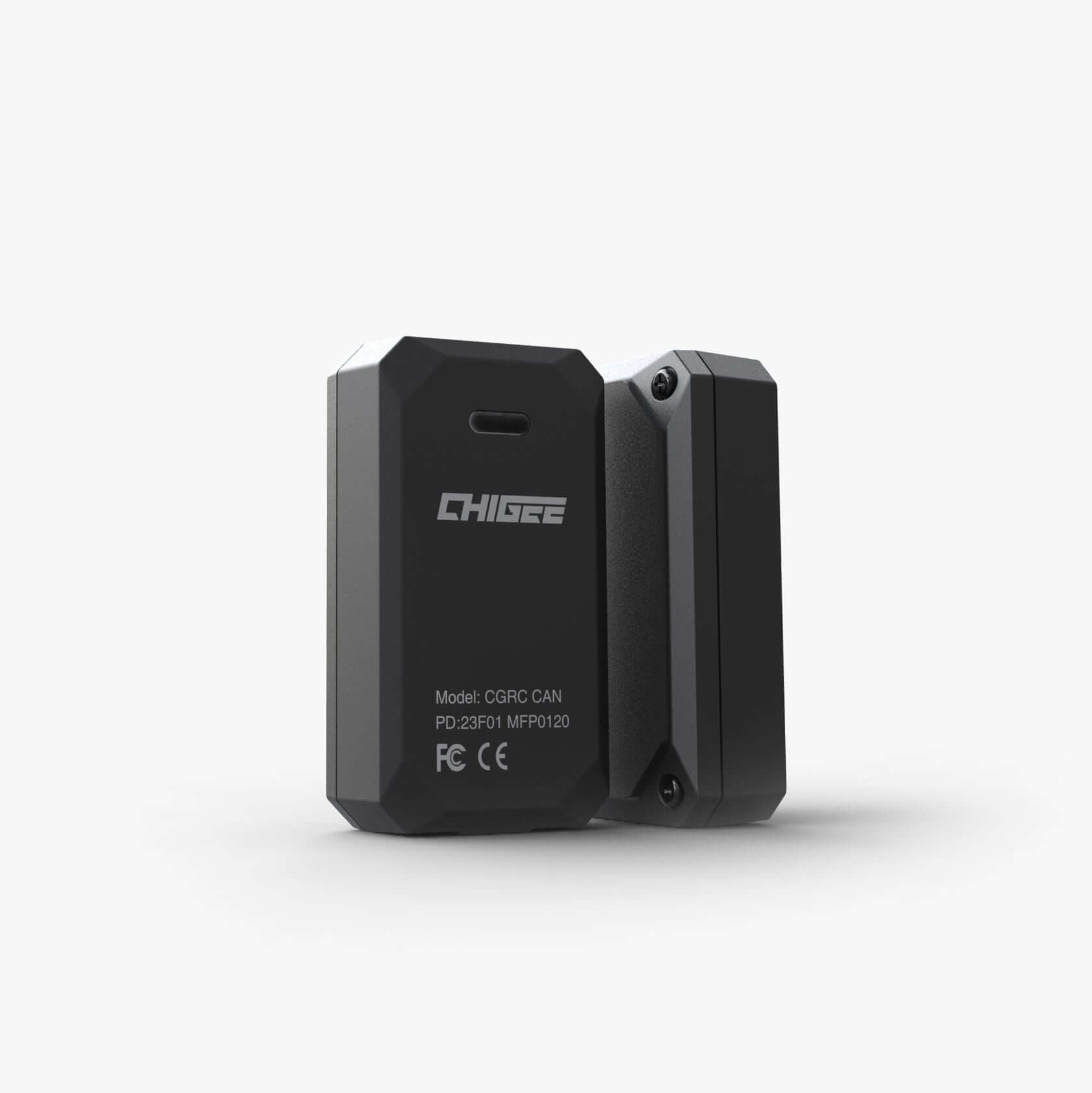
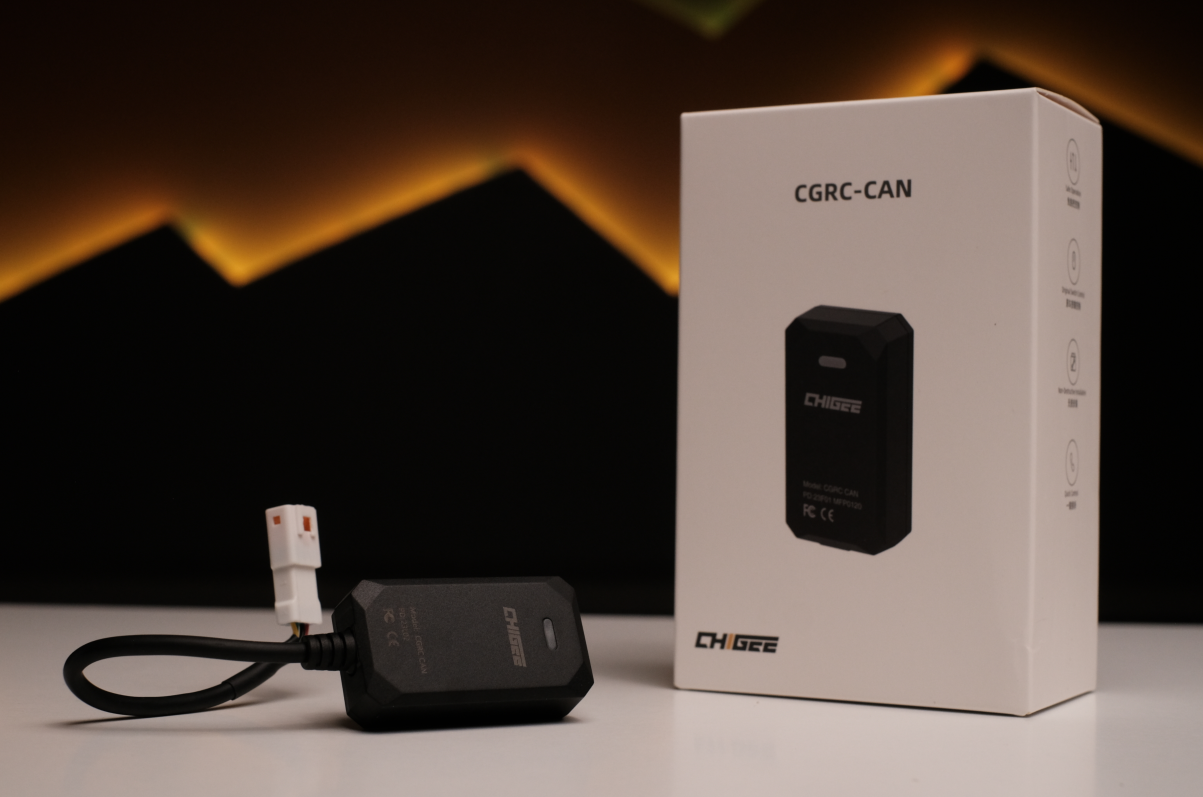
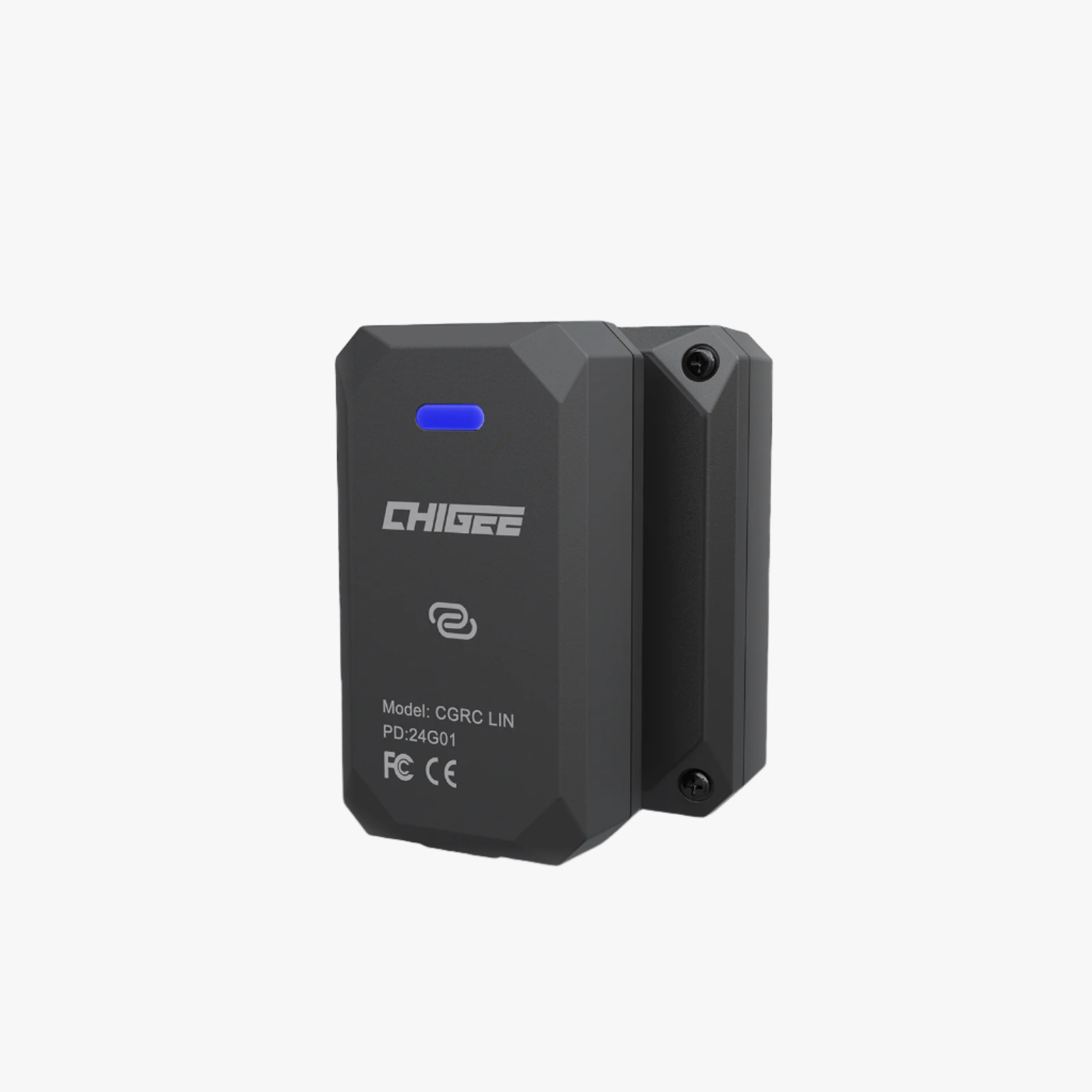
CGRC CAN / CGRC LIN are not supported on AIO-5 EVO.
Your phone wasn’t made for handlebars—glare, rain, and constant vibration can compromise both your focus and your camera. AIO-5 EVO keeps your phone protected in your pocket while putting what you need on a dedicated 5" riding display: smooth wireless Apple CarPlay & Android Auto™ for navigation, music, and calls, always-on dual 1080p front + rear recording for peace of mind, and blind-spot alerts that add extra awareness in traffic—all in a rugged, weather-ready design. Your phone belongs in your pocket. Your apps belong here.
CarPlay & Android Auto
Connect Your Phone. Keep Your Apps Right in Sight.
AIO-5 EVO delivers smooth, high-frame-rate mirroring with Apple CarPlay and Android Auto—so calls, music, and navigation stay clear, responsive, and easy to reach while you ride.
Start the bike and AIO-5 EVO connects to Apple CarPlay / Android Auto automatically—no repeated pairing. Your apps show up instantly on a bigger, clearer screen, ready the moment you roll out.
Music on the Move
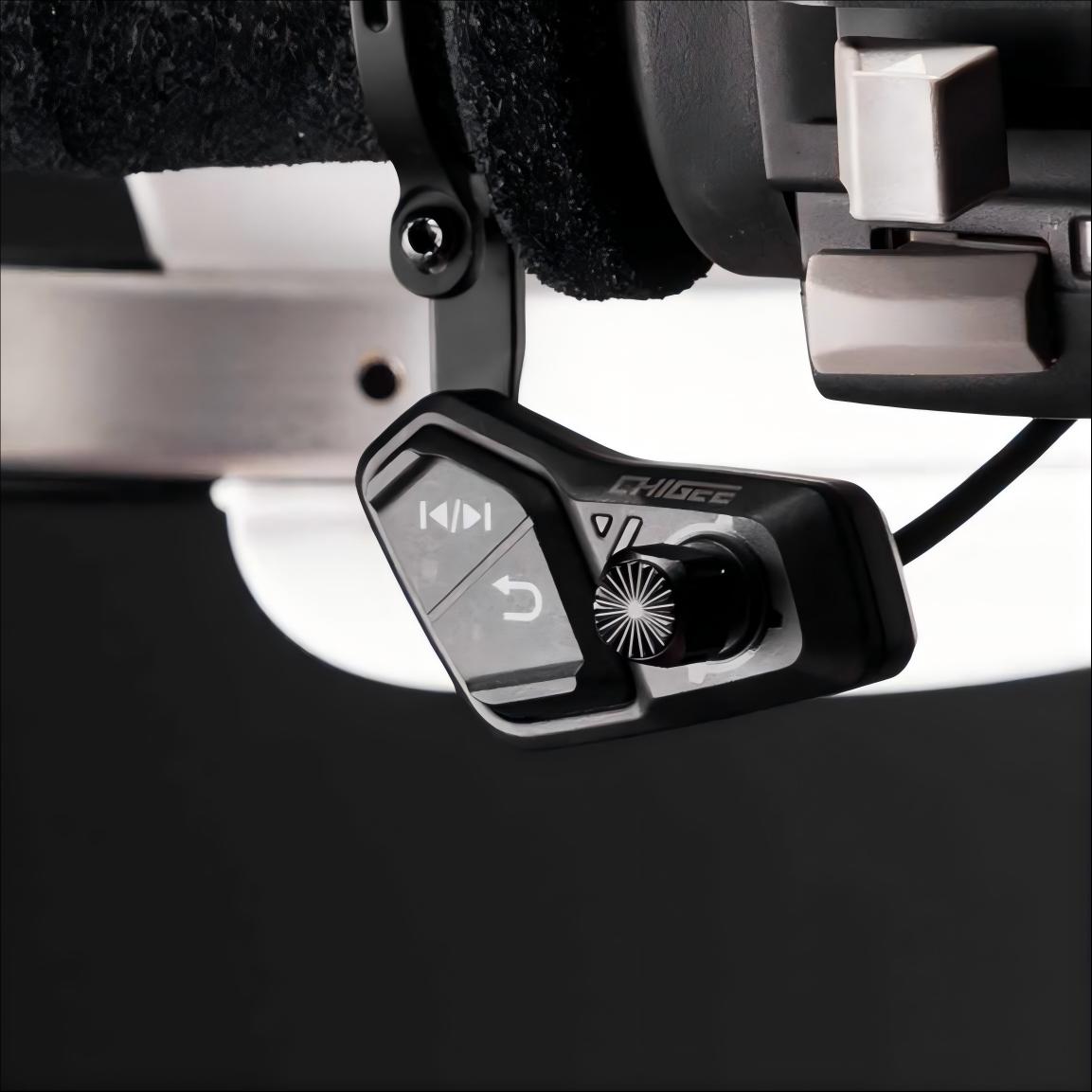
Keep your soundtrack within reach. Use the CHIGEE Display to play, pause, skip tracks, and adjust volume anytime through CarPlay or Android Auto—so you stay in control without fumbling for your phone.
Message Notifications(iOS)
Stay in the loop while you ride. Get message and call notifications from supported apps on the CHIGEE Display, so important updates are easier to see at a glance when it matters.
Smooth 60 FPS Screen Mirroring
Powered by a fast dual-core processor and dual-band Wi-Fi, AIO-5 EVO delivers crisp 60 FPS mirroring with noticeably less tearing and motion blur than typical 30 FPS setups. Touch feels more responsive, switching apps stays fluid, and everything looks smoother at a glance.
Dashcam
Capture More. Ride with More Confidence.
AIO-5 EVO records automatically with dual 1080p front + rear cameras—built to capture the moments that matter. HDR, a 150° wide-angle view, electronic stabilization, and Smart Day & Night mode work together to keep footage clearer through harsh sunlight, deep shade, tunnels, and rough roads—so it’s easier to review, share, and rely on when you need it.
HDR that keeps detail in tough light
Bright sun, deep shade, tunnels—HDR balances highlights and shadows for clearer, more natural footage.
Smart Day & Night mode
Automatically adapts to changing light so your video stays clearer at dusk, at night, and everything in between.
Smoother footage on rough roads
Electronic stabilization reduces shake from vibration and bumps—making footage steadier and easier to review.
Blind-spot alerts that back you up.
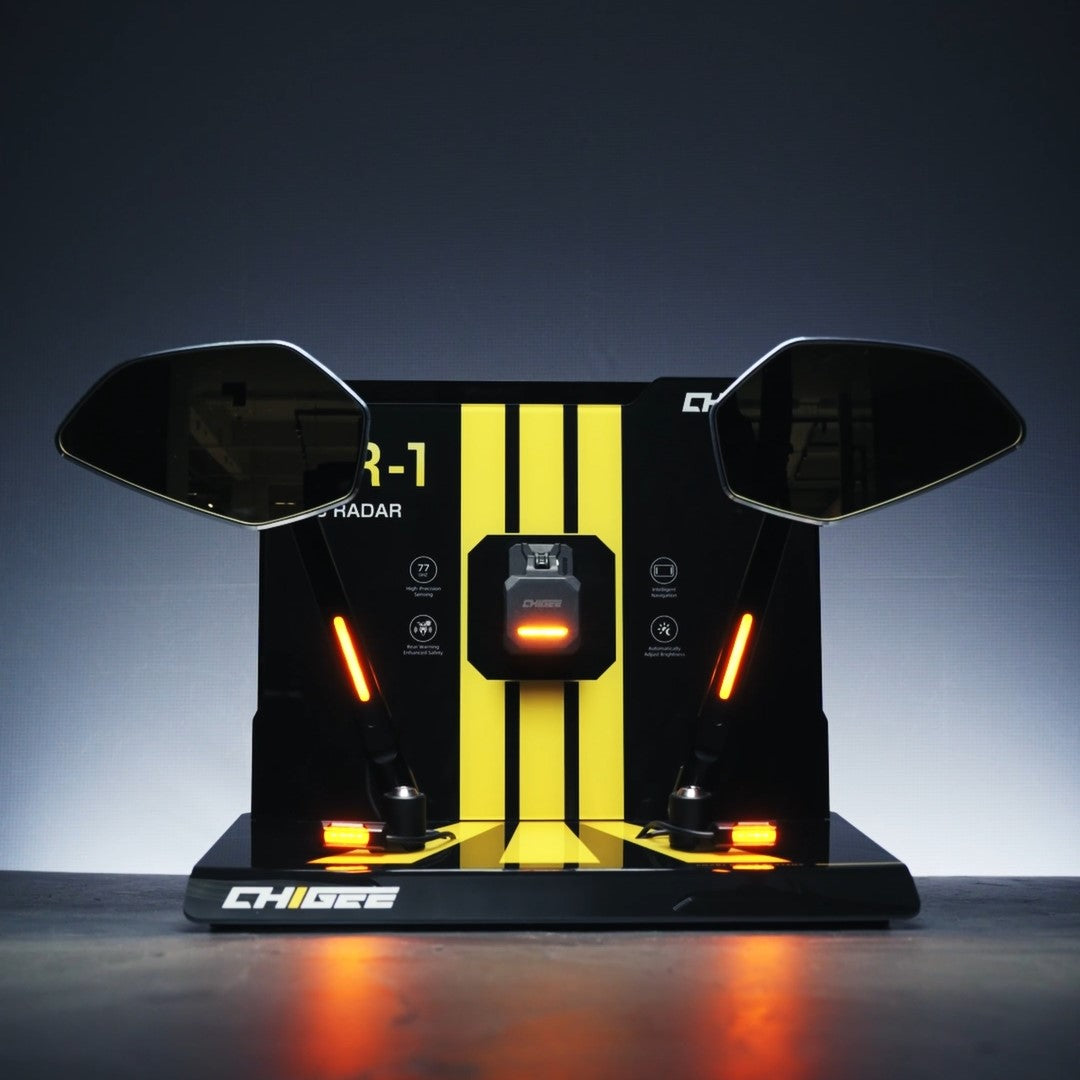
AIO-5 EVO uses a high-performance SoC and vision algorithms to detect vehicles approaching from the rear/side and warn you with visual and audible alerts—helping you change lanes and overtake with more confidence.
Footage Download + Data Overlay
Use the CHIGEE Go App to preview and download your ride footage in just a few taps. With 5 GHz Wi-Fi high-speed transfer, large video files move quickly—so you can save, share, and archive clips fast, without dealing with cables.
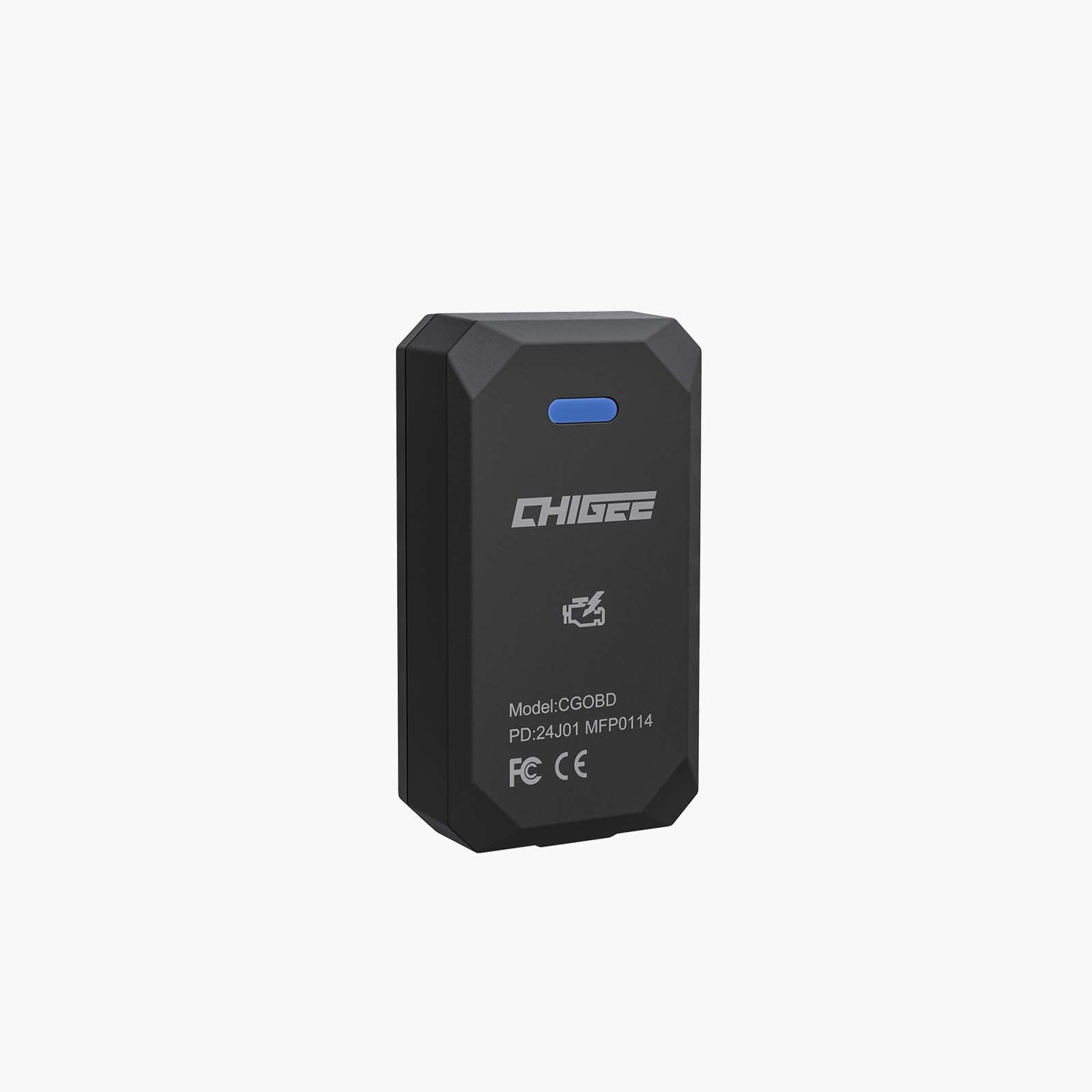
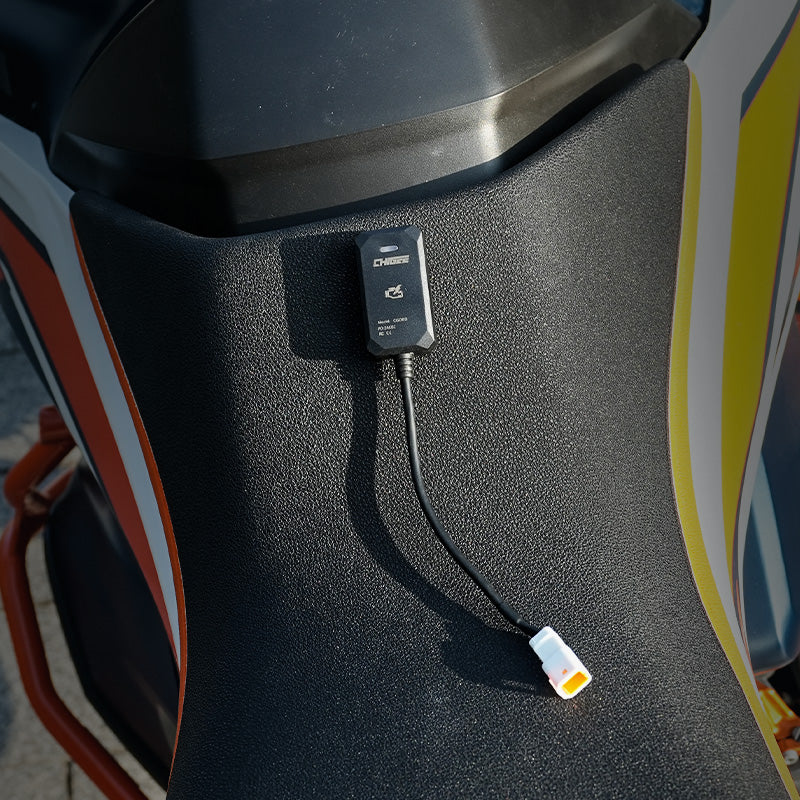
Want a more detailed ride record? Add the optional OBD module to layer additional bike data on top of your GPS-based overlays, so every clip includes richer riding info—not just where you went, but more of what the bike was doing.
Split-Screen Integration
All the Ride Info—On One Screen.
Customize your layout and view what matters most at the same time—navigation, speed, and camera view. With fewer screen changes and more at-a-glance clarity, you stay focused, react faster, and ride smoother and safer.
Insta360 / DJI / GoPro
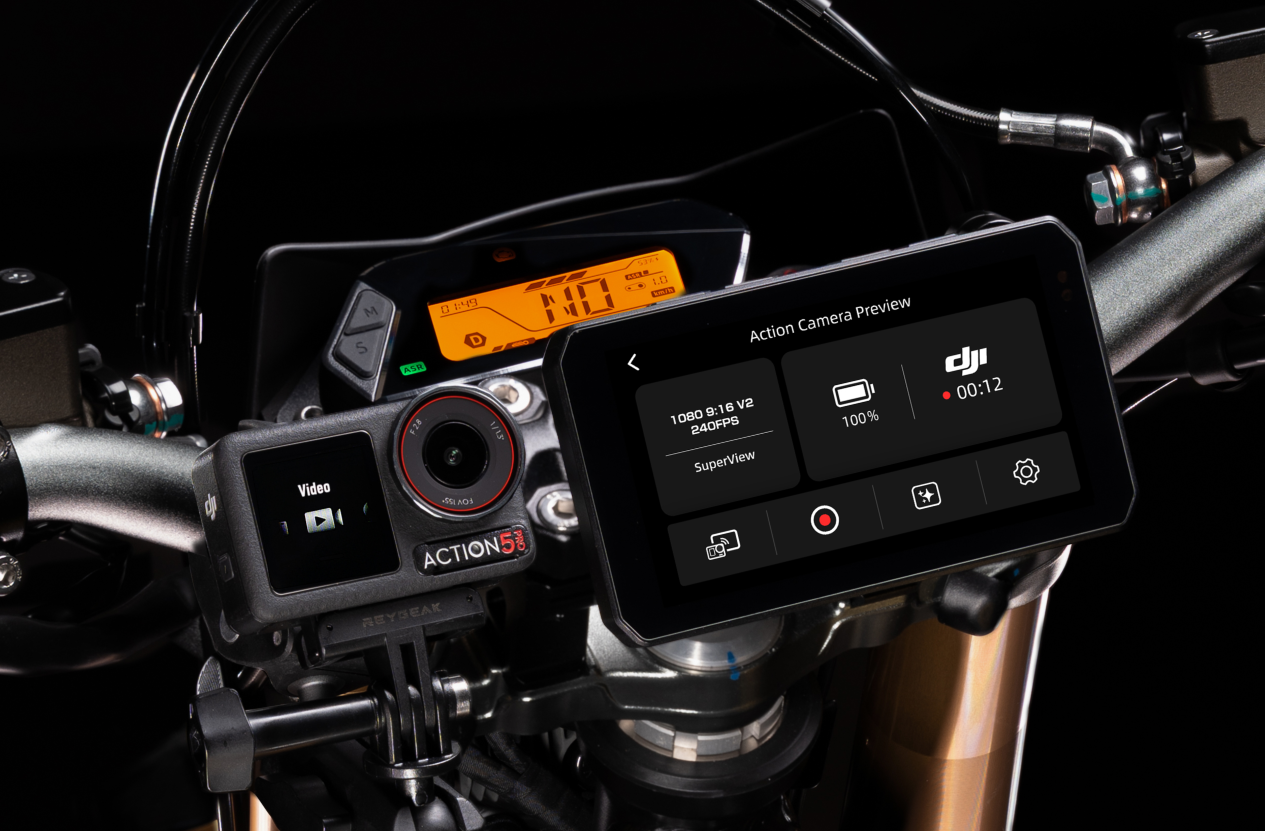
Action Camera MegaView & Control
Connect compatible action cameras and control them from your display—start/stop recording, trigger shots, wake the camera, and create highlights with a tap. See recording status and duration in sync, and overlay GPS ride data onto your footage for a clean, accurate route record. Live preview is currently not available for DJI.
GPS Data Integration Real-time positioning data syncs to your camera footage—so your video and route line up perfectly.
Tested for the Worst
Built for the Outdoors
AIO-5 EVO isn’t a “fair-weather” gadget. It’s engineered for real-world riding and validated in harsh-condition testing—rain, dust, vibration, and temperature swings that typical consumer displays and dashcams simply aren’t designed to survive. A high-strength aluminum frame paired with a floating shock-absorbing structure helps handle impacts and constant vibration, while the LG Chem PC+fiber housing resists twisting, weathering, and chemical exposure. Sealed with Shin-Etsu (Japan) silicone, EVO achieves IP69K dustproof & waterproof protection and operates reliably from -20°C to 60°C—a level of durability that sets it apart from ordinary competitors.
1200-Nit Peak Brightness—Built for Sunlight
AIO-5 EVO is engineered for motorcycle riding with up to 1200 nits of peak brightness, vivid color, and sharp detail. Even in direct sun, key ride info stays clear and easy to read—so you spend less time squinting and more time riding.
Faster Performance. Smarter Efficiency.
AIO-5 EVO runs on a dual-core Cortex-A53 (ARMv8-A) platform with 64-bit processing—built to keep BSD, ride data, and multitasking smooth and stable.
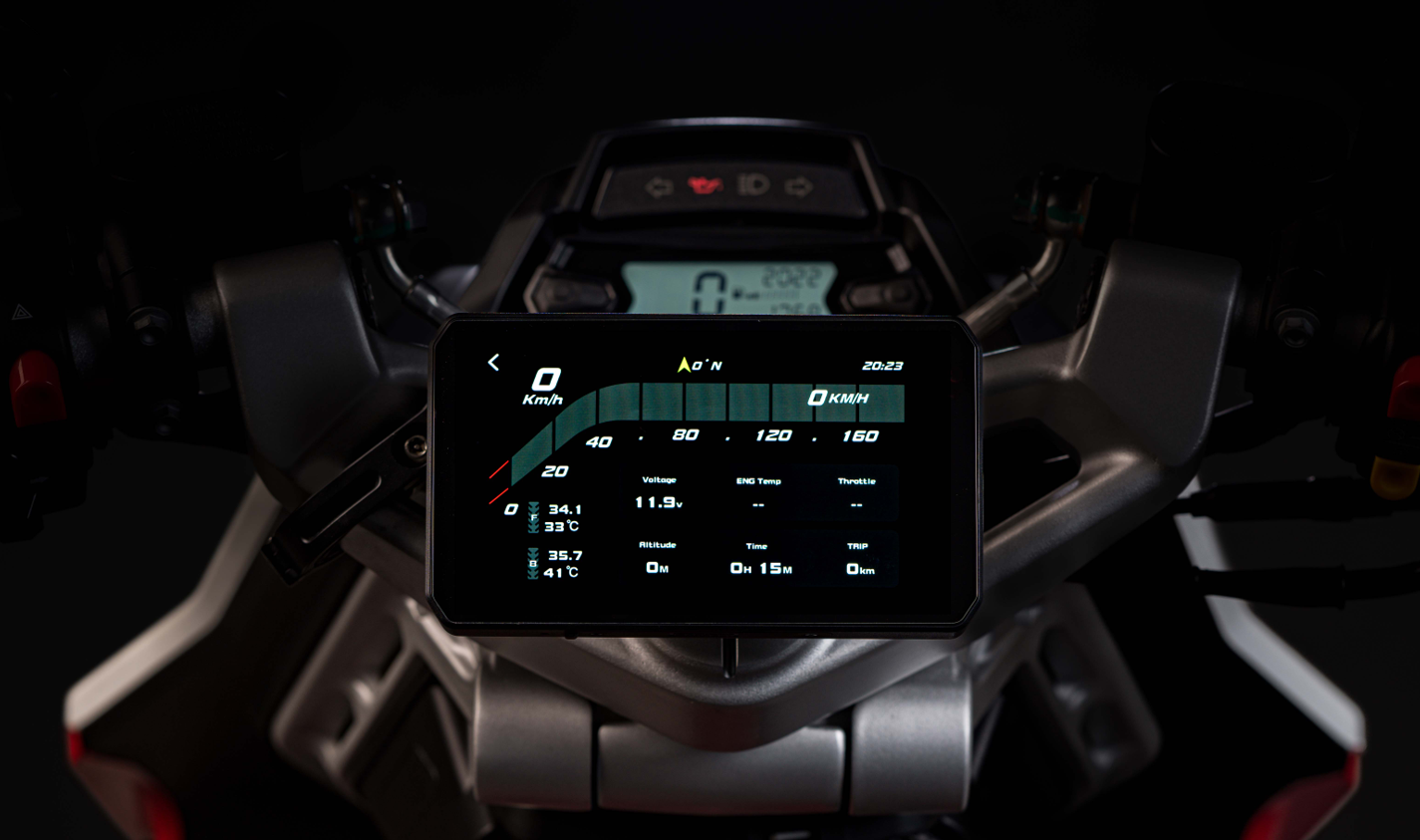
Pro-Grade Ride Data, Always in View
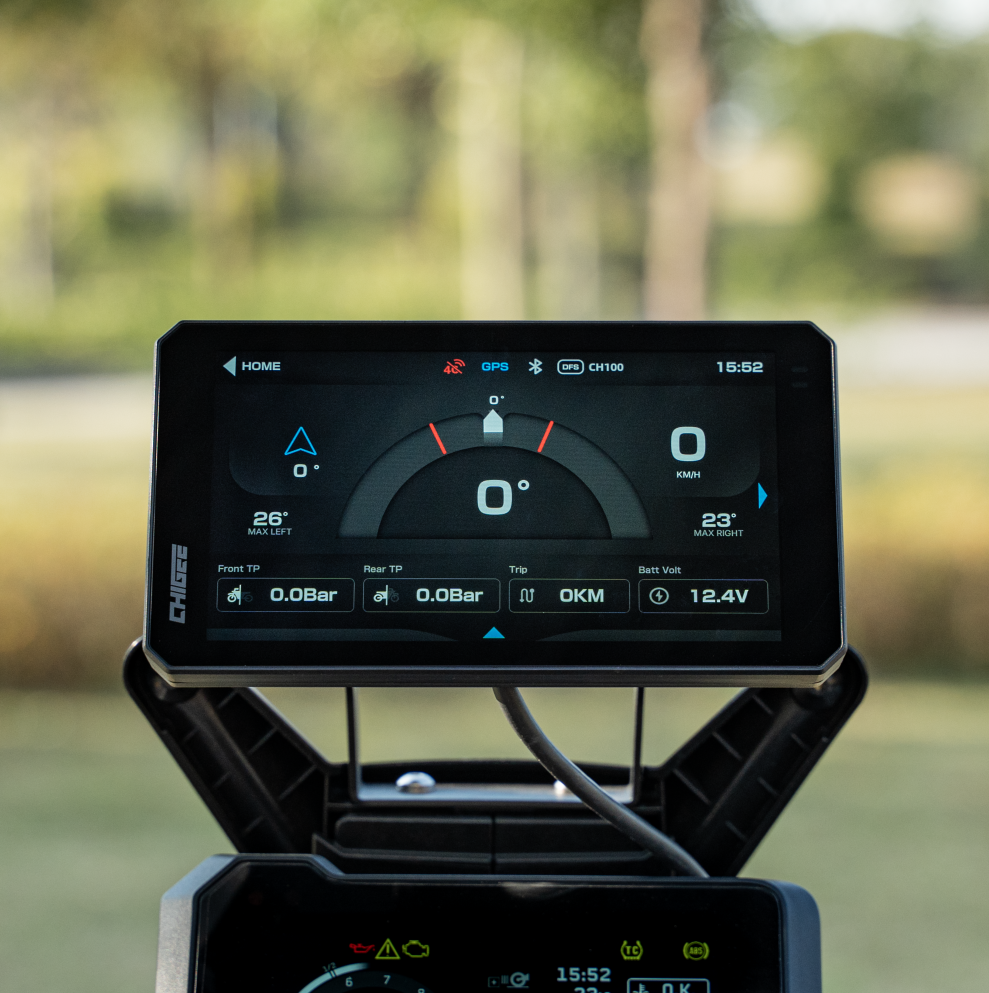
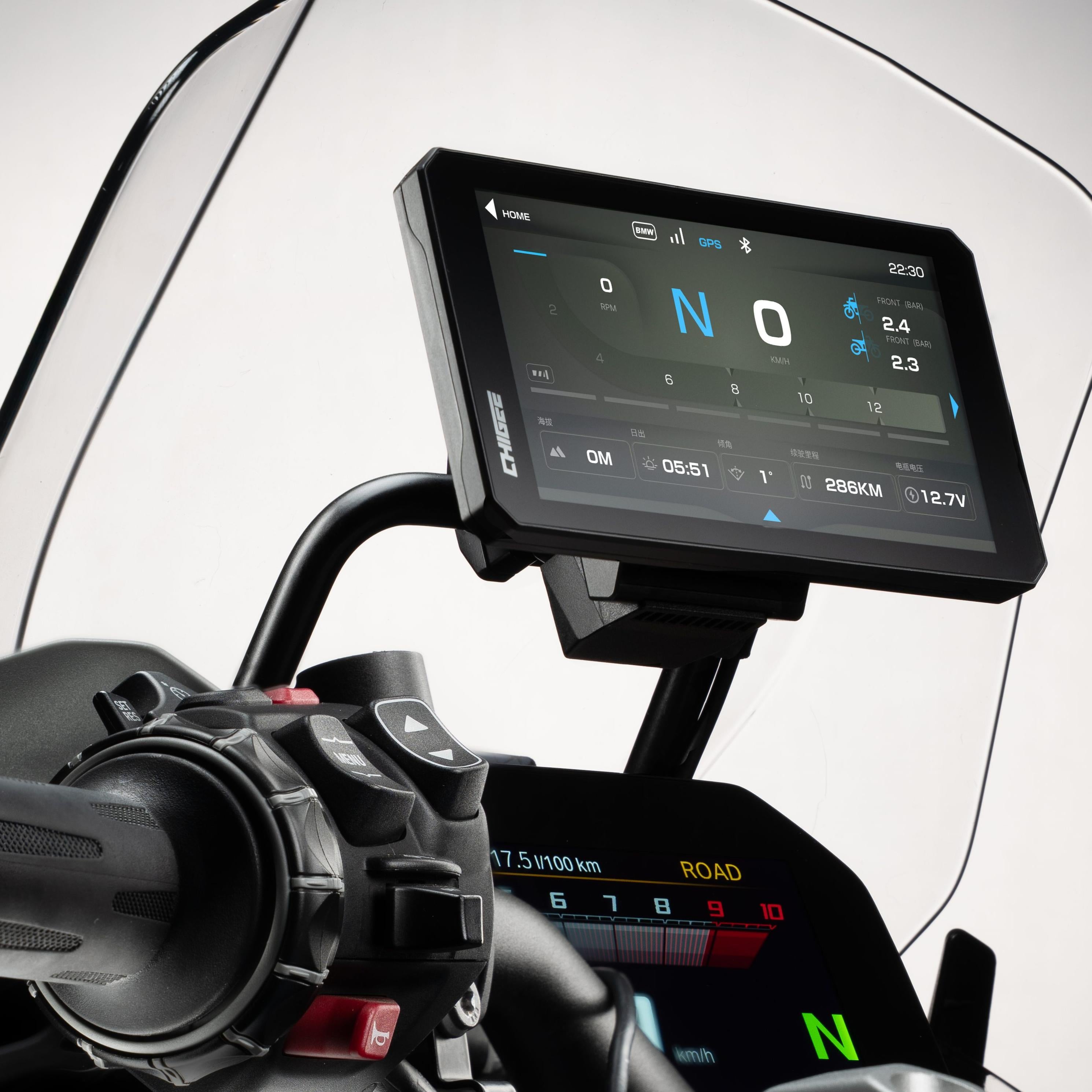
AIO-5 EVO puts your key riding metrics front and center—speed, trip distance, route, voltage, and more—in real time. Add optional modules for expanded data like tire pressure, and overlay ride stats on your recordings for easy review later.
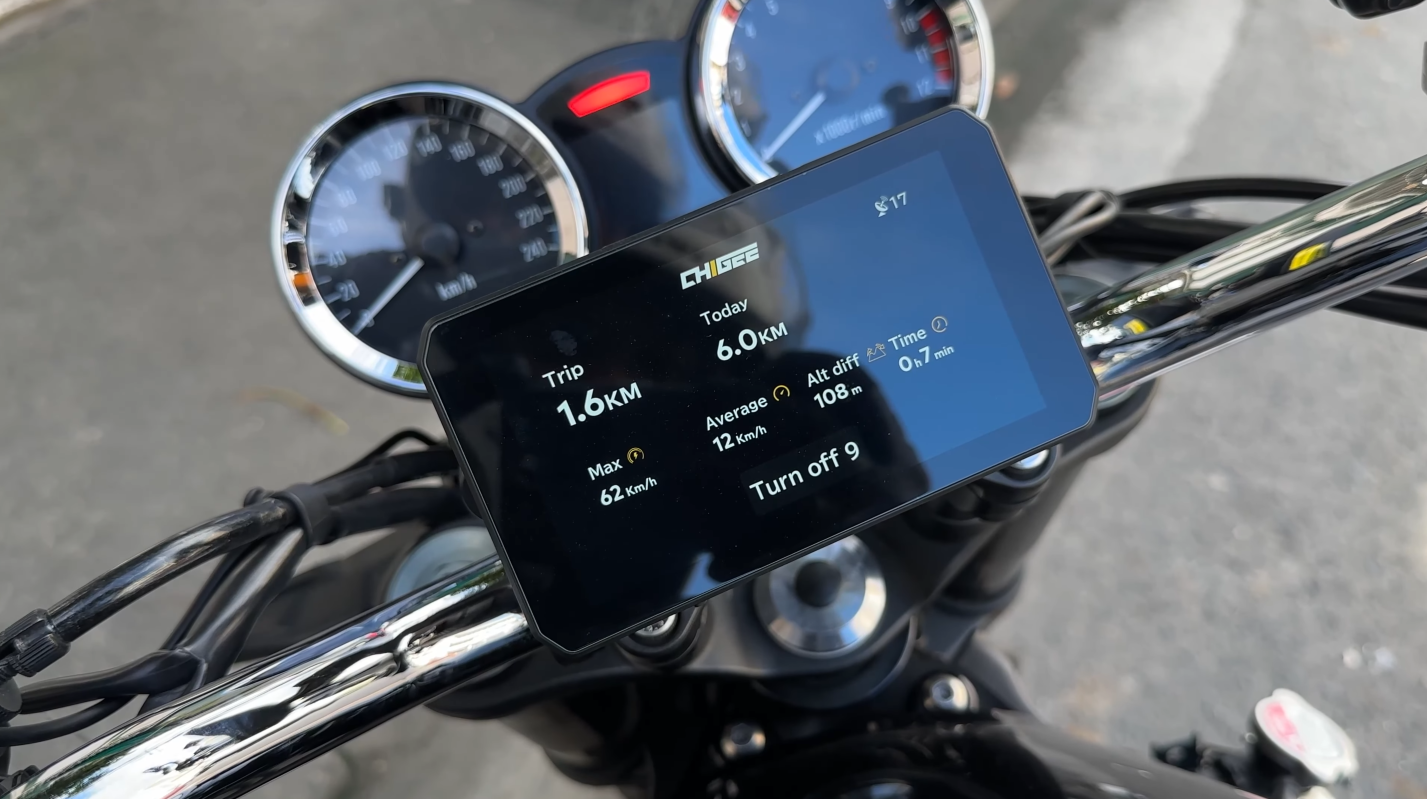
Trip Log
Track your ride time, speed, distance, and more, giving you deeper insights into every journey.
Optional
Data Reading
Use the exclusive CHIGEE module to read your motorcycle's data and display it directly on the CHIGEE Display for instant insights.
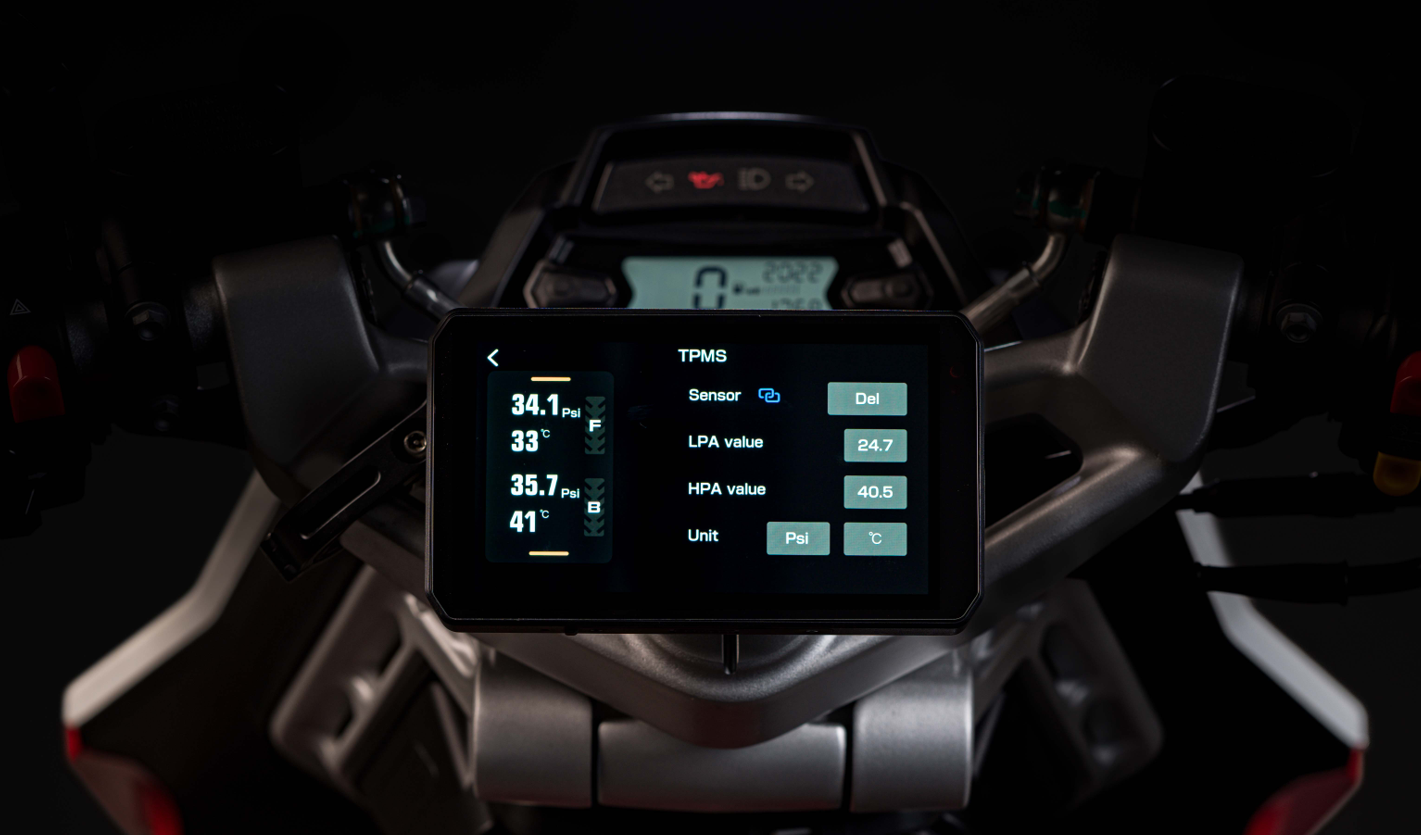
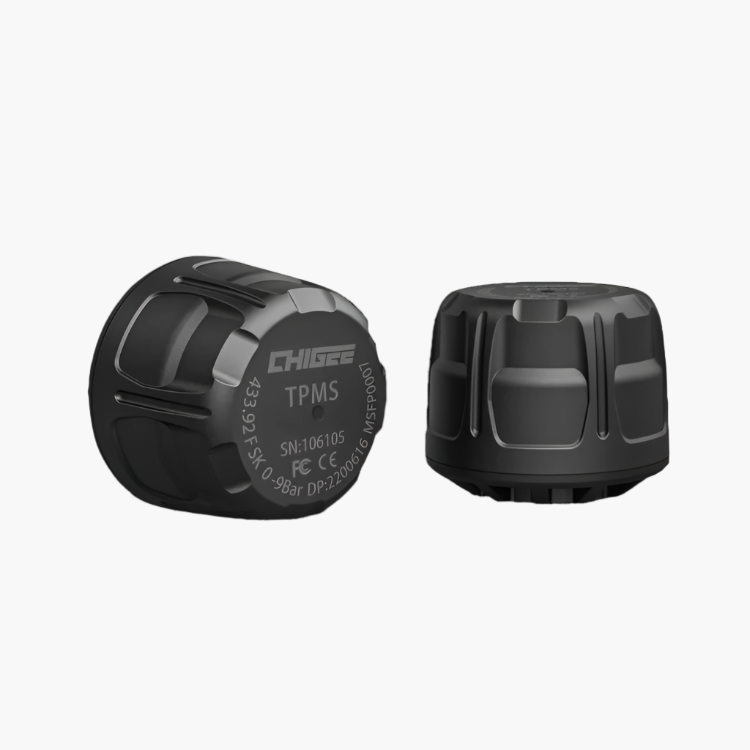
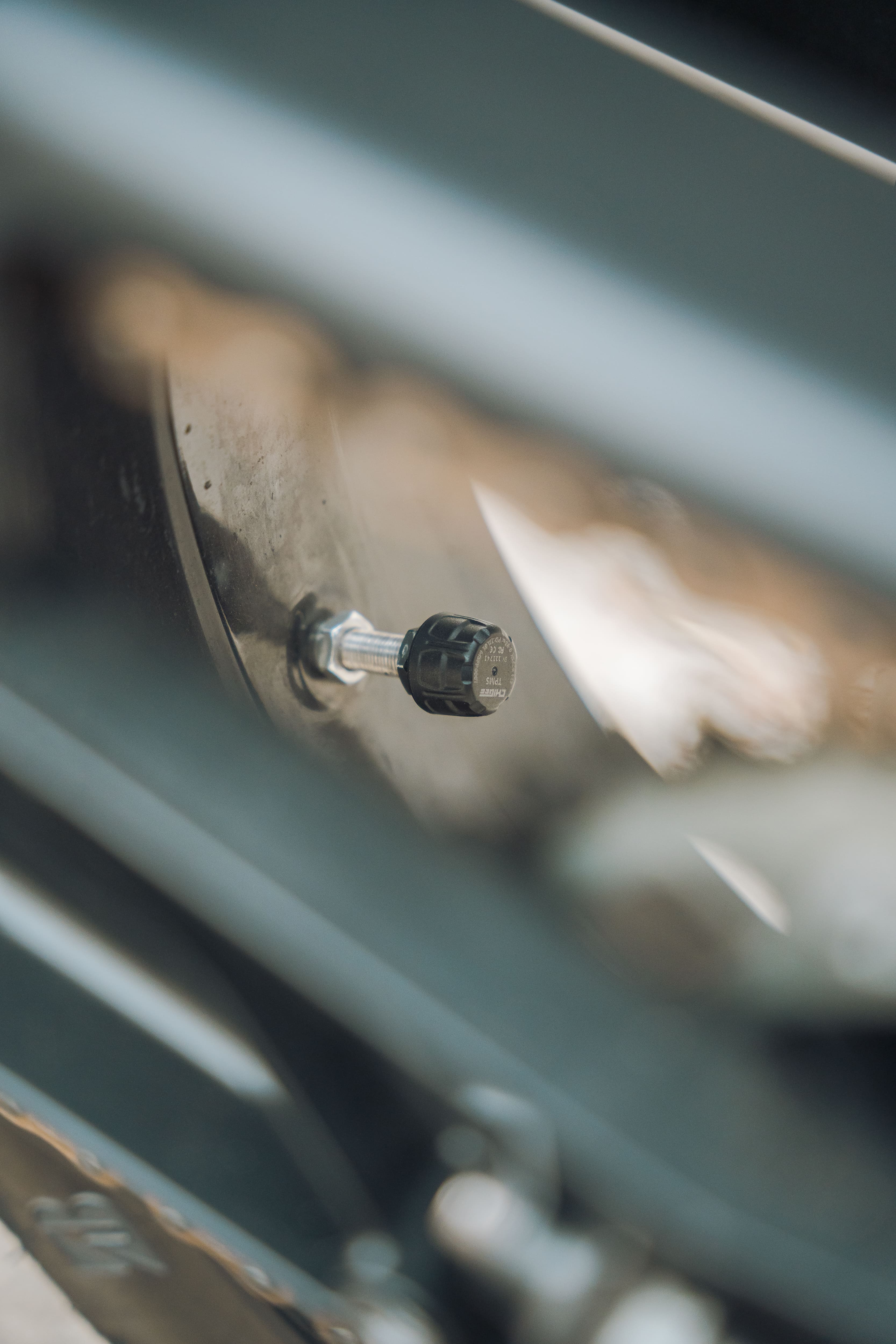
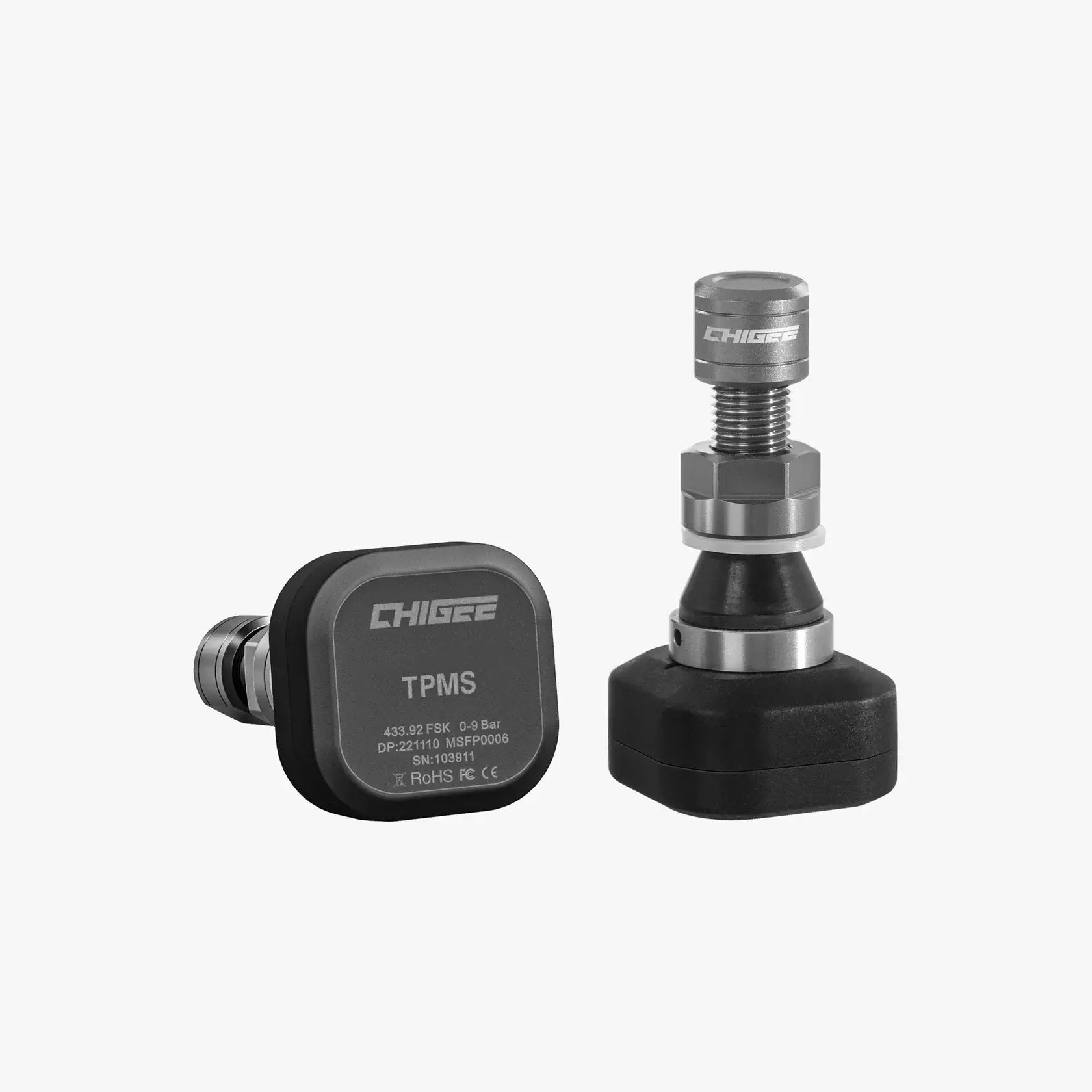
Real-time tire monitoring displays simultaneous data on tire pressure and temperature, keeping a constant focus on tire safety. Crafted from high-quality aluminum alloy, TPMS Sensors guarantees top-notch quality and reliability.
Developed entirely by CHIGEE and honed over five years of real-world riding, CG OS is engineered for stability, speed, and reliability on two wheels. Regular firmware updates and ongoing performance tuning keep it improving—so your system stays smooth today and keeps getting better tomorrow.
One-Tap OTA Updates
Get new features, fixes, and performance improvements through regular cloud updates. Tap Upgrade and AIO-5 EVO stays current—no cables, no hassle.
Optional
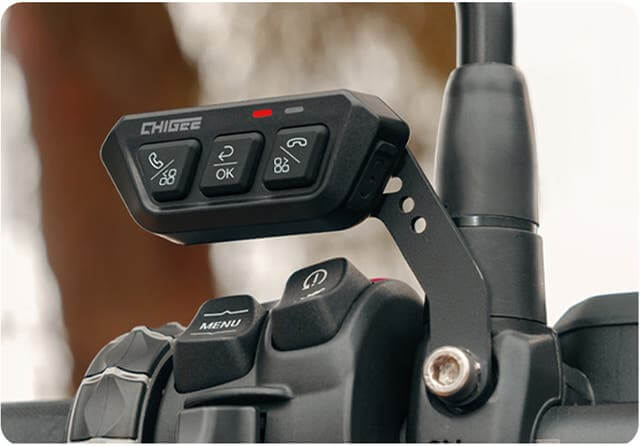
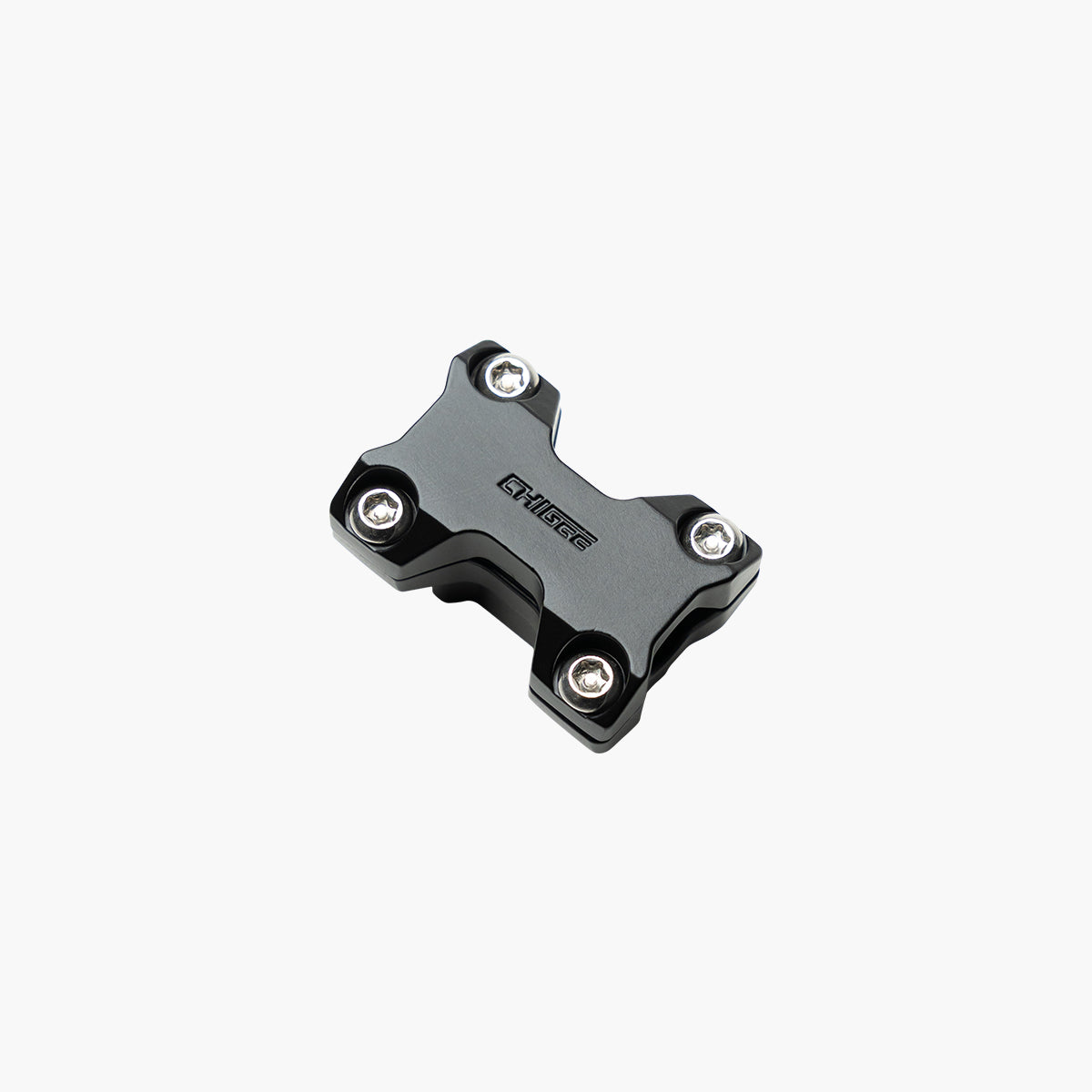
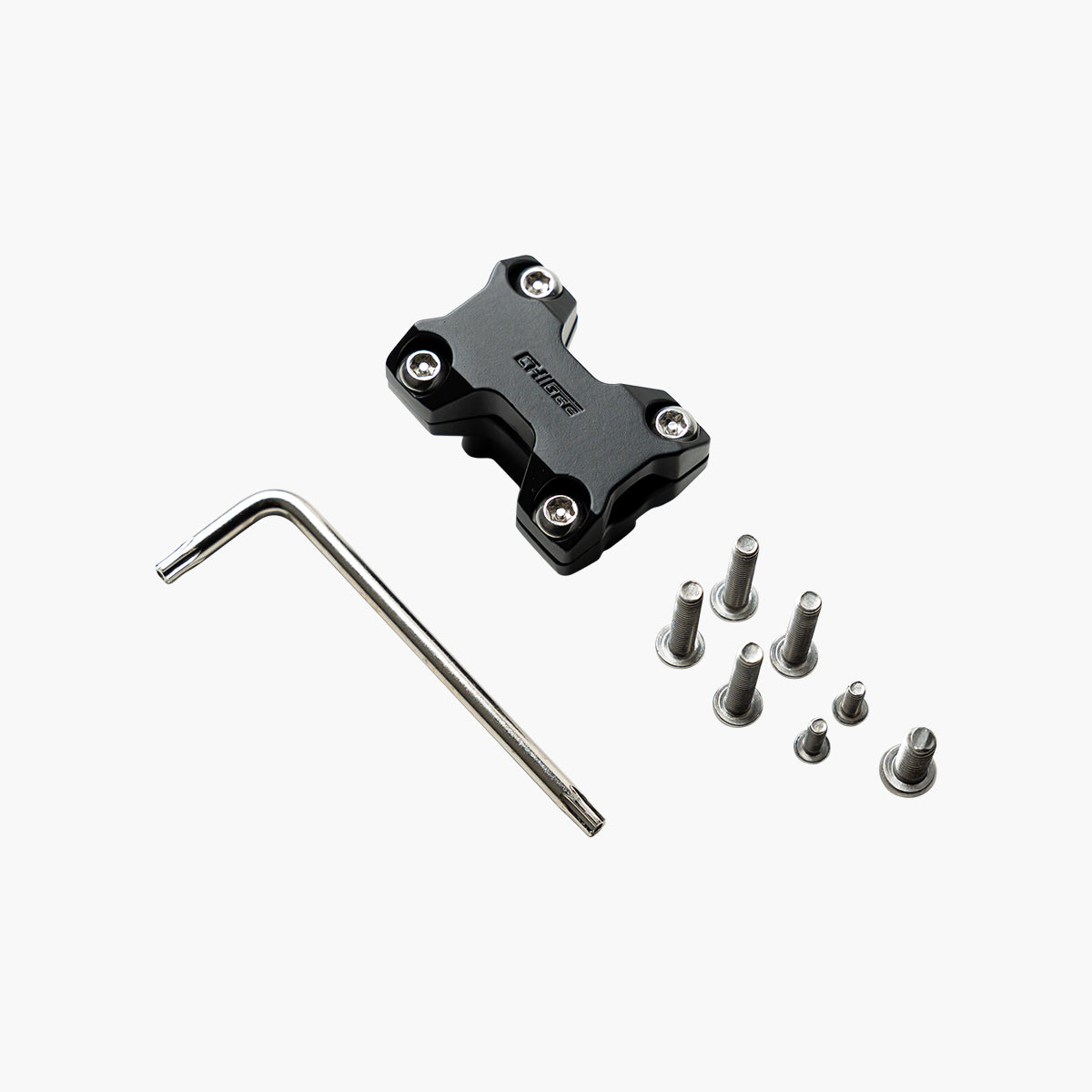
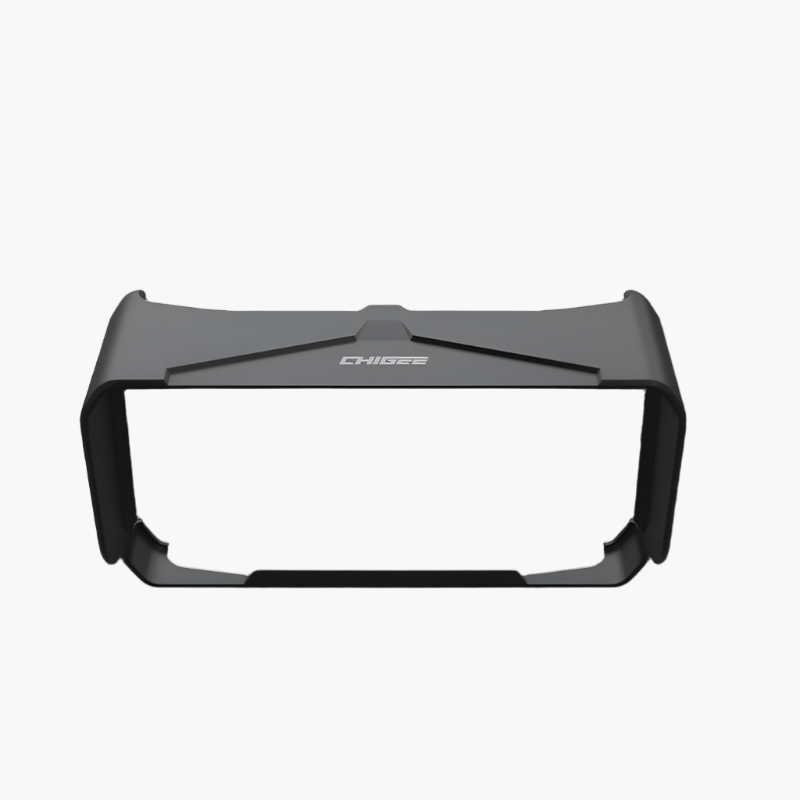
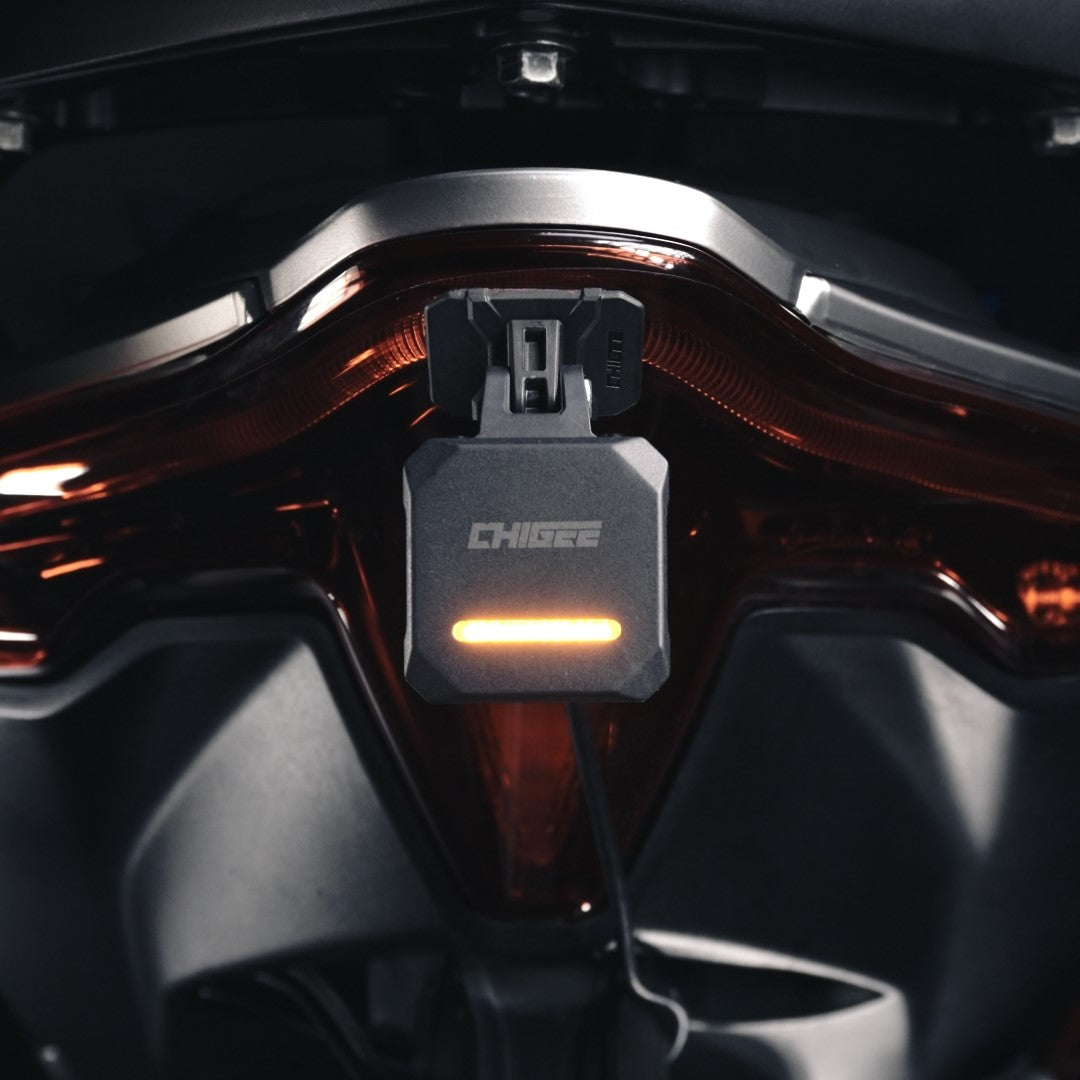
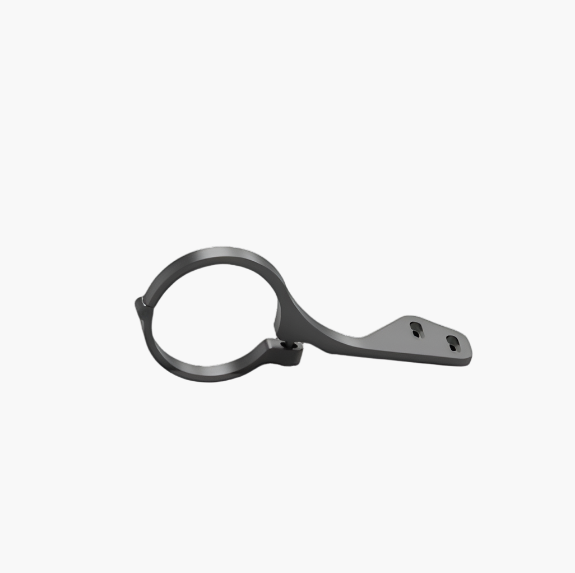
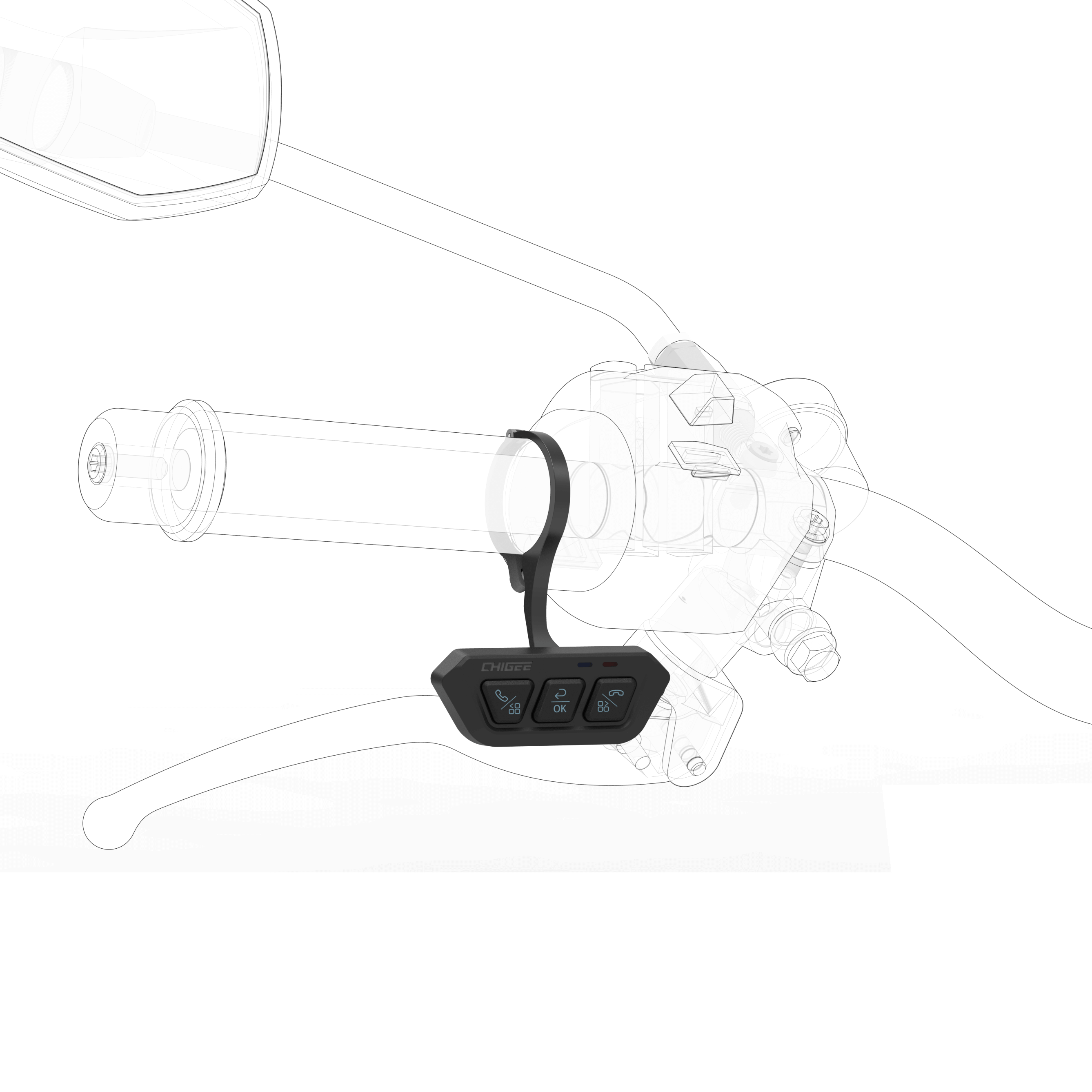
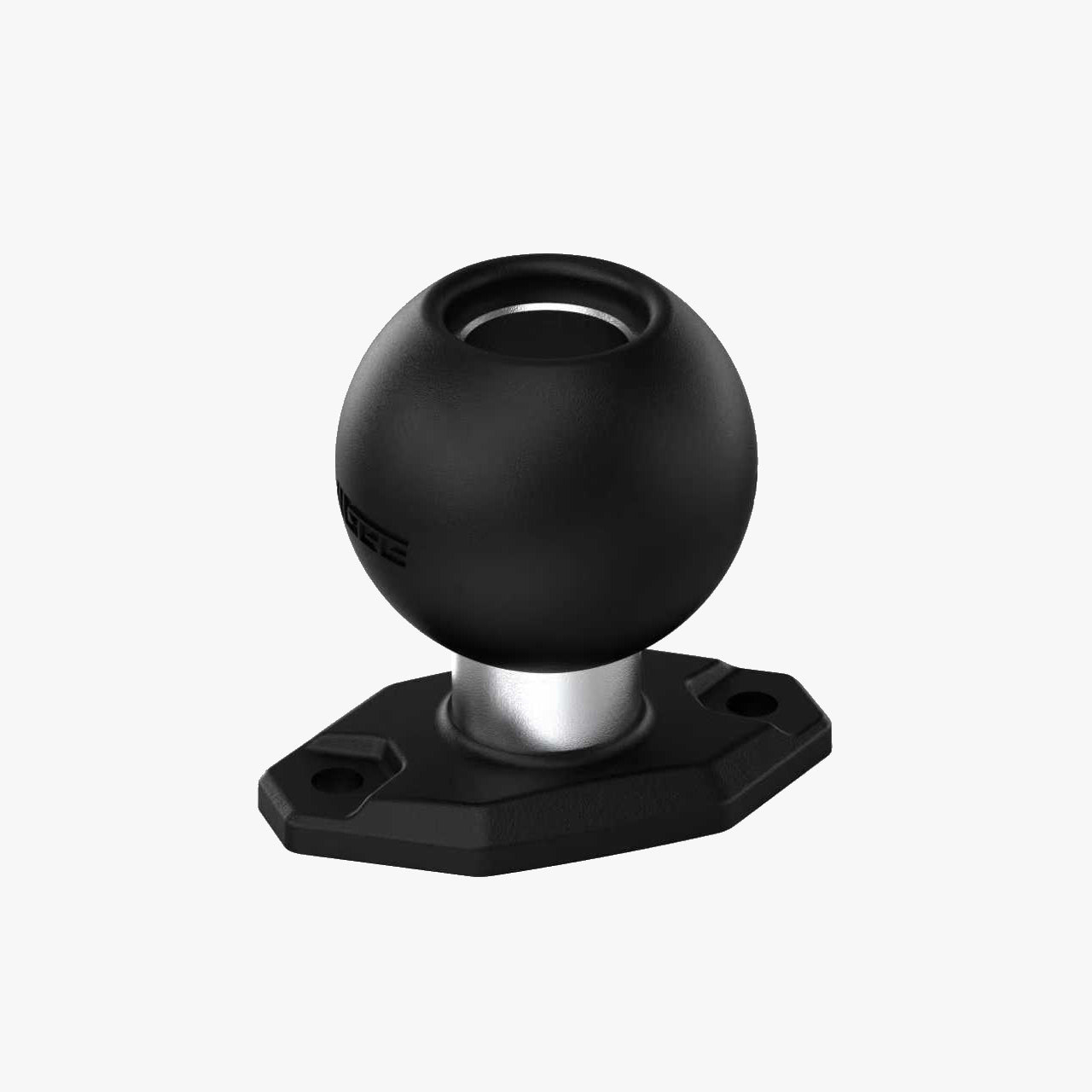
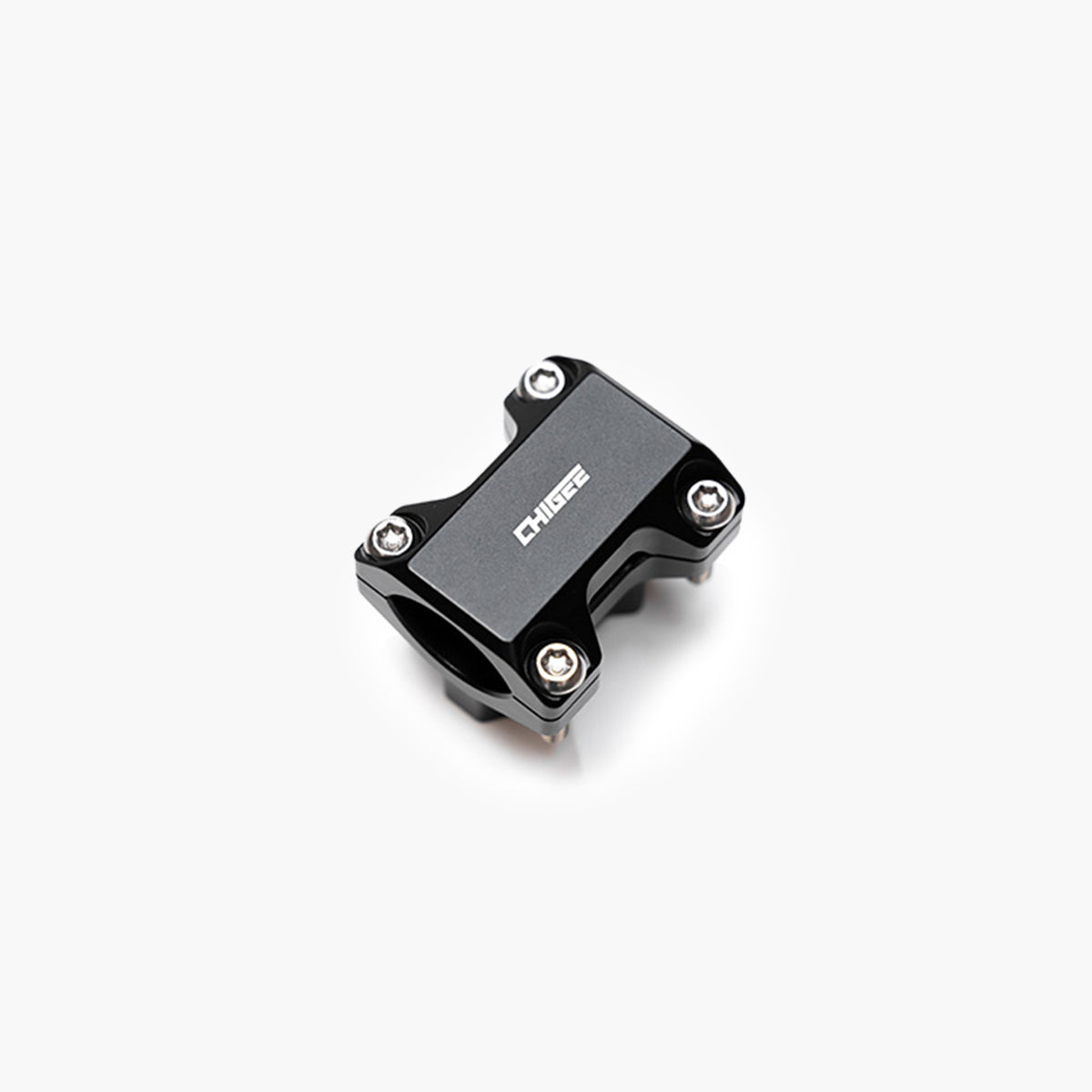
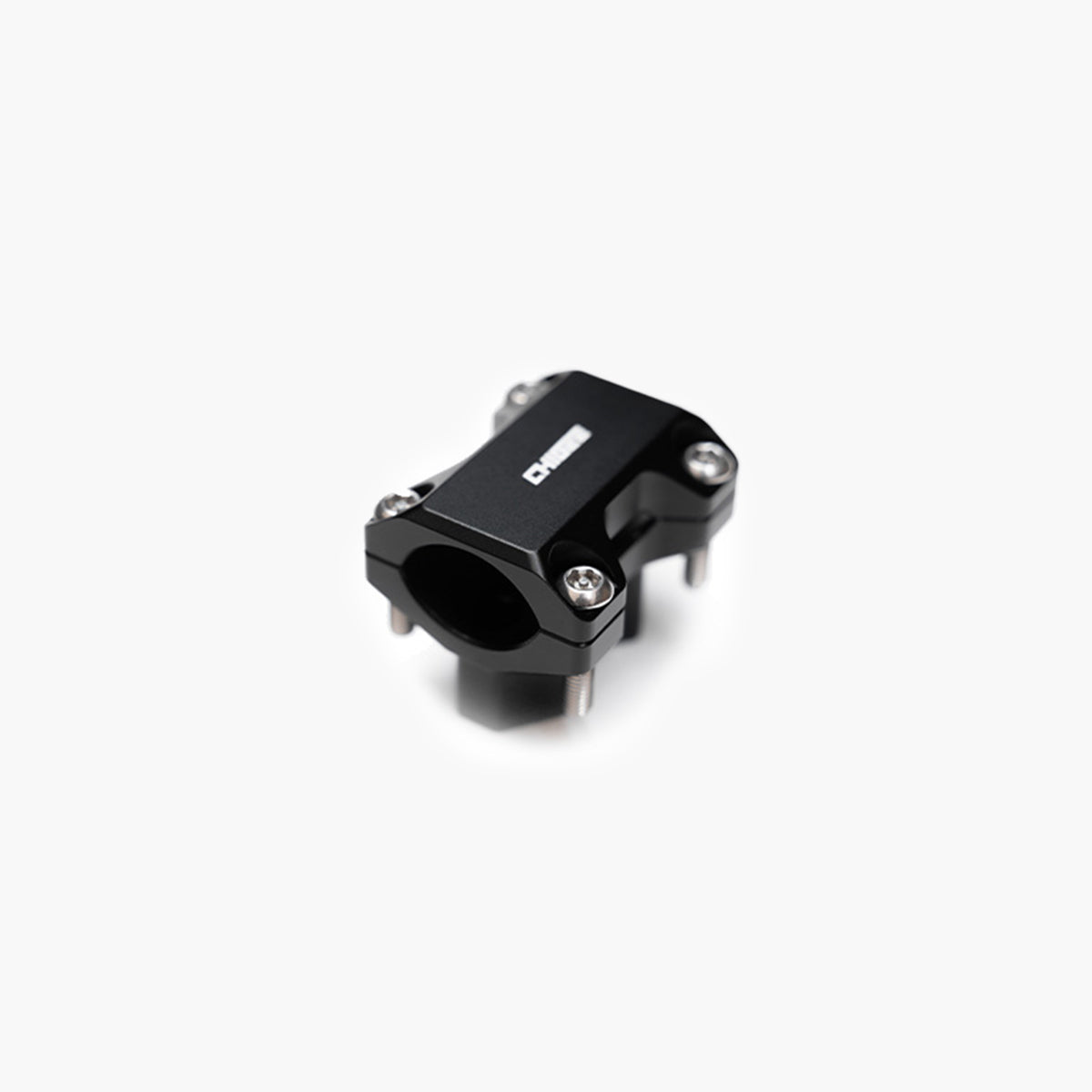
CHIGEE Offers a Wide Range of Accessories to Suit Your Needs
Exploring reviews from the community is encouraged to discover the truth about Chigee. A hands-off approach is maintained with creators, ensuring unbiased opinions. These reviews are vital in determining if a AIO-5 EVO Display suits your needs and unveiling the system's true capabilities.
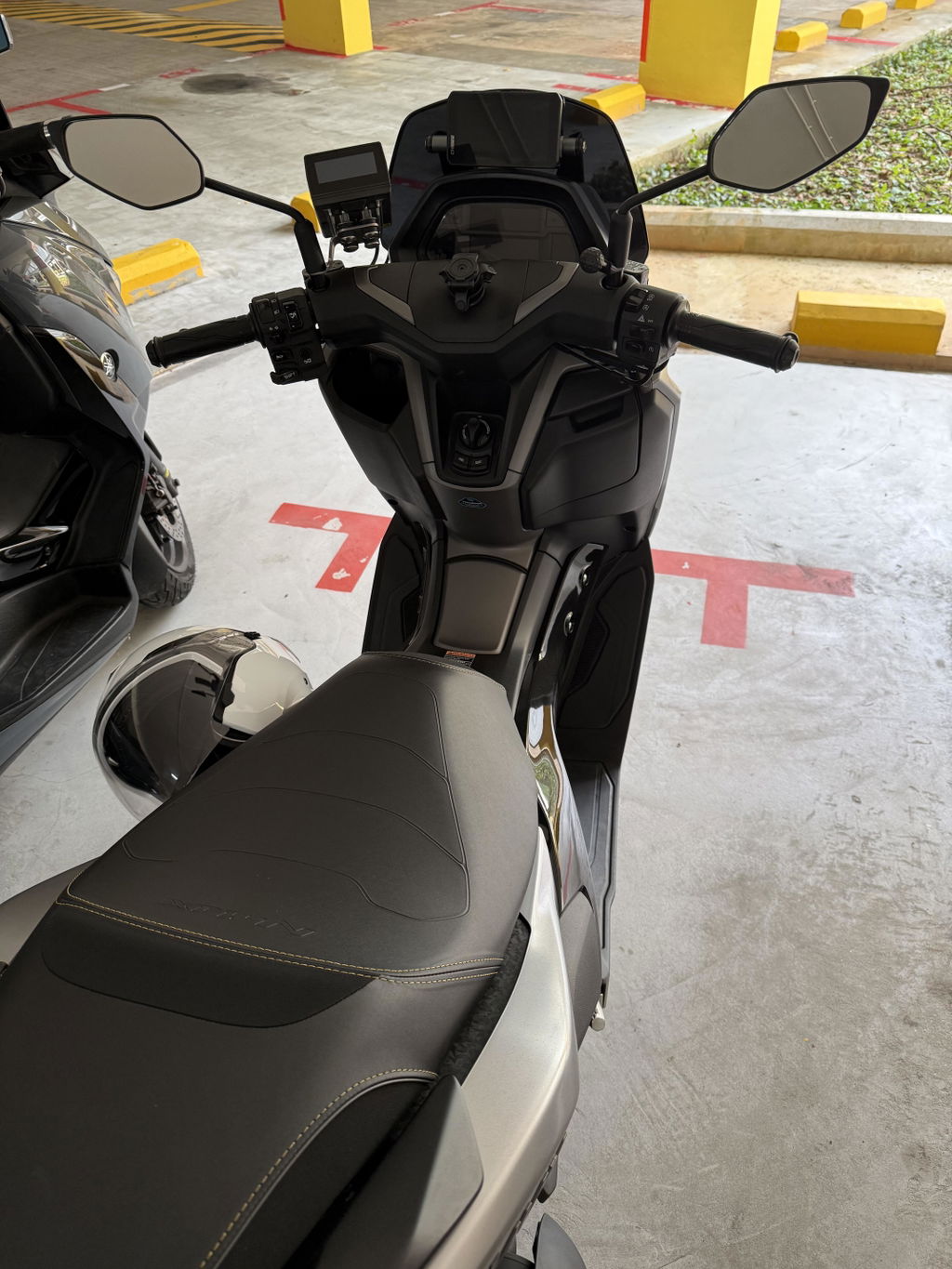
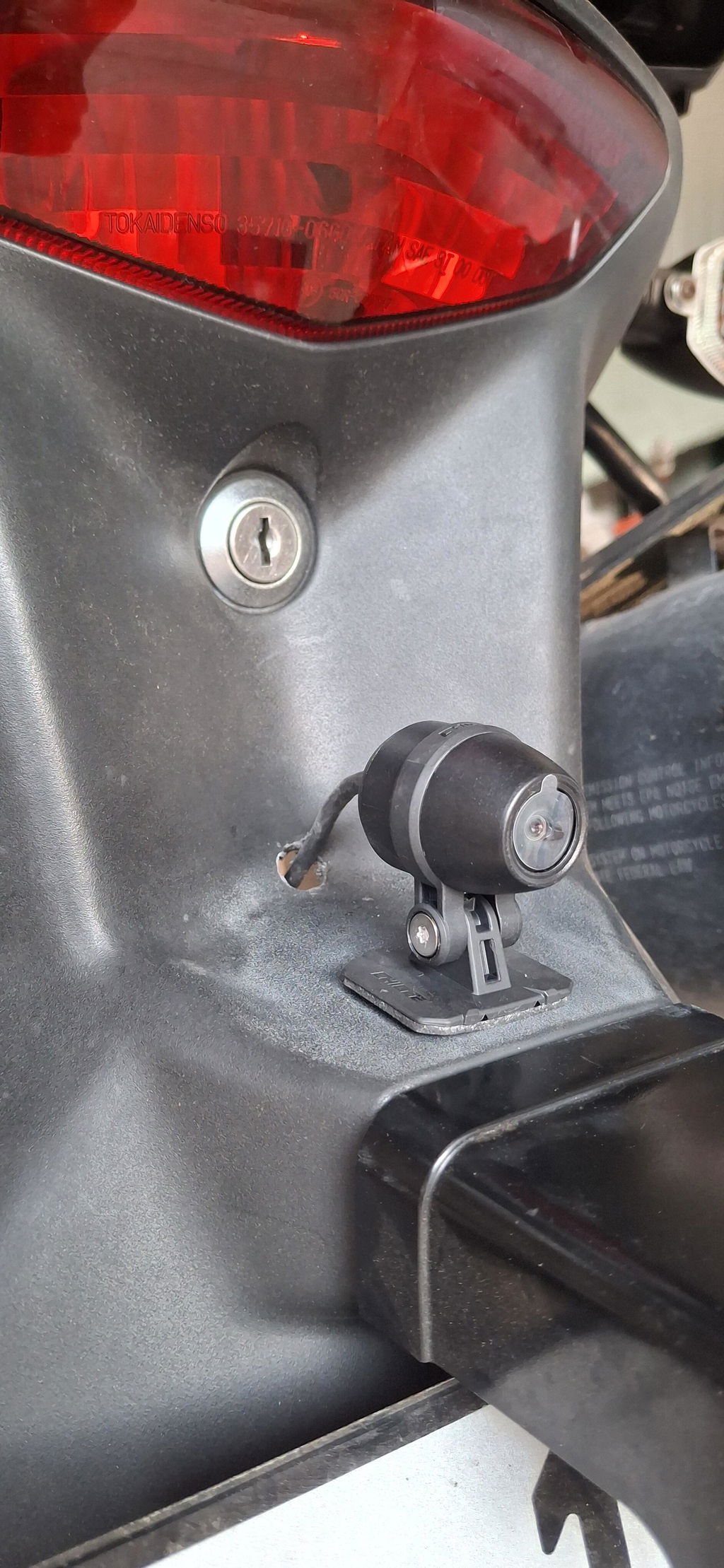
Installation Showcase
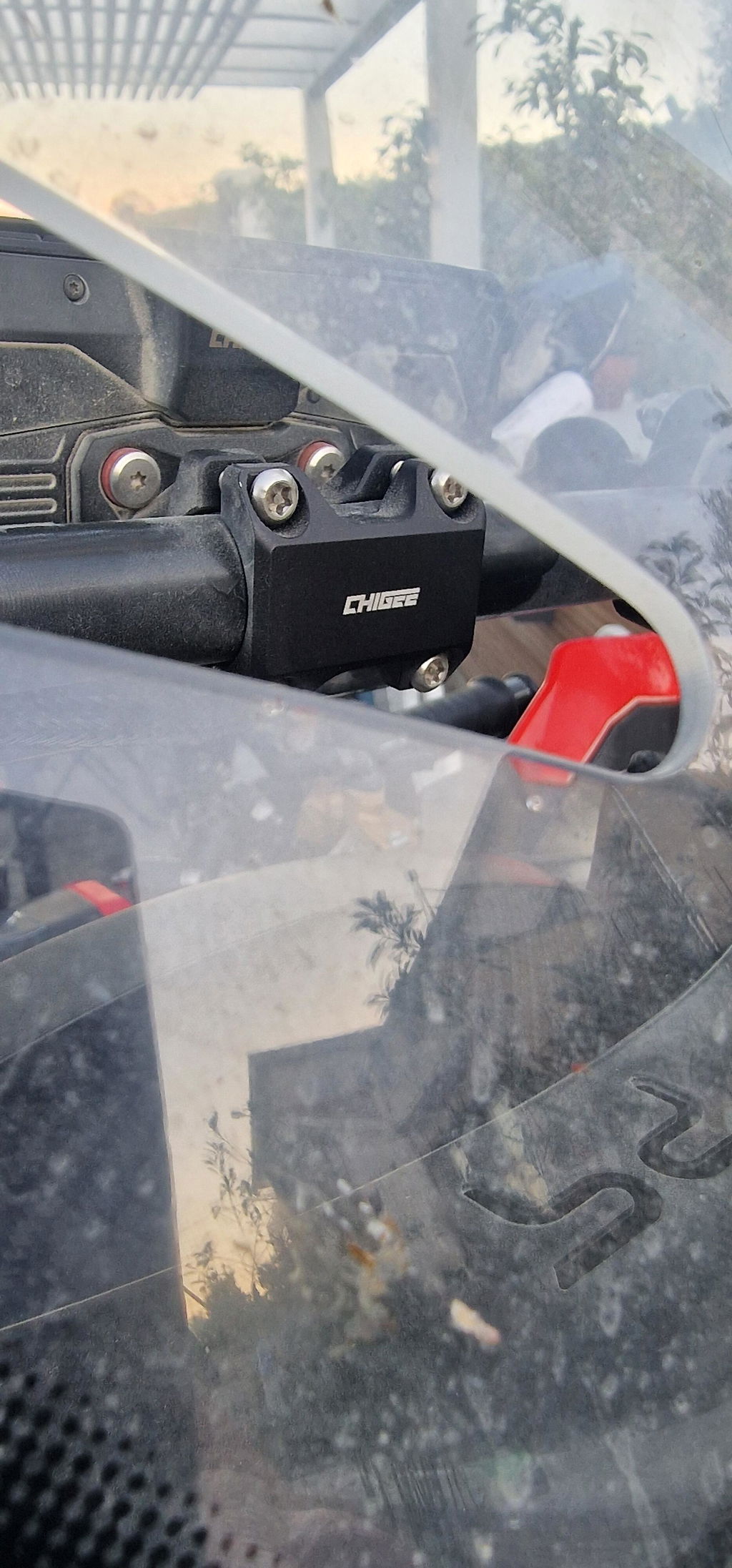
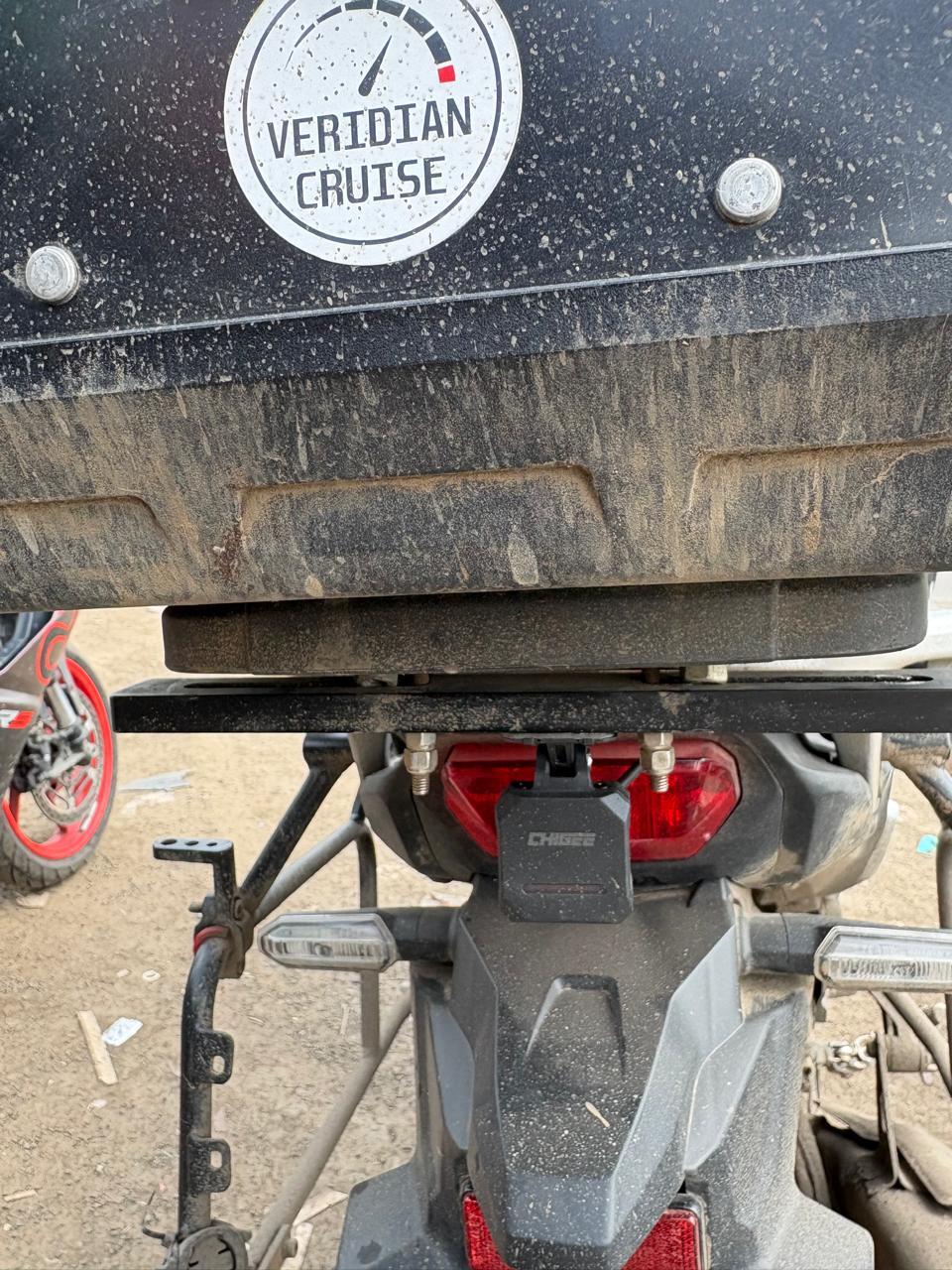
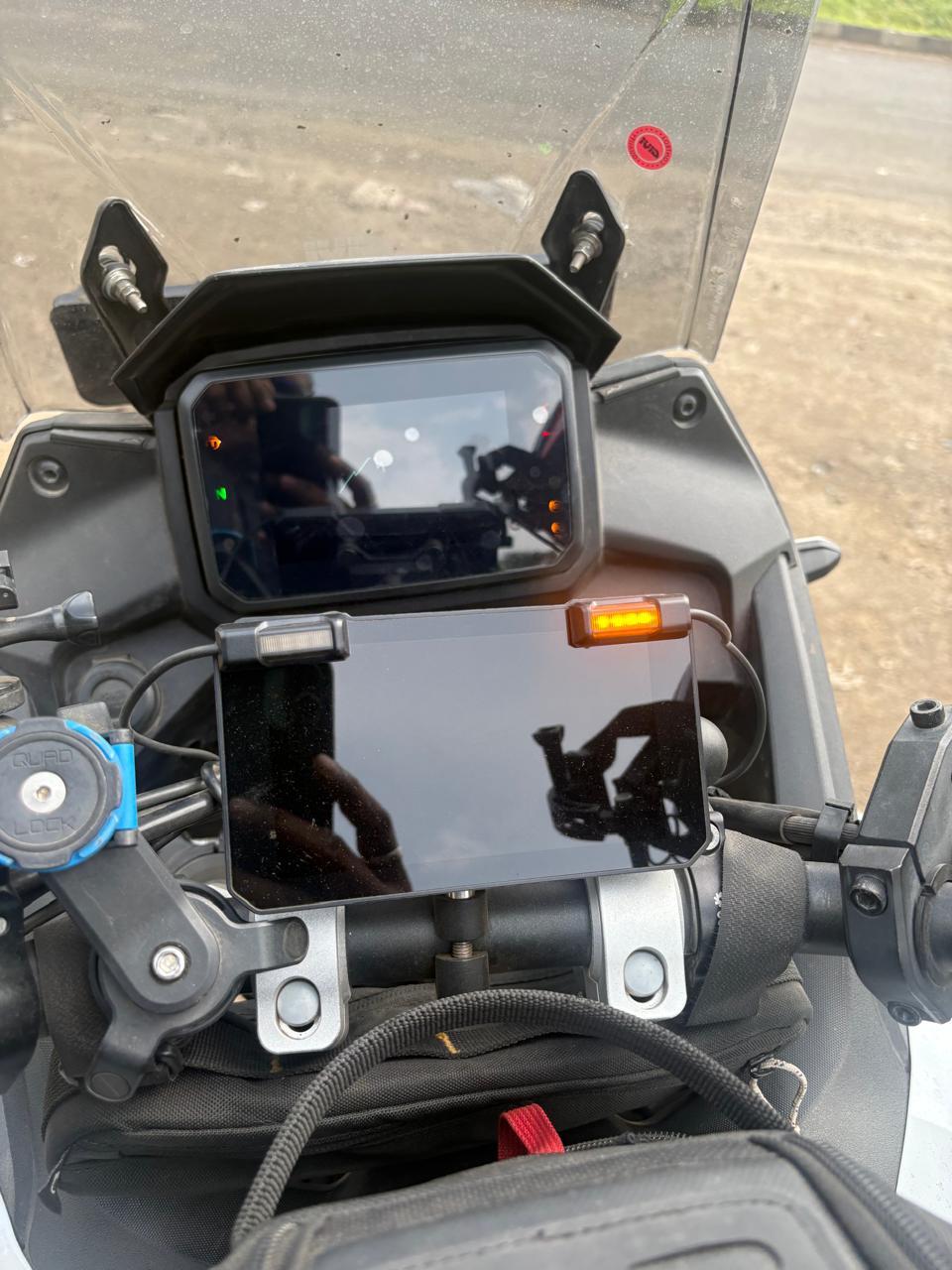
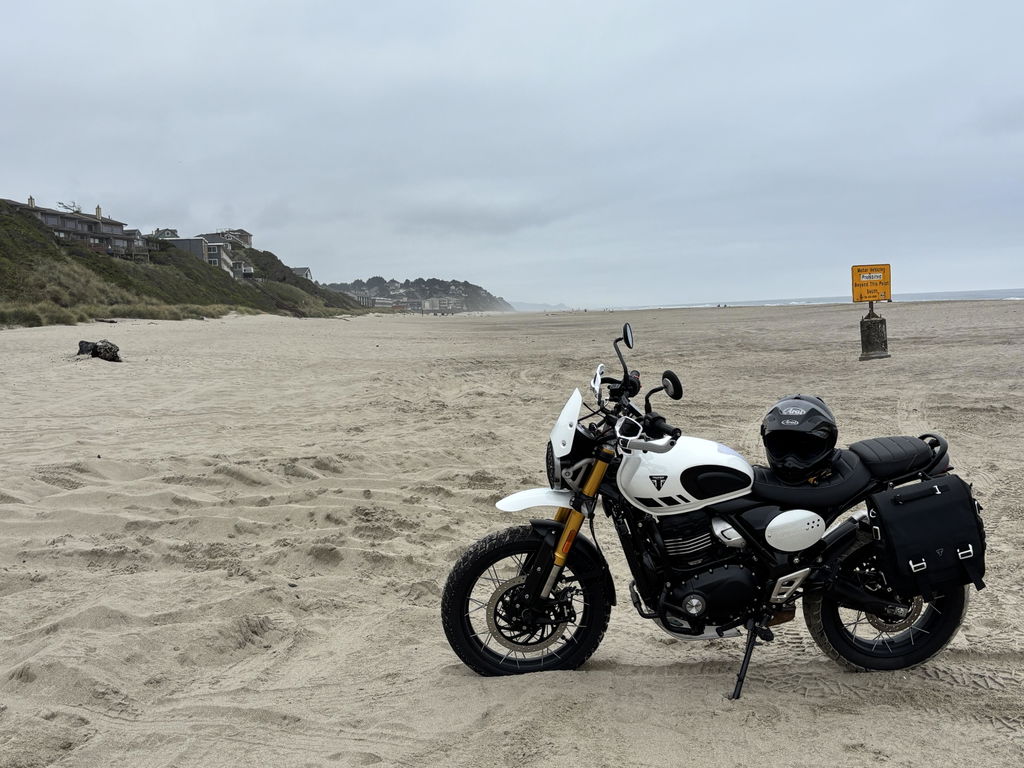
Explore various installation examples of the AIO-5, demonstrating its seamless integration with different motorcycle models.
Customers praised this motorcycle smart riding system as an "amazing upgrade" with CarPlay/Android Auto, front/rear cameras, and GPS navigation. The device is "fast and responsive" with "excellent material quality" and readability. One shopper noted it "gave new life" to a 20-year-old bike. Some concerns: one device had initial GPS/camera issues (later resolved), and delivery delays were mentioned.
System (positive)Design (positive)Bike (positive)Functionality (positive)Device (positive)
5 stars: 13 (76%)
4 stars: 4 (24%)
3 stars: 0 (0%)
2 stars: 0 (0%)
1 star: 0 (0%)
A
Anonymous (Millersville, US)
Brand:Kawasaki
Model:2018 ZX6R
Grade with safety first
The install was insanely easy. Such first class gear
M
Marcus N. (Singapore, SG)
Brand:Yamaha
Model:Nmax
Chigee AIO-5 evo
Best front and back camera with CarPlay function. Easy to install very easy to use.
B
B.C. (Lisbon, PT)
Brand:Suzuki
Model:V Strom dl 650 year 2007
Chigee is a game changer !
On my 20 year old motorcycle, this system gave a new life and security for daily riding! Material quality, image , software are amazing and over the market.
T
Tolulope A. (Lagos, NG)
Brand:Yamaha
Model:2024 Tracer 9 GT
I added the AI05 Evo to my Tracer 9 GT
I added the AI05 Evo to my Tracer 9 GT, and as expected Chigee has really improved my experience with snappy android auto and front/rear cameras. The device is fast and responsive.
A
Ady (Singapore, SG)
Brand:Kawasaki
Model:Versys 650 (2024)
Love it!
Try it for the first time and very convenience, the design was simple and practical.
p
patrizio p.
Brand:Triumph
Model:speed twin 1200 MY 2025
AIO 5 EVO - ottimo prodotto
ottimo prodotto, debbo dire che non è stato particolarmente complicato il montaggio, lo consiglio.
F
Florian (Innsbruck, AT)
Brand:Yamaha
Model:MT 09 SP
Wunschlos zufrieden
Zwar deutlich teurer als andere Carplays, aber meiner Meinung nach ist das AIO-5 den höheren Preis wert. Super Display, auch bei direkter Sonne einwandfreier ablesbar, die Dashcams sind leicht hoh genug aufgelöst, die Software intuitiv zu bedienen. Wunschlos zufrieden.
A
Anonymous (San Diego, US)
Brand:Kawasaki
Model:Ninja 650
Worth considering for a "head unit" on your bike
After going back and forth between reviews, I decided to go with this unit. What ultimately won me over was Chigee providing clear packaging contents and install instructions, along with its handlebar mounting system.
Been using it for a few rides. I mostly needed this for the Apple CarPlay feature as it's useful to see maps and such without needing to mount the phone. The screen is bright and readable and is mostly responsive with gloves on; some smaller elements don't register, but it may be my gloves. Another thing I like was it also isn't trying to be a stereo too. I had a head unit from a different brand and it was tricky trying to get it to not play audio from its speakers. Haven't installed the cameras yet, but may consider in the future.
One thing I wish it could do was power on via USB. Not that I was intending to use the unit powered via USB on the bike, but it would've been nice to be able to turn it on and test it out before installing it.
It's also pricey, but considering the last head unit I had was almost a third of the price and felt cheap along with lower specs, this unit does feel more like a tank.
B
Brady F. (Livermore, US)
Brand:Honda
Model:Rebel 2025
Amazing upgrade
I wanted to add CarPlay to my Honda Rebel; this was an easy to install and amazing upgrade. It allows me to keep my phone in my pocket, avoid distraction, and use a real time map and the best way possible. Worth the purchase.
T
Tyler Y. (Los Angeles, US)
Brand:BMW
Model:2026 s1000rr
Perfect size and
Perfect size and function
A
Anonymous (Orp-Jauche, BE)
Brand:Kawasaki
Model:1100sx se
Excellente qualité des matériaux
Excellente qualité des matériaux. Lisibilité excellente.
l
larbi o.
Brand:Suzuki
Model:1050s
Trop de retard pour la
Trop de retard pour la livraison
R
Rodrigo M. (São Paulo, BR)
Aparelho completo, versátil e boa operação
Estou instalando a multimídia e as câmeras, mas eufórico com os recursos apresentados, a conectividade com celular e intercomunicador.... completo!
A
Anonymous (Kelowna, CA)
Brand:Yamaha
Model:V star 950
Great addition!
A multi purpose addition to my bike!
P
Przemysław A. (Poznan, PL)
Chigee evo 5
Urzadzenie uszkodzone, nie działa przednia kamera , GPS, bsd, całkowita porażka. Jest jednak nadzieja, bo chigee.com obiecała wymienić urządzenie. Narazie czekam na wymianę
Po ponad dwóch miesiącach urządzenie zaczelo działać. Okazalo się, ze prace kamery zaklocal zepsuty gps. Chigee przeslalo nowy gps i kamere choc ta okazala sie zbedna. Na plus napewno to, że chigee dba o klienta i to jest fakt, natomiast dziwi mnie, że wypuszczane są do klienta nowe urządzenie bez przetestowania.
Thank you for your feedback.
Don't worry, if you encounter any problems with your device, please feel free to contact our customer support team directly. They will assist you in resolving the issue. Thank you for your patience and understanding while waiting for a replacement device.
We hope to resolve your issue as soon as possible!
Sincerely,
G
Graham M.
Brand:Others
Model:Royal Enfield Himalayan
Out of the box it's beenfaultless
Out of the box it's been faultless
R
Riccardo R. (Rome, IT)
Brand:KTM
Model:1290 Superadventure S
AIO veramente eccezionale! Schermo un po'
AIO veramente eccezionale! Schermo un po' piccolo per i miei gusti ma comunque ottimo per funzionalità e caratteristiche
P
PowerHamster
Gemini doesn't hear me when activating it using a Sena SRL3 headset. Phone calls work just fine. What could be the issue?
Chigee.com
Hello, some headsets do not support voice‑waking digital assistants. The Sena SRL series does not support direct voice activation for Google Assistant or other digital assistants. You may try using a different headset.
A
AIO-5 e.
What is the With and height of the display in mm??
Chigee.com
Hello. The overall dimensions of the AIO-5 EVO device are 136.2 * 78.8 * 26.8 mm.
D
Di C.
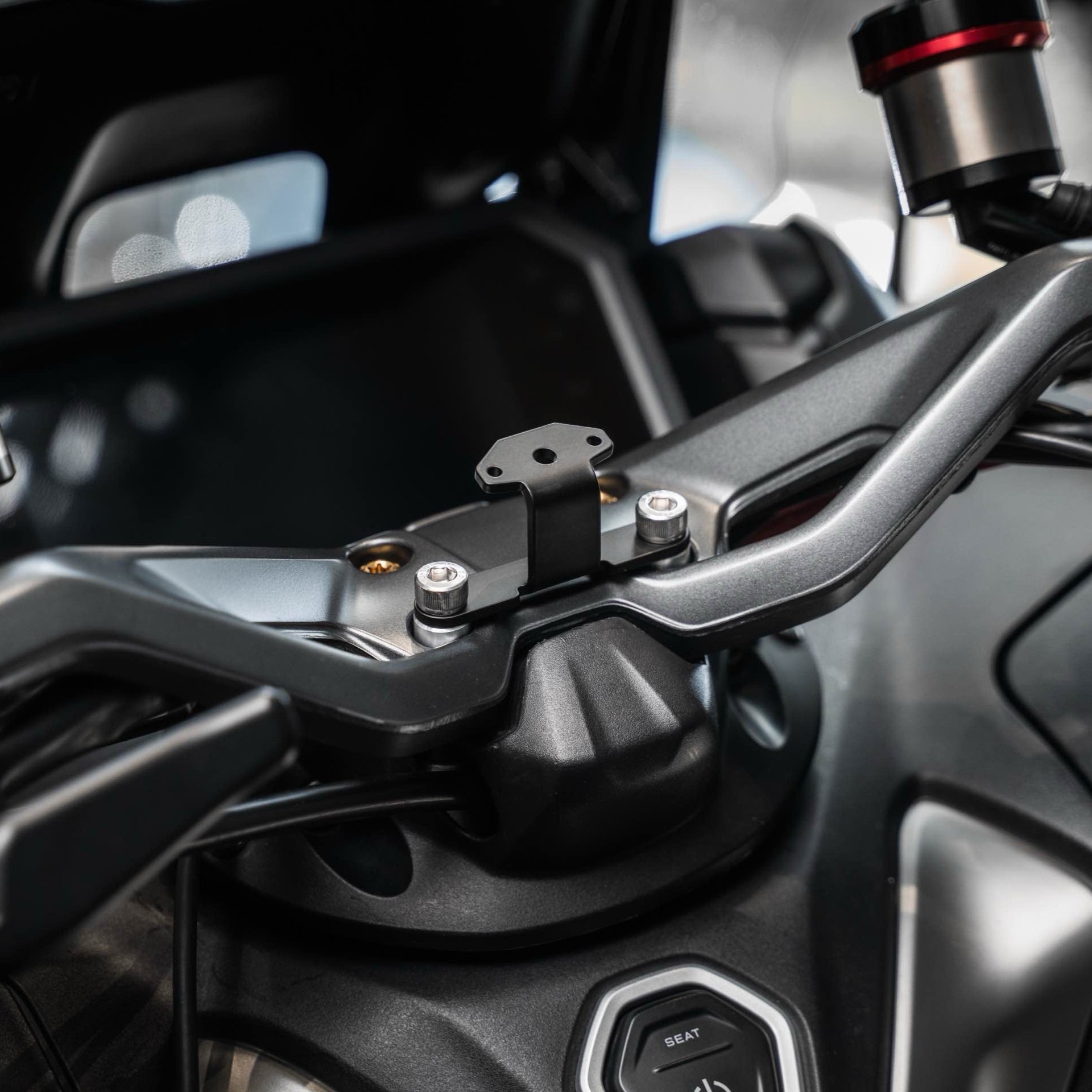
AIO 5 EVO per montarlo su Honda Forza 350 avete un supporto adatto ?
Chigee.com
Hi, based on the current information, it seems that we do not have a mount that can be directly compatible with your bike.
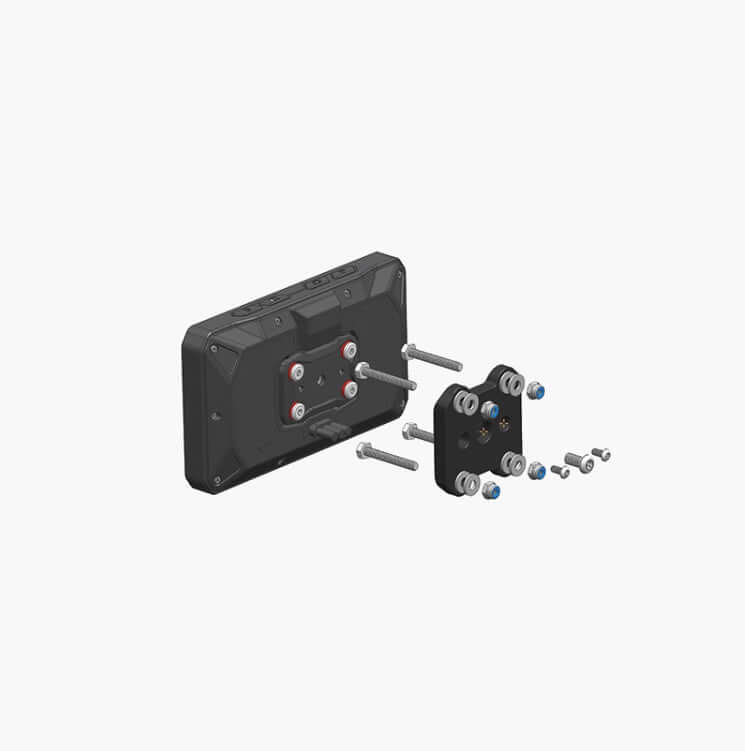
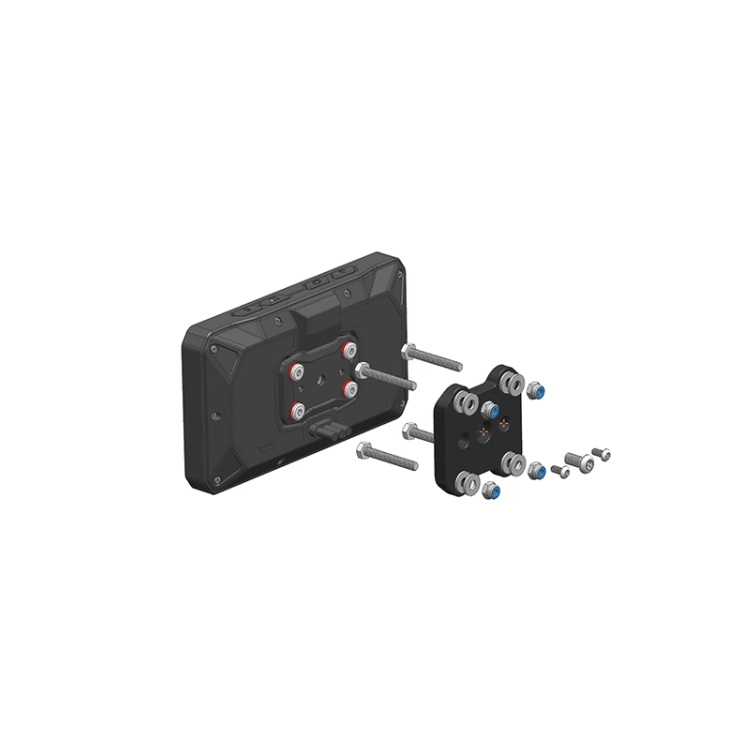
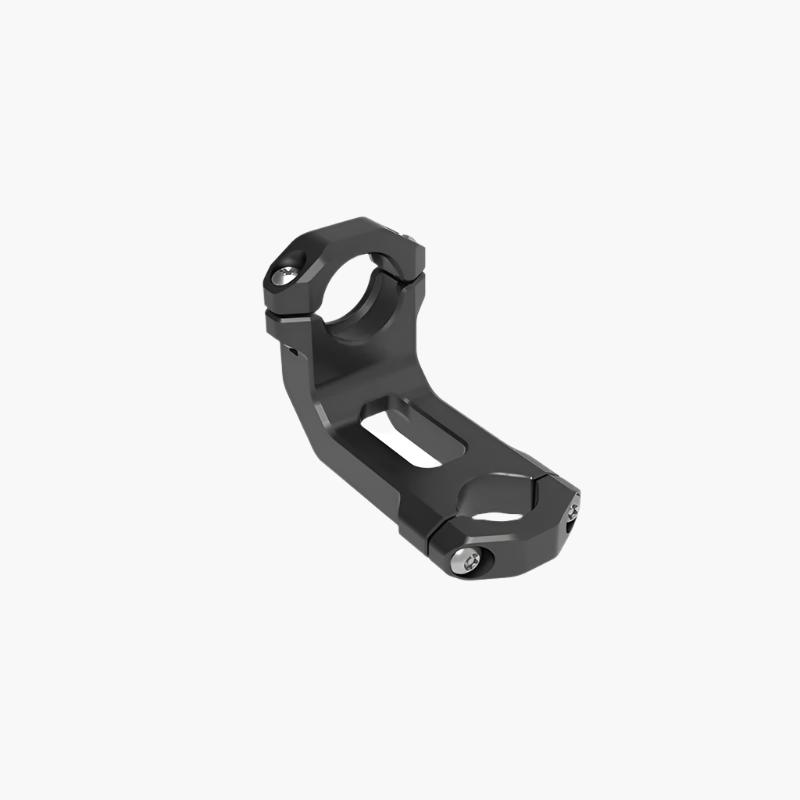
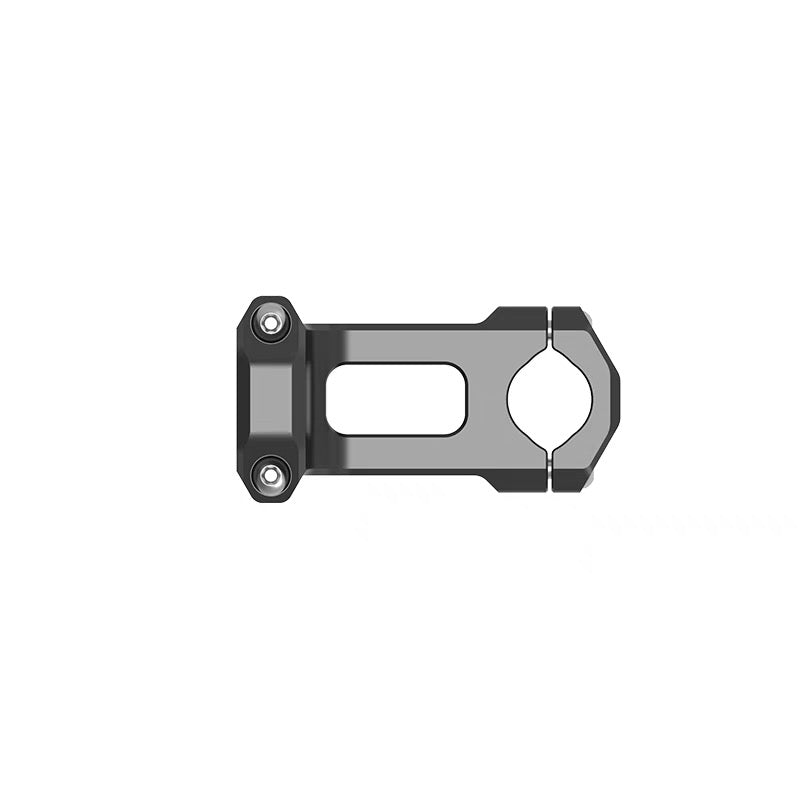
If you would like to use a CHIGEE device on your bike, you may need to consider installing an additional crossbar first, so that the device can be mounted properly.
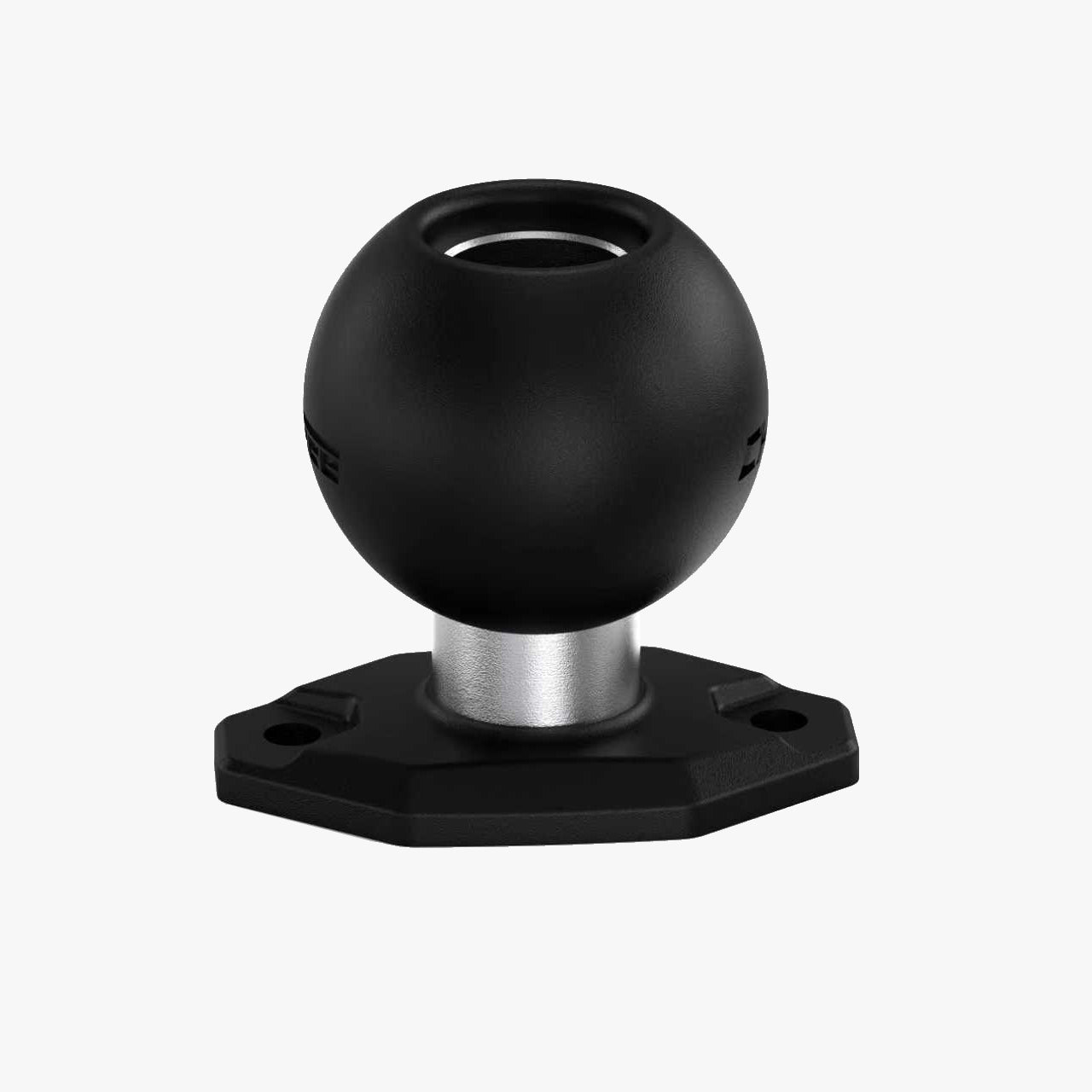
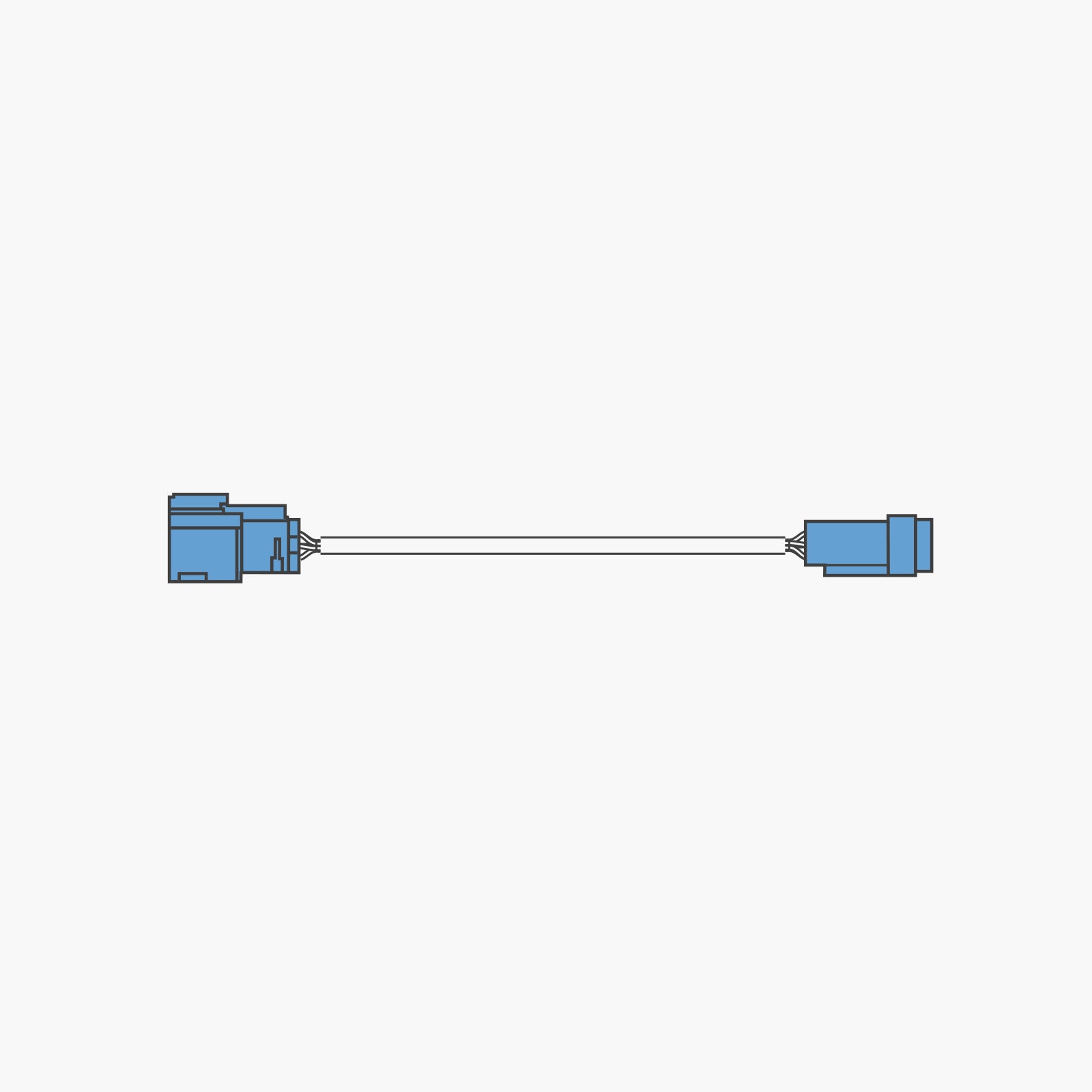
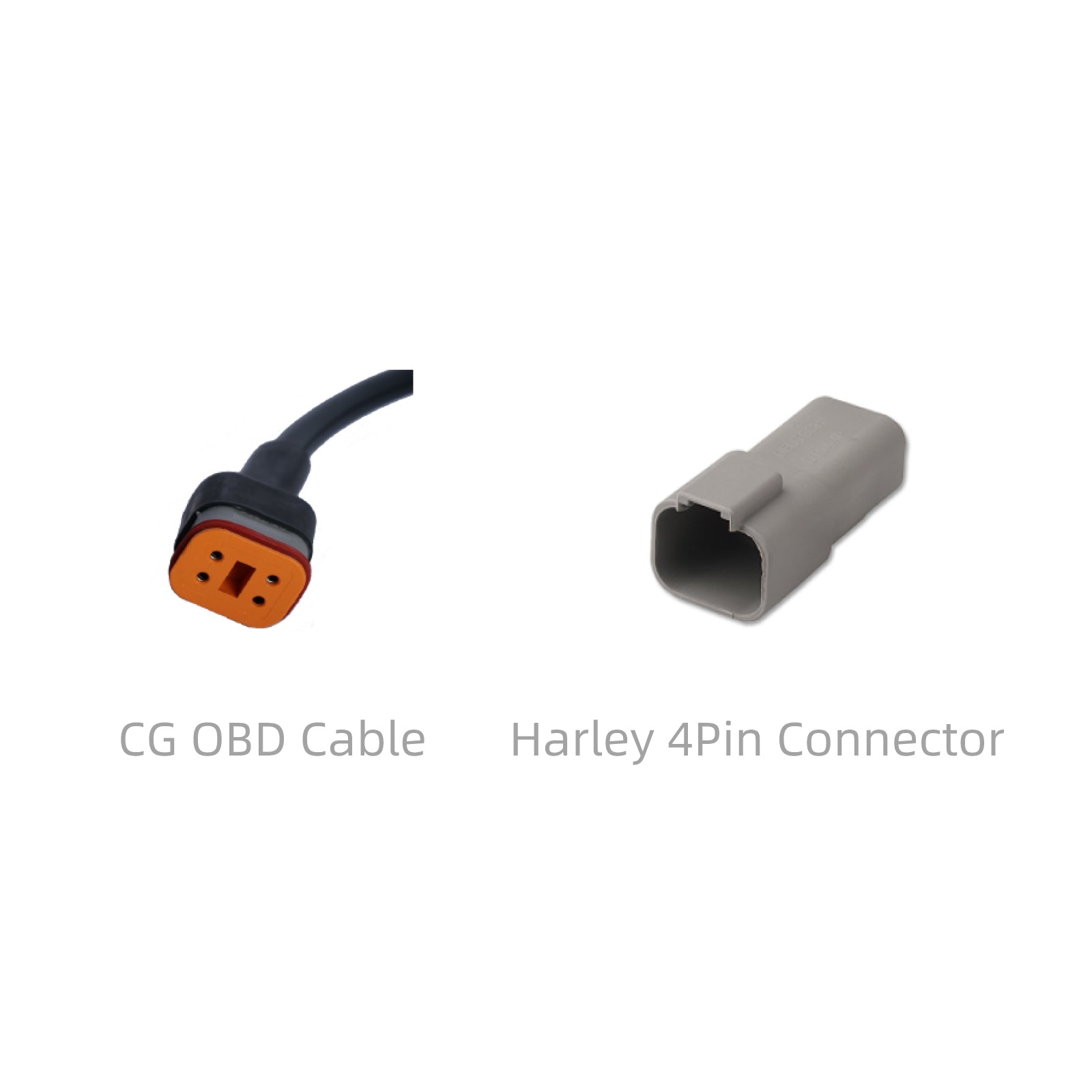
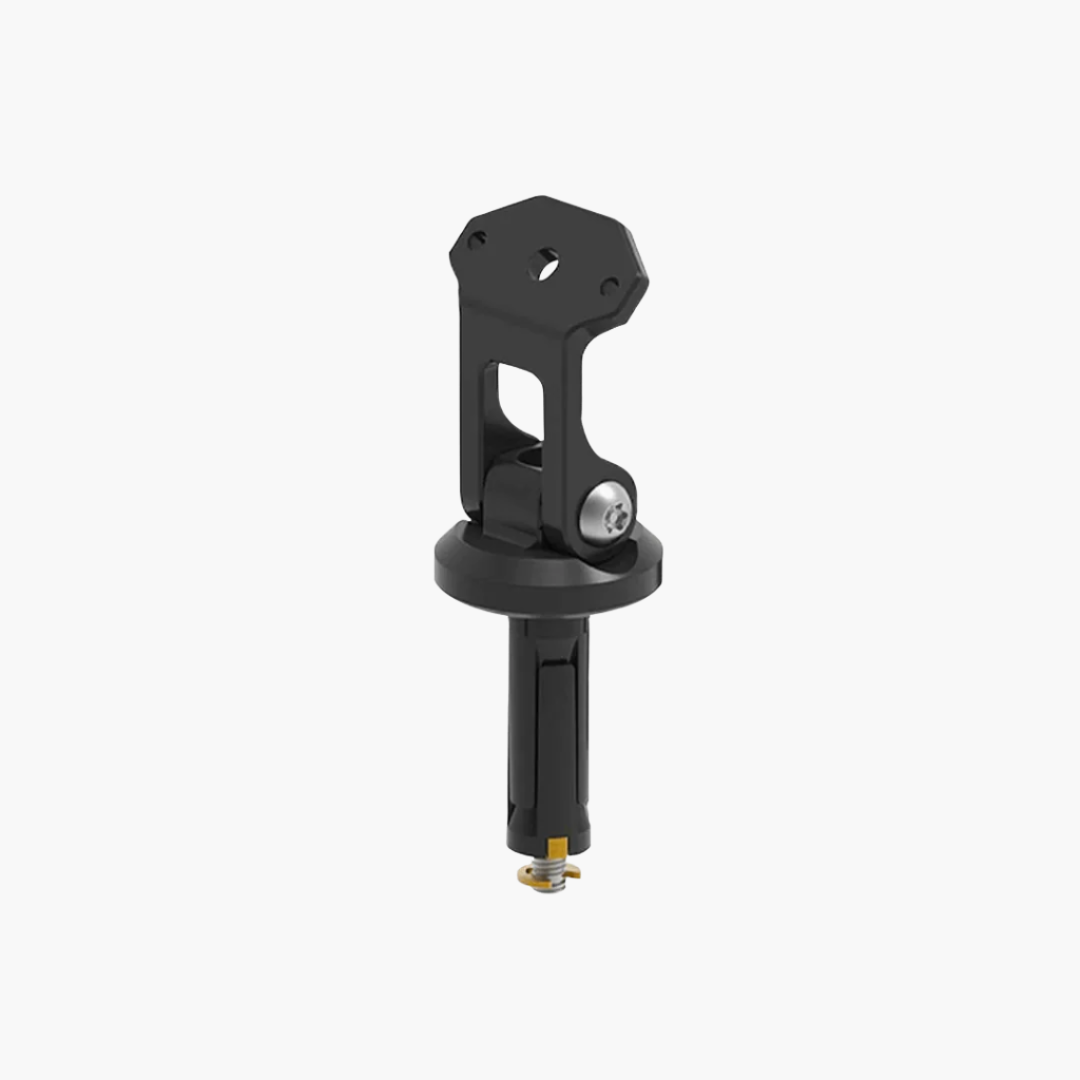
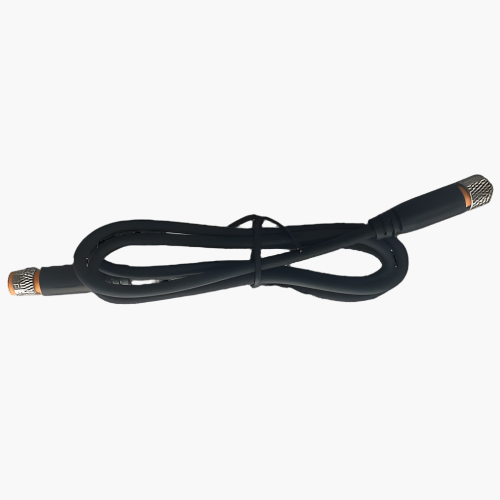
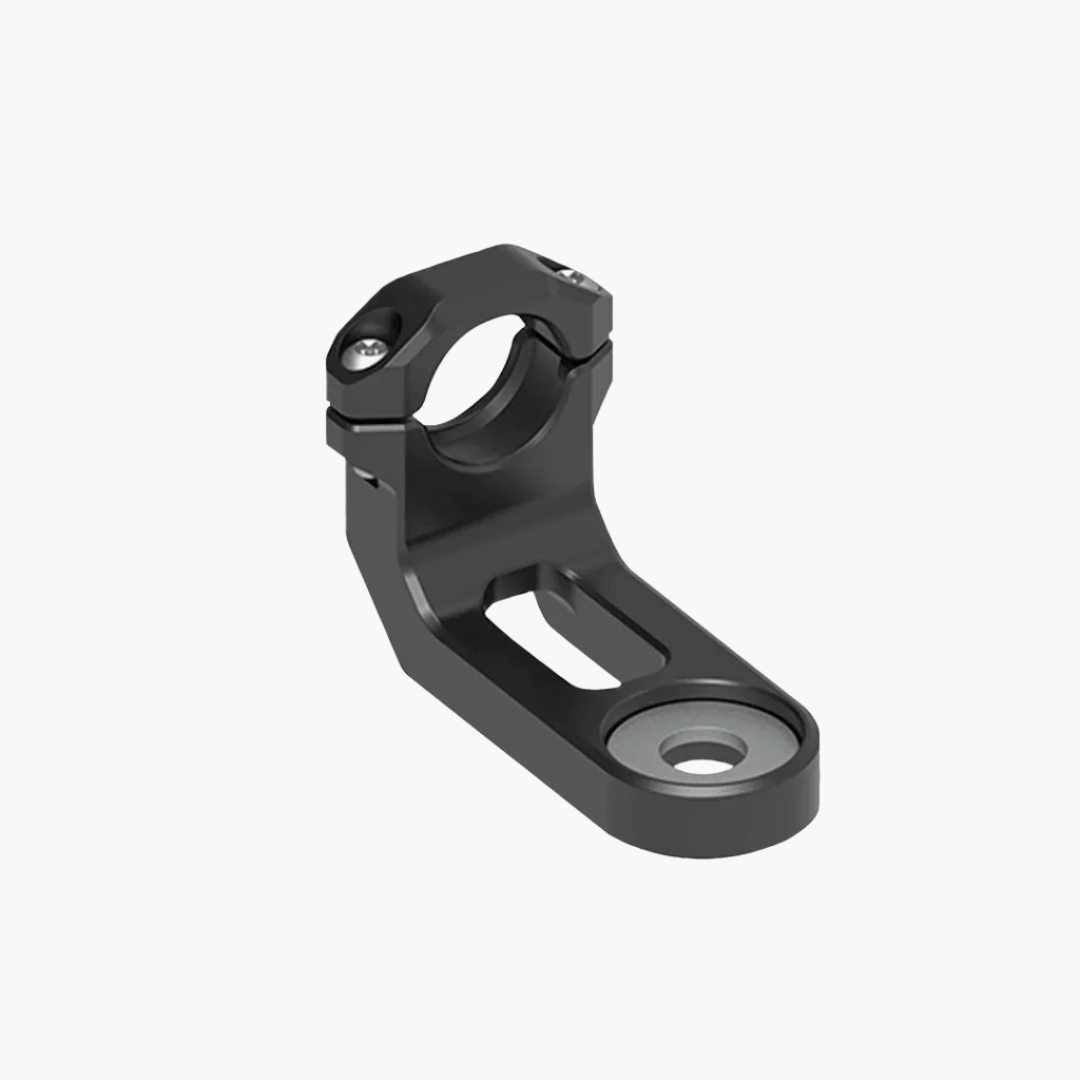
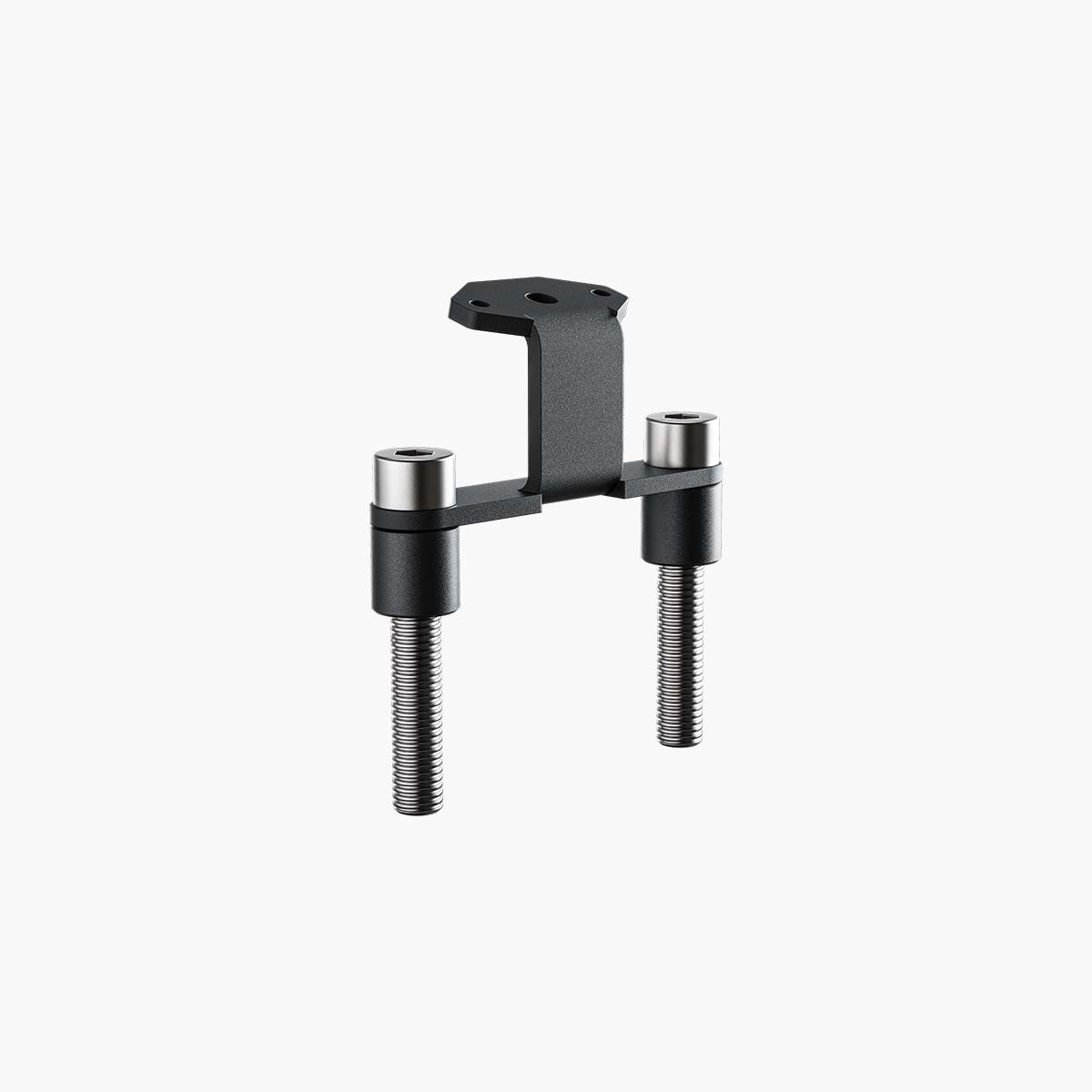
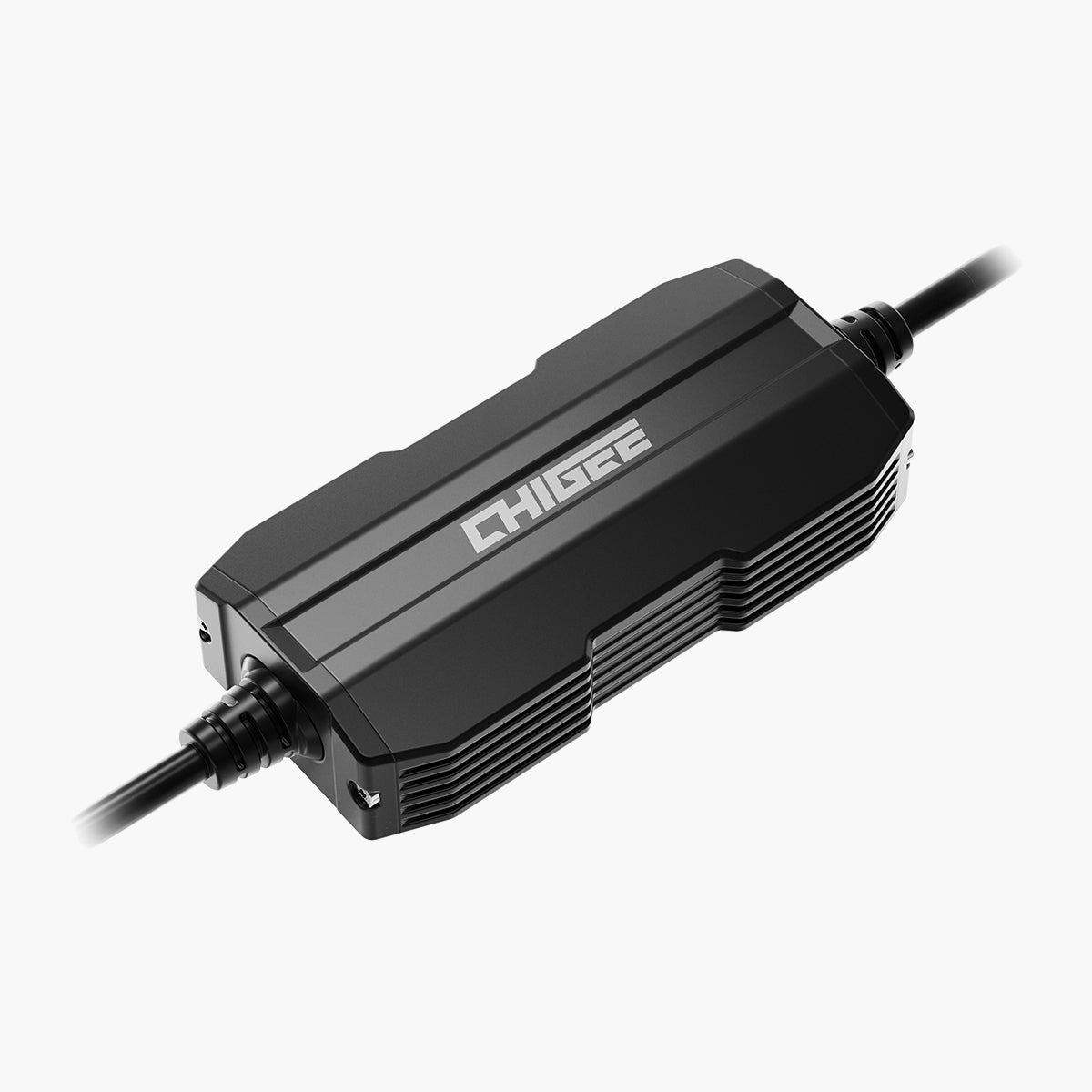
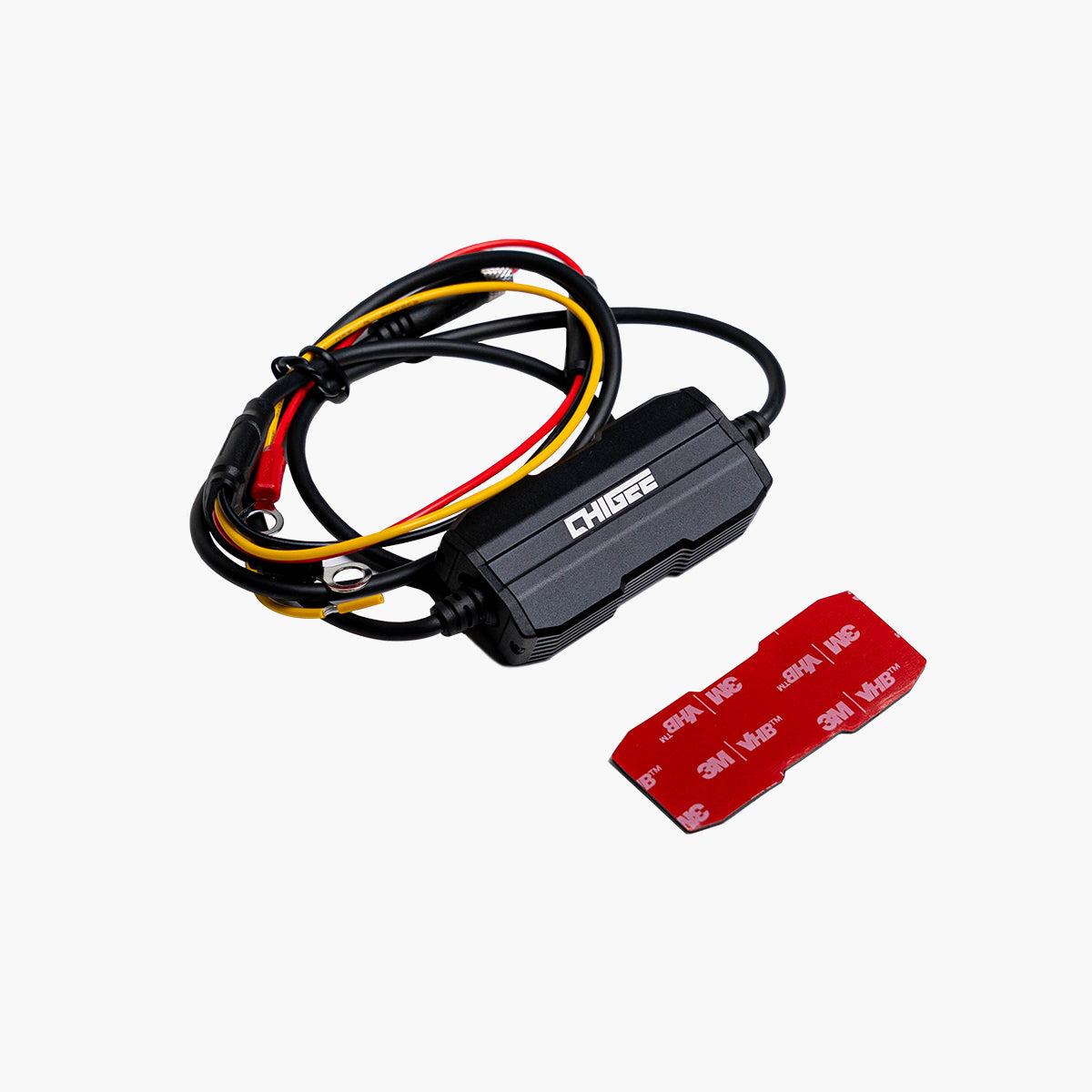
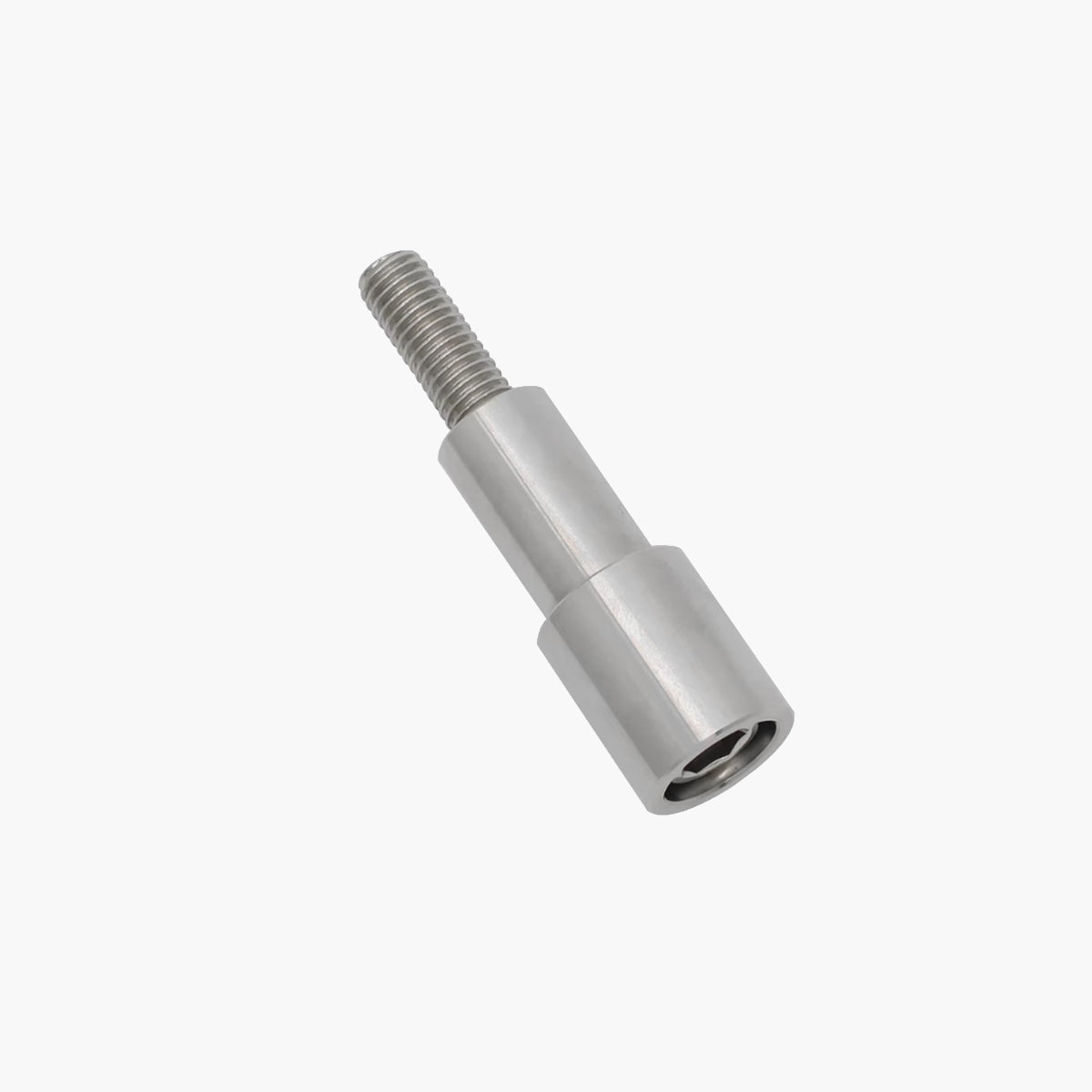
What’s in the Box
Please refer to the list below for everything included in your package.
FAQs
For more information, please visit our Knowledge Base. If you still have questions, feel free to contact us directly.
At CHIGEE, we are committed to providing you with top-quality service. Rest assured, we will respond to your ticket as promptly as possible.Average answer time: 24h
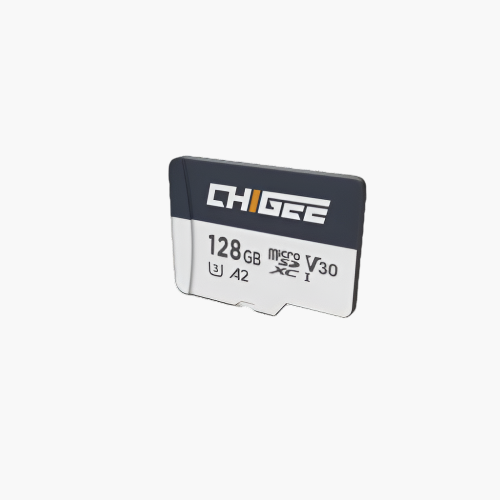
Please note that the Chigee Display AIO-5 Evo does not include an SD card. You will need to purchase one separately, and an SD card is required for OTA firmware updates.
If you do not plan to use cameras: A small-capacity card (8–16GB) is sufficient for OTA updates.
If you also use cameras: Choose a larger-capacity card according to your recording needs.
⚠️ Important: Even for OTA updates, we strongly recommend using a U3-grade SD card. Low-quality or slower cards may cause upgrade failures or trigger “insufficient read/write speed” warnings.
How can I view dashcam footage?
1. Dedicated Mobile App
Once your phone is connected to the AIO-5 Evo's Wi-Fi, you can use the Chigee Go app to view the dashcam videos(You need to be within 8-10 meters to receive the Wi-Fi signal transmitted by the AIO-5.)Introduction to Video Download
2. AIO-5 Evo Unit
Replaying footage directly on the device's display
3. Computer
Using an SD card reader/adapter to insert the SD card into your computer. The video format is MP4, so you can play it with any standard media player.If you're having trouble opening footage on your computer, try downloading the PotPlayer media player.
How to adjust view angle of AIO-5 Evo after install ?
Even after installation, you can fine-tune the camera's perspective by loosening the lens screws. If you need to adjust display angle of the main unit, simply loosen the bracket screws for quick adjustments.
Will it auto-connect to CarPlay/Android Auto upon startup?
CHIGEE can remember previously connected mobile devices. Once you've activated and connected your phone for the first time, CHIGEE will automatically attempt to search for your phone's CarPlay or Android Auto upon startup (assuming your phone's Bluetooth & WIFI is enabled).
Which navigation app can be used?
We have thoroughly tested the CHIGEE with both the Google Play Store and App Store, ensuring compatibility with the most popular and widely-used navigation apps. To confirm, you can check the list of the top ten tested navigation apps on this page.
CHIGEE works by mirroring mobile apps through CarPlay or Android Auto. In theory, any navigation software that supports CarPlay or Android Auto should be fully compatible with the CHIGEE.
Does it have built-in APP?
No, CHIGEE does not have built-in APP. It operates by mirroring your phone's content to CHIGEE Display using Bluetooth and Wi-Fi, primarily through CarPlay or Android Auto. In theory, if your phone's APP supports CarPlay or Android Auto, you can use that app on device.
Important Note – Android Auto Voice Assistant
Android Auto voice assistant cannot be triggered through a Bluetooth headset on the Chigee Display. To use the voice assistant, please tap the on-screen voice button.
Does it support my Bluetooth Headset?
CHIGEE does not establish a direct Bluetooth connection to motorcycle headset devices. Instead, it operates by having the Bluetooth headset pair with your smartphone first. Your smartphone then transmits the audio to the CHIGEE. The CHIGEE is compatible with all Bluetooth headsets, as long as the headset can successfully connect to your smartphone. However, please note that the CHIGEE supports the simultaneous connection of only one headset at a time.
Which phones are compatible with CHIGEE?
Compatible with devices running iPhone 6s (IOS 13) and later. Compatible with Android smartphones featuring Android 11.0 or later.
Why isn’t the touchscreen responding when I wear gloves?
Please make sure your gloves are touchscreen-compatible. We recommend gloves with rubberized fingertips or those specifically designed for touchscreens. Fabric gloves may not work reliably with the display.
AIO-5 Evo Installation Guide
We’ve created a detailed instructional video to guide you through the installation process. For step-by-step instructions, please enable English subtitles. Click here to view the video
At CHIGEE, we are committed to providing you with top-quality service. Rest assured, we will respond to your ticket as promptly as possible.Average answer time: 24h
When making the decision, it was down to screen size vs. quality and brightness. I admit that there were concerns that the screen was too small, as I have been using an iPhone that has a taller screen (in portrait).
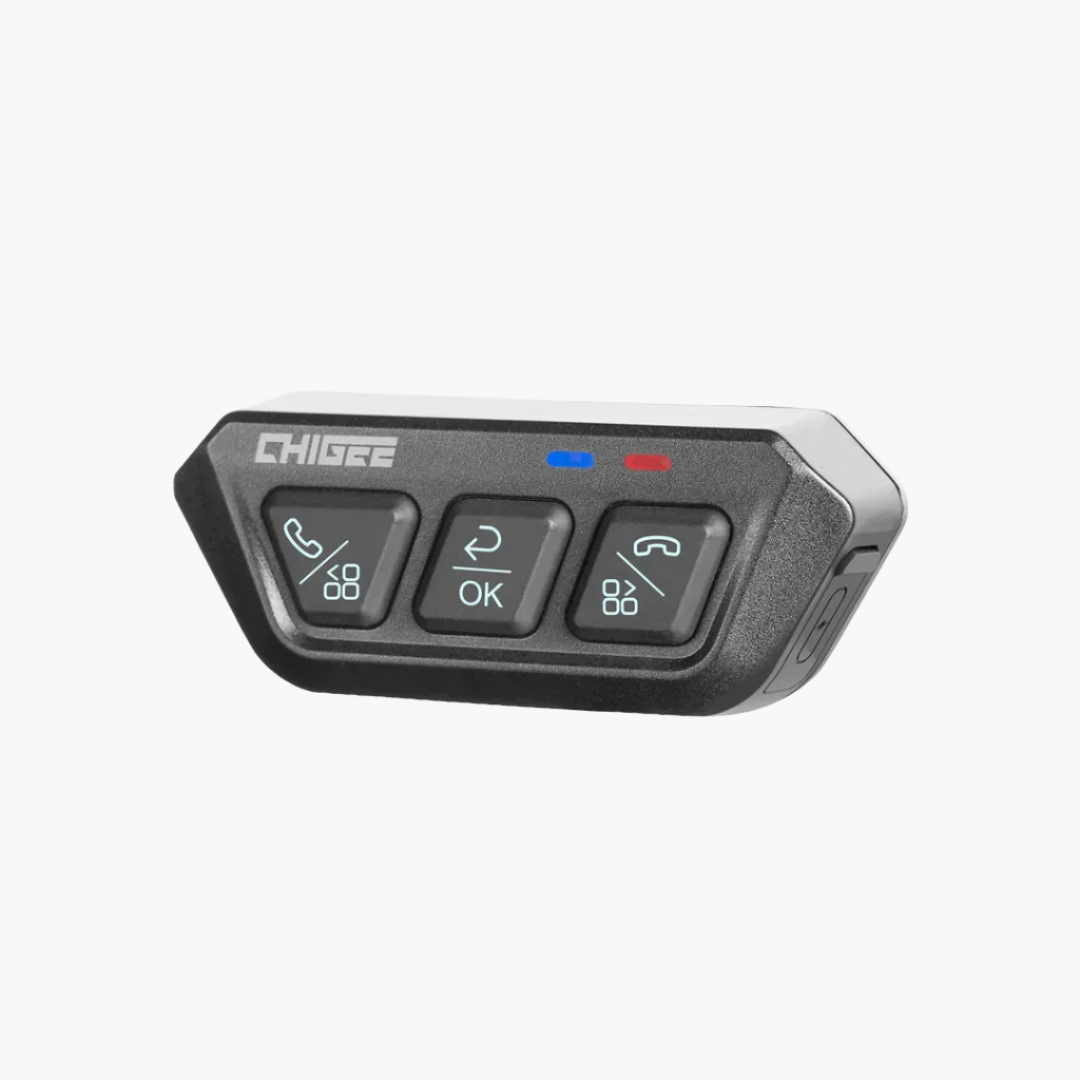
BUT, using the provided 3D files to print a custom bracket and being able to mount it exactly where I wanted is great. What really stands out is the clarity of the screen in all conditions and how seamless the unit starts and shuts down. No more fiddling, no more going into BT settings after getting gear on and your buddies are already riding. The unit plain works. The remote controller is a big bonus, preventing the need to reach for the screen.
Excellent quality and great features-Triumph 400XC
I chose the Chigee Aio 5 after seeing it on a few Youtube videos. The install was pretty easy on my Triumph 400XC Scrambler. I had to adjust the rear camera aim up a little until the blind spot detection would detect cars in my blind spots, but now I’m satisfied it is working as designed now. The video quality is very good and decently smooth. I made a video from some footage right off the Aio-5 Lite. It’s on Youtube @pdxbrown if you want to see what it looks like. I would recommend this system to anyone seeking better safety and Apple CarPlay so you can use any app you like. It has a nice quality feel and comes nicely packaged.