

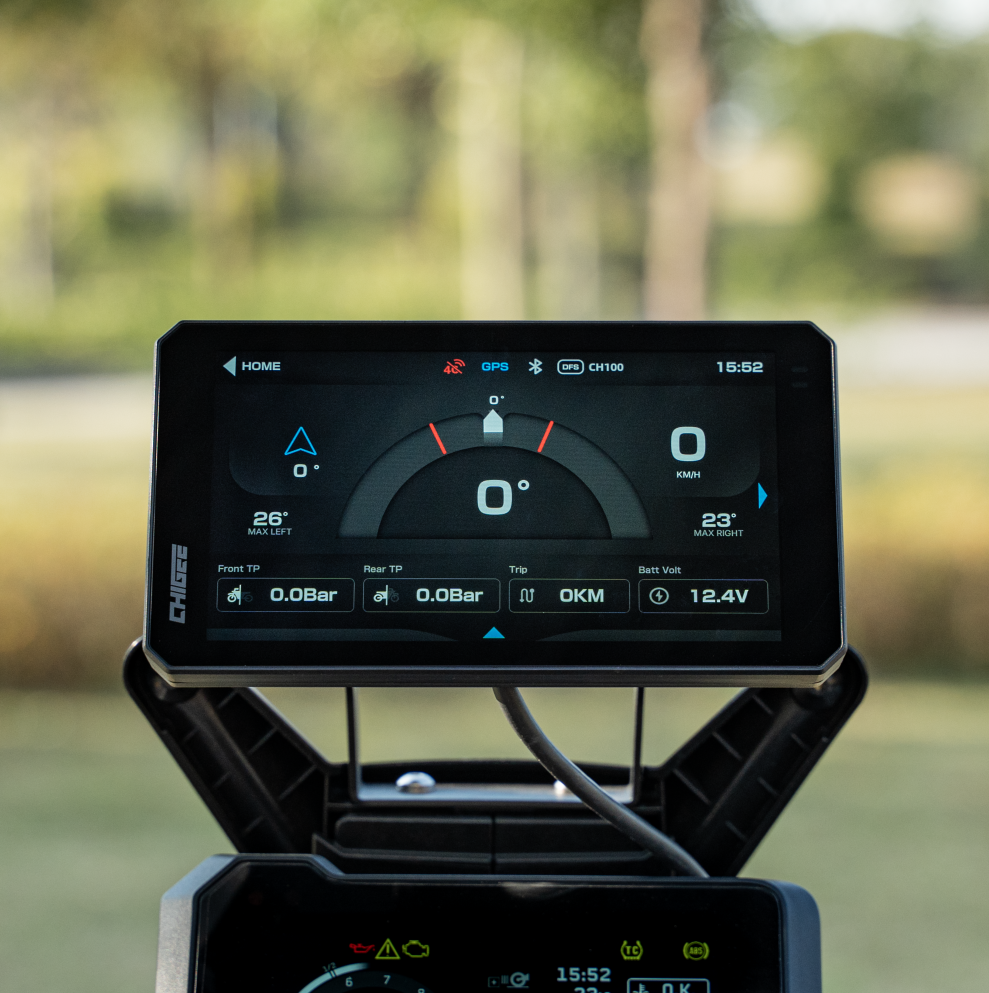
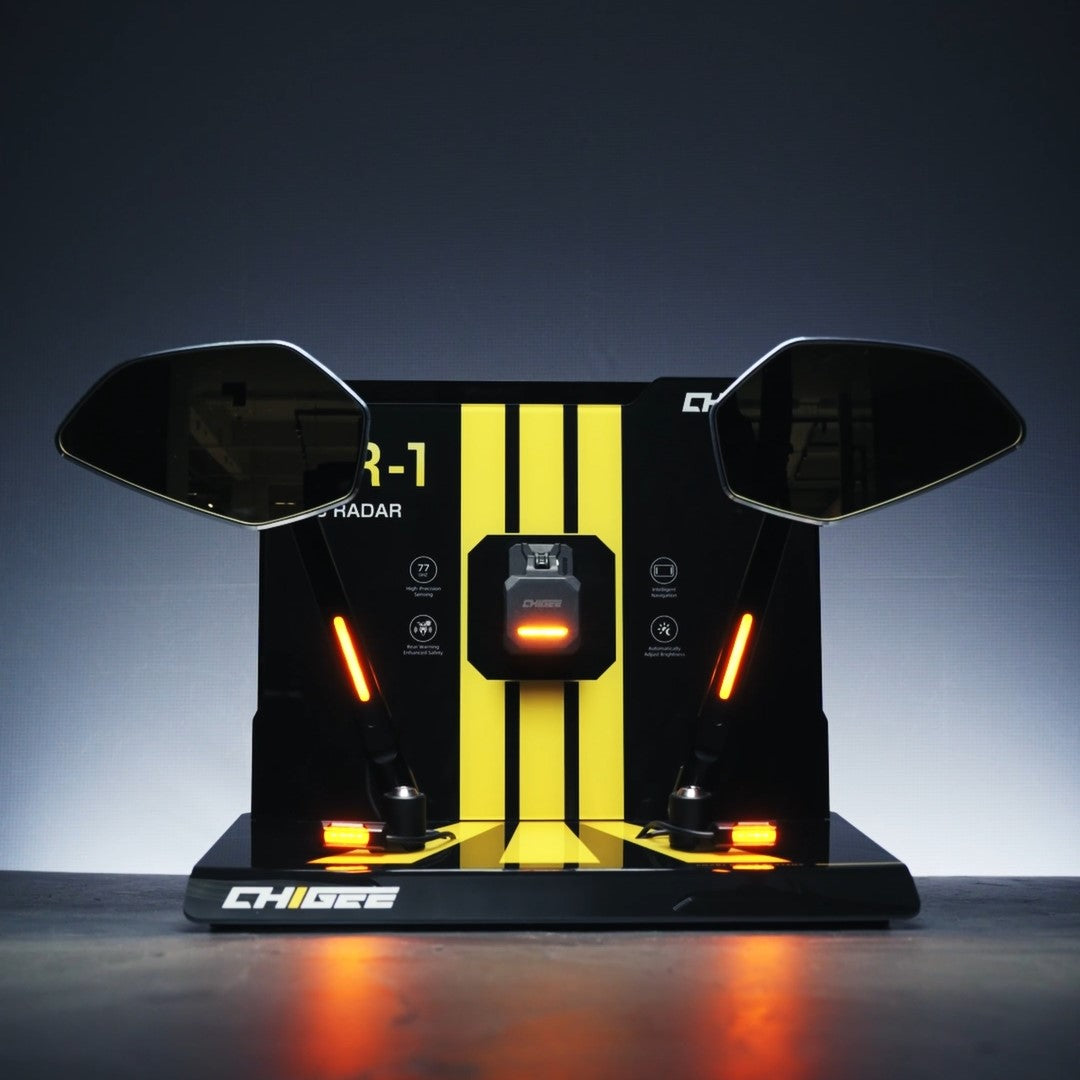
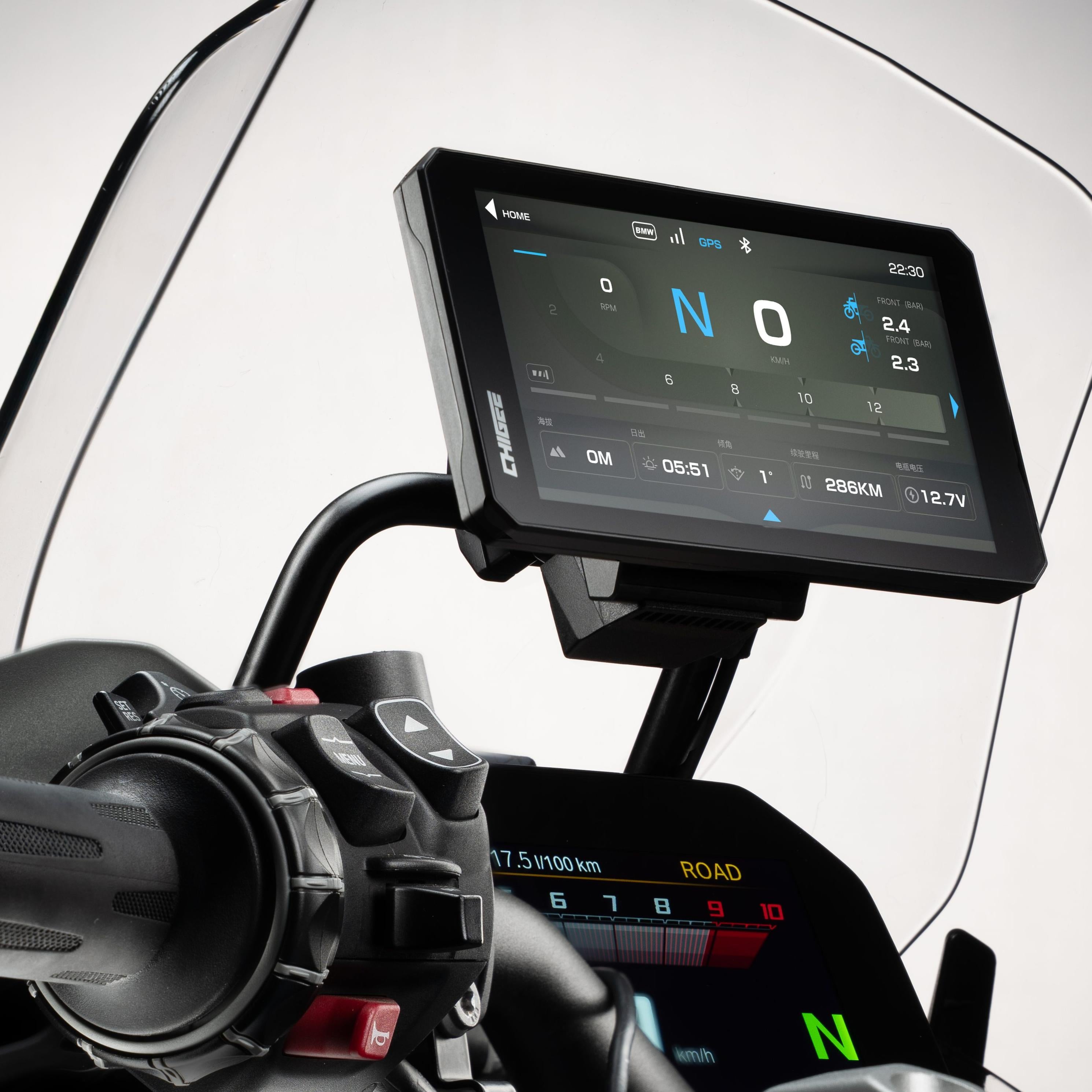
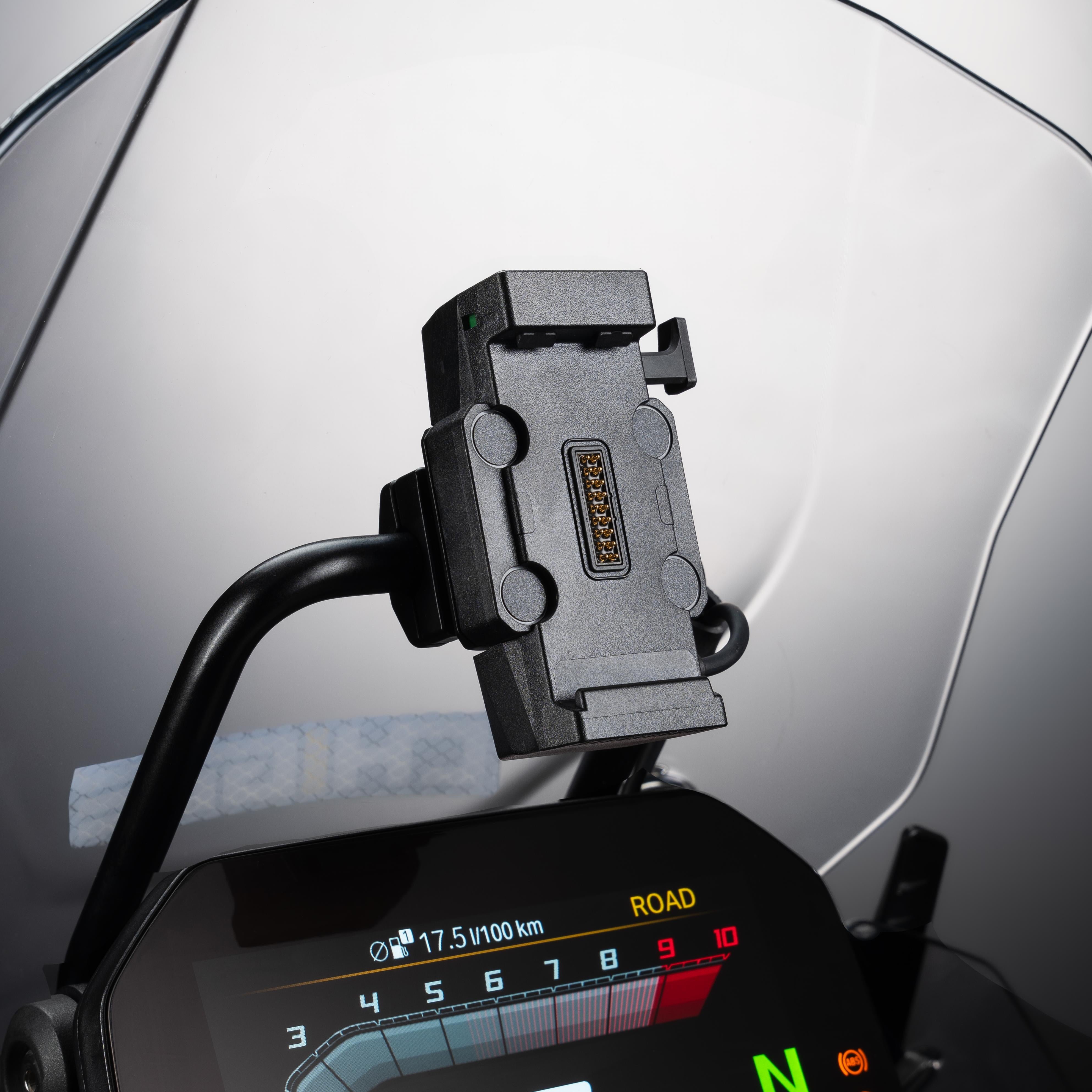
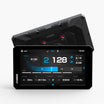
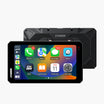
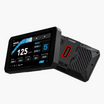
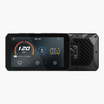
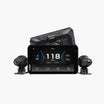
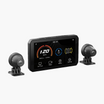
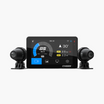

On the surface they look the same. On the road, they do not. AIO-5 Play keeps things simple for maps, calls, and music with minimal wiring. AIO-5 Lite adds dual cameras, Blind Spot Detection, and an external GPS module for stronger reception. AIO-5 Play for BMW Digital is built for Nav Prep and focuses on clean power, control, and bike data through the factory cradle.
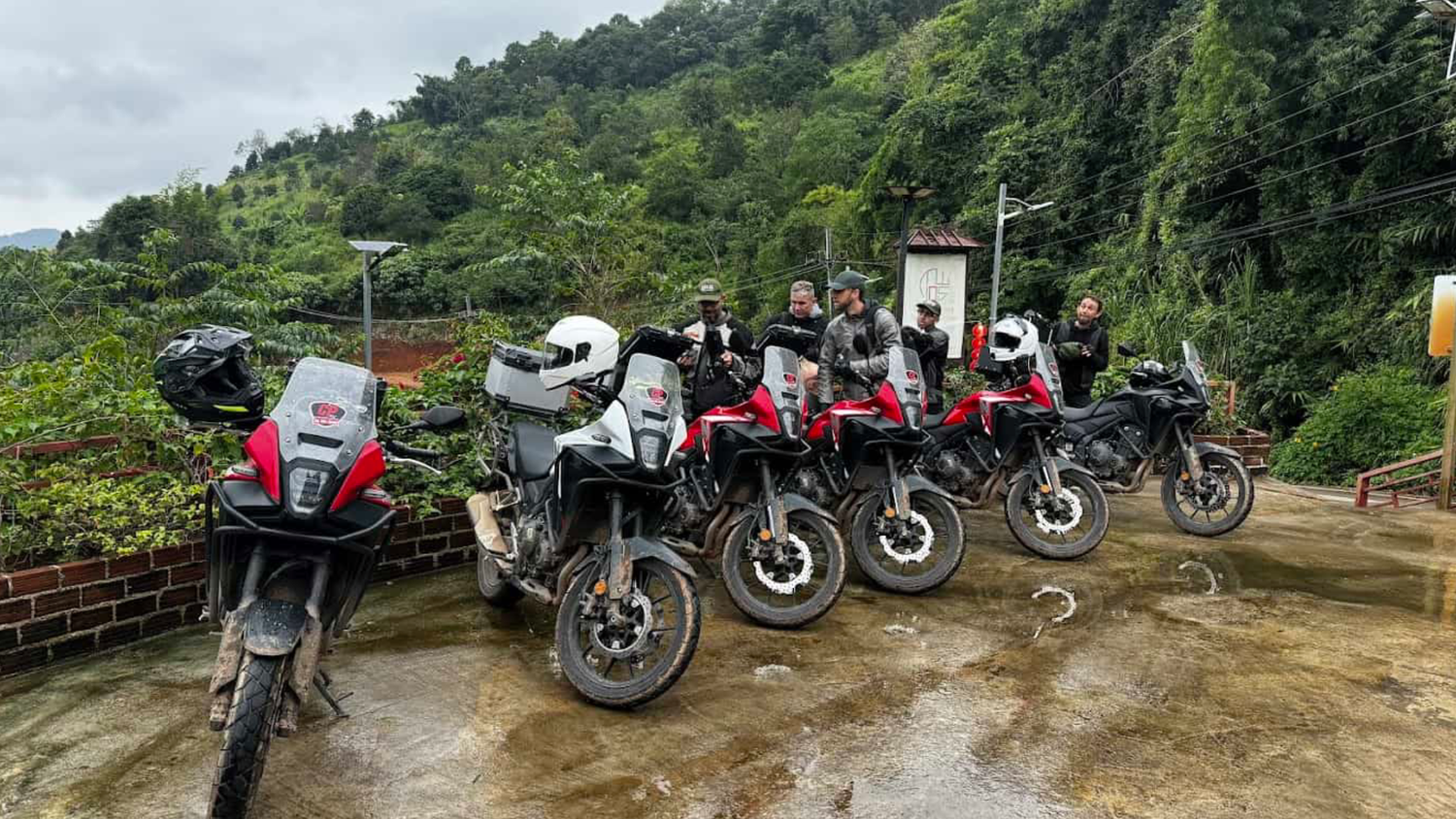
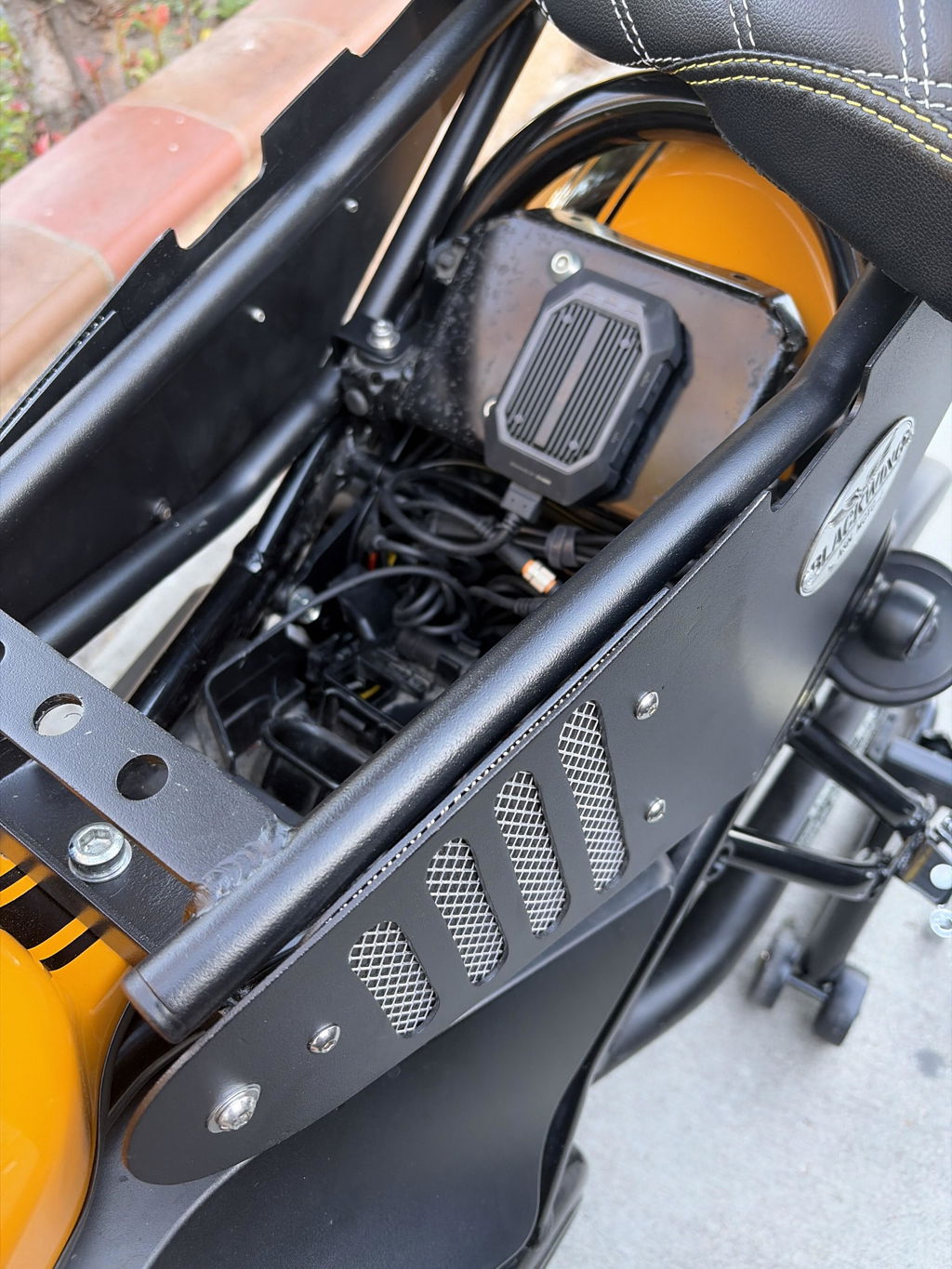
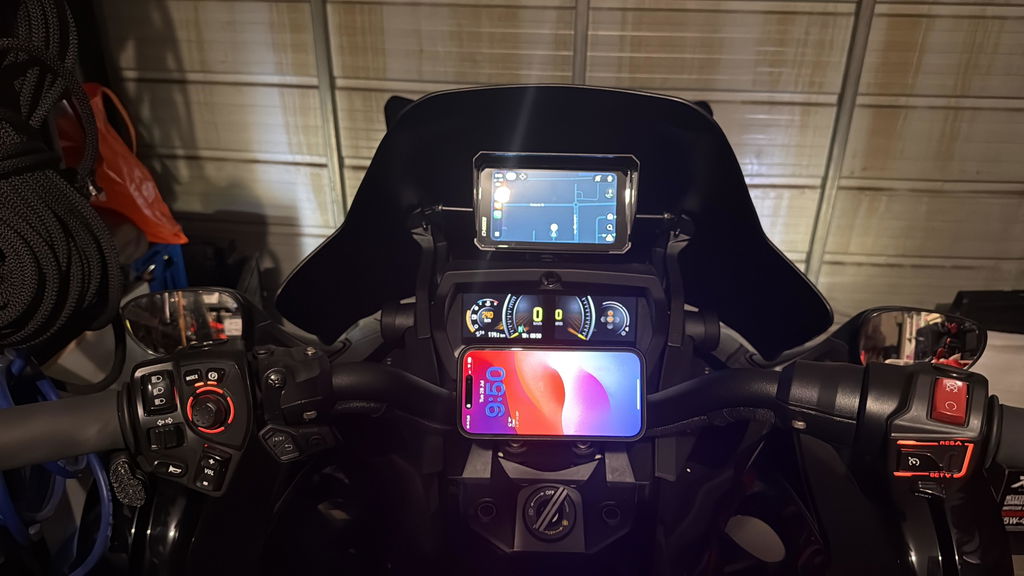
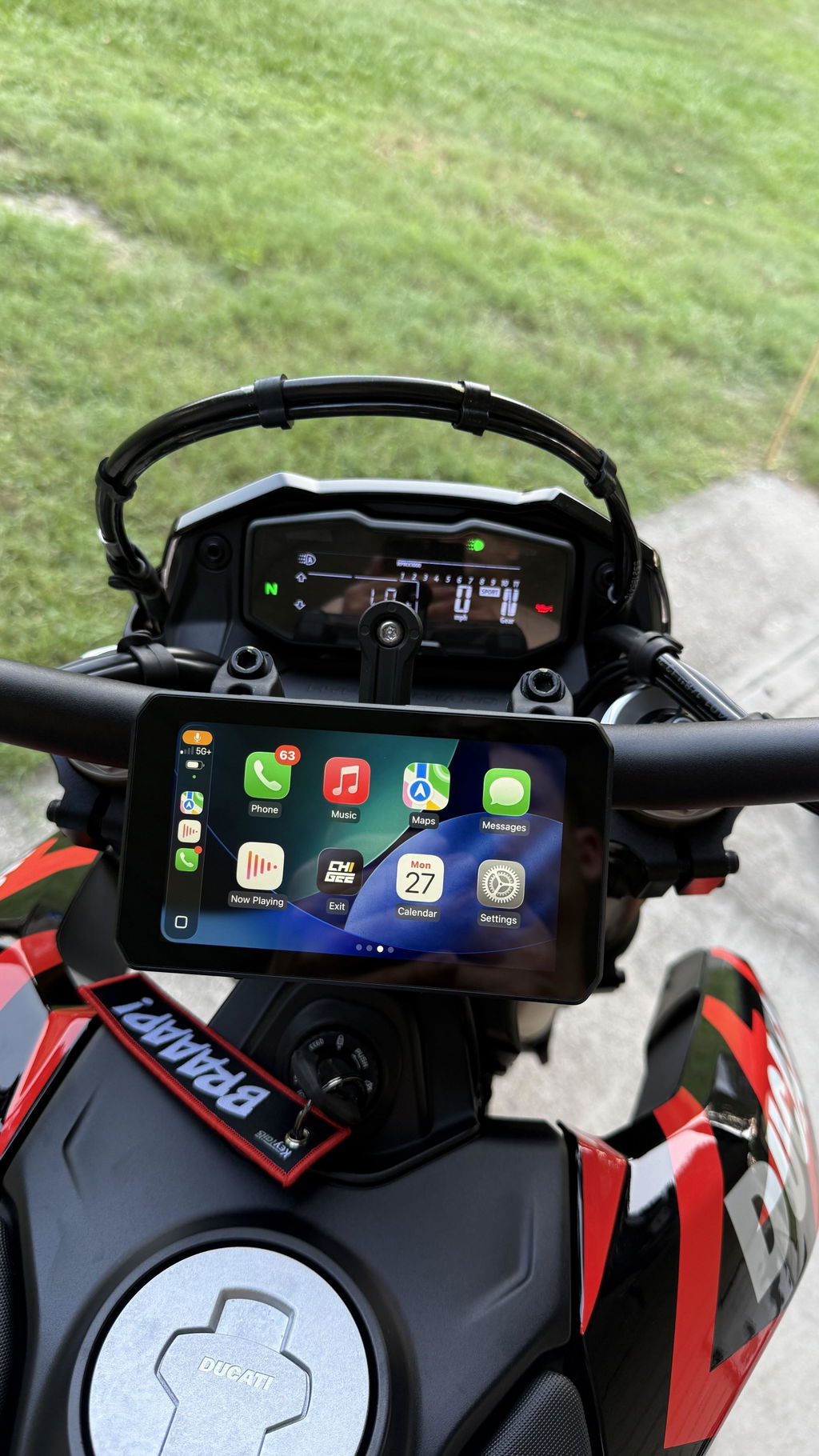
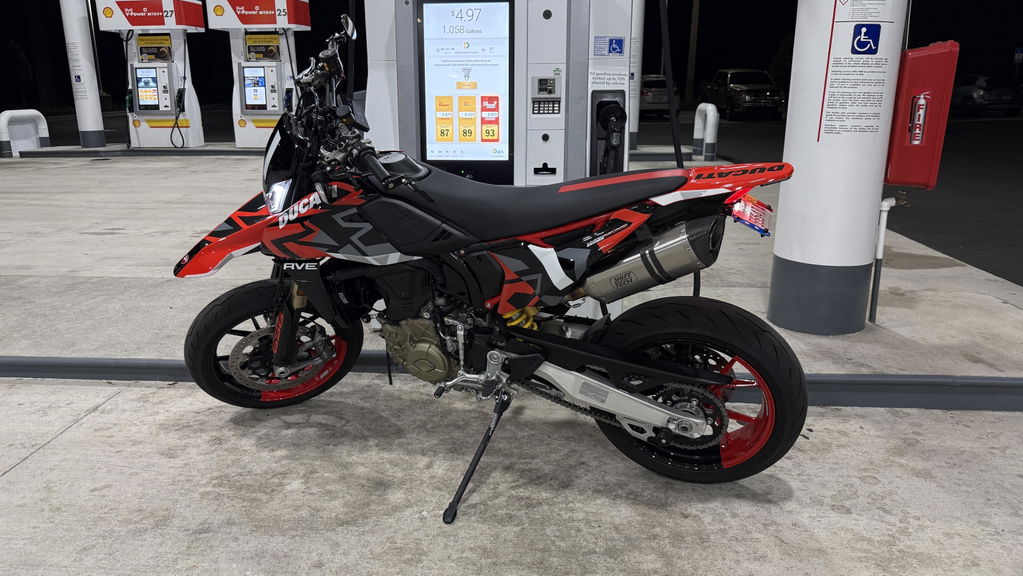
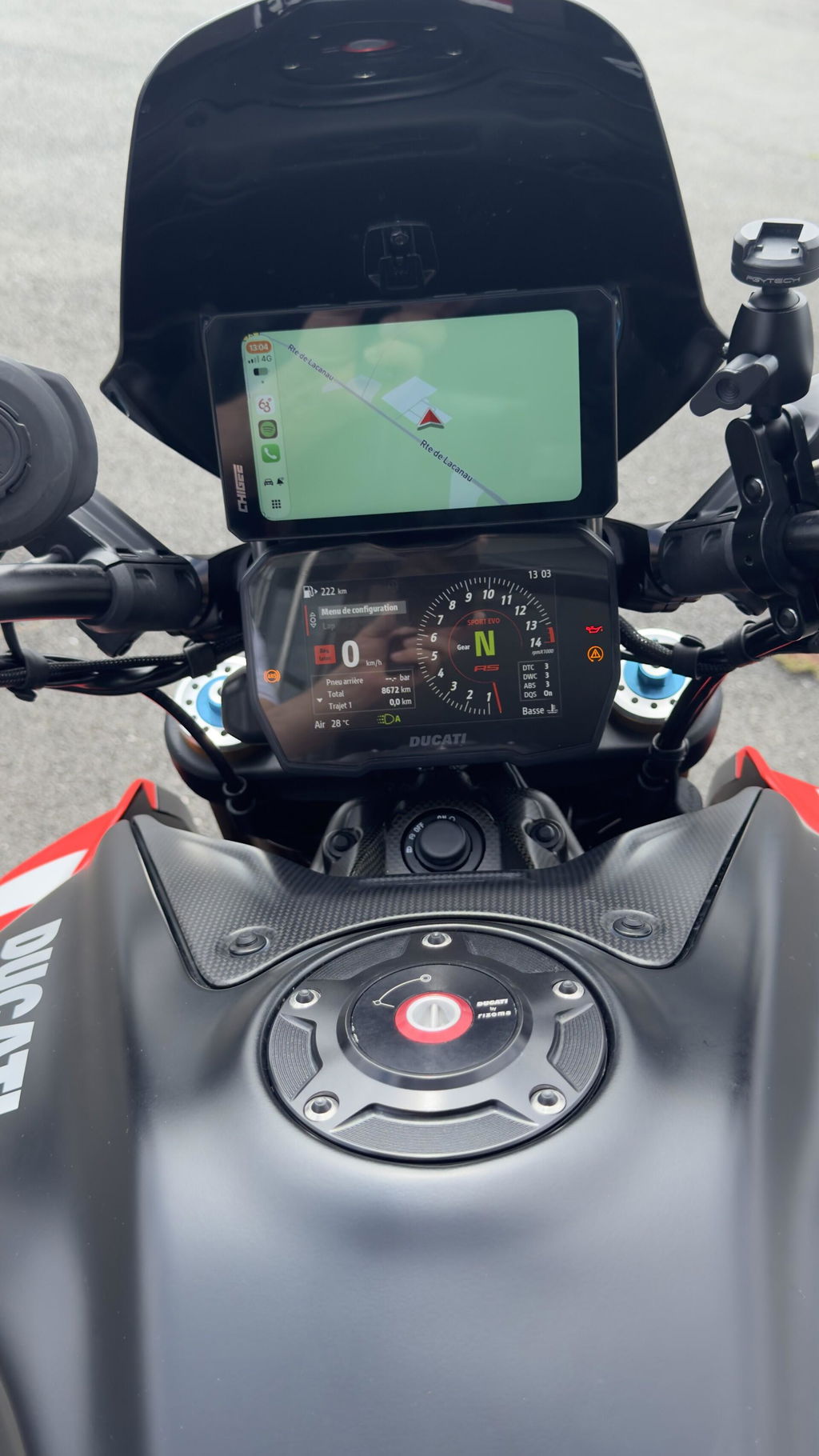
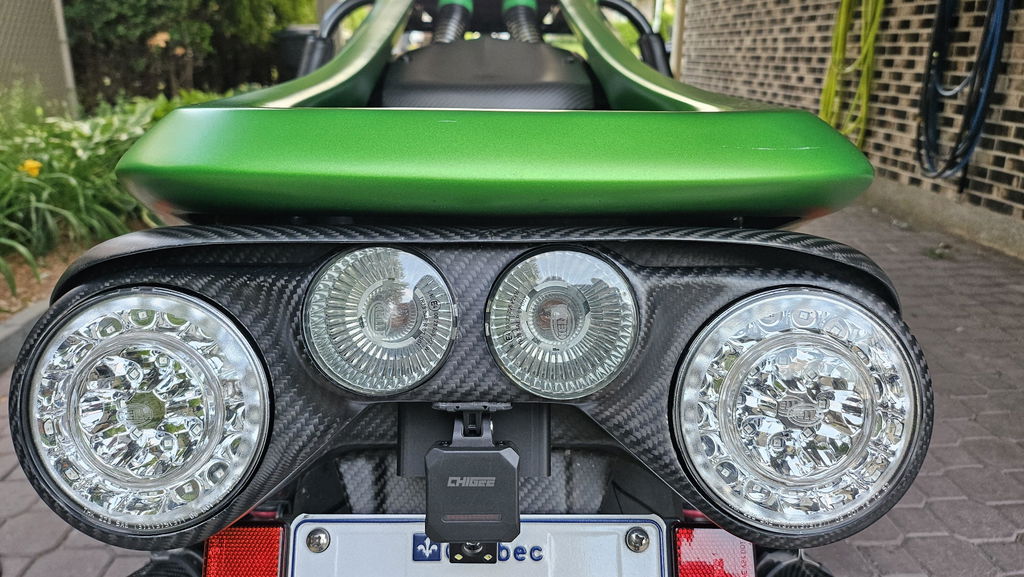
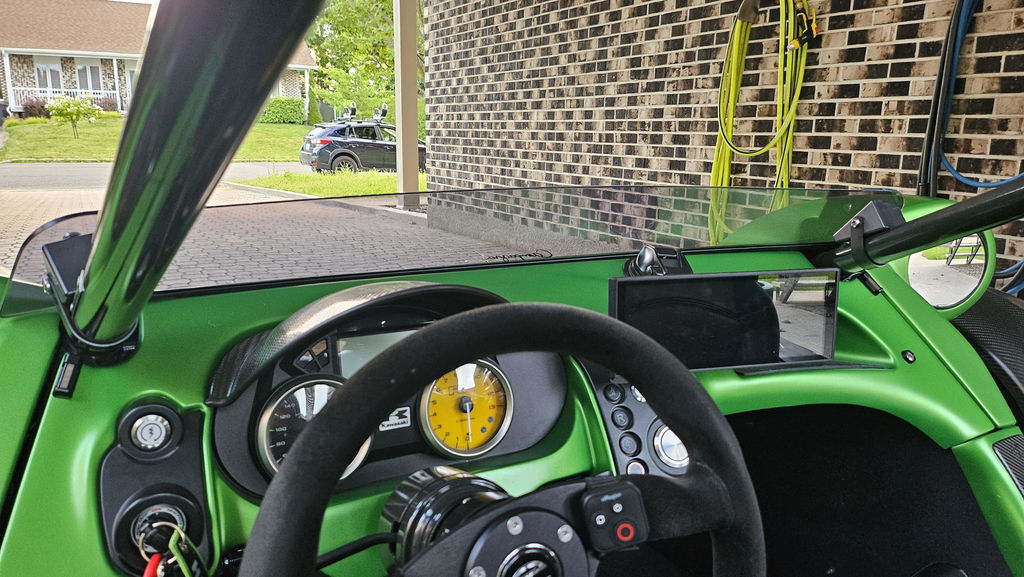
If you want a grounded perspective, check the Chigee Facebook group. Riders share cockpit photos, cable routes, GPS puck placement, and long-term notes on firmware and waterproofing. It is a practical way to see how each unit installs and behaves on actual bikes.
What defines the AIO-5 series
AIO-5 is a phone-first riding platform centered on Apple CarPlay and Android Auto, running on a compact 5-inch 1280×720 IPS display. The interface renders at 30 or 60 fps and pairs through Bluetooth with dual-band Wi-Fi support, so initial setup is simple and reconnection is quick every time you power on.
Across the lineup the idea is the same: a glove-friendly screen, straightforward power wiring, weather-sealed hardware, and a riding UI that stays readable and responsive in changing light. The exact waterproof rating depends on the configuration, but the units are built for rain rides and daily commuting, not just garage showpieces.

AIO-5 gives you the command center necessary for longer tours. Source
From there, you build to suit your routes. The platform supports wireless mirroring for maps, calls, and media, optional tire-pressure monitoring, and an optional handlebar remote for on-the-move control when tapping the screen isn’t ideal. Depending on the package, you can add front and rear 1080p recording, AI-based blind-spot alerts (BSD), and a dedicated external GPS module for flexible placement in complex cockpits. This module provides accurate speed and location data without relying on your phone’s GPS, and its separate design lets you position it for the best possible signal, ensuring stable navigation and readouts throughout the ride.
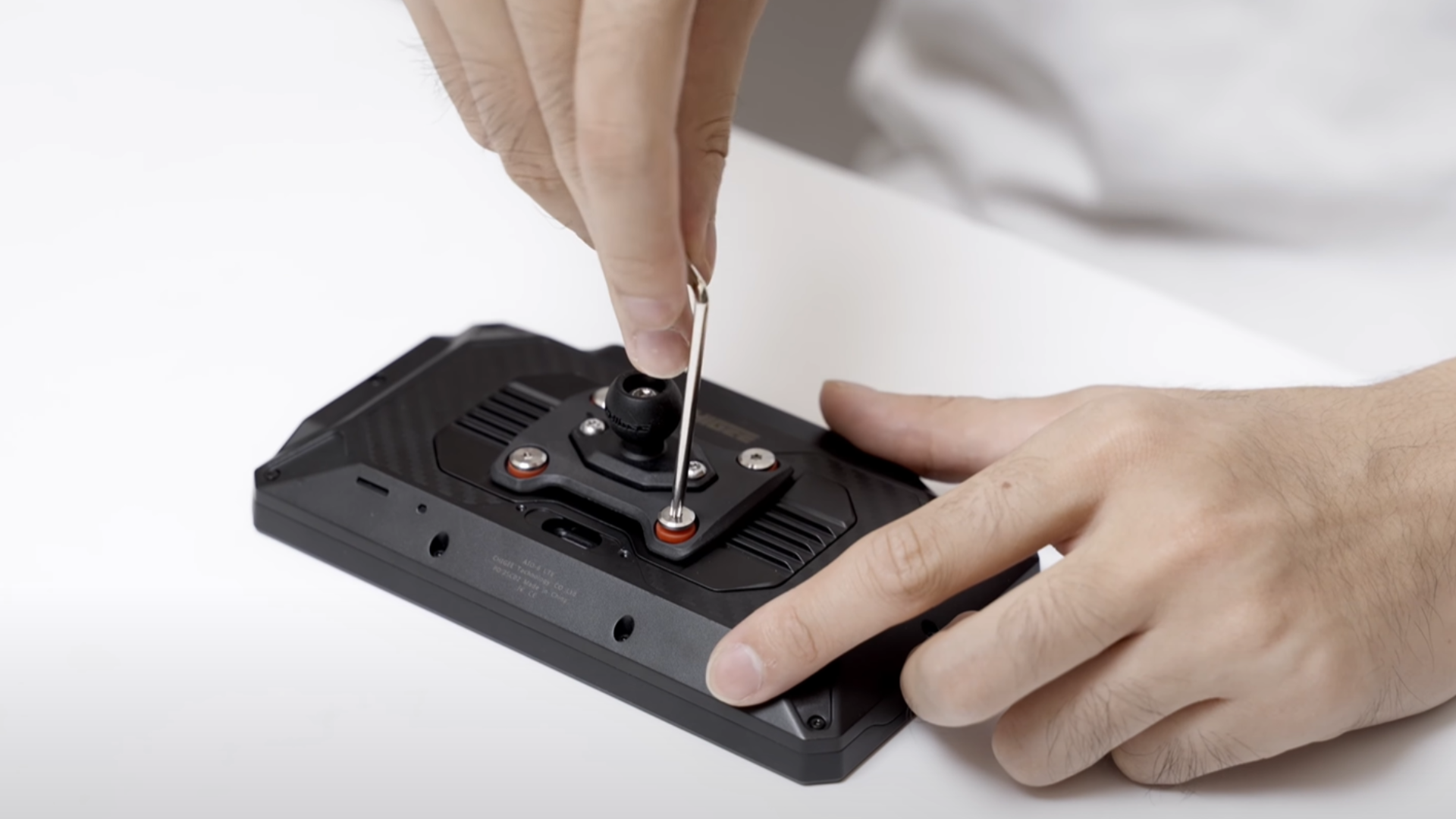
AIO-5 is also designed to fit a wide range of bikes and bar layouts. Power can be taken direct to the battery with a fused lead, via USB, or (on BMW-specific versions) through the Navigator cradle. Mounting can be low and tight to the bar for naked bikes or higher for touring screens; the compact footprint helps avoid blocking gauges and switchgear. Audio routes through your helmet communicator over Bluetooth, so phone calls, nav prompts, and music stay in your ears while the display handles the visuals.
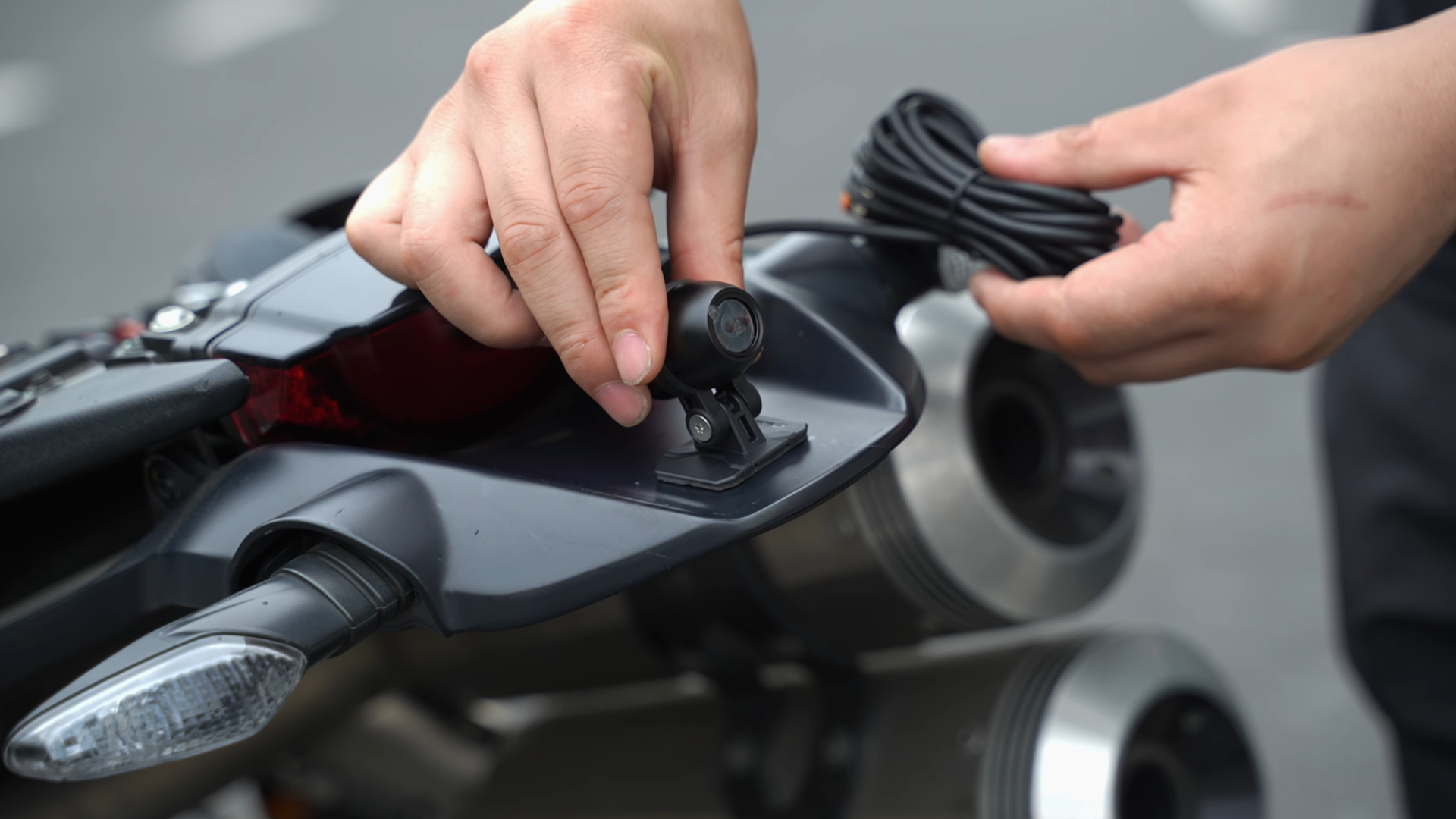
Finally, plan the install based on what you choose to enable. Activation steps and cable routing vary by configuration, which affects install time and how tidy your cockpit ends up. A simple, display-only setup needs power and pairing. Camera and BSD packages add two camera runs and a GPS puck to place and secure. Take a moment to test full-lock steering and screen angle before you button things up; a few minutes here pays off in daily use.
AIO-5 Play: the balanced everyday pick
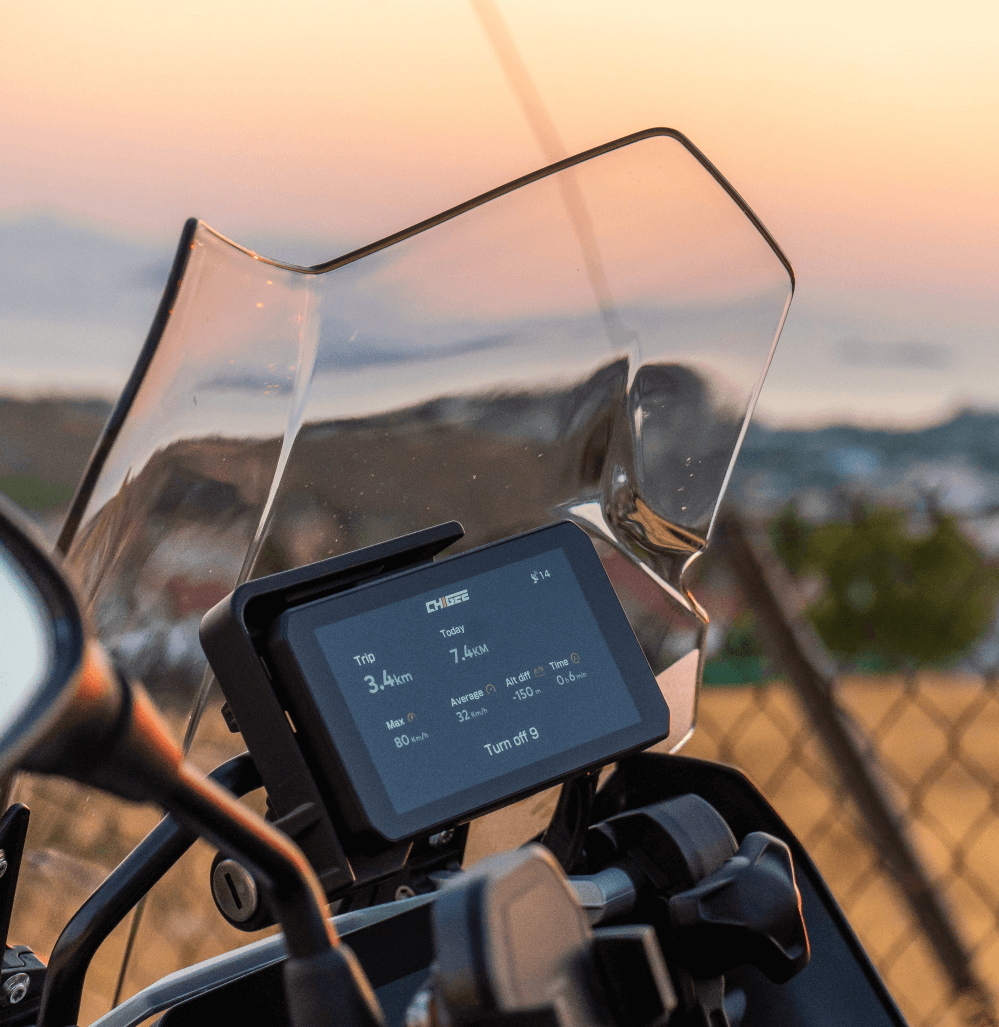
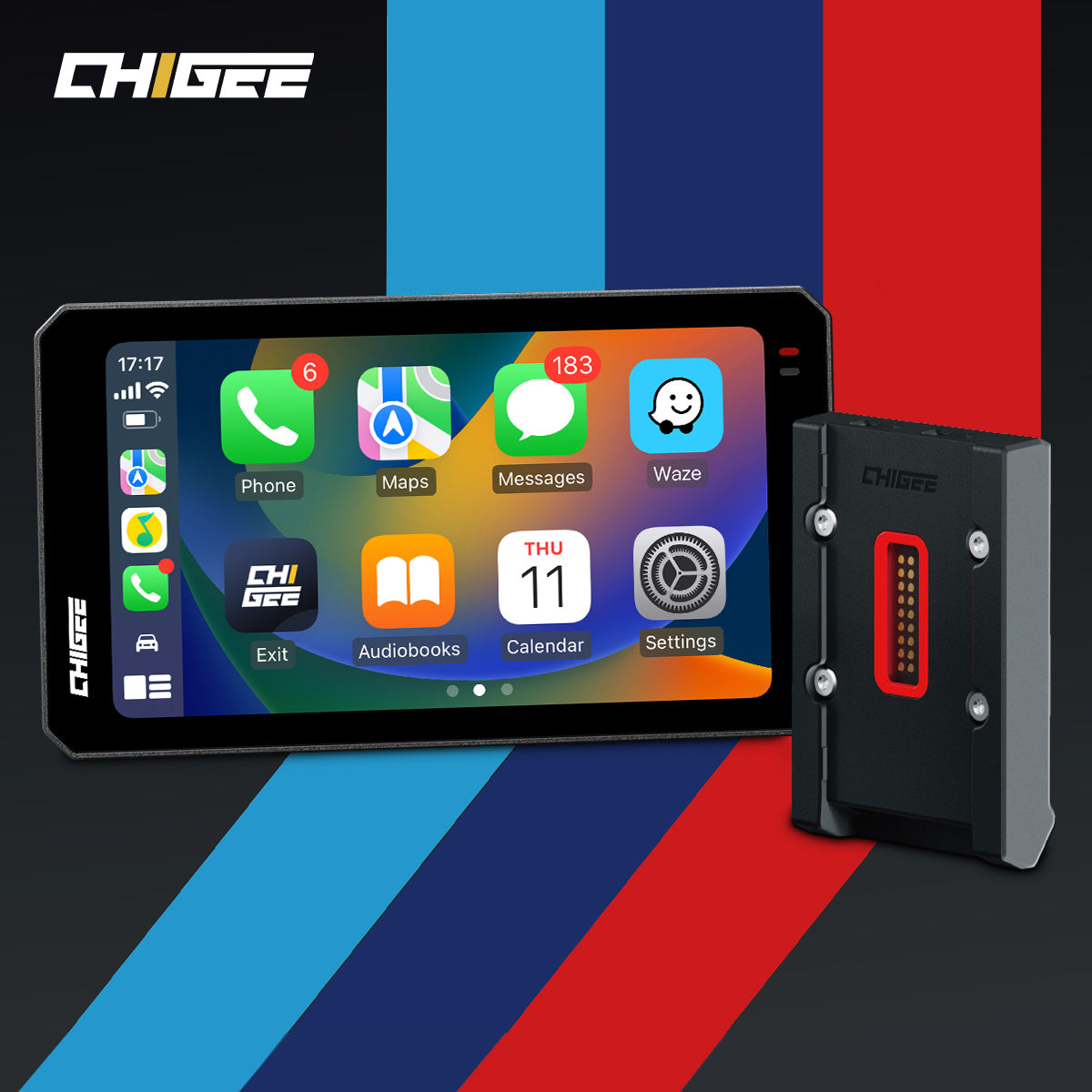
If your problem is clutter and complexity, pick the simple path. AIO-5 Play is a clean riding display that mirrors your phone apps through Apple CarPlay or Android Auto and skips camera wiring entirely. It pairs quickly, remembers your phone, and on the next start will auto-reconnect as long as your phone’s Bluetooth and Wi-Fi are on. Navigation comes from your phone’s GPS while mirroring, which keeps the setup light and avoids extra modules.

Keep it simple. AIO-5 Play mirrors your phone for clean, clutter-free rides that start and sync in seconds. Source
Installation stays straightforward. Mount the screen where it’s easy to glance, run a single power lead, and do the first pairing. There are no camera cables to route, no video storage to plan, and no blind-spot settings to tune. You can hard-wire to the bike’s 12 V for a permanent, ignition-friendly setup; USB power is for temporary use like testing or short trips. Audio goes to your helmet communicator over Bluetooth so prompts and calls stay in your ears while the display handles maps and controls.
On the road it behaves predictably. The interface is glove-friendly and reconnects fast after fuel stops. Because there are no dashcams or BSD to manage, the cockpit stays tidy and maintenance is minimal. If you want maps, calls, and music without turning the bars into a wiring project, Play fits that brief.
Best for
All-round street riders and commuters who want CarPlay or Android Auto with minimal install work, and don’t need dashcams or BSD. If you value fast pairing and simple daily use over add-on features, Play fits that brief.

For the rider who keeps it simple — fast pair, clean setup, and ready for every city night ride. Source
Quick facts to know
• No dashcams and no BSD; cameras are not supported on Play
• Auto-reconnect after initial setup
• GPS location from the phone during mirroring
• Two power options: 12 V hard-wired to the bike (recommended) or USB for temporary use
AIO-5 Lite: premium performance without the gimmicks
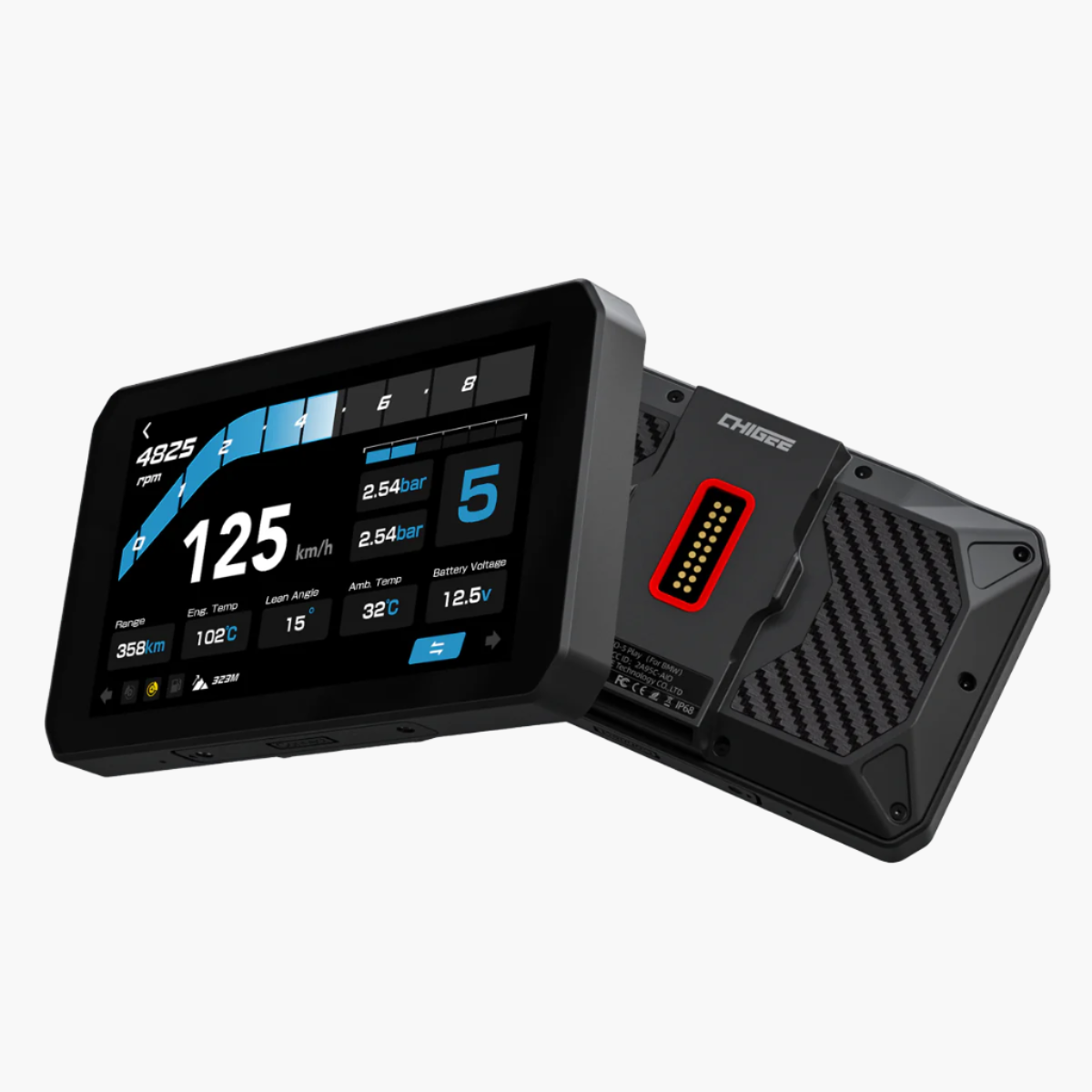
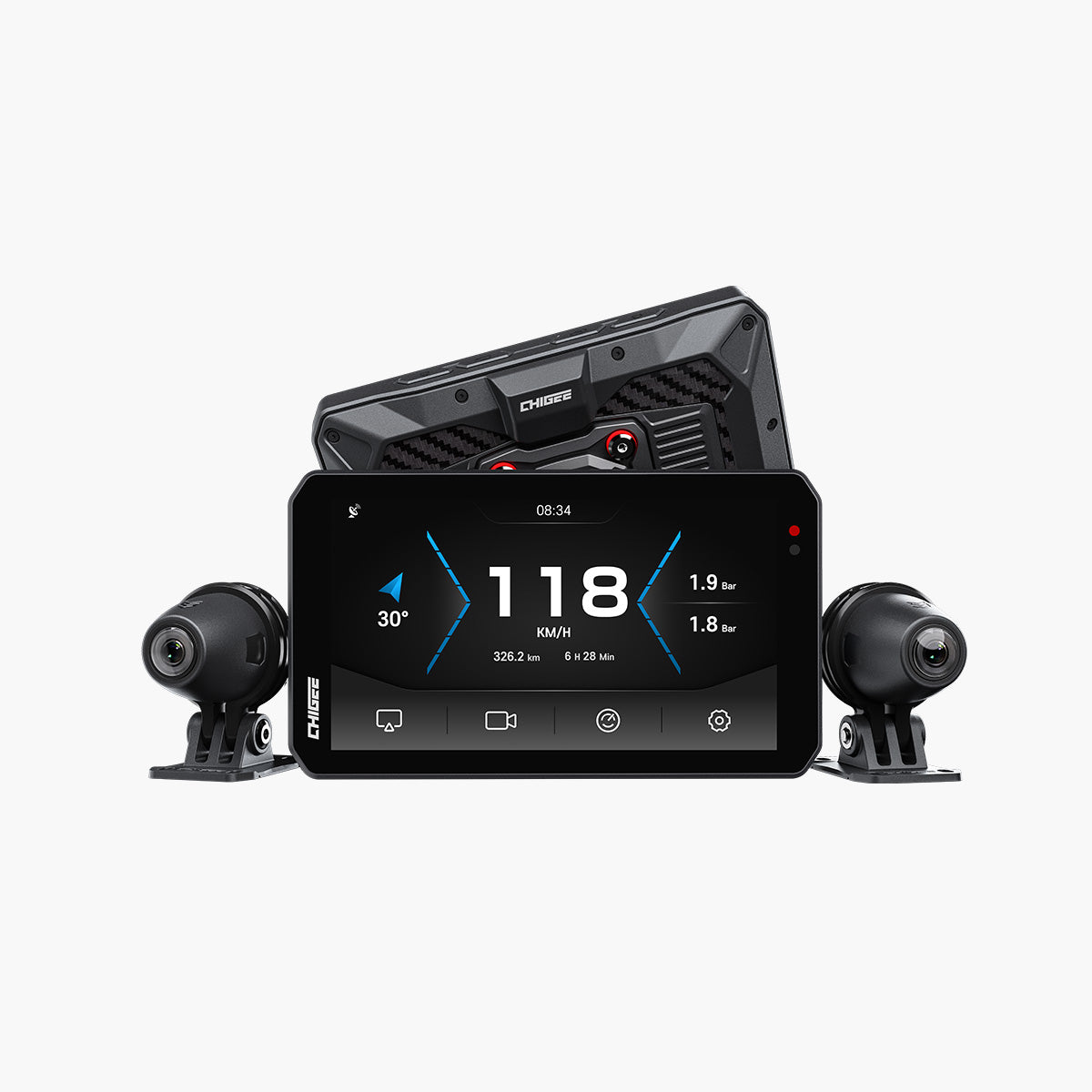
On longer rides the difference shows up in clarity and awareness. AIO-5 Lite is the most capable configuration in the series, built around a 5-inch IPS display rated 1000 nit typical with 1200 nit peak, backed by 4 GB RAM for a responsive interface. The screen stays readable in bright sun and the system keeps up when you switch between navigation and communication.

Bright sun or cloudy skies, AIO-5 Lite keeps your route clear and your ride connected from start to finish. Source
Lite uses an external GPS module that you can place where it has a clear view of the sky. That placement flexibility helps when cockpits get crowded with tall windscreens, mounts, or bags. Position it once, pair your phone, and the navigation experience stays steady without extra fuss.
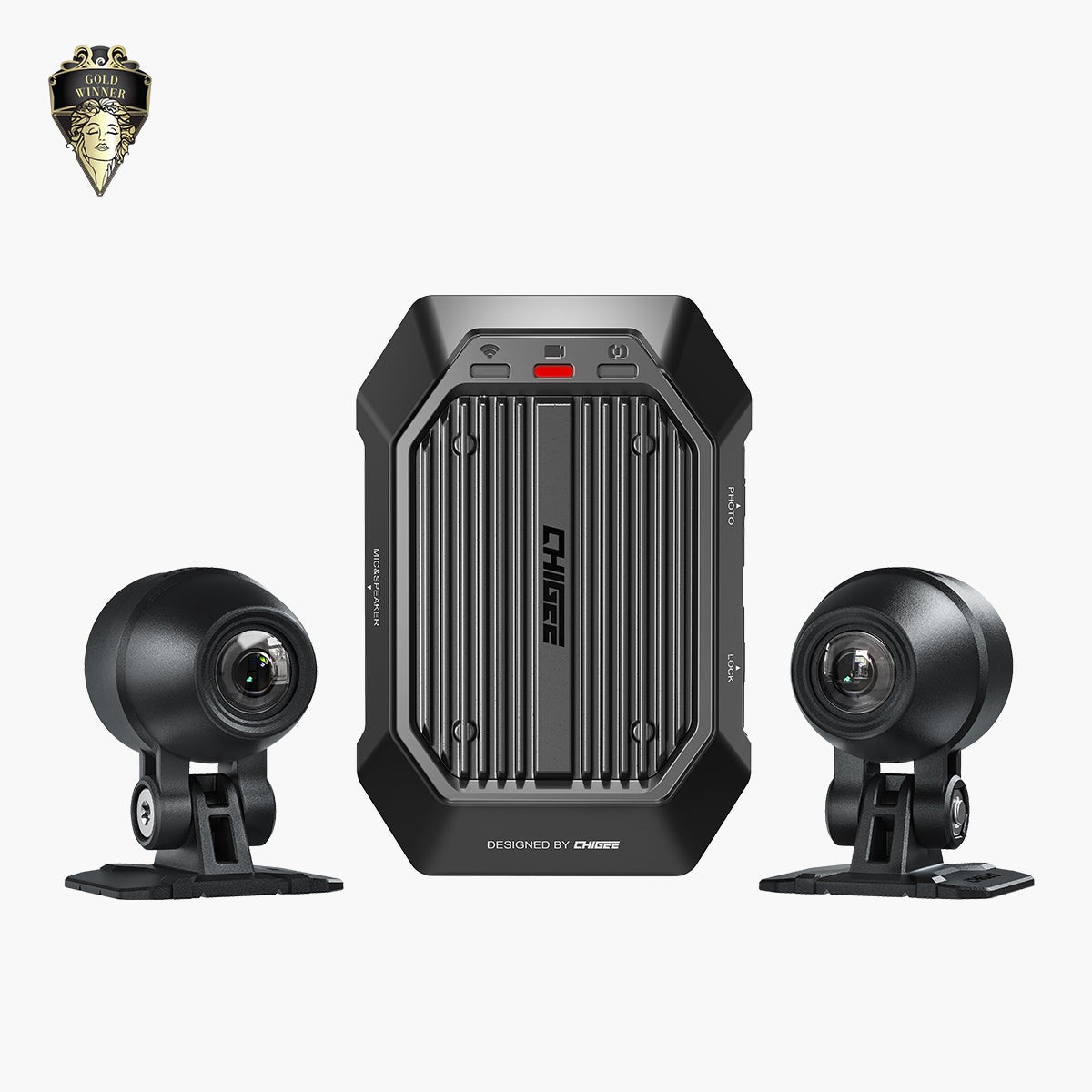
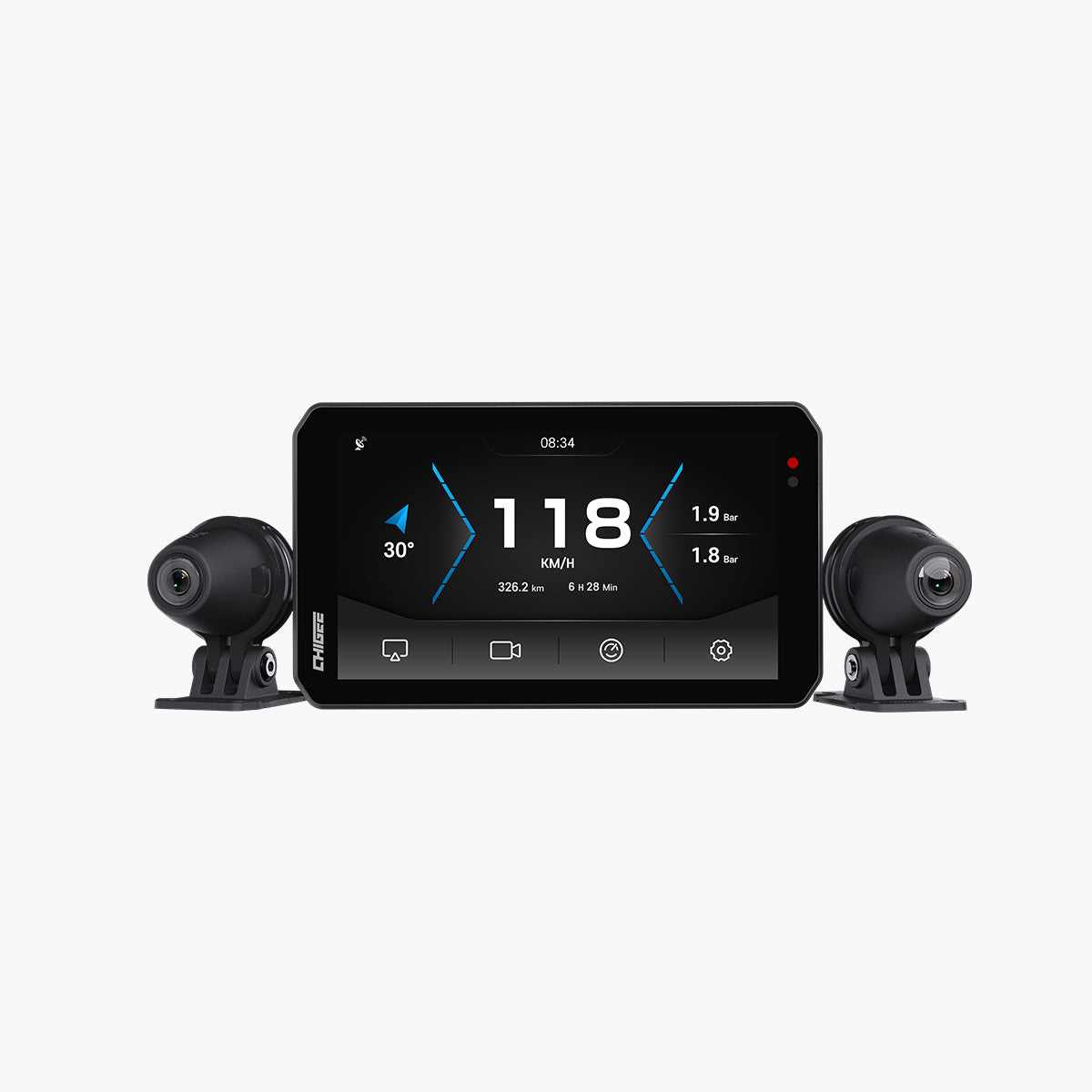
For visibility and documentation, Lite adds front and rear 1080p recording with Sony IMX307 sensors. It also includes AI Blind Spot Detection (BSD) to provide alerts when traffic sits in hard-to-see zones. The unit carries an IP67 rating for weather protection and supports microSD up to 256 GB for storing footage.
The bundle is complete out of the box. You get both cameras and the external GPS module with the main unit, so you are not chasing additional core parts before installation.
Best for
Touring and mixed-conditions riders who want reliable day-and-night footage, BSD alerts, and high-visibility in bright sun. If your problem is awareness in traffic and you need usable video every ride, Lite is the right pick.

Ride farther, see clearer — AIO-5 Lite keeps you alert and recording every mile, day or night. Source
Quick facts to know
- Bright 5-inch screen stays clear and visible in full sun or rain
- External GPS keeps speed and location accurate without using your phone
- Dual 1080p cameras and BSD system included for safer riding and recording
- Supports microSD cards up to 256 GB for storing long ride footage
Rider Review
Here’s a rider’s in-depth review on the AIO-5 Lite from It’s Better On The Road.
AIO-5 Play for BMW Digital: purpose-built integration
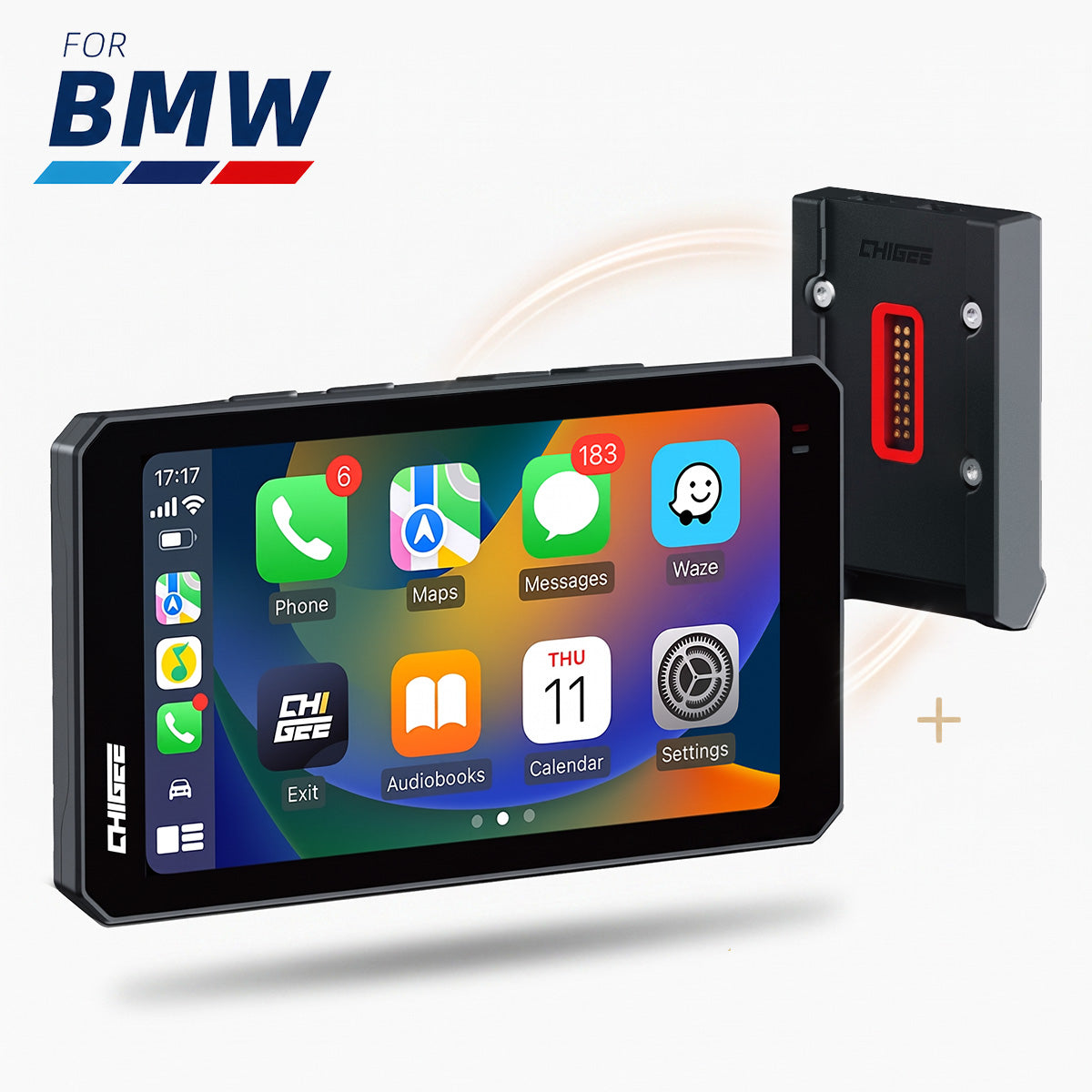
If your bike is equipped with BMW Nav Prep (Navigator 5/6 cradle), this is the easy path. The display locks directly into the cradle, takes power from the bike, and brings Apple CarPlay and Android Auto to your cockpit with minimal wiring. Install is mostly about seating the unit in the cradle, confirming a solid latch, and pairing your phone.
Control and data flow through the BMW interface. The unit supports Wonder Wheel control via Nav Prep on many models so you can move through screens without reaching for the display. On some bikes the wheel function may require Chigee’s CGRC CAN add-on because of the way those models handle input switching. Behavior is determined by the motorcycle’s electronics, not the display.

Snap in, power up, and ride — AIO-5 Play connects perfectly with BMW Nav Prep for a clean, factory-level setup. Source
Bike information can appear on screen when the motorcycle provides it through the cradle. This includes tire-pressure readings on compatible models. The unit reads data that is already present on the bike’s network; it does not create values on its own.
Navigation still runs through your phone’s apps in CarPlay or Android Auto. Pair the headset for audio prompts, keep the phone in a pocket or tank bag, and the display handles maps and controls. Cameras are not supported on the BMW edition.
In short, if you already have Nav Prep and want clean power, wheel control, and on-screen BMW data without a wiring project, this is the model that fits the BMW ecosystem by design.
Best for
BMW riders with Nav Prep who want OEM-style control and bike data on the screen with minimal install steps.
Quick facts to know
• Plug-and-play with BMW Nav Prep 5/6
• Wonder Wheel control supported; some models need CGRC CAN
• BMW data display (including TPMS) when the bike provides it
• No cameras supported on this edition
Which AIO-5 should you pick?
Start with where and how you ride, then consider cockpit space, wiring tolerance, and how much awareness help you actually want. The right choice follows.
Daily city riding and short hops.
You want maps, calls, and music without fuss. Pick AIO-5 Play if you value a clean bar and quick pairing. If you also want awareness help in heavy traffic, AIO-5 Lite can work in the city, but tune BSD for urban speeds. Raise the alert speed so it does not trigger at walking pace, lower sensitivity to cut chatter, align the rear camera carefully, and keep the lens clean. BSD is assist only. Mirrors and head checks stay primary. Think about power too. A simple switched 12 V feed keeps Play tidy for daily use, and a low-profile mount reduces glare at stoplights.
Weekend twisties on a naked or sport bike.
You care about a tidy cockpit and fast setup more than recording. Pick AIO-5 Play. Less to mount. Less to maintain between rides. Keep the display in your peripheral vision and route a short power lead that does not foul full lock. If you ride in groups and want incident footage for peace of mind, consider Lite and be ready to route two camera cables with strain relief near the steering head so the lines do not tug when you turn in.

AIO-5 Play keeps your dash uncluttered so you can focus on every corner ahead. Source
Touring bikes and sport-tourers stacking big miles.
Dawn starts, night arrivals, cross-country weather. Pick AIO-5 Lite. Dual 1080p recording gives you consistent footage for incidents and route memory. BSD helps on multilane roads when attention thins late in the day. Place the external GPS puck where it has clear sky around tall windscreens and cockpit metal. Use adhesive bases and a short slack loop so service work does not disturb the install. Test BSD after loading side cases since luggage can change the camera’s sightlines.
Adventure and mixed-surface travel.
Terrain, traffic, and light change by the hour. Pick AIO-5 Lite. Cameras handle variable light. The external GPS module can be positioned away from interference from bar bags, tall screens, or metal mounts. Use vibration-resistant mounts and check cable rub points after the first gravel day. If you keep the bike minimalist for trail sections, weigh the value of BSD and recording against extra wiring, and pre-plan a routing path that avoids steering stops and damper hardware.

From tarmac to trail, AIO-5 Lite adapts with you — keeping awareness sharp when the terrain and light keep changing. Source
BMW models with Nav Prep.
You want native power, Wonder Wheel control, and bike data on screen with the least effort. Pick AIO-5 Play for BMW Digital. It drops into the Navigator 5 or 6 cradle and keeps wiring simple. Cameras are not supported on this edition, which suits riders focused on clean integration over recording. Confirm wheel control behavior on your specific model and check that your cradle pins are clean and seated. For older platforms, note any model-specific steps to enable controls in the bike menus.

The AIO-5 Play fitting in nicely on the BMW Nav Prep cradle of a BMW M1000XR. Source
When you are split between two choices, use this filter:
- If your problem is blind spots or you need reliable footage, Lite makes more sense.
- If your problem is clutter and you want the lightest install, Play fits better.
- If your bike has BMW Nav Prep and you want the cleanest integration, Play for BMW Digital is the answer.
This is not about specs. It is about the ride.
FAQs
Here are clear, straightforward answers to the most common questions riders tend to ask—covering setup, features, and everyday use to help you get the most out of your system.
Does every AIO-5 support wireless Apple CarPlay and Android Auto?
Yes. All three models are designed around CarPlay and Android Auto mirroring.
Which models include Blind Spot Detection and dashcams?
Lite includes BSD and ships with front and rear 1080p cameras. Play and Play for BMW do not include cameras, and the BMW version does not support adding cameras.
Is GPS built into the display?
On Play and BMW, navigation uses your phone’s GPS while mirroring. Lite uses an external 10 Hz GPS module for strong reception and flexible placement.
Will the BMW version work on any BMW?
It is designed for bikes equipped with BMW Nav Prep 5/6. Check your bike’s cradle and confirm compatibility on the product page.

Works with BMW Nav Prep 5/6 — check your cradle before you ride and enjoy true plug-and-play integration. Source
How bright is the screen on Lite, and what about weather protection?
Lite lists 1000 nits typical with 1200 nits peak and an IP67 unit rating. The brand does not list those exact numbers on the Play or BMW pages.
Do I need an SD card for recording, and what capacity is supported?
Only Lite records video. It supports microSD cards up to 256 GB for footage storage. Play and BMW do not record video.
Can I install it myself?
Play and Lite are rider-installable. Lite takes longer because it includes cameras and BSD. The BMW version is plug-and-play in the Nav Prep cradle with no hardwiring.
Where can I see real rider setups and ask questions?
Browse install cases and rider reviews on the product pages, and join the Chigee Facebook group to see actual bikes and get help.




Leave a comment
All comments are moderated before being published.
This site is protected by hCaptcha and the hCaptcha Privacy Policy and Terms of Service apply.