

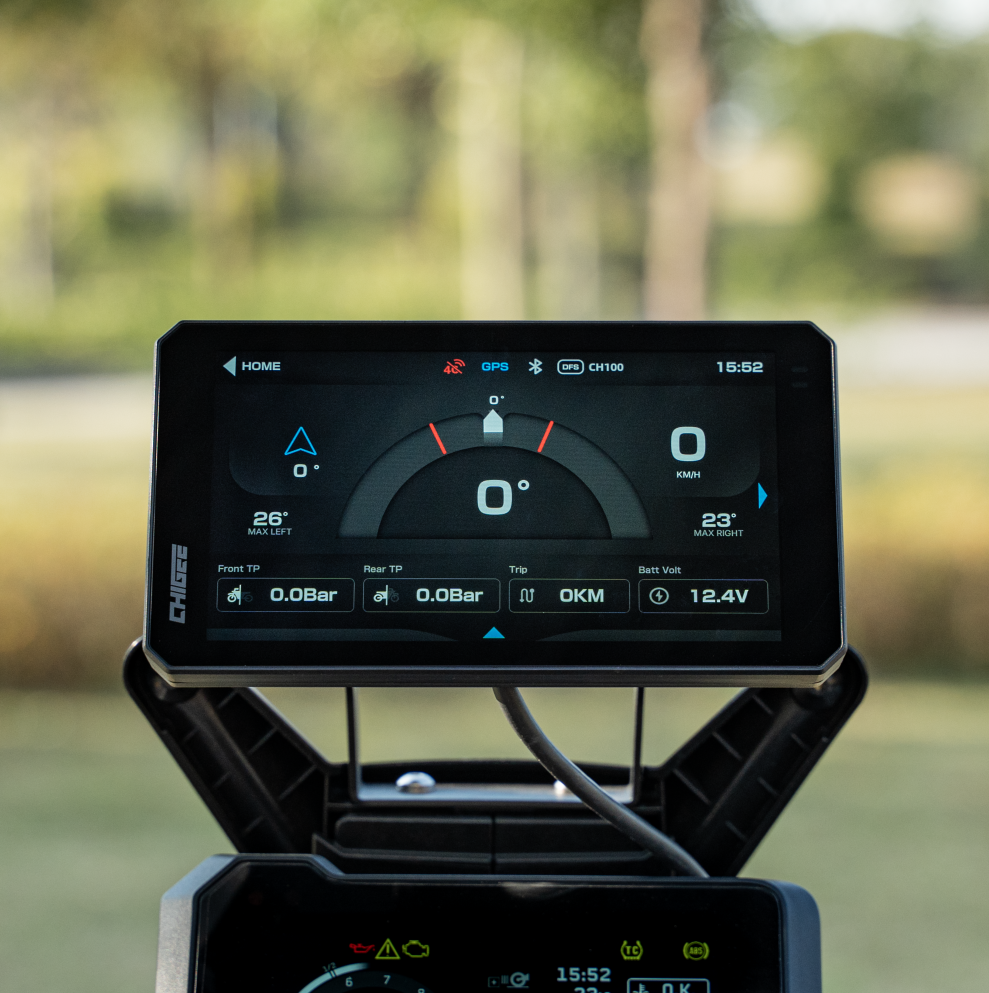
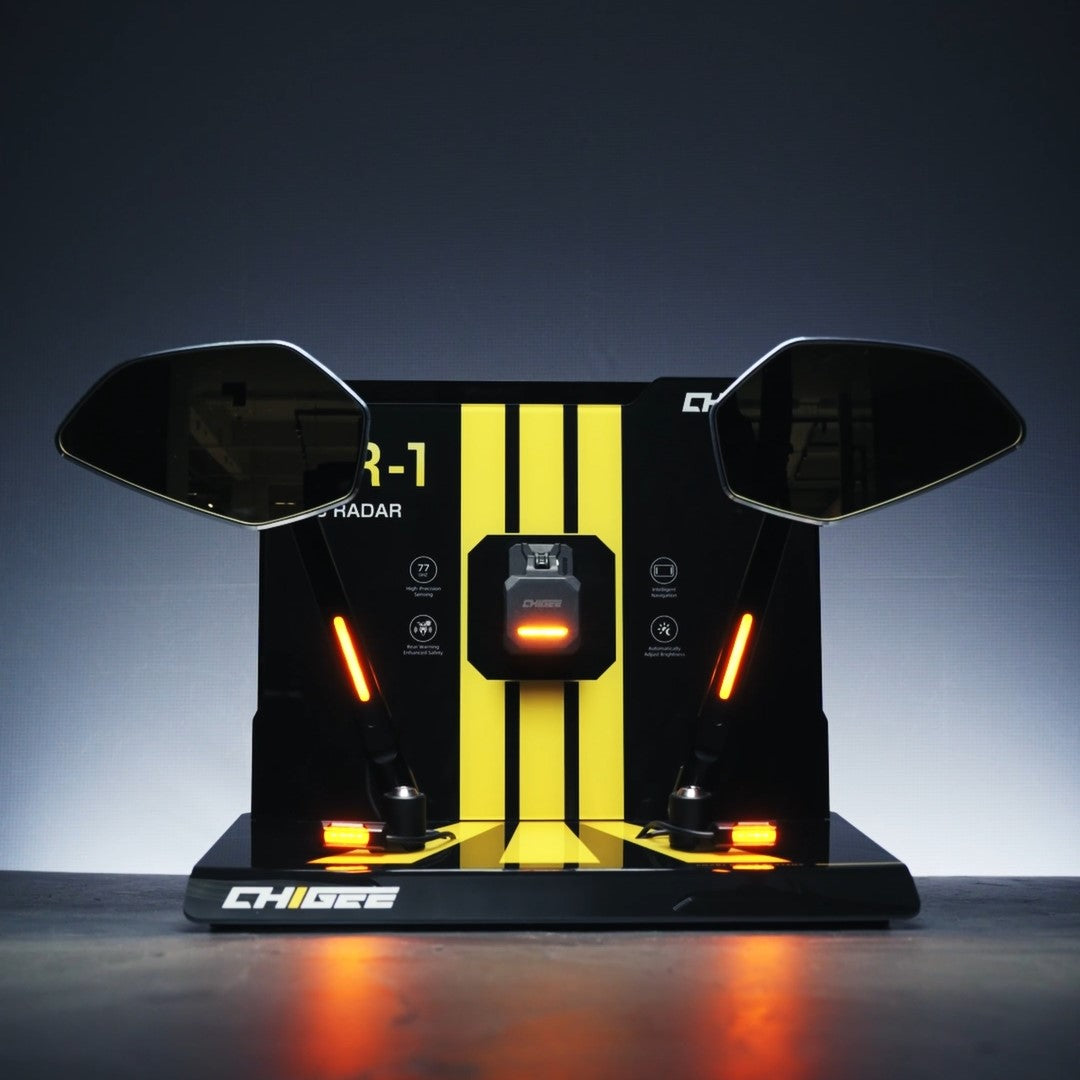
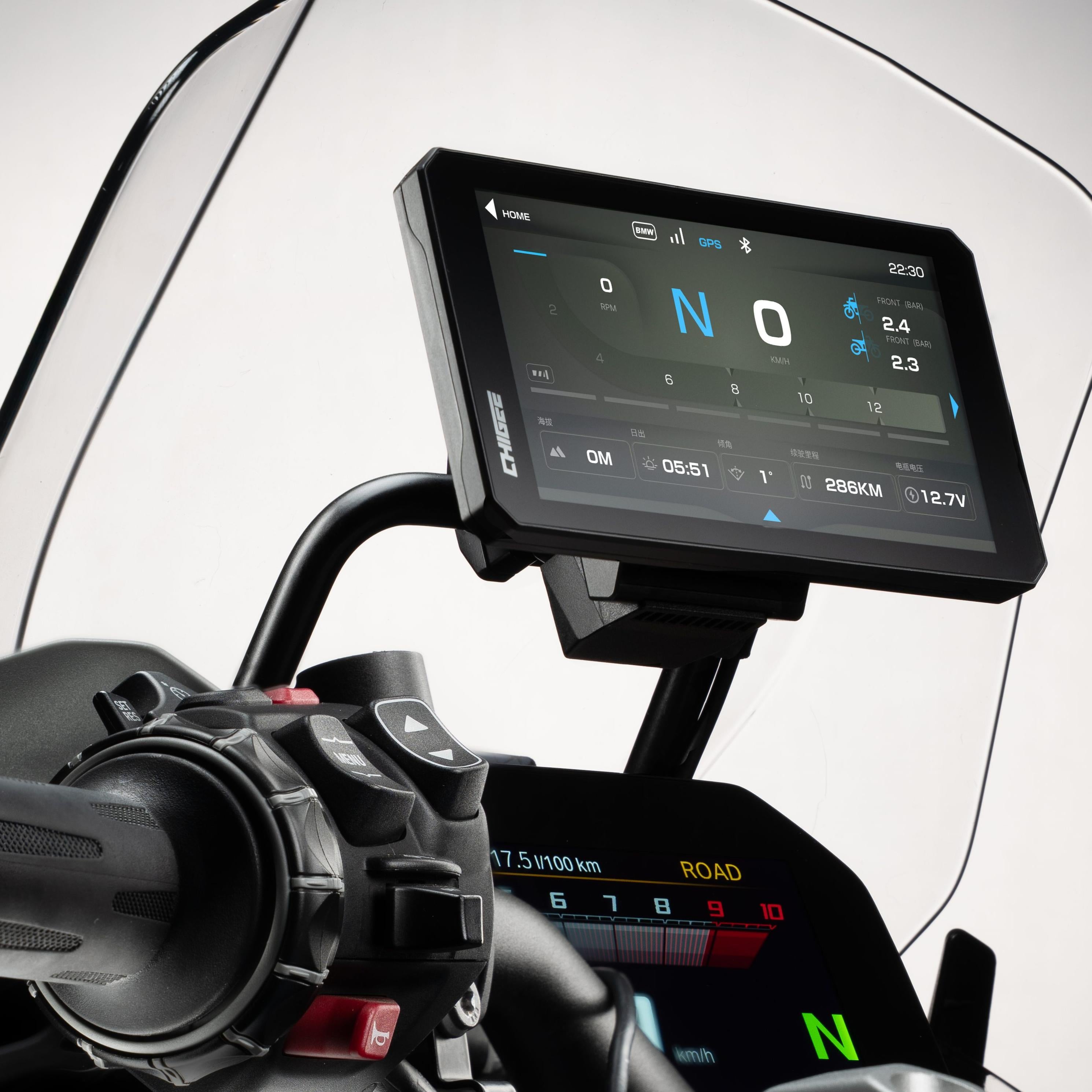
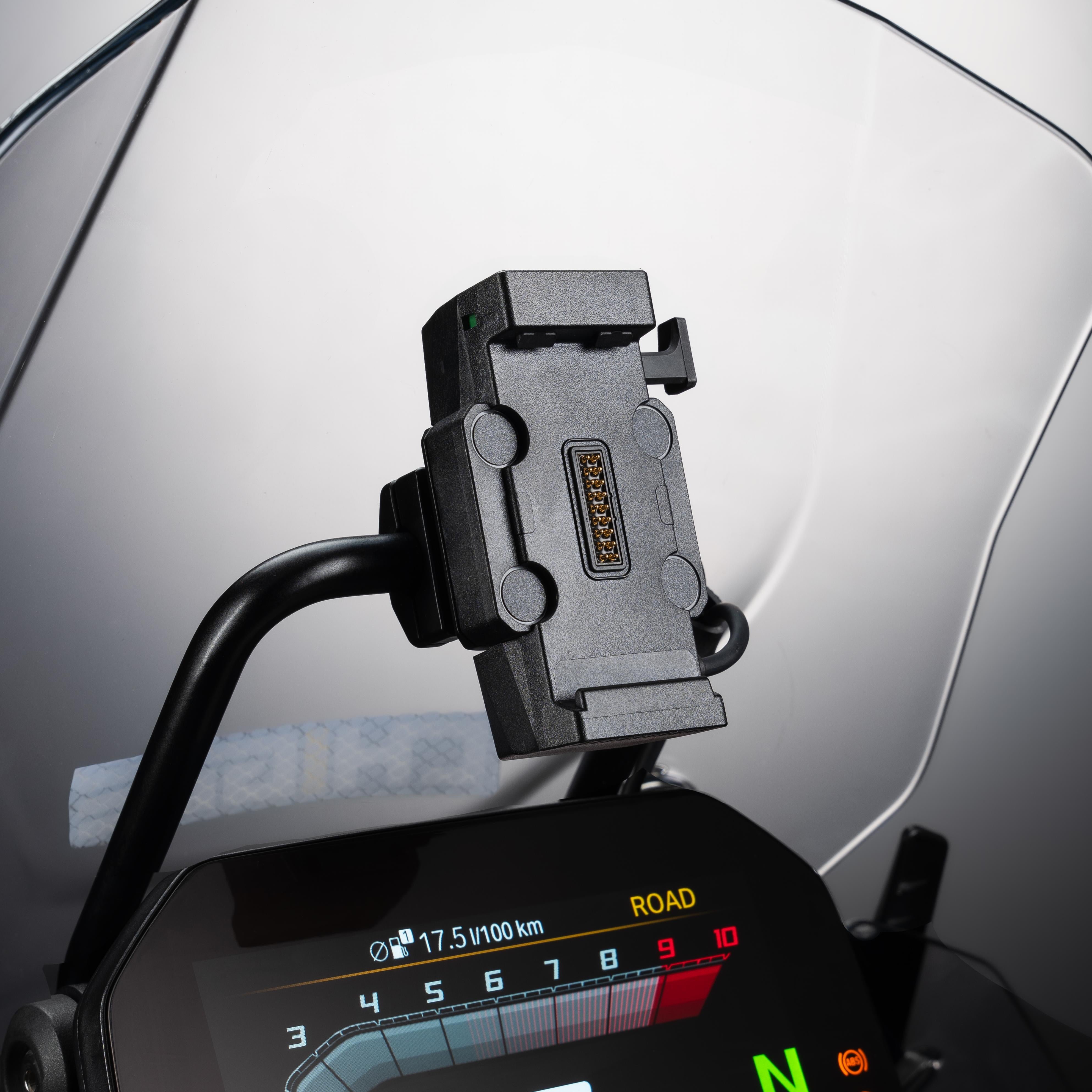
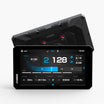
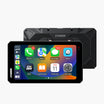
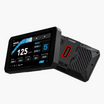
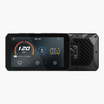
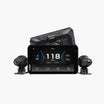
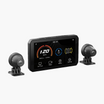
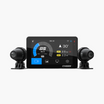
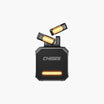
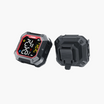
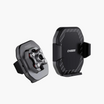

BMW’s Nav Prep system is one of those factory options that looks tidy on the dash but leaves riders wondering how far they can take it. By default, the cradle is built for Navigator 5/6 units. The AIO-6 opens that space up, turning the cradle into a hub for CarPlay, Android Auto, and real-time bike data. To make it work, though, you’ll need the BMW Quick-Release Module — an add-on that adapts the AIO-6 to fit seamlessly into the Navigator cradle.

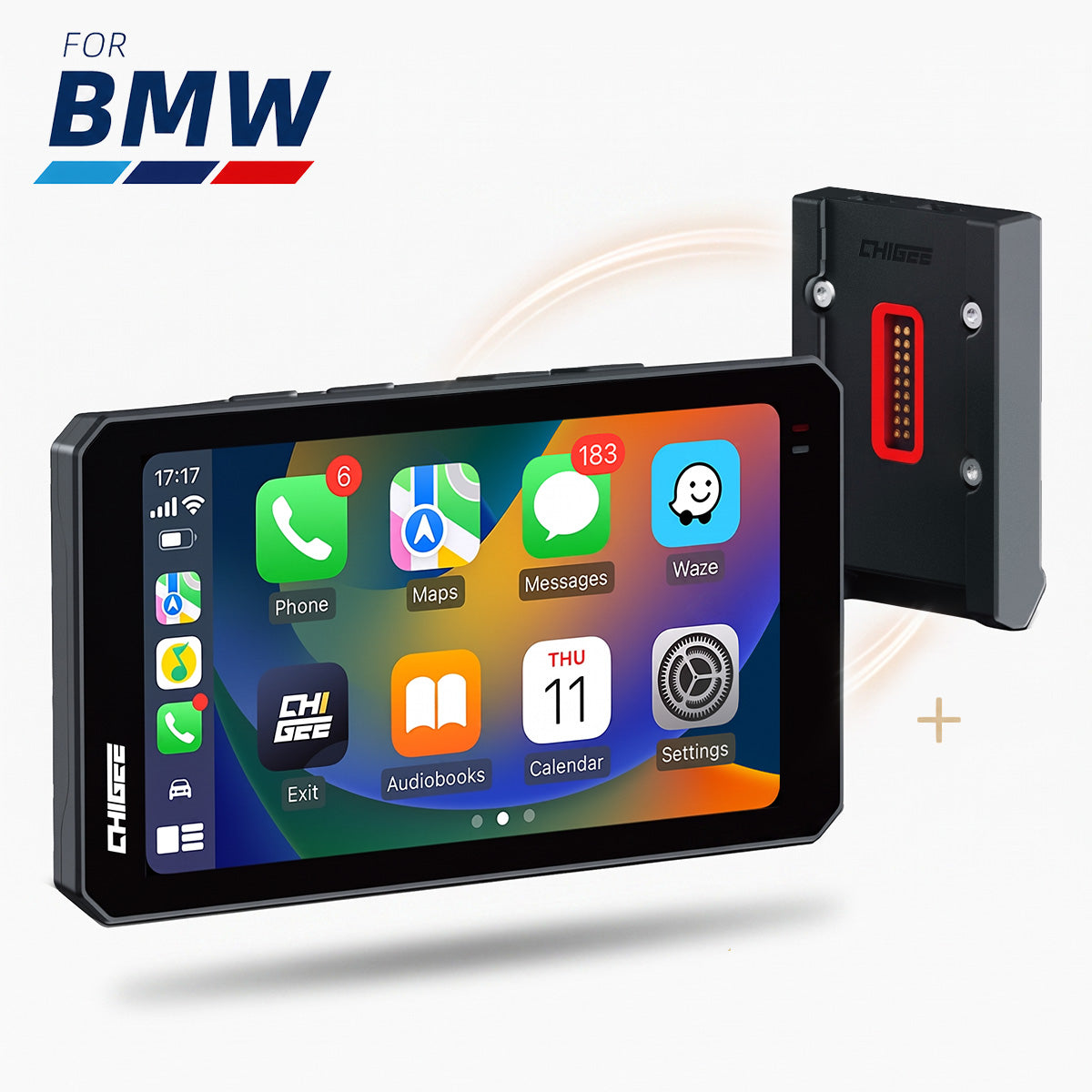
Adapt your BMW Nav Prep cradle for AIO-6, unlocking CarPlay, Android Auto, and live bike data in one seamless hub locked onto your BMW like it came from the factory. Source
This setup isn’t just about convenience. With the quick-release, the AIO-6 locks firmly in place for the ride, then detaches in seconds when you want to take it inside or swap it between bikes. Riders get the benefits of a factory mount with the freedom of a modern display, all without adding extra wiring.
What follows is a full breakdown of how the quick-release module works, how to set it up step by step, and where compatibility details matter most. You’ll also find troubleshooting advice for common issues, from power problems to data gaps, plus a wrap-up of the most frequent questions riders ask before making the switch.
Step-by-Step Setup
Installing the BMW Quick-Release Module on the AIO-6 is straightforward. Follow these steps to ensure a secure fit and full functionality with your bike’s Nav Prep system.
1. Confirm Nav Prep
Check that your bike is equipped with BMW Nav Prep. This means it has the Navigator 5/6 cradle with power and data pins already installed. If you’re unsure whether your model supports it, review the compatibility page before moving forward.
2. Attach the BMW Quick-Release Module to the AIO-6
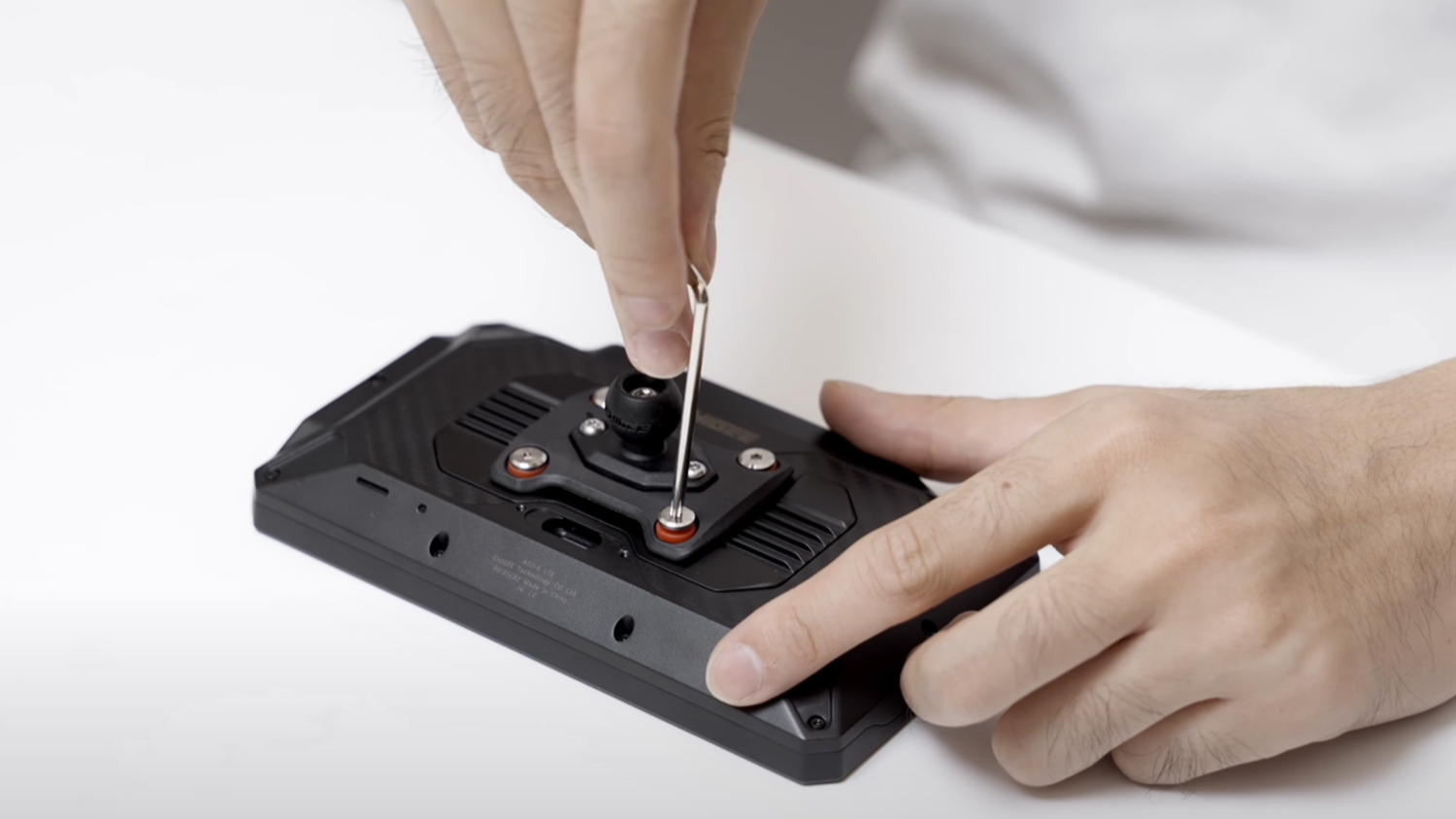
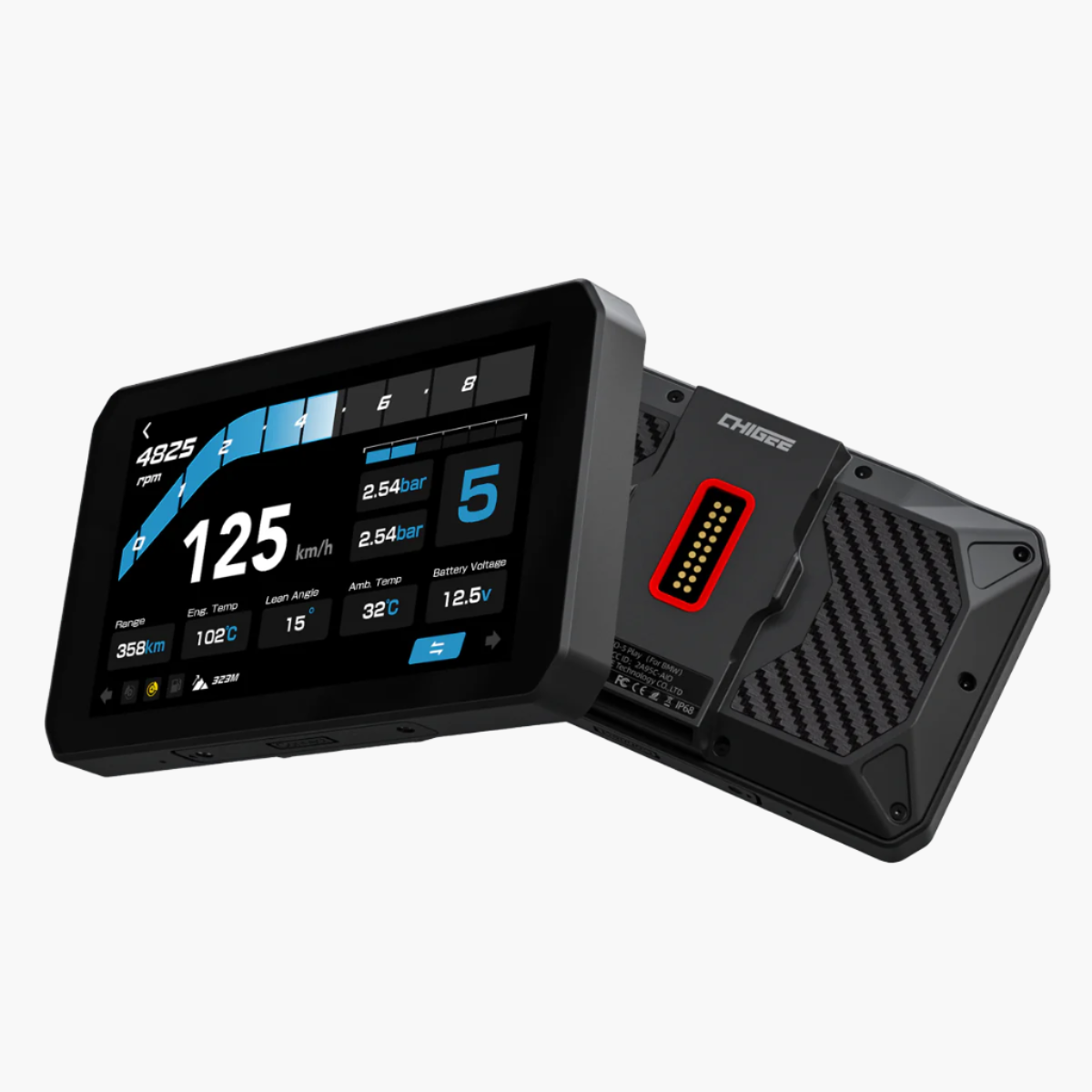
Position the quick-release module on the back of the AIO-6, aligning it with the mounting holes. Use the supplied screws to fasten it securely to the housing. Once tightened, the module becomes the mounting interface that allows the AIO-6 to lock into the BMW Navigator 5/6 cradle. No extra wiring is required—the module connects through the existing Nav Prep cradle pins.

Secure the Quick-Release Module to the AIO-6, creating a plug-and-play fit for the BMW Navigator 5/6 cradle. Source
3. Mount the AIO-6 into the Cradle
Position the AIO-6 with the quick-release facing the Navigator cradle. Push it in until the mechanism clicks. The unit should now be firmly locked, just like a Navigator 5/6 device.
4. Check Power and Connection
The AIO-6 should power on automatically once it’s seated. Verify that the display boots normally and that the connection is stable.
5. Enable Wonder Wheel Control
On some BMW models equipped with Nav Prep, the Wonder Wheel can control the AIO-6 directly once it’s mounted in the cradle. On others, the signals are not passed through, and you’ll need to install the CGRC Remote module to activate Wonder Wheel input. This adapter links through the bike’s CAN/LIN system to ensure the AIO-6 responds correctly to the controls. Check out Using BMW Wonderwheel to Control the Chigee Display.

6. Keep Firmware Updated
Make sure the AIO-6 is running the latest firmware to guarantee stable operation and full Wonder Wheel support. To update, connect the unit to Wi-Fi, go to Settings and check for available downloads. Follow the on-screen instructions to complete installation. Keeping the firmware current ensures stable operation and full compatibility with both the cradle and the CGRC Remote.
Compatibility Overview
The BMW Quick-Release Module brings the AIO-6 Max and LTE into the same system BMW designed for its Navigator 5/6 units. Installation is straightforward, but compatibility can vary depending on the bike’s model year and configuration.

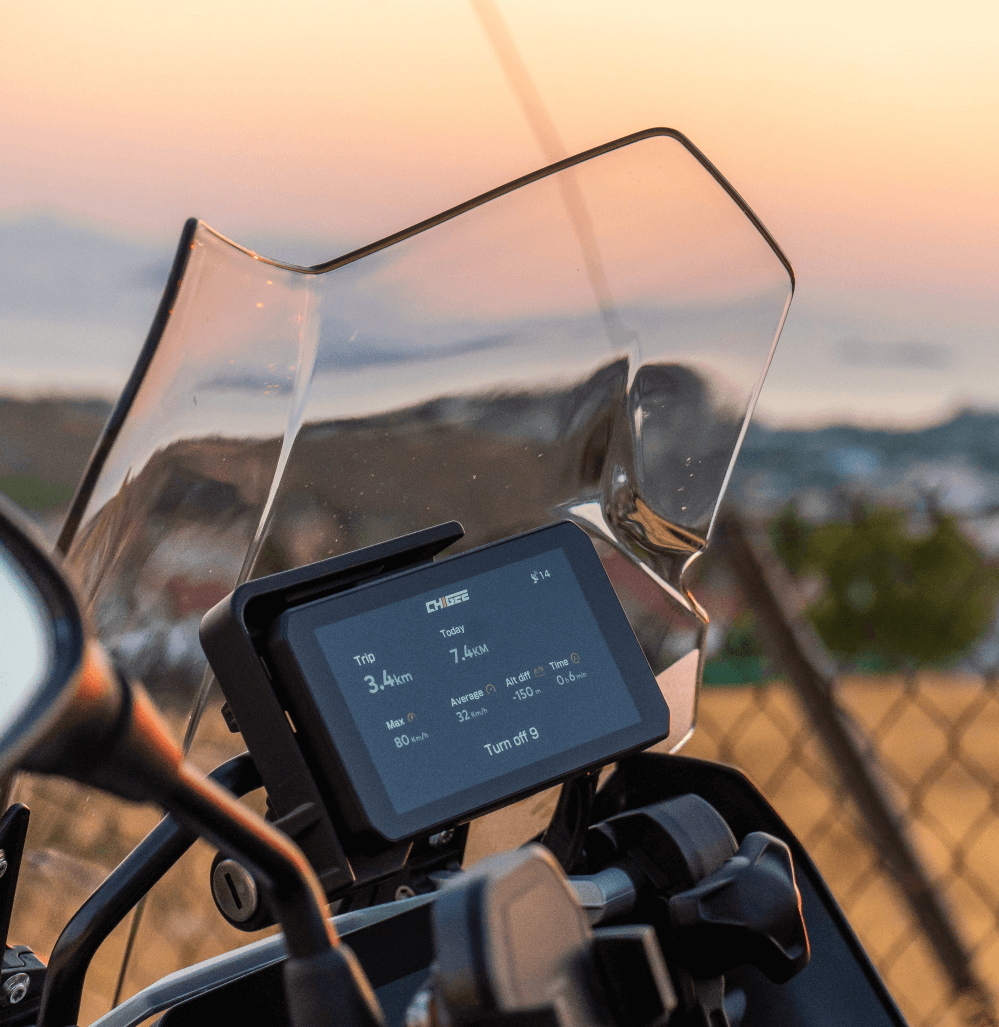
From Navigator cradle to connected cockpit — the Quick-Release Module makes it seamless. Source
Wonder Wheel control is where those differences become most noticeable. On many BMWs with Nav Prep, the Wonder Wheel works natively, letting riders manage the AIO-6 directly. However, on some models the signals aren’t passed through, and a CGRC CAN module is required to bridge the gap. This adapter taps into the bike’s CAN/LIN system to ensure the AIO-6 responds correctly.
Some models require extra hardware beyond the Quick-Release Module. On the R1200RT and R1250RT, the stock cradle position sits too low in the dash for the larger six-inch AIO-6, so an extension bracket is needed to lift the unit into proper view.
The BMW K1600 series is not currently supported. A solution is still in development, and riders are advised to use the AIO-5 Play BMW version in the meantime.
TPMS support also depends on the bike. If the BMW has a factory TPMS and transmits data through the system, the AIO-6 can display it directly. If not, riders will need to use Chigee’s own TPMS kit, since third-party sensors are not supported.
Because BMW configurations vary not only by model year but also by market and trim level, compatibility should be verified for each specific bike. This compatibility page provides the most up-to-date reference before making a purchase.
Conflict: BMW QR vs Chigee QR
The AIO-6 can be fitted with either the BMW Quick-Release Module for use with Nav Prep or the Chigee Quick-Release Module for other bikes. What it cannot do is run both systems on the same display.
While it is technically possible to swap between the two by removing the backplate and reinstalling it with screws, doing this repeatedly puts the AIO-6 at risk. Each change wears the mounting points, increasing the chance of stripped screw holes, loose fitment, or compromised water resistance. Over time, durability of the display itself can be reduced.

Frequent backplate swaps wear mounting points, risking stripped screws, loose fitment, and reduced water resistance over time. Source
It is also important to note that the two modules are completely different products with different backplates. They are not designed to be combined or mixed on a single AIO-6.
The safer approach is to dedicate one AIO-6 for each system. If you ride both a BMW with Nav Prep and another brand that uses the Chigee mount, the recommended solution is to use a second AIO-6. This avoids constant disassembly, preserves structural integrity, and guarantees long-term reliability when switching between bikes.
Troubleshooting
No Power
If the AIO-6 does not power on after installation, check the basics. Make sure the BMW Navigator 5/6 cradle is genuine and properly connected to your bike’s harness. Inspect the connectors and clean the metal contacts on both the cradle and the bike’s wiring, as corrosion or dirt can block the signal.

Power loss mystery? Start with the basics — wiring, contacts, and cradle fitment. Source
Missing or Partial Data
When the AIO-6 powers up but data is missing, remember that the display can only show what your BMW system provides. Some pre-2017 models don’t send full ECU data through the LIN bus, which means only partial information will appear. In this case, the AIO-6 is functioning normally and no update or setting can expand the data stream beyond what the bike transmits.
Wonder Wheel Not Responding
Wonder Wheel control can also be inconsistent. First, go into Settings > Features > RC on the AIO-6 and confirm that “NAV” is selected. If there is still no response, check whether your bike has SA 272 activated — a step-by-step guide is outlined in this Wonder Wheel troubleshooting article.
On models where native Wonder Wheel input is not available, adding the CGRC CAN module is the next step.

Bring your Wonder Wheel to life — the CGRC CAN module bridges the gap where native control is missing. Source
CGRC LIN / CAN Not Working
If your CGRC module is installed but not functioning as expected, there is a dedicated support guide that walks through diagnosis. Steps include confirming the module’s connection type, checking wiring integrity, and verifying that the correct option is selected in the AIO-6 settings. This ensures the module is recognized and communicating properly.
Firmware Updates
Remember to always keep the AIO-6 on the latest firmware. Connect to Wi-Fi, open Settings, and download any available updates. Many issues with stability, data, or control are resolved through these updates.
BMW AIO-6 Quick-Release Module FAQs
We’ve covered installation, compatibility, and setup in detail. To close things out, here are the most common questions riders ask about the BMW Quick-Release Module.
Do I need the BMW Quick-Release Module to use the AIO-6 on my BMW?
Yes. The AIO-6 does not fit the BMW Navigator 5/6 cradle on its own. The BMW Quick-Release Module is an optional accessory that must be screwed to the back of the AIO-6 to make it compatible with Nav Prep. Then you’re ready to adventure.

Ride prepared—your AIO-6 needs the BMW Quick-Release Module for a perfect fit with the Navigator cradle. Source
Does the BMW Quick-Release Module work with both AIO-6 Max and LTE?
Yes. The module is designed for both versions of the AIO-6 and installs in the same way.
Is any extra wiring needed when installing the Quick-Release Module?
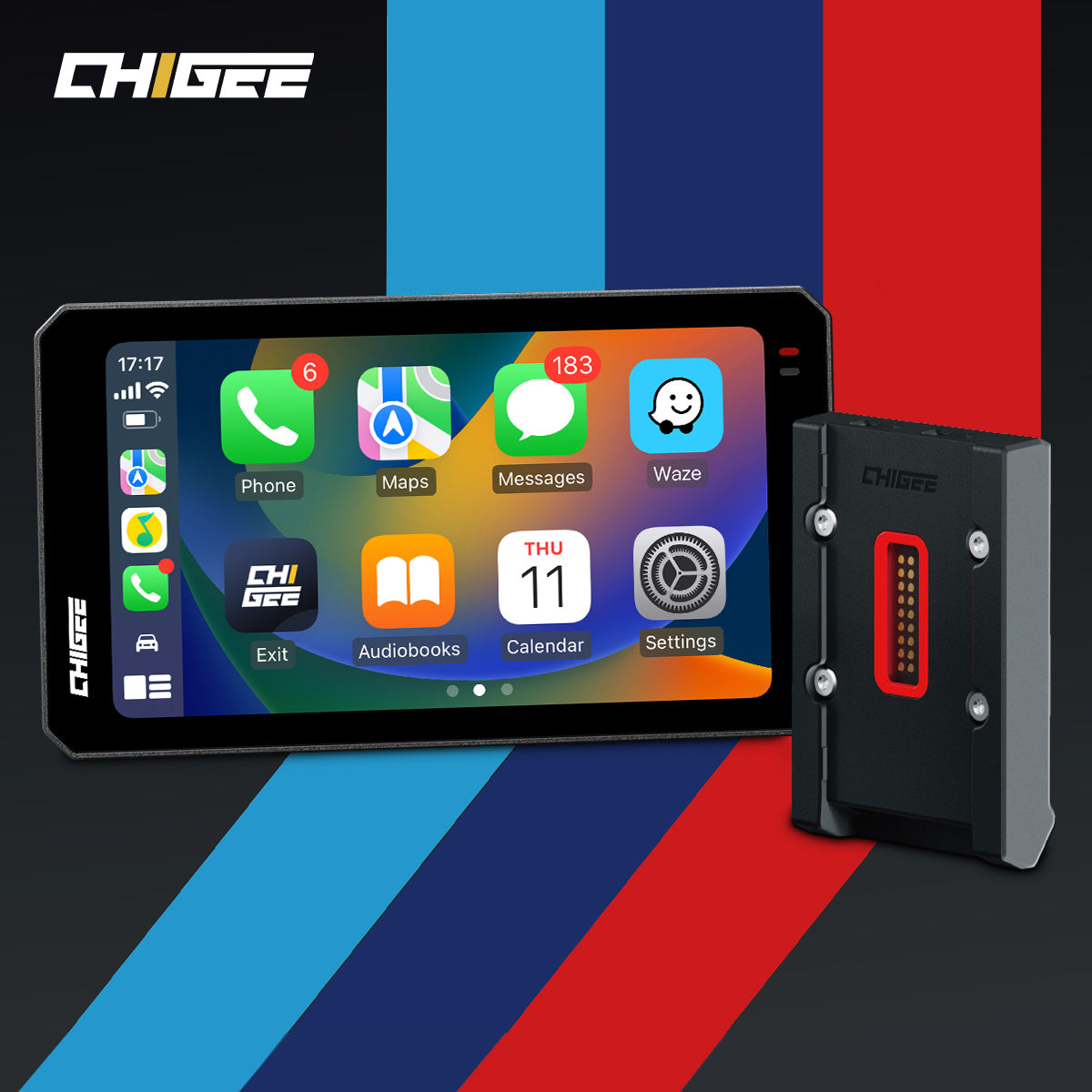
No. Once the BMW Quick-Release Module is screwed to the back of the AIO-6, the unit connects directly through the Navigator cradle’s existing power and data pins.

Snap, screw, ride—no extra wiring needed with the Quick-Release Module. Source
Can I use both the BMW Quick-Release and Chigee Quick-Release on the same AIO-6?
No. Both systems require replacing the AIO-6 backplate with screws. Switching between them repeatedly risks damaging the mounting points and compromising water resistance. If you want to use both types of mounts across different bikes, the safer solution is to dedicate one AIO-6 to each setup.
Do I need the CGRC Remote to use the Wonder Wheel?
It depends on your bike. Some BMWs with Nav Prep allow the Wonder Wheel to control the AIO-6 directly once SA 272 is active. Others do not, and in those cases the CGRC CAN module is required. Even on bikes listed as natively compatible, some riders may still need the CGRC for stable operation.
What if my BMW is older, or doesn’t have Nav Prep installed?
If your bike has a 3-pin navigation interface but no cradle, you can install a genuine BMW Navigator 5/6 cradle yourself. With Nav Prep in place, the AIO-6 plus BMW Quick-Release Module will work normally.
Is the R1200RT or R1250RT compatible?
Yes, but because of the larger size of the AIO-6, the stock cradle position on these models sits too low. You’ll need the RT Extension Bracket along with the BMW Quick-Release Module for proper installation.

See it all, ride it right — the RT needs an extension bracket to bring the AIO-6 into perfect view. Source
Is the K1600 compatible?
No. At present there is no reliable installation option for the AIO-6 on the K1600. A solution is still in development, and the AIO-5 Play BMW version is the recommended alternative.





Leave a comment
All comments are moderated before being published.
This site is protected by hCaptcha and the hCaptcha Privacy Policy and Terms of Service apply.