

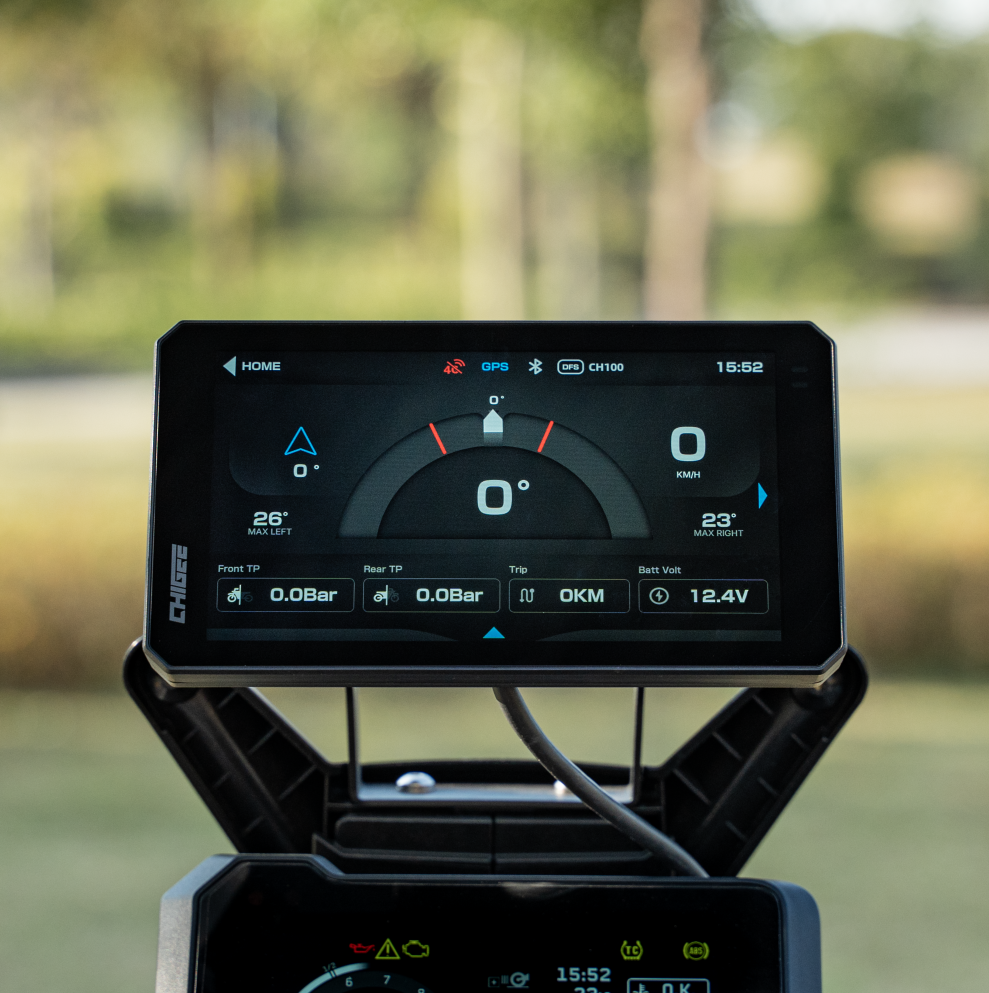

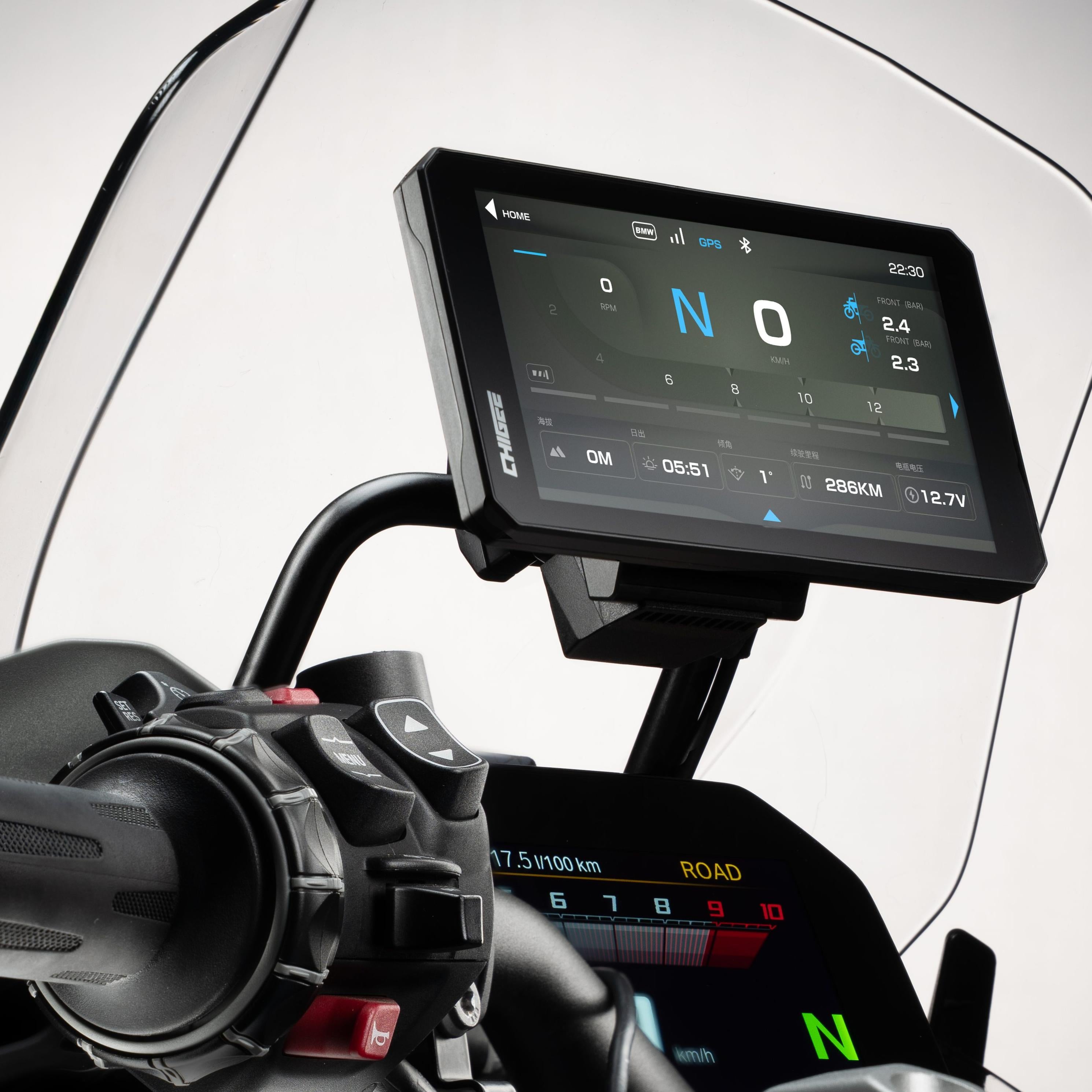
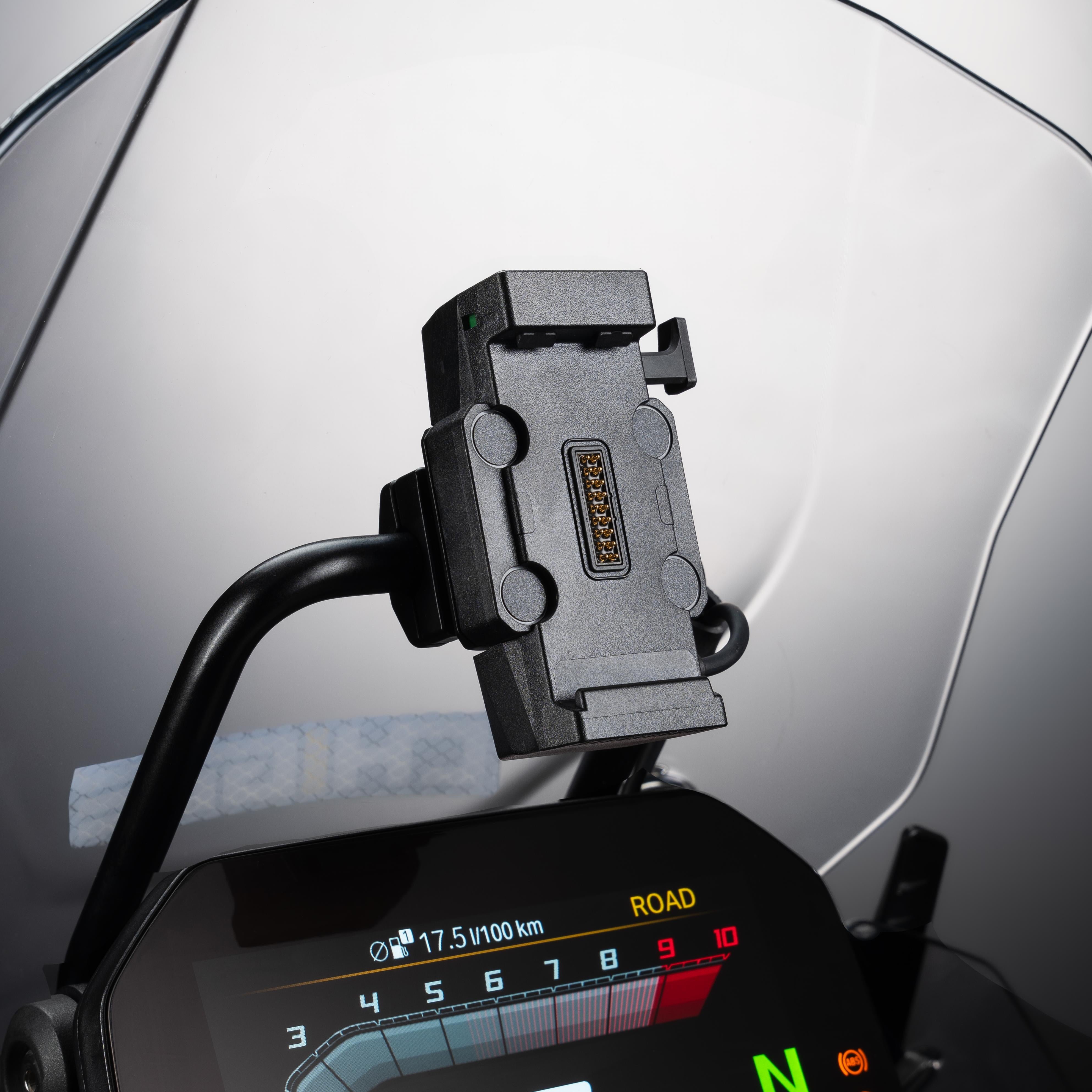
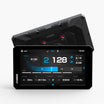
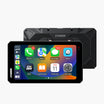

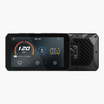
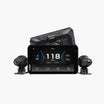
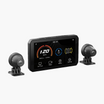
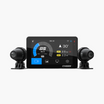




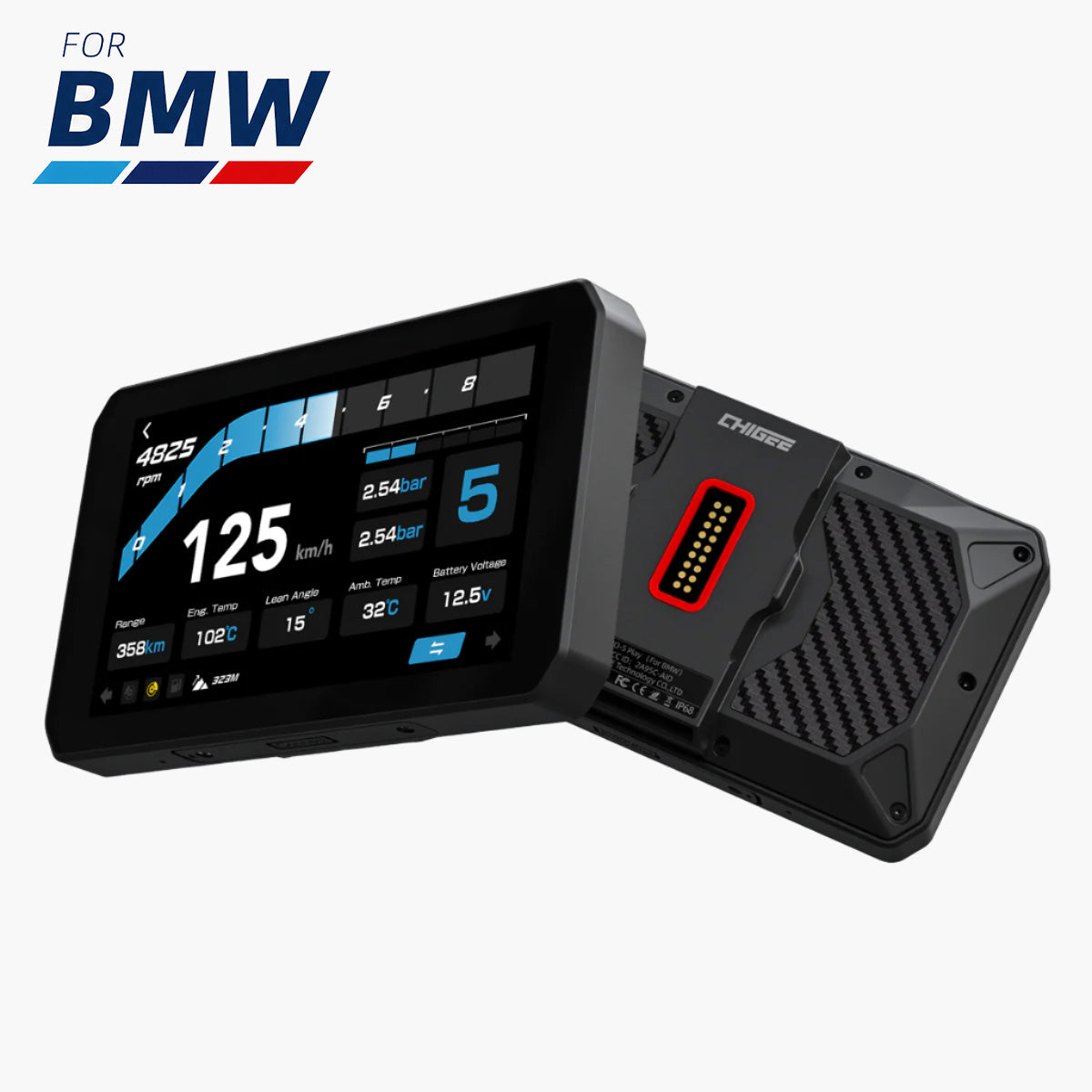
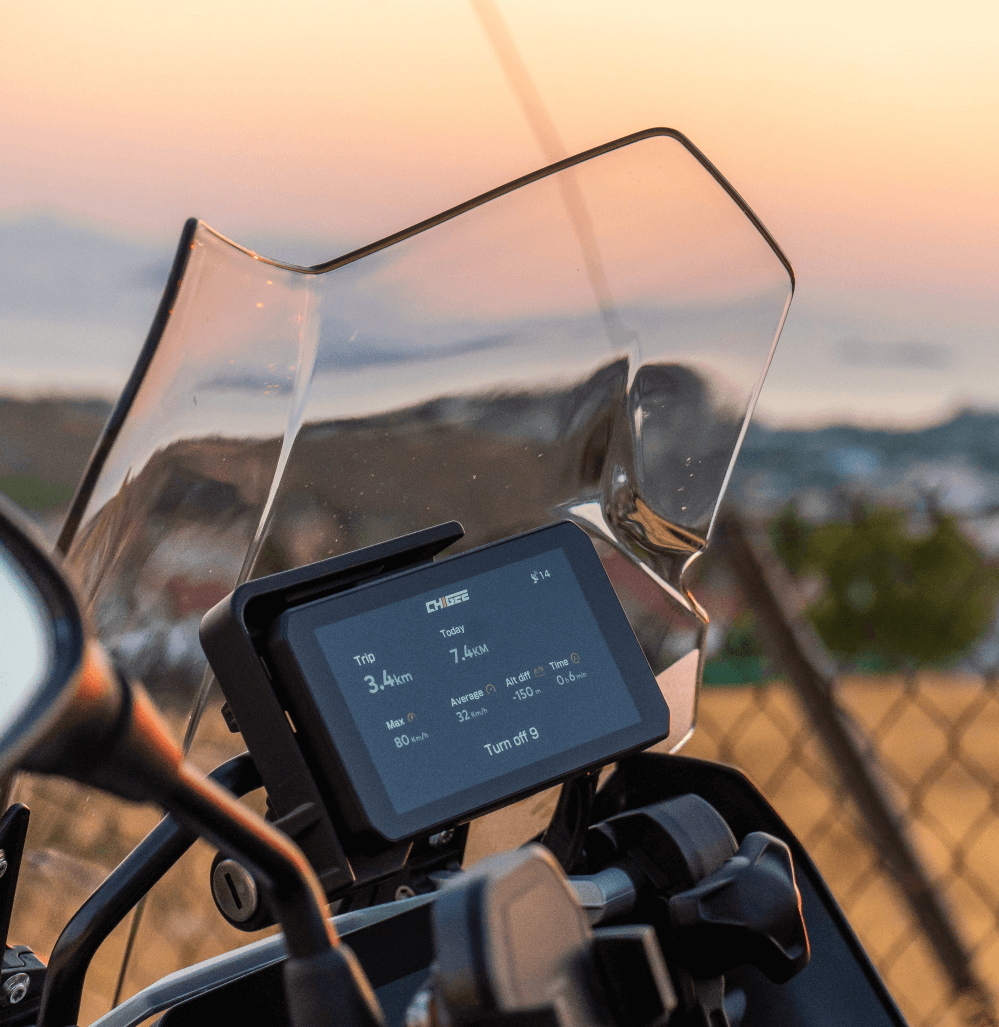
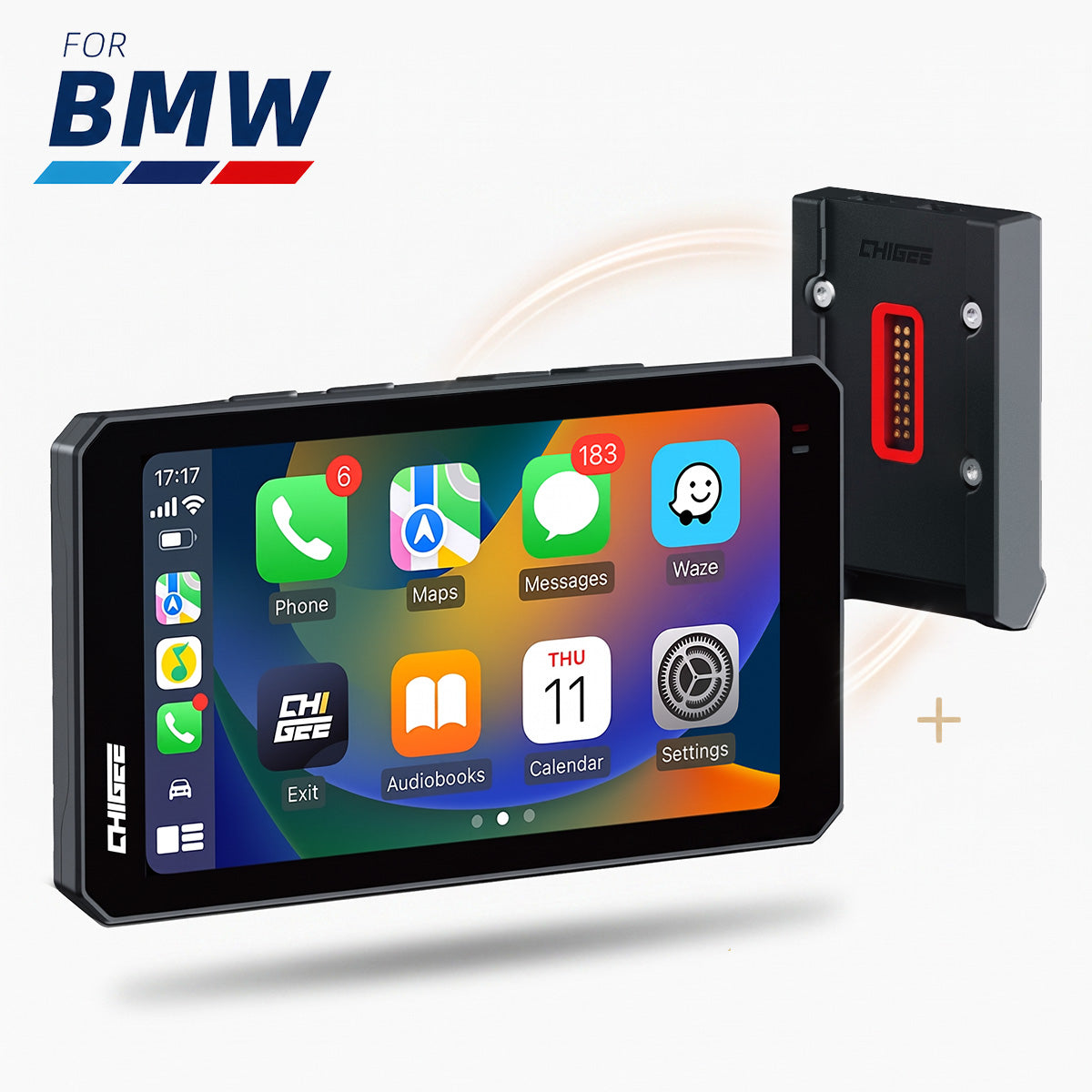
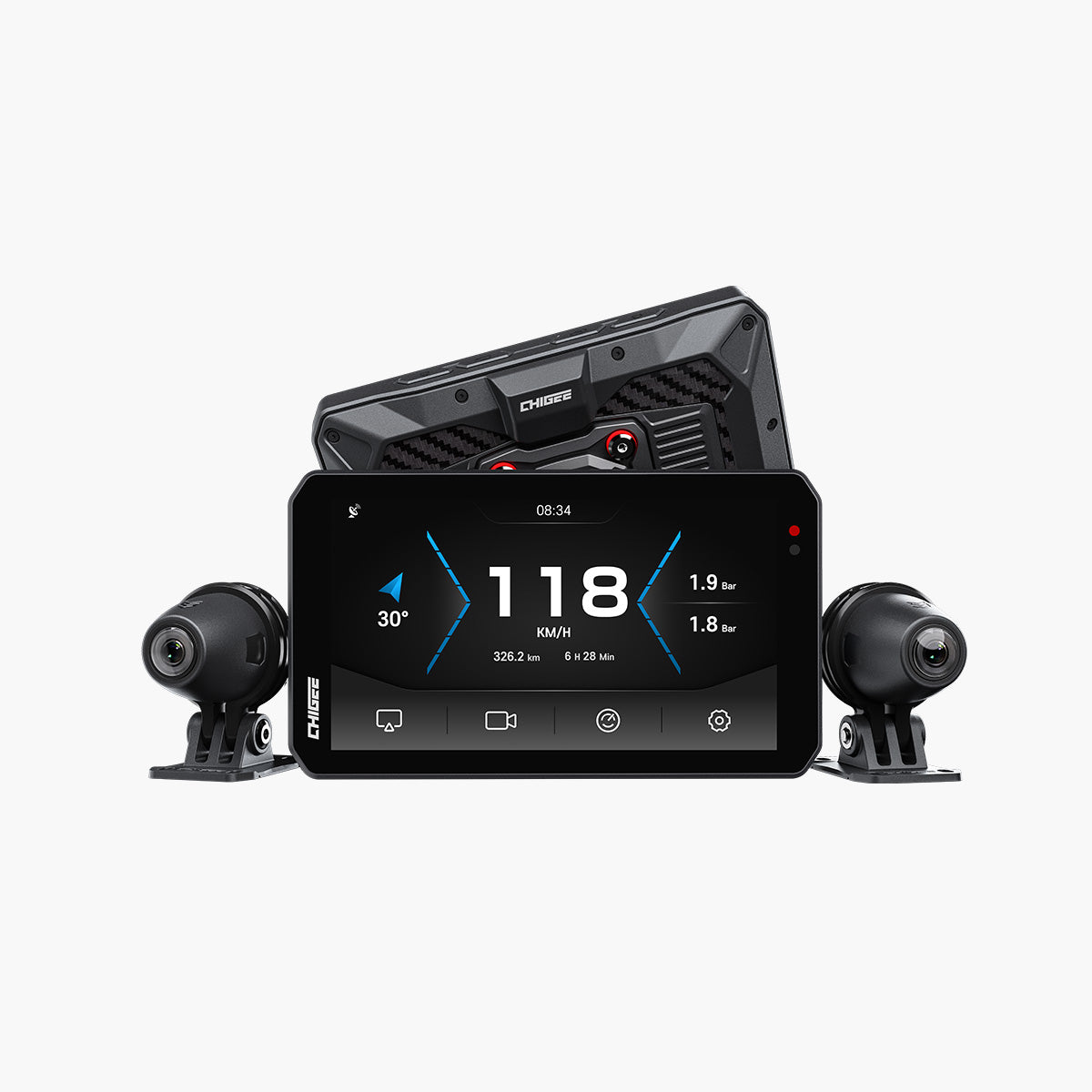
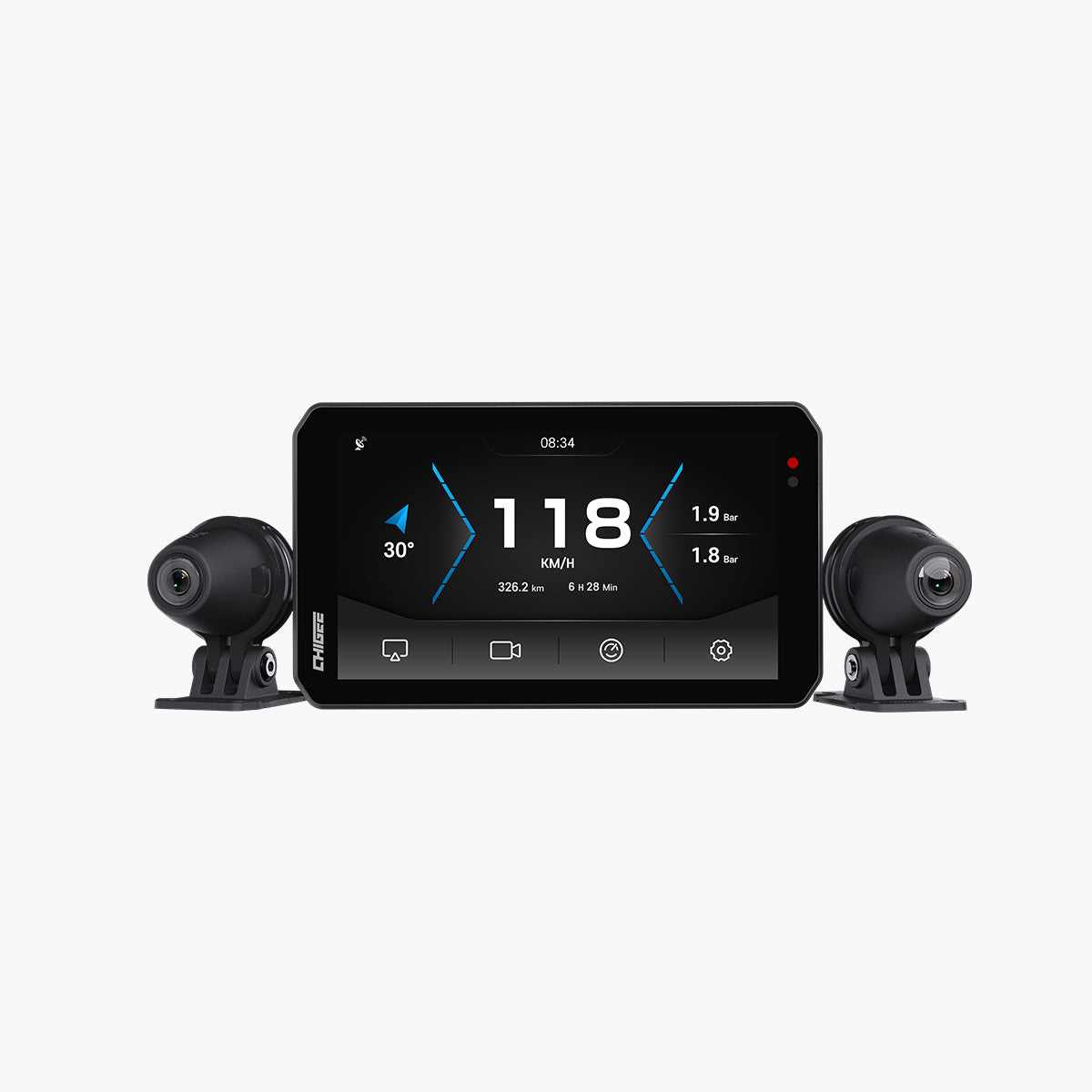
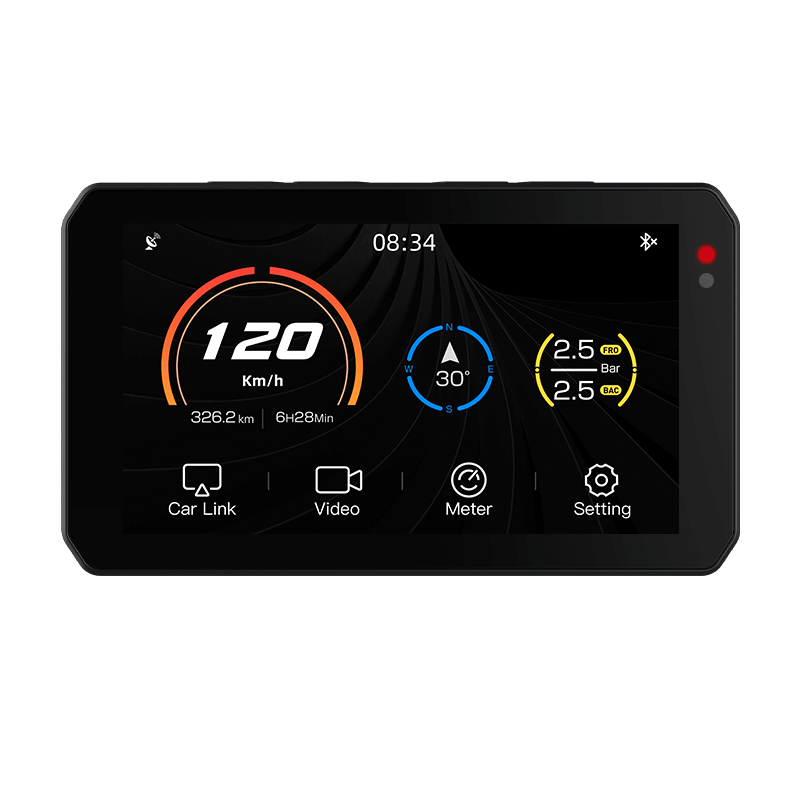
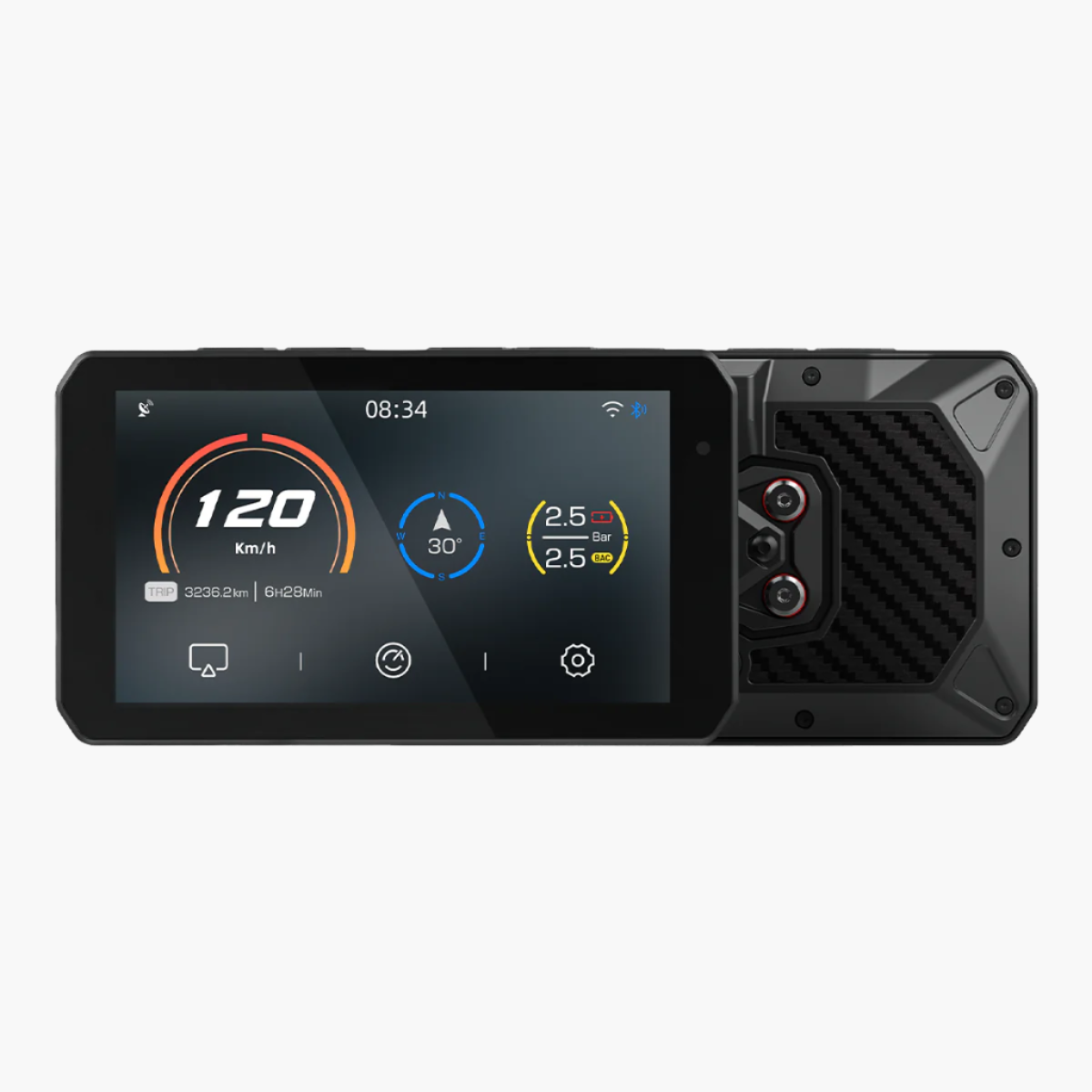
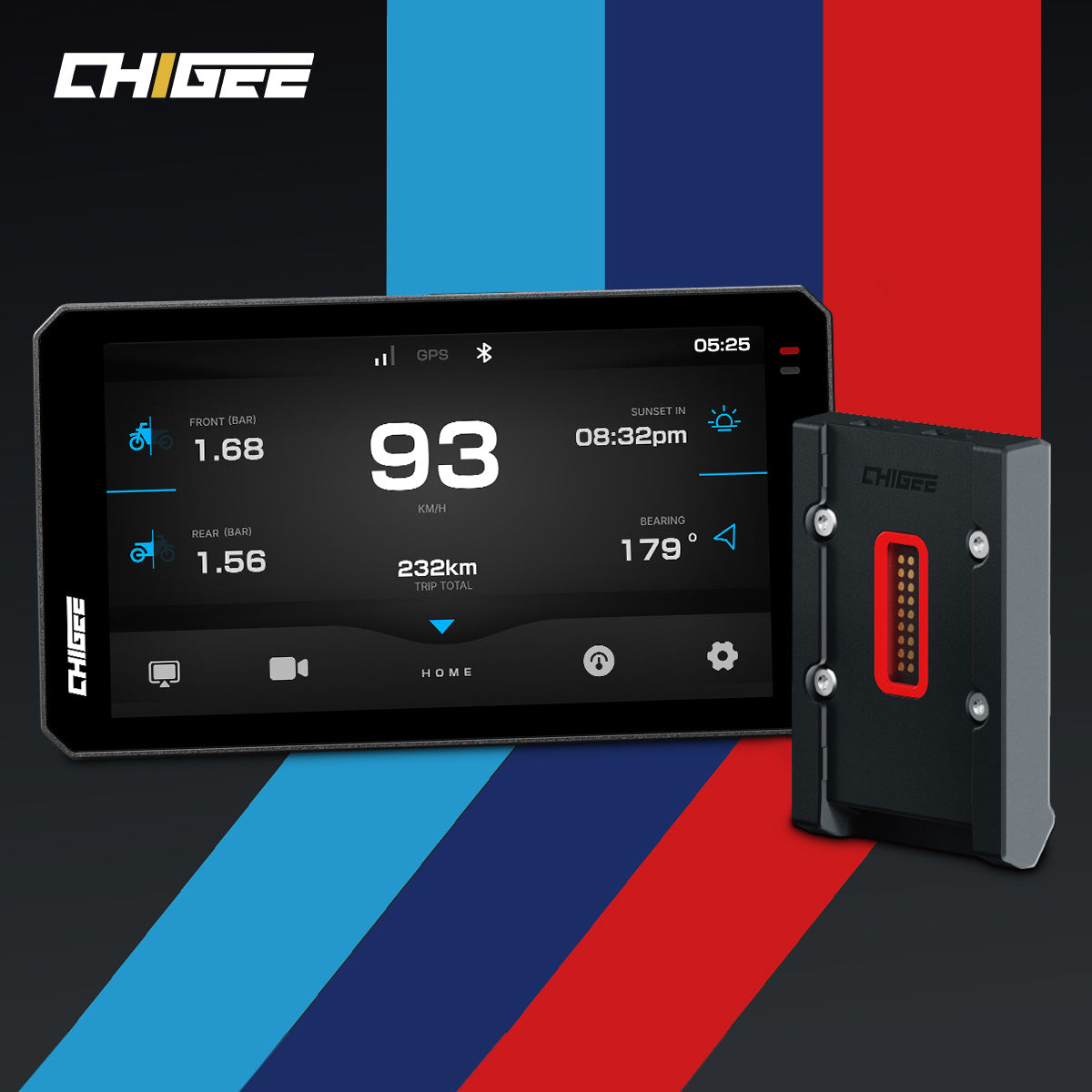
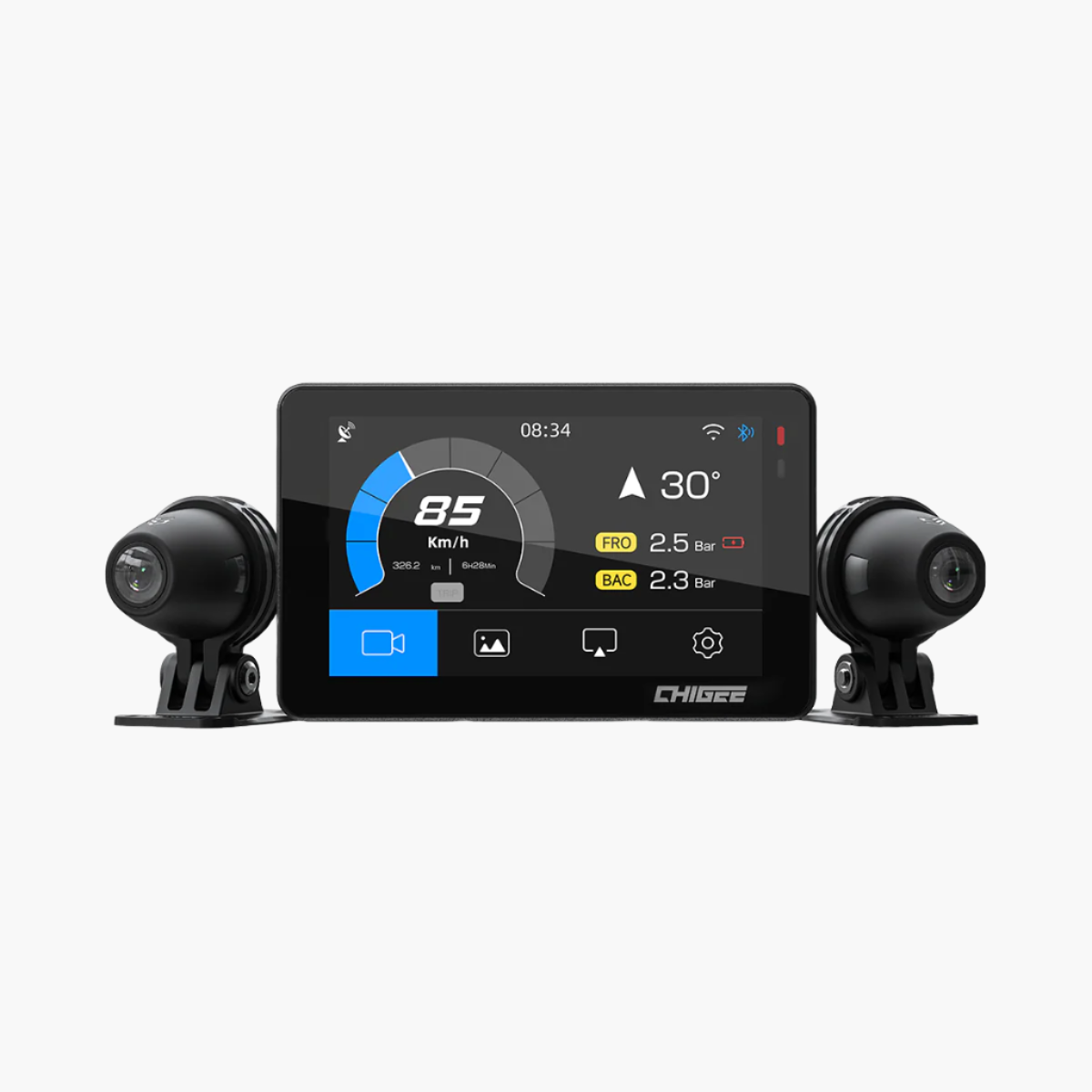
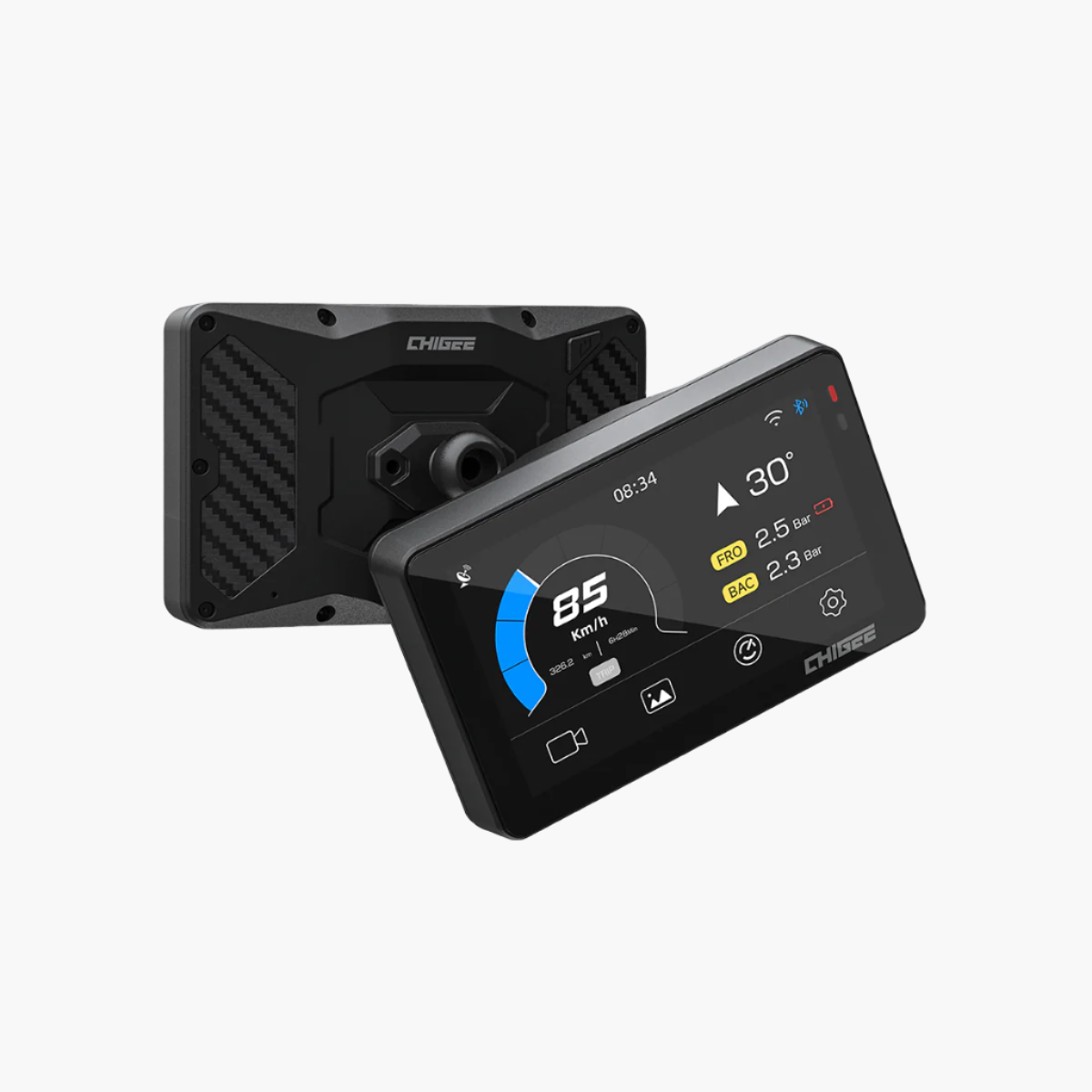
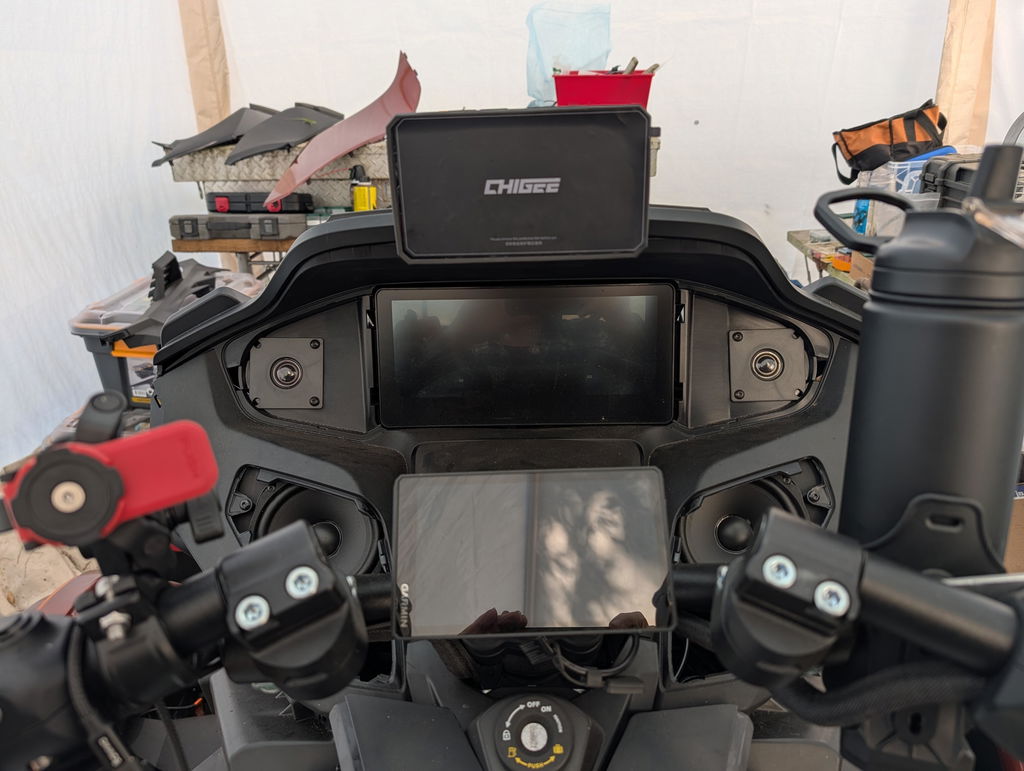
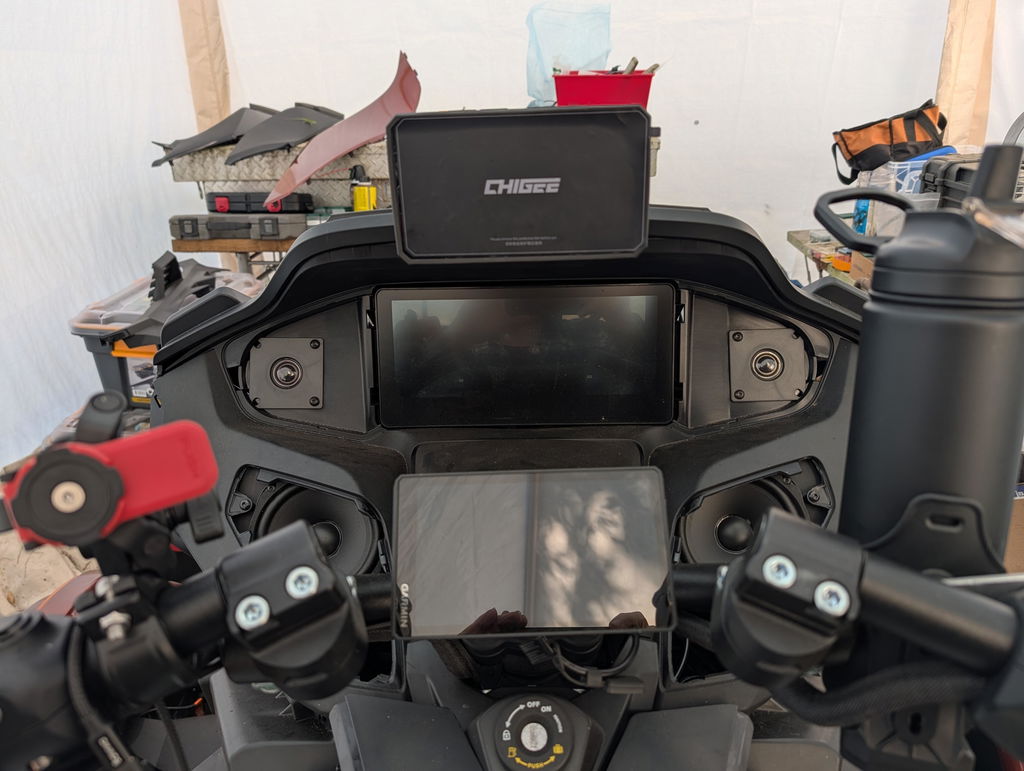
You got a Chigee smart display for your bike, and one of the best things about it is finally having a proper navigation screen right there on your handlebars. It is like having your smartphone’s brains in a rugged motorcycle-ready package. Perfect, right?
But then comes the big question we get from our riding community: What app should I use on Chigee? Google Maps? Waze? Or Calimoto? Actually, the Chigee displays work with all of them through Android Auto and Apple CarPlay. But you know how it is… every app has its specialty. Just like you wouldn't use a track tool for a backcountry trail.
So, to clear things up, we put together this guide. We’ll be skipping the basic features you already know. Instead, our focus will be on the unique strengths of each app, and more importantly, in which situations you'll want to switch to one over the others.
Contender 1: Calimot

Alright, let's start with the app that was built from the ground up for riders. Calimoto’s best feature is its in-house algorithm that prioritizes winding, scenic roads over direct highways.
Riders can choose from modes such as Tour, Round Trip, or Record Your Ride. The app also scores routes based on “curviness,” which helps riders decide how thrilling a ride will be.
Moreover, there’s an option for offline maps; best when you’re outside data coverage, ride analytics (elevation, lean angle, speed, fun factor), and community sharing to explore routes from other riders. With Apple CarPlay/Android Auto compatibility, the app displays clearly on Chigee or built-in dashboards.

To explore the full feature pack, you need to purchase Calimoto Premium’s version at yearly subscription of around $59.99.
Pros:
- Multiple ride modes: Tour, Round Trip, Record
- Motorcycle-specific POIs and twisty highlights
- Offline maps for remote areas and travel abroad
- Detailed ride analytics and GPX file support
Cons:
- Longer travel times because it prioritizes curves over efficiency.
- Live traffic data isn’t as robust as Waze or Maps
Contender 2: Waze

Source: CNET
You can think of Waze as your thousands of eyes on the road. It is built around community-driven navigation. Instead of just plotting the shortest or fastest route, it thrives on live user reports to keep you updated on traffic.
Another strength is its alert system. Drivers are notified about speed cameras, police, vehicles stopped on the shoulder, accidents, and hazards with both on-screen and clear audio warnings. Unlike Google Maps, which often only provides a sound cue, Waze gives detailed spoken alerts.
The app also shines in lane guidance. For multi-lane highways, Waze proactively tells you which lanes to stay in, even if you’re not exiting, helping you avoid last-second merges. For roundabouts, it shows and tells you the exact exit number.
In some regions, it provides accurate speed limit data on nearly all roads, precise toll pricing, and smoother, more adjustable voice navigation compared to Maps. ETA estimates are on par with Google Maps.
Waze’s features on a strong data connection and an active community of users reporting issues. On a remote backroad with no service or other Wazers, its biggest advantages disappear.
Pros:
- Best-in-class real-time alerts (hazards, police, accidents, stopped cars)
- Clear audio instructions with detailed explanations
- Superior lane guidance and roundabout navigation
- Strong community-driven data with quick updates
Cons:
- Can misroute if locations share similar names
- Less polished interface than Google Maps
- Limited offline usability compared to Google Maps.
Contender 3: Google Maps
Google Maps is a trusty multi-tool you always carry. It might not be specialized for any one job that riders need, but it's incredibly capable at almost everything. Although it won't seek out twisty roads like Calimoto or give you real-time police alerts like Waze, it excels at being consistently reliable and packed with useful information.

The biggest strength of Google Maps is its massive database and seamless integration with the Google ecosystem. Finding exactly what you're looking for, whether it's a specific address, a gas station, a picnic spot or a hotel, is almost always easier and more accurate than with other apps. Its community is much larger than the two apps, so the road network here is more reliable.
The real game-changer for adventure riders is its excellent offline maps feature. You can download detailed maps for entire regions before your trip, ensuring you never get lost even when you're far from cell service.
Another advantage for some ( but a drawback for adventure riders) is that Google Maps is purely practical - it will always choose the most efficient route, which often means it may suggest you boring highways rather than scenic backroads.
Calimoto vs. Google Maps vs. Waze: A Quick Comparison
To cut through the noise, here’s a side-by-side look at how Calimoto, Waze, and Google Maps stack up:
|
Feature |
Calimoto |
Google Maps |
Waze |
|
Primary Strength |
Finding curvy roads |
Comprehensive data |
Real-time traffic & hazard alerts |
|
Adventure Routing |
Excellent (paved scenic focus) |
Poor |
Poor |
|
Offline Capability |
Limited |
Excellent (downloadable maps) |
Very limited |
|
Live Traffic Data |
Basic |
Excellent |
Superior |
|
POI Database |
Good |
Best-in-class |
Good |
Which One to Choose and When?
Finally, let’s conclude by discussing the best use cases of each app.
Use Calimoto when:
- You want to discover twisty, scenic roads designed for motorcycle fun.
- Planning day trips, round trips, or adventure rides.
- You value motorcycle-specific POIs and route sharing.
Opt for Waze if:
- You’re commuting in busy city traffic or urban areas.
- Your main goal is to avoid traffic jams, accidents, and slowdowns.
- You need precise lane guidance.
Choose Google Maps:
- You need reliable all-purpose navigation across car, walk, or transit.
- Searching for new businesses, landmarks, or adventure spots with trusted reviews.
- Traveling in regions where offline maps are necessary due to a weak signal.
Beyond these three, there’s a wide range of navigation apps that work on Chigee. Explore, share your favorites with the community, and we’ll make sure to add them in future posts.












Leave a comment
All comments are moderated before being published.
This site is protected by hCaptcha and the hCaptcha Privacy Policy and Terms of Service apply.