


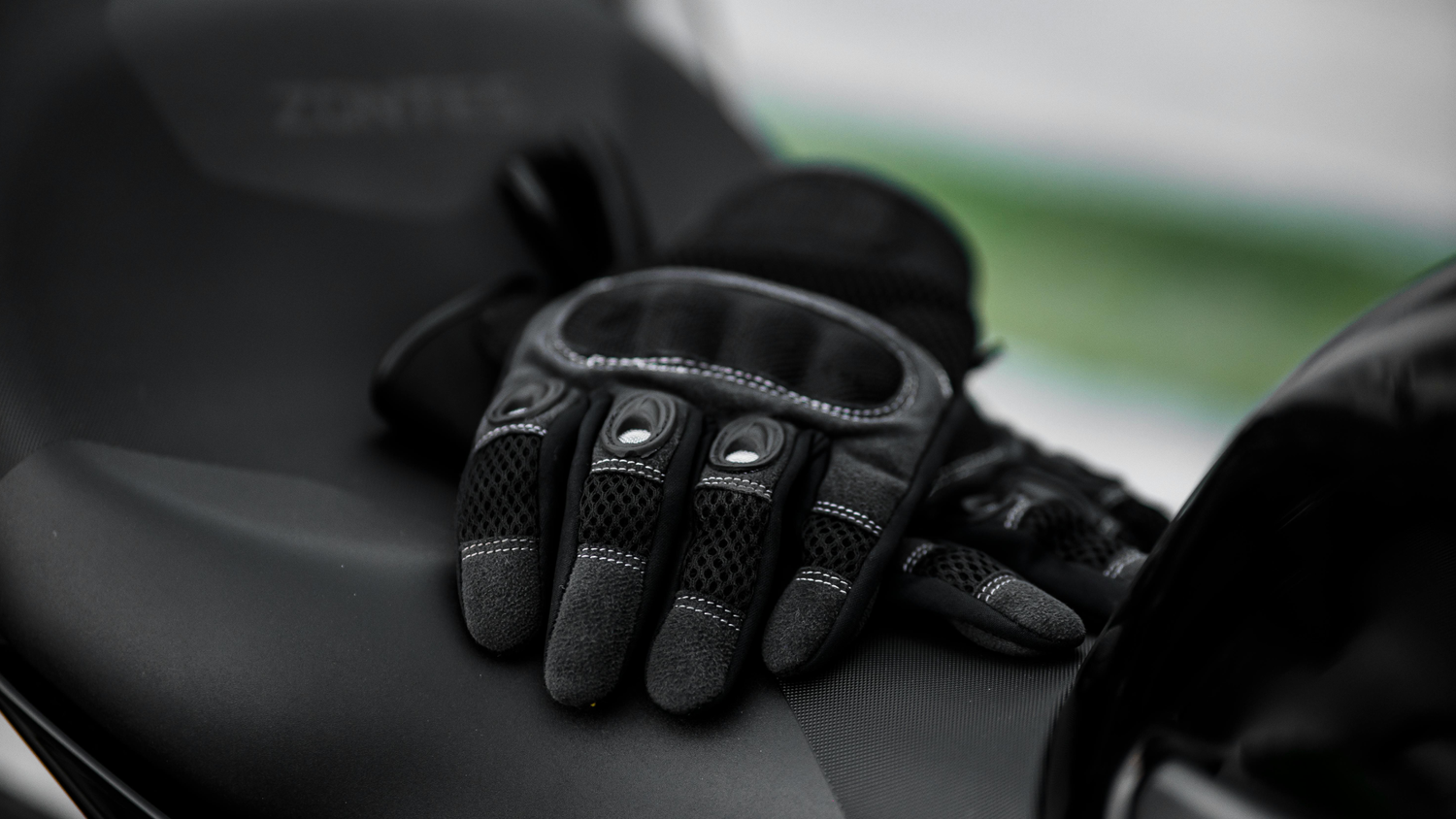
You ride with gloves on, right? Now that you’ve got a touchscreen Chigee device, it’s fair to be skeptical. Will it really respond through your gloves?
There’s been plenty of debate in rider groups and forums about this. Some users say their screens work fine with all kinds of gloves. Others, however, have reached out to us asking why their thick winter or leather gloves don’t seem to register touches at all.
Although we have already outlined touchscreen compatibility details in our official support section, we thought it was worth explaining them in a detailed post. Let’s find out which gloves work flawlessly, which don’t, and how you can make any glove work better with your Chigee device.
Why do Some Gloves work on a Smartphone but not Chigee?
This is one of the most common questions we get. Riders often say, “My phone works perfectly fine with these gloves, but why doesn’t my Chigee respond the same way?”
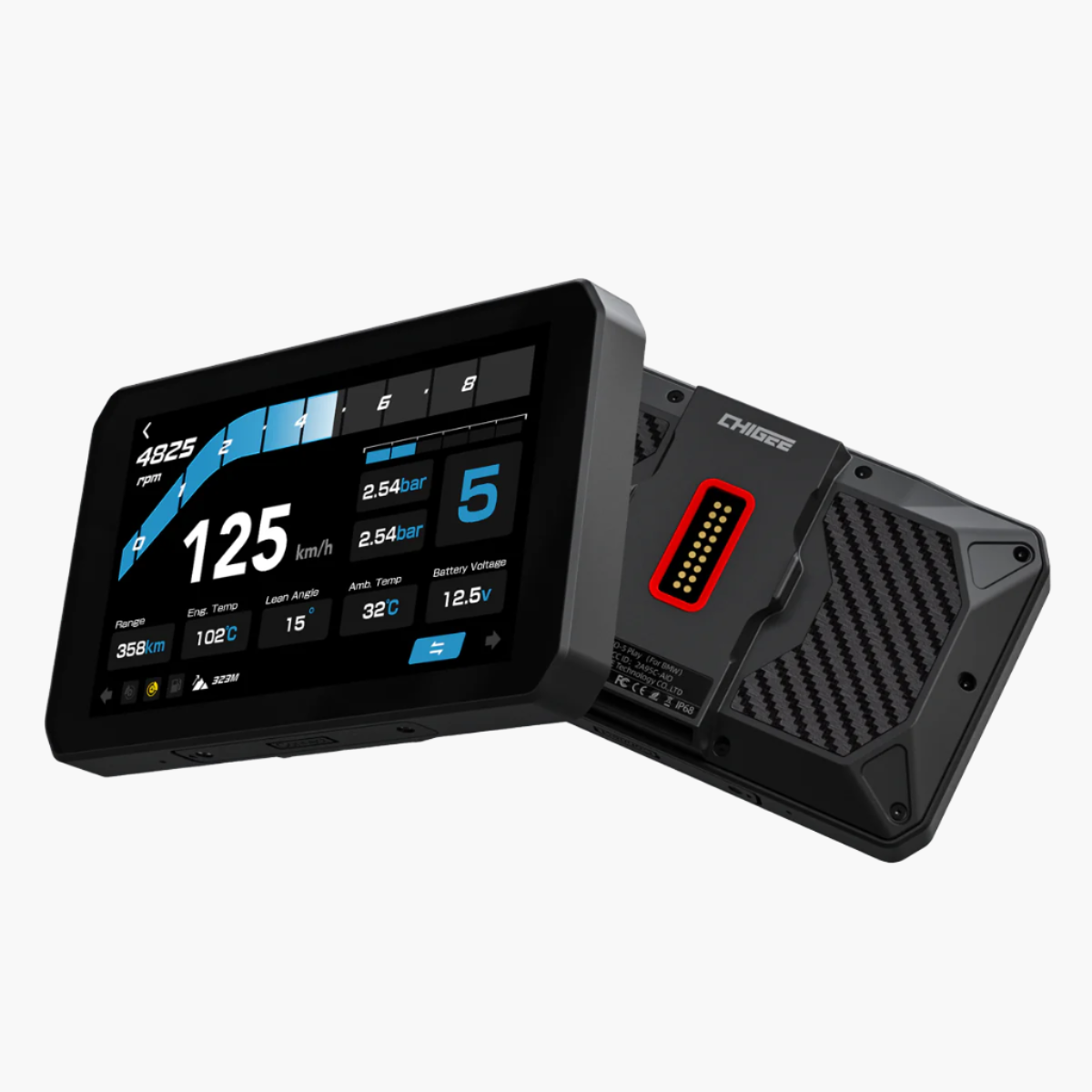
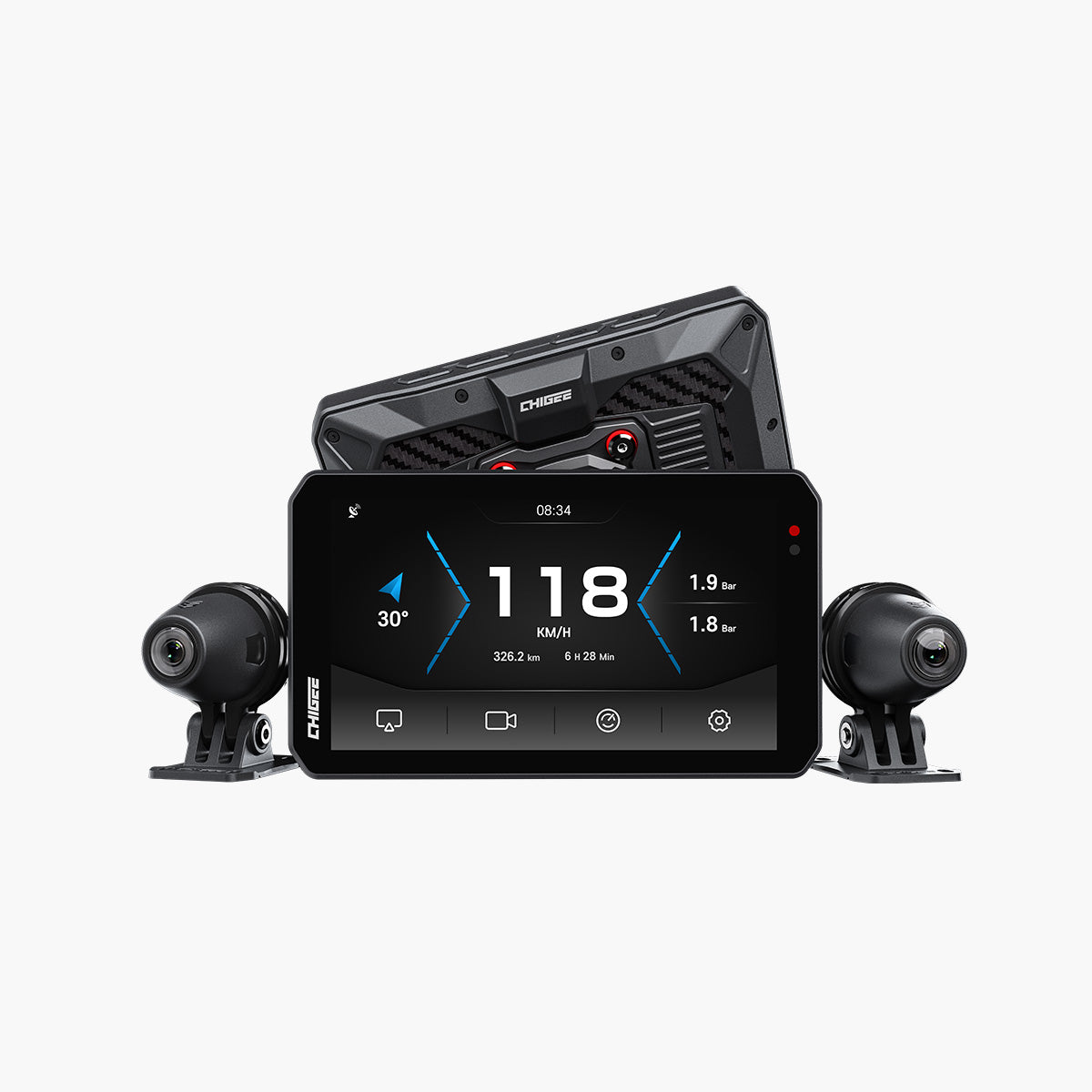
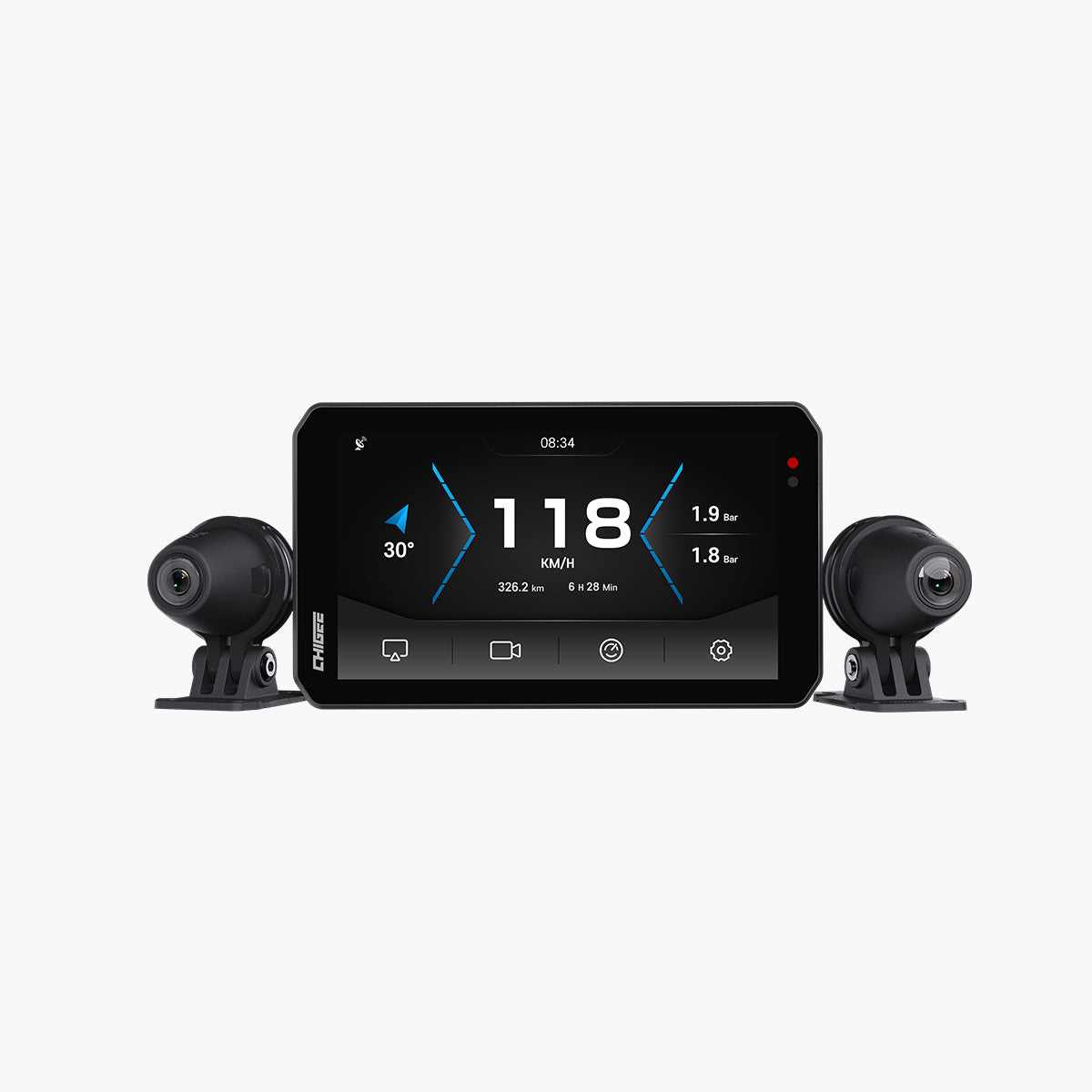
The answer is hidden in how Chigee’s touchscreen is designed. Like your smartphone, Chigee devices use a capacitive touchscreen, which detects the electrical conductivity of your finger (or a conductive glove tip). However, there’s a key difference: Chigee screens are tuned for outdoor and rugged use, not for the delicate environment of a phone in your pocket.
Smartphones are designed for light touches. On a motorcycle, that level of sensitivity could be unsafe. Rain, dust, vibration, or a stray glove press could accidentally trigger inputs while riding. To prevent that, Chigee devices like the AIO-5 and AIO-6 use refined touch algorithms that filter out false or accidental touches.
This safety-first design makes the screen slightly less sensitive than those of smartphones. That’s why some gloves that work perfectly on a phone may not register as easily on Chigee
Which Gloves are Supposed to Work on Chigee?
Based on our own testing and rider feedback, most motorcycle gloves on the market work well with Chigee devices. However, certain types deliver a better touch response.
Touchscreen-compatible gloves
These are the most reliable options. Such gloves are usually made from rubber or synthetic leather and include conductive material on the fingertips. They come labeled as “touchscreen compatible” and allow the screen to register taps just as easily as a smartphone does.
Since many riders already use such gloves for mobile navigation, several popular brands have made touchscreen functionality standard in their designs.
Thin Summer Gloves
Summer gloves also perform well, especially those made from thin leather or mesh with conductive tips. Even gloves without a specific touchscreen label can work if their material is thin or conducts a small electric charge through the fingertip.
Which Gloves may not work?
These glove types are less effective or may not work at all with Chigee touchscreens:
Knitted/Wool gloves (Fabric Only)
Since wool gloves don’t contain conductive materials, they cannot transfer the small electrical charge required for a capacitive screen to detect touch. As a result, they usually fail to register any input.
Unlabelled
Many standard motorcycle gloves, especially budget options, lack conductive fingertips. Even if they are made from leather or textile, they may not work reliably unless specifically designed for touchscreen use.
Thick Winter Gloves
Several riders caution that cold‐weather knitted liners or cheap cloth gloves produced no response. Many standard motorcycle gloves, especially older or budget models, lack conductive fingertips. Even if they are made from leather, they may not work reliably unless specifically designed for touchscreen use.
How to Make Gloves: Interesting User Insights
Over time, riders have shared creative tips to improve touchscreen response. Some are practical, others a bit unconventional, but several have proven useful. If your gloves aren’t responding as expected, you can try these:
Check your glove labels
This one’s more of a pre-buying decision. Look for terms such as “touchscreen compatible”. Gloves with this marking are designed to transfer the small electrical charge your screen needs to detect touch.
Keep hands dry and warm
A dry hand conducts better than a cold or damp one. Some riders have noticed reduced responsiveness when moisture or condensation builds up inside their gloves or helmets.
Press firmly and aim at the center
Chigee touchscreens are tuned for outdoor safety. So, normally, the system doesn’t register light and accidental touches. Some of our community riders have also reported better results by pressing a little more firmly and aiming for the center of icons. Do remember, heavy gloves can slightly reduce precision, so make a deliberate tap.
Update your firmware
Make sure your device is running the latest firmware. Although updates mainly fix bugs and add features, they also include minor optimizations that can enhance overall touch performance.
Wetting gloves (the unusual trick)
A few riders mentioned that lightly moistening the glove fingertip helped the screen register touch. It works because moisture improves conductivity, though this is not officially recommended for regular use. Consider it a last resort if nothing else helps.
Conclusion
We hope this blog has cleared the air. Yes, Chigee devices are built to be more rugged and weather-ready than smartphones, but the core touchscreen technology is the same. Like any capacitive display, Chigee screens need a small amount of electrical conductivity to detect touch.
Woolen, knitted, or non-conductive gloves won’t work, whether it’s a Chigee, a smartphone, or any other navigation screen. For the best experience, use touchscreen-compatible gloves with conductive fingertips.




Leave a comment
All comments are moderated before being published.
This site is protected by hCaptcha and the hCaptcha Privacy Policy and Terms of Service apply.