

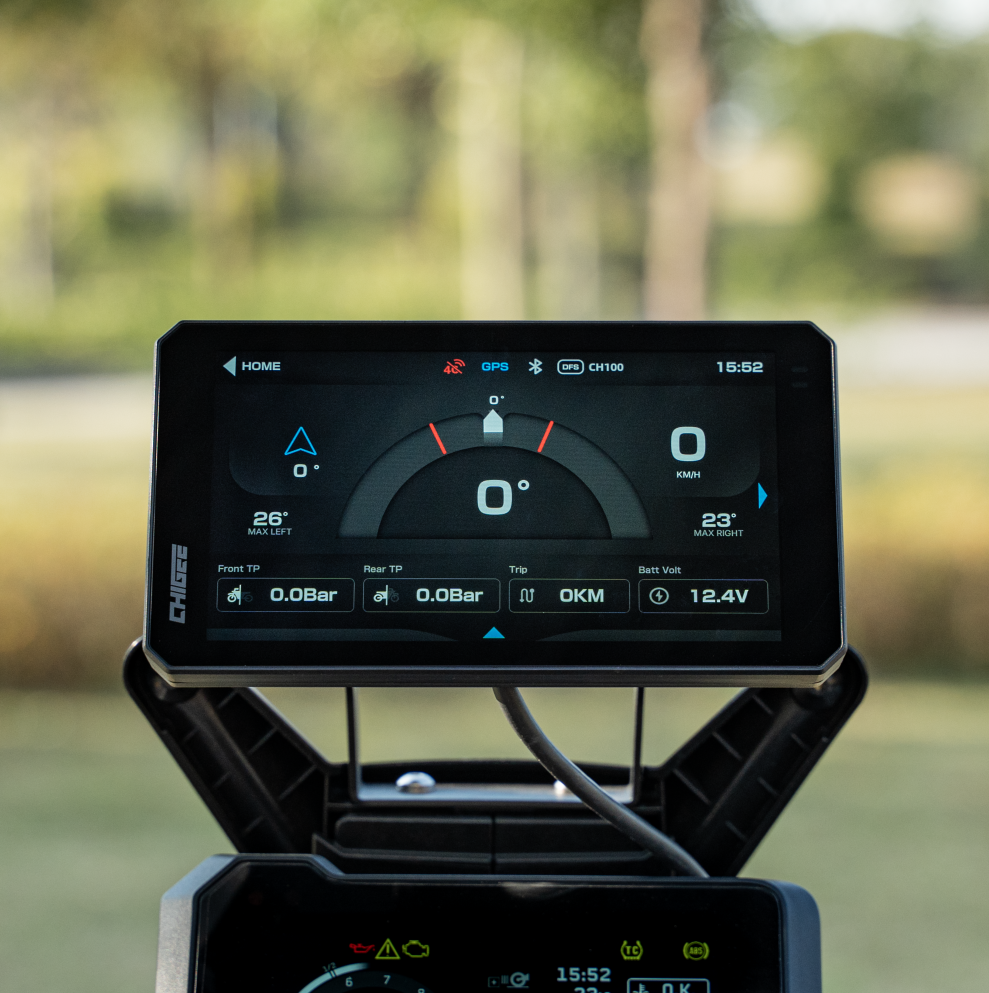
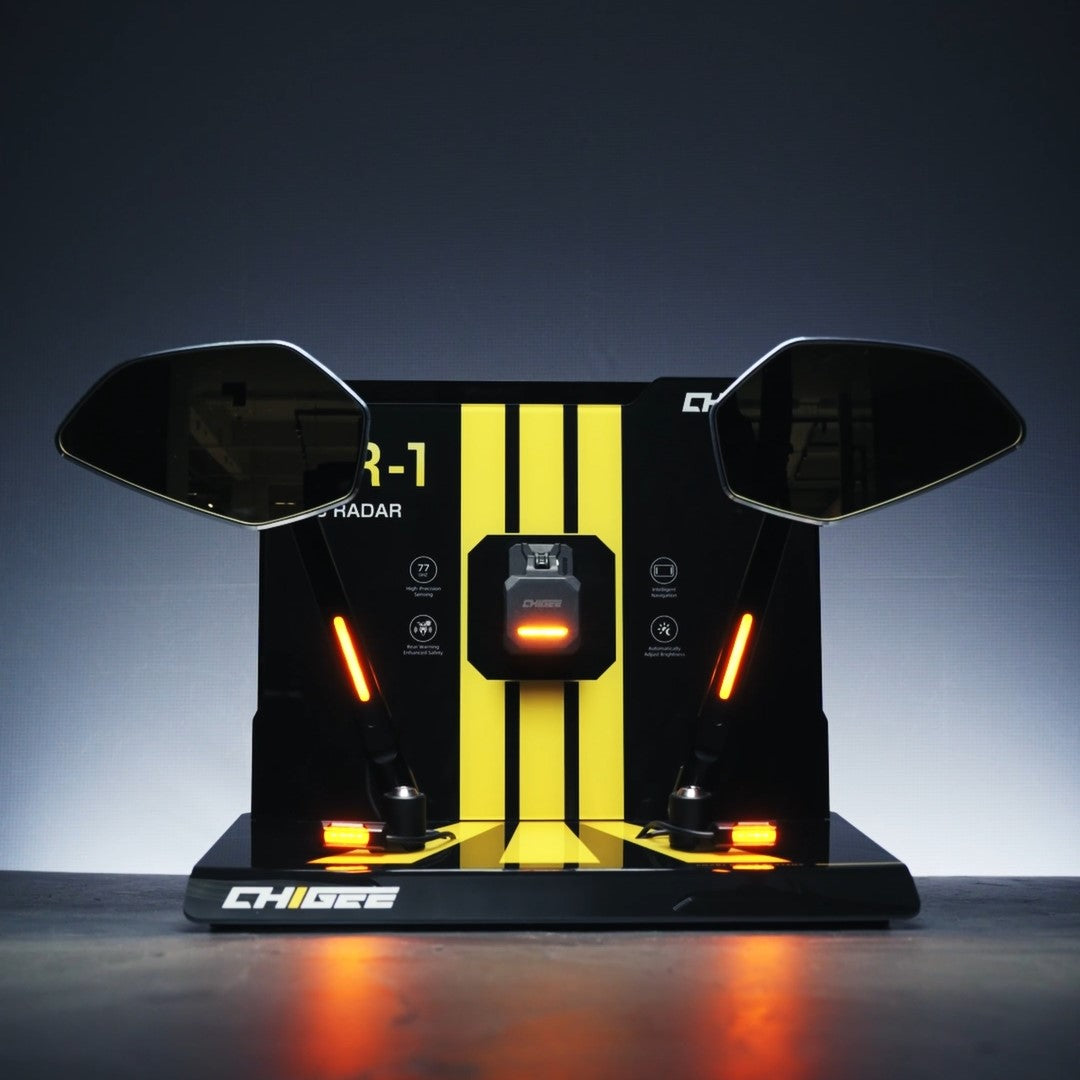
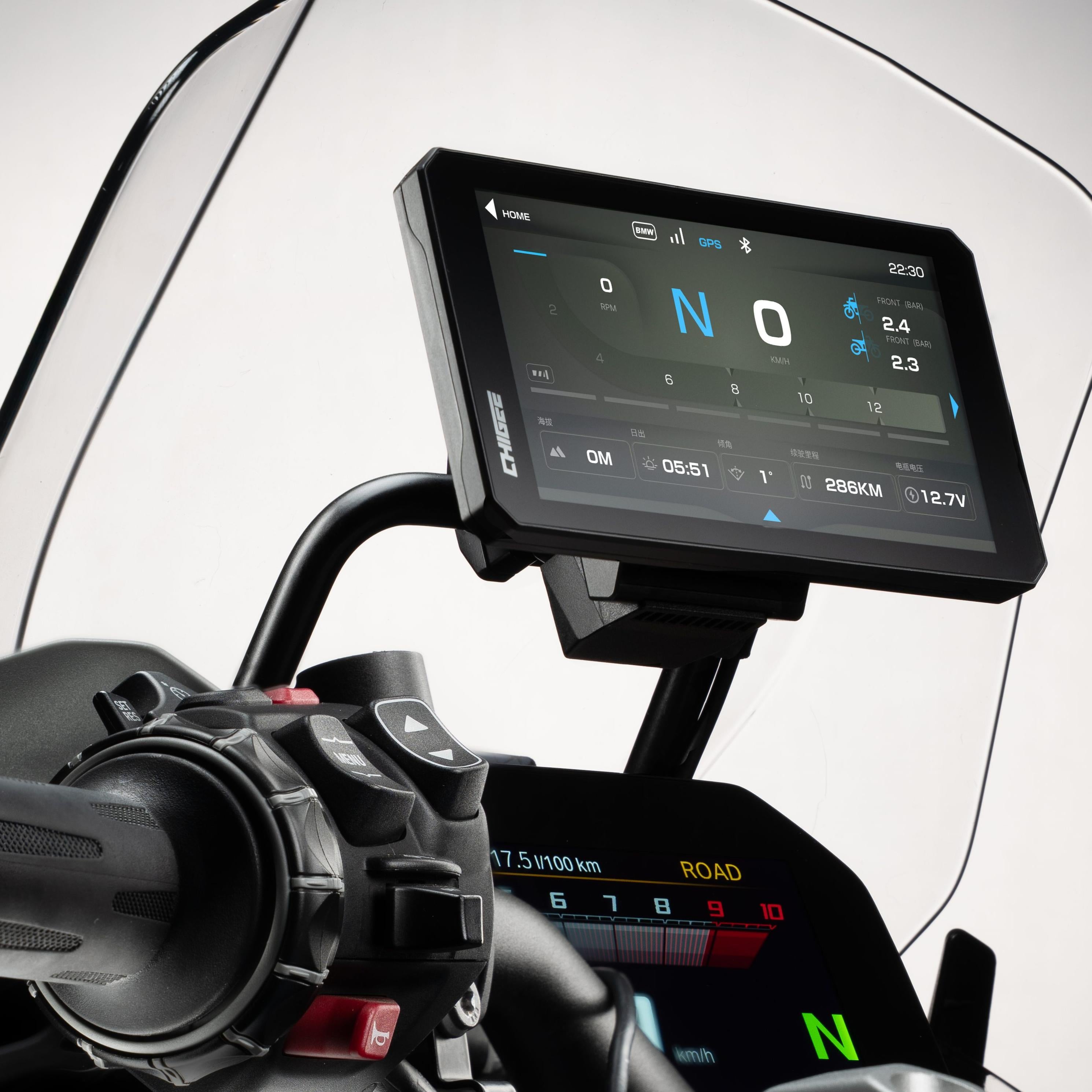
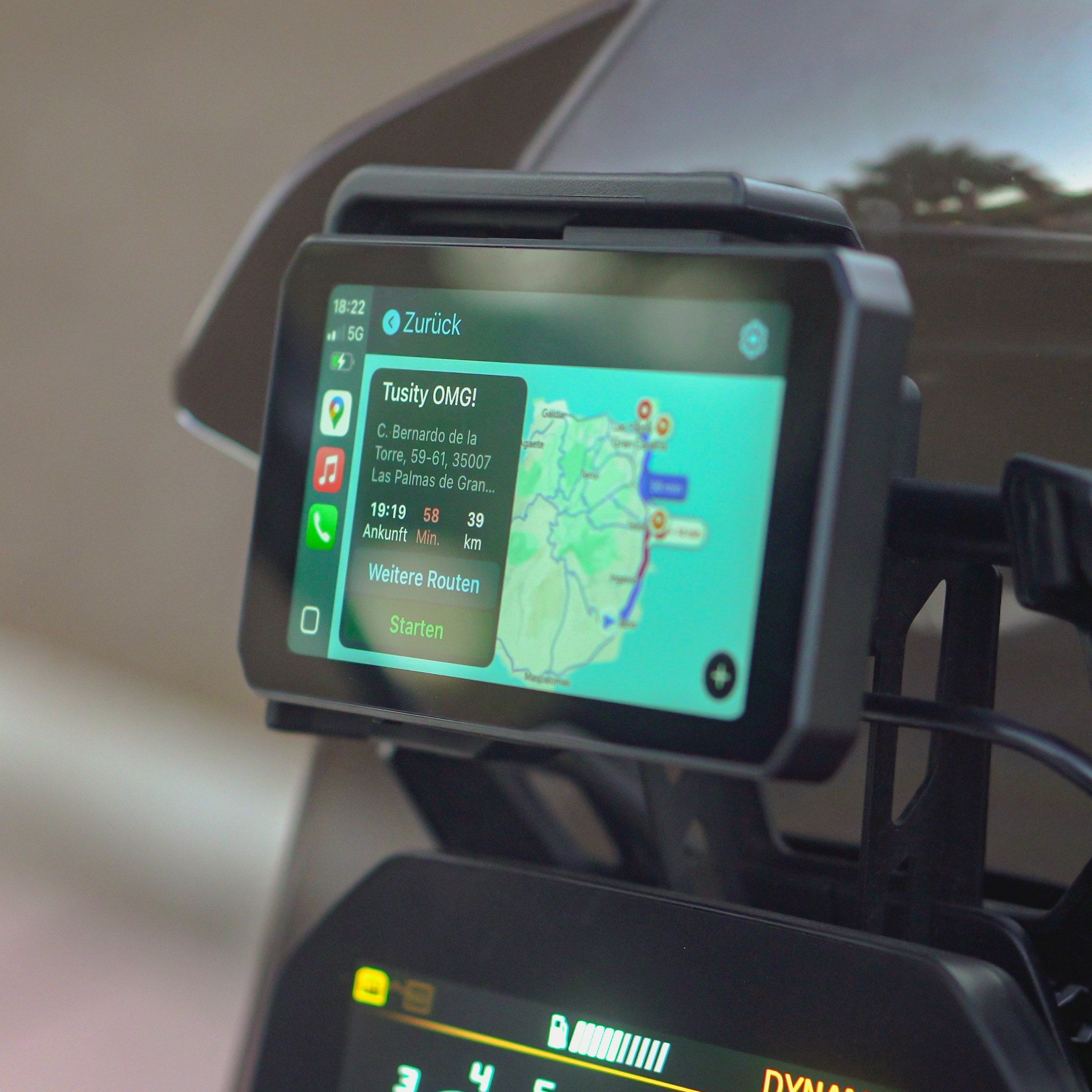

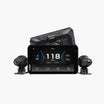
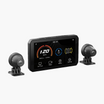
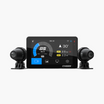

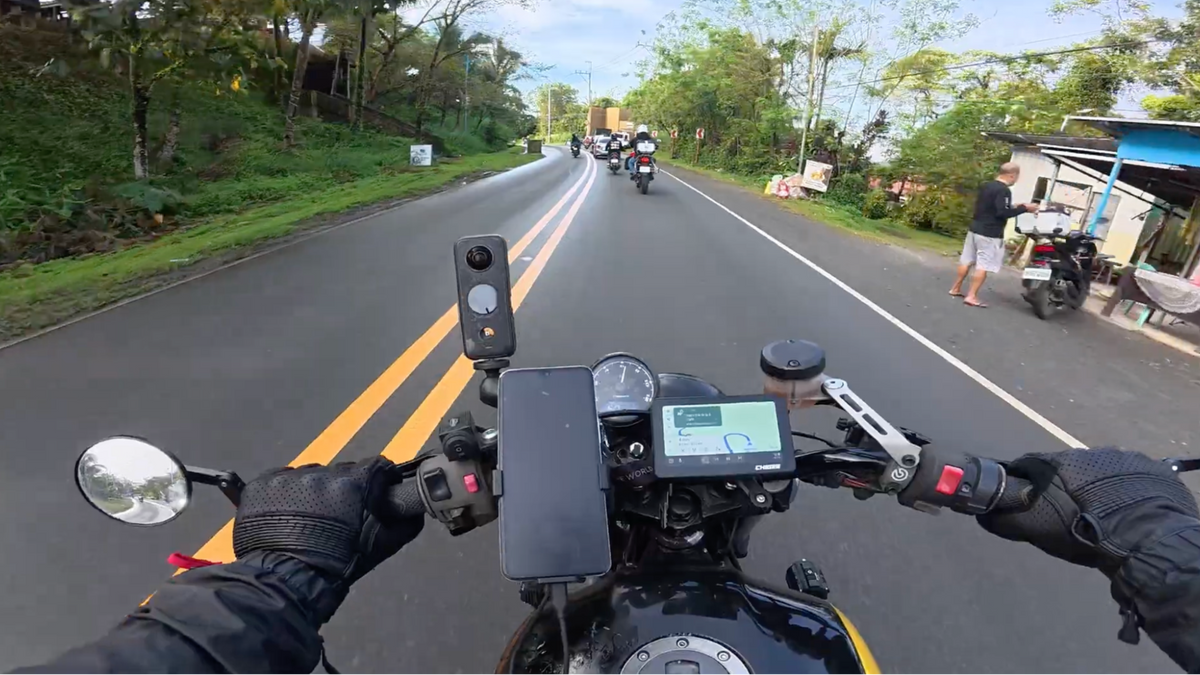
The first time a full navigation app loaded on my handlebars, I stopped using standalone GPS units entirely. Watching live traffic reroute in real time – without touching my phone – changed how I planned every ride after that. Running Google Maps, Waze, and Apple Maps across the CHIGEE AIO-5 Evo, XR-2, and AIO-6 LTE on three different bikes gave me a clear picture of which app earns its place on your screen and when.
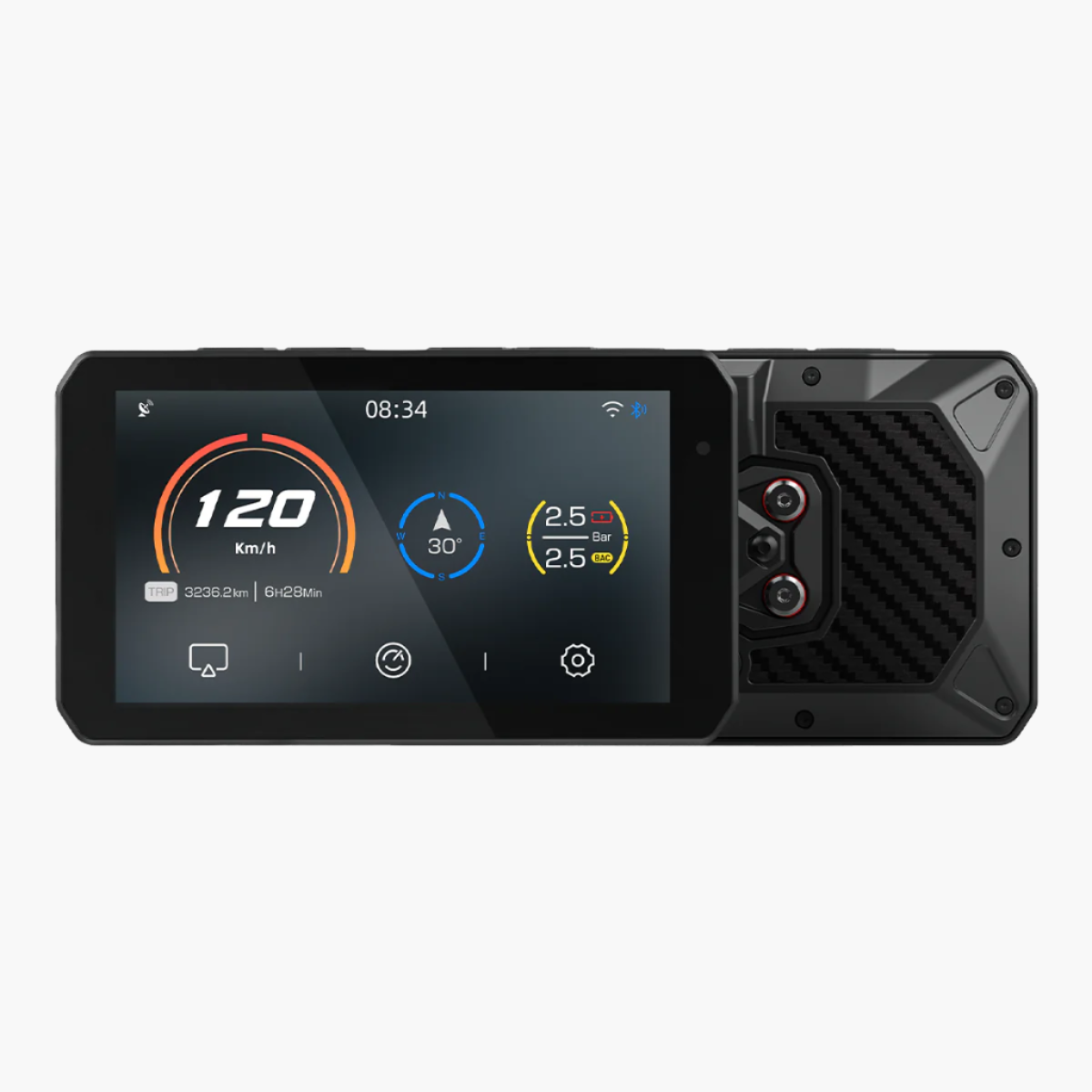
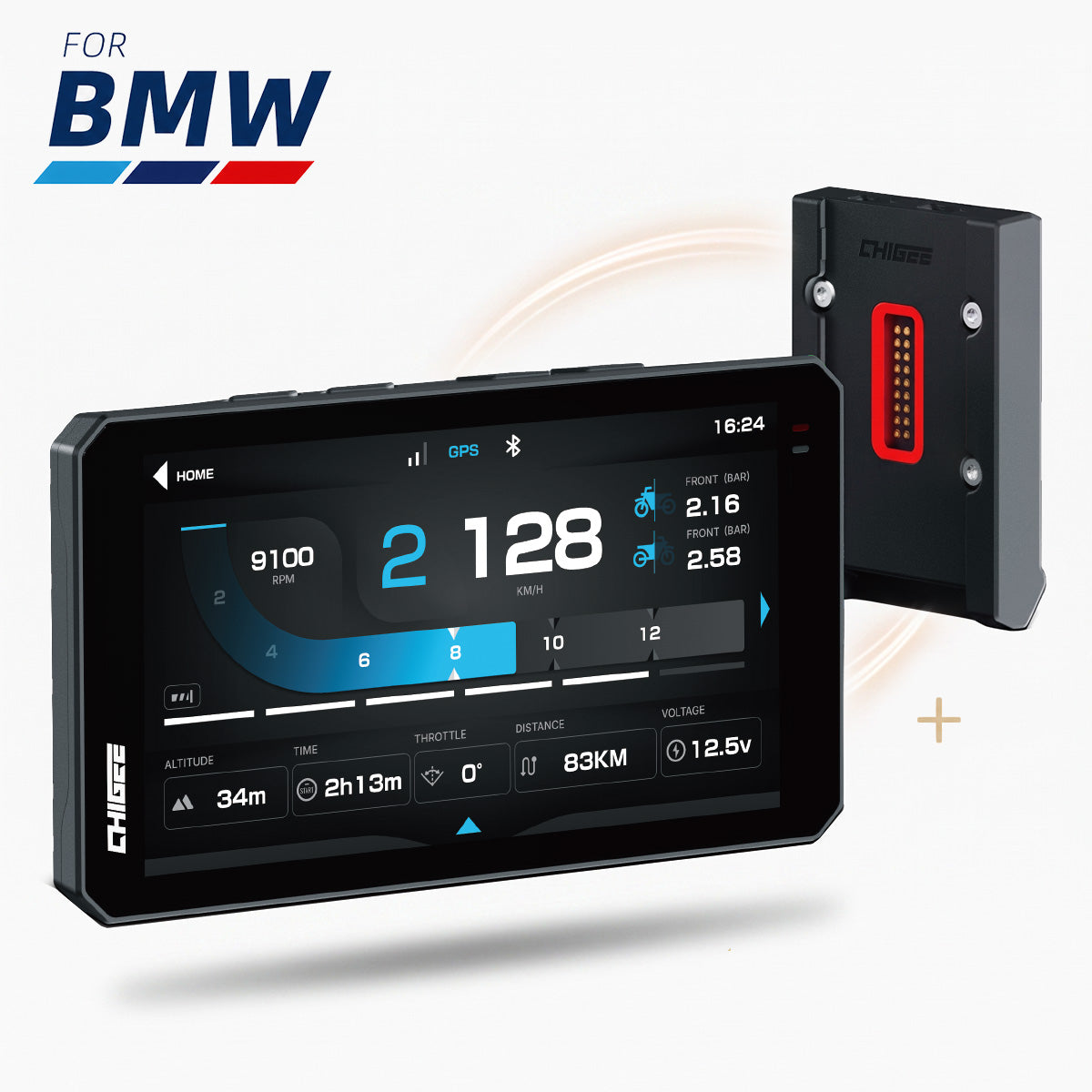
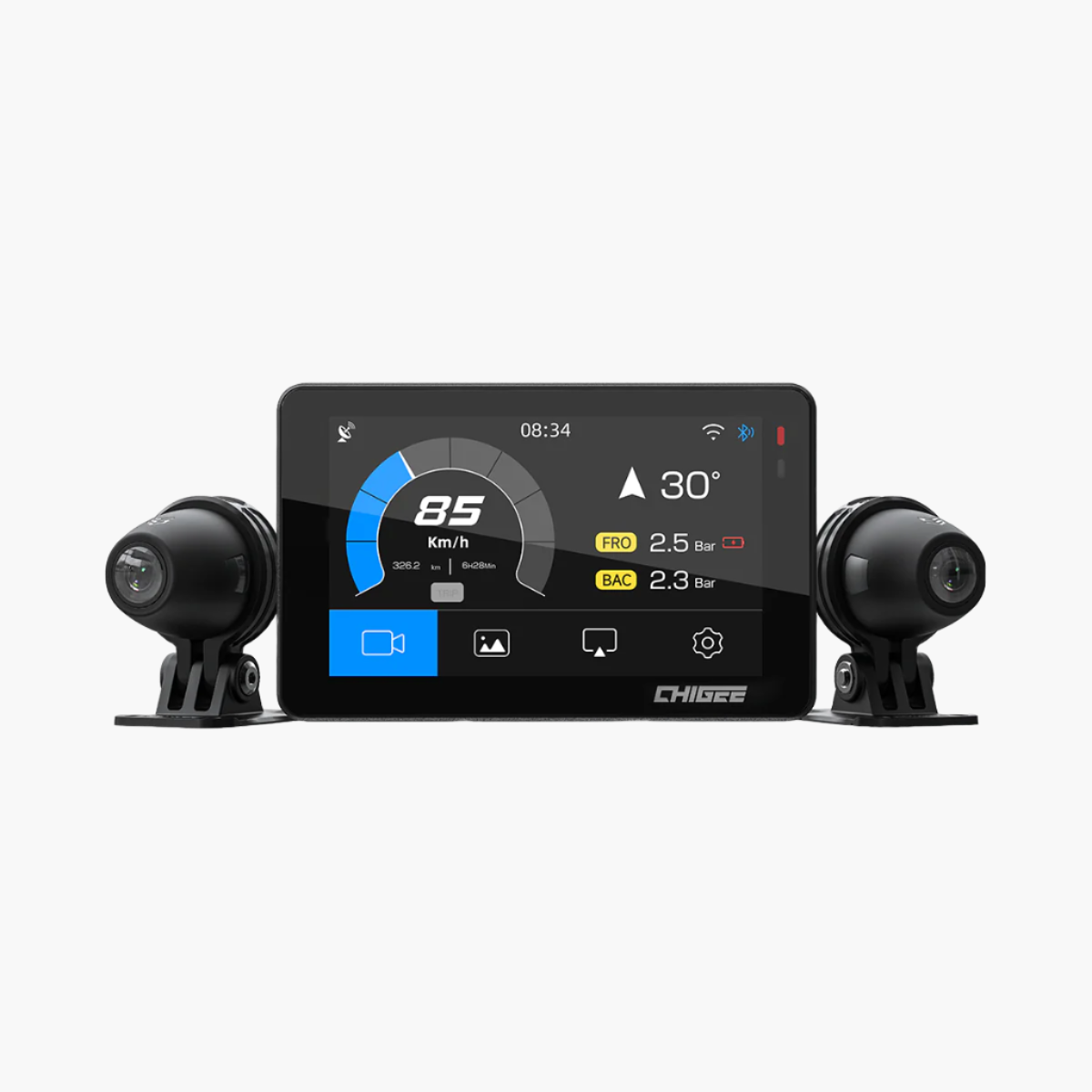
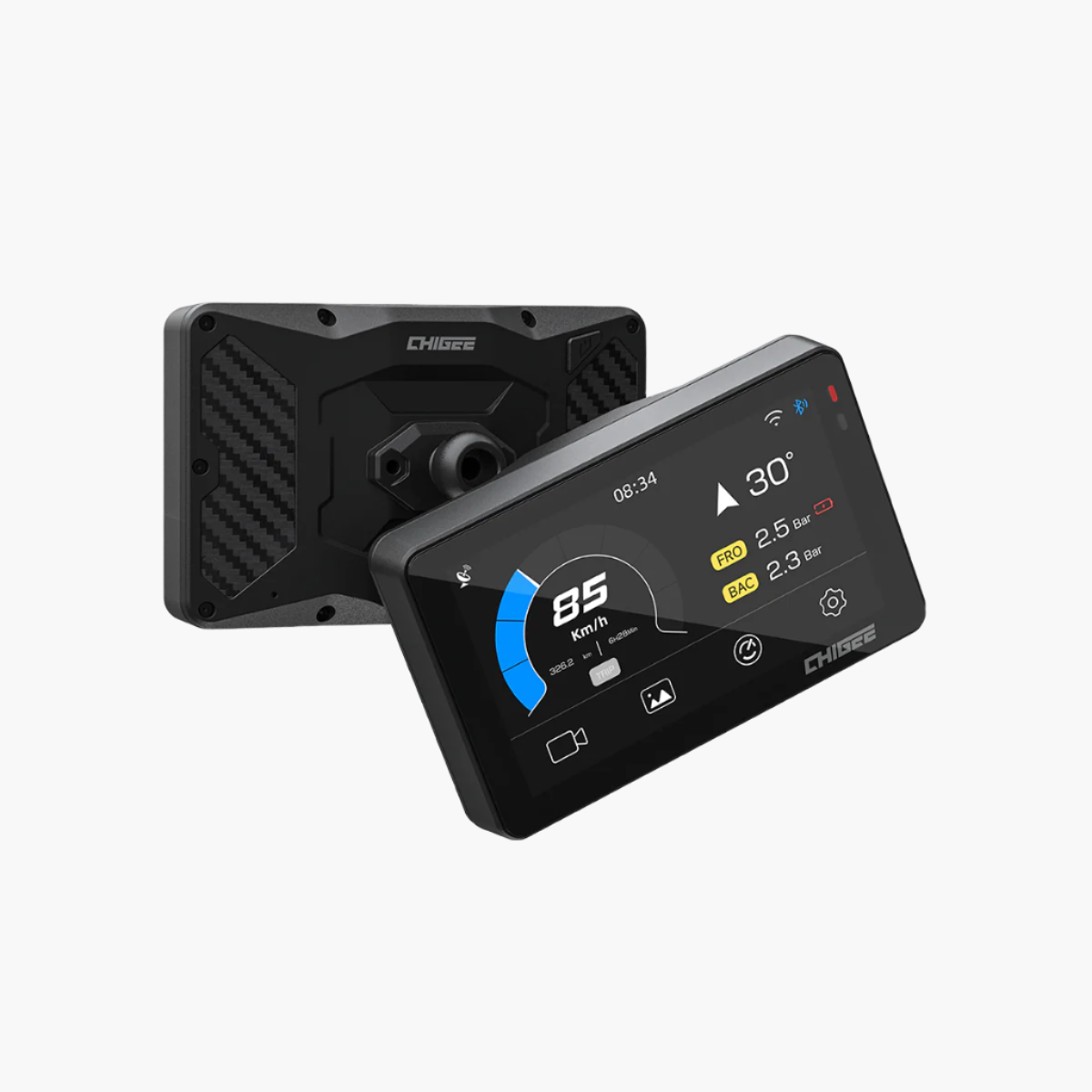
What makes CarPlay genuinely useful for motorcyclists is that it puts your iPhone's full app ecosystem on a weatherproof, glove-friendly display at eye level. Each CHIGEE unit brings a different screen size to the equation – the XR-2 runs a compact 4.3-inch display, the AIO-5 Evo steps up to 5 inches, and the AIO-6 LTE tops out at 6 inches with 2300-nit peak brightness. All three run wireless CarPlay and connect automatically when the bike starts.

This guide walks through how to plan routes with each app, and where each one genuinely outperforms the others.
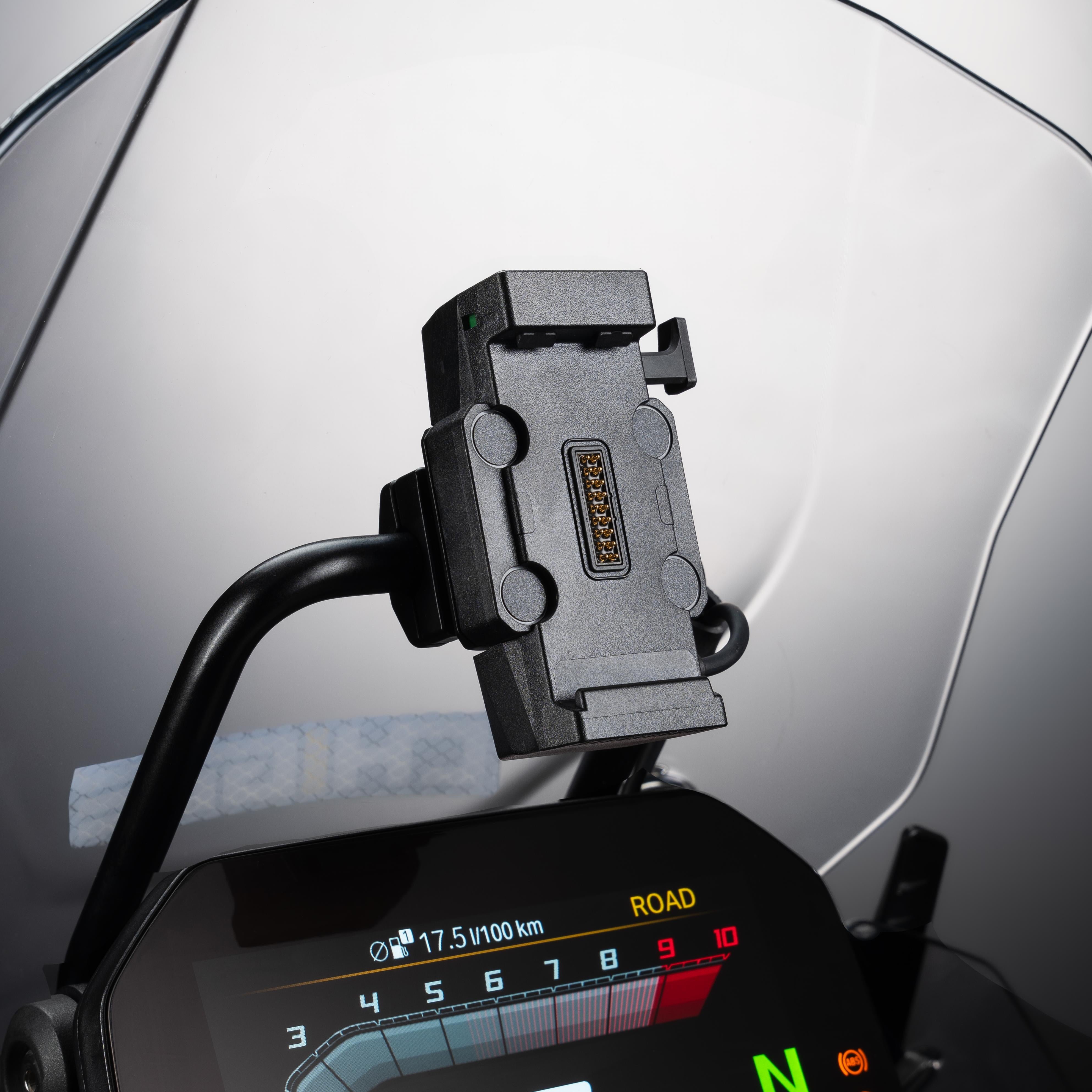
If you're still running a bare phone mount to get navigation on your bike, there's a reason experienced riders are pulling them off after a few rides and it's not just about the screen.
What Makes a Good Motorcycle Navigation App
Motorcycle navigation has different demands than car navigation. Route quality matters more than raw speed – riders want curves, not efficiency. Traffic accuracy matters for commuters and touring riders stuck on slab. Points of interest matter for multi-day trips where fuel stops need to fit around riding hours. Interface legibility at speed, with gloves, in direct sun rounds out the practical list.
No single app dominates every category. Understanding what you are optimizing for before you leave will save frustration mid-route. These three apps differ enough that keeping more than one installed is worth the storage space.

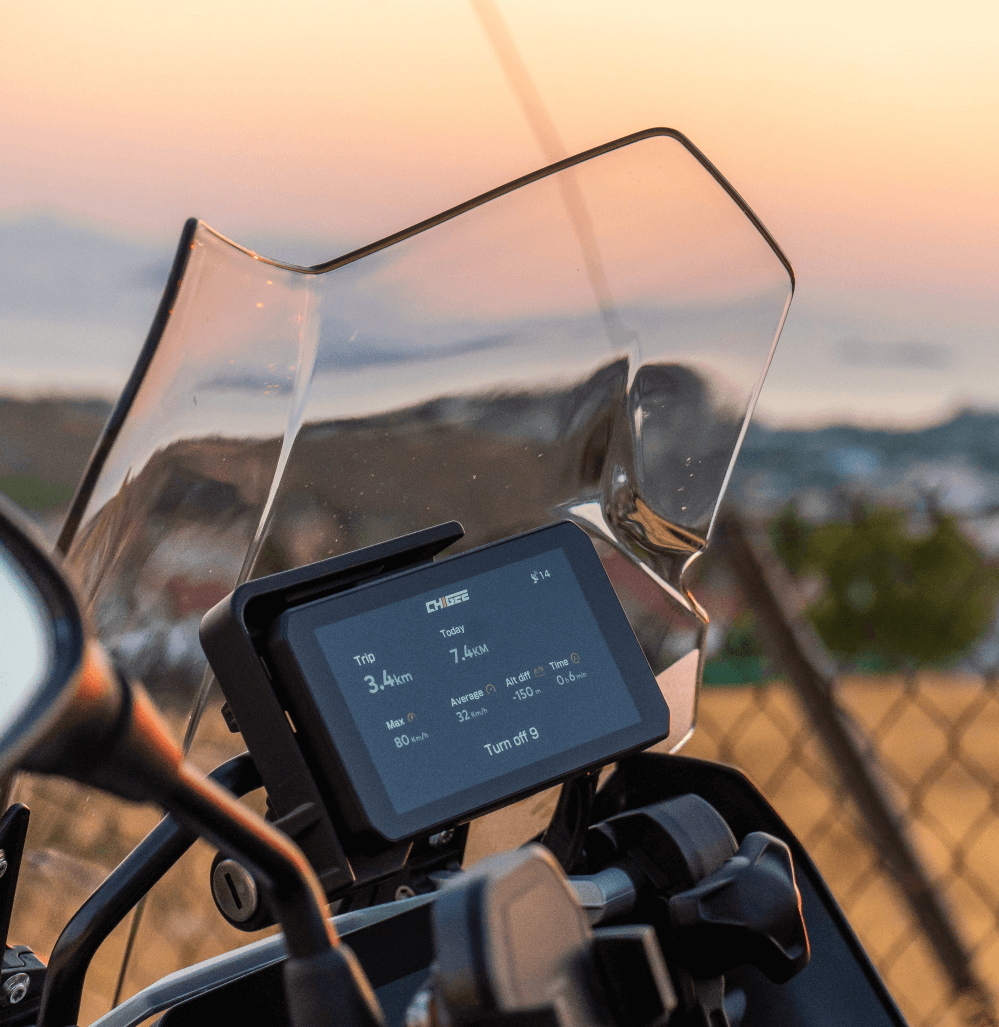
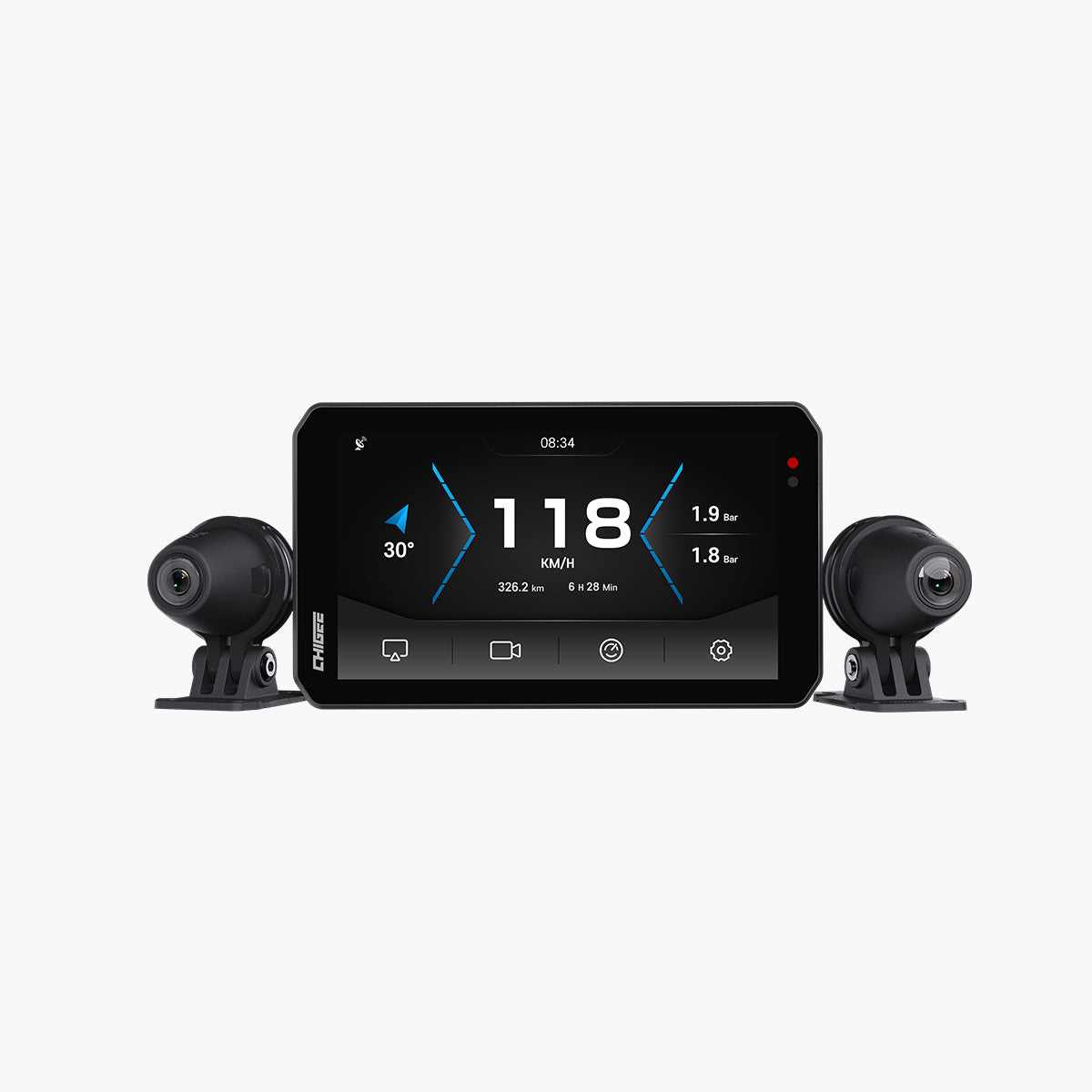
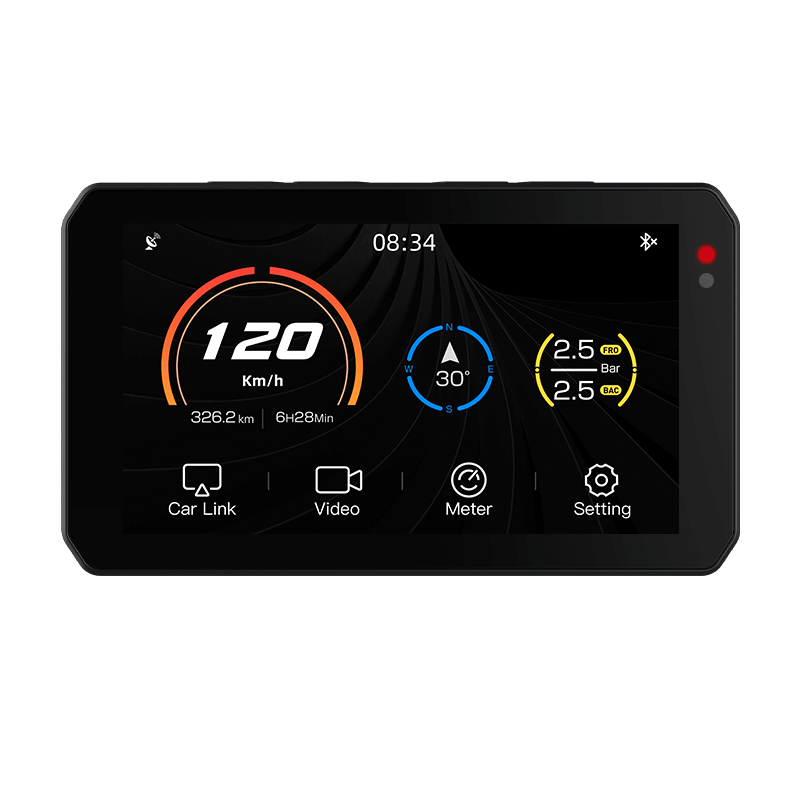
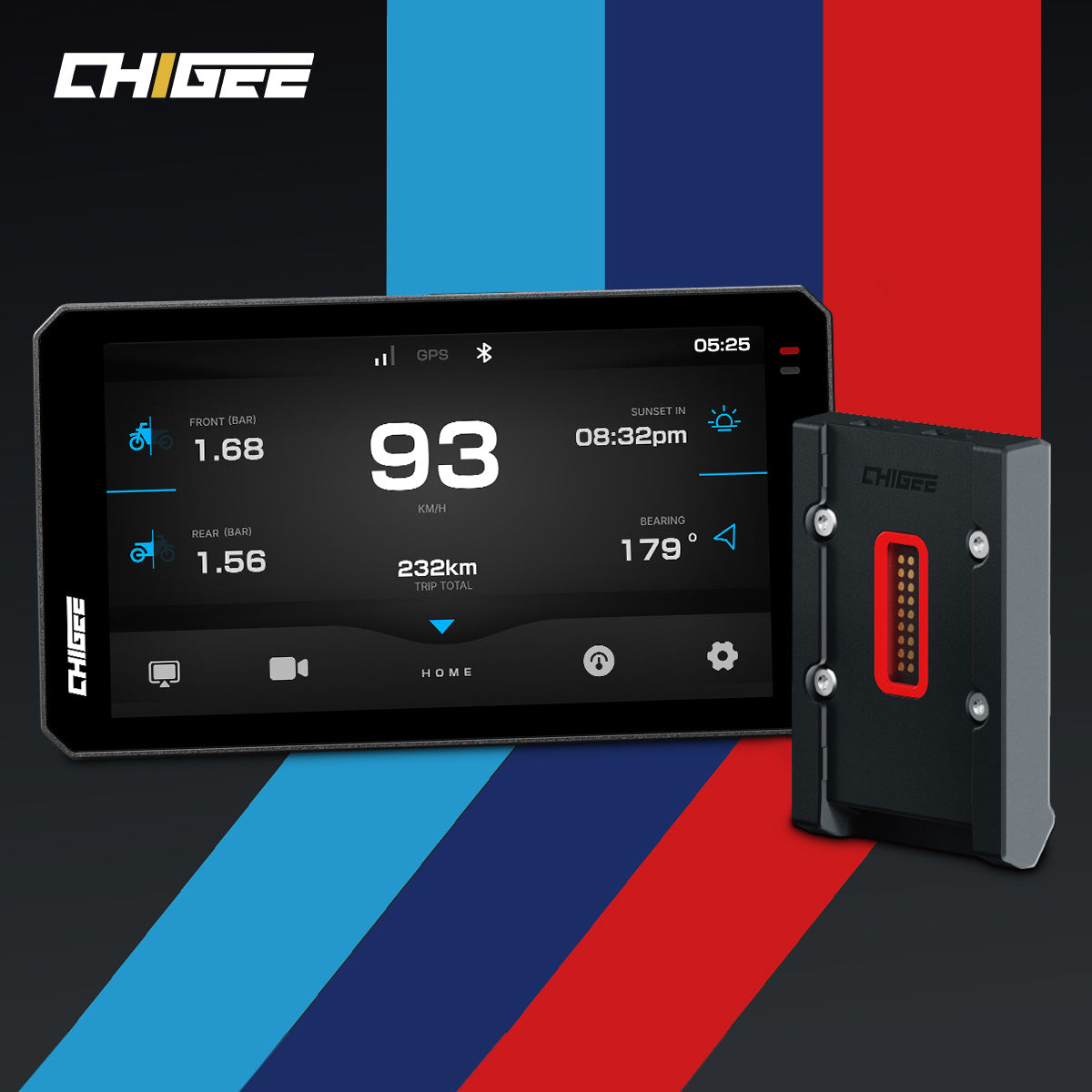
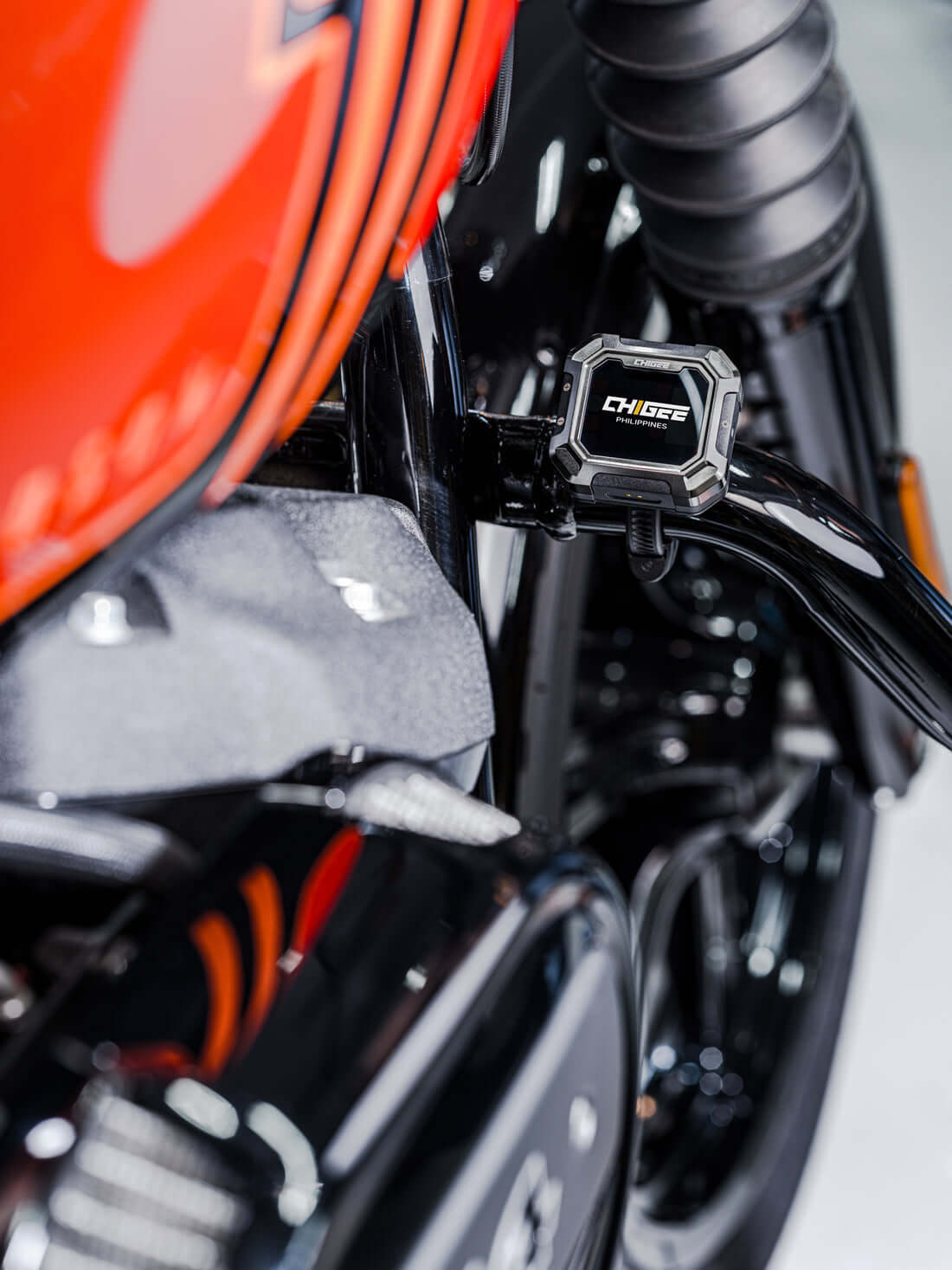
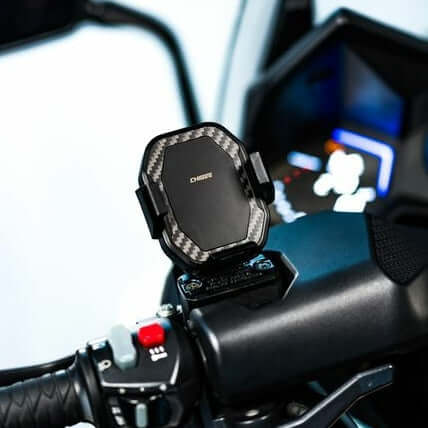
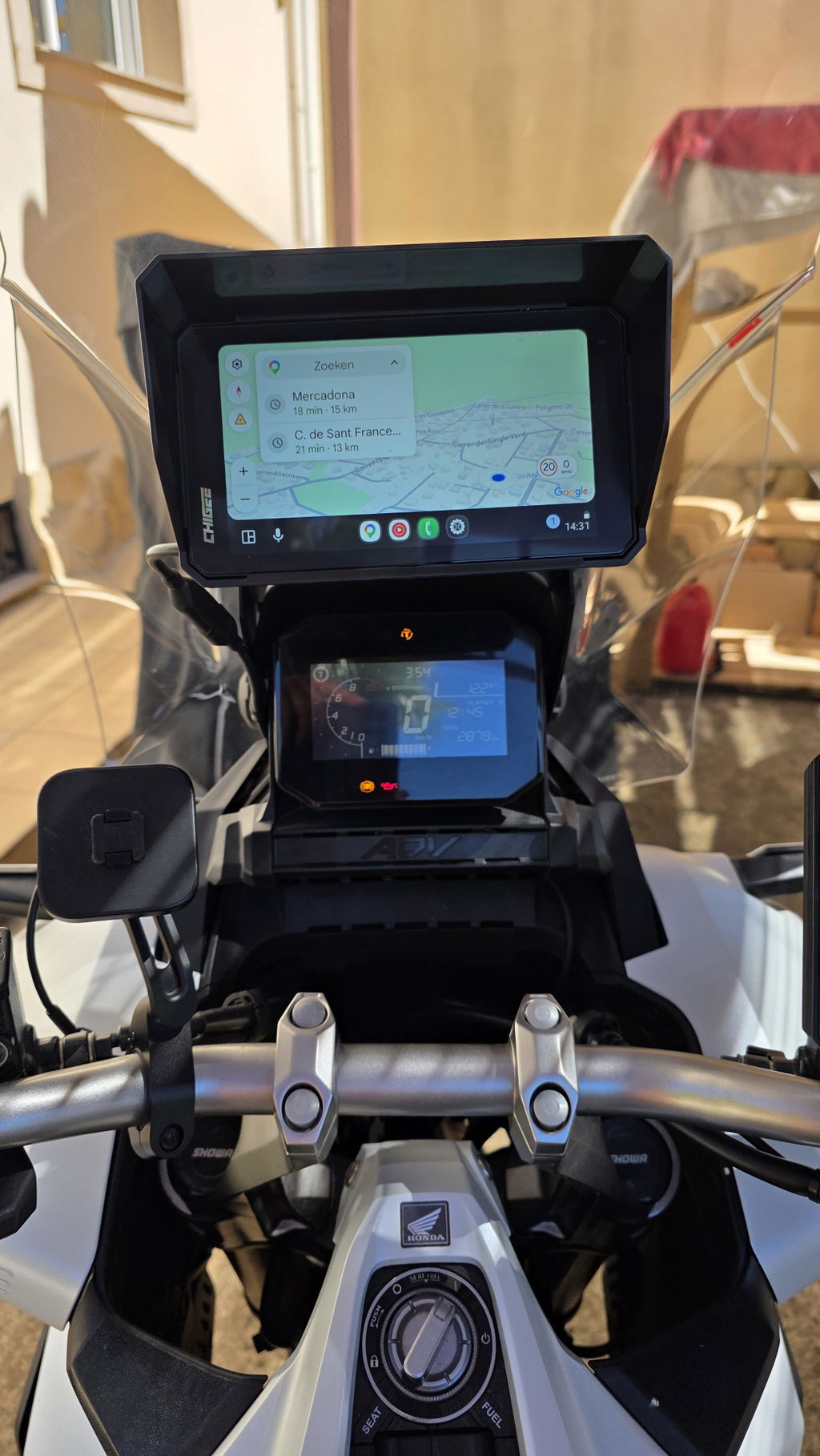
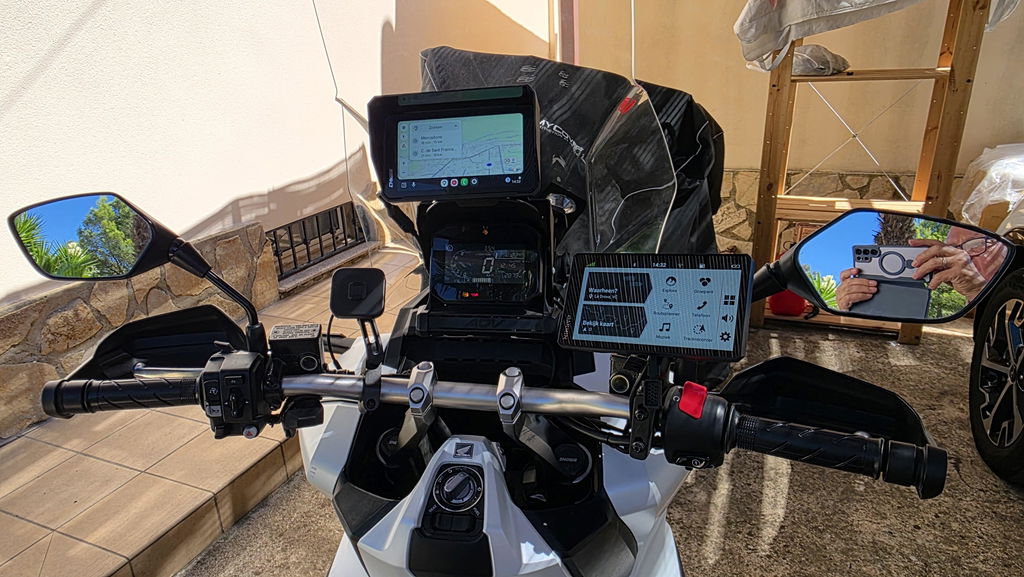
The CHIGEE AIO-5 Evo serves as the primary display throughout this guide. Its wireless CarPlay, 5-inch IPS screen, and IP69K waterproof rating mean it handles all-weather riding without issue.
We broke down Calimoto, Google Maps, and Waze head-to-head specifically on CHIGEE displays to see which works best for motorcycle navigation.
How to Set Up CarPlay Route Planning Step by Step
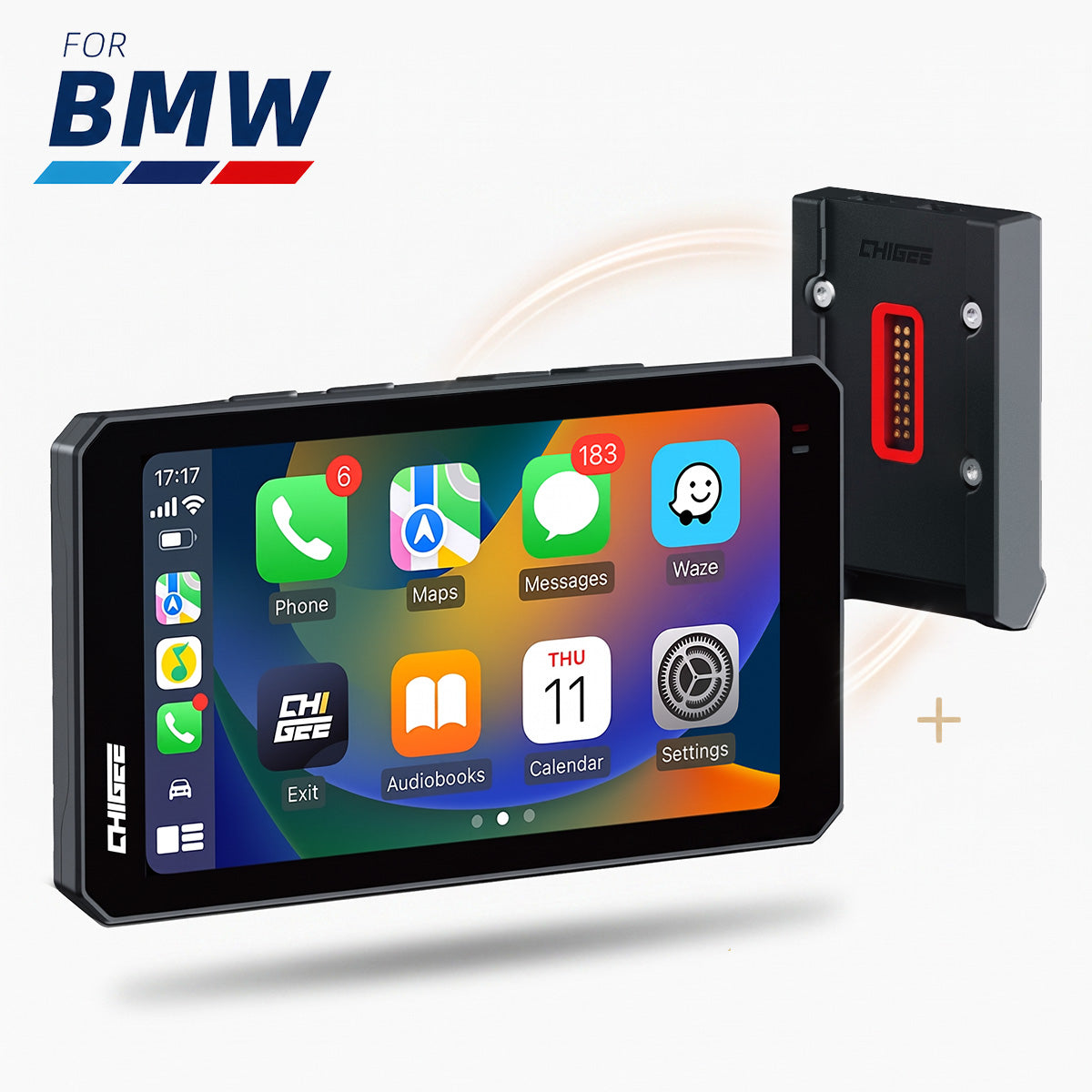
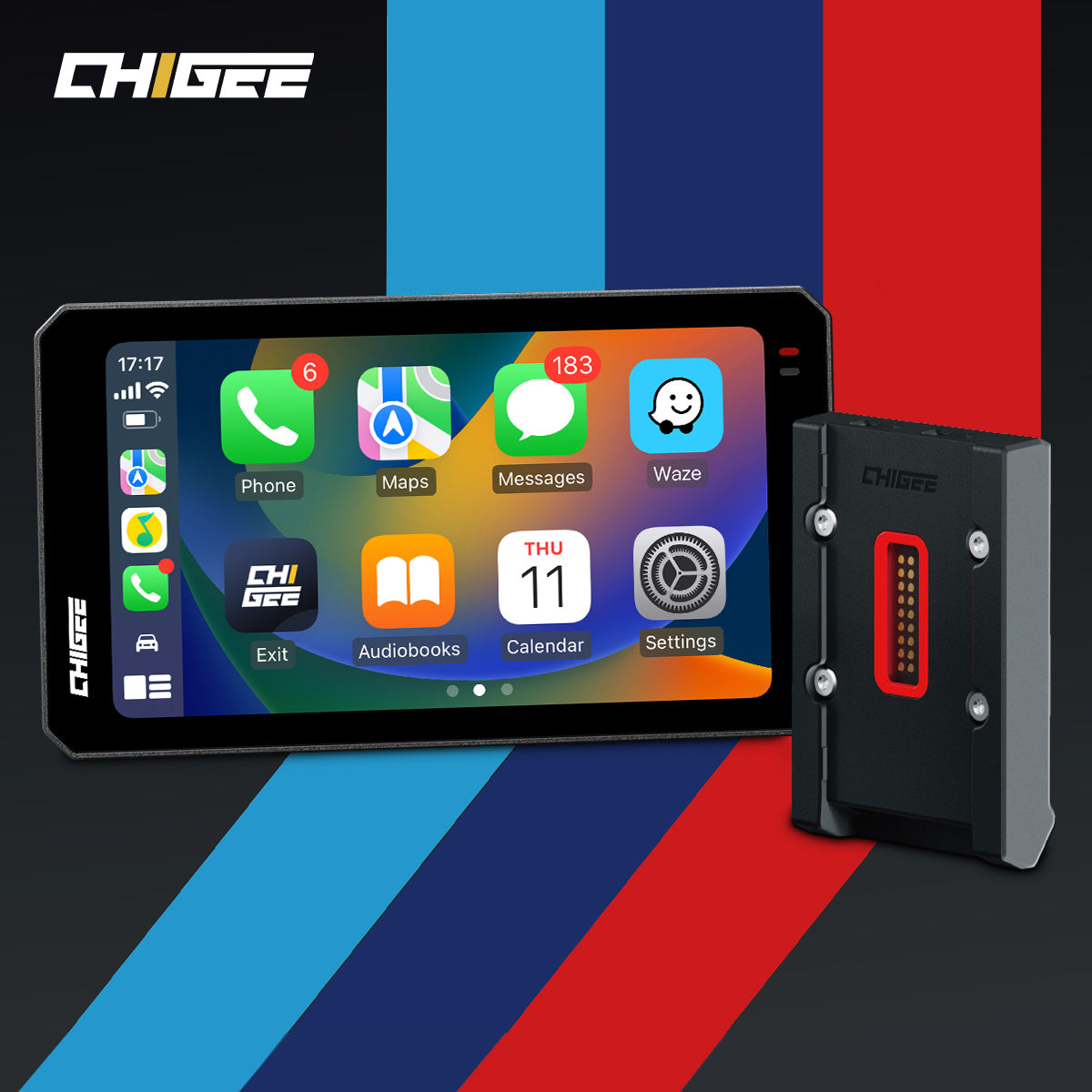
Getting CarPlay running on the AIO-5 Evo is straightforward. Power on the unit, navigate to the CarPlay pairing screen, and enable wireless CarPlay on your iPhone under Settings. After the first connection, every ride reconnects automatically. The unit powers on with the ignition, and your navigation app is live within seconds.
Once connected, your chosen app appears on the CarPlay home screen. Tap to open it, then enter your destination with Siri voice input to keep your hands on the bars. Setting waypoints, choosing fuel stops, and adjusting routes all flow through the same voice-and-tap interface. All three apps support Siri reliably through CarPlay.
Pre-plan complex multi-stop routes on your phone or desktop before mounting up. Building a seven-waypoint route is faster with a full keyboard than a touchscreen on a running bike.
Google Maps: The Traffic and POI Leader
Google Maps leads on traffic-aware routing and points of interest. Its traffic data pulls from millions of active GPS signals. That makes its rerouting suggestions more reliable in dense urban corridors than either competing app. For daily commuters dealing with unpredictable city traffic, it saves real time by flagging congestion before you are already in it.
The POI database is deeper than anything else in the CarPlay ecosystem. Searching for a gas station, a restaurant open past a certain hour, or a motorcycle dealer for an unplanned service stop – Google Maps surfaces accurate results with operating hours and reviews attached. That depth matters on touring days through less-traveled areas.

Google Maps has the richest POI database, making it ideal for multi-day touring routes with accurate fuel, food, and lodging stops.
The AIO-6 LTE's 6-inch screen is the best display in the group for reading traffic overlays. Lane guidance and color-coded congestion lines sit at a scale that reads clearly at a glance. The one weakness of Google Maps: it optimizes for speed, not curves.
The AIO-6 LTE’s 6-inch display excels for traffic overlays. See the full AIO-6 review covering commuting, touring, dashcam, and glove use.
Waze: The Commuter's Edge
Waze is the most community-driven of the three apps. Users report road debris, police presence, potholes, and accidents in real time. Those reports appear on the map within minutes. For motorcycle riders – where road surface surprises carry higher consequences – that hazard awareness adds genuine safety value.
Traffic rerouting in Waze is competitive with Google Maps on major corridors. In cities where the Waze user base is dense, it can be marginally faster at catching emerging slowdowns. The CarPlay interface is clean. Alert icons appear prominently enough to spot at a glance on the AIO-5 Evo's 5-inch display without requiring close attention.

Waze does not have the POI depth of Google Maps, and it lacks any scenic routing features. It is built for efficient, hazard-aware commuting – and it delivers exactly that.
Choosing the Right App for Your Ride
The practical answer for most riders is to keep all three installed. CarPlay lets you switch apps freely, and there is no cost to having options available. The decision is simply which app to open when you mount up.
For a weekday urban commute, open Google Maps or Waze. Use Google Maps for maximum data accuracy and POI coverage. Use Waze if you ride in a city where its user base is active and you want hazard alerts. For a Saturday leisure run with no hard schedule, Apple Maps earns its place by surfacing scenic options the others ignore entirely.

Switching apps mid-route through CarPlay takes three taps on any of the three CHIGEE units. There is no friction in changing tools when conditions change.
Practical Route Planning Tips for CarPlay Riders
Pre-loading routes before you leave is the single most valuable habit to build. Searching for a destination and verifying waypoints on a full phone screen takes a fraction of the time it takes on a mounted display with gloves on. By the time you mount up, all three apps will hold your pre-selected route and resume it when CarPlay connects.
Voice input through Siri is consistently underused by riders new to CarPlay. Pressing the voice button and speaking a destination is faster than any touch input. It also keeps your eyes on the road. All three apps accept Siri voice commands for destination entry through CarPlay.

Battery draw is a real consideration on longer rides. Wireless CarPlay keeps your iPhone connected via Bluetooth and Wi-Fi simultaneously, which drains faster than navigation alone. Keeping a USB-C power bank or a wired charging setup in your tank bag on long days removes that concern entirely.
Frequently Asked Questions
Does CarPlay work on motorcycles without a phone holder?
CarPlay requires an active iPhone connection to a compatible display unit. The CHIGEE AIO-5 Evo, XR-2, and AIO-6 LTE all handle that connection wirelessly. The phone can stay in a pocket or tank bag while the display runs the full navigation interface. Mounting the phone separately is optional.
Can I use Google Maps and Waze at the same time on CarPlay?
CarPlay runs one navigation app at a time as the primary display. You cannot overlay two apps simultaneously. A workaround some riders use is running Waze on CarPlay for visual hazard alerts while keeping Google Maps audio active through a Bluetooth headset. It takes careful audio setup to avoid two competing voice streams.
Which app is best for finding gas stations mid-ride?
Google Maps has the most accurate and complete gas station data, including current operating hours and user-submitted fuel price information in supported areas. For touring riders working within a specific fuel range, it is the most reliable tool of the three.
Does Apple Maps' scenic route feature work everywhere?
Apple Maps scenic routes are available on iOS 16 and later in the United States, with coverage expanding in subsequent updates. Coverage is concentrated in areas with established scenic byways. In urban areas or regions with limited road network data, the scenic suggestion may not appear. Check coverage for your specific region before a trip.
Will any of these apps work offline for areas with no cell signal?
Google Maps supports offline map downloads, caching a defined geographic area for turn-by-turn navigation without a live data connection. Apple Maps offers limited offline functionality on recent iOS versions. Waze is almost entirely cloud-dependent and does not support meaningful offline use. For rides in known coverage gaps, pre-downloading a Google Maps offline region before departure is the most reliable approach.
Is wireless CarPlay reliable enough for navigation in rain?
In testing across wet conditions, all three CHIGEE units maintained stable wireless CarPlay connections through light to moderate rain. The AIO-5 Evo and AIO-6 LTE are both rated IP69K, while the XR-2 carries an IP68 rating. Keeping the phone inside a jacket pocket – rather than a tank bag with a metallic liner – improves signal consistency in heavy rain.
Wrapping Up
Google Maps, Waze, and Apple Maps through CarPlay cover every navigation scenario most riders face – congested commutes, scenic weekend loops, and fuel-critical touring days. The key is matching the right app to the ride type rather than defaulting to one app for everything.
Whether you are running the compact CHIGEE XR-2 on a classic bike, the AIO-5 Evo on a daily, or the AIO-6 LTE's 6-inch, 2300-nit display on an adventure rig, the CarPlay ecosystem works the same across all three. The screen size changes; the app flexibility does not.
For riders ready to move to a smart motorcycle display, the CHIGEE AIO-5 Evo is a strong starting point. And if you want to see how other riders are using CarPlay setups in the field, the CHIGEE Group has active discussion on routes, setups, and app comparisons from real-world riding.
About the Author
Reuben is a motorcycle gear correspondent and content writer with over 60,000 km of riding experience on Philippine roads. He rides a 1990 Yamaha XJR 400 and tests motorcycle technology – including the CHIGEE XR-2, AIO-5 Evo, and AIO-6 LTE – across navigation systems, dashcams, and riding gear on a range of road conditions. His work appears on phtoll.com and CHIGEE's official blog, where he focuses on practical, rider-focused technology content grounded in firsthand field testing.










Leave a comment
All comments are moderated before being published.
This site is protected by hCaptcha and the hCaptcha Privacy Policy and Terms of Service apply.