


En grundig analyse og praktisk veiledning fra CHIGEE
Et spørsmål som fortjener et ekte svar
Nylig har vi mottatt tilbakemeldinger fra flere motorsyklister — noen ganger forvirret, av og til frustrert:
"Jeg dro ut på en kort tur med navigasjon som kastet til skjermen og Bluetooth-lyd som spilte. På litt over en time gikk telefonen fra full ladning til 40%."
"CHIGEE-skjermen er virkelig nyttig, men å se telefonbatteriet forsvinne så raskt er urovekkende."
Kan dette forbedres? Eller har jeg satt opp noe feil?
Vi har ikke bare hørt disse stemmene — vi har tatt dem på alvor.
Innen kategorien smartskjerm er hvert brukerproblem, i kjernen, møtepunktet mellom produktdefinisjon og ingeniørmessige avveininger. Overfladisk ser "telefonen tømmes for raskt" ut som et batterilevetidsproblem. Se nærmere etter, og det berører hvordan trådløse protokoller faktisk fungerer, hvordan strøm håndteres når flere oppgaver kjører parallelt, og hvordan ryttere intuitivt forventer at telefonen og hodestasjonen skal samarbeide.
Enten du kobler til via Apple CarPlay eller Android Auto, er mekanikkene — og løsningene — de samme.
Så i denne artikkelen vil vi ikke unngå det. La oss bryte dette ned tydelig: hva bruker egentlig strøm, hvorfor oppfører det seg slik, og — som en rytter — hva du kan gjøre for å løse det.
Hvem er de virkelige "strømforbrukerne"?
For å forstå hvorfor telefonen din tømmes raskere når den er koblet til en CHIGEE-skjerm, er det første du må identifisere hvilke komponenter inne i telefonen som kjører med langt høyere strømforbruk enn normalt.

1. Skjermspeiling — den største ytelsesbelastningen
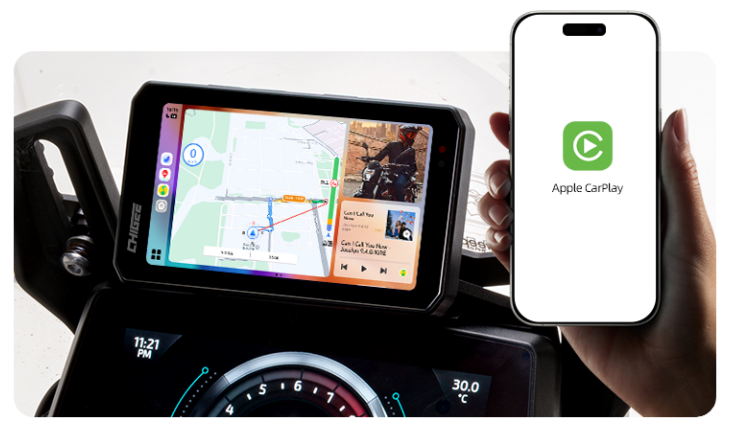
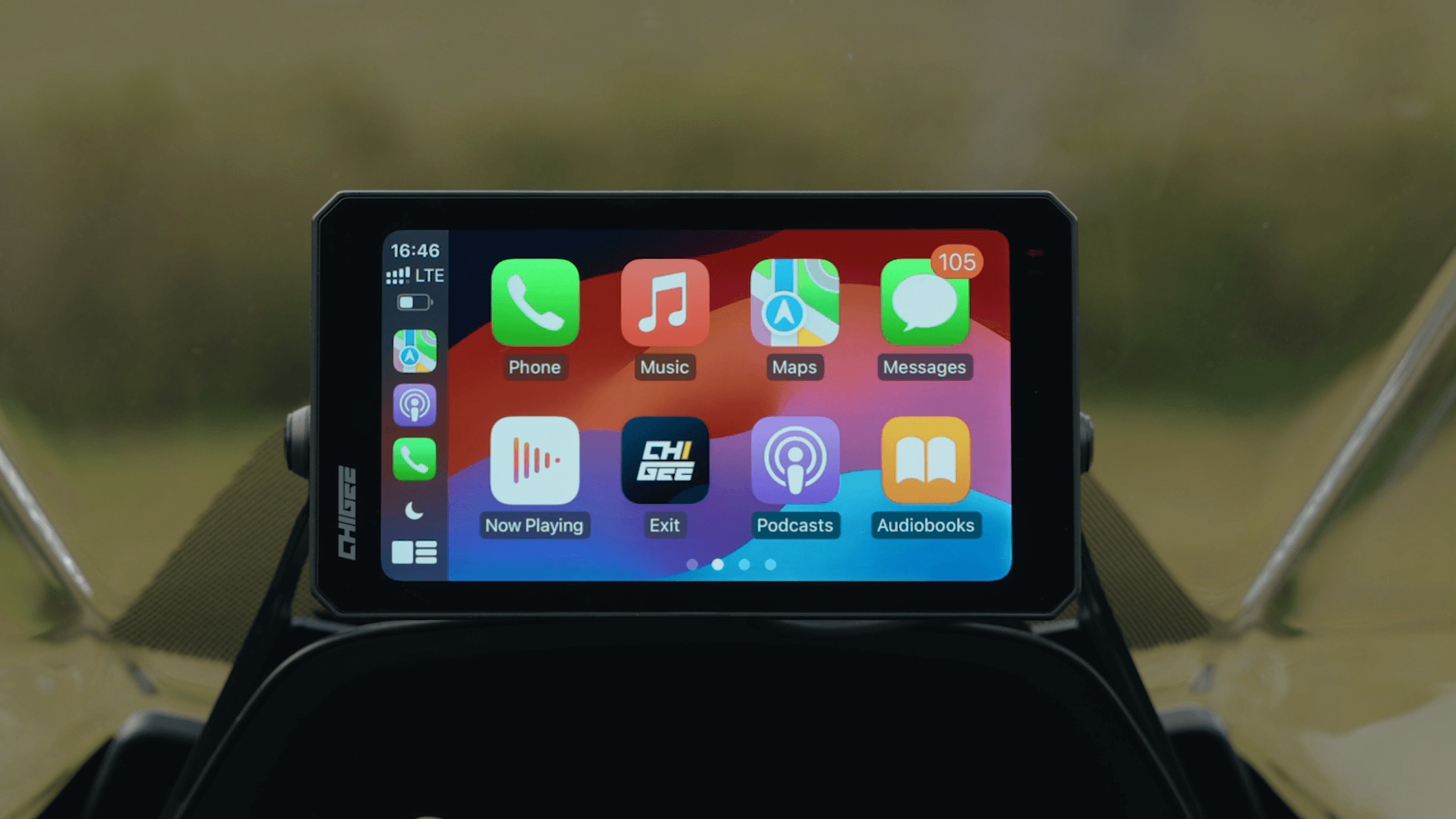
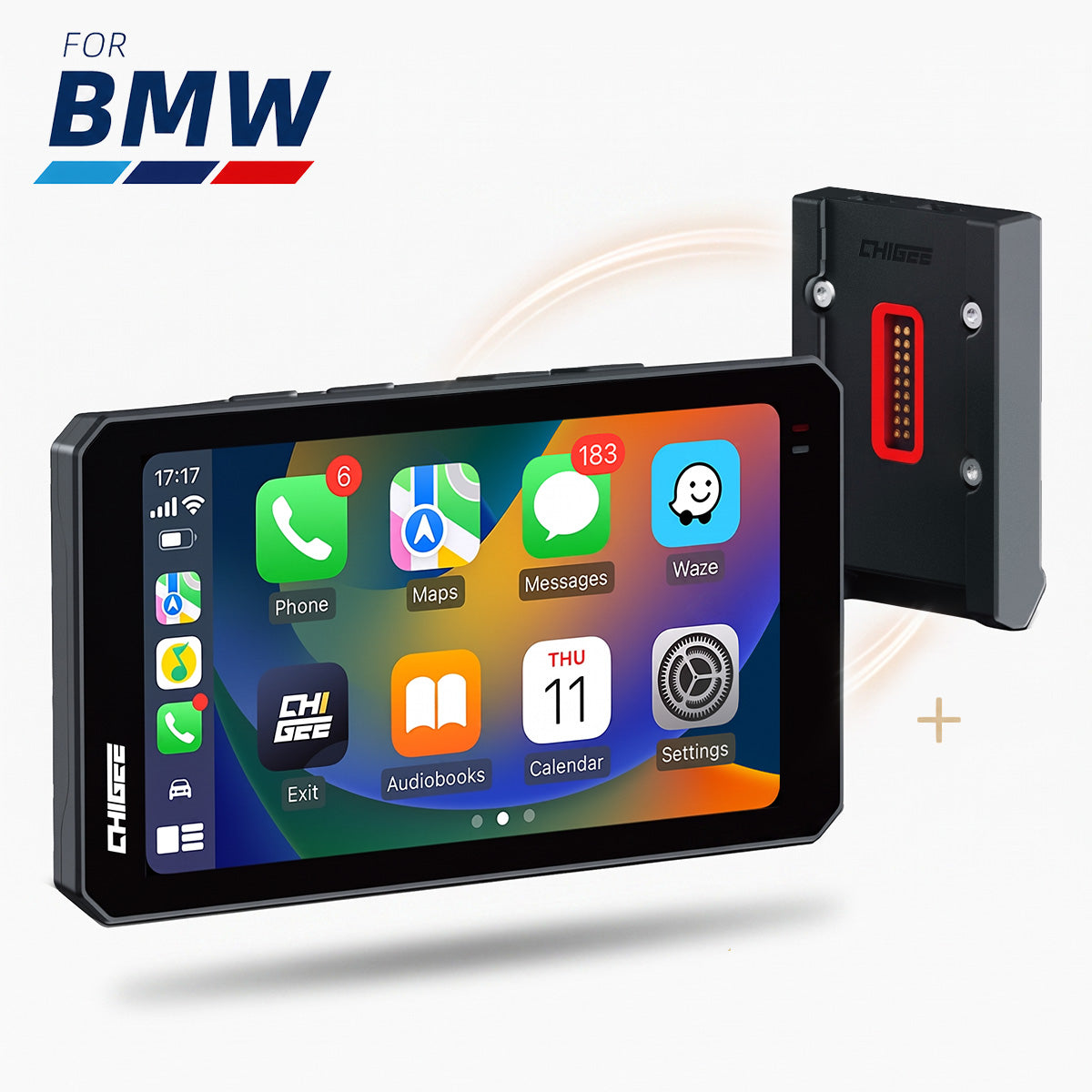
CHIGEE-skjermvisninger kjører ikke tredjepartsapper som kart eller musikkspillere direkte. Så under en kjøring er navigasjonsvisningen du ser og lyden du hører begge fra telefonen din — CarPlay eller Android Auto skjermspeiling er det som synkroniserer disse visuelle elementene og lydene til skjermen i sanntid.
Slik fungerer dette egentlig: telefonen din gjengir en full videoramme som er tilpasset skjermens størrelse og berøringsspesifikasjoner, i sanntid, deretter komprimerer den denne strømmen gjennom en dedikert maskinvareencoder, og sender den over en trådløs kanal hvor skjermen dekoder og viser den. Intensiteten av denne oppgaven er langt større enn å spille av en lokal video — fordi det er sanntidskoding. SoC-ens encoder-blokk må kjøre på full hastighet kontinuerlig, og det er en av de mest kraftkrevende modulene inni telefonen din.
En analogi: batterikostnaden for å se en video på telefonen din i en time, og kostnaden for opptak og direktesending en video i en time, er ikke i samme liga. Skjermspeiling er mye nærmere den sistnevnte.
2. Bluetooth-lydkanal som kjører kontinuerlig
De fleste tenker på Bluetooth som en lavstrømforbindelse — og det er bare delvis sant.
Bluetooth kommer faktisk i to varianter. Bluetooth Low Energy (BLE) kan virkelig operere på mikroamp-nivå, men det er bare egnet for små databrudd som status-synkronisering og varsler. Musikken du strømmer mens du kjører og samtalene som kommer gjennom bruker den andre protokollstakken — Classic Bluetooth A2DP / HFP — som må sende komprimerte lydpakker kontinuerlig og kan ikke gå i hvilemodus.
I praktiske termer, så lenge hjelmen din er koblet til og musikken spiller, sitter Bluetooth-modulen kontinuerlig i området 10–30 mA. Det er en ytterligere komplikasjon: skjermspeiling kjører over Wi-Fi på 5 GHz, og Classic Bluetooth deler spektrum i nærheten — de forstyrrer hverandre, noe som fører til pakke-retransmisjoner som øker strømforbruket på begge sider. Dette er en lett oversett bivirkning av "speiling + Bluetooth-lyd"-konkurransen som motorsykkelkjøring spesielt skaper.

3. Den doble belastningen av navigasjon og varme
Navigasjon er en av de mest energikrevende funksjonene en telefon kan ha — og dette undervurderes konsekvent. GPS-brikken mottar kontinuerlig signaler fra flere satellitter for sanntidsposisjonering, mens A-GPS bruker mobilbasestasjoner for å hjelpe med korrigeringer, og kartet oppdaterer stadig flisdata. Slå på sanntidstrafikk og fartskamera-varsler, og den mobile datakanalen holdes også aktiv hele tiden.
Motorsykkelkjøring legger til en annen variabel — temperatur. Varmen som genereres av telefonen, kombinert med en kjøredragtlomme som er pakket rundt den, øker lett overflatetemperaturen over 45°C. Ved forhøyede temperaturer reduseres den brukbare kapasiteten til litiumbatteriet, samtidig som telefonen utløser termisk throttling og kjølerutiner som ironisk nok øker øyeblikkelig strømforbruk. Så en rettferdig del av "batteriet tømmes så raskt om sommeren" er ikke en oppfatningsbias — det er kapasitet som stille fordamper under varme.
Når SoC-koding (speiling) + Classic Bluetooth (lyd) + GPS (posisjonering) + mobil/Wi-Fi (data) alle kjører på fullt samtidig, lagt oppå utendørstemperaturen, blir den kumulative effekten på strømforbruk veldig tydelig. En av disse modulene alene er ikke dramatisk — legg dem sammen, og forskjellen blir tydelig.
Hvorfor føler noen ryttere at det er "spesielt raskt"?
Analysen ovenfor forklarer hvorfor tilkobling til skjermen trekker mer strøm, men den forklarer ikke fullt ut hvorfor noen motorsyklister føler virkningen mye sterkere enn andre. Flere variabler spiller inn her.
Den første er batteriets helse. En telefon med batterihelsestillstand over 95% og en to år gammel telefon med helse ned til 80% vil gi brukeren veldig ulike oppfatninger av utladning under samme arbeidsbelastning. Den sistnevnte har allerede redusert brukbar kapasitet, så for samme grunnleggende strømforbruk faller prosentandelen raskere.
Den andre er trådløs speiling — og dette er den enkelt største variabelen som påvirker strømforbruket. Trådløs speiling krever at telefonen i tillegg åpner en Wi-Fi Direct-kanal og opprettholder sanntidskoding og overføring av videostrømmen, noe som begge øker belastningen.
Hva kan vi gjøre med det?
Alternativ 1: Trådløs speiling + ekstern lading for telefonen
Verdt å klargjøre: CHIGEE-skjermen drives direkte av motorsykkelens batteri. Den har ingen innebygd batteri og trenger ikke å lades. Motorsyklister kan koble til en separat strømutgang til telefonen, eller bruke en uavhengig styrestanglader.
Trådløs speiling håndterer bekvemmeligheten ved navigasjon; ekstern lading holder telefonens batteri oppladet. For daglig pendling kan telefonens eget batteri holde ut — men for langdistanse-turer eller hele dager med kjøring, anbefaler vi sterkt å kombinere oppsettet med ekstern lading.
Beste for: alle kjørescenarier, spesielt lange turer og kjøringer som involverer utvidet navigasjonsbruk.
Alternativ 2: Juster telefonens bakgrunnsinnstillinger for å kutte unødvendig bruk av ressurser
Hver av disse endringene er små, men den samlede effekten er reell:
● Slå av bakgrunnsappoppdateringer du ikke trenger — frigjør mobil- og Wi-Fi-datakanaler fra unødvendig bruk
● Still inn for å dempe ikke-essensielle push-varsler under kjøring — færre skjermvekker og prosessorvekker
● Koble fra når du ikke trenger speiling eller navigasjon — la Bluetooth- og Wi-Fi-kanaler gå tilbake til standby
Hvert enkelt element er marginalt. Samlet gir de deg mer meningsfullt sikkerhetsområde.

Alternativ 3: Korte eller kjente ruter — bruk bare dataskjermen på displayet
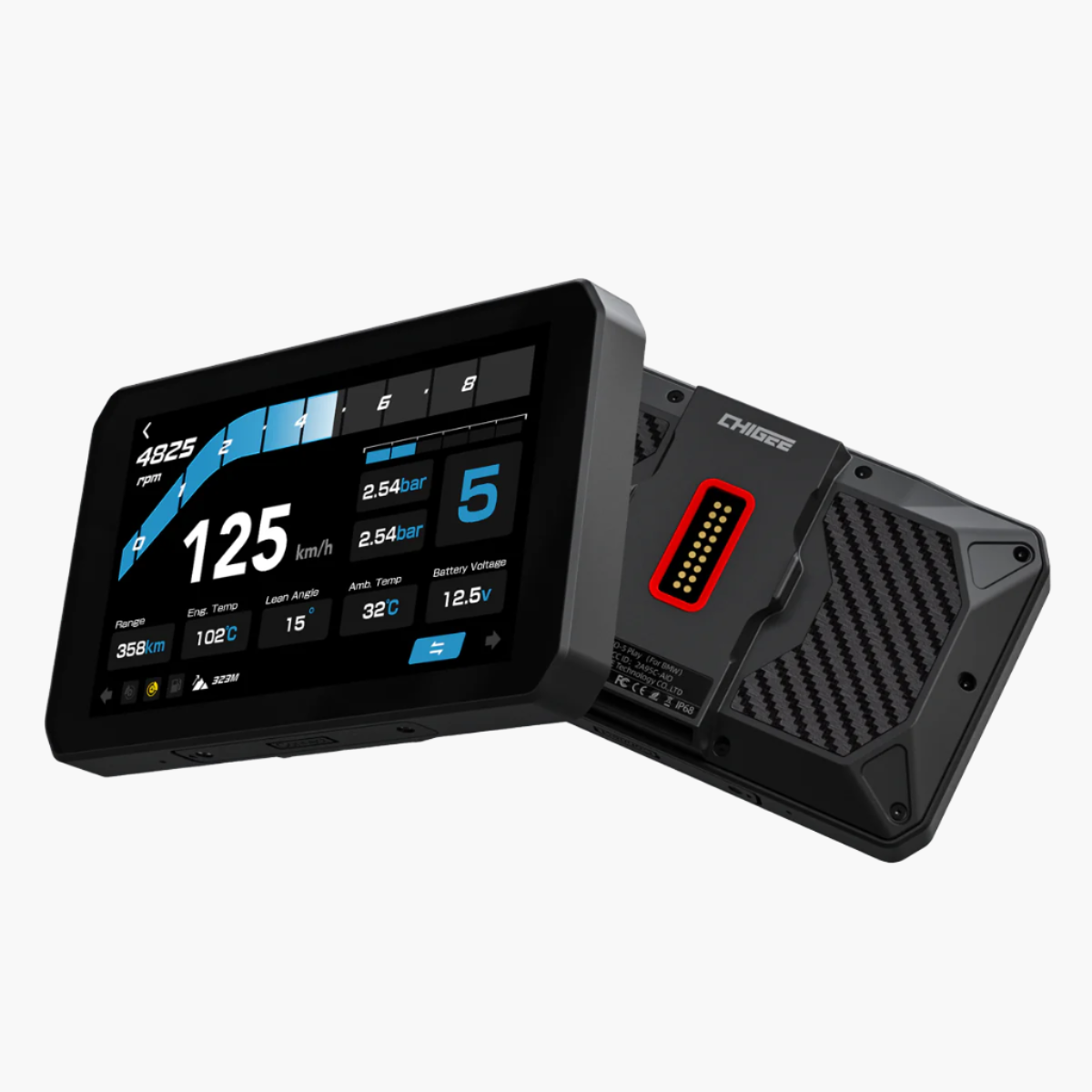
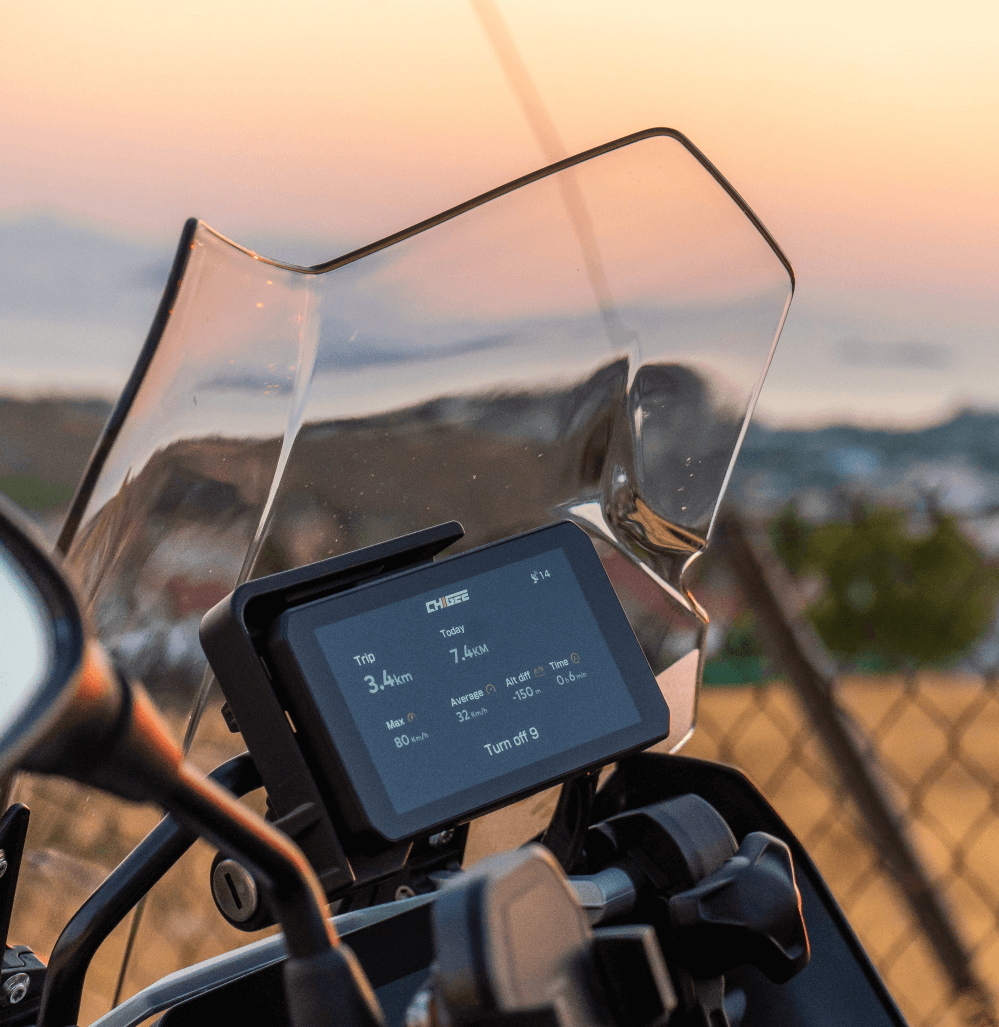
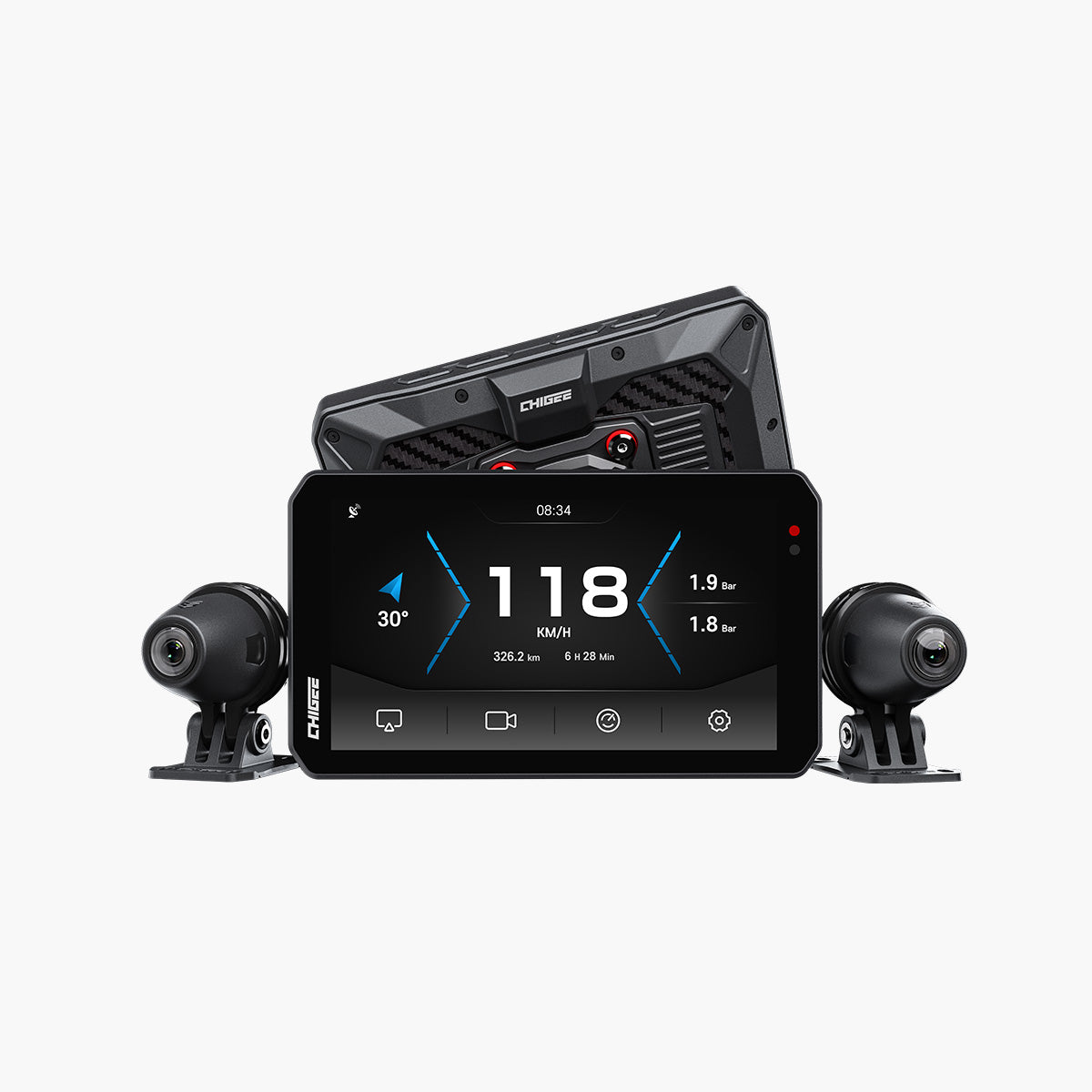
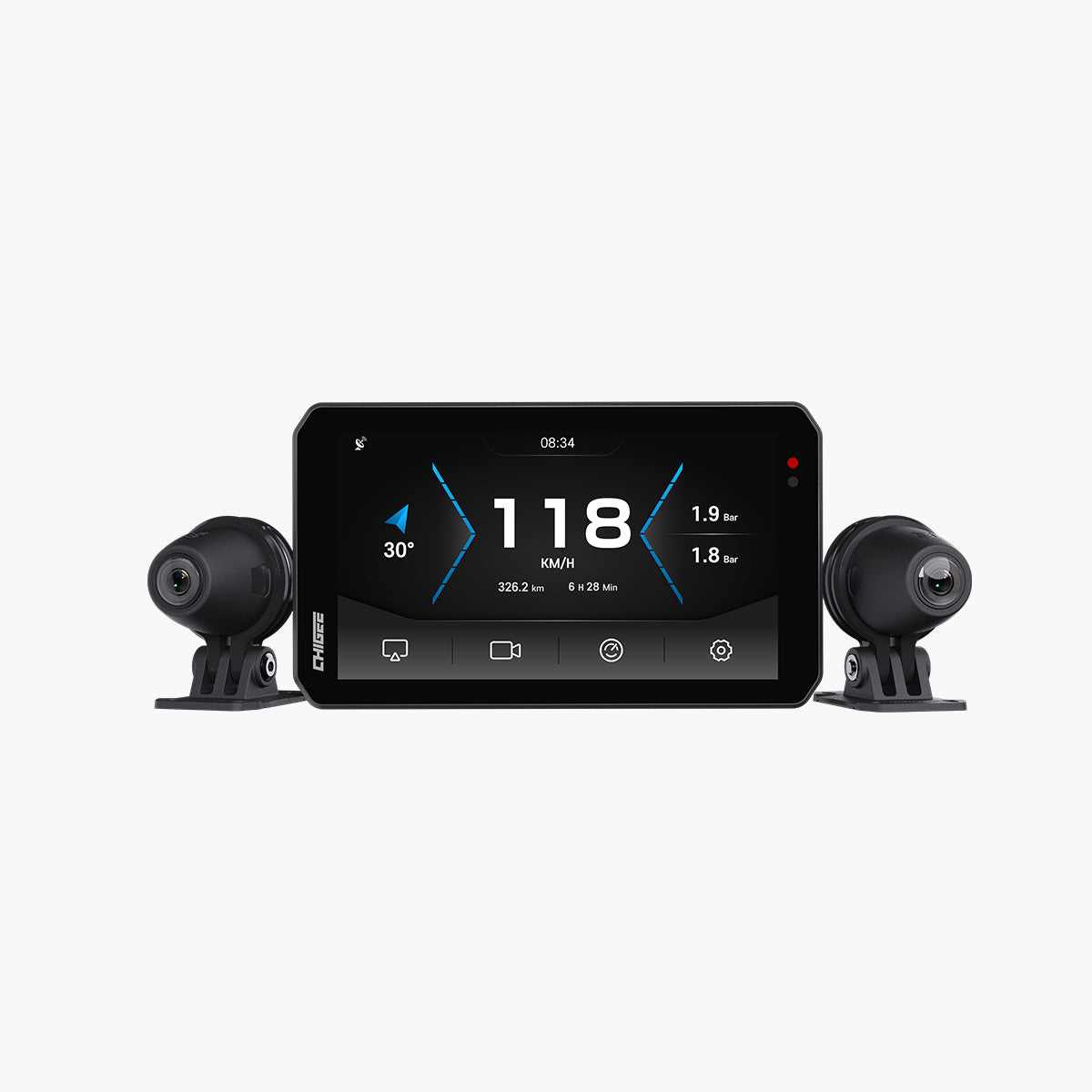
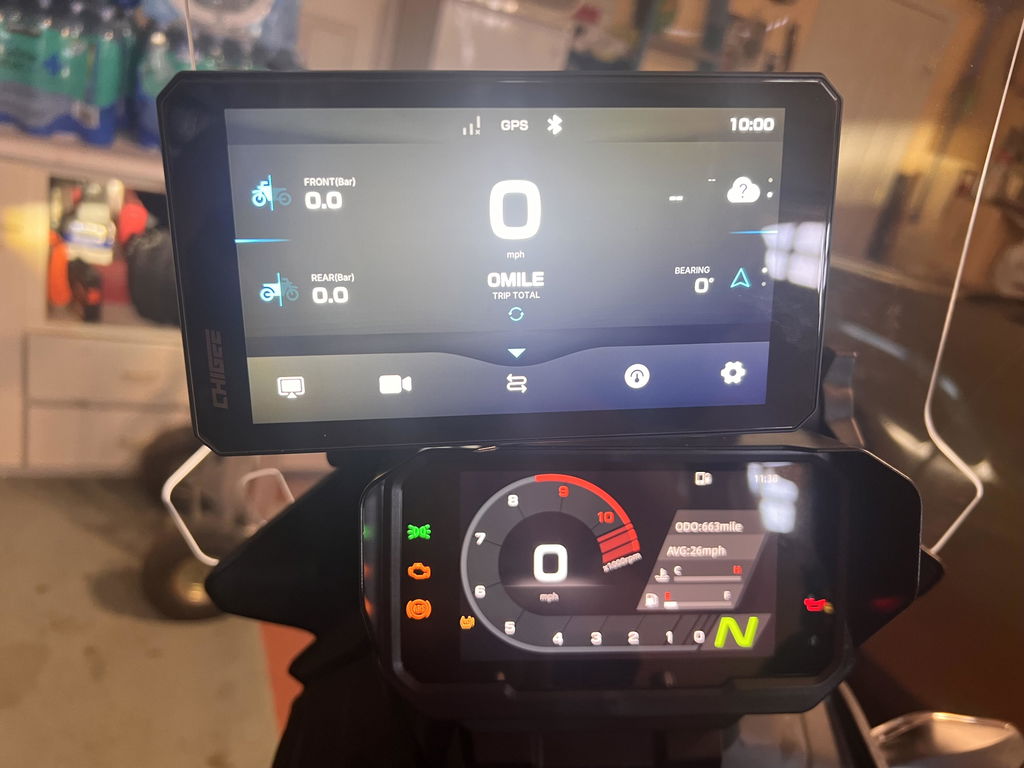
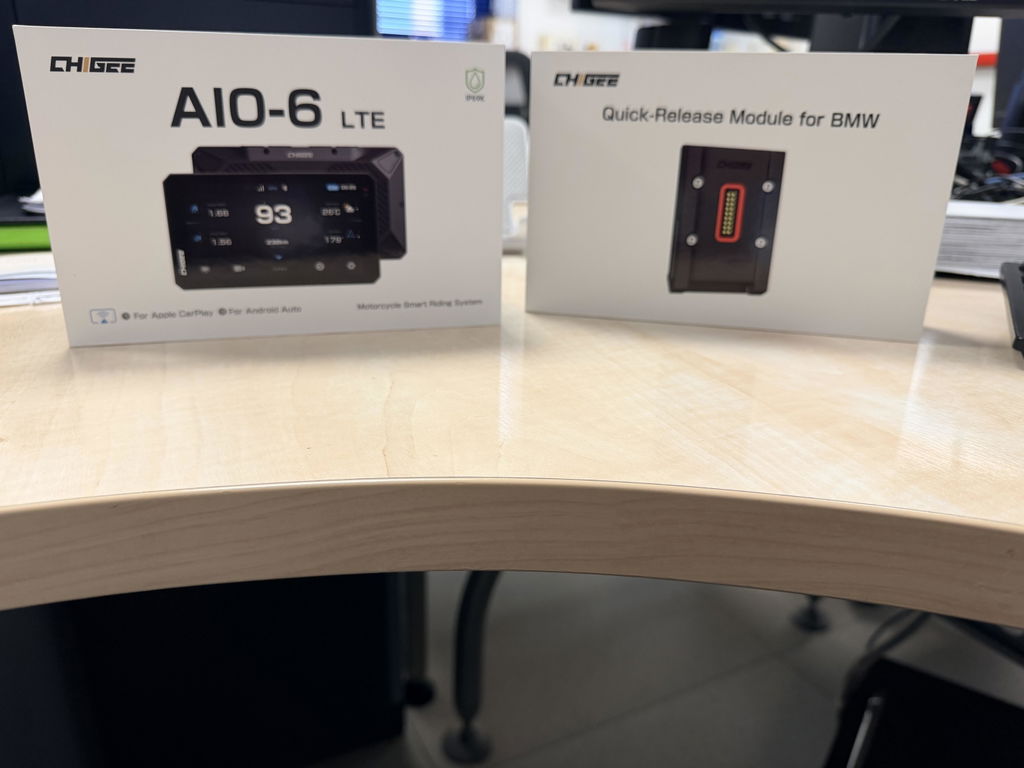
Her er en fakta mange motorsyklister overser: hver CHIGEE-skjerm leveres med en avansert innebygd dataskjerm, tilgjengelig uten skjermspeiling og uten telefonforbindelse. Den viser dekktrykk, hastighet, kjørelengde og annen viktig motorsykkeltelemetri i et rent, forstyrrende fritt grensesnitt som lar deg fokusere på veien.
På kjente veier eller korte turer trenger du ikke å kjøre navigasjon eller engang koble til telefonen — bruk bare den innebygde dataskjermen og la telefonen forbli i normal standby. Dette er den mest grundige "strømsparingsalternativet," og det er ofte den reneste versjonen av kjøreopplevelsen.
Vi lytter: Vår ærlige svar på CarPlay-strømforbruk
Hensikten med denne artikkelen er ikke å unnskylde fenomenet — det er å gi motorsyklister et ekte svar.
Vi ønsker å være ærlige med hver bruker:
Tett samarbeid mellom en smart skjerm og en telefon er, av sin natur, et høybelastningsscenario.
Kommunikasjonsprotokollene, data kanalene og sanntids gjengivingsoppgavene som er involvert, garanterer at det ikke kan være så strømsparende som standby. Når du forstår denne grunnlinjen, og velger riktig tilkoblings- og ladeoppsett for turen din, kan du absolutt ha en brukserfaring som er både stabil og strømeffektiv.
Hvis du har flere spørsmål om tilkobling, strømforbruk eller noe annet i din daglige bruk av CHIGEE, vennligst ta kontakt. Vi leser hver eneste tilbakemelding — nøye.
FAQ: Telefonbatteri og motorsykkelvisninger
Tømmer CarPlay telefonbatteriet?
Ja — spesielt trådløs CarPlay. Telefonen din gjengir, koder og overfører en live videostrøm til skjermen i sanntid, noe som holder en av de høyest strømforbrukende brikkene i telefonen i gang kontinuerlig. Det trekker merkbart mer strøm enn vanlig telefonbruk.
Hvorfor blir telefonen min varm når jeg bruker GPS på en motorsykkel?
GPS-plassering, kartoppdatering og skjermspeiling kjører alle samtidig, og en jakke- eller lommefôr eller direkte solflekker fanger opp varmen. Ved høy varme reduseres batteriets brukbare kapasitet mens telefonen jobber enda hardere for å kjøle seg ned — så varme og utladning forsterker hverandre.
Hvordan kan jeg lade telefonen mens jeg kjører motorsykkel?
Kjør en strømutgang fra sykkelen eller bruk en ladeholder som den TR100 Charging Hub. Merk at CHIGEE-skjermen i seg selv drives av motorsykkelbatteriet og aldri trenger lading — bare telefonen din gjør det.
Fungerer skjermen uten å koble til telefonen min?
Ja. Hver CHIGEE-skjerm har et innebygd datadashboard som viser hastighet, kjørelengde og mer uten telefonforbindelse i det hele tatt. På korte eller kjente ruter er kjøring uten telefon den mest effektive strømbesparelsen av alle.




Legg igjen en kommentar
Alle kommentarer blir moderert før de publiseres.
This site is protected by hCaptcha and the hCaptcha Privacy Policy and Terms of Service apply.