













What Stegra.io is
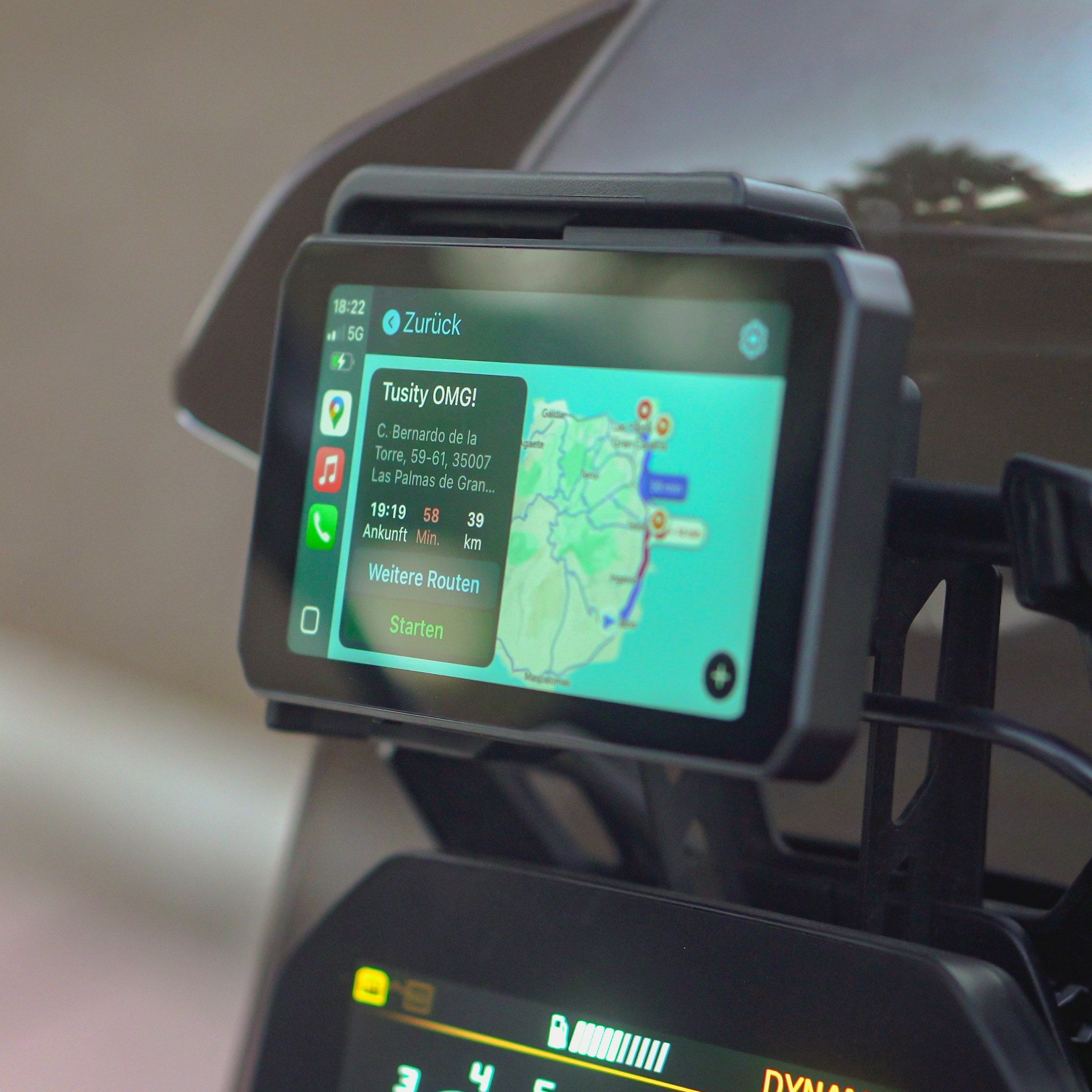
Stegra.io is an adventure‑focused route planner and navigation app for web, iOS and Android that syncs across devices. It offers turn‑by‑turn or track‑follow navigation, offline/online maps, and routing modes that can prefer unpaved roads or curvy tarmac. It supports both Apple CarPlay and Android Auto, so you can navigate on the bike with your Chigee while your phone stays in your pocket.
Planning a ride
- Plan on web or phone — Build a route, add waypoints/POIs, or import a GPX. Collections make it easy to keep day‑by‑day rides together.
- Choose a routing mode — Adventure (unpaved‑focused) Curvy, Fastest (with/or without highways). You can also just follow a GPX track.
- Save & Sync — Your routes sync to your account so they're available when you connect to Chigee.
Tip: Download offline maps for your region and add the routes to the map in the app before you leave to make them available offline.
The Chigee flow
- Connect your phone.
- Open Stegra.io from the Chigee app grid.
- Add your routes in the Stegra.io app — they automatically become visible on the Chigee screen.
- As soon as you enter a route line, Turn-by-turn navigation starts and if you ride onto another route, navigation seamlessly switches to it.
On‑screen controls you'll actually use
Map styles: Bright, Dark, Satellite.
Route modes to choose from — Adventure (prioritizes unpaved roads), Curvy, Fastest (with or without highways). You can also follow a GPX track.
Search and Go: Search your destination and go there with your default route mode
Additional options such as auto-zoom, auto-tilt, and recalculation and more can be customized in the app's settings.
On‑bike impressions
Readability: The Bright map theme is easy to read in daylight; Dark is great at night. Satellite helps with landmarks when finding entrances to trails.
Rerouting: Miss a turn or if you purposely detour, and it calmly recalculates if enabled; with your default route mode. (req. internet connection)
Multi-routes: Add multiple routes to the map and seamlessly switch between them during navigation. This is a great way to explore or to organize multiple day trips effortlessly.
Off‑grid: With offline maps downloaded, guidance continues when cell coverage drops.
Controls: Big, glove‑friendly targets, minimal taps to switch themes or route mode.
Tips for a great first ride
- Pre‑add multiple day routes before you head out.
- Record your ride to review or convert to a route later (on web).
- If you swap bikes/units often, sign in once; your library comes with you.

Map & Navigation settings (theme selector) (Android Auto)

Active Routes drawer on map (Android Auto)

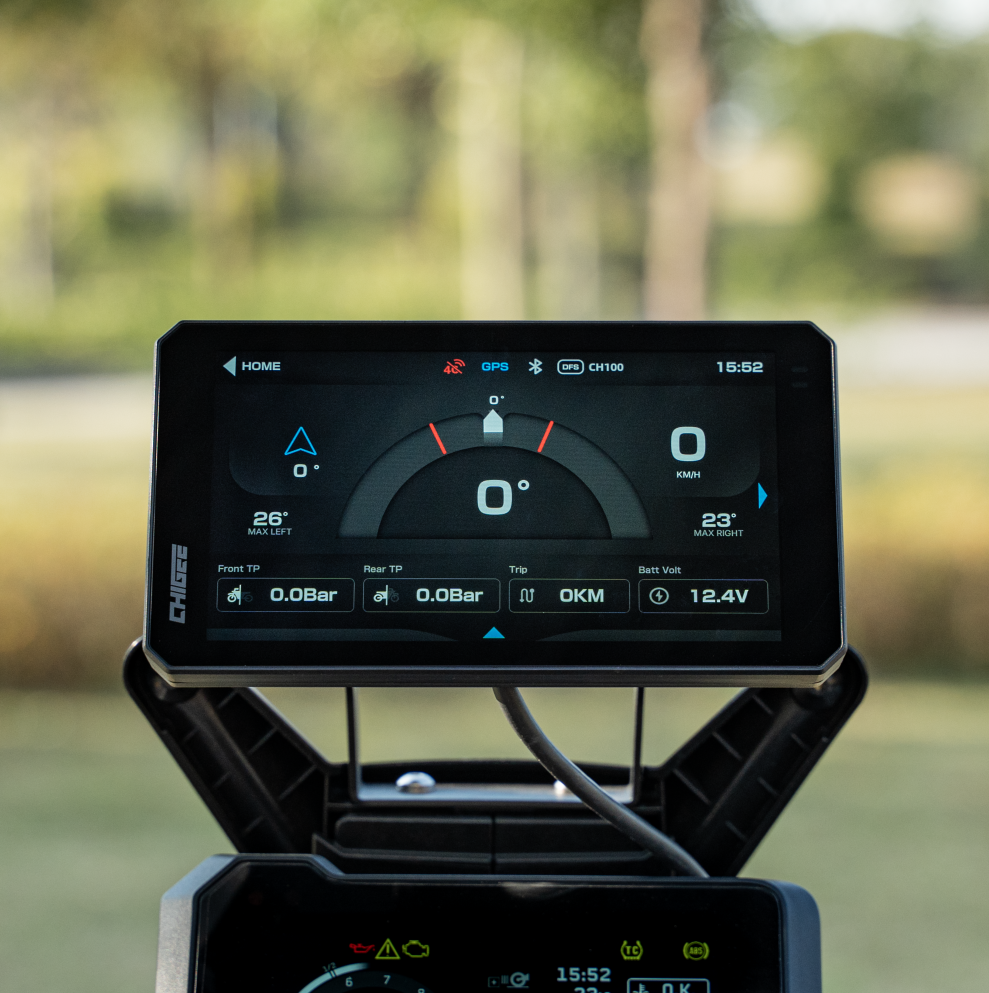
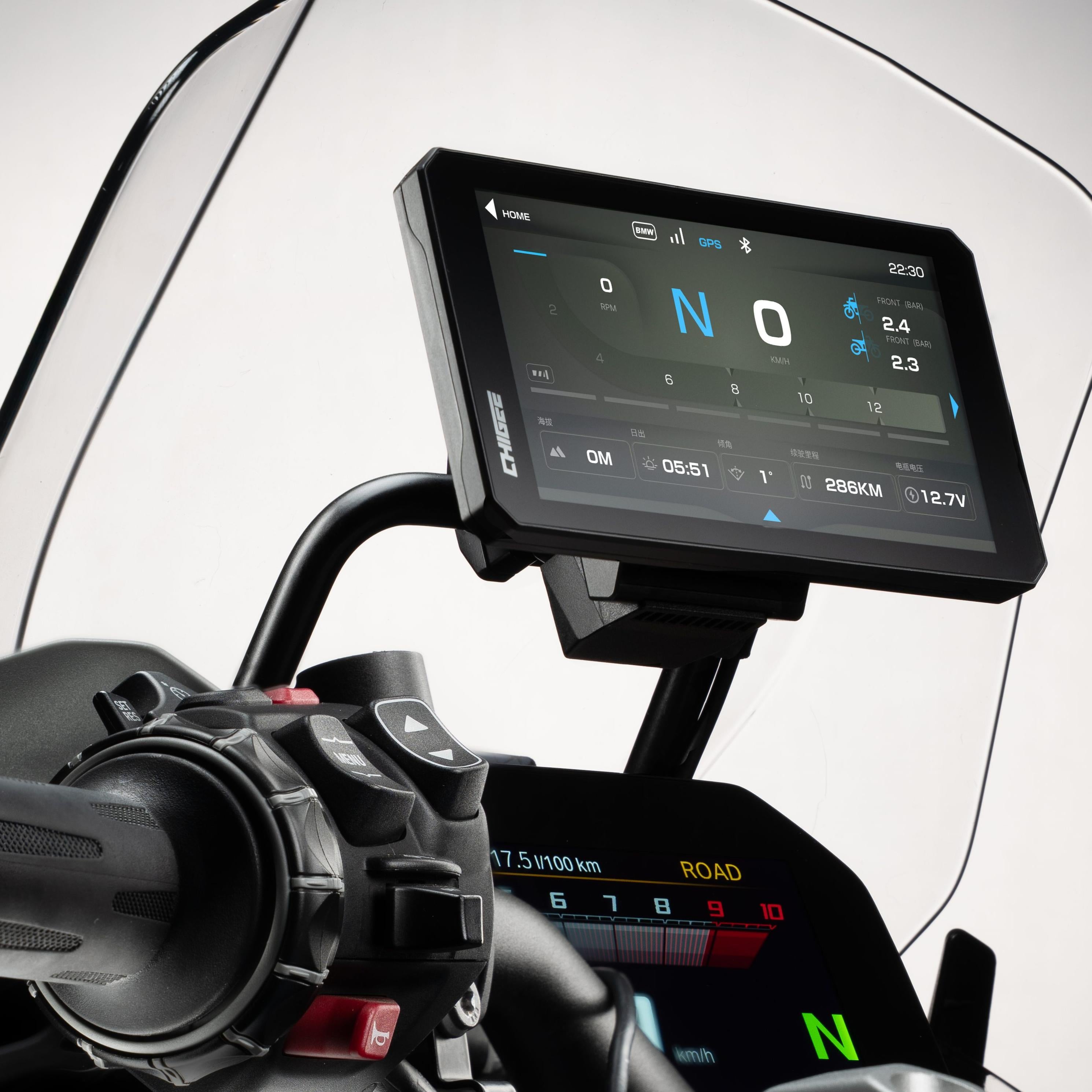
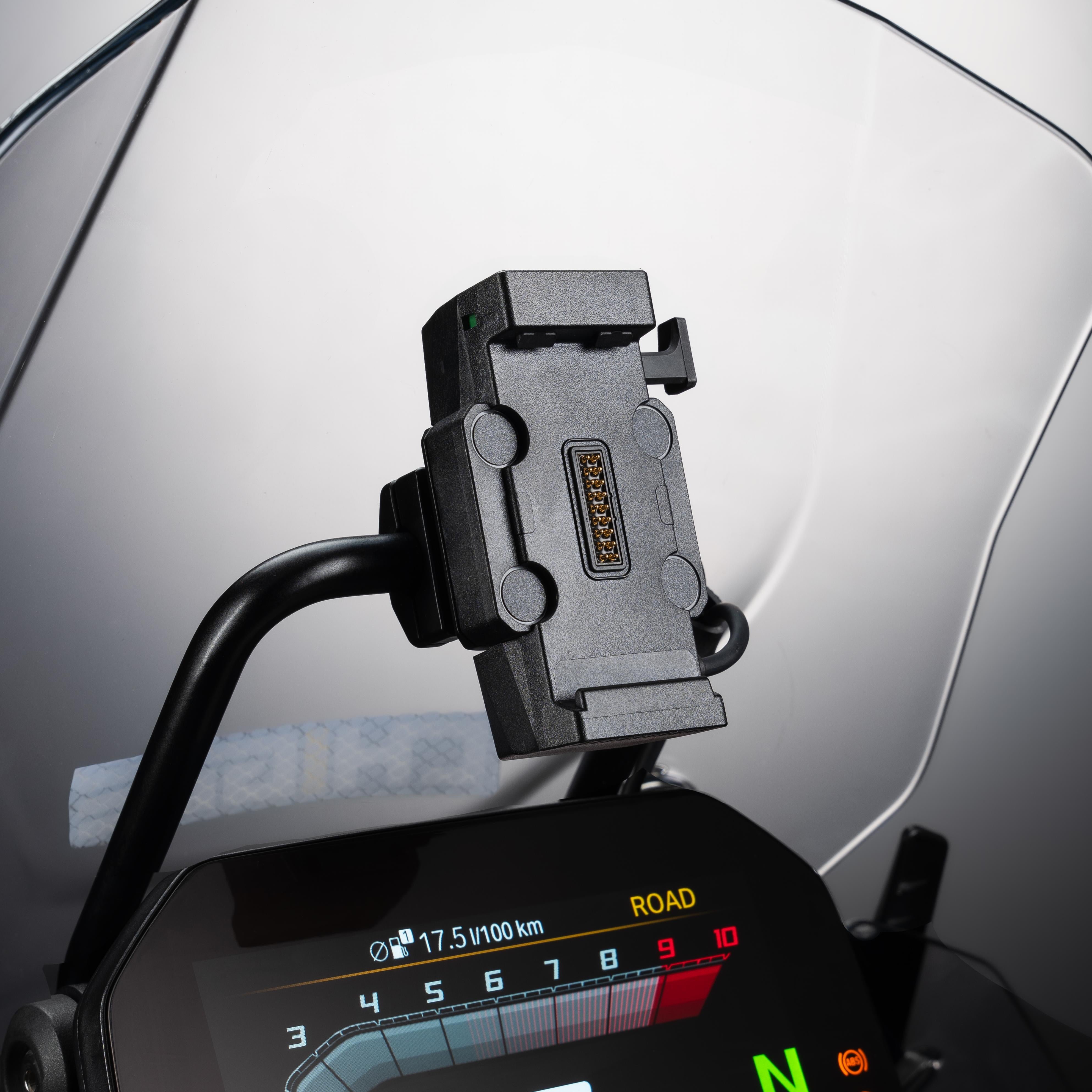
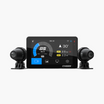
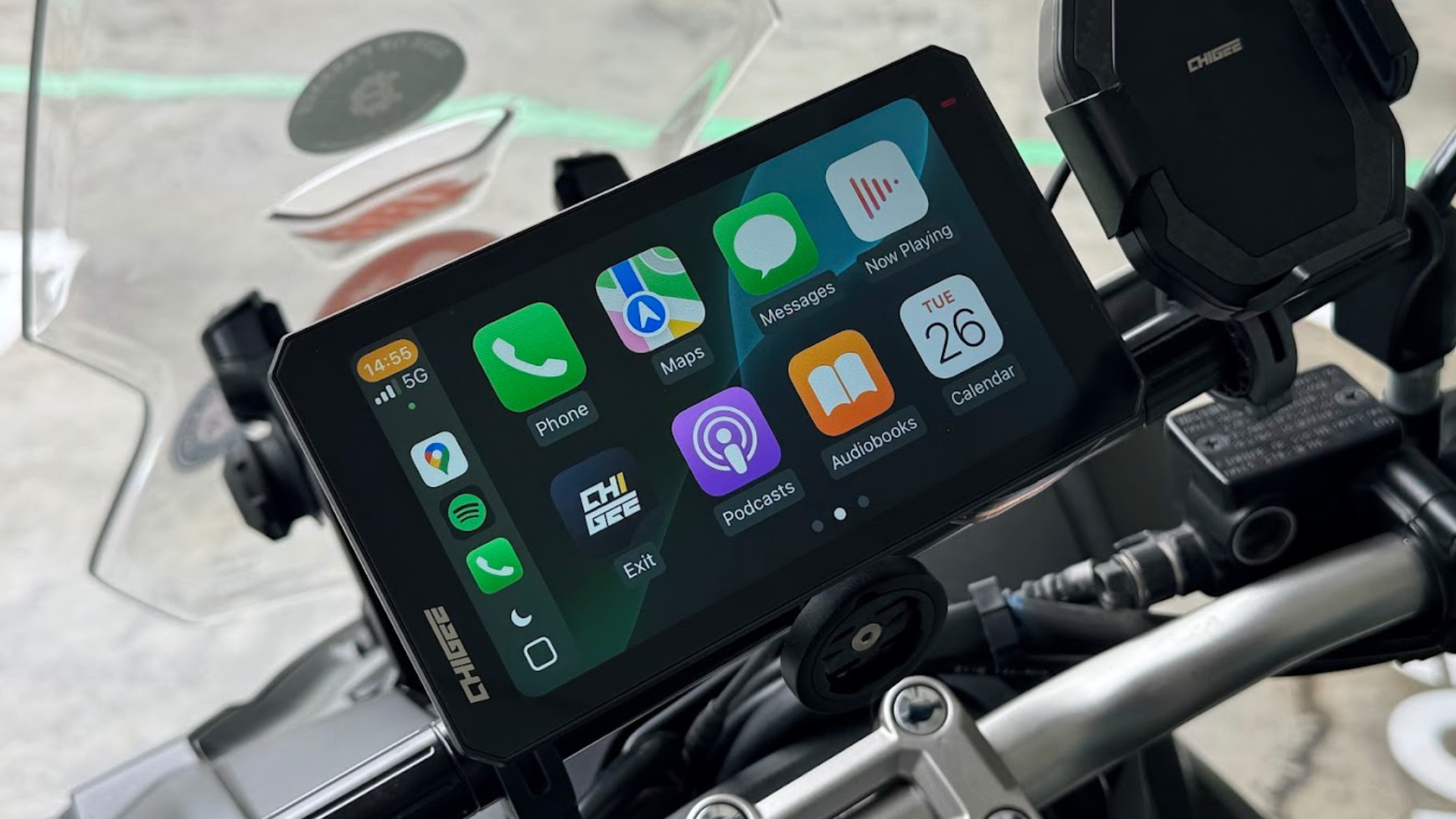
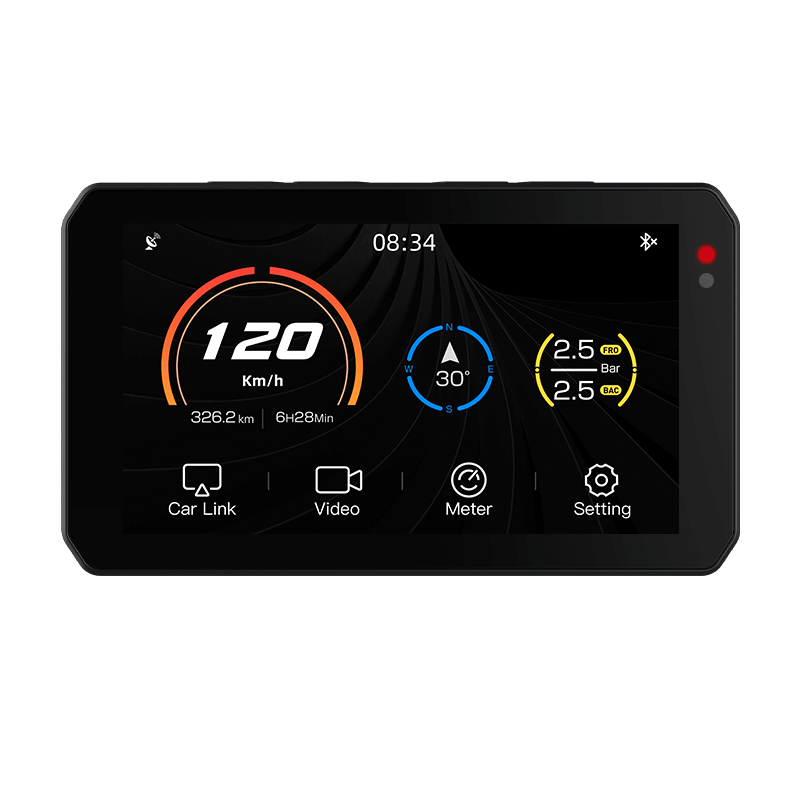
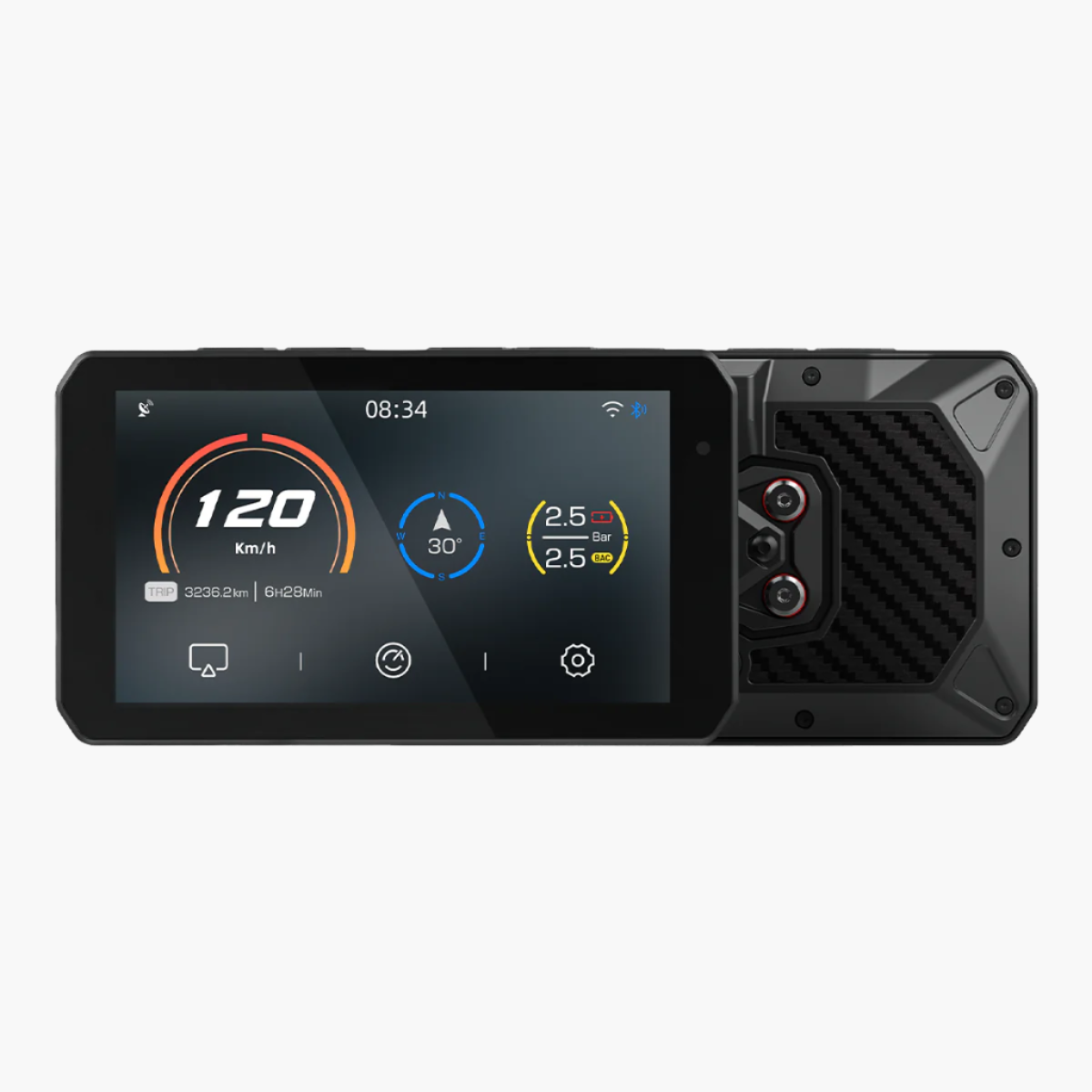
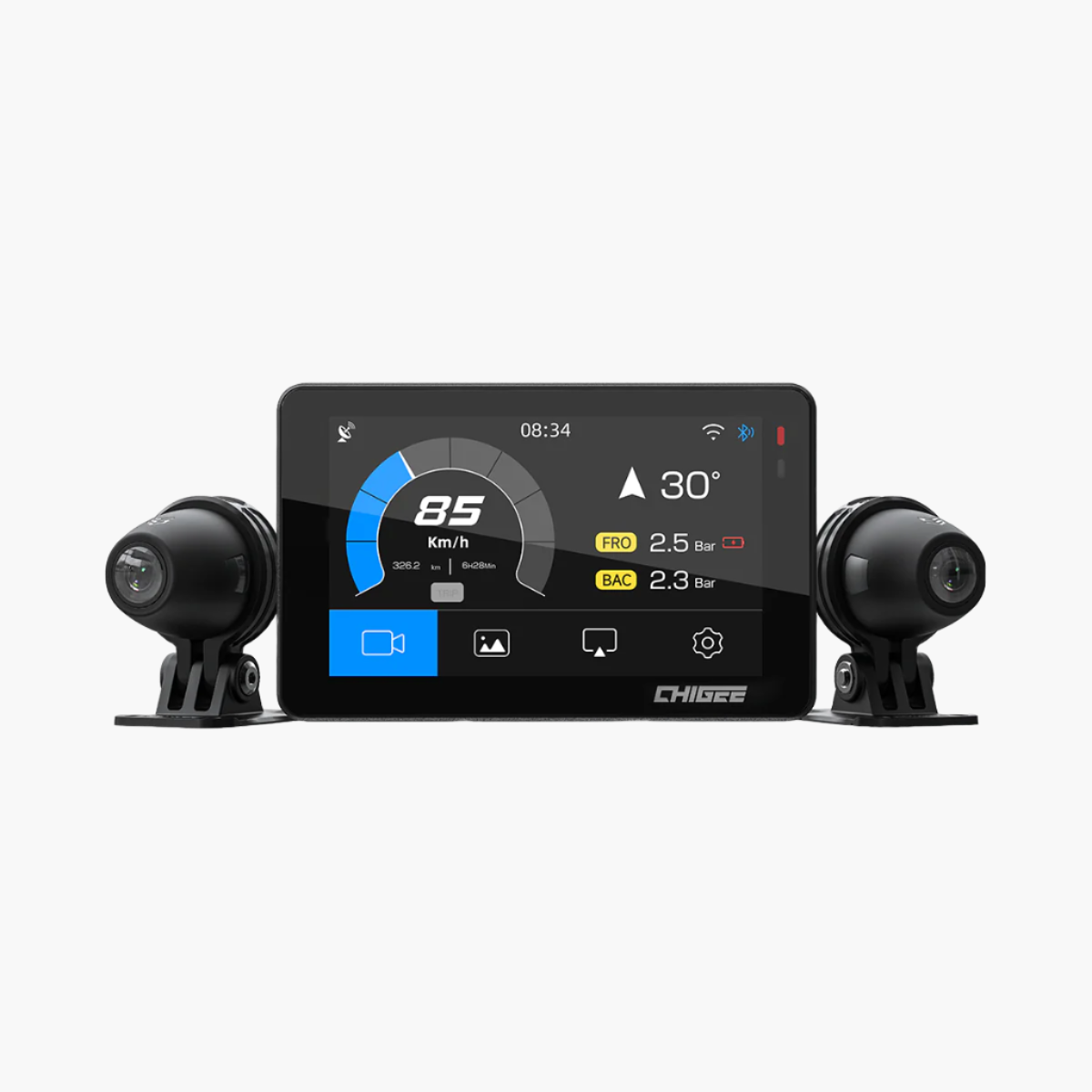
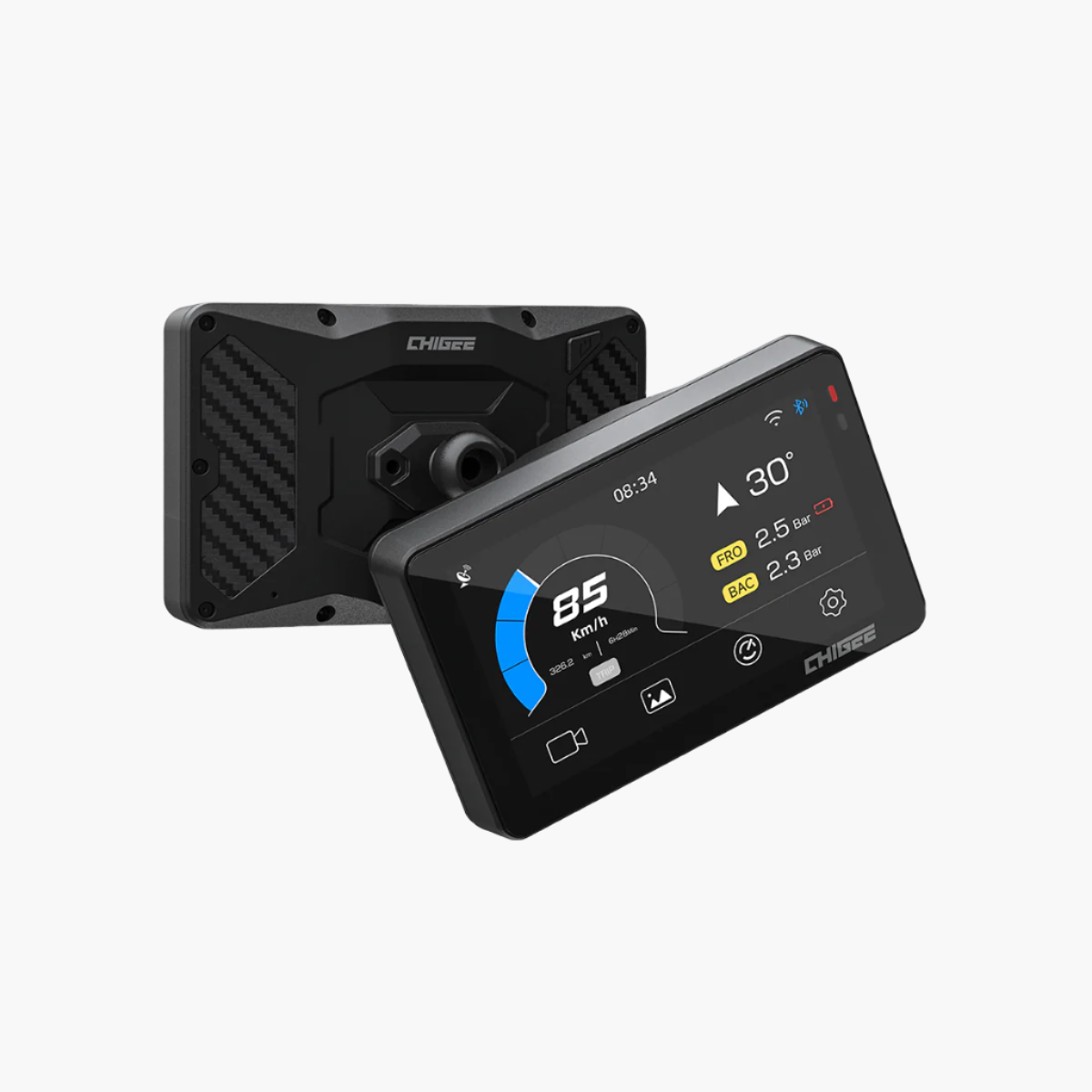
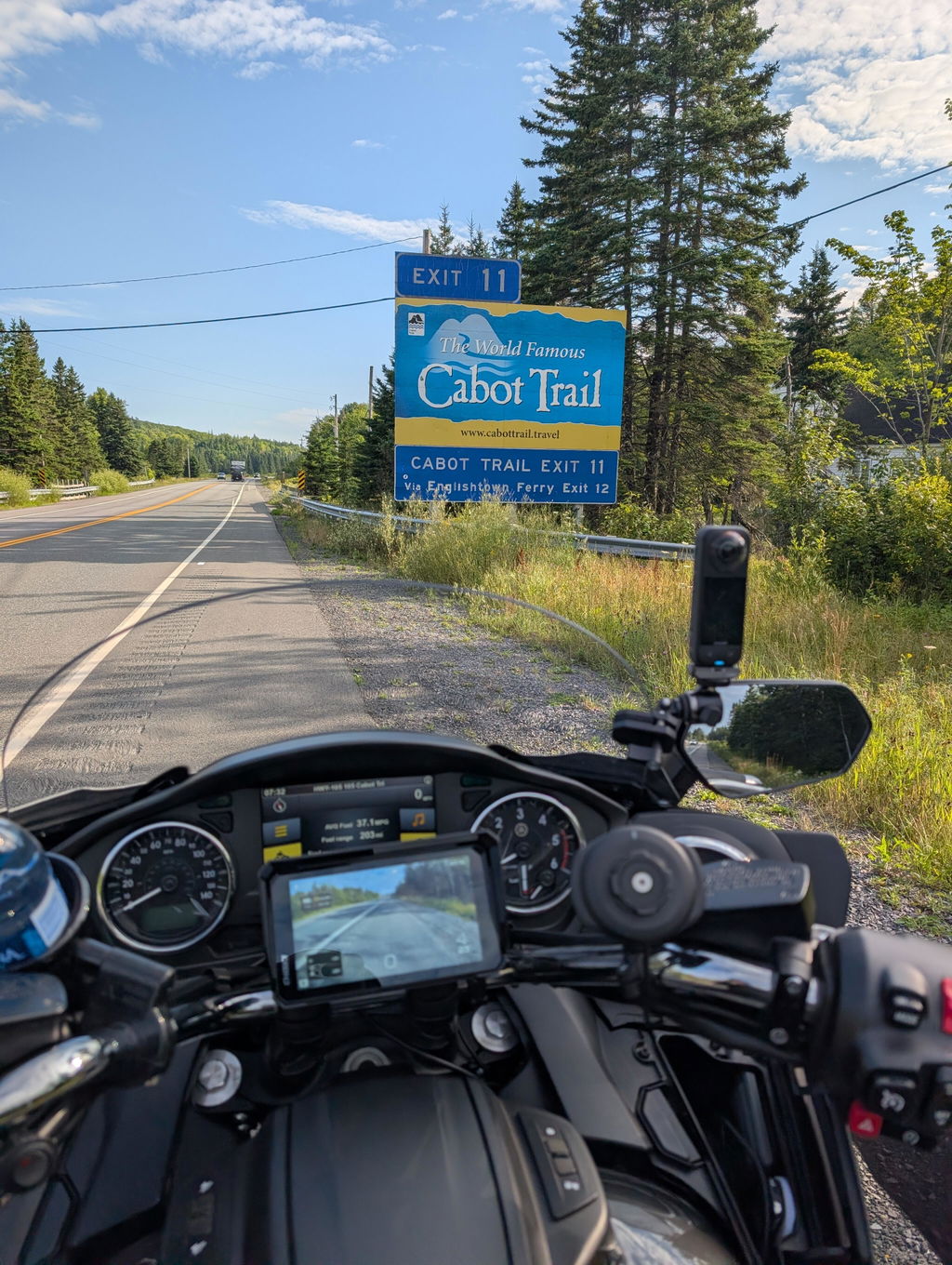
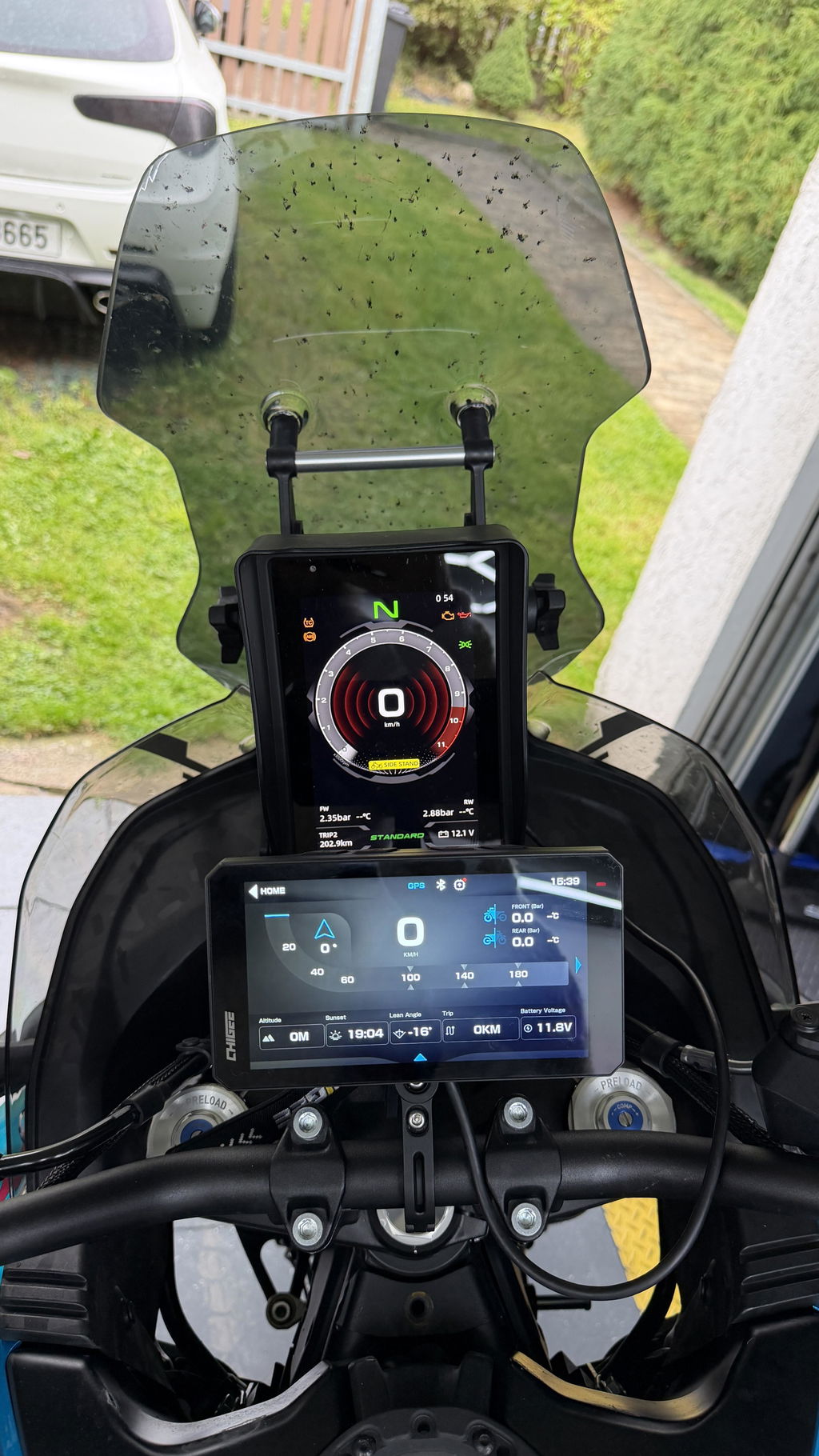
The Chigee display mounted on the bars

Route mode selector (Android Auto)

Map view with POIs and terrain detail (Android Auto)

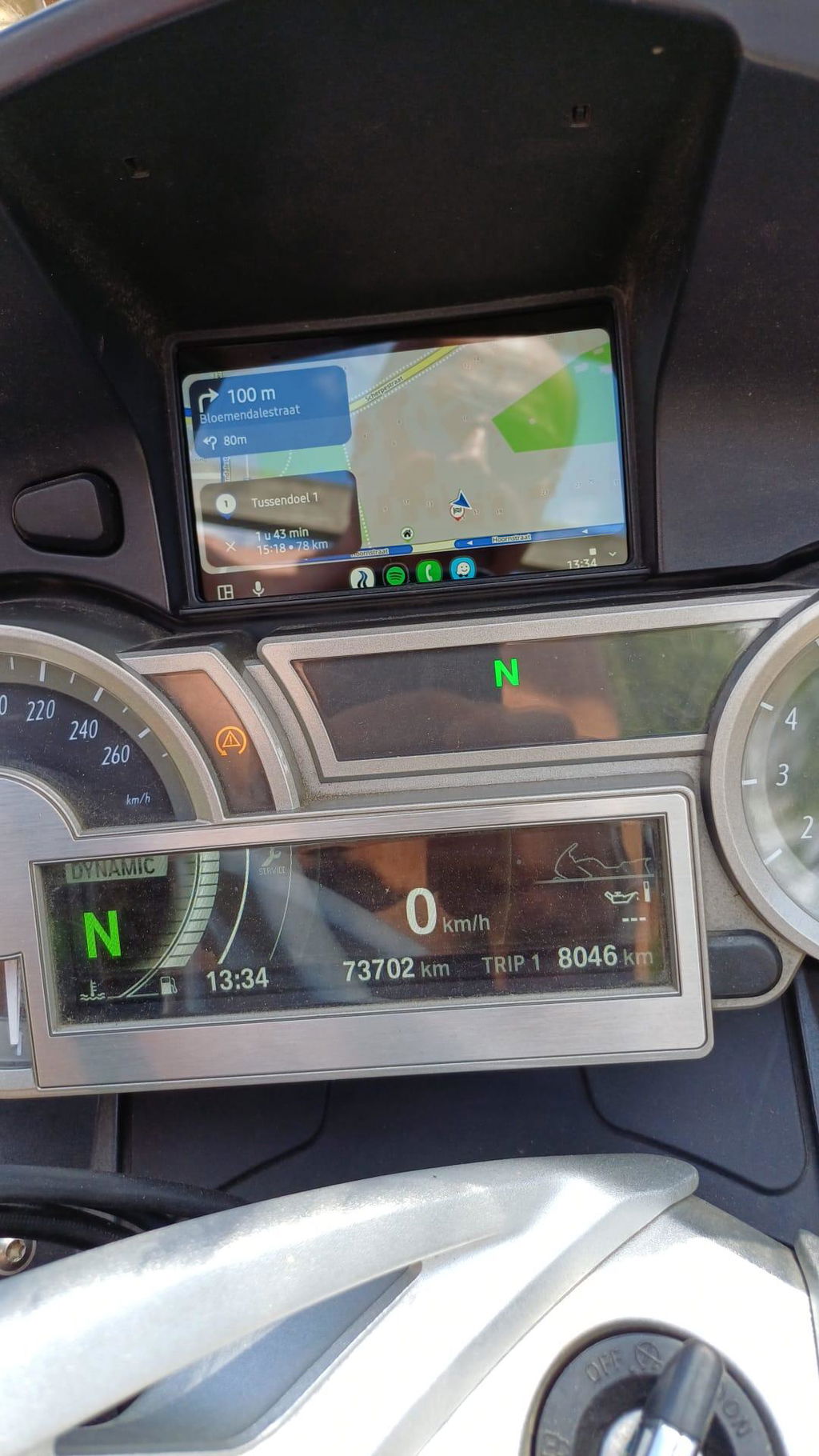
Turn-by-turn navigation (Android Auto)
Strengths
- Excellent at finding unpaved or curvy scenic roads.
- A single account works on web, phone, and Chigee — plan anywhere, ride anywhere.
- Multi‑route support is ideal for multi‑day trips or a day of exploration.
- Offline maps
- Continuously improved on real riders feedback
Pricing & Trial
Stegra.io uses a subscription model with full access through a single tier.
You can always try it out with a 7-day free trial, available across all platforms.
Subscription plans (approximate):
Monthly: €9 per month
Seasonal (6 months): €35
Yearly: €60
Pricing information is current as of August 2025 and may be subject to slight regional variations due to currency rates.



















Leave a comment
All comments are moderated before being published.
This site is protected by hCaptcha and the hCaptcha Privacy Policy and Terms of Service apply.