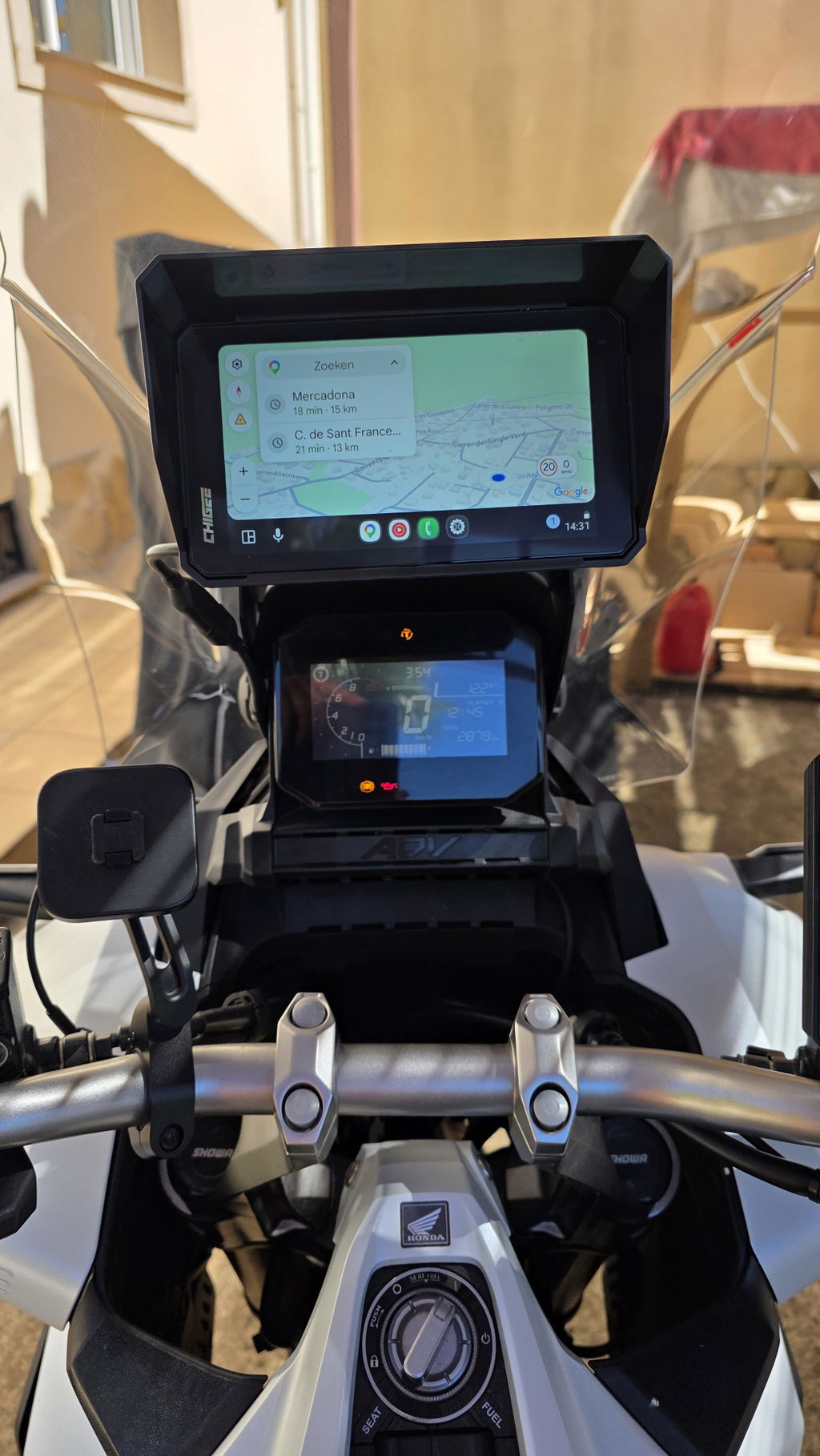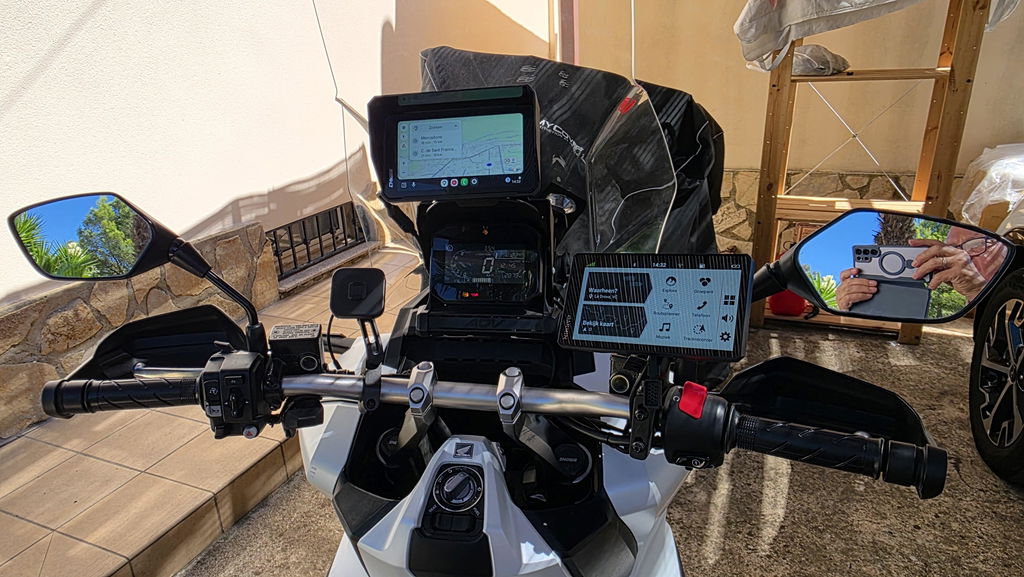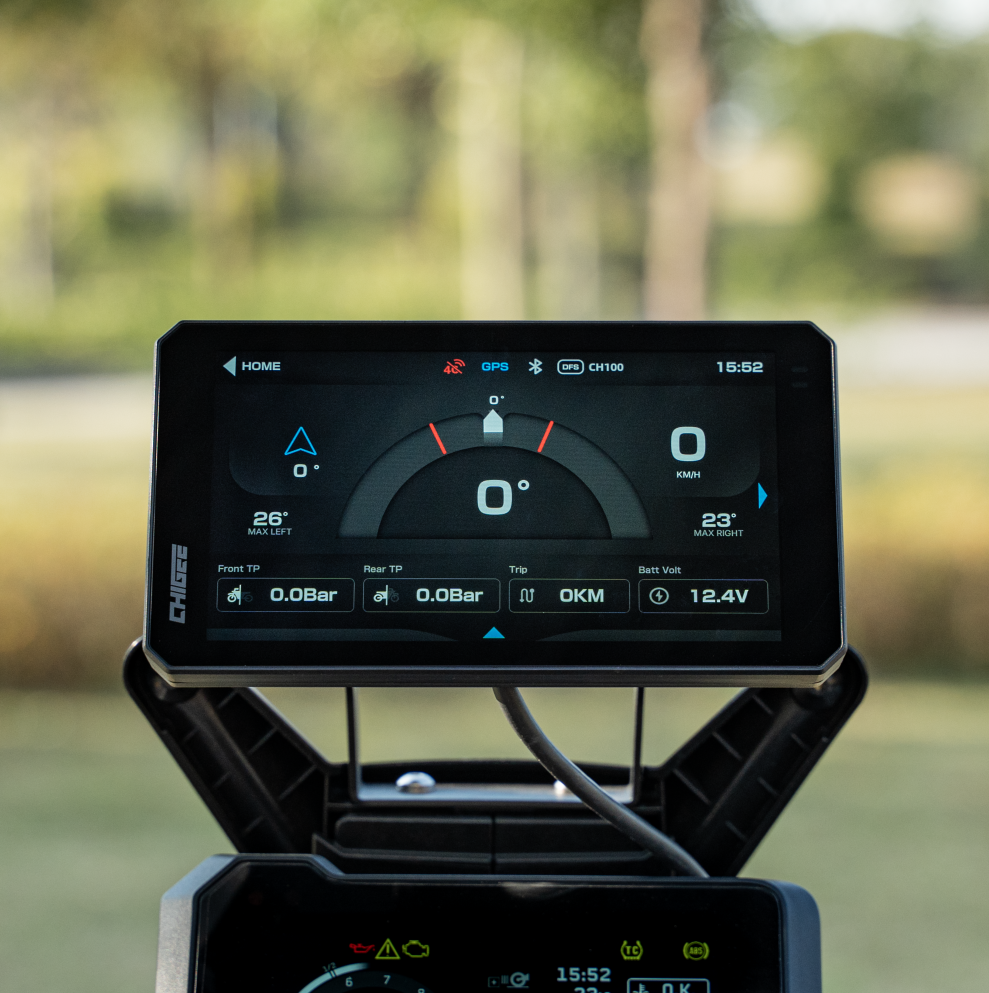
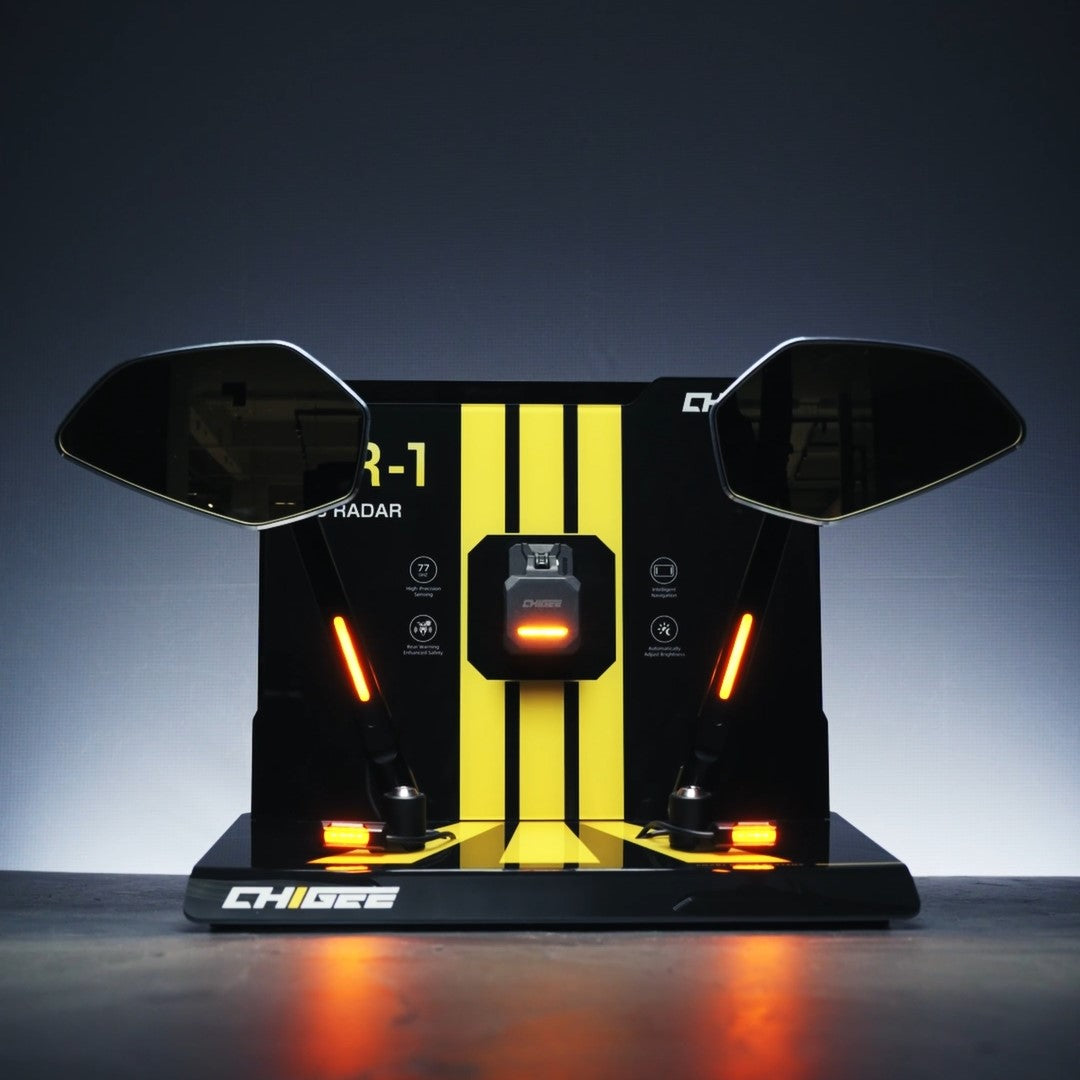
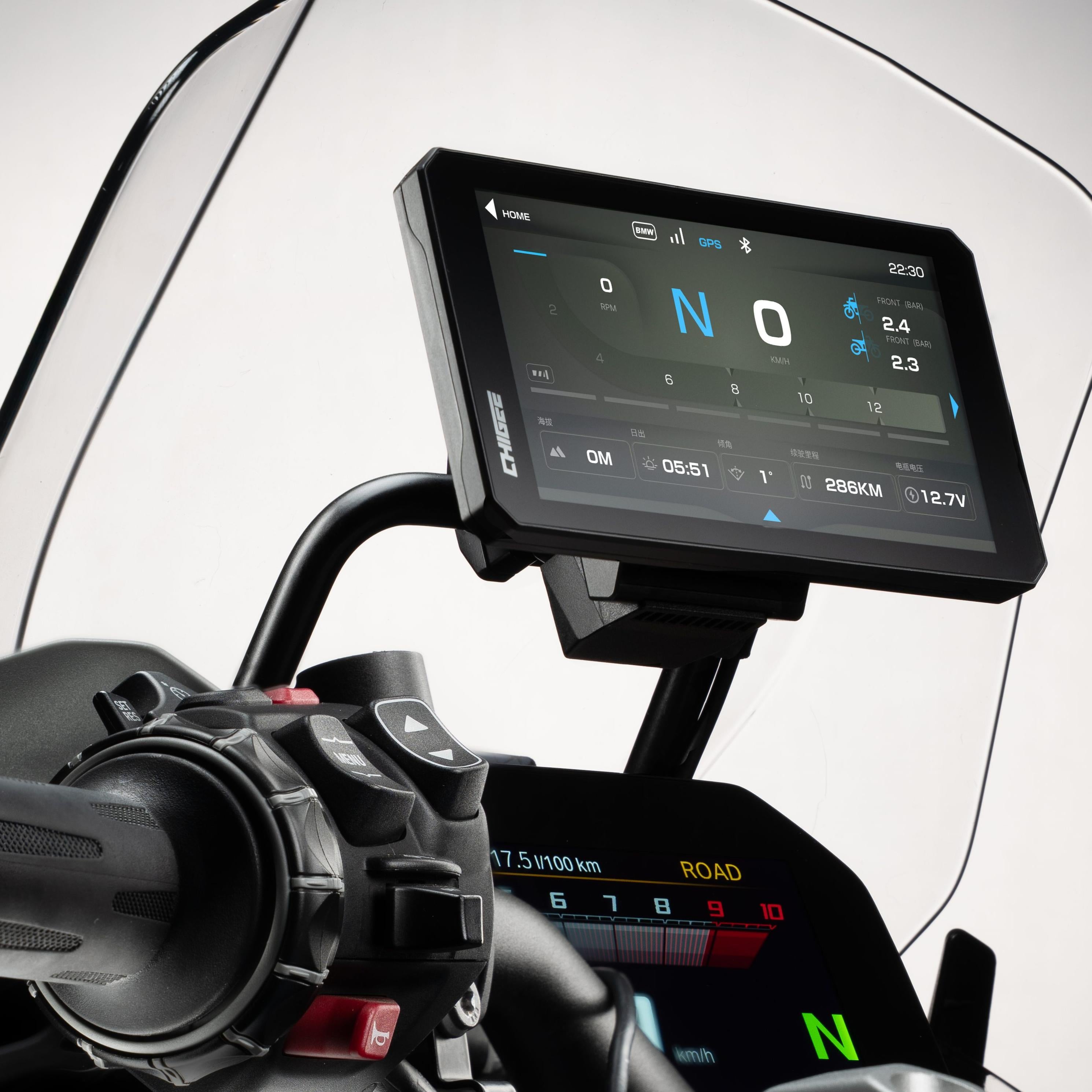
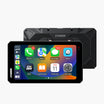
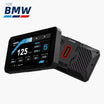
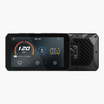
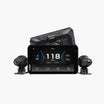
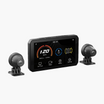
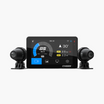
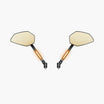
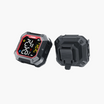
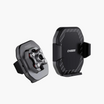
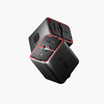

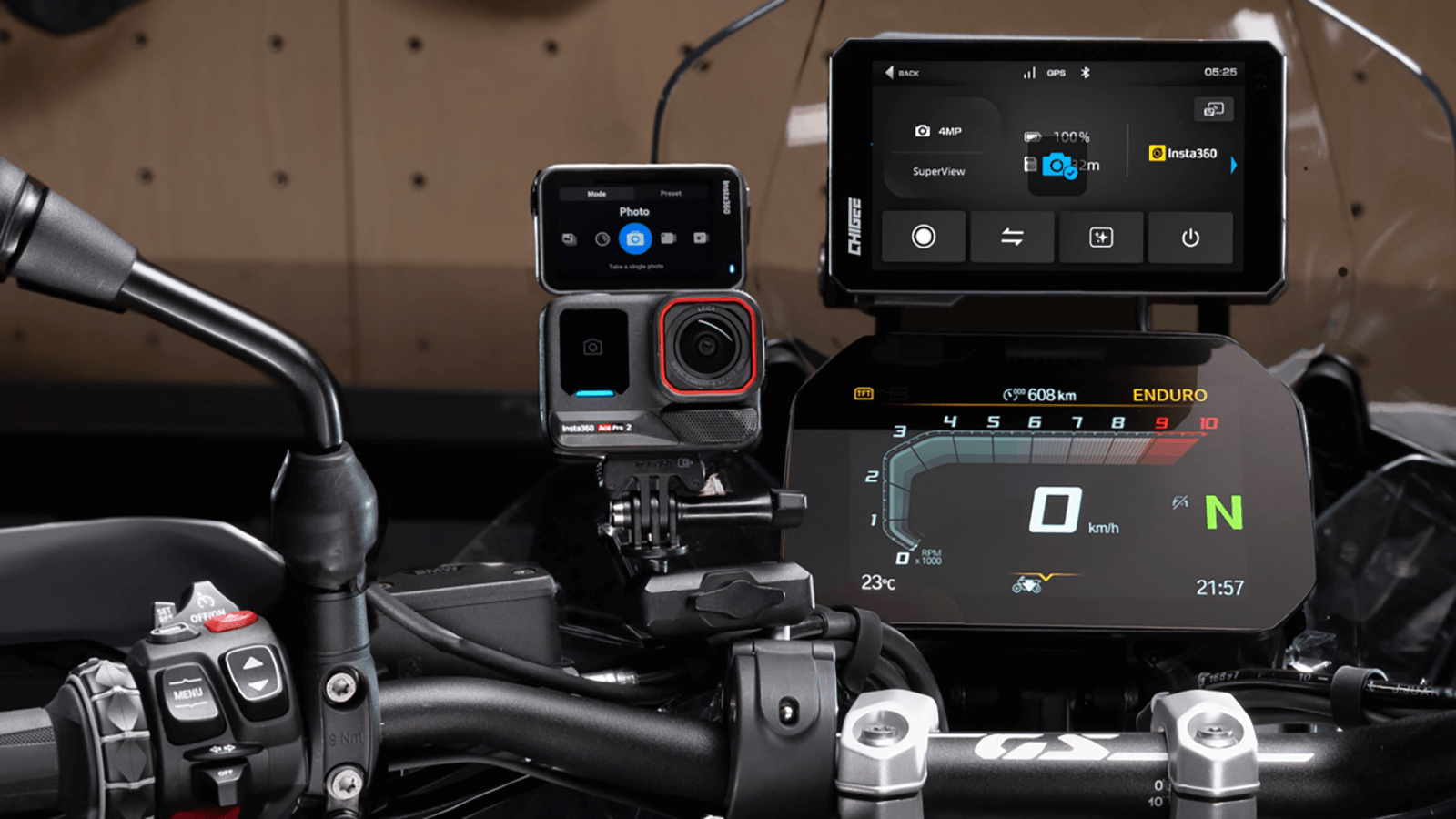


Just received the Chigee SR-1 for my 2023 KTM 790 Adventure and the build quality is outstanding. Since I ride off-road, I use foldable RAM-mount mirrors, so the independent LED warning lights of the SR-1 were exactly what I needed. It allows me to get high-end blind-spot detection without sacrificing my durable mirror setup. The unit feels incredibly premium and the DIY installation looks straightforward. Great addition to the bike!
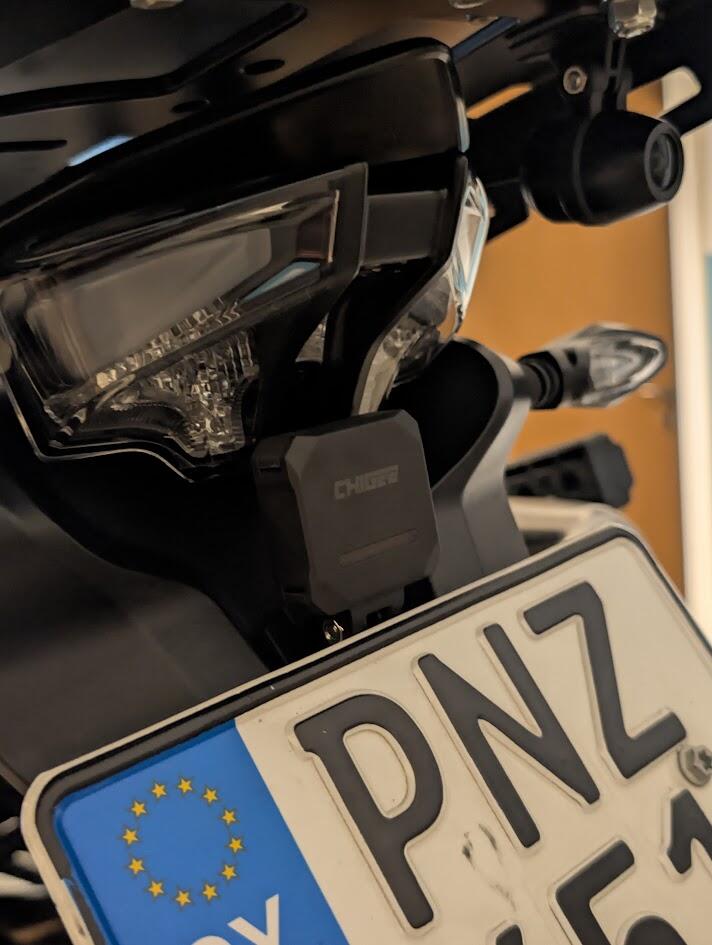
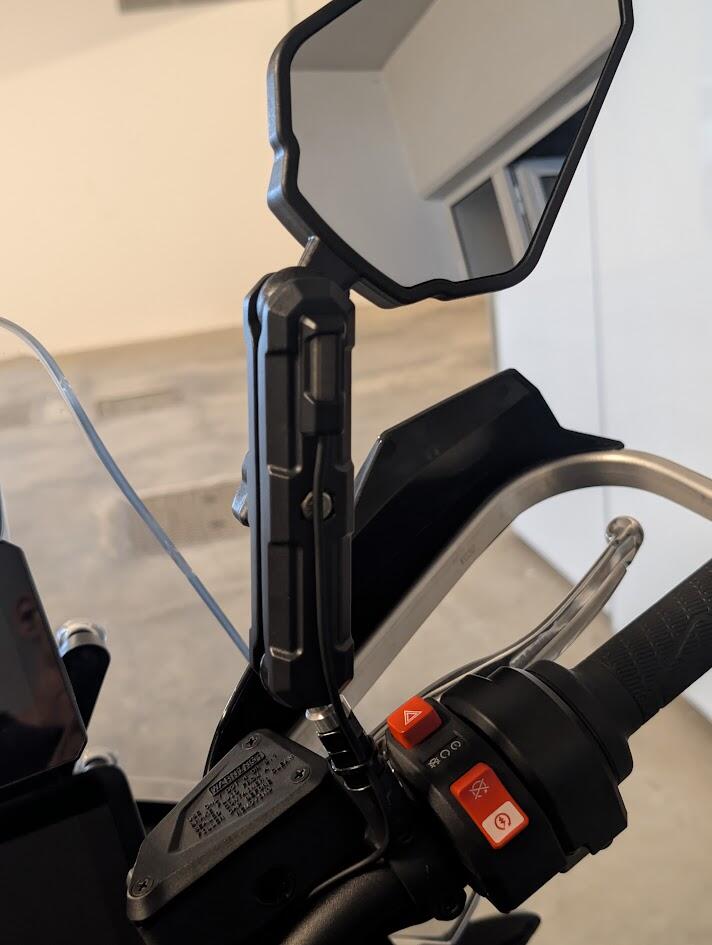
The installation went absolutely straight forward and it came out perfect with zero troubleshooting. Love how bright the screen is and the ease of use. Cameras are clear and sharp and the radar is really cool.
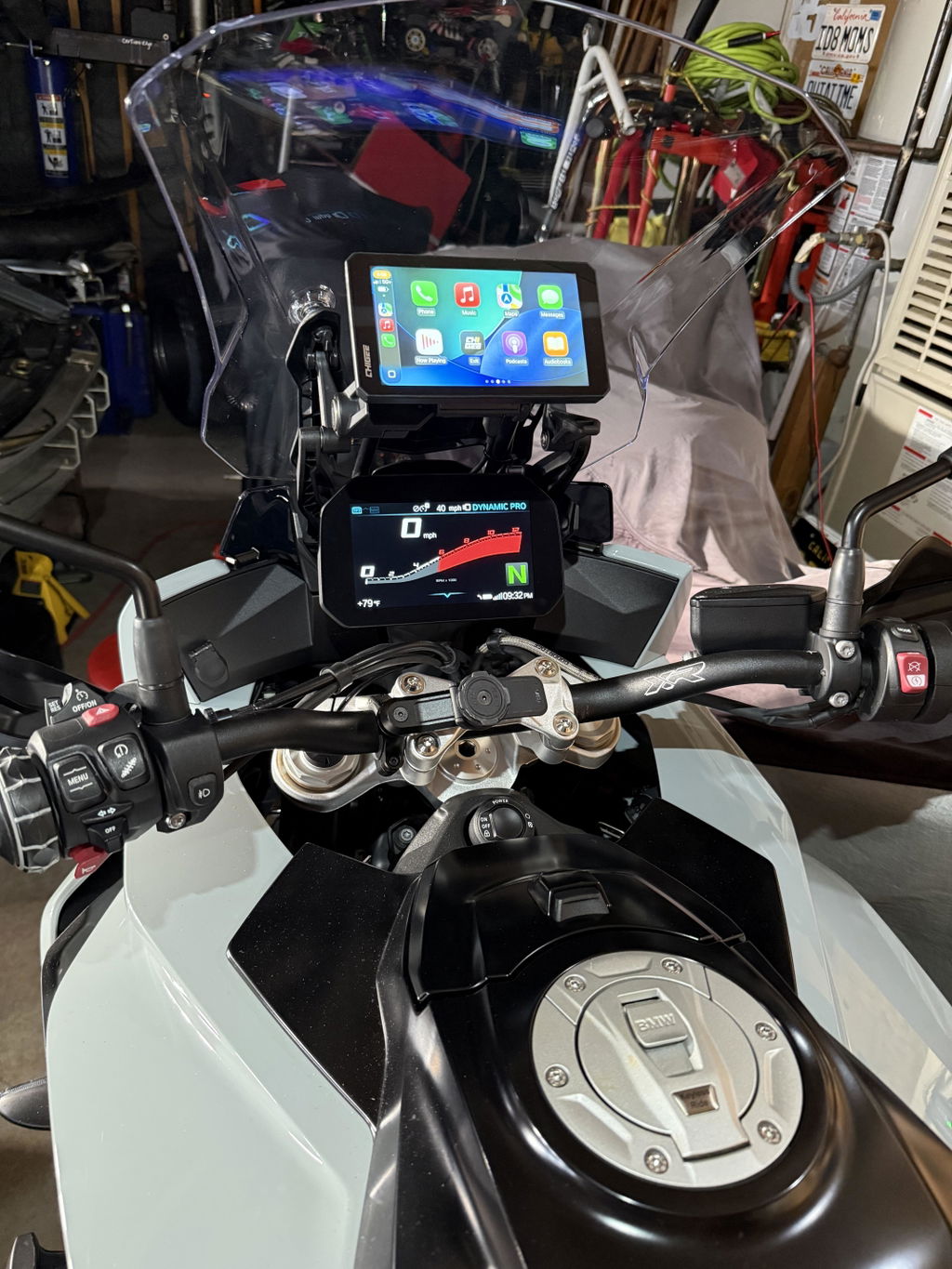
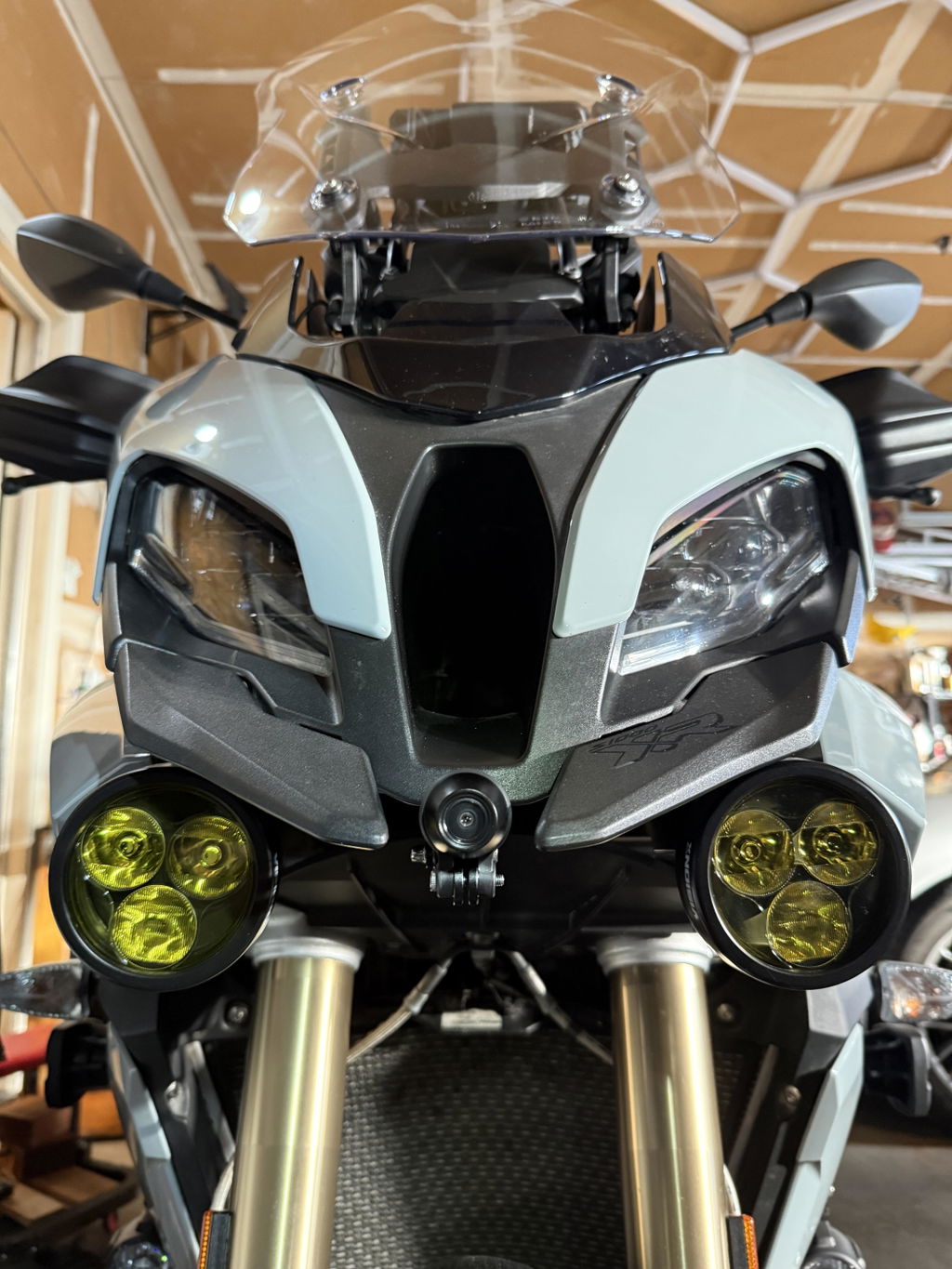
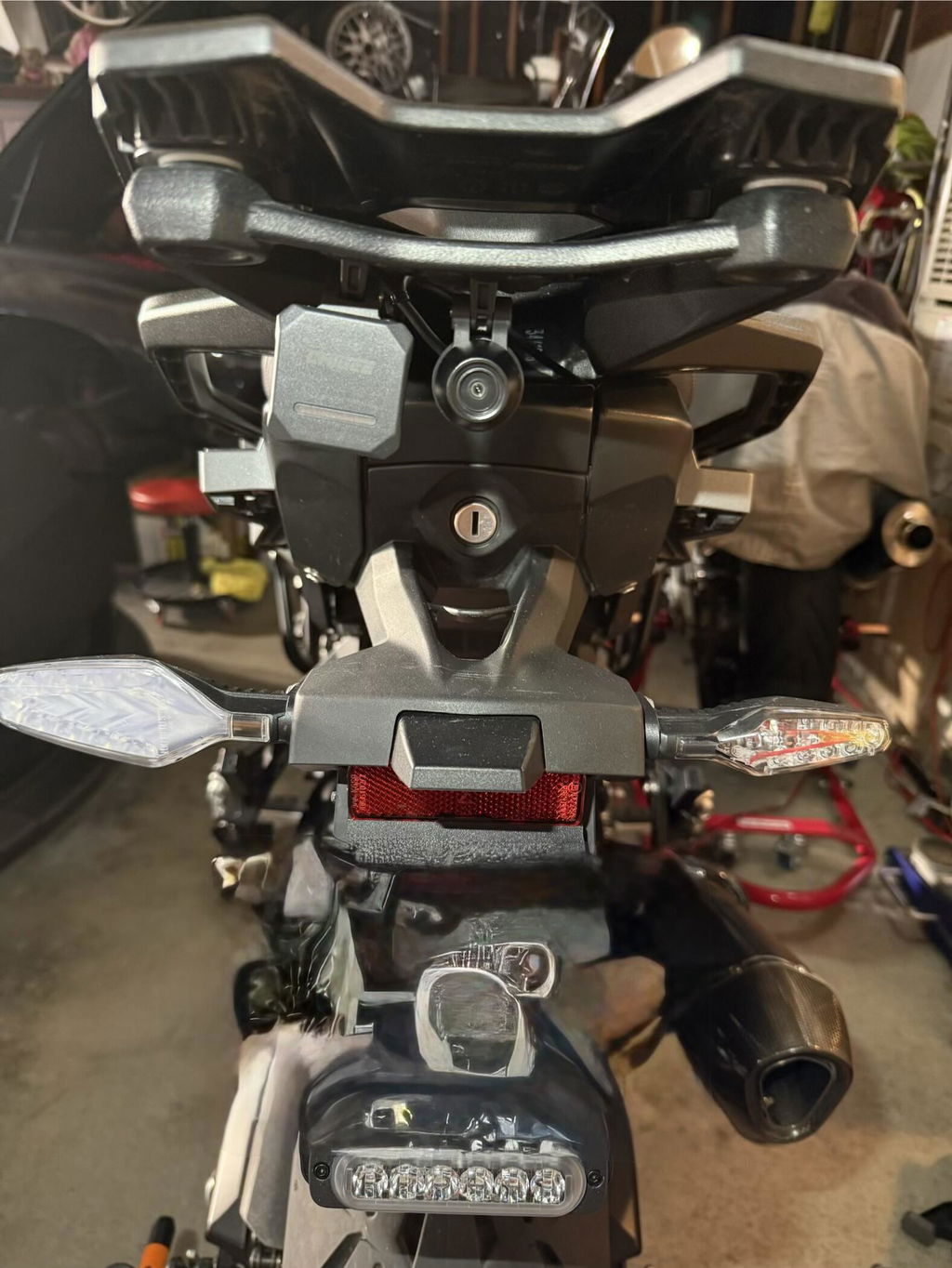
Great little remote, easy to mount and pair. Had a little issue with the mounting bracket but that seems to have been resolved by customer services.
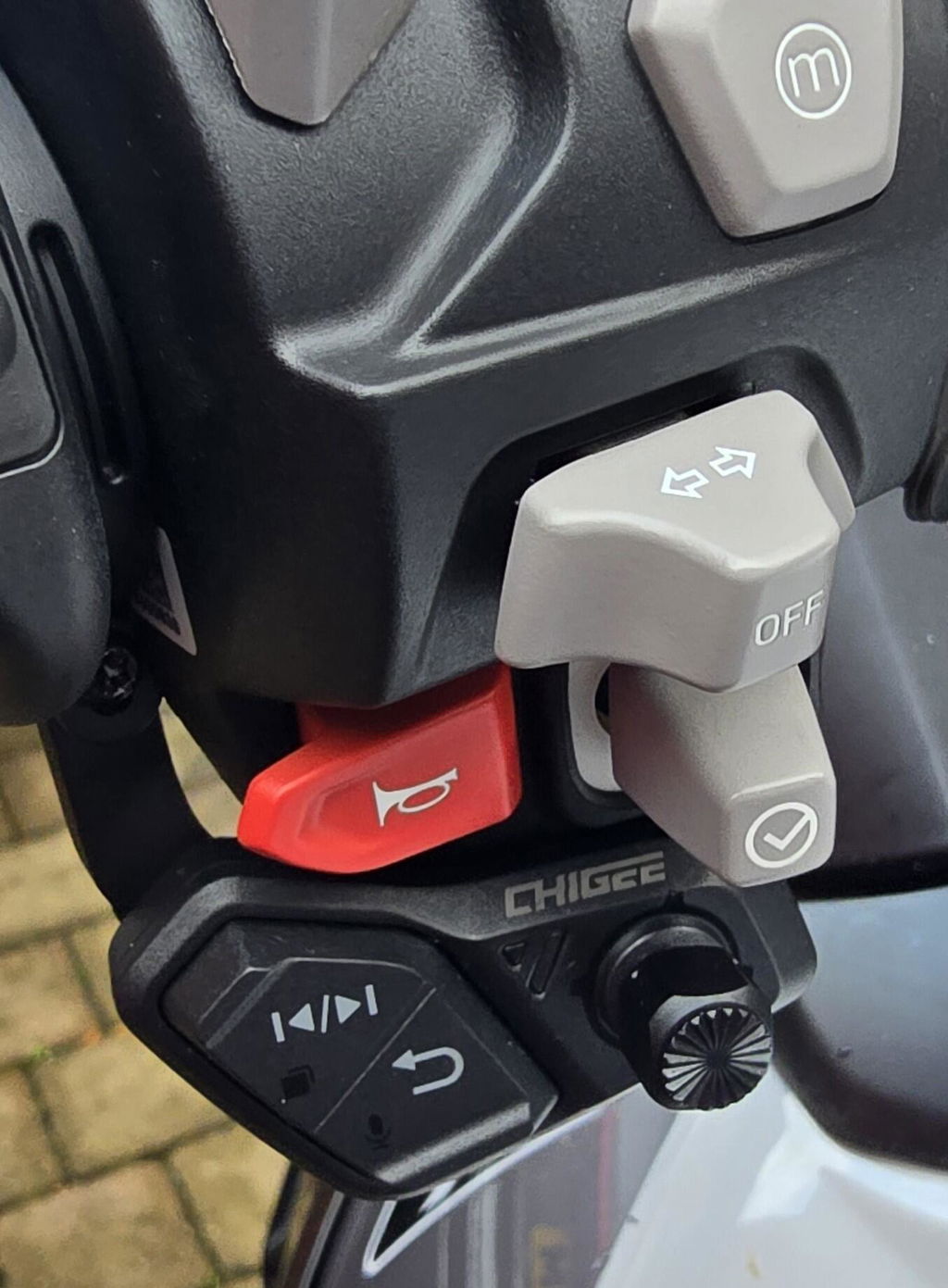
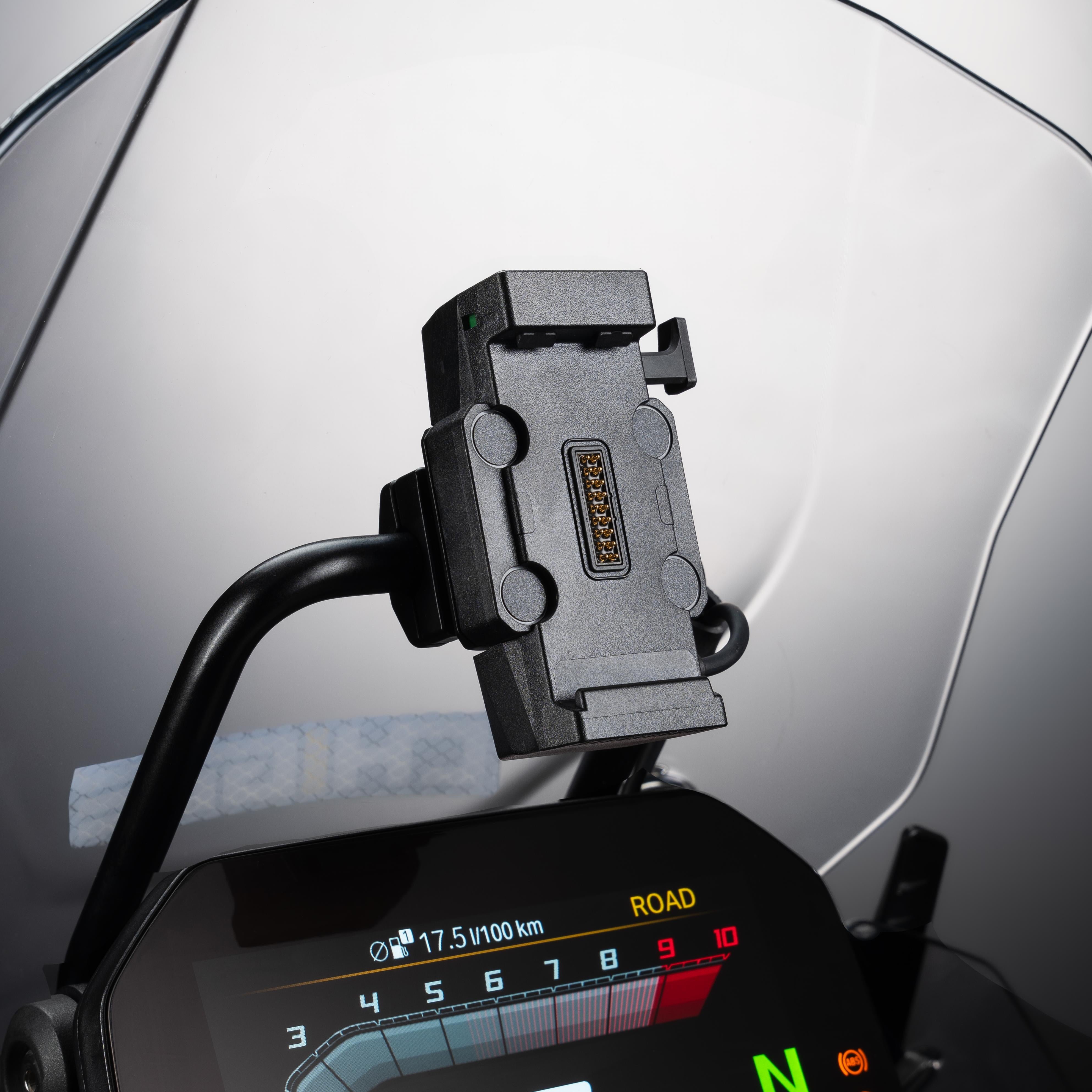
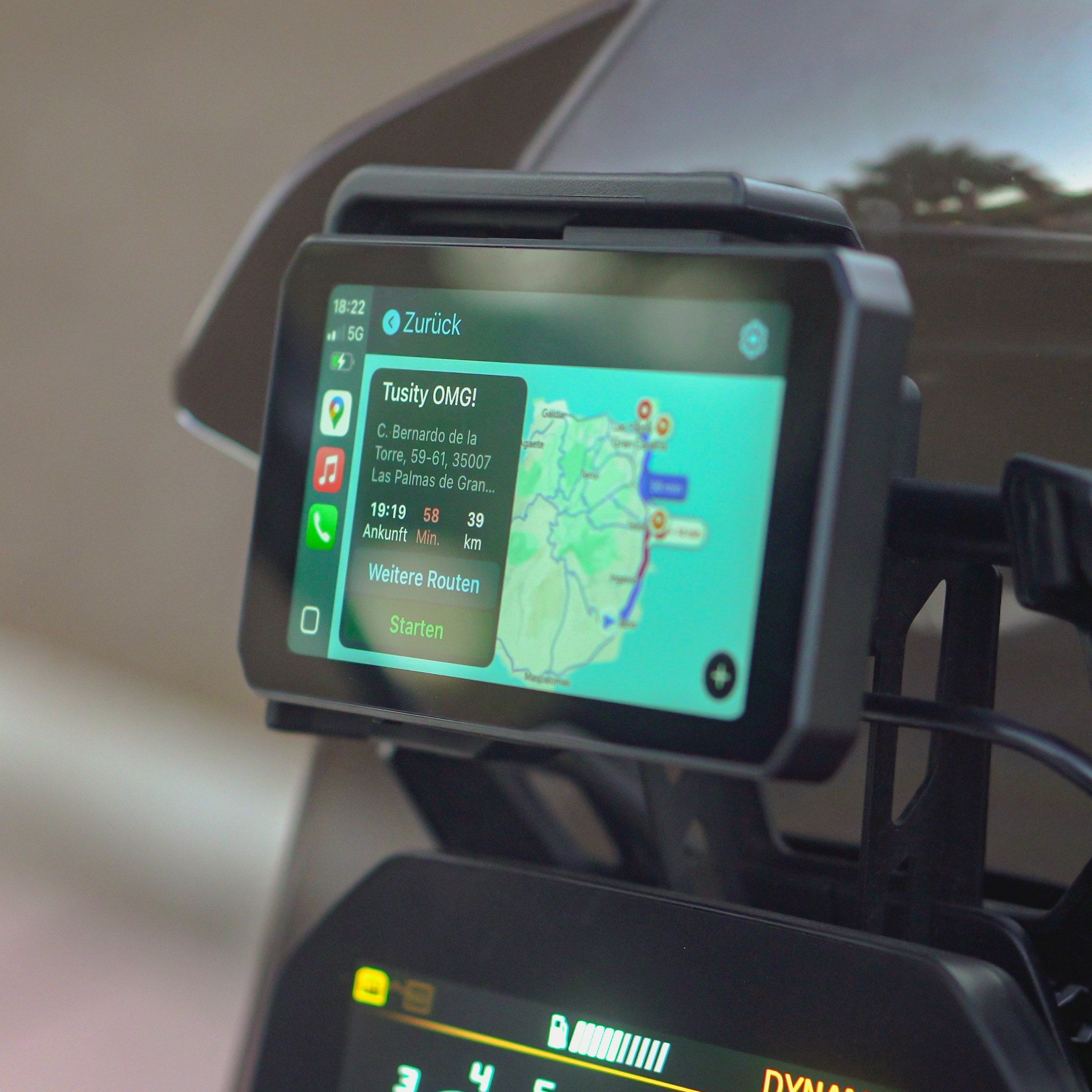
Das spiegeln des Smartphones funktioniert perfekt und alle relevanten Daten und Funktionen werden sauber dargestellt und lassen sich wie gewohnt bedienen. Ich habe nur selten erleben dürfen wie einfach eine Installation sein kann, auch das montieren des Displays an die Original BMW Halterung einschließlich Spannungsversorgung ist ohne Werkzeug möglich. Rundweg eine gute Entscheidung sich für dieses Produkt zu entscheiden.
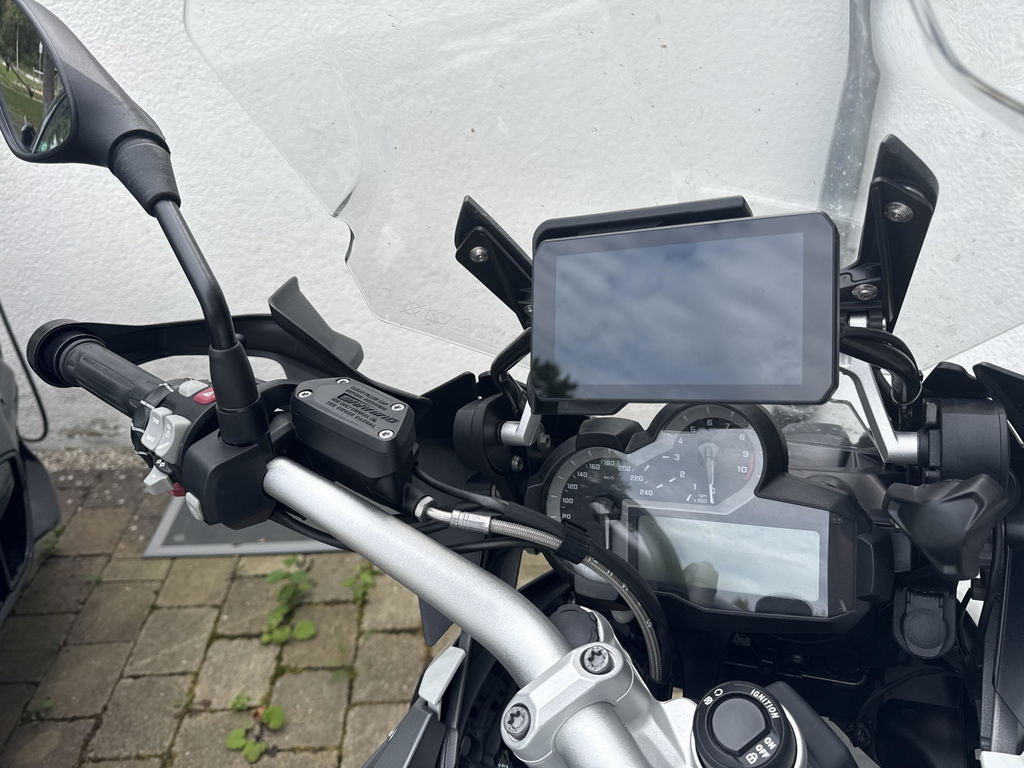
Super Service, sehr schnelle Lieferunh
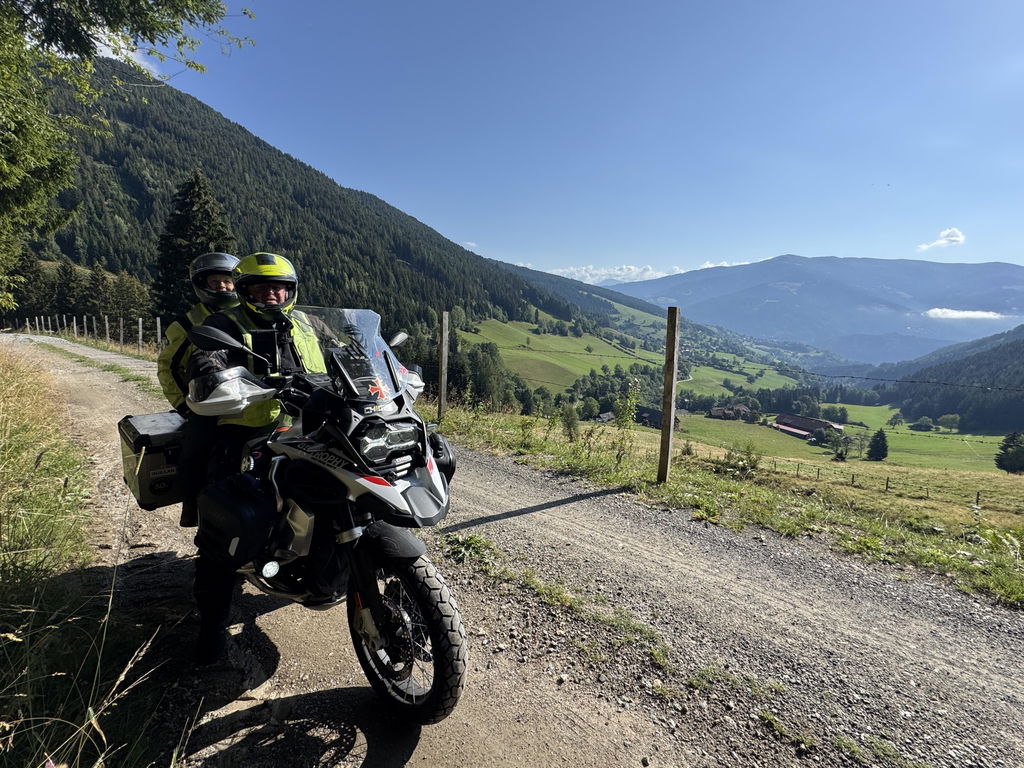
Ik heb nochtans een zumo xt2, maar het ontbreken van android auto deed me naar de Chigee 6 LTE uitkijken en bestellen. En de chigee is inderdaad snel, en de cameras zijn duidelijk een haarscherp. Nu wil ik nog de bandensensoren om het geheel compleet te maken.