



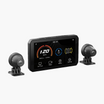
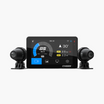


A motorcycle-first navigation app, paired with your CHIGEE display. Your first month of Premium is on us.
"The cleanest way I've found to run Scenic on the road." — Read the full review
You've felt it before: you fire up navigation, follow the fastest route, and end up behind a delivery truck on a four-lane highway. The destination's the same, but the ride is forgettable.
Scenic is a navigation app built specifically for motorcycle riders. Instead of optimizing for arrival time, it prioritizes the kind of roads riders actually want — twisty, quiet, and away from the heaviest traffic. Combined with your CHIGEE display, it turns route-following into route-discovering.
Standard routing gives you suburban traffic, four-lane roads, and red lights. You get there — but not the way you wanted.
With Scenic, you get back roads, open countryside, and routes you'll remember the next morning.
What Scenic Brings to the Ride
Scenic is designed around how motorcyclists actually use their phones on the bike — gloved hands, sunlight, vibration, sometimes no signal at all.
200,000+ rider-shared routes worldwide
Offline-ready with downloadable regional maps
CarPlay & Android Auto native support
Curvy Routing
Set a destination and Scenic finds a route that favors winding roads, elevation changes, and lower-traffic lanes — the kind of road that's worth the extra time. You can dial the curviness up or down depending on the day.
Glove-Friendly Controls
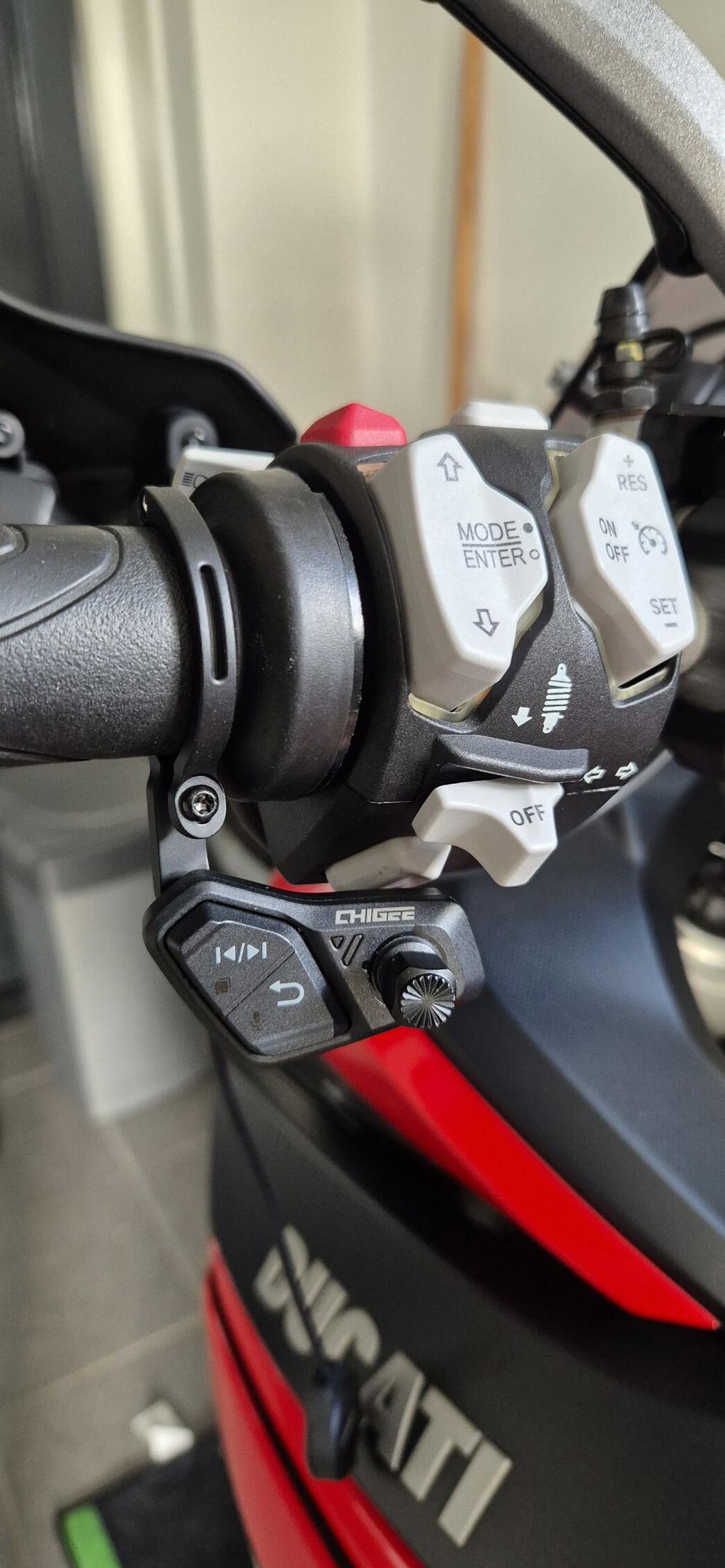
Big tap targets, clutch-side button layout, and reduced screen interaction during navigation. Designed to work with touch-enabled riding gloves so you're not pulling them off mid-ride.
Rider-Shared Route Library
A global community of Scenic users has shared and rated routes across thousands of regions. Search by area, filter by distance, and find routes that local riders have already vetted — the kind of insider knowledge that's hard to get any other way.
Offline Maps with Global Coverage
Download your region in advance and navigate confidently without a signal — useful for mountain passes, forest roads, and cross-border trips. Note that some live features (traffic, road closures) still require a connection when available.
Beauty Mode Routing
Beyond just twisty, Scenic offers a "beauty" routing mode that prioritizes roads with scenic value, not just curvature. A different way to ask the same question: not "how do I get there fastest," but "how do I get there best."
Ride Tracking & History
Every ride is automatically logged with GPS track, distance, duration, and elevation profile. Add photos and notes along the way, and review your stats over time — a quiet way to build a riding journal that's actually yours.
Real-Time Safety Awareness
Speed and red-light camera alerts, road closures, and traffic incidents appear on the map as you ride — so you're not caught off guard by changes ahead.
Dirt Road Visualization
Unpaved sections are flagged on the map before you commit, which matters whether you're avoiding them on a sport tourer or seeking them out on an ADV bike.
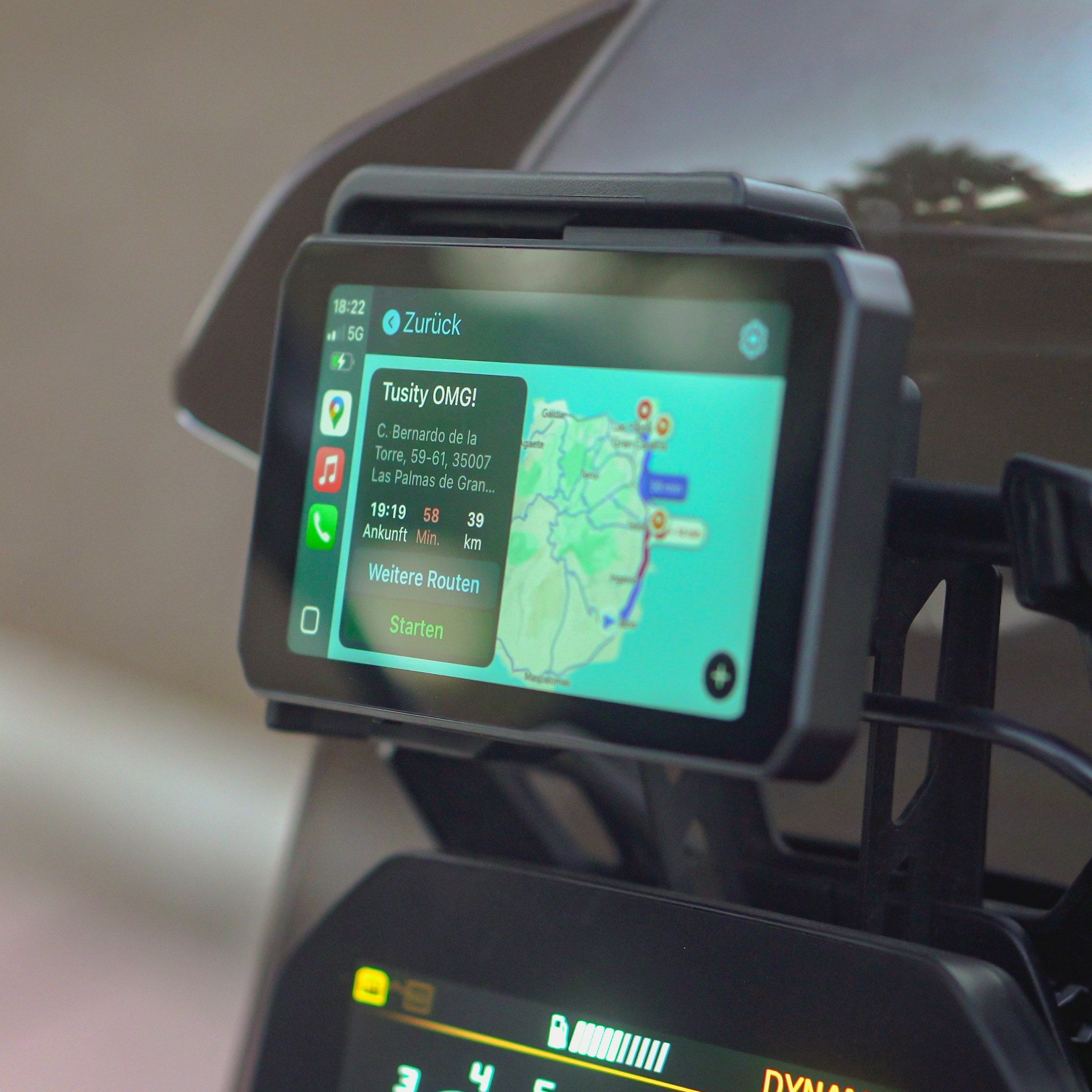
Scenic on Your CHIGEE Display

Photo credit: Scenic App
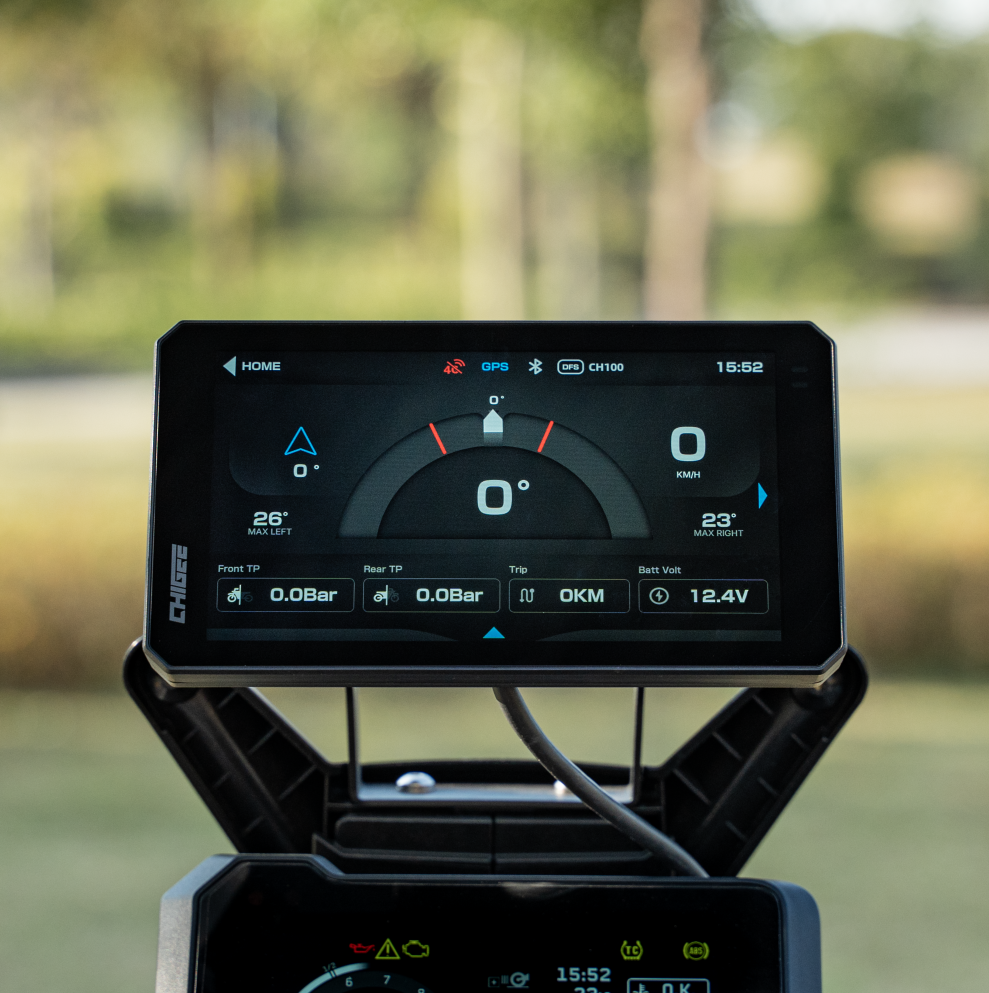
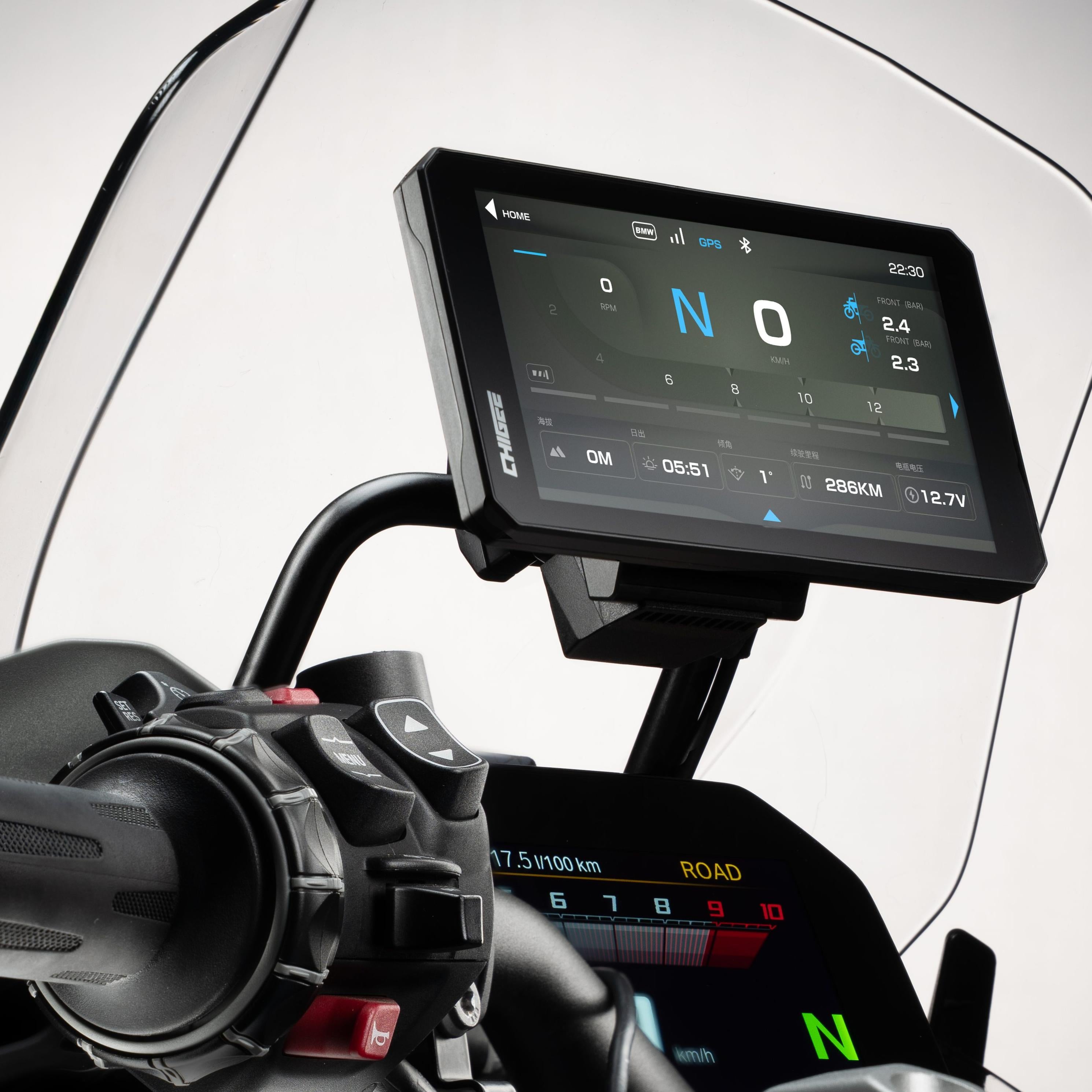
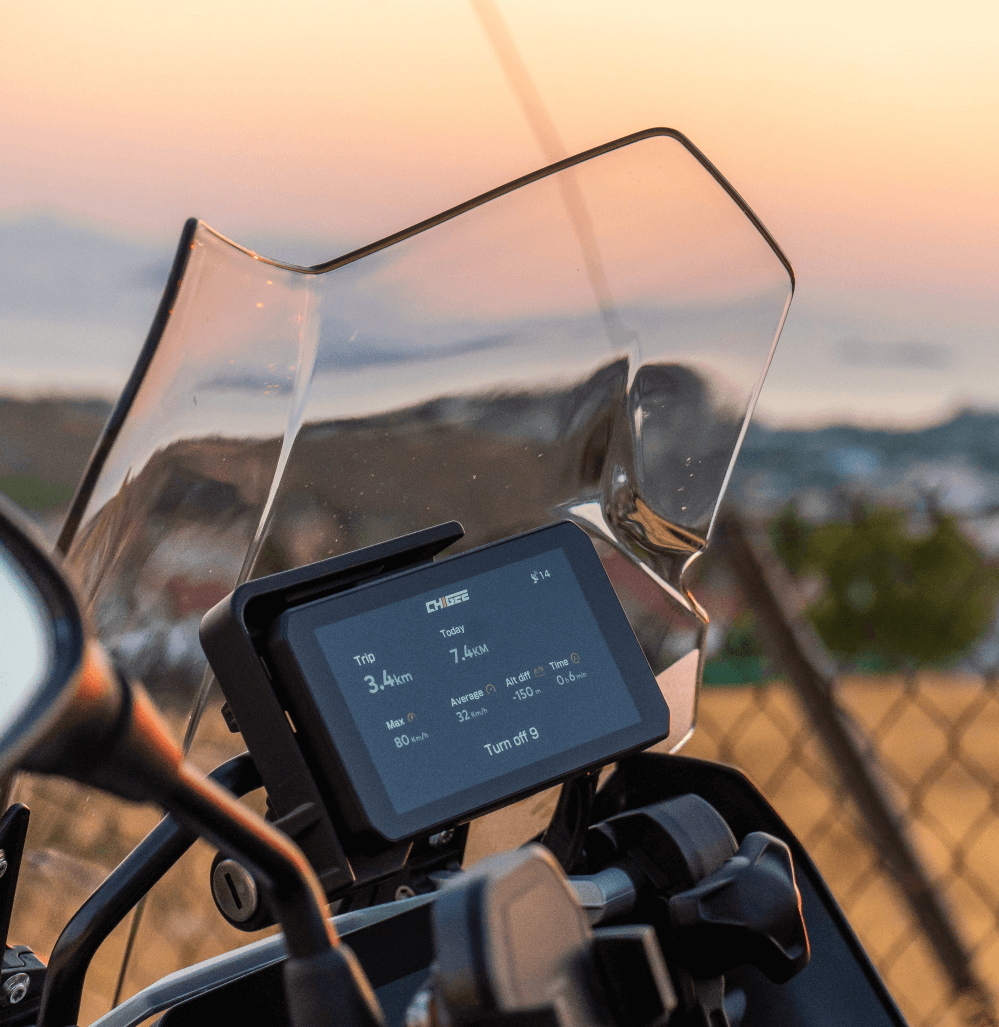
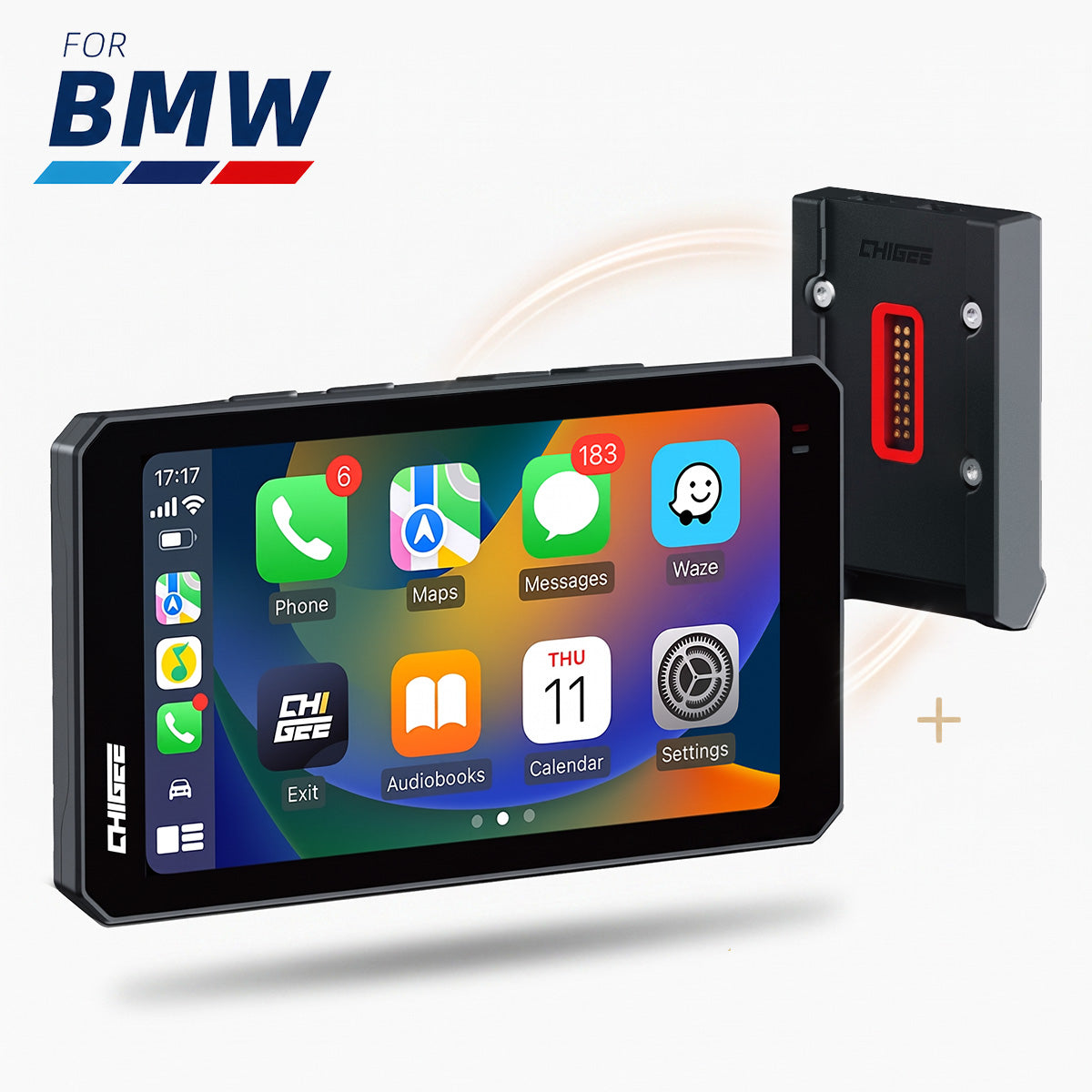
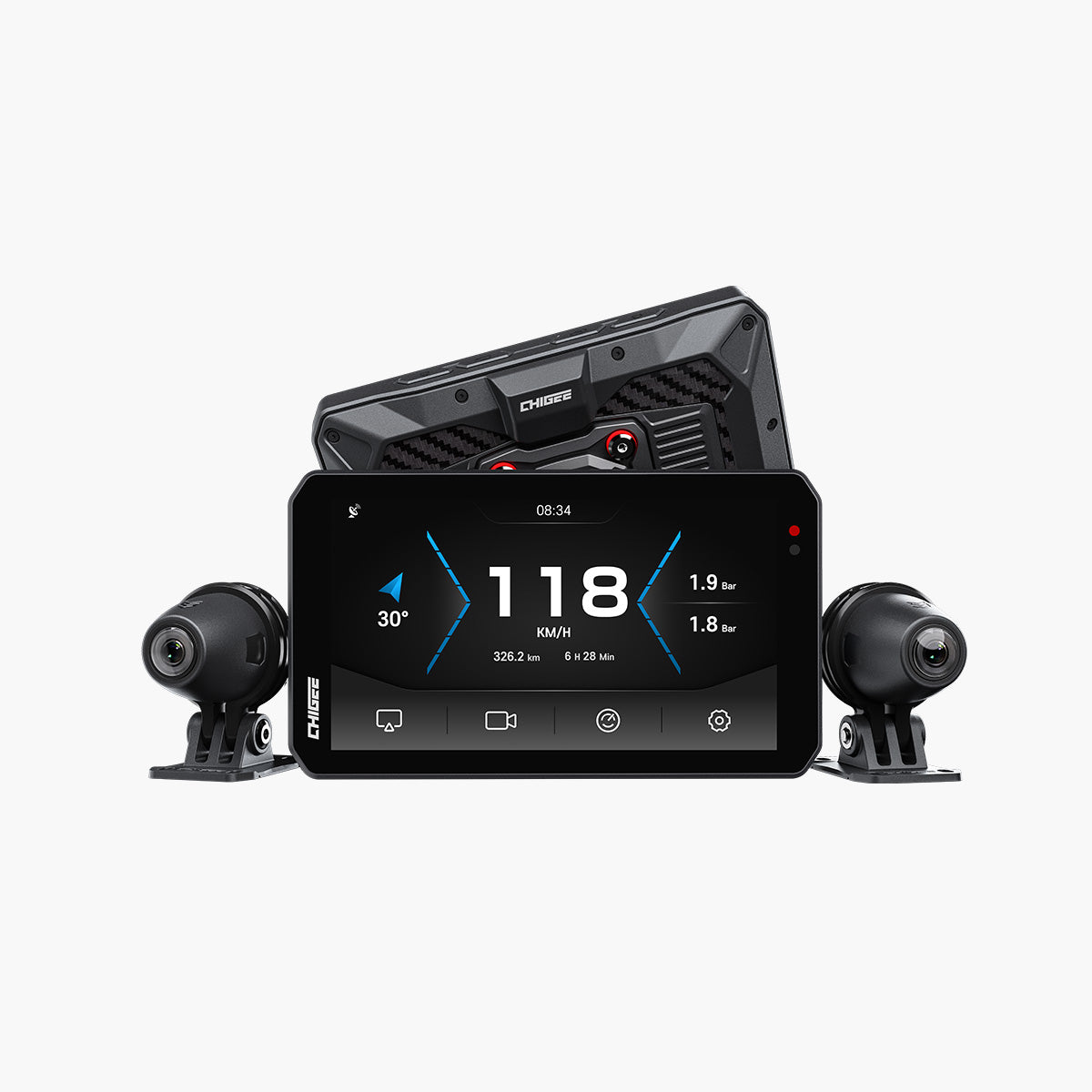
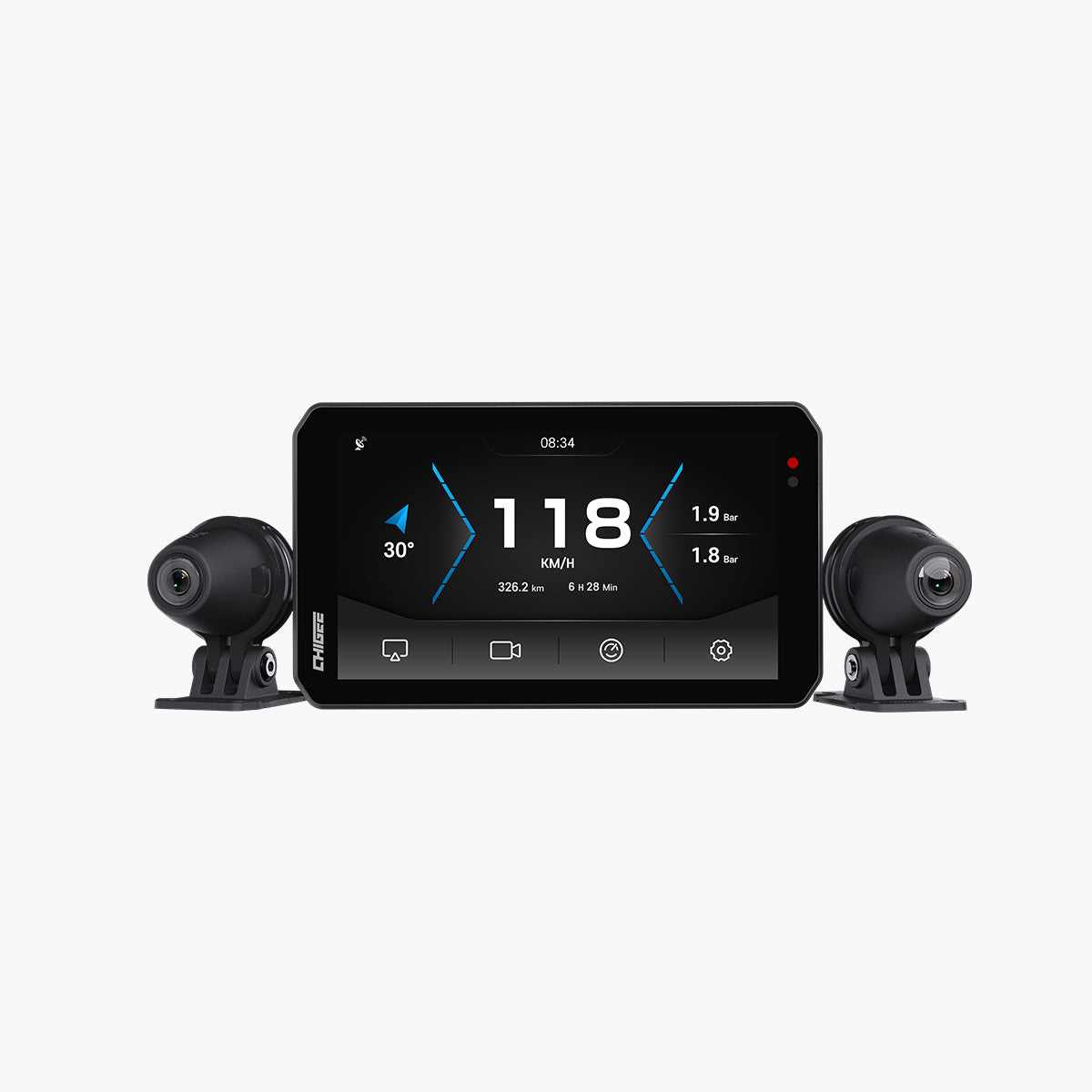
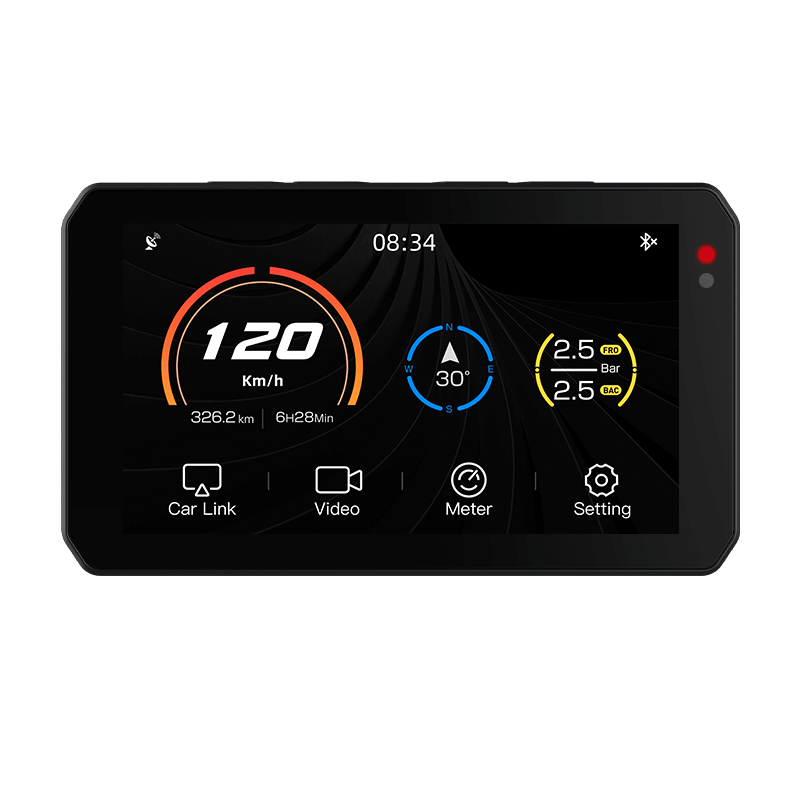
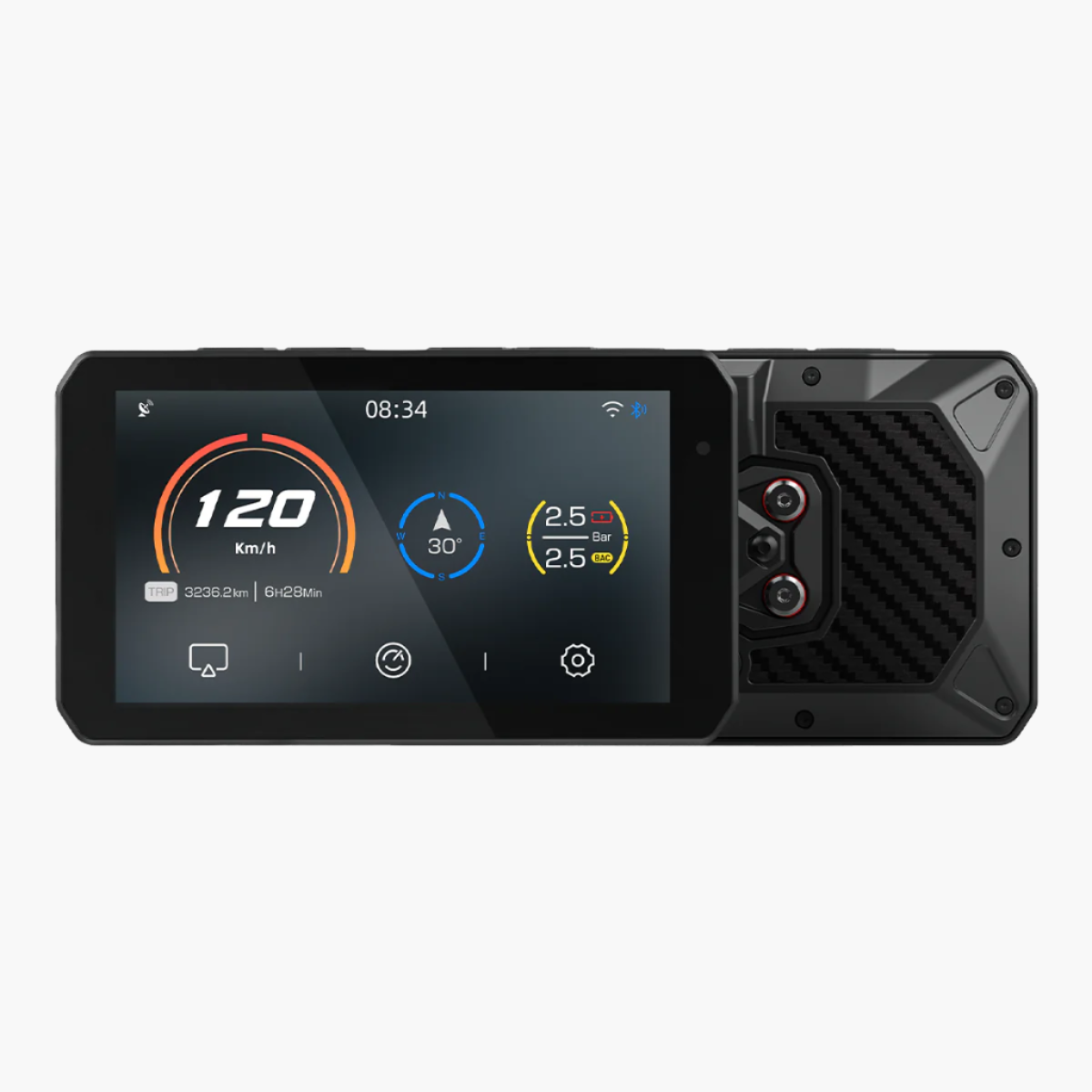
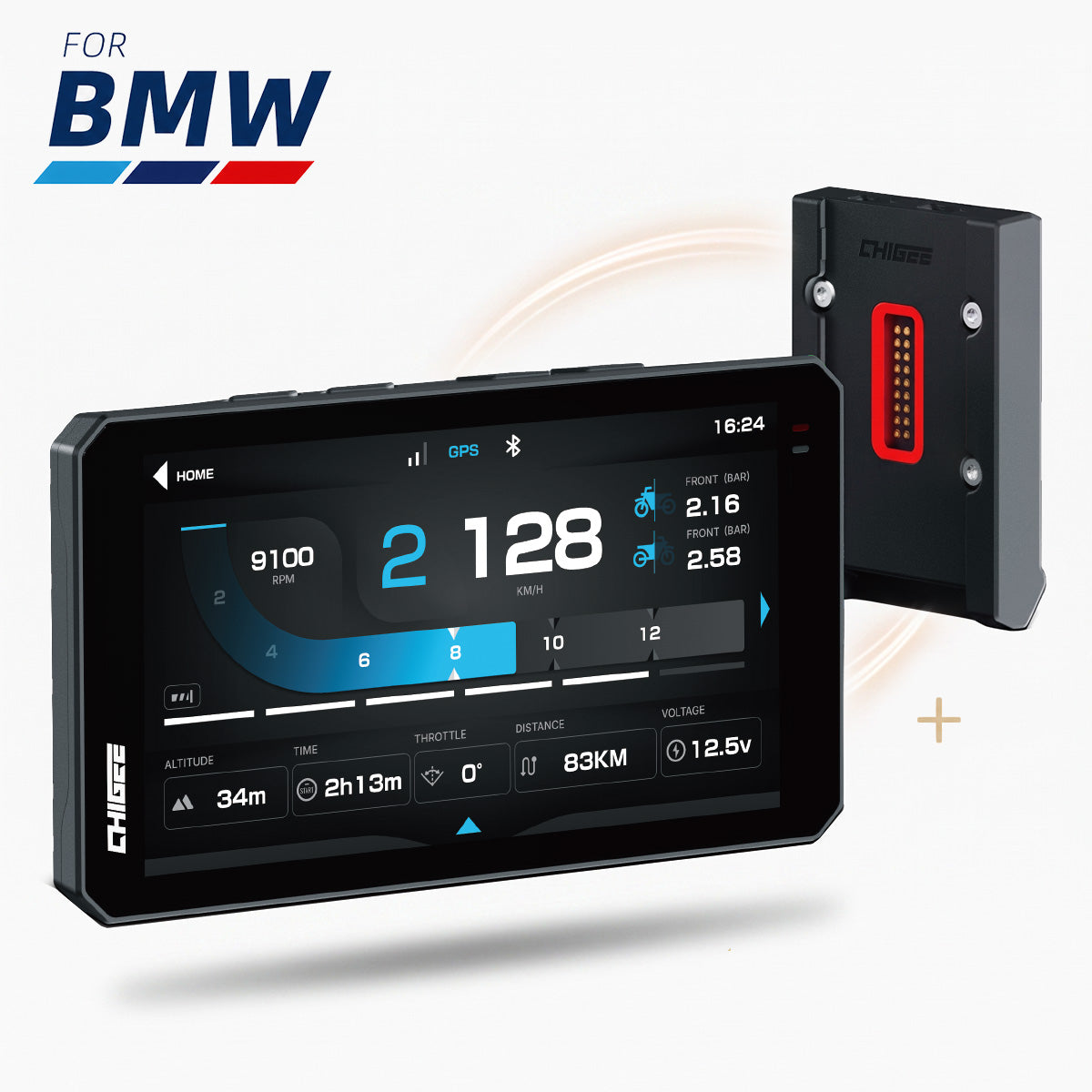
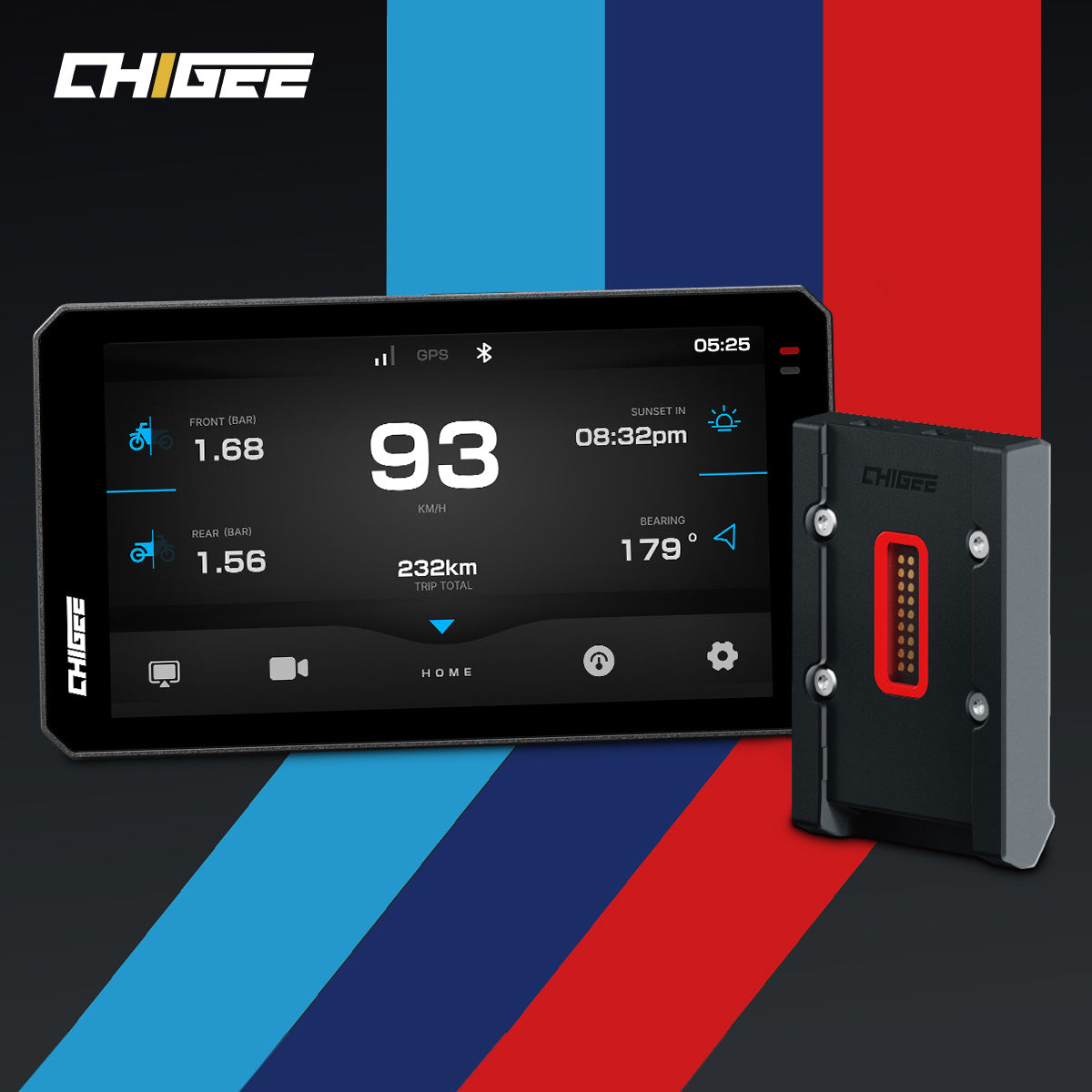
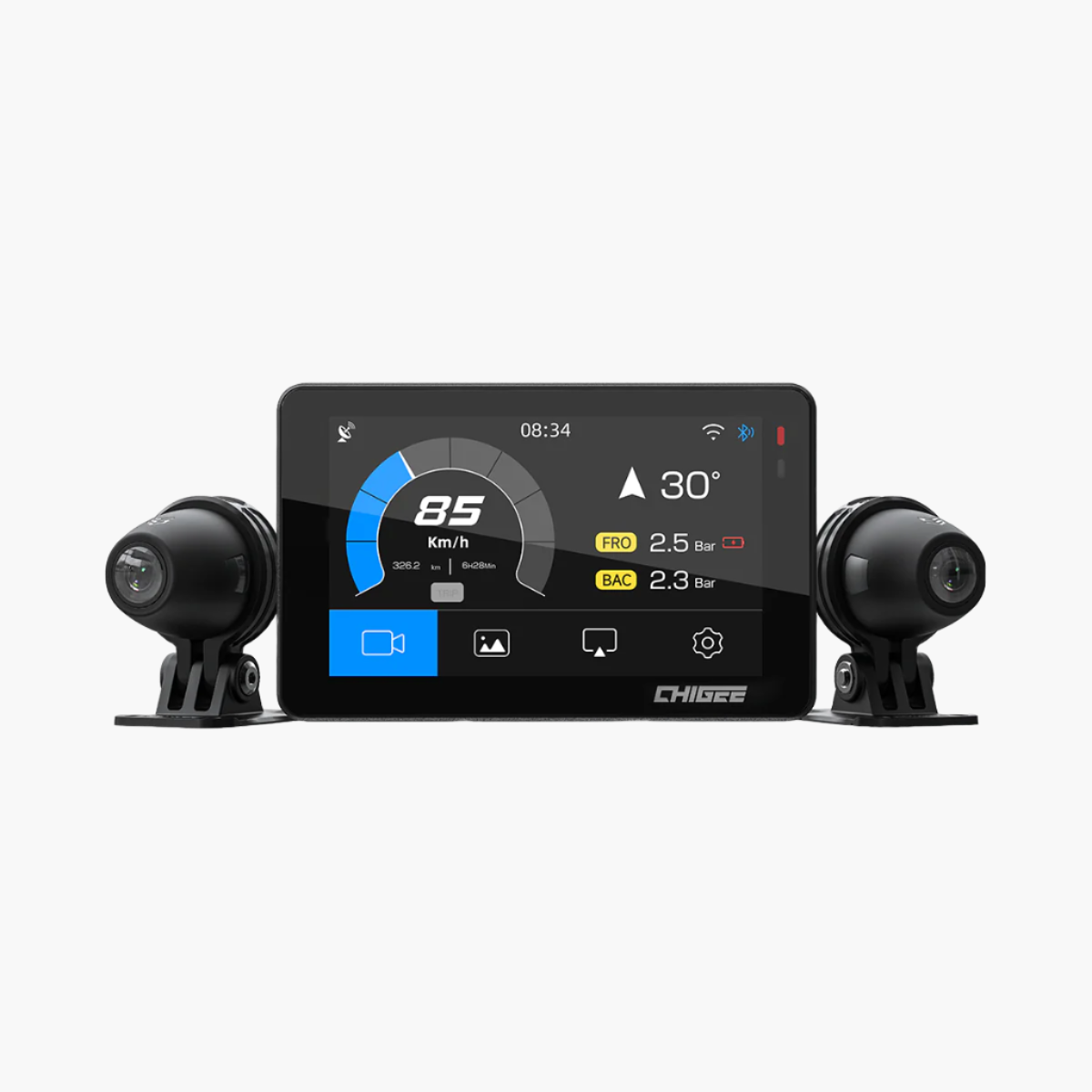
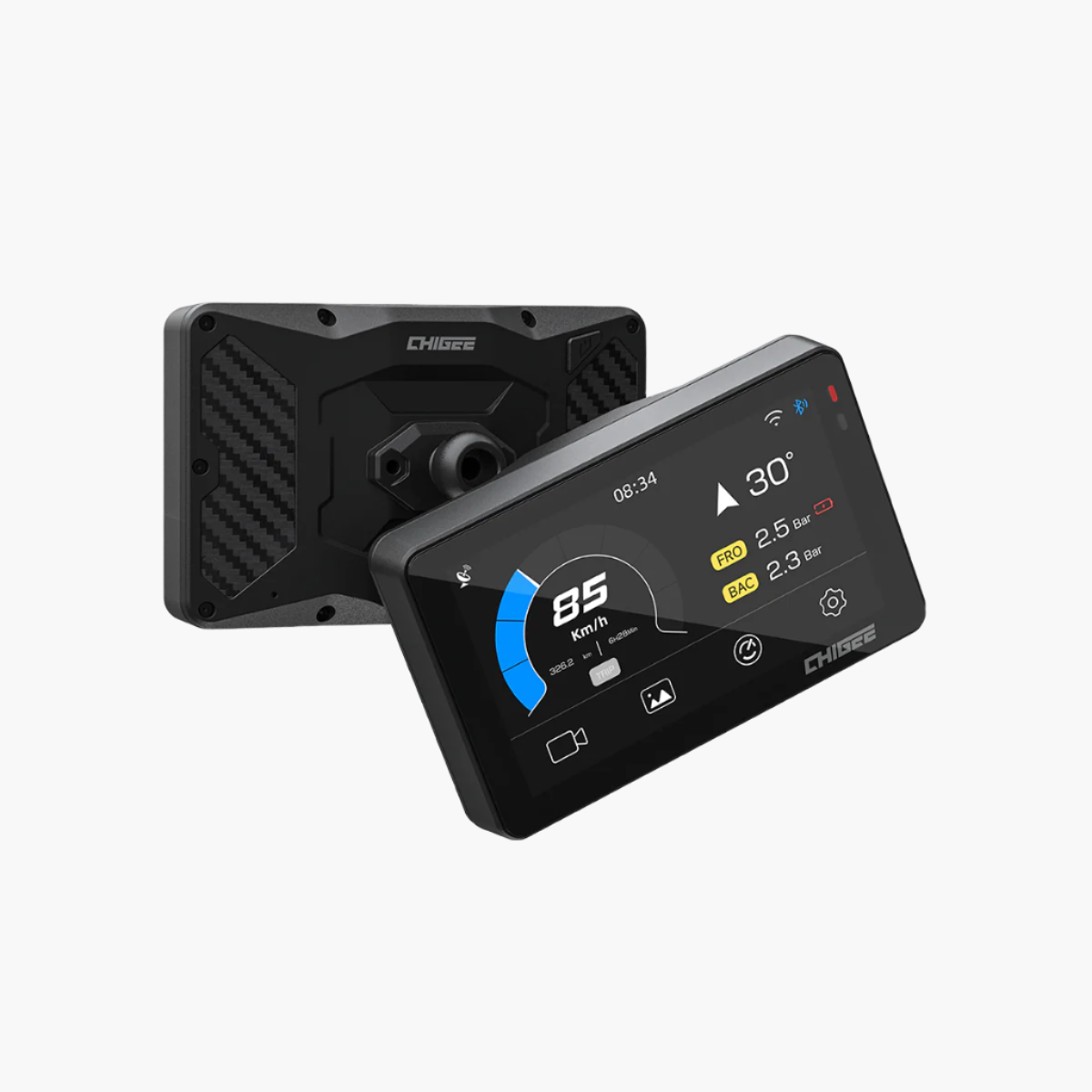
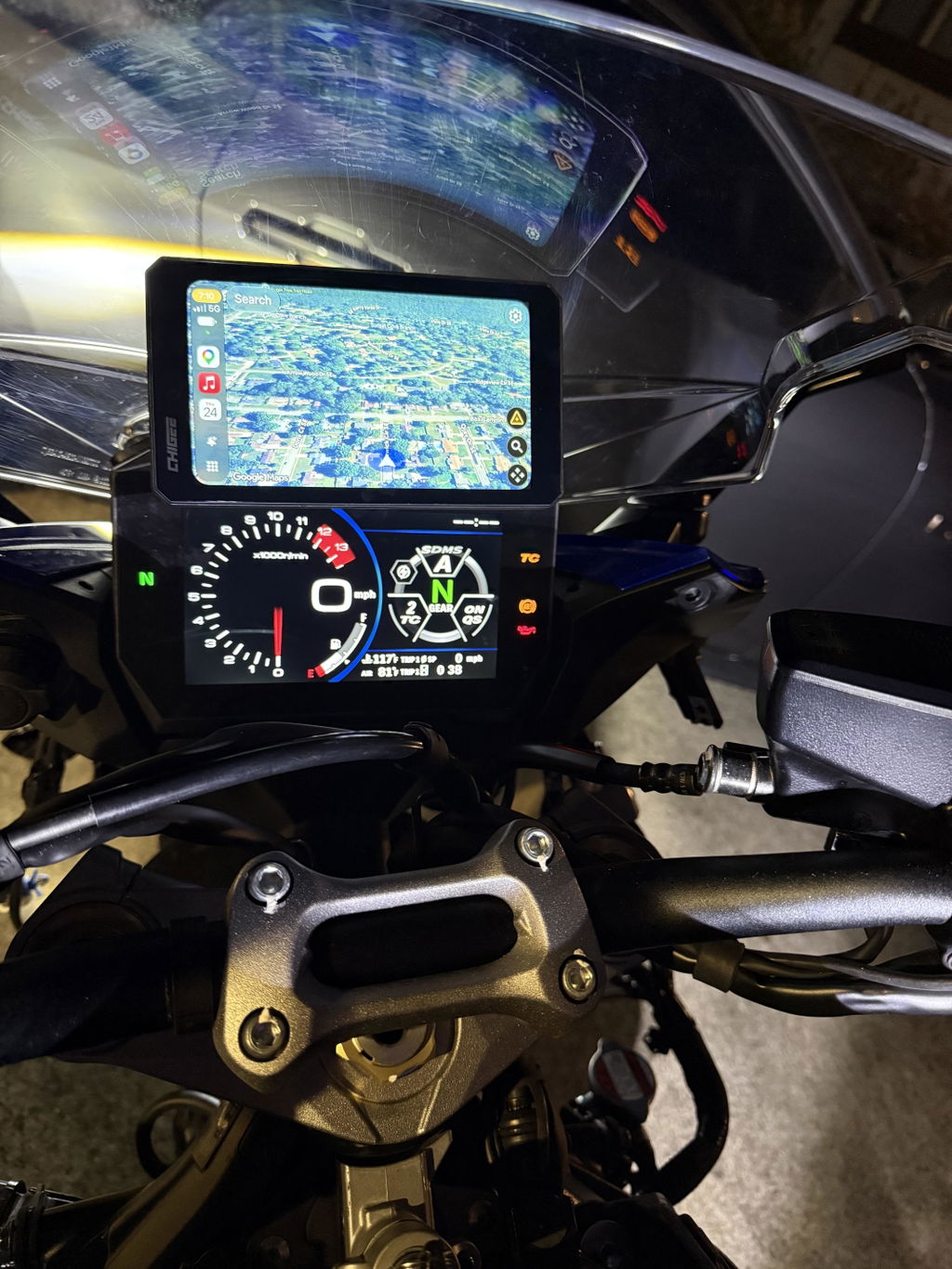
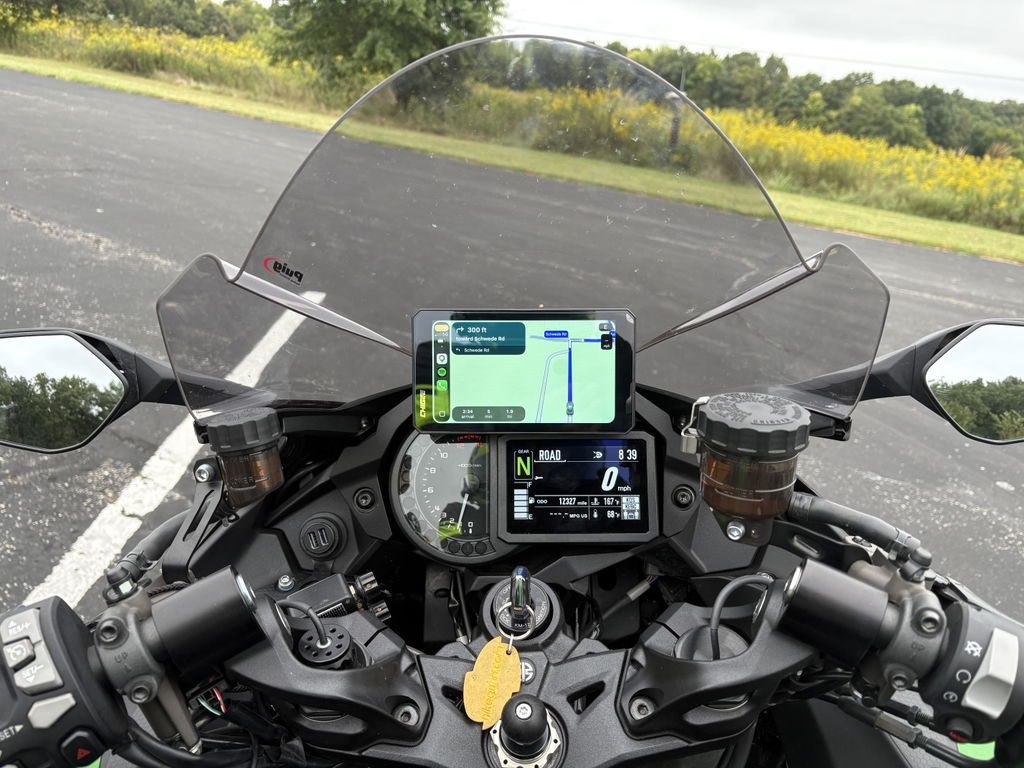
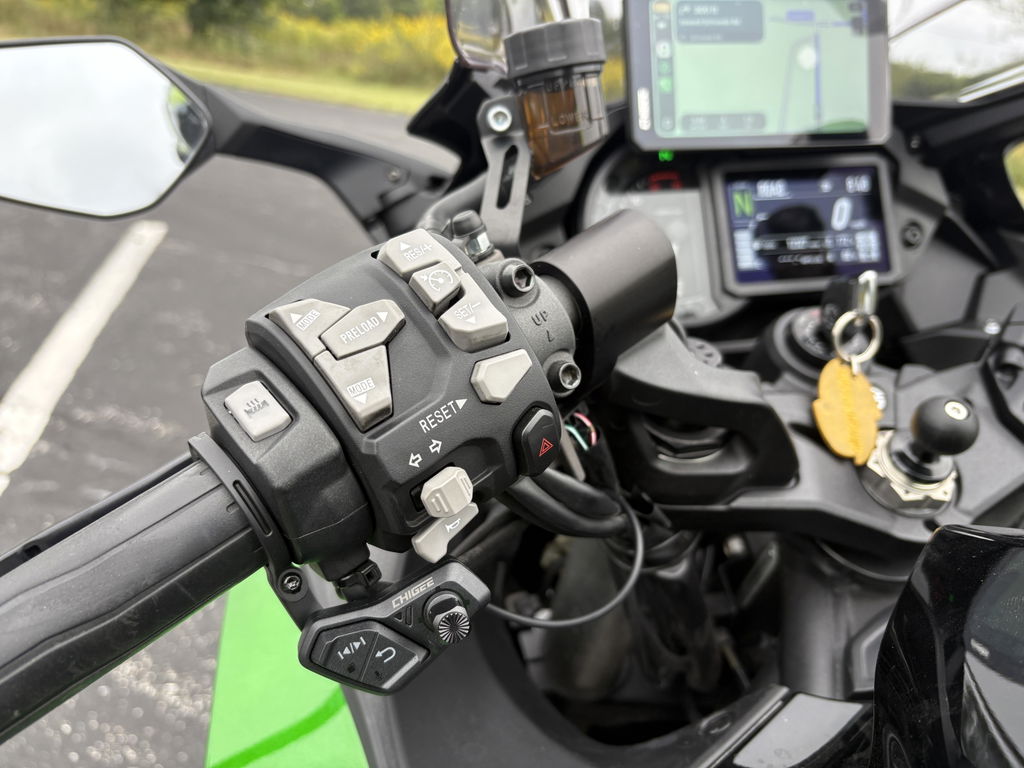
Scenic runs through CarPlay or Android Auto, which means it mirrors cleanly to any CHIGEE display that supports those protocols. Route planning, turn-by-turn directions, and offline map rendering all show up on the handlebars without extra setup.
Recommended Routing Settings
Before your first ride, open Scenic's Routing menu and configure:
- Transportation Mode → Motorcycle
- Route Type → Curvy (or Beauty, depending on the day)
- Avoid Highways → On
- Map Mode → Offline (after downloading your region)
The offline map base layer renders cleanly at handlebar distance. Turn arrows are large and unambiguous, and the navigation bar keeps arrival time, distance, and ETA visible without crowding the map.
Your Free Month of Scenic Premium
We've partnered with Scenic to offer every CHIGEE rider one month of Scenic Premium — free. Premium unlocks the full route library, advanced routing options, voice guidance, route import/export, and unlimited ride recordings.
Two ways to claim:
1. Tap the Link — Instant Claim
On your mobile, tap the link below. It launches the App Store or Google Play and applies the offer automatically.
2. Download & Enter the Code Manually
Download Scenic from the App Store or Google Play. Open the app, go to the payment screen, and look for the "I have a discount code" section. Enter: SCENICCHIGEE
Offer valid for new Scenic Premium subscribers. One redemption per user. Standard App Store and Google Play subscription terms apply after the trial period.
Ready for Better Roads?
Claim your free month of Scenic Premium — exclusive to CHIGEE riders.
Or enter code SCENICCHIGEE at checkout.
Works on iOS & Android · Pairs with any CarPlay or Android Auto–compatible CHIGEE display







2 comments
Debromfiets
Voor scooter- en bromfietsrijders in Nederland is routekeuze ook belangrijk. Op Debromfiets.nl vind je meer informatie, tips en nieuws over scooters, bromfietsen en veilig rijden in Nederland.
Tom Balmer
Hi
Thats why I am considering purchasing a Chigee AIO-6 Max for my BMW R 1250 GS Adventure, which has the original BMW navigation preparation / Nav Prep 5/6 and Wonder Wheel.
Could you please confirm whether the AIO-6 Max, together with the BMW Quick-Release Module, will work directly with the Wonder Wheel on my motorcycle?
Or would I need an additional CGRC CAN module for Wonder Wheel control? If so, could you please tell me exactly which CGRC CAN version would be compatible with my BMW R 1250 GS Adventure?
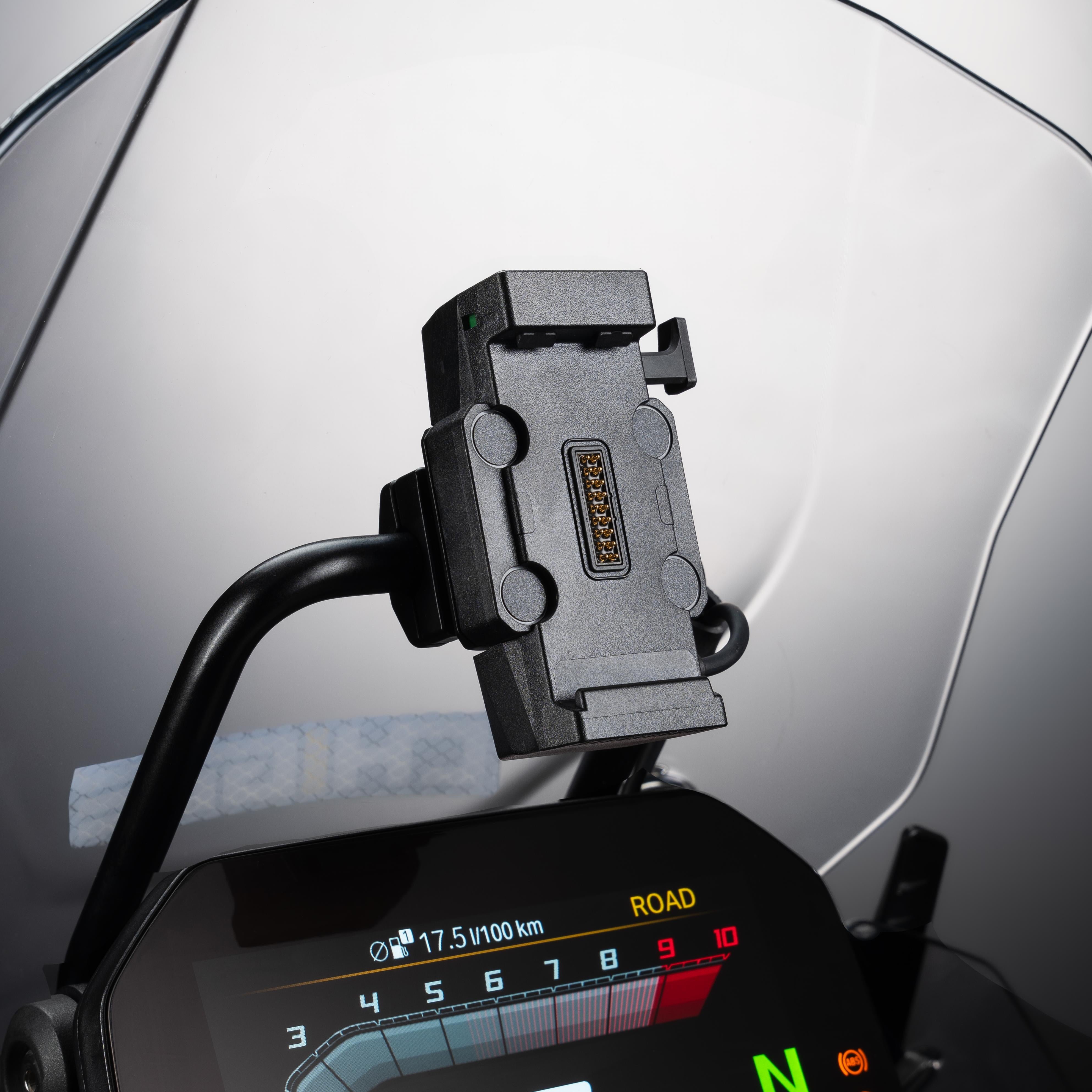
I would like to keep using the original BMW navigation cradle if possible, without drilling or major modifications.
Leave a comment
All comments are moderated before being published.
This site is protected by hCaptcha and the hCaptcha Privacy Policy and Terms of Service apply.