Sie sind drei Stunden in einer langen Fahrt. Autobahn, Mittagszeit, leichter Verkehr. Ihre rechte Hand liegt ruhig am Gasgriff. Sie werfen einen Blick in Ihren Spiegel — klar — und Ihre Augen kehren zur Straße zurück.
Ein bernsteinfarbenes LED blinkt am Rand Ihrer Sicht. Im selben Moment VORSICHT schiebt sich eine rote Bar entlang des linken Randes Ihres CHIGEE-Displays, und ein roter Rahmen umgibt den Bildschirm. Das Radar hat ein Fahrzeug erkannt, das von hinten näherkommt.
Sie überprüfen Ihren Spiegel erneut. Da ist es — ein Auto, näher als erwartet, das sich auf Ihrer rechten Seite nähert. Sie lassen das Gas nach, halten die Spur und lassen es passieren.
Das Ganze dauert vielleicht zwei Sekunden. Das Radar hat nichts für Sie entschieden. Es hat nur dafür gesorgt, dass Sie hingeschaut haben, wenn es darauf ankam.
Was der SR-1 eigenständig tut
Lass uns diese Szene auseinandernehmen, angefangen mit nur dem Radar.
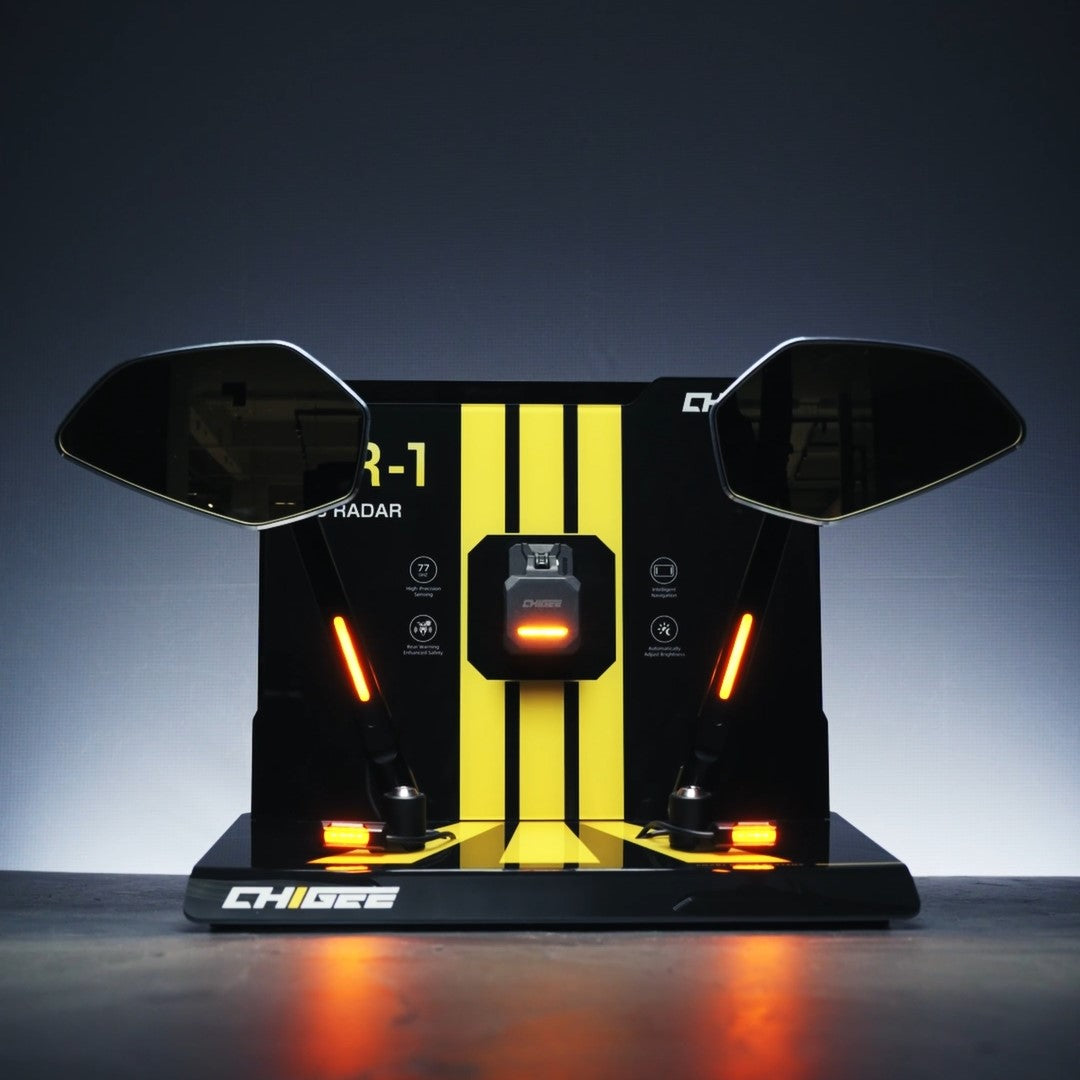
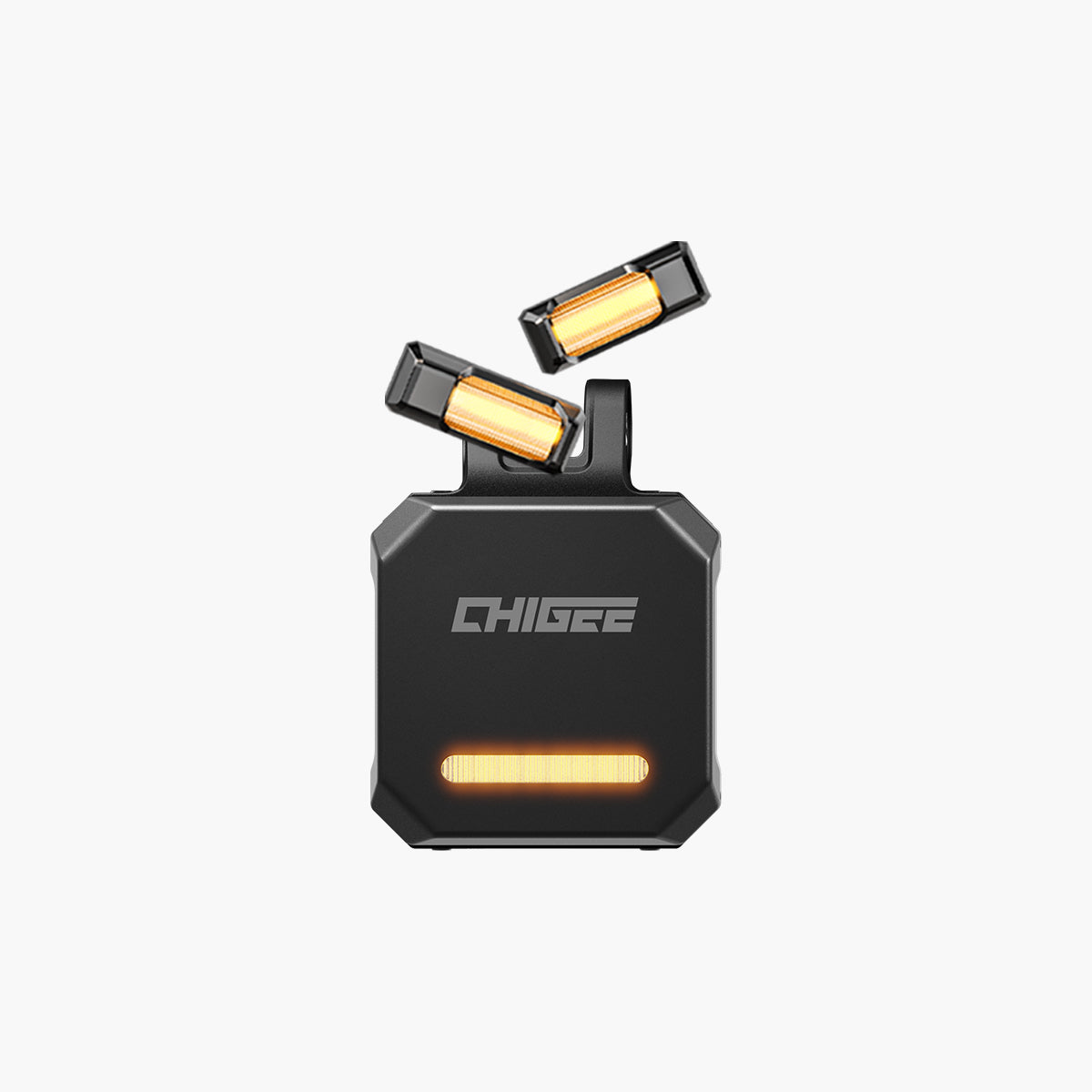
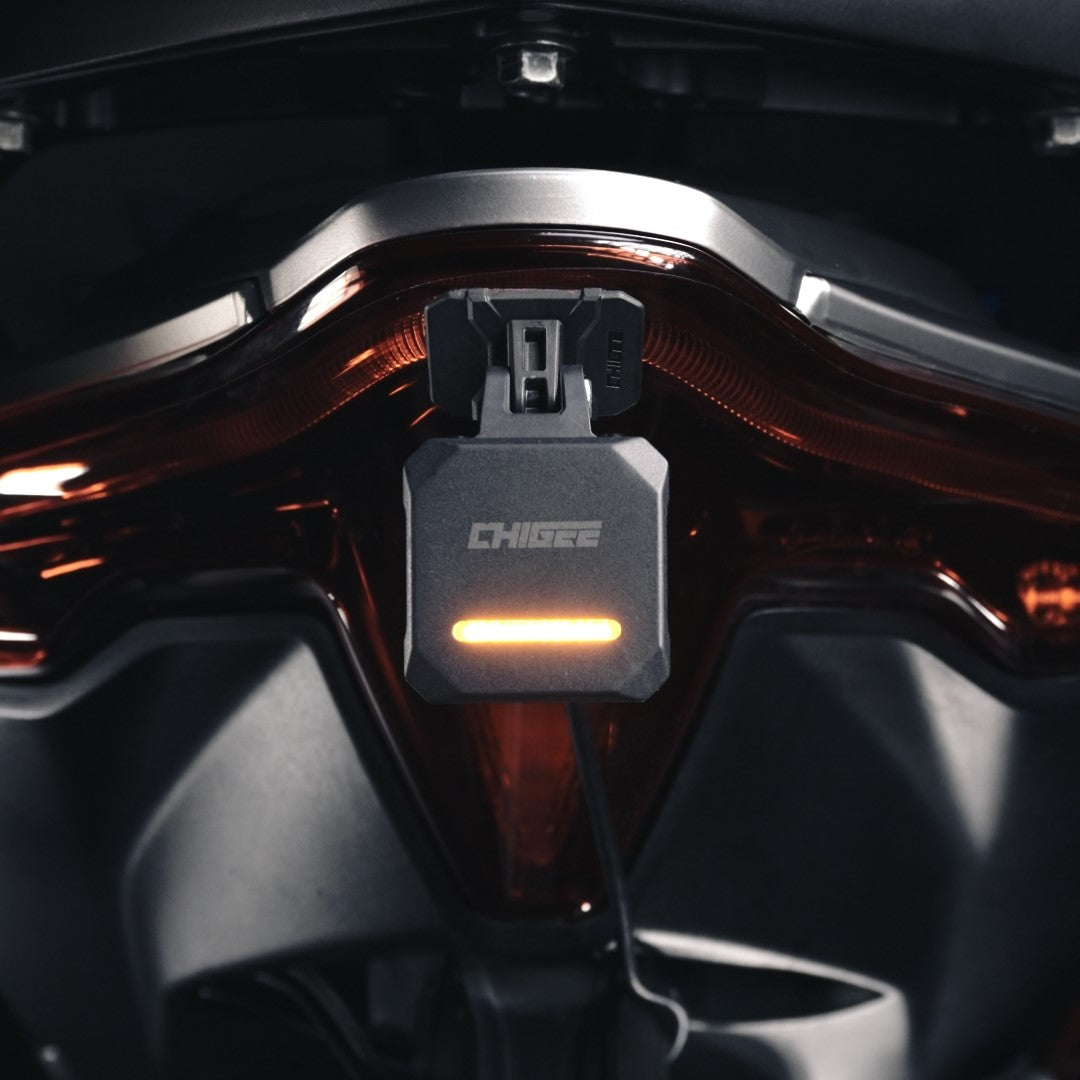
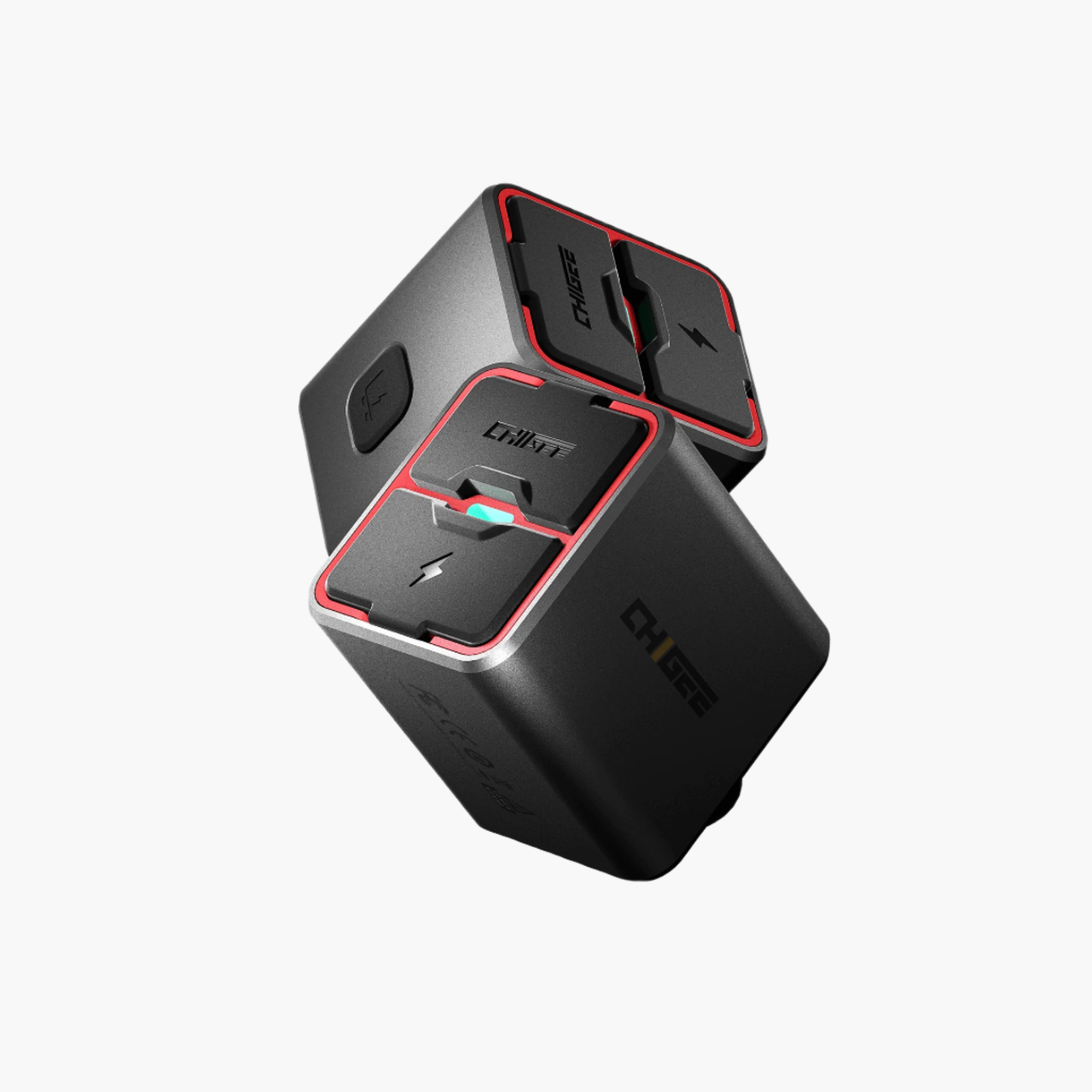
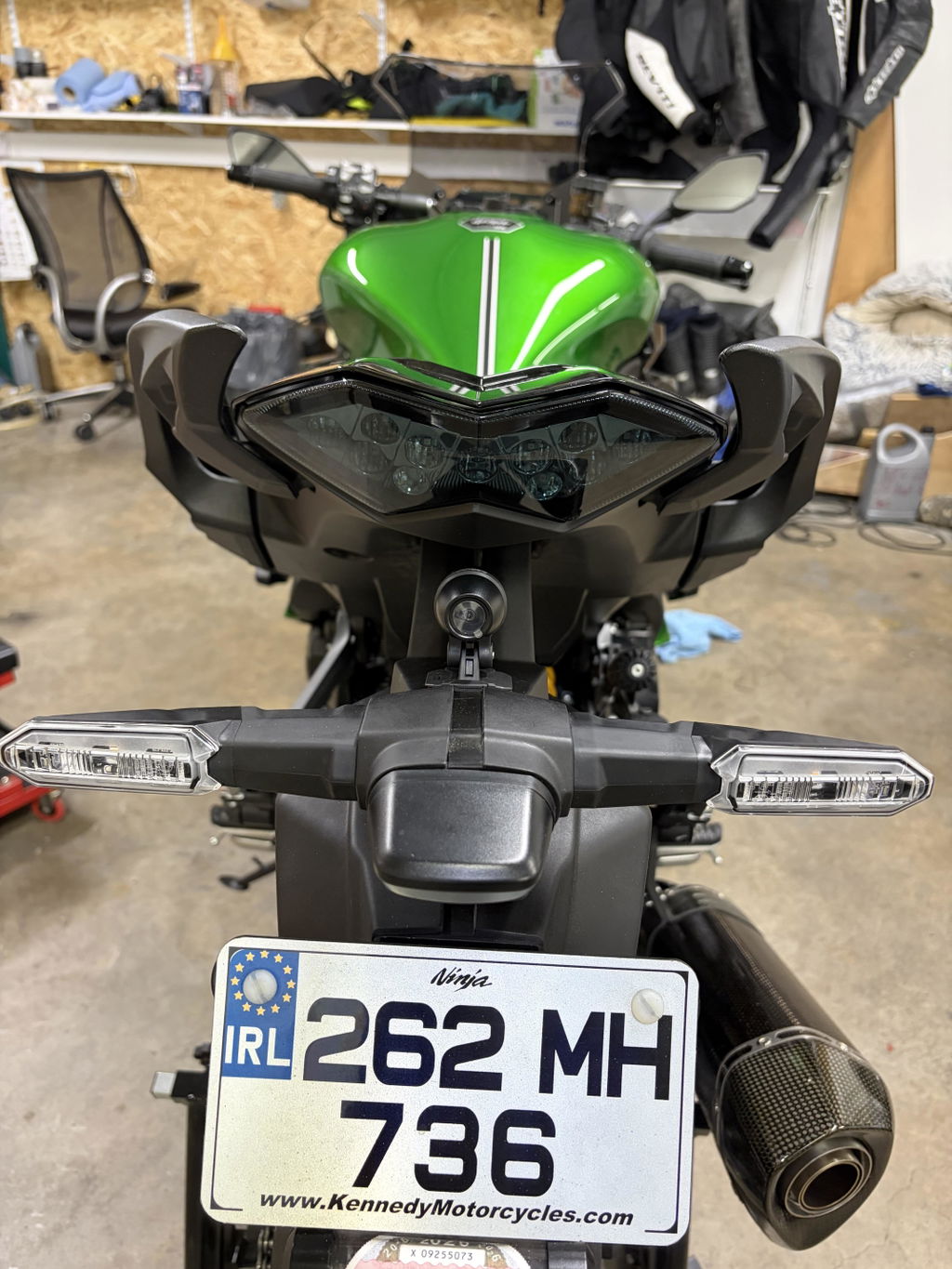
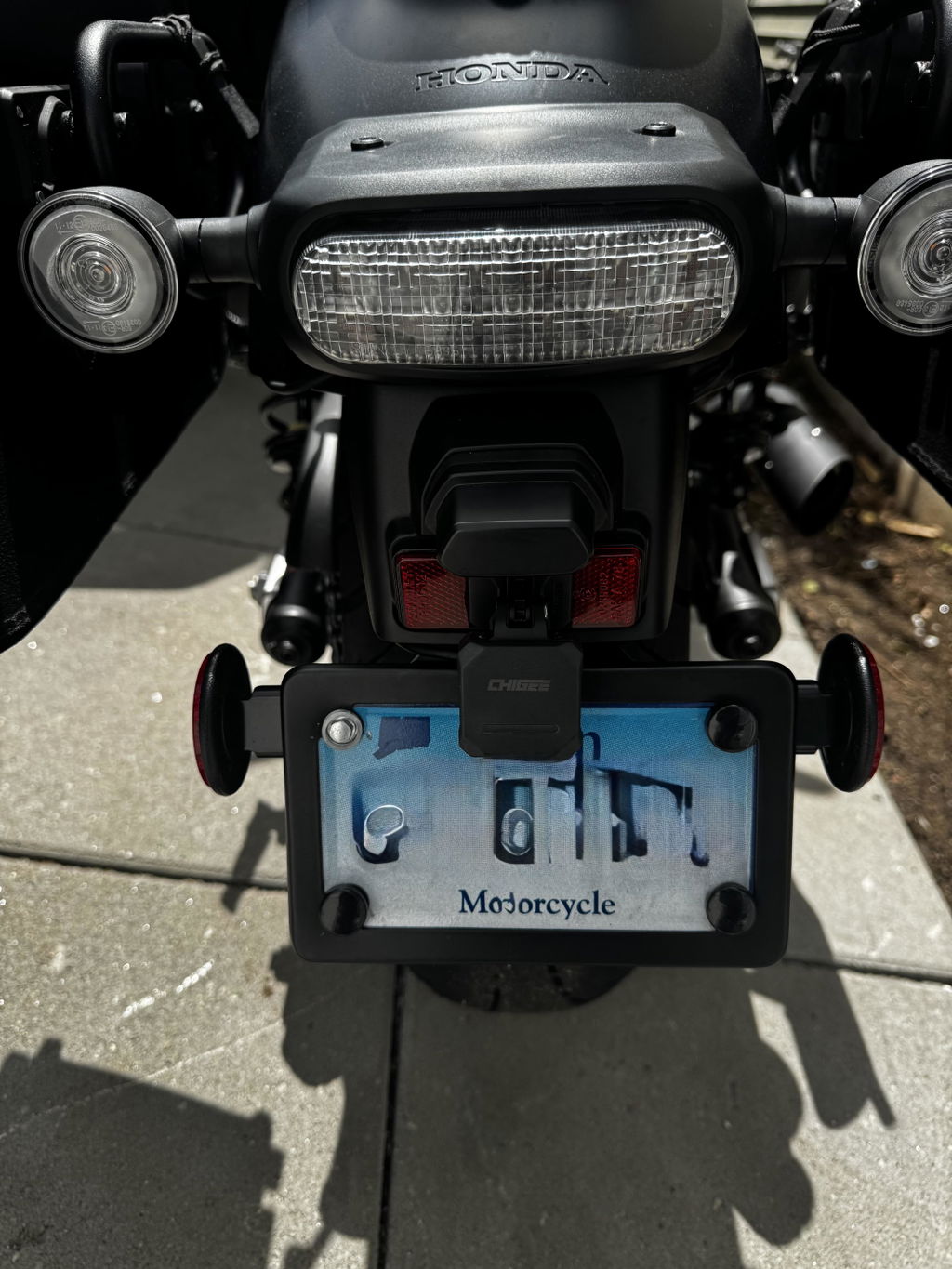
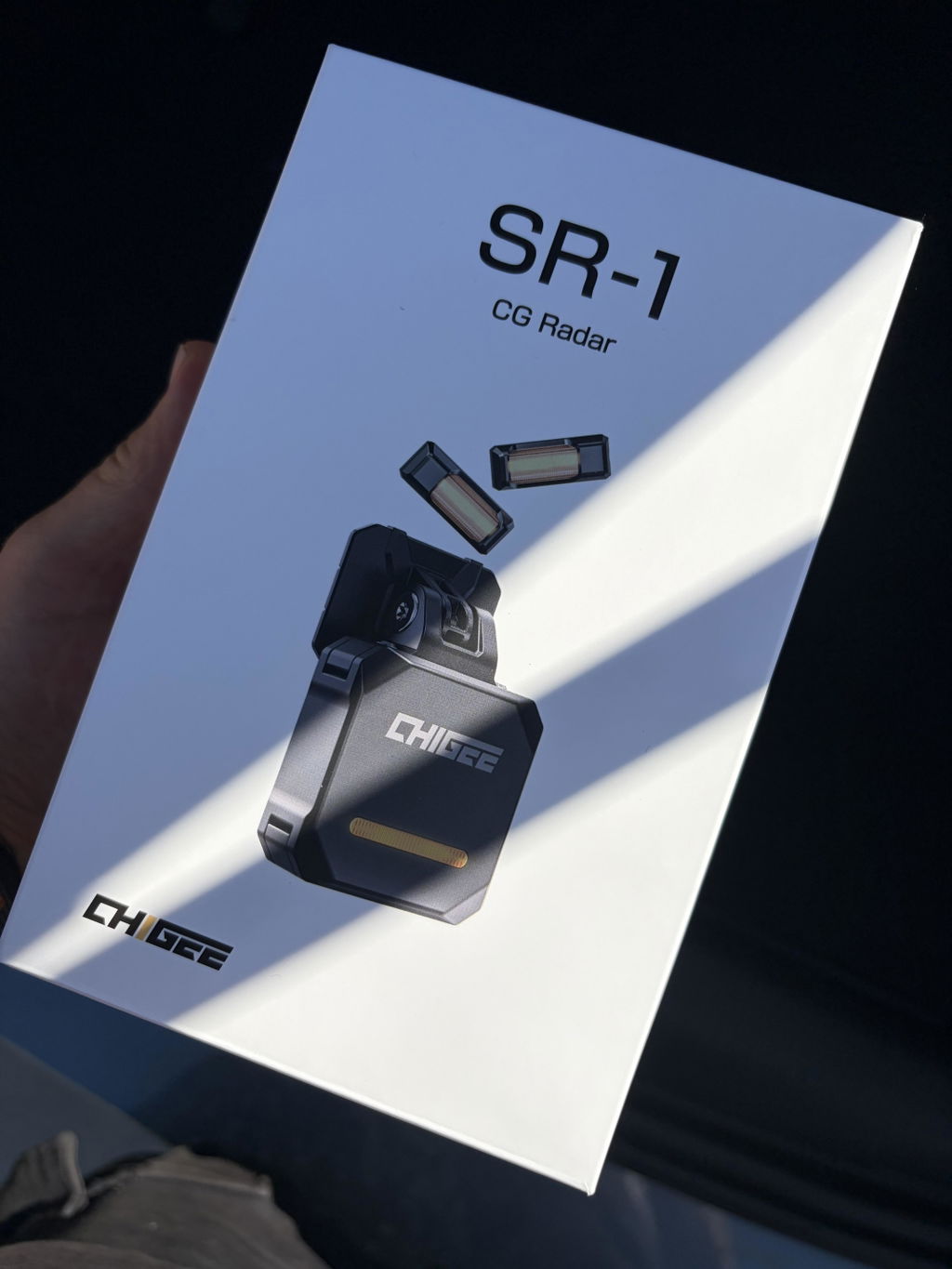
Der CHIGEE SR-1 ist ein Millimeterwellen-Blindwinkelradar für Motorräder. Er überwacht den Raum hinter und neben deinem Motorrad — die Zonen, die deine Spiegel nicht vollständig abdecken und die deine Augen nicht ständig im Blick haben können. Er scannt nach herannahenden Fahrzeugen, verfolgt sie, wenn sie näher kommen, und sagt dir, wann eines deine Aufmerksamkeit verdient.
Der SR-1 spricht eigenständig über zwei Kanäle.
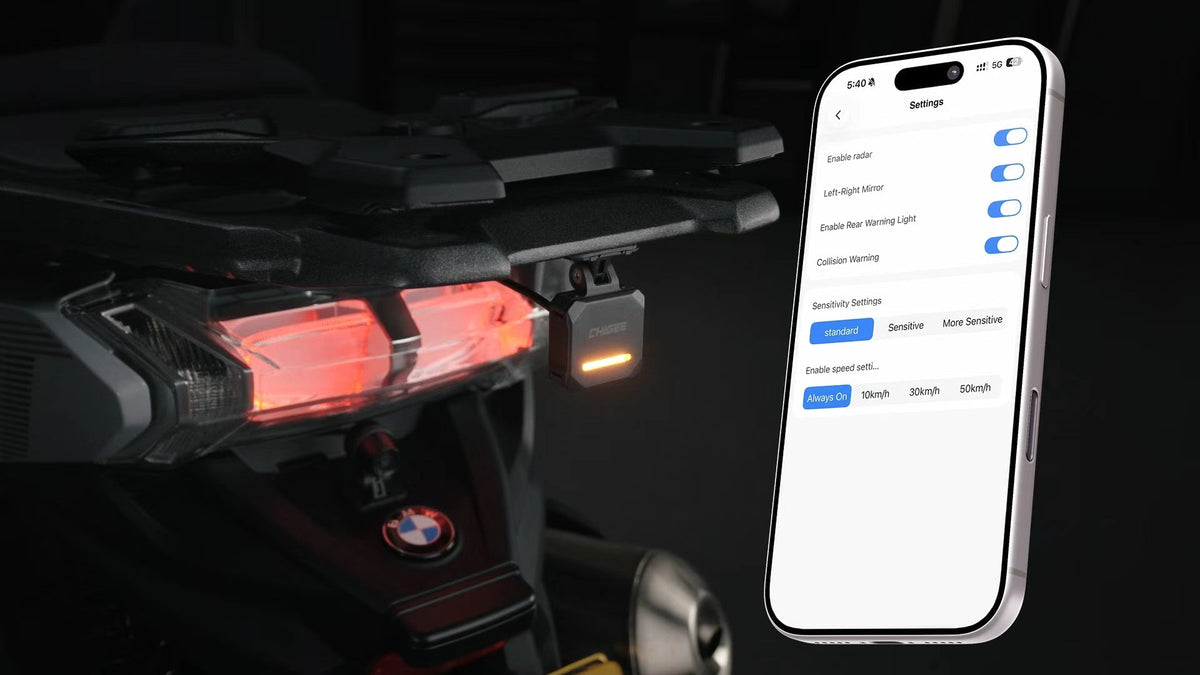
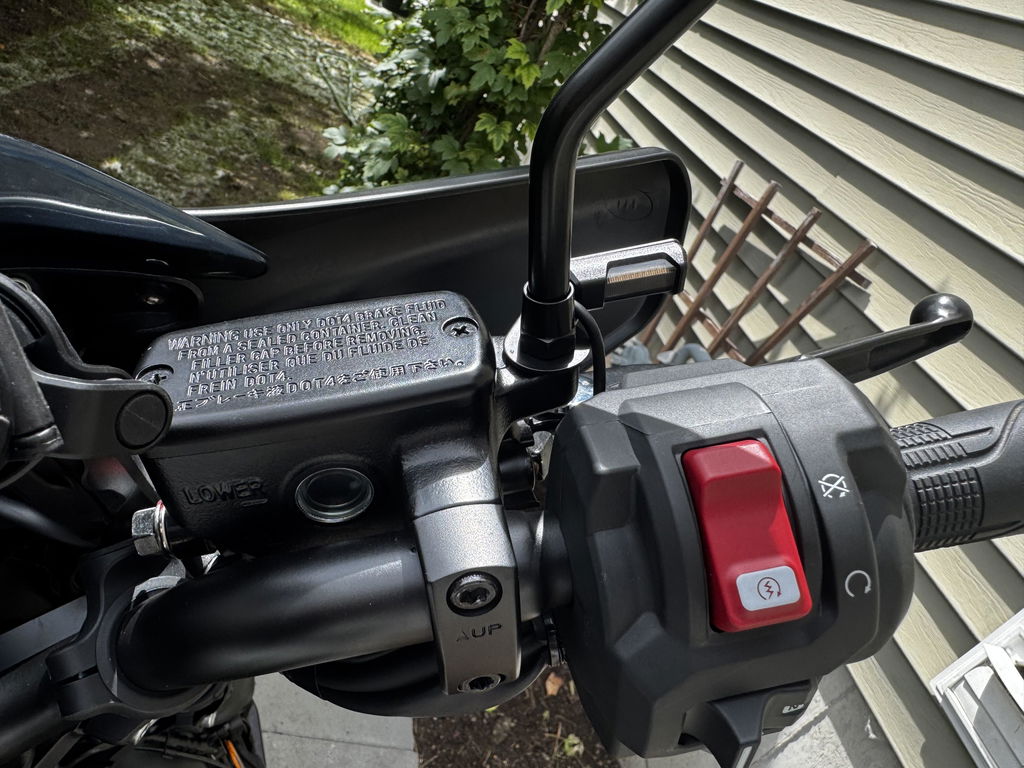
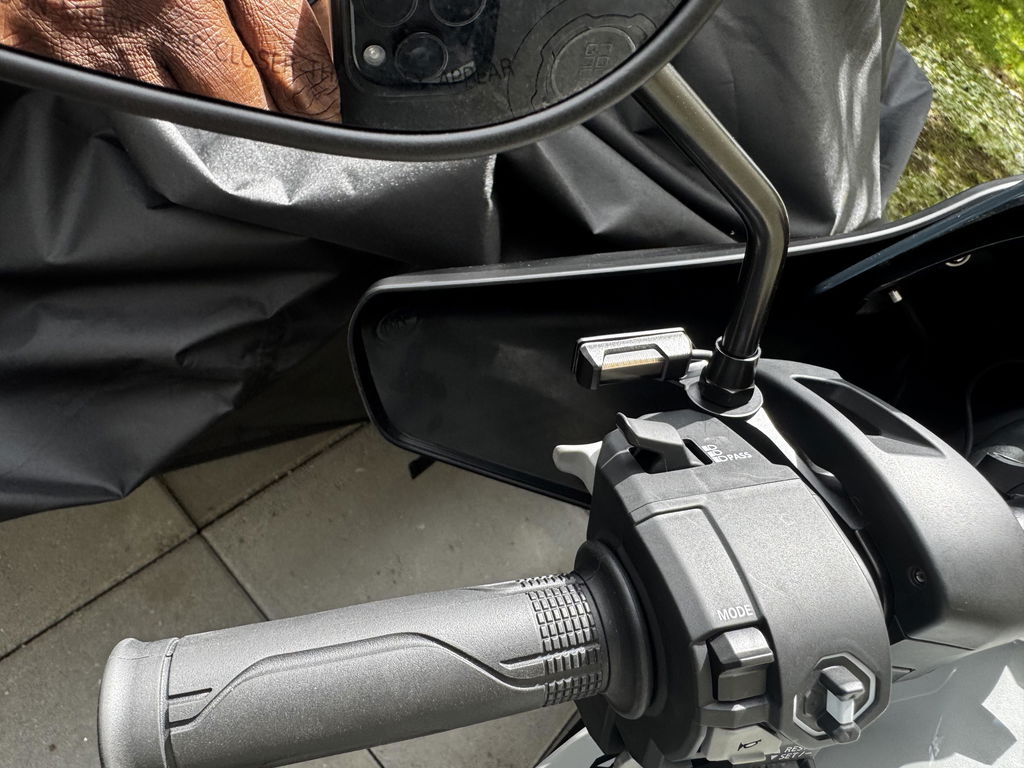
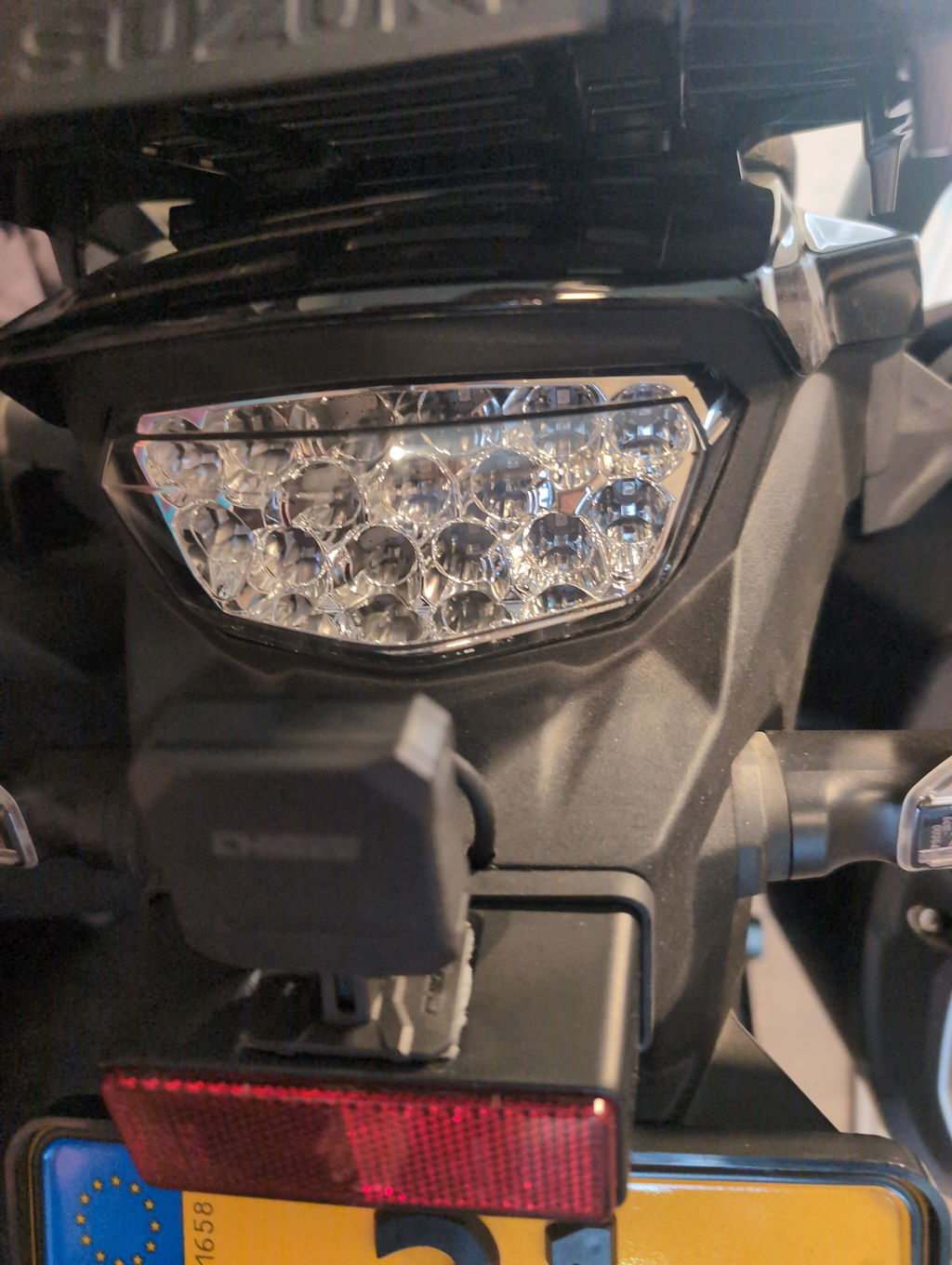
Der erste ist eine kleine Status-LED in deinem Sichtfeld. Sie leuchtet konstant bernsteinfarben, wenn ein Fahrzeug den Tracking-Bereich betritt und eine festgelegte Schwelle erreicht. Wenn dieses Fahrzeug die Schwelle überschreitet — schnell genug herankommt, um relevant zu sein — wechselt die LED zu einem schnellen Blinken. Der zweite Kanal ist eine rückseitige Warnung am SR-1 selbst, die dazu dient, dein Motorrad für den Fahrer hinter dir sichtbar zu machen, wenn ein enger Überholvorgang droht.
Die zweistufige LED ist absichtlich so gestaltet. Ein einzelnes Warnsignal würde entweder zu oft ausgelöst werden (und an Bedeutung verlieren) oder zu spät (und nützliche Warnzeit verlieren). Konstant bernsteinfarben bedeutet etwas ist da, bleib aufmerksam. Schnelles Blinken bedeutet etwas ist nah. Überprüfe jetzt deinen Spiegel.
Viele Fahrer nutzen den SR-1 ganz ohne Display und vermissen nichts. Dank der LED im peripheren Sichtfeld erinnert sie das Radar dezent daran, Stellen zu überprüfen, die sie möglicherweise übersehen haben. Es ist ein vollwertiges Produkt.
Aber eine einzelne LED hat eine Obergrenze. Sie kann Ihnen sagen Etwas geschiehtEs kann es dir nicht sagen. Was.
Was ändert sich, wenn Sie das Display hinzufügen?
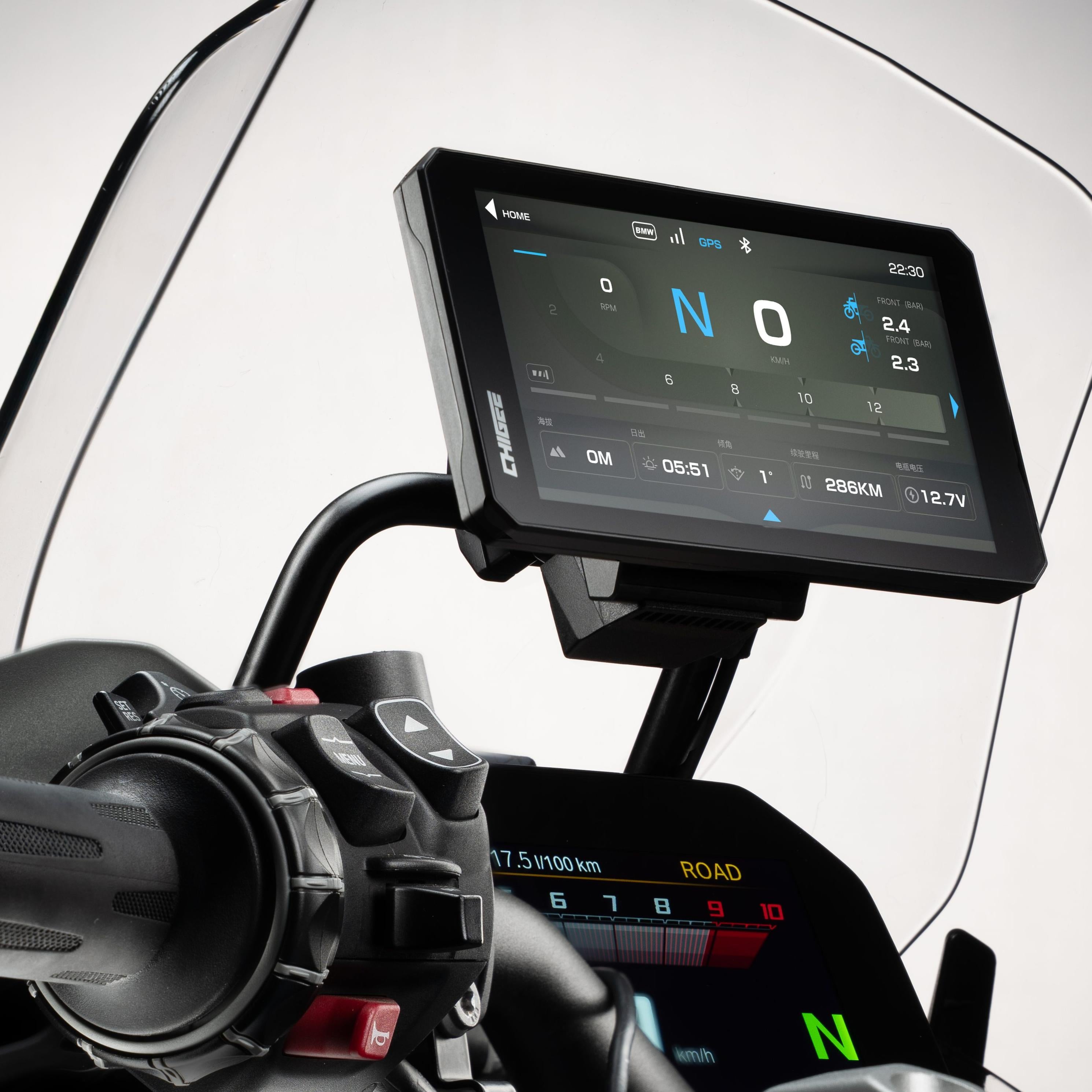
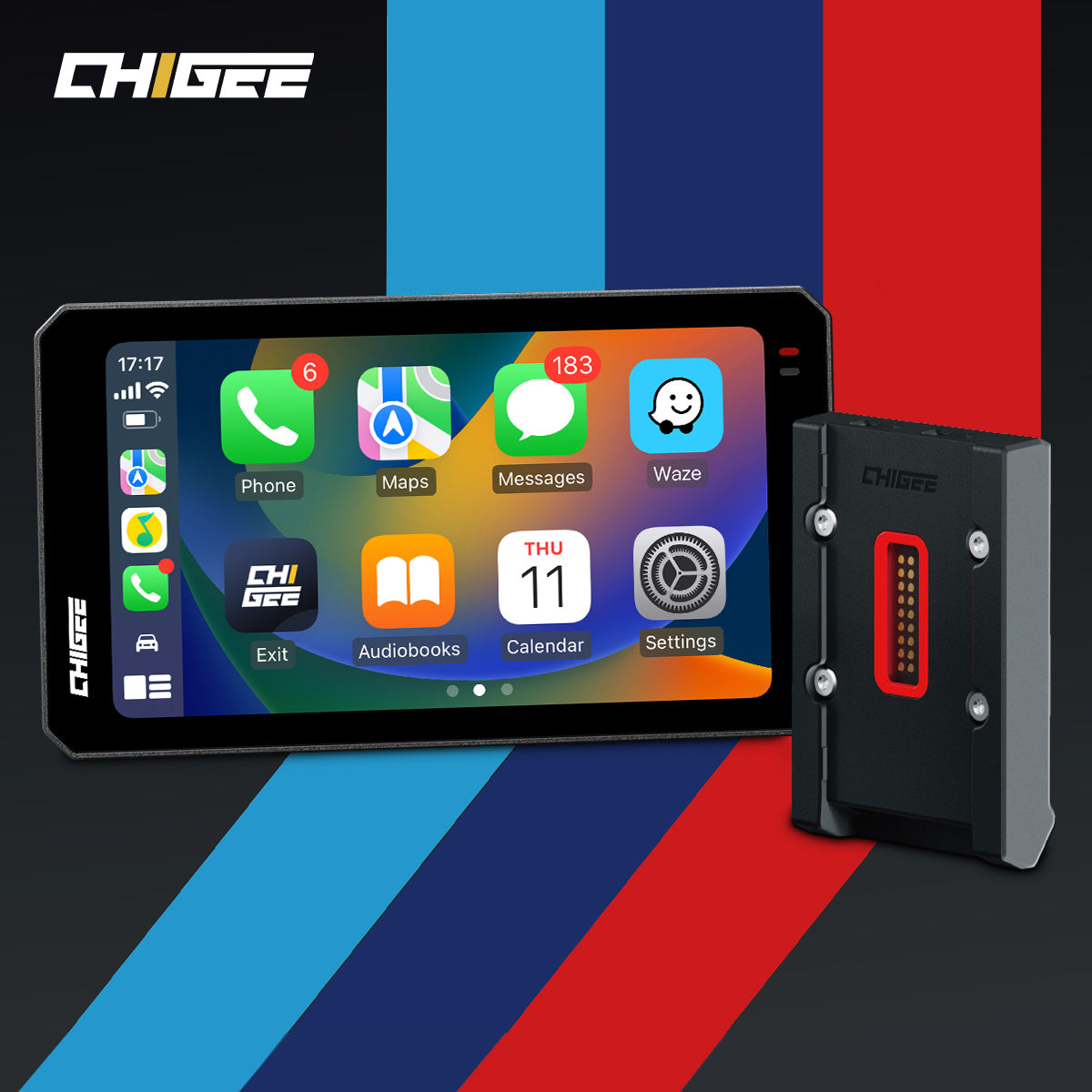
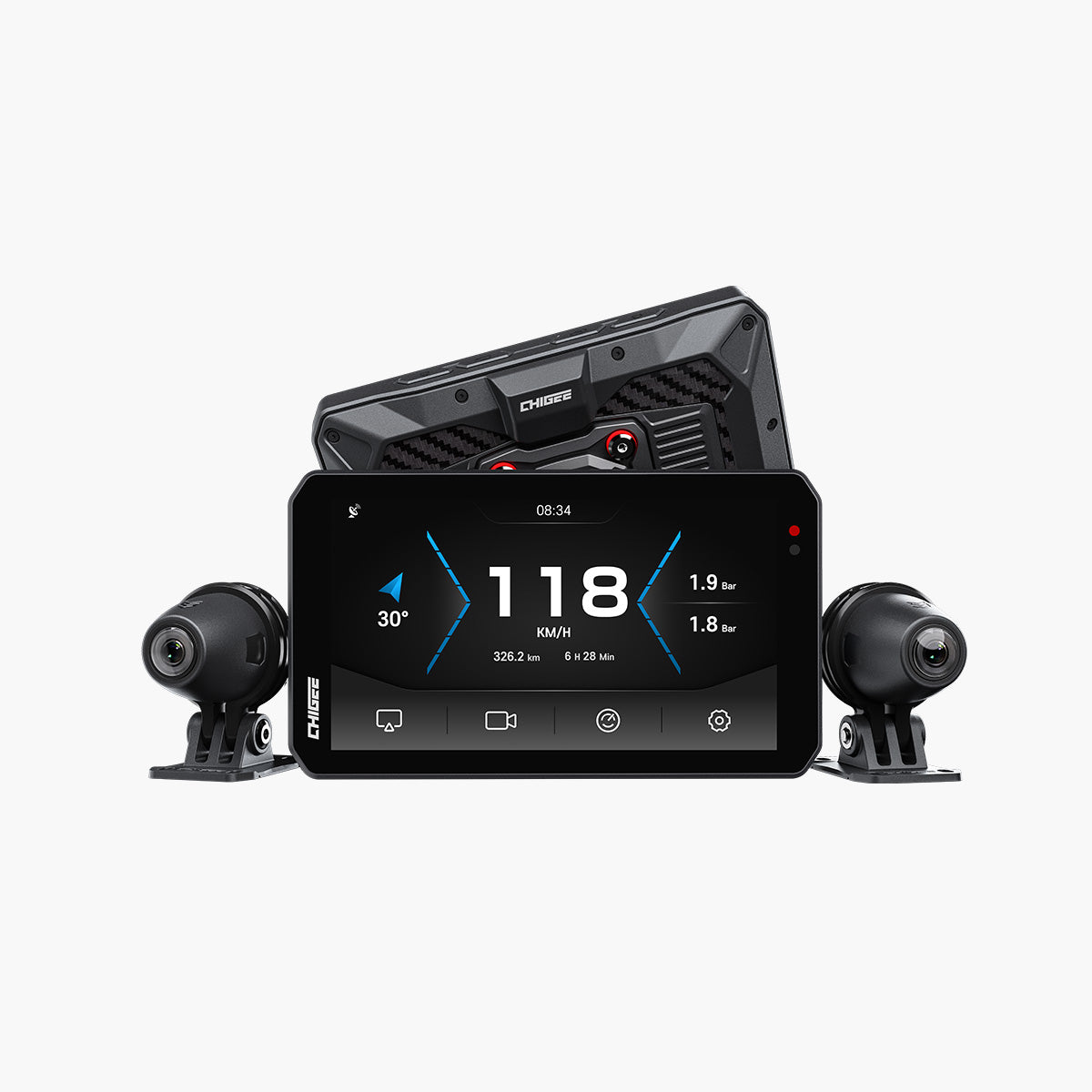
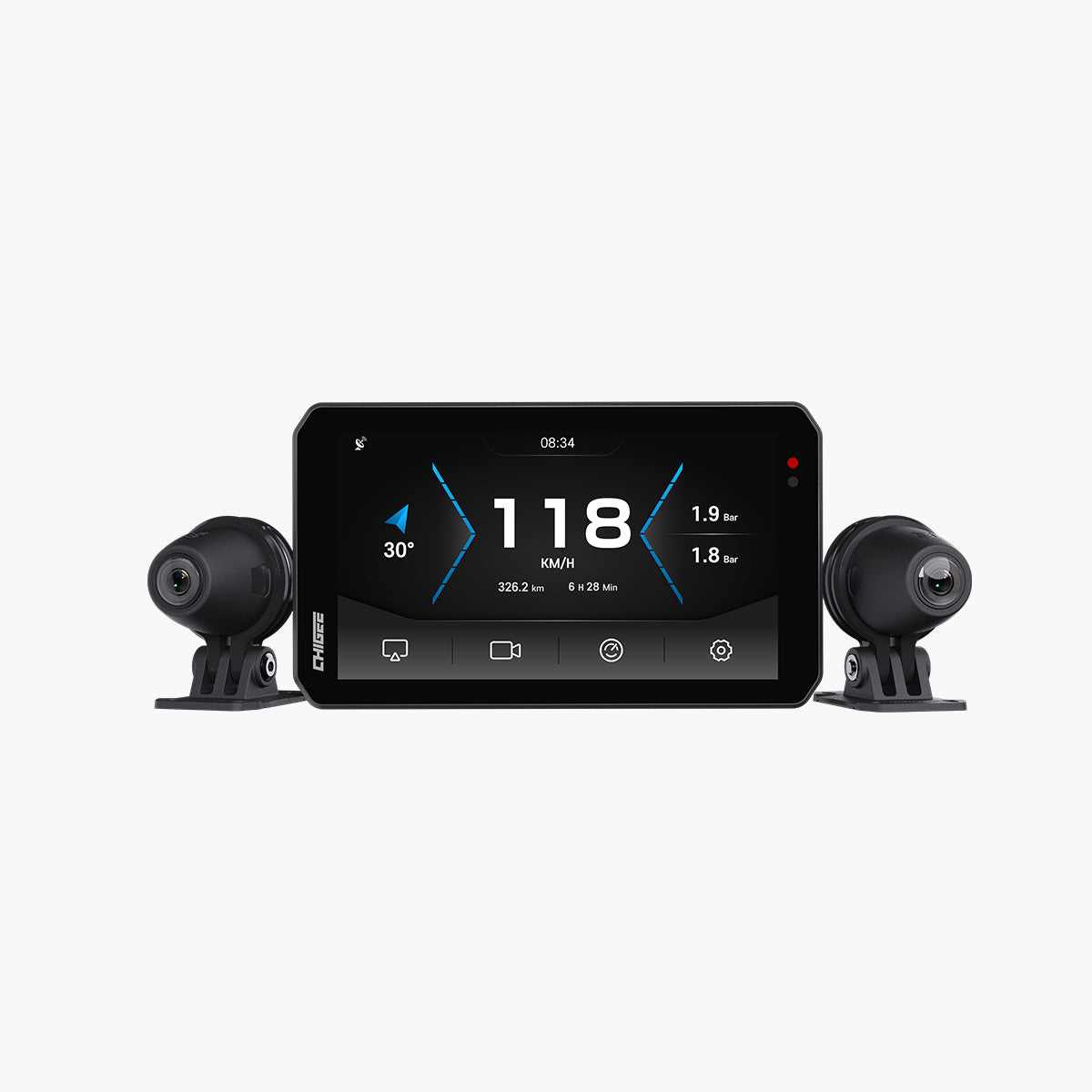
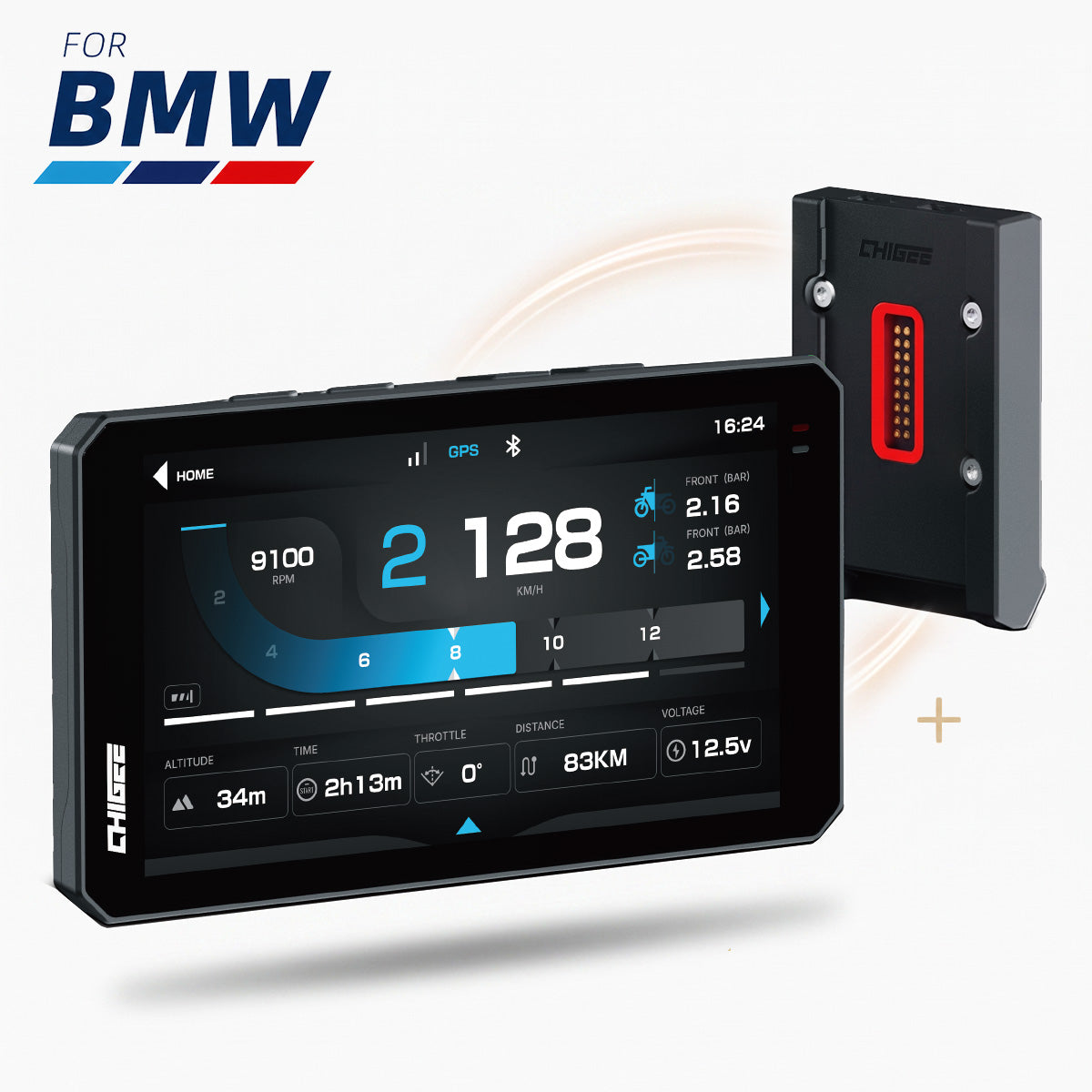
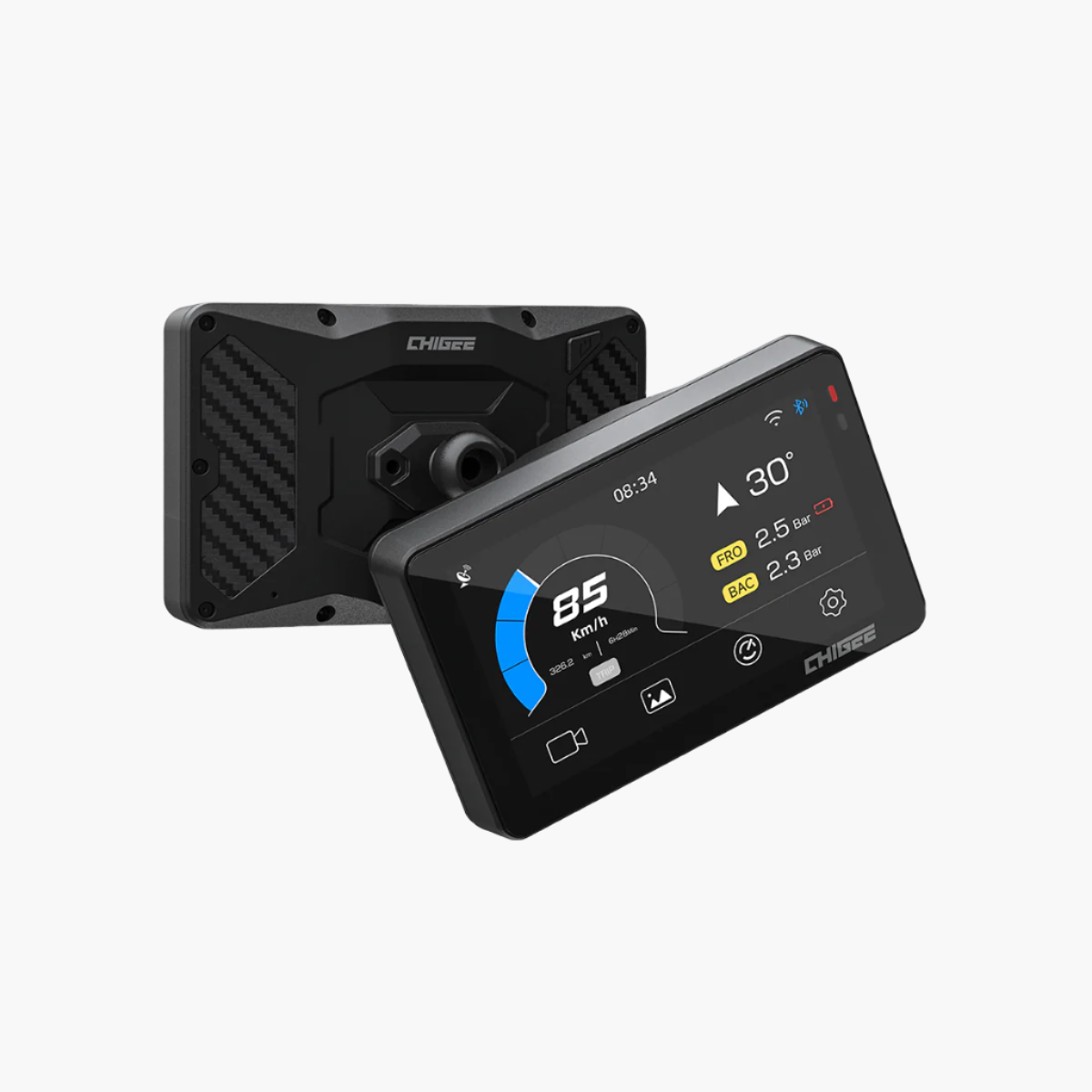
Kombiniert man den SR-1 mit einem CHIGEE-Display, wird die Warnung schärfer.
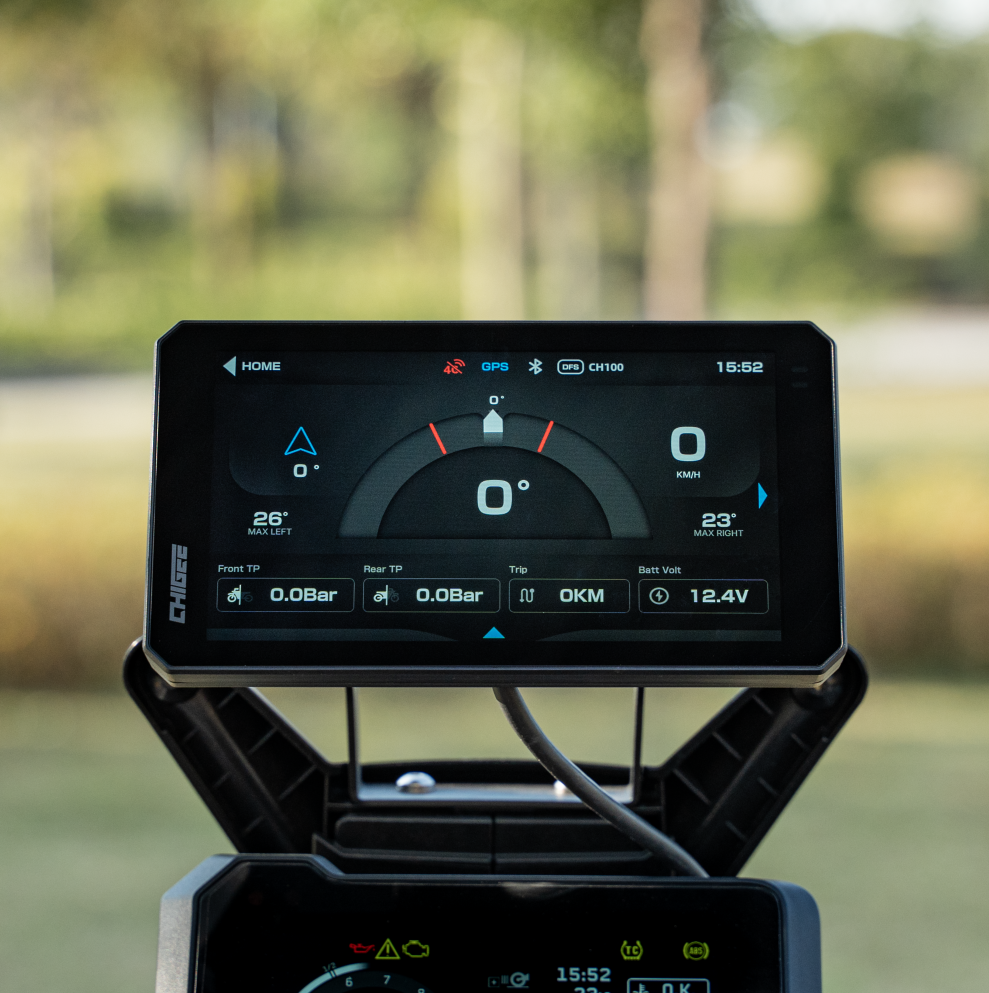
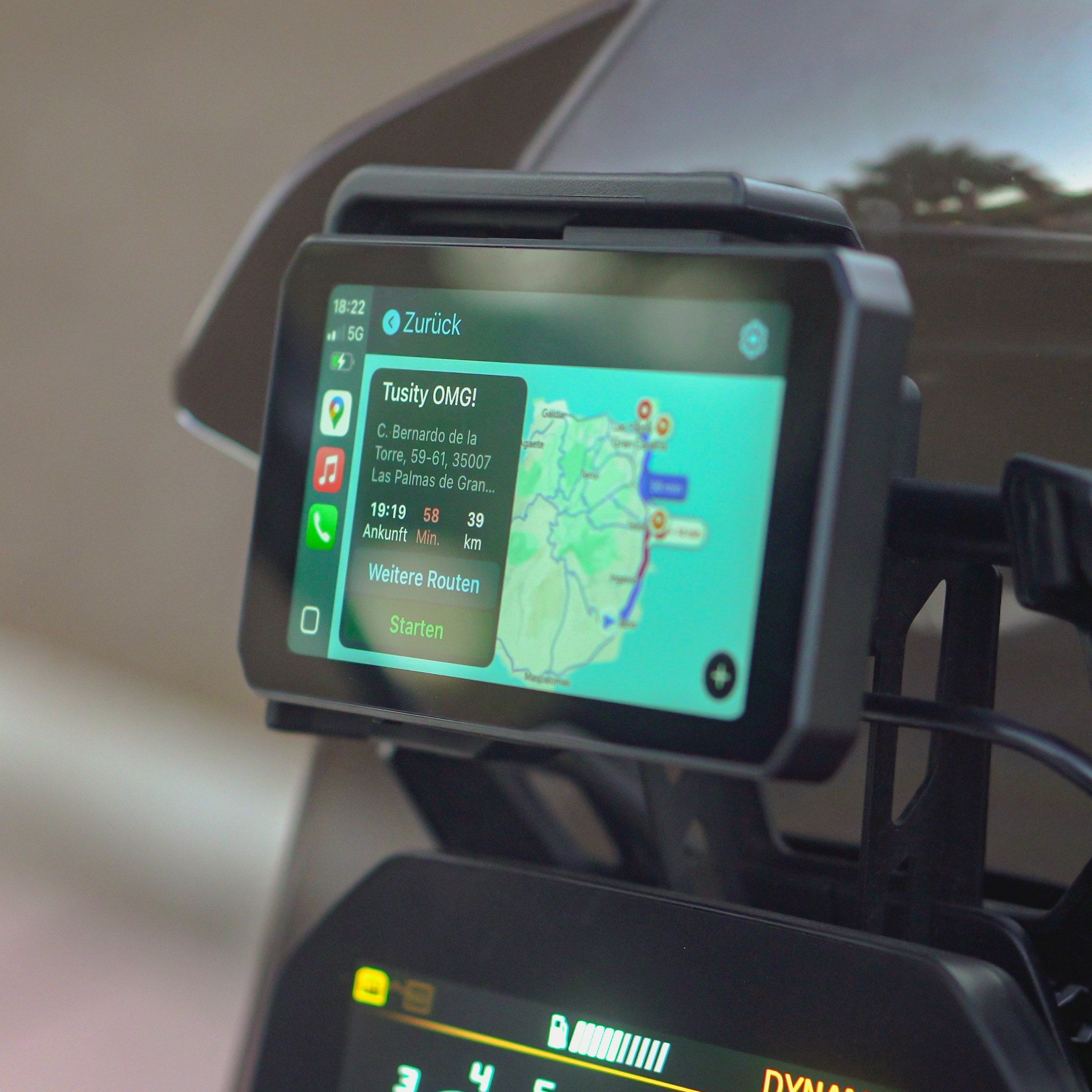
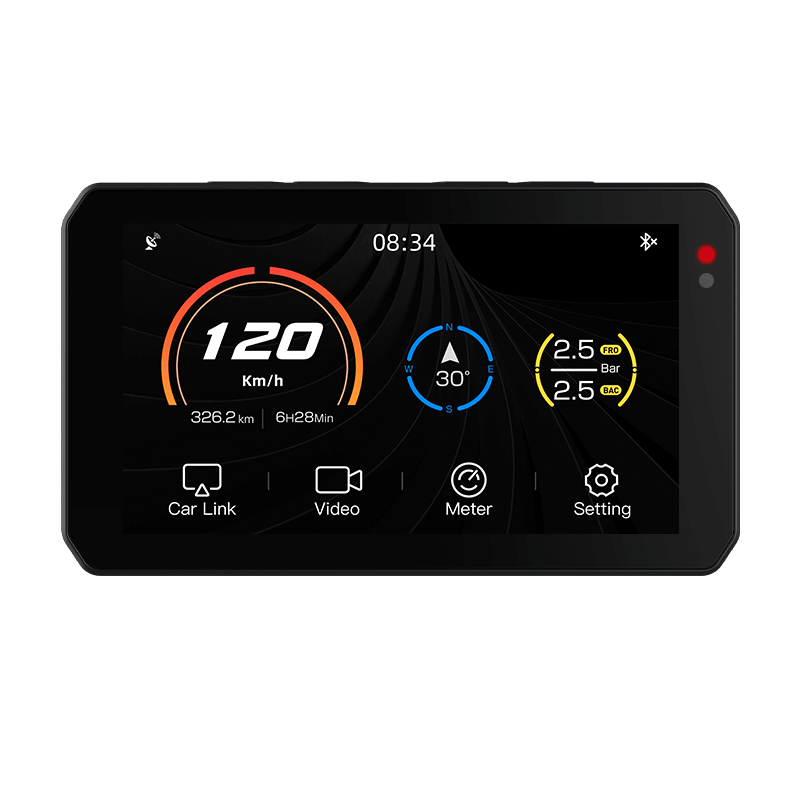
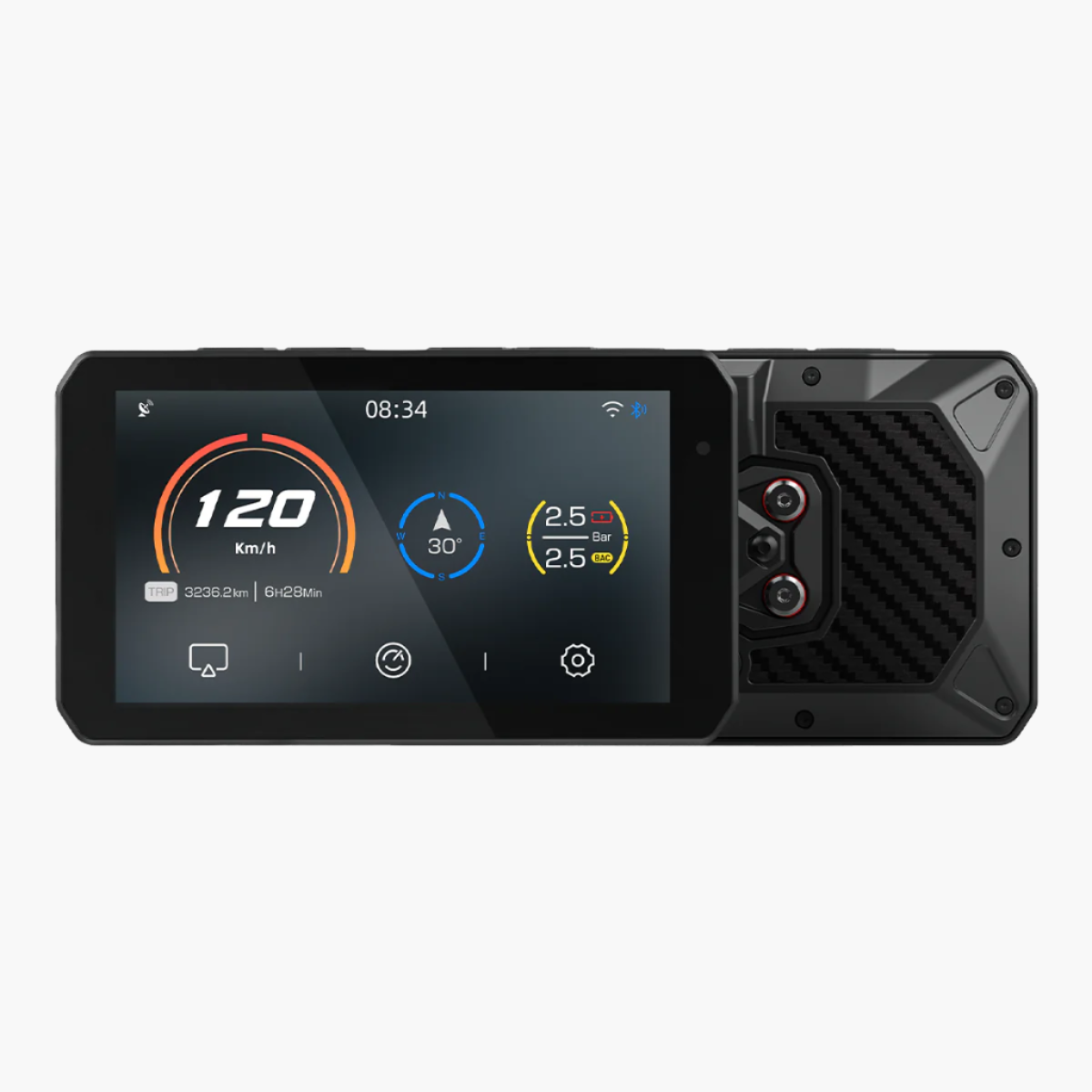
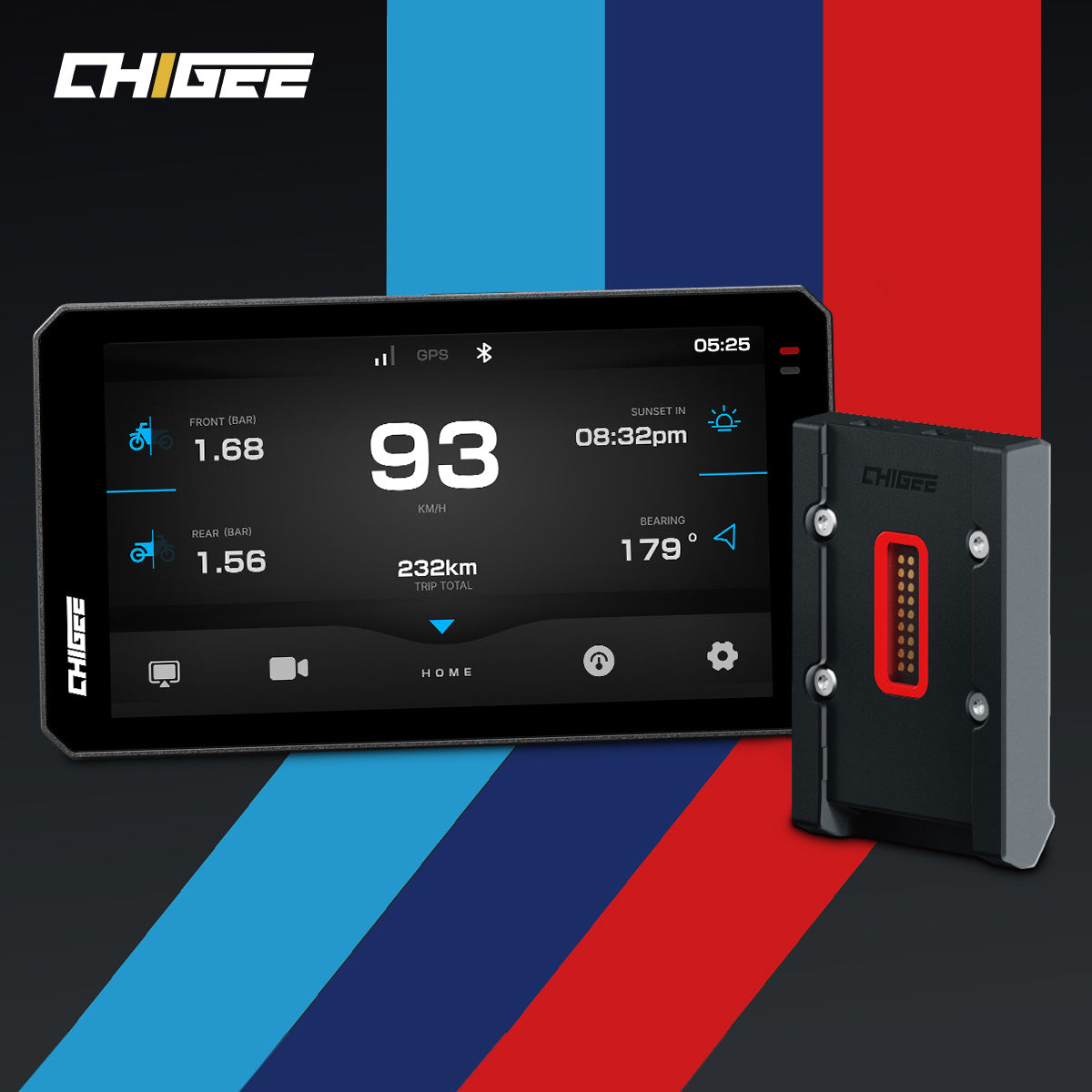
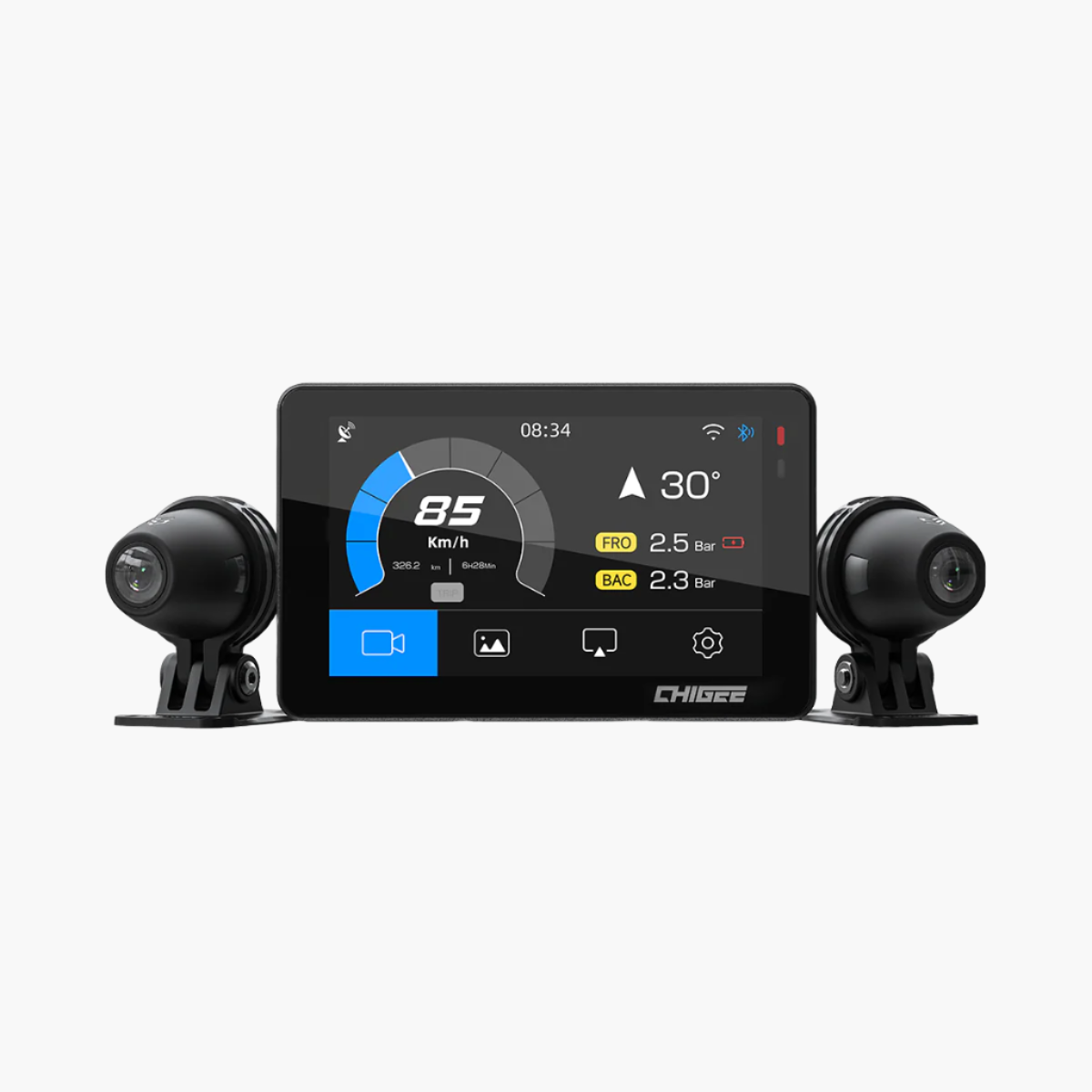
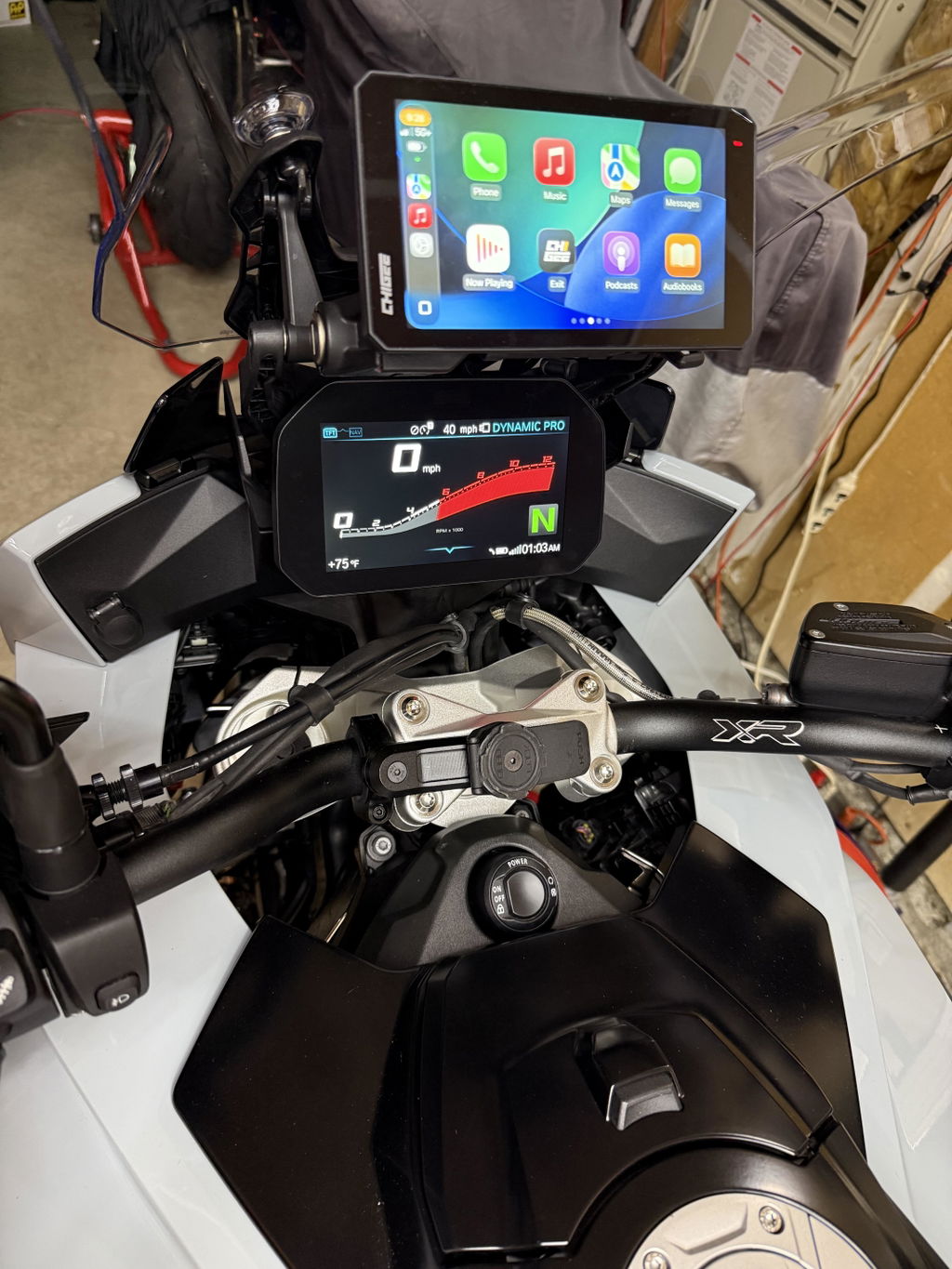
Zuerst bekommt die Alarmmeldung ein Gesicht. Der bernsteinfarbene LED leuchtet weiterhin. Aber jetzt, sobald der Radar ein herannahendes Fahrzeug erkennt, zeichnet sich ein roter Rahmen um den Rand Ihres Displays ab und eine VORSICHT Leiste erscheint entlang der linken Seite. Was auch immer Sie auf dem Bildschirm hatten — CarPlay-Navigation, Musik, die CHIGEE-Radaransicht — bleibt an seinem Platz. Die Warnung sitzt darüber, in Ihrer Sichtlinie beim Fahren, sodass Sie sie sehen, ohne den Blick von der Straße abzuwenden.
Zweitens gibt Ihnen die Warnung Zeit. Der ganze Sinn einer Frühwarnung besteht darin, die Lücke zwischen "Etwas ist da" und "Ich habe in den Spiegel geschaut und weiß, was zu tun ist" zu verkürzen. Ein Ton oder eine periphere LED bringt Sie ein Stück weiter. Ein roter Rahmen um einen Bildschirm, den Sie bereits im Blick haben — auch. Der Radar entscheidet nicht für Sie — er gibt Ihnen ein paar Sekunden mehr, um selbst zu entscheiden.
Drittens bietet Ihnen die Anzeige das große Ganze. Neben der Warnüberlagerung zeigt die CHIGEE-Anzeige auch eine spezielle Radaransicht als eine ihrer Seiten. Sie sehen Ihr eigenes Motorrad als blauen Dreieck in der Mitte, mit umliegenden Fahrzeugen, die als Dreiecke um Sie herum gezeichnet sind — weiß für verfolgt, rot für Gefahr. Sie können diese Ansicht auf langen Autobahnstrecken beibehalten oder bei Bedarf zur Navigation wechseln und bei dichtem Verkehr wieder umschalten. Egal auf welcher Seite Sie sind, die Warnüberlagerung wird immer ausgelöst, wenn der Radar etwas erkennt, das es wert ist, gewarnt zu werden.
Diese Art von gestapelter, geschichteter Erkennung ist nicht neu. Autos machen das seit Jahren — Radar und Kameras arbeiten zusammen und leisten etwas, das keines allein kann. Motorräder waren bei der Übernahme dieses Designs spät dran, hauptsächlich weil es keinen Platz dafür gab. Das Display gab ihm ein Zuhause.
Der SR-1 ist ein Fahrerassistenzsystem, das die Rücksichtnahme verbessern soll, nicht sichere Fahrgewohnheiten ersetzen. Fahrer sollten immer Spiegel überprüfen, den Verkehr um sich herum im Blick behalten und ihr eigenes Urteilsvermögen stets einsetzen. Radar hat seine Grenzen — wir erklären sie im Detail hier.
Das Radar zu deinem eigenen machen
Das Display gibt dir noch eine Sache — Kontrolle. Das Verhalten des SR-1 ist vom Display aus konfigurierbar, und keine dieser Einstellungen ist in einem Service-Menü versteckt. Sie sollen berührt werden, und erneut berührt, während du lernst, welcher Fahrertyp du bist.
Empfindlichkeit — die wichtigste
Beginne hier. Ein Wochenend-Canyon-Fahrer, der bereits alle fünfzehn Sekunden Spiegel scannt, möchte, dass Warnungen erst bei echten Nahangriffen ausgelöst werden. Alles Früheres stört nur; er macht die Arbeit bereits.
Ein Stadtpendler, nach dreißig Minuten im Stop-and-Go-Verkehr mit nachlassender Aufmerksamkeit, möchte, dass Warnungen frühzeitig ausgelöst werden — um den Spiegelcheck zu fördern, den Müdigkeit sonst möglicherweise entgehen lässt.
Dasselbe Radar. Zwei Fahrer. Zwei Einstellungen. Das Radar passt sich an, wer du bist, nicht umgekehrt.
Aktivierungsgeschwindigkeit — halten Sie den Lärm draußen
Der SR-1 lässt Sie die Geschwindigkeit wählen, bei der er zu arbeiten beginnt. Drei Optionen: 5, 10 oder 15 km/h.
Das ist wichtiger, als es klingt. An einer roten Ampel, auf einem Parkplatz, beim Lane-Splitting im Gehtempo, wird ein Radar, das ständig piept, wenn Sie nirgendwohin fahren, zum Lärm. Nach genug falschen Warnungen beginnt Ihr Gehirn, sie herauszufiltern — und dieser Filter schaltet sich nicht ab, wenn Sie schließlich auf die Autobahn kommen. Das Radar Ich interessiere mich nur über diese Geschwindigkeit schützt jede Warnung, die es auslöst.
Drei weitere Ein/Aus-Einstellungen
Bremslichtwarnung. Das rückseitige Licht des SR-1 kann Ihre Anwesenheit für Fahrer hinter Ihnen sichtbar machen. Es ist in den meisten Kontexten nützlich — aber Änderungen am Rücklicht unterliegen in verschiedenen Regionen unterschiedlichen Regeln. Wenn Ihr örtliches Gesetz eine Genehmigung für zusätzliche Rücklichter verlangt oder sie überhaupt nicht erlaubt, können Sie die Erkennung des Radars vollständig aktiv halten, während Sie dieses Licht ausschalten. Bewusstsein in Ihrer Sichtlinie; nichts Extra hinten am Motorrad.
Lautsprecherpiepen. Wenn dein Helm bereits ein Intercom oder noise-cancelling Ohrhörer hat, ist ein zusätzlicher Piepton vom Display-Lautsprecher ein zu viel. Stummschalten und das visuelle Rahmenwerk die Arbeit machen lassen.
Kollisionswarnung. Dies ist eine separate, höhere Stufe — ausgelöst, wenn der Radar eine sehr hohe Annäherungsgeschwindigkeit erkennt. Einige Fahrer möchten sie jederzeit aktiviert haben. Andere finden, dass sie in Situationen ausgelöst wird, in denen sie keinen schärferen Alarm wünschen. Du entscheidest.
Fünf Einstellungen, fünf kleine Wege, den Radar an den Fahrer zurückzugeben. Nach einer Woche mit dem SR-1 und deinem Display ist der Radar, mit dem du fährst, kein generischer mehr. Er ist deiner.
Zurück zu diesem Highway-Nachmittag
Zurück zur Anfangsseite. Nach drei Stunden, das bernsteinfarbene LED am Rand des Sichtfelds, die rote CAUTION-Leiste entlang der Seite deines Displays, der rote Rahmen um die Seite, die du geöffnet hattest. Du wirfst einen Blick in den Spiegel, siehst das Auto, entspannst dich, hältst die Spur.
Jetzt kannst du das Design dahinter sehen. Das LED wurde aktiviert, weil ein Fahrzeug deine Empfindlichkeitsschwelle überschritten hat — eine Schwelle, die du vor Wochen eingestellt hast, um deinem Fahrstil zu entsprechen. Der Rahmen erschien auf dem Bildschirm, den du gerade offen hattest. Das Bremslicht an deinem Bike hat möglicherweise geblinkt oder nicht, je nachdem, wo auf der Welt du fährst. Die beiden Geräte kommunizierten in diesem Moment über Bluetooth, und die Warnung landete dort, wo sie landen sollte — in deinem Sichtfeld, rechtzeitig zum Handeln.
Kein einzelnes Gerät auf einem Motorrad kann für Sie sehen, hören und reagieren. Das Radar kann Ihnen sagen, dass etwas in der Nähe ist. Ihre Spiegel und Ihre Augen zeigen weiterhin Was — und Ihre Hände entscheiden weiterhin, was dagegen zu tun ist. Schichtweise Werkzeuge, die wissen, wie sie miteinander verbunden sind, kommen näher daran, sicherzustellen, dass keine der richtigen Eingaben verloren geht.
Wenn Sie bereits mit einem CHIGEE-Display fahren, ist der SR-1 das, was als Nächstes kommt. Wenn nicht, funktionieren beide auch einzeln — und sie warten aufeinander.
Häufig gestellte Fragen
Brauche ich ein CHIGEE-Display, um den SR-1 zu verwenden?
Nein. Der SR-1 funktioniert eigenständig durch eine Status-LED, die in Ihrer Sichtlinie platziert ist — konstant bernsteinfarben, wenn ein Fahrzeug verfolgt und sich nähert, schnell blinkend, wenn eines schnell näher kommt. Die Verbindung mit einem CHIGEE-Display fügt eine Warnung auf dem Bildschirm und eine vollständige Radaransicht hinzu, aber das Radar ist ein vollständiges Produkt ohne eines.
Wie weit hinten erkennt der SR-1 Fahrzeuge?
Er verfolgt Fahrzeuge, die von hinten und seitlich auf bis zu 70 Meter Entfernung auf Sie zukommen, mit einem 77 GHz Millimeterwellen-Sensor. Die Reichweite kann in der realen Welt je nach Verkehr, Wetter und der Position der Fahrzeuge um Sie herum variieren.
Bremsen, lenken oder die Kontrolle über das Motorrad übernehmen tut der SR-1 nicht?
Nein. Der SR-1 ist ein Assistenzsystem für die Rücksichtnahme, kein automatisches System. Er zeigt Ihnen an, wenn etwas hinter oder neben Ihnen Aufmerksamkeit erfordert. Das Überprüfen des Spiegels, das Lesen des Verkehrs und die Entscheidung, was zu tun ist, liegen weiterhin bei Ihnen — der Radar hilft nur, den richtigen Moment zu erkennen.
Ersetzt der SR-1 das Überprüfen meiner Spiegel?
Nein, und das ist auch nicht seine Absicht. Radar hat eigene tote Winkel und Grenzen, daher arbeitet der SR-1 zusammen mit Ihren Spiegeln und Ihrer eigenen Sichtung, nicht anstelle davon. Stellen Sie es sich als eine zweite Erinnerung zum Blicken vor — nicht als Grund, weniger zu schauen.
Wird der Radar mich bei langsamem Verkehr mit Warnungen überfluten?
Das können Sie einstellen. Der SR-1 ermöglicht es Ihnen, die Geschwindigkeit festzulegen, ab der er aktiv wird — 5, 10 oder 15 km/h — sodass er bei roten Ampeln, in Parkplätzen oder beim Schleichen ruhig bleibt. Sie können auch die Empfindlichkeit anpassen, damit Warnungen früher oder später ausgelöst werden, passend zu Ihrem Fahrstil.
Kann ich die Warnung durch das rückseitige Bremslicht ausschalten?
Ja. Das rückseitige Licht kann während der Anzeige ausgeschaltet werden, während der Radar weiterhin normal erkennt. Das ist hilfreich, wenn lokale Vorschriften zusätzliche Rücklichter einschränken — Sie behalten die Aufmerksamkeit im Blick, ohne etwas am Hinterteil Ihres Motorrads zu verändern.
Ist der SR-1 für Regen und raues Wetter gebaut?
Der SR-1 ist gemäß IP68/IP69 staub- und wasserdicht und für einen Betriebstemperaturbereich von -25 °C bis 65 °C ausgelegt, sodass er sich für den ganzjährigen Einsatz eignet. Wie bei jedem Sensor gewährleistet eine saubere Oberfläche, frei von starkem Schlamm und Ablagerungen, die zuverlässigste Erkennung.
Mit welchen CHIGEE-Displays ist der SR-1 kompatibel?
Der SR-1 verbindet sich über Bluetooth (BLE 5.0) mit kompatiblen CHIGEE-Displays. Die Kompatibilität kann je nach Displaymodell und Softwareversion variieren. Prüfen Sie daher vor dem Kauf die aktuelle Liste auf der SR-1-Produktseite.









Hinterlasse einen Kommentar
Alle Kommentare werden vor der Veröffentlichung geprüft.
Diese Website ist durch hCaptcha geschützt und es gelten die allgemeinen Geschäftsbedingungen und Datenschutzbestimmungen von hCaptcha.