

Black Friday starts Nov 25: 15% off everything15% off, applied automatically at checkout
Free 2-year warranty and gift card draws on every order. No code needed.
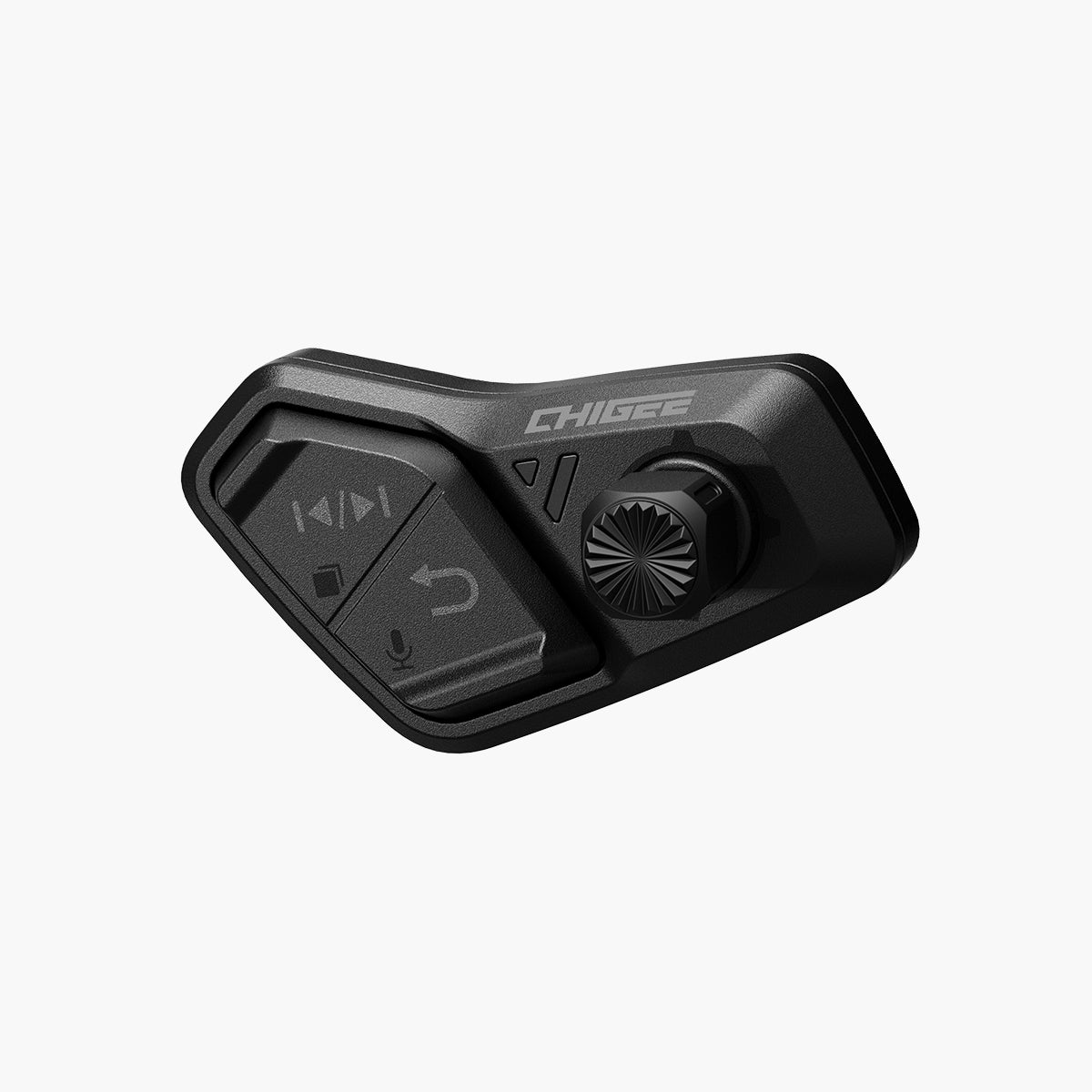
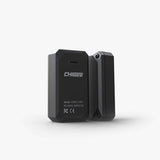
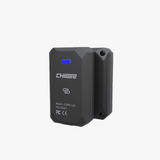
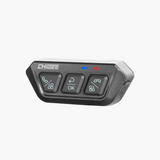
CGRC Multi Wireless Controller for CHIGEE Displays
More Control. Less Reaching.
Keep music, calls, display pages, and menu controls within easy reach of your thumb.
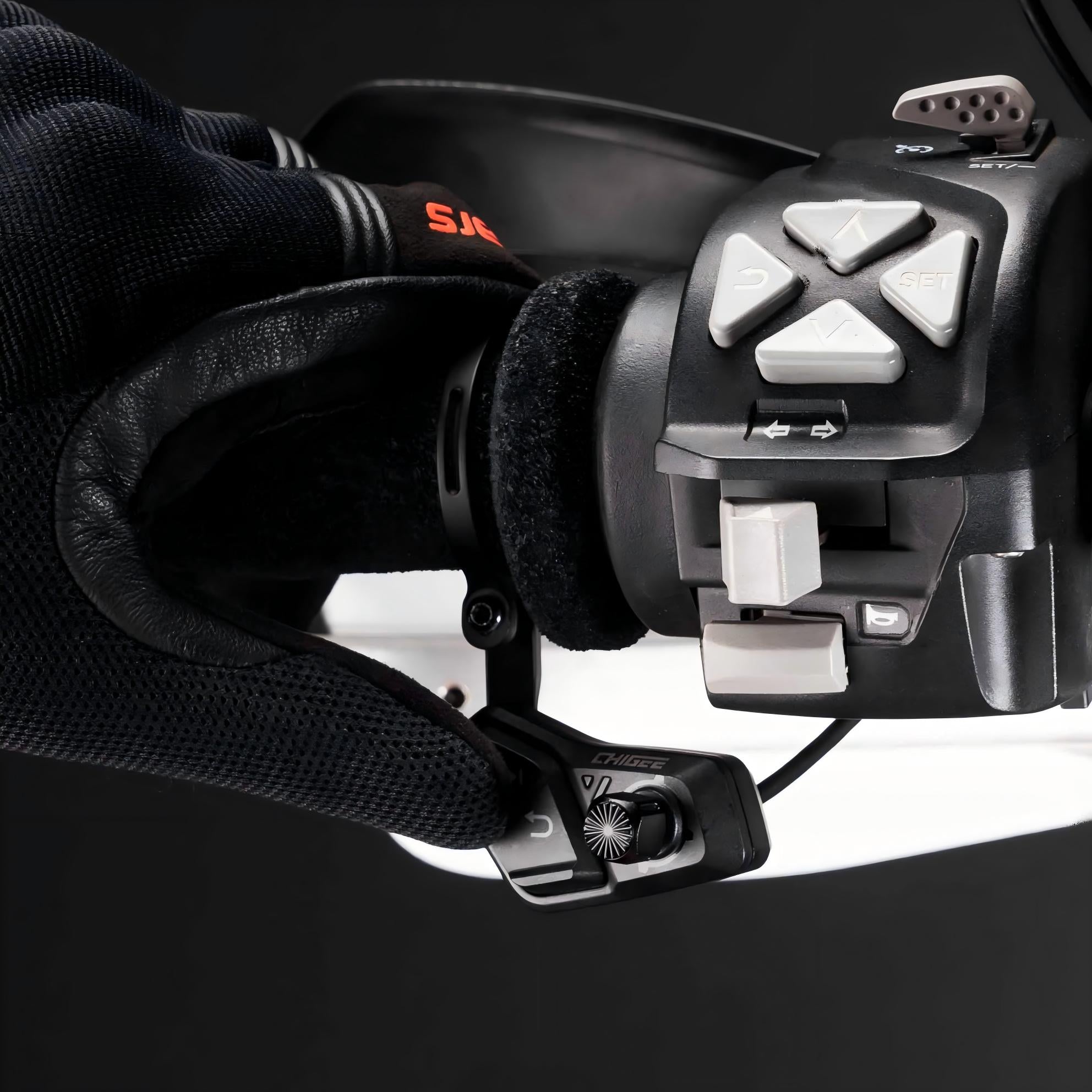
Designed for CHIGEE displays, CGRC Multi lets you handle everyday functions directly from the handlebar—without repeatedly reaching for the screen.
CGRC Multi clamps beside the left-hand switches, on a 30–35 mm round section, and your thumb has to reach it. It does not fit when the left grip is a brake lever or a parking-brake lock and the right grip is the throttle, or when a large switch cluster blocks the bracket.
Known examples: Yamaha TMAX and TMAX Tech Max; Honda Africa Twin CRF1100L Adventure Sports (2023) and Adventure Sports DCT.
Full refund if not satisfied.
We replace, not repair.
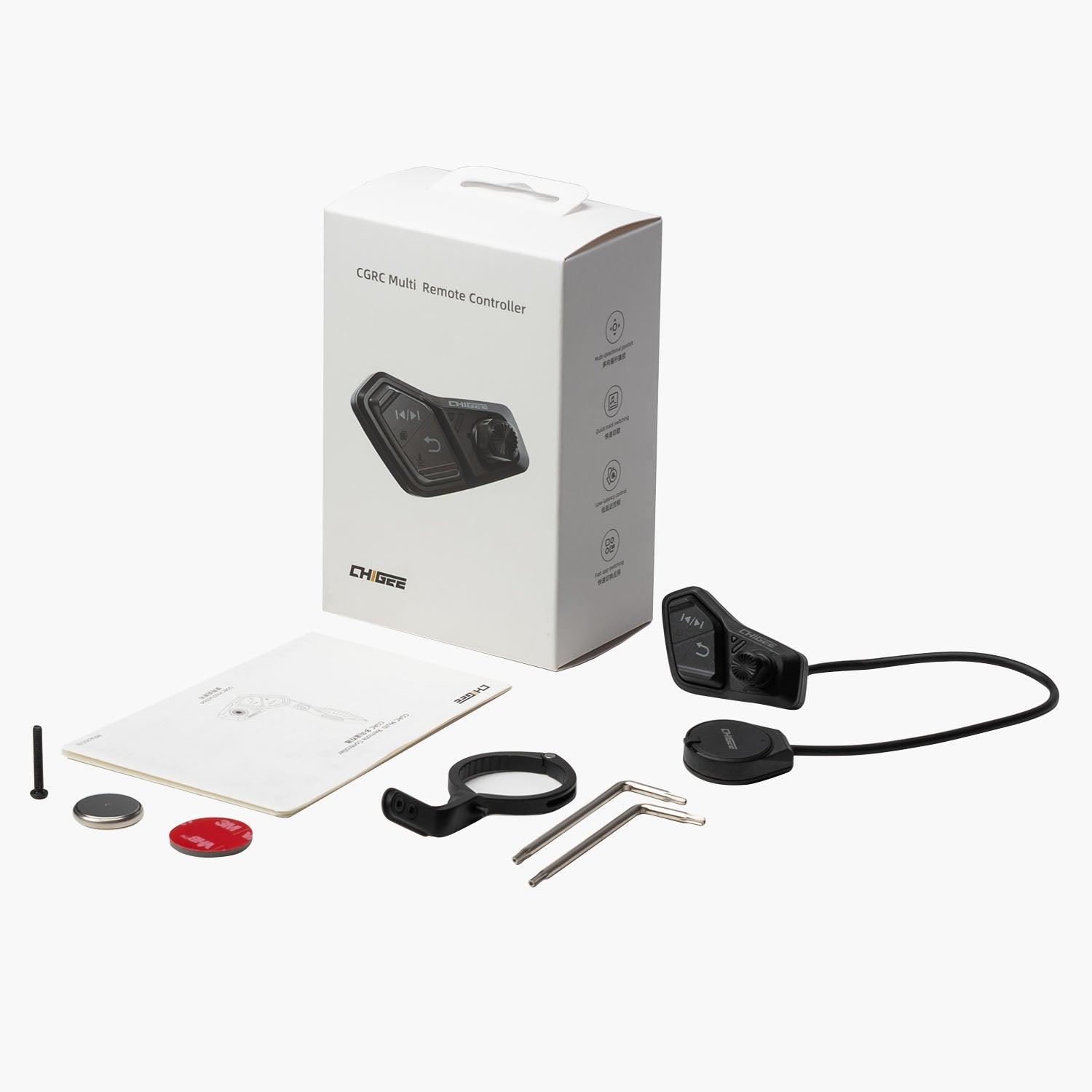
- CGRC Multi Wireless Controller × 1
- CR2032 Coin-Cell Battery × 1
- Mounting Clamp × 1
- T10 Torx Key × 1
- T8 Torx Key × 1
- Torx Pan-Head Screw × 1
- 3M Double-Sided Adhesive Pad × 1
- User Manual × 1
Important Notes:
- Only one CR2032 battery is included. Once it is depleted, replacement batteries must be purchased separately.
- The included mounting clamp fits handlebar mounting positions with a diameter of 30–35 mm.
Look at the left grip before you order. CGRC Multi clamps beside the left-hand switches, on a 30–35 mm round section, and your thumb has to reach it. If that grip is a brake lever or a parking-brake lock, and the right grip is the throttle, this controller will not fit. A large switch cluster can also block it on a bike that has a clutch.

Known incompatible models include:
- Yamaha TMAX and TMAX Tech Max (XP560 / XP560D), including 2025. The left grip is the rear brake and the parking-brake lock, and the right grip is the throttle.
- Honda Africa Twin CRF1100L Adventure Sports (2023)
- Honda Africa Twin Adventure Sports DCT
This list is not exhaustive. Please check the mounting dimensions and available space before ordering, even if your motorcycle is not listed.
CGRC Multi cursor control for the bottom menu icons on the CHIGEE home screen is currently available only on the AIO-6 series. Support for the AIO-5 series is planned for 2027, with the exact release date to be confirmed.
Control Your Display Without Breaking Your Flow
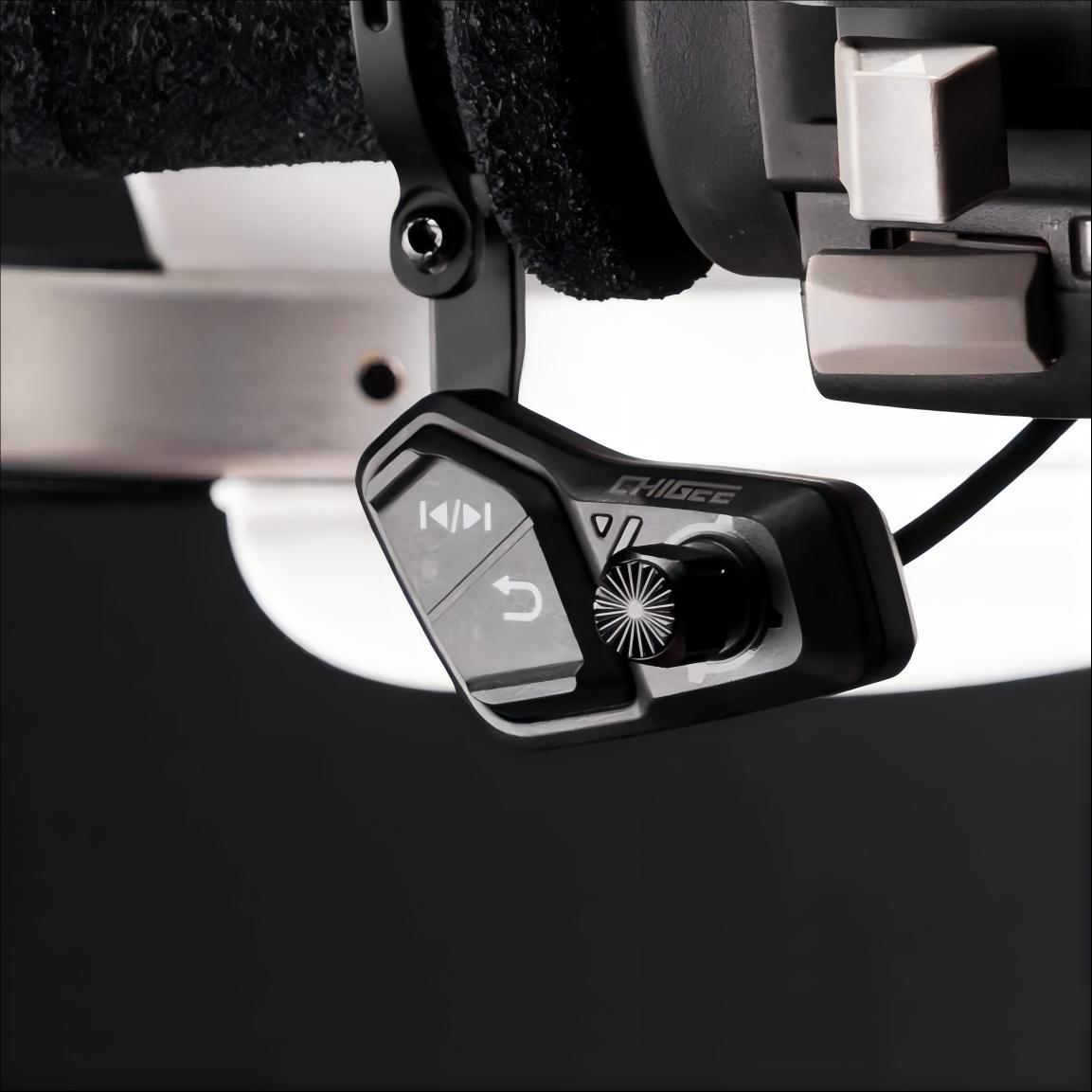
CGRC Multi places the controls you use most within easy reach of your thumb.
Switch tracks, navigate menus, confirm selections, or go back—without repeatedly reaching across to the display.
Made for Riding Gloves
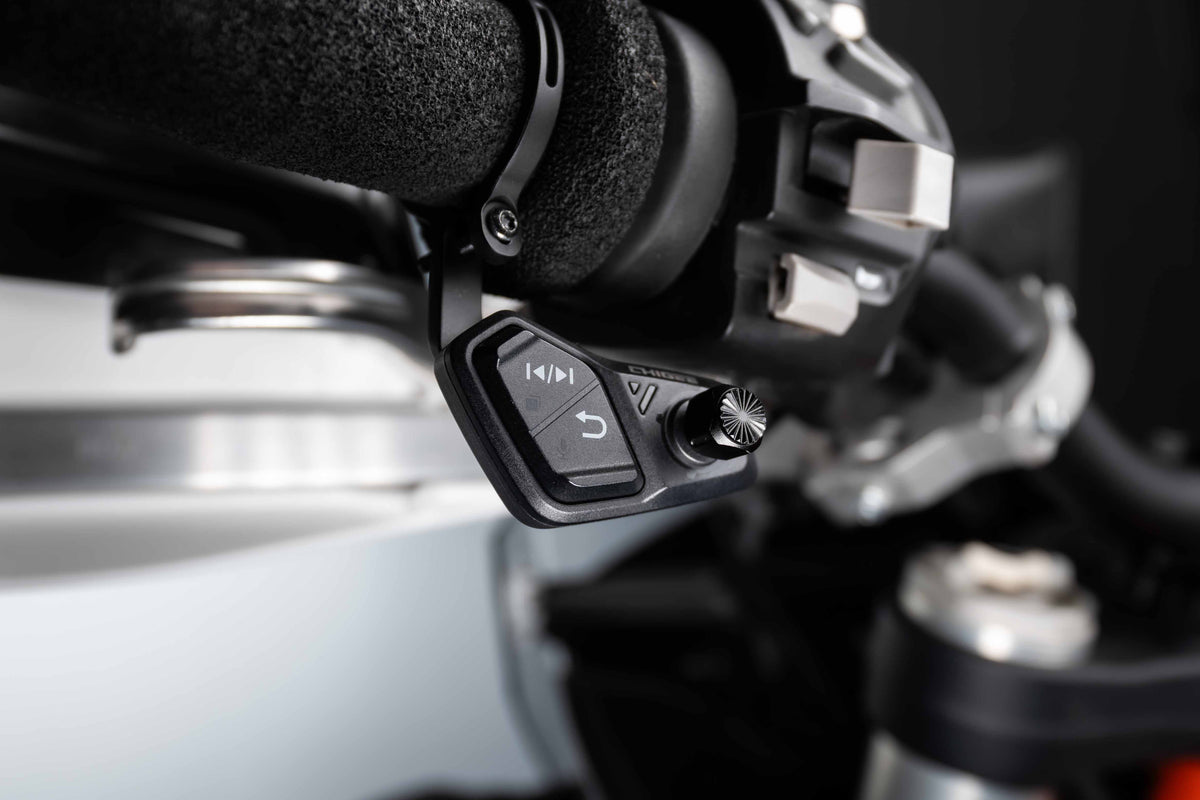
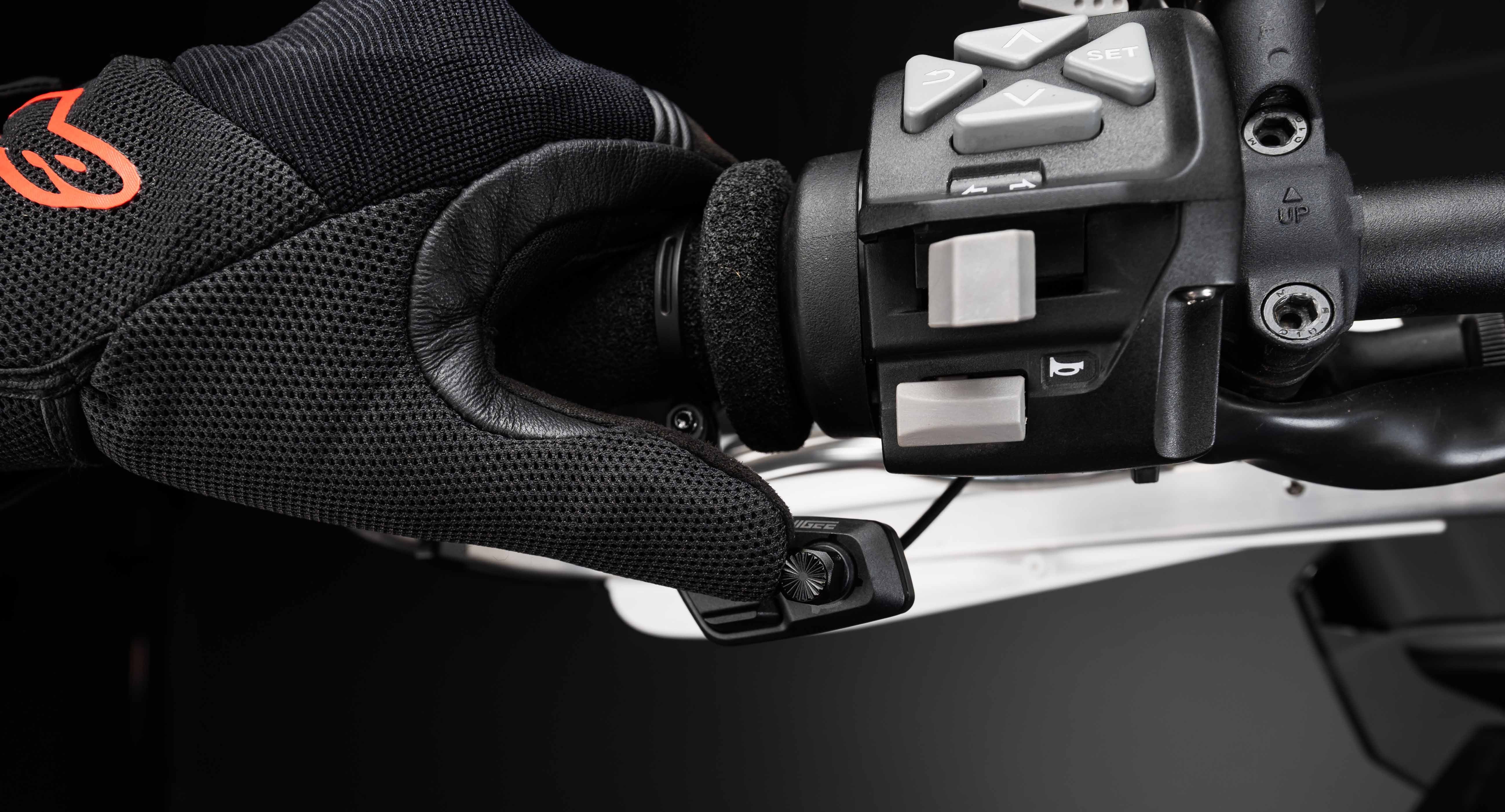
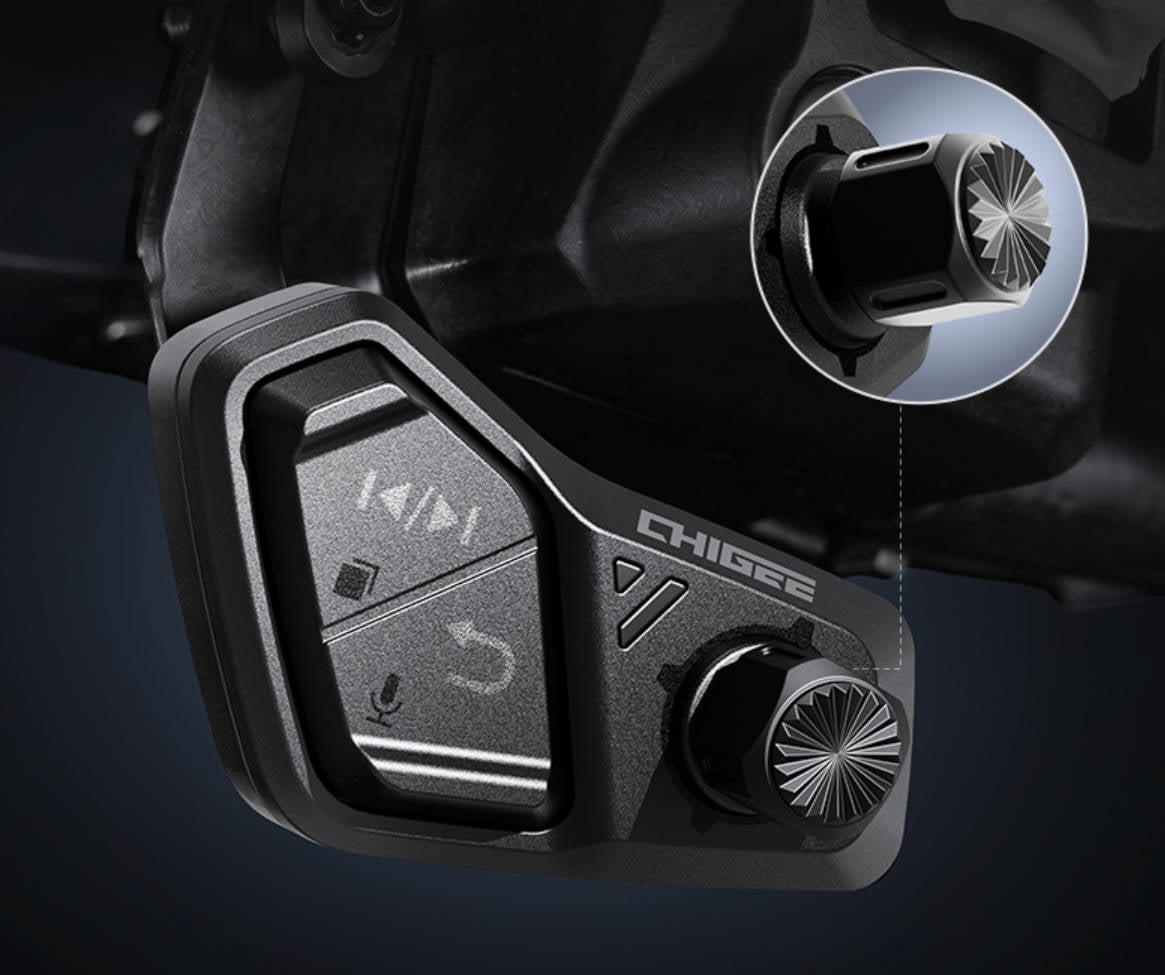
Raised, clearly separated buttons and a tactile joystick make key controls easier to find and operate by feel—even with gloves on.
Spend less time tapping the screen and keep your attention on the ride ahead.
Navigate with One Thumb
Move the multi-directional joystick to shift the on-screen focus, switch pages, and browse available options.
Press the joystick inward to confirm the highlighted selection.
Move Focus · Switch Pages · Browse Options · Press to Confirm
Your Most-Used Controls, Right on the Handlebar
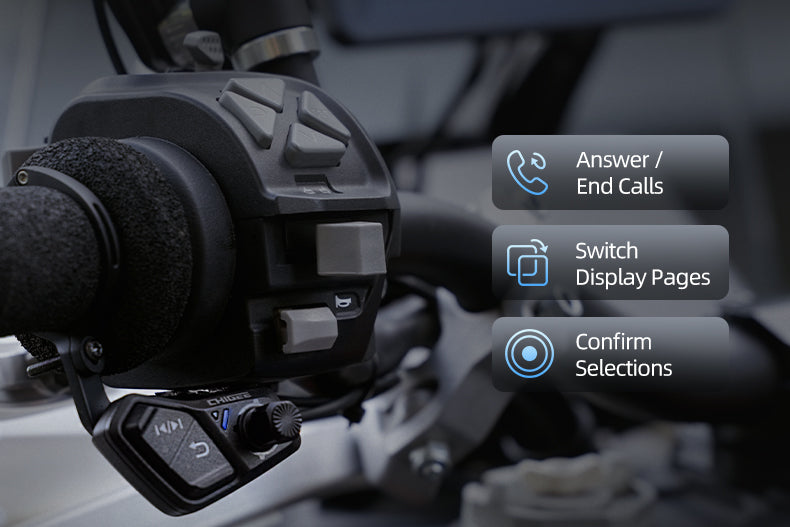
Switch tracks, play or pause music, answer or end calls, go back, change display pages, and confirm selections using simple button presses.
Keep everyday controls close at hand, so you can spend less time reaching for the screen.
Pair Once. Ready Every Ride.
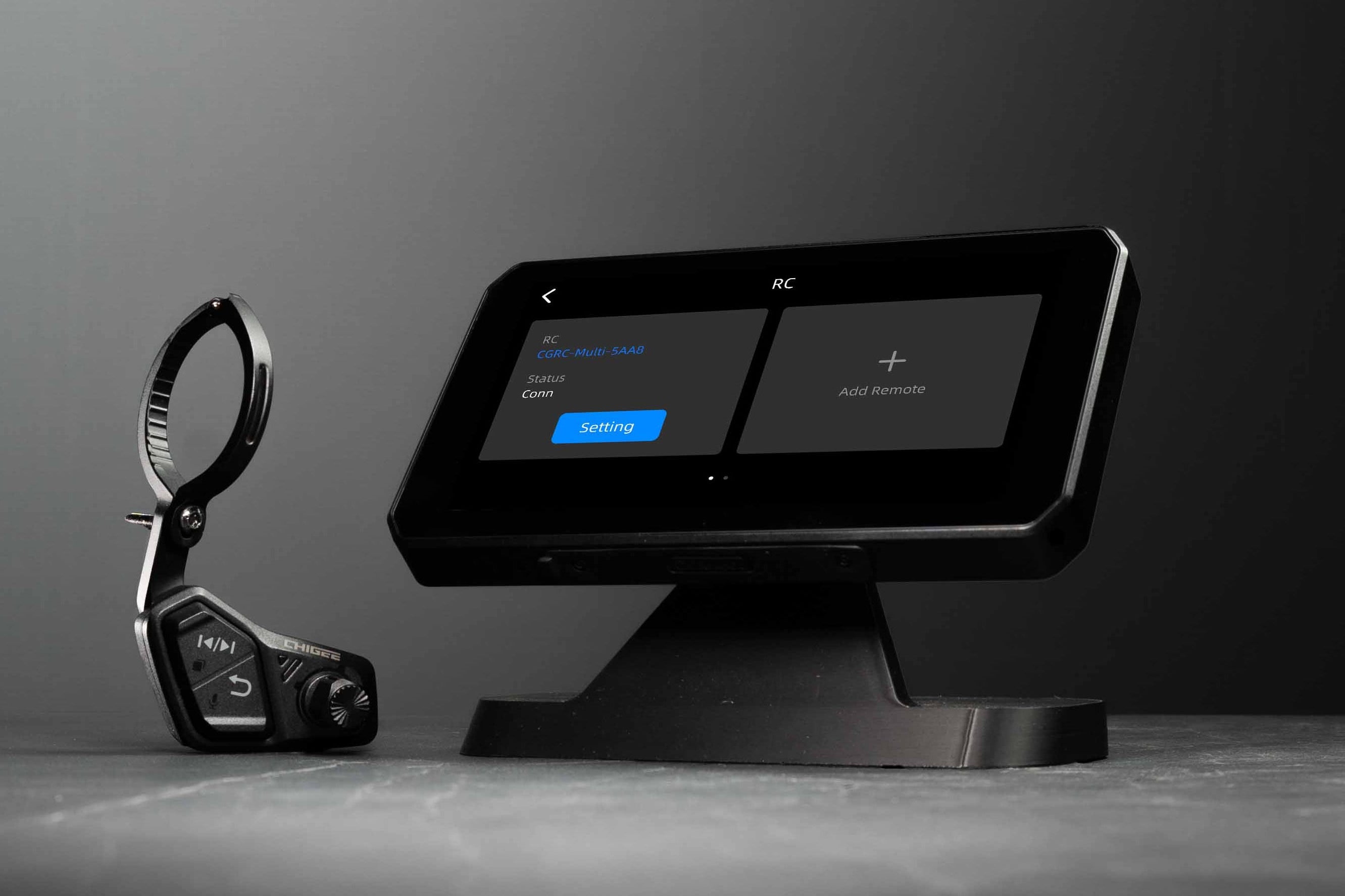
CGRC Multi uses a low-power BLE 5.0 connection and automatically reconnects to your CHIGEE display after the initial setup.
Powered by a replaceable CR2032 battery, it requires no charging cable and is ready whenever you ride.
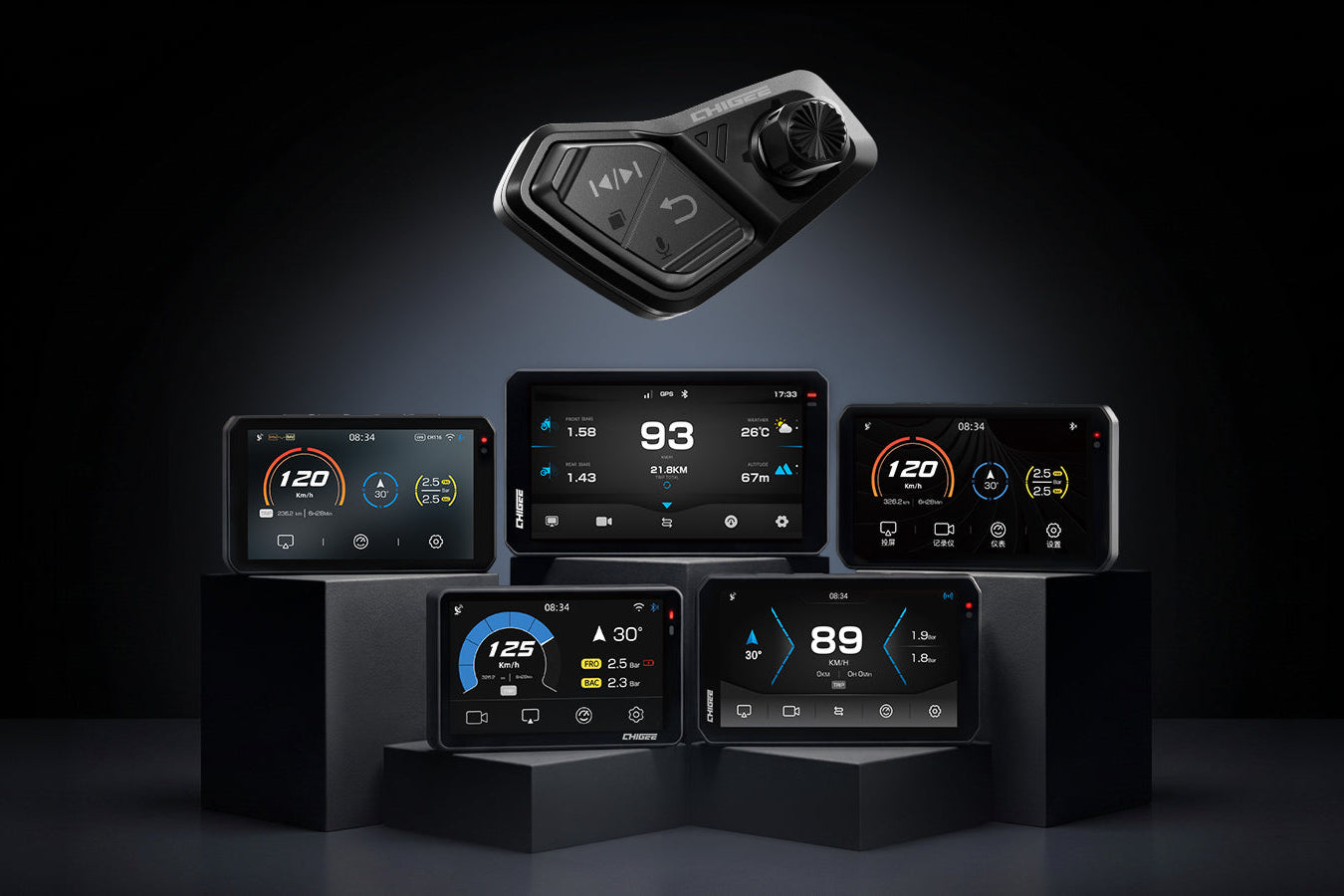
Designed for CHIGEE Displays
Control your display more naturally, with frequently used functions always within easy reach.
Compatible with all CHIGEE AIO-5, AIO-6, and XR-2 models.
Button Functions
Each button is assigned to commonly used riding functions, helping you access key controls quickly and consistently.

Media Button
- Short press: Next track
- Double press: Previous track
- Press and hold: Switch display page
Back / Play Button
- Short press: Return to the previous screen
- Double press: Play or pause music
Status Indicator
- Flashing red: Low battery
- Flashing blue: Pairing in progress
- Single flash: Button input detected
Multi-Directional Joystick
Move the joystick to navigate between on-screen items, switch pages, and browse available options.
Press the joystick inward to confirm the highlighted selection.
Simple, Rider-Friendly Installation
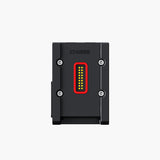
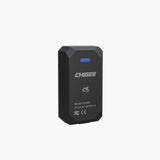
Install the controller within easy thumb reach and secure the separate battery compartment in a suitable position.
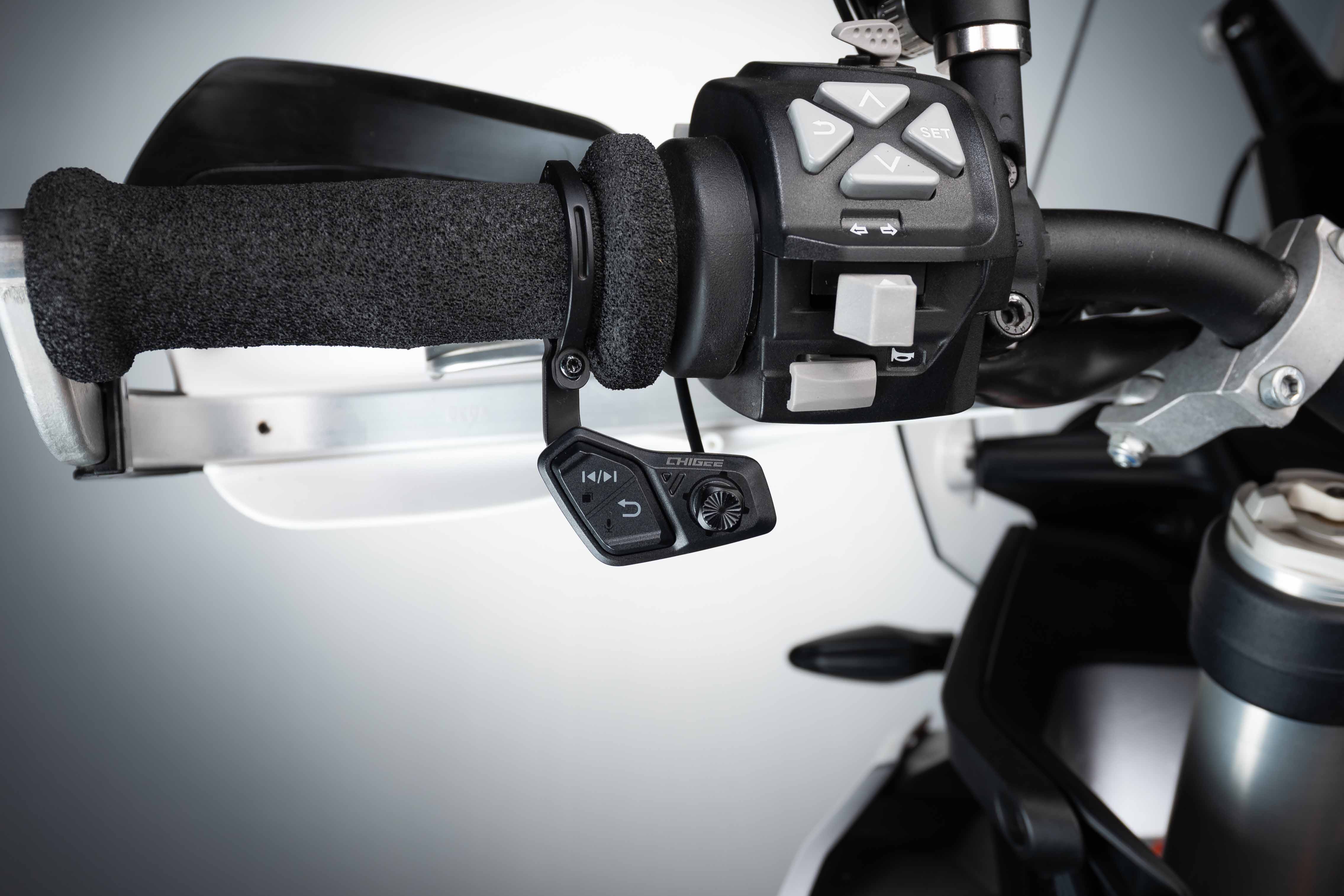
Controller Installation
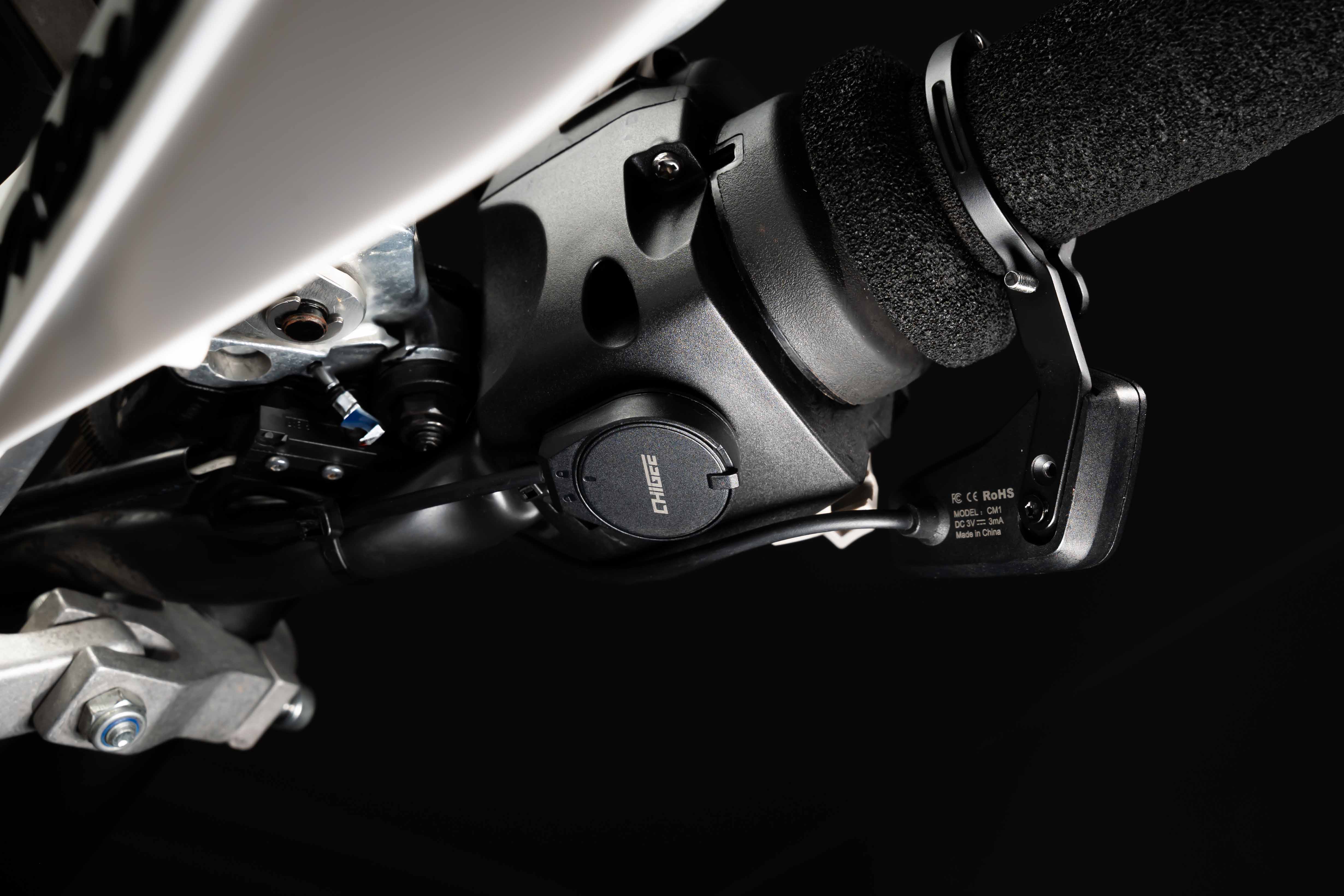
Secure the Battery Compartment
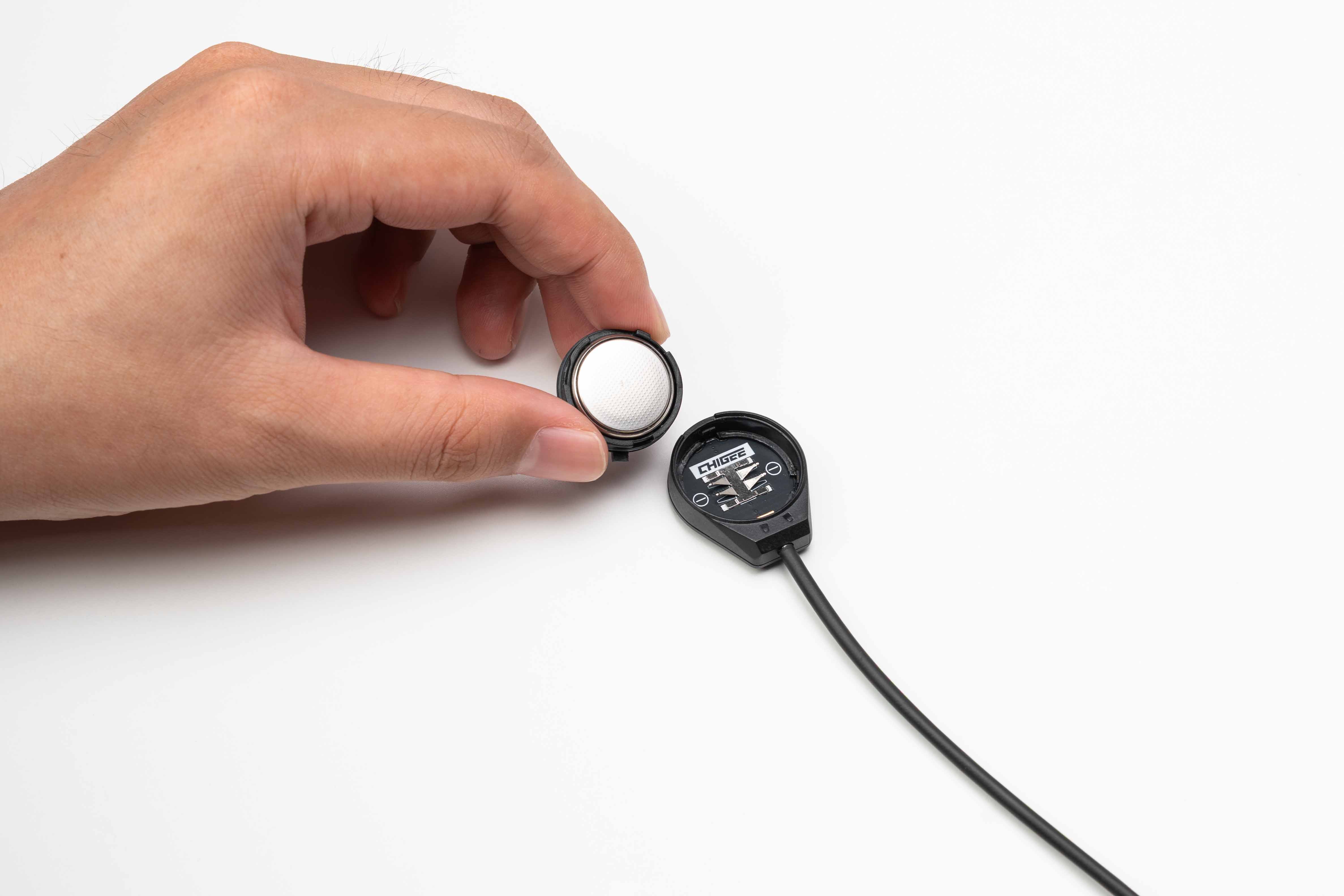
Install the Coin-Cell Battery
Customers praised this wireless controller as a "major improvement" with easy installation and "brilliant" hands-free operation. The joystick enables safe display control while riding. However, multiple shoppers noted mount limitations, citing "poor mounting flexibility" and compatibility issues with certain motorcycles. Some reported the mount loosens during use.
- Major improvement over the original model. Easy install. Much shorter response time.
- My hand remains on the bar and my thumb does the commanding. Safe, efficient and very effective.
- Allows me to control important display functions more conveniently while riding.
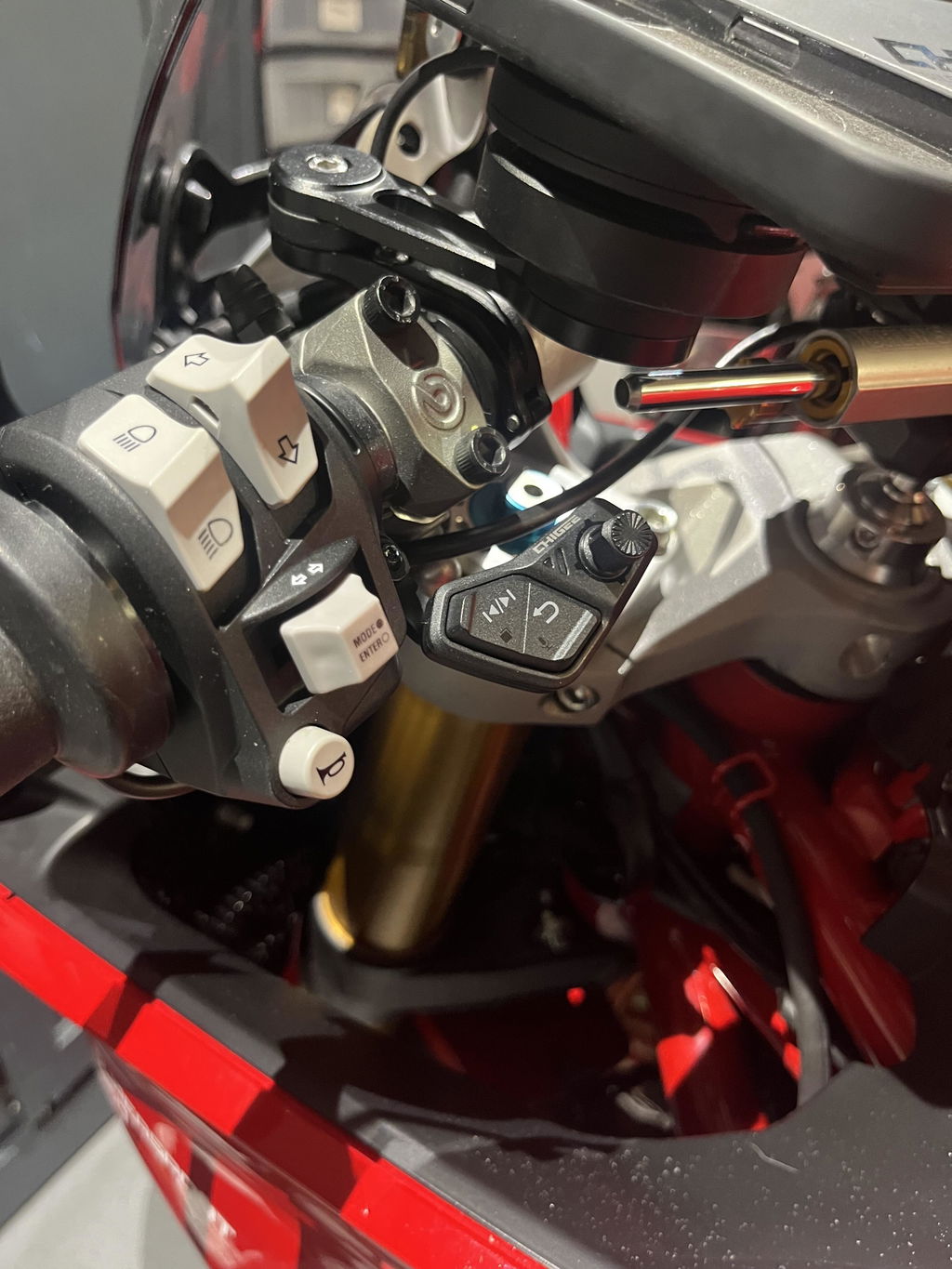
Parfait pour ma Ducati 950 Supersport enfin la télécommande qui change tout c’etait trop dangereux avec les gants
It's a really nice bit of kit and works seamlessly with my AIO-6 Max. It's very easy to use while riding without looking for it.
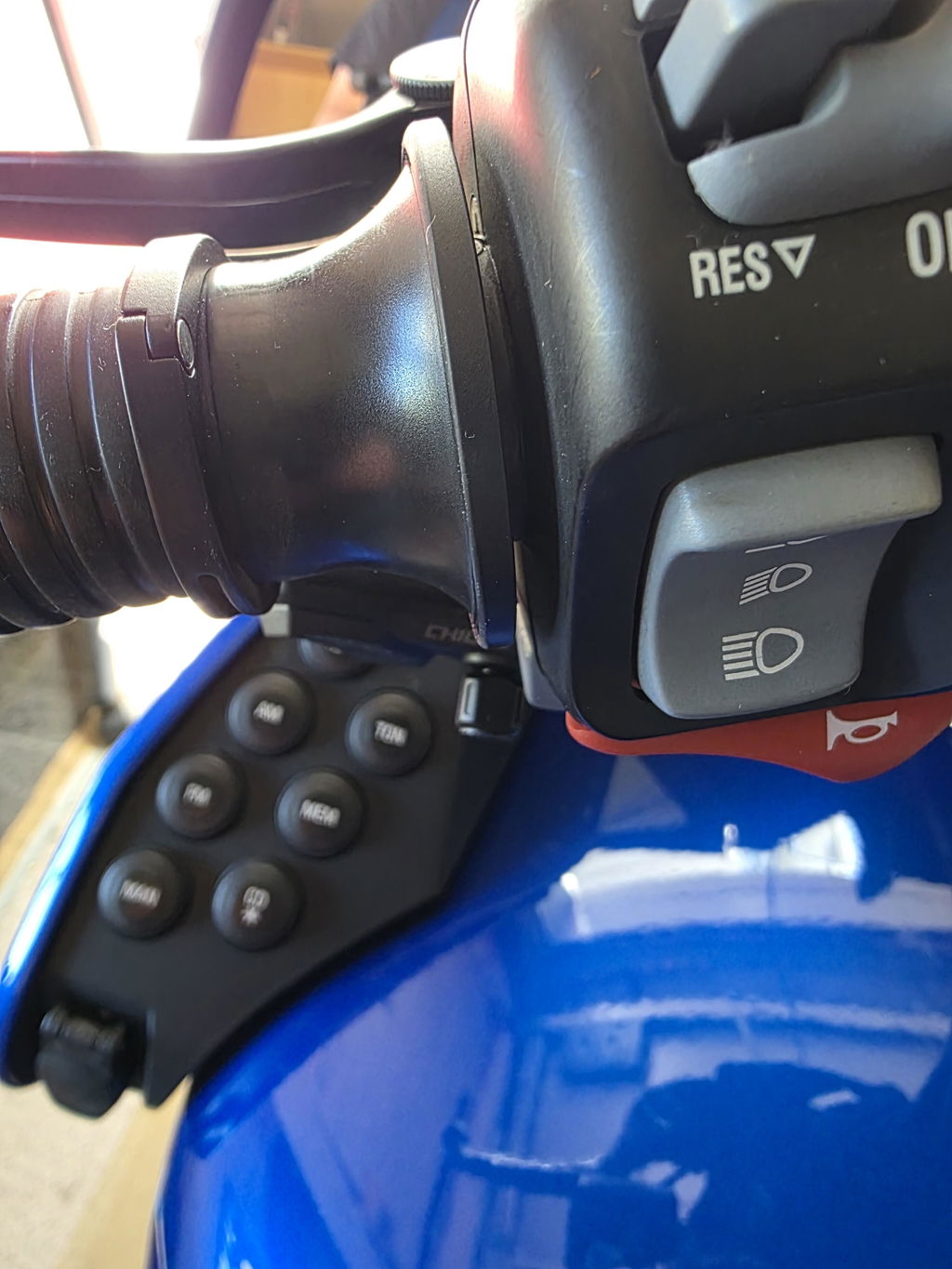
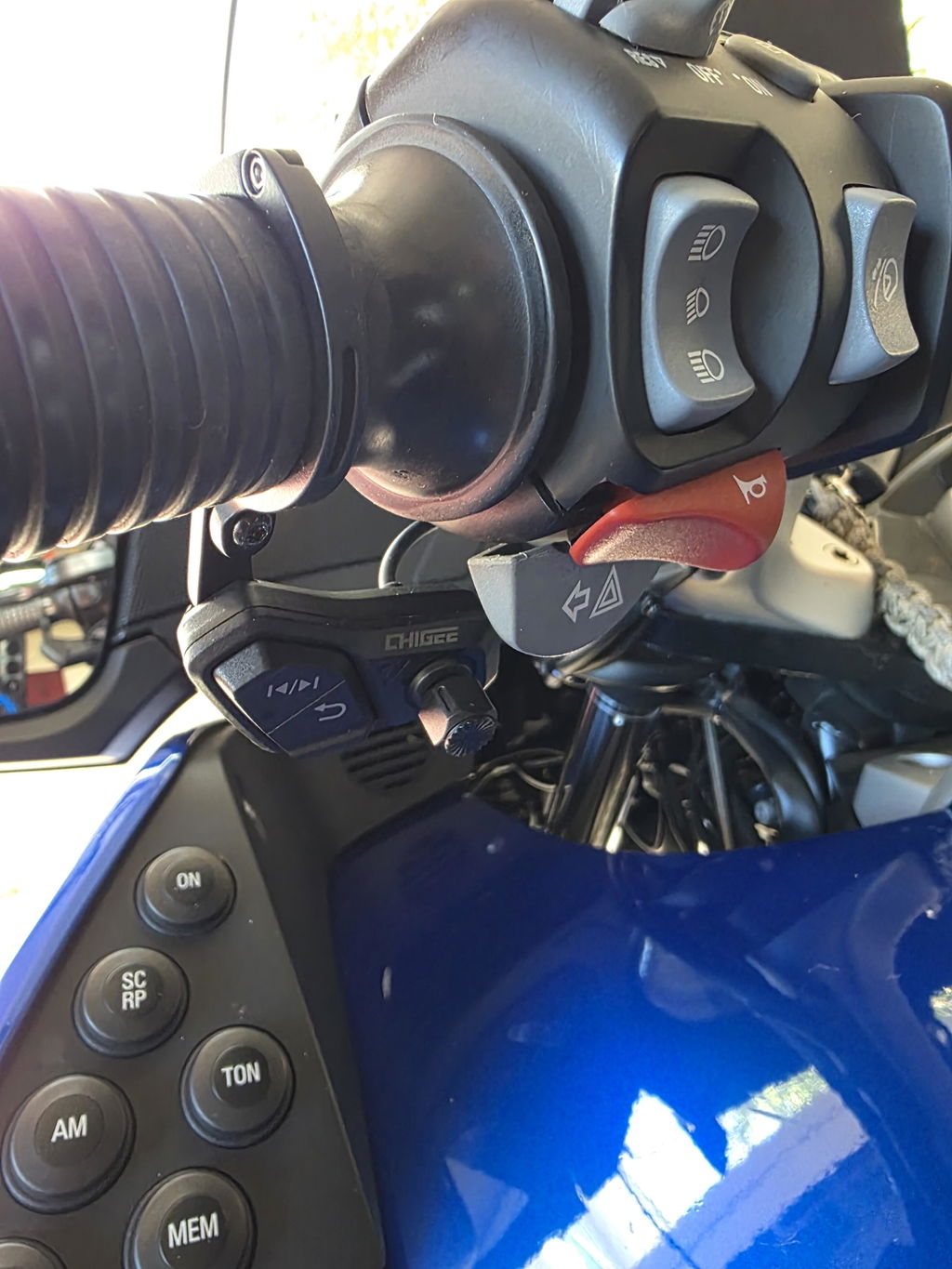
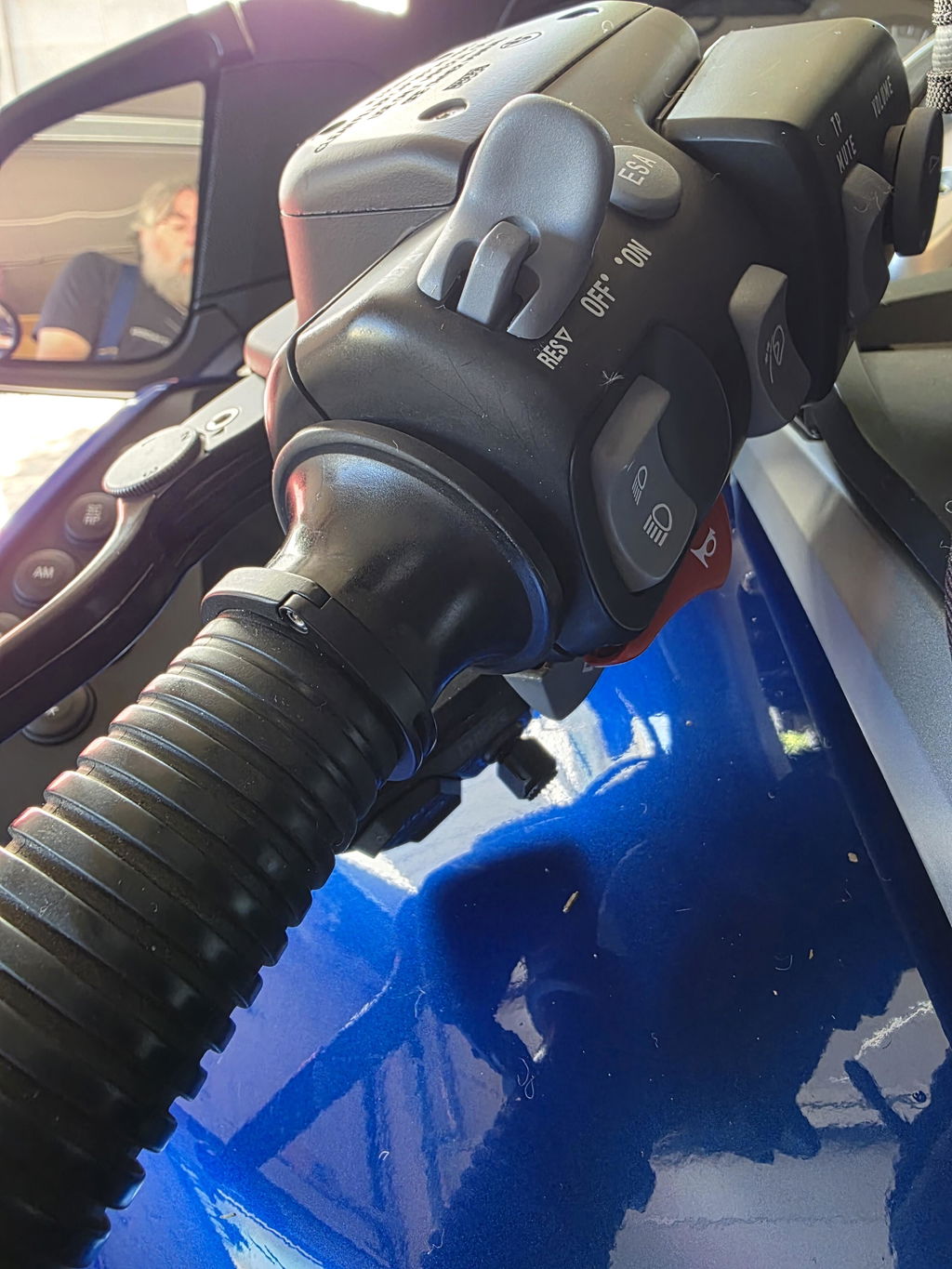
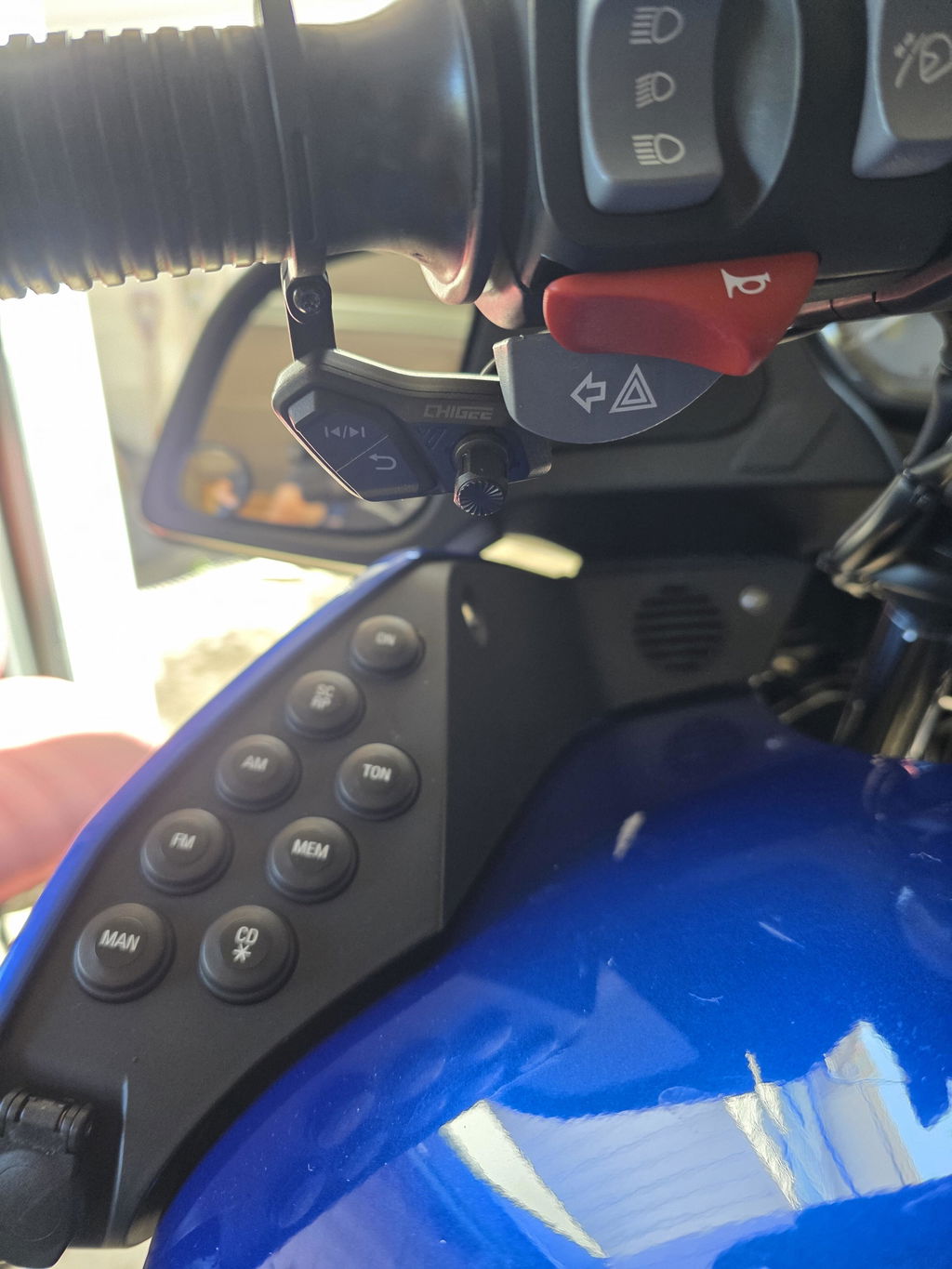
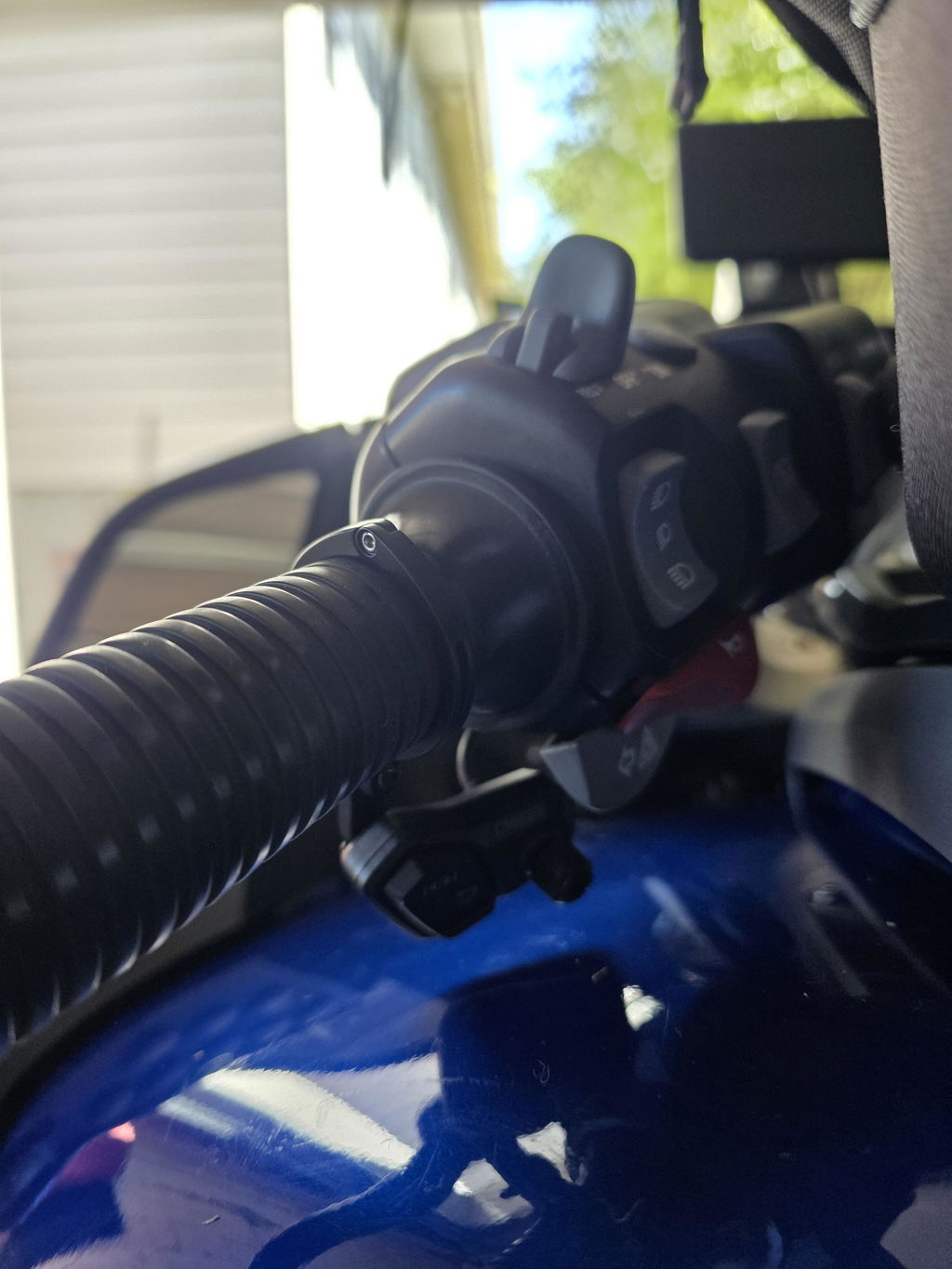
Initially I had the mount on the 6th spline of the left hand-grip out from the switch block, as that gave plenty of thumb space. But in that position it fouled the fuel tank shroud. Moving it in to grip the first spline and rotating the mount clock-wise (controller more towards the front of the bike) gave a good result. It does not foul the shroud with steering lock on, and in its current position just kisses the bodywork on full steering lock. A millimetre of further adjustment will fix that.
Thank you very much for the detailed feedback.
We’re glad to hear that the CGRC Multi Wireless Controller works well with your AIO-6 Max, and we also appreciate you pointing out the installation limitation on the R1200RT.
Your experience may also be helpful for other R1200RT riders who are considering the same installation, especially when checking clearance around the fuel tank shroud and steering lock.
Thank you again for taking the time to share this with us.
Best regards,
This is a must have for the AIO-6! You might have to custom install it on your bike like I did, but once you have it where you want it it's super convenient vs. having to touch the screen while riding.
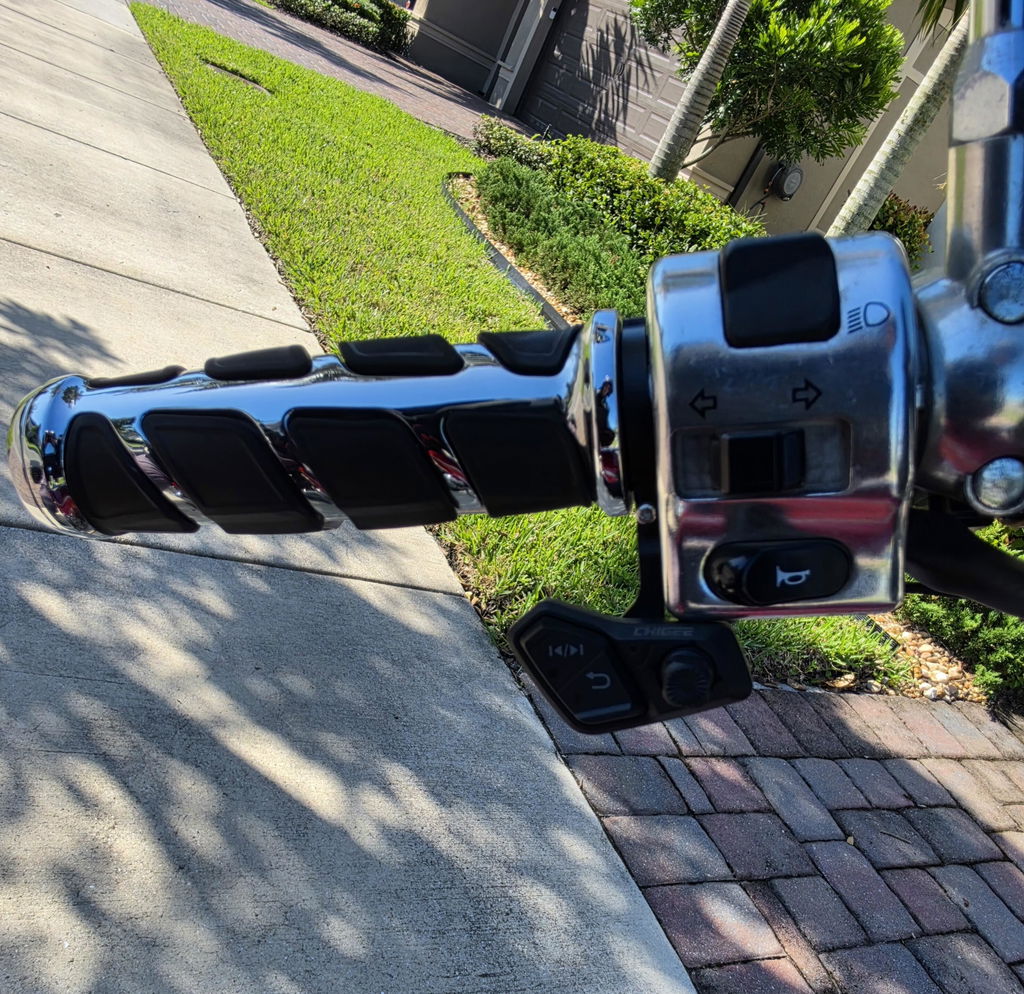
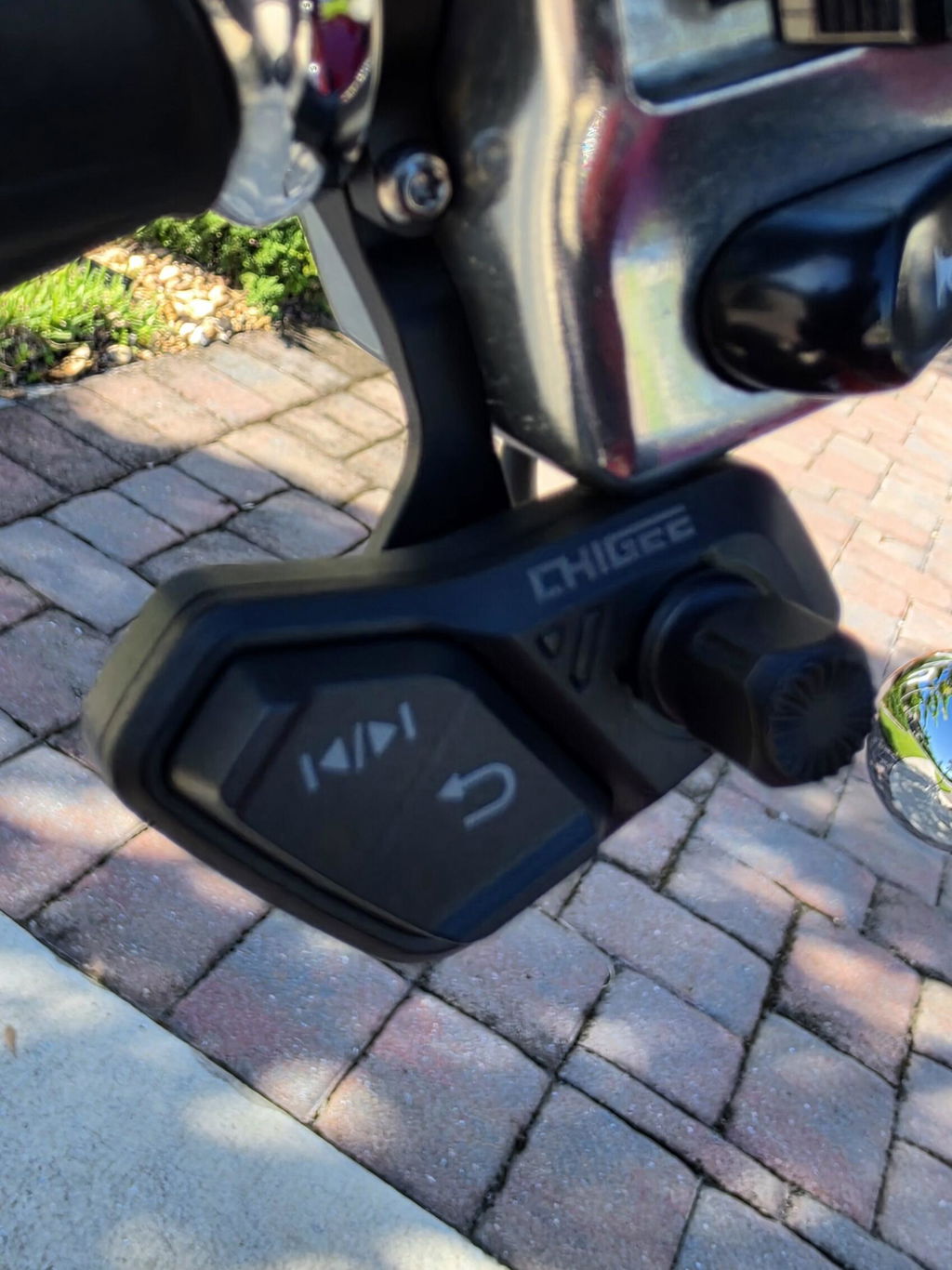
Installato facilmente e configurato con l’Aio6 Max in un attimo. Personalmente avrei preferito una maggior flessibilità nel fissaggio, magari un altro tipo di staffaggio. Installazione su multistrada V4, versione 2026, al limite ad interferire con il pulsante del clacson , con i guanti invernali spessi potrebbe intralciare.
Nel complesso un ottimo e utile accessorio a completamento del favoloso Aio6 max.
Great add on for the Chigee AIO6 that I have. Only item I did not like is the mounting of the remote. There need to be several options to choose from. I have it on my Indian CDH motorcycle, but looking for a better way to mount it. They made it kind of hard to do another DIY mount as to how the current mount secures to the remote itself. BUT the remote is awesome and five stars, but the mount, for me, drops a star off.
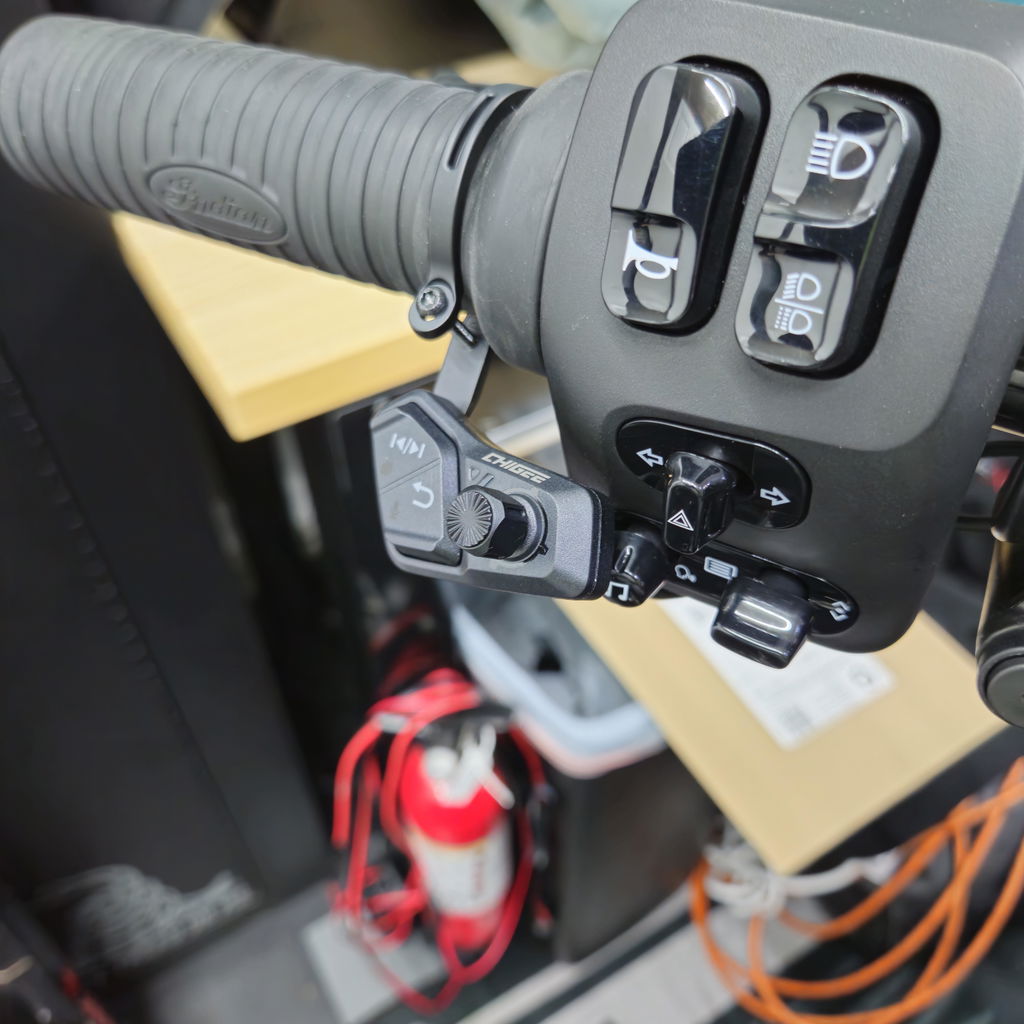
This CGRC controller is a major improvement over the original model. Easy install. much shorter. response time. Well done Chigee
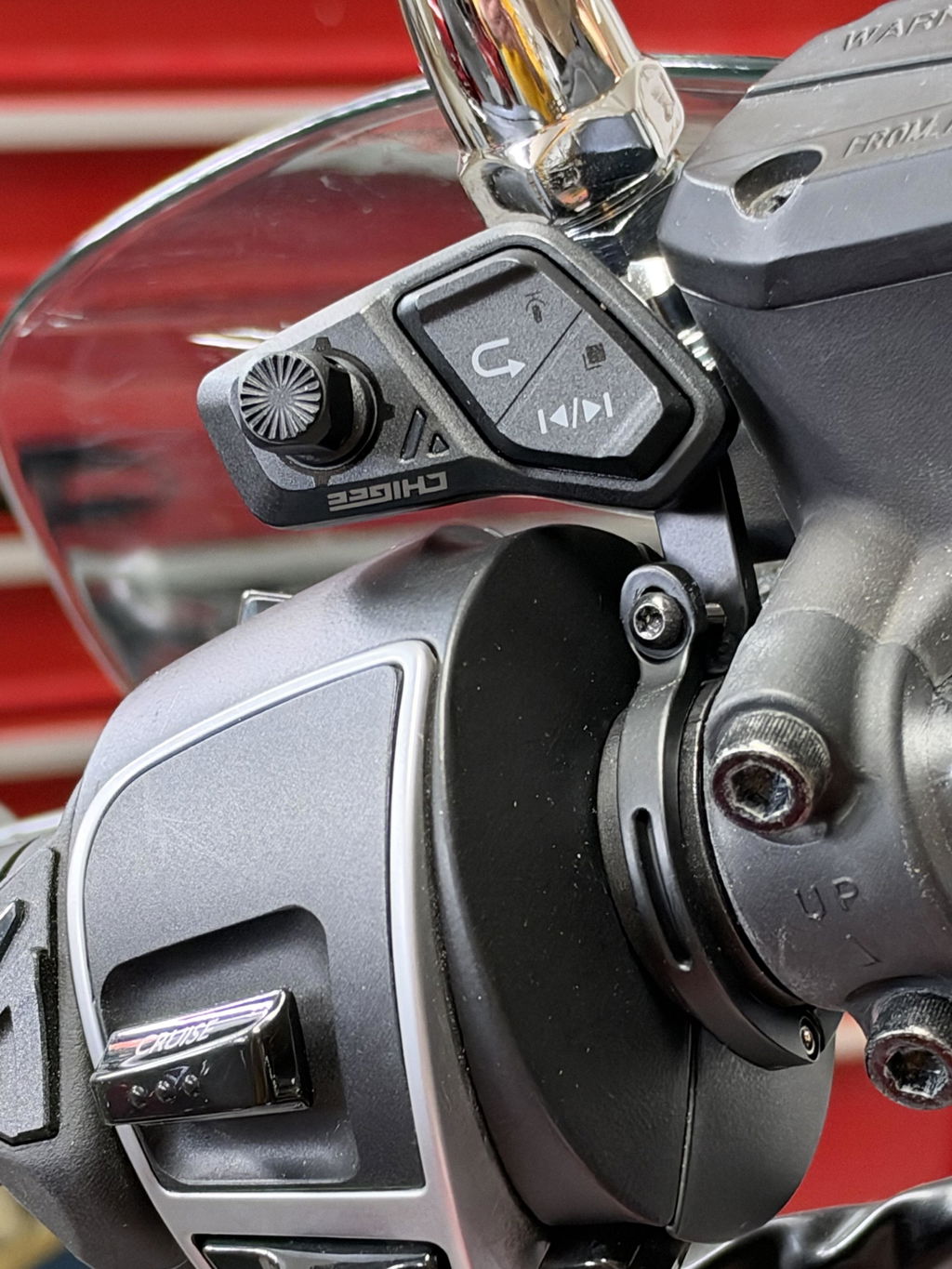
Awesome products
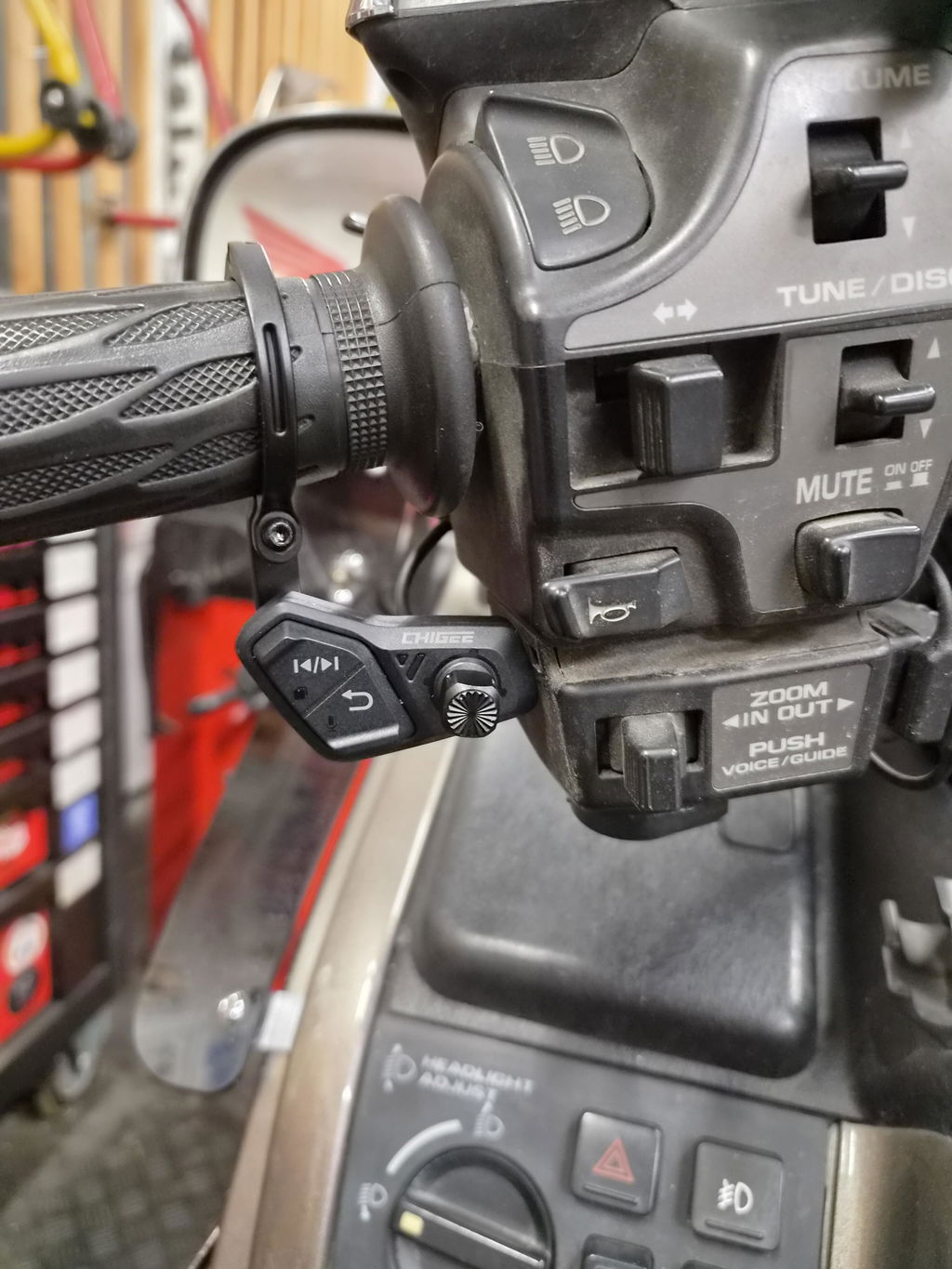
The mount is way to short for most motorcycle with cluster. It’s needs an extension bracke. It does not fix my 2026 Honda Rebel 1100 DCT. I literally have to put in in the center of the handle
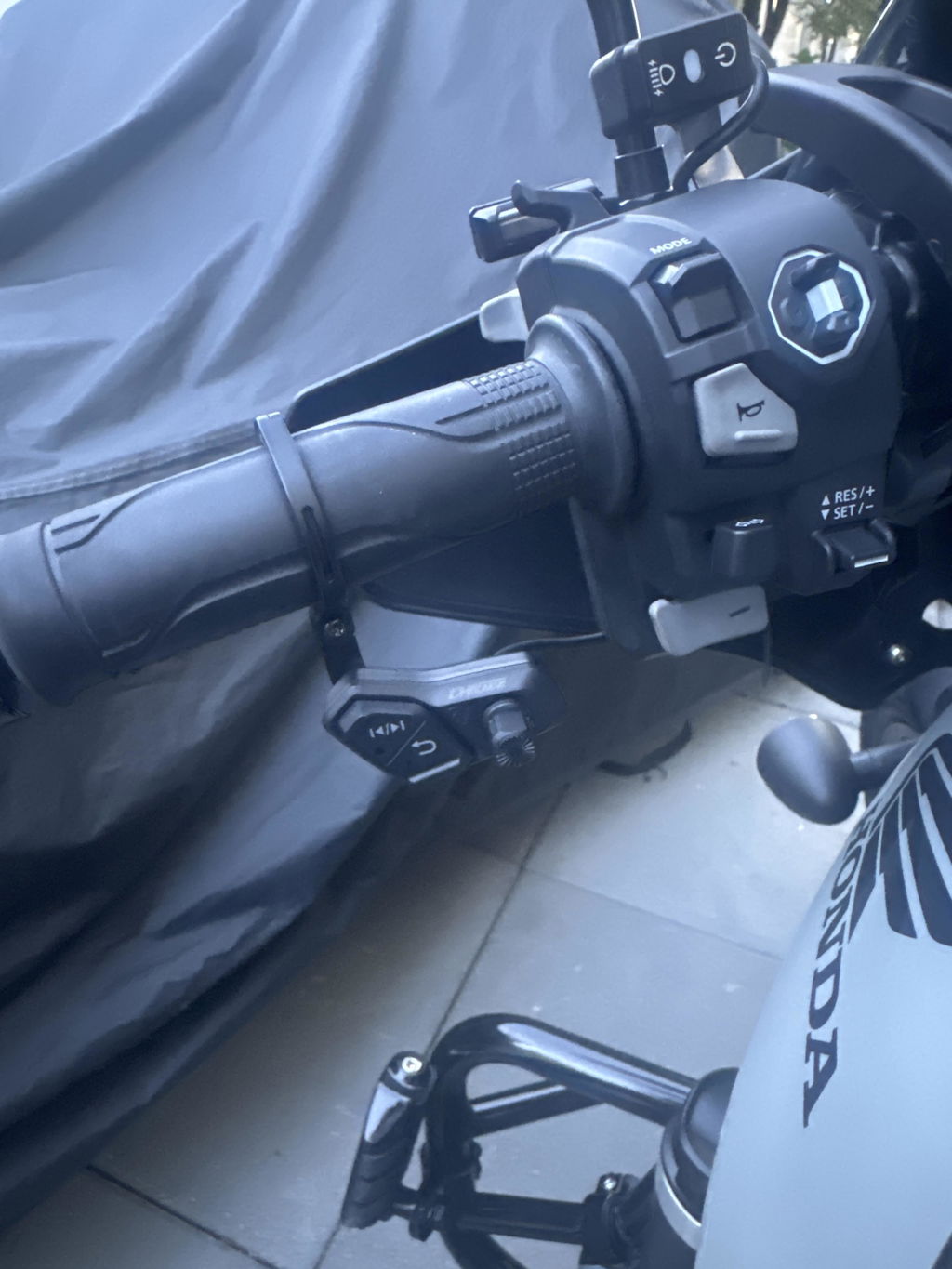
Thank you for your feedback.
Before fully tightening the mounting screws, please try adjusting the mount length first. The bracket length is adjustable, so you can extend it to the position you need and then tighten the screws to secure it in place.
This may give you more clearance around the instrument cluster and allow a better mounting position on your 2026 Honda Rebel 1100 DCT.
Best regards,
CFMOTO 650 MT. Muy fácil de instalar.
Cumple la función para lo que fue diseñado.
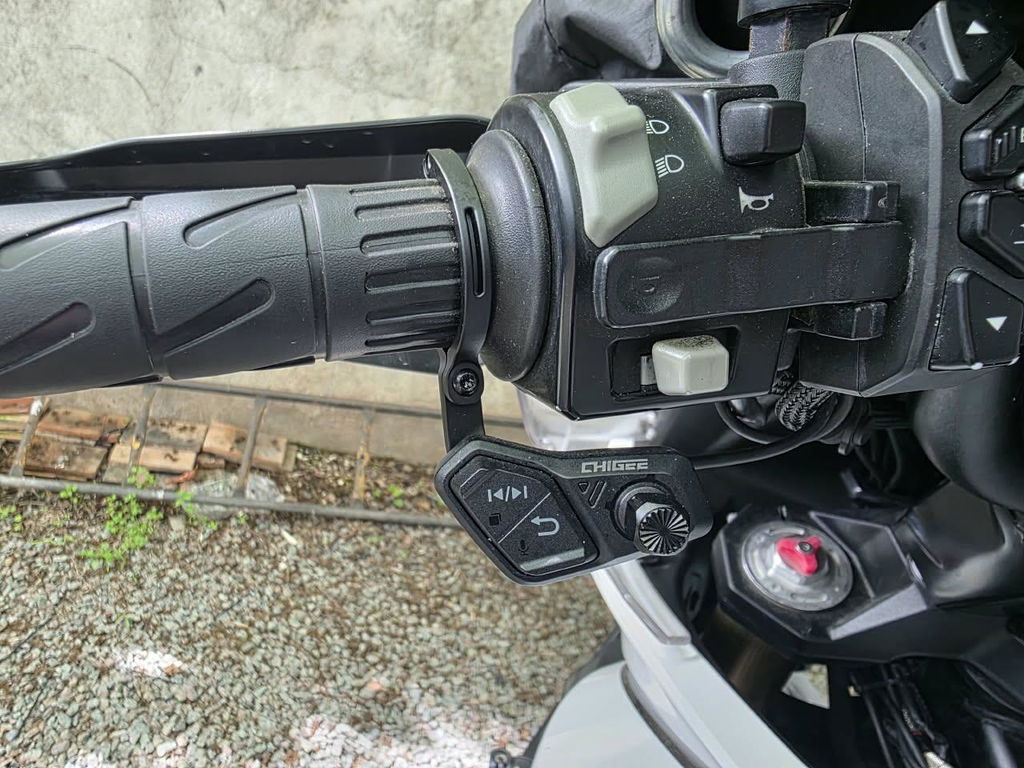
Unit werkt goed alleen is de montage niet altijd handig. Bij een Ducati Multistrada V2S zit hij de knoppen voor de claxon en richtingaanwijzer in de weg. Je kan hem wel in een lagere stand monteren maar dan is hij weer wat lastiger te bereiken met de duim
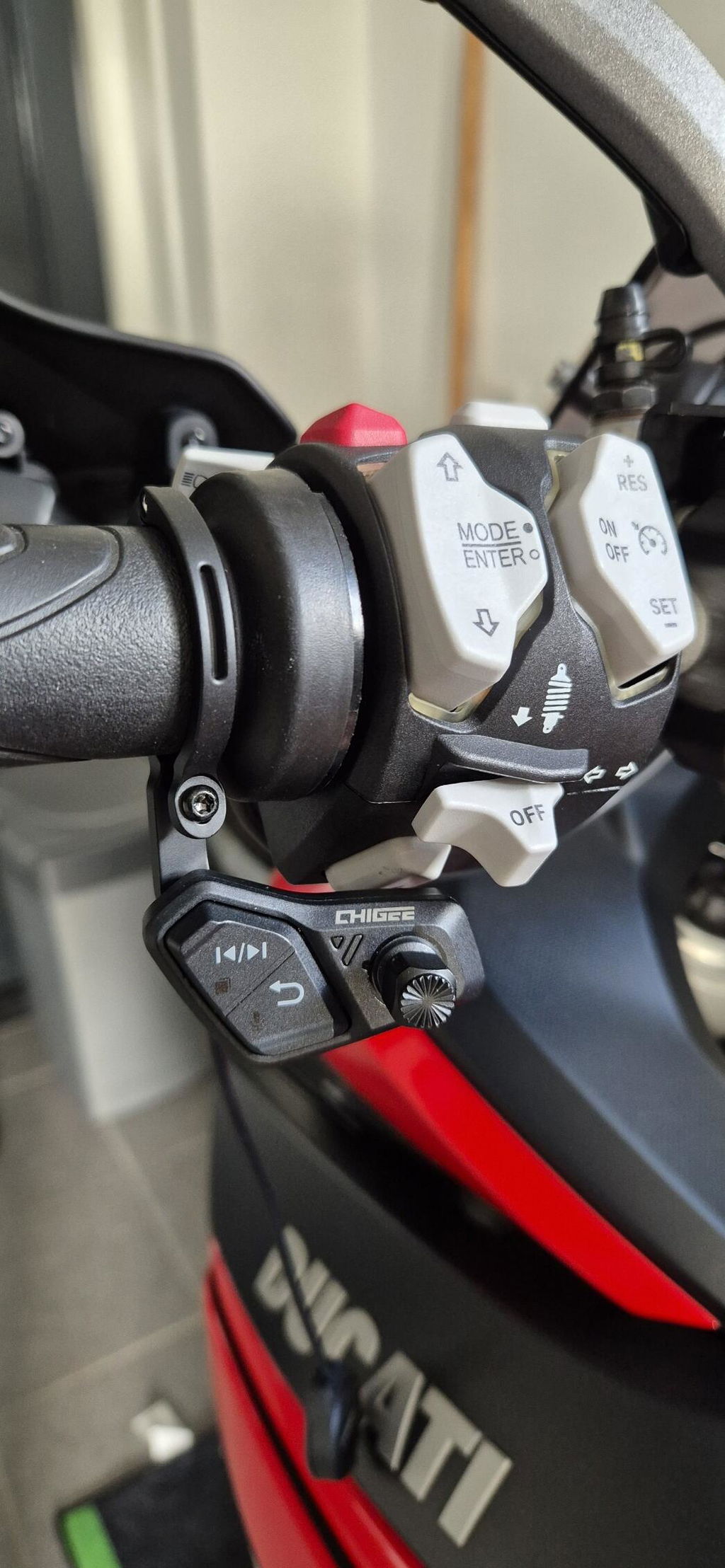
Thank you for sharing your feedback. We’re glad to hear that the CGRC Multi Wireless Controller itself is working well.
We understand that the mounting position may not be perfect for every motorcycle, especially with different handlebar layouts and switch positions.
The mounting arm length can be adjusted, so you could try extending or repositioning the arm to find a more comfortable position that works better with the horn and turn-signal buttons on your Ducati Multistrada V2S.
Thank you again for your feedback.
Best regards,
Disappointing functionality and support.
The MFP0230 works fine inside Apple CarPlay, but it cannot control the bottom menu of the native AIO-5 EVO interface, which seriously limits its usefulness.
I opened a support ticket and was told that this functionality might be added in a future update, possibly not before 2027.
As compensation, they gave me a $15 coupon — which, honestly, I don’t even know what I’m supposed to spend it on.
For a dedicated remote controller, I expected much better integration with CHIGEE’s own interface.
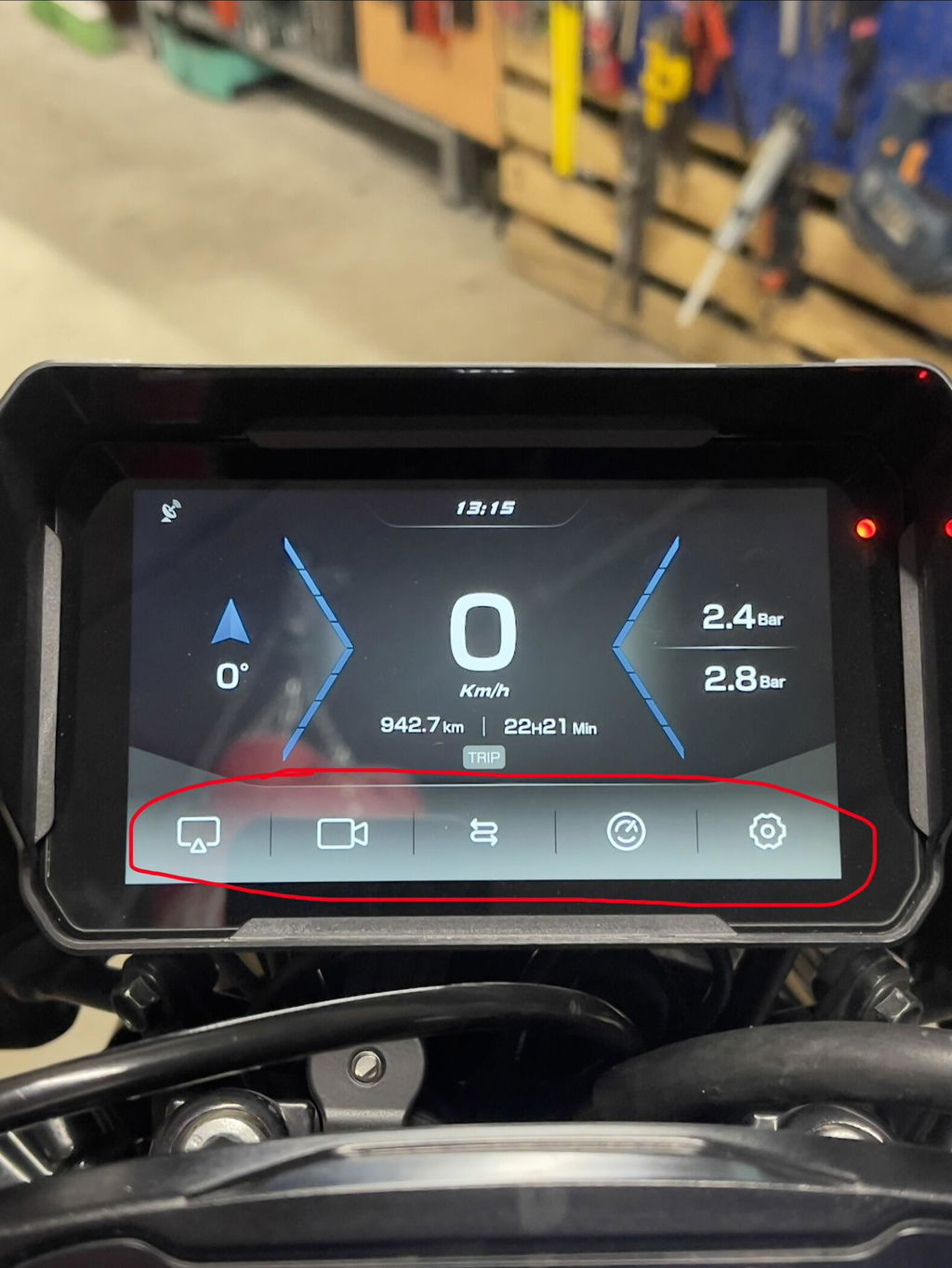
Thank you for taking the time to share your feedback.
We understand that you expected deeper integration between the CGRC Multi Wireless Controller and CHIGEE’s native interface, especially for controlling the bottom menu of the AIO-5 EVO.
This functionality has already been included in our future optimization plan. However, it still needs to go through development and scheduling, so unfortunately we cannot provide an exact release date at this time.
We understand that this limitation affects the overall experience, and we appreciate your patience while our team continues working on improvements.
Best regards,
Really like this unit a lot, certainly is better than using your hand or phone to control the unit.
My only request would be that they include more variations of the mount that are longer or extendable.
Very happy with all my Chigee products!
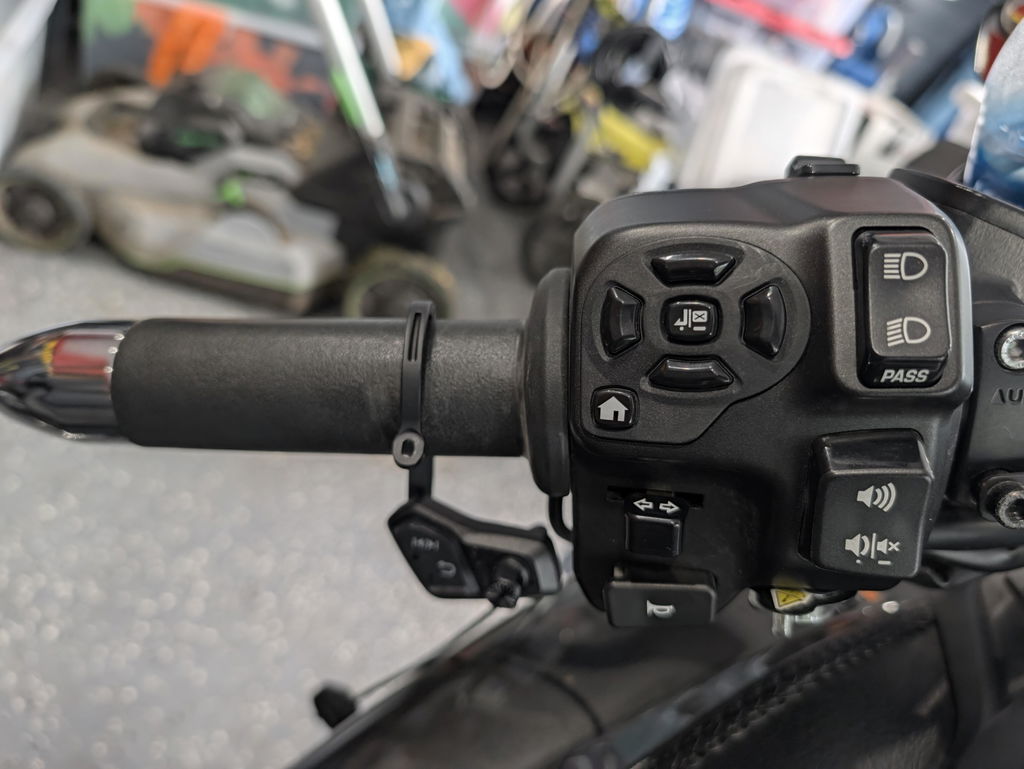
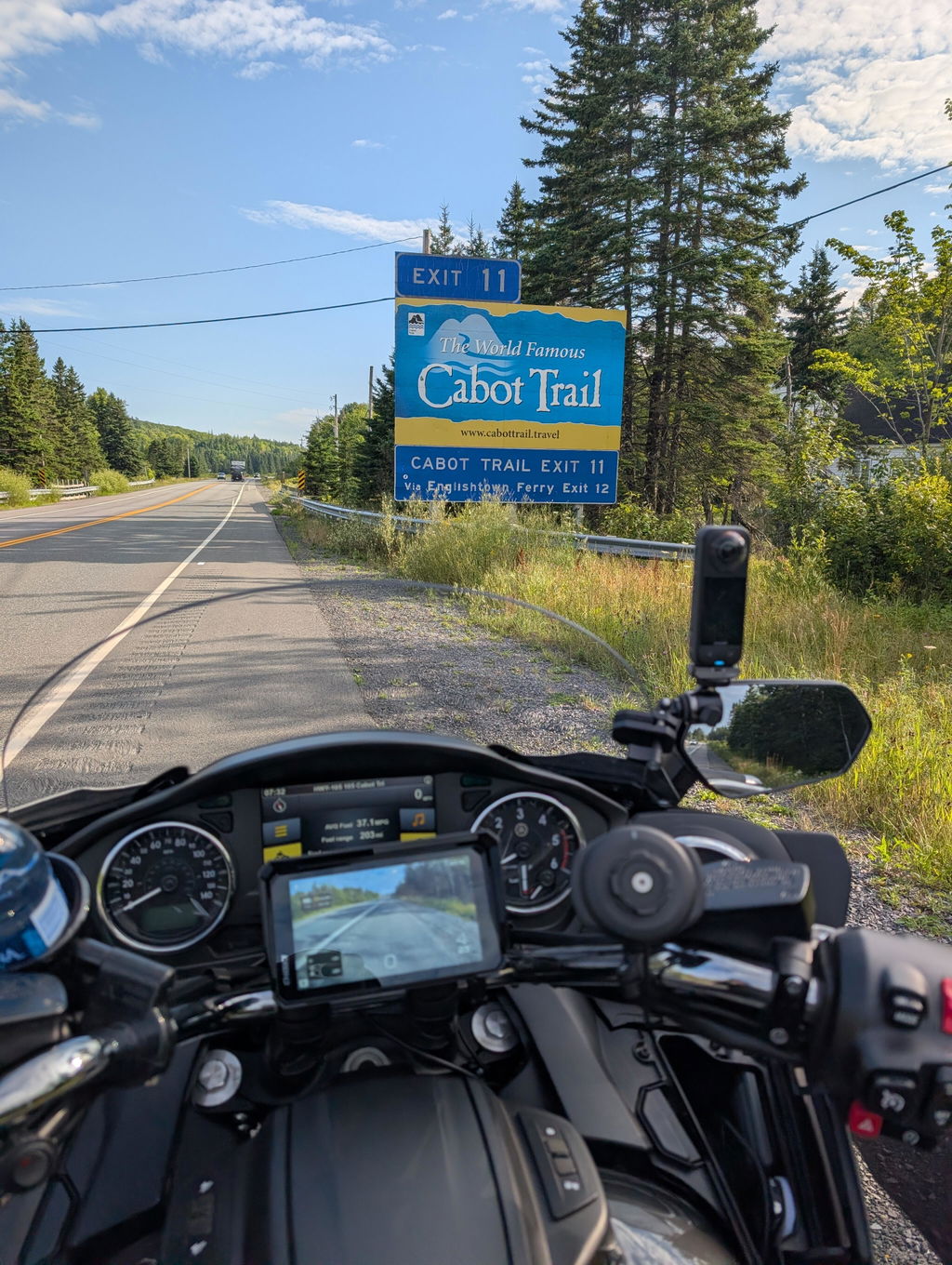
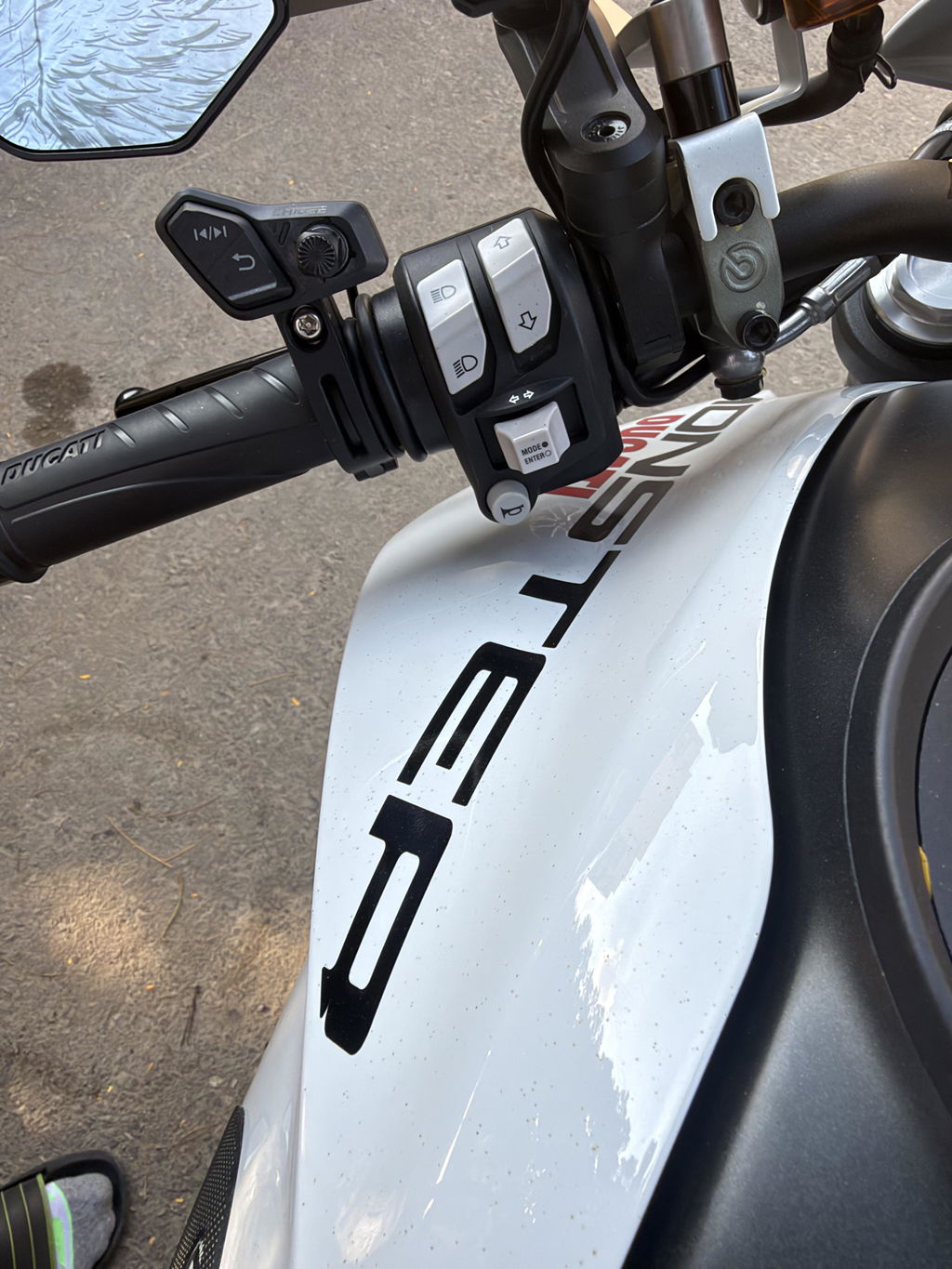
The remote itself is a game changer but the clamp is bike-specific, suitable for adventure bikes, but not naked bikes. Can’t fit the remote on my ducati monster 937 2025. Need to provide more fitting options
Amazing - the new CHIGEE joystick multi controller is the perfect accessory. My hand remains on the bar and my thumb does the commanding. Safe , efficient and very effective. I love it!
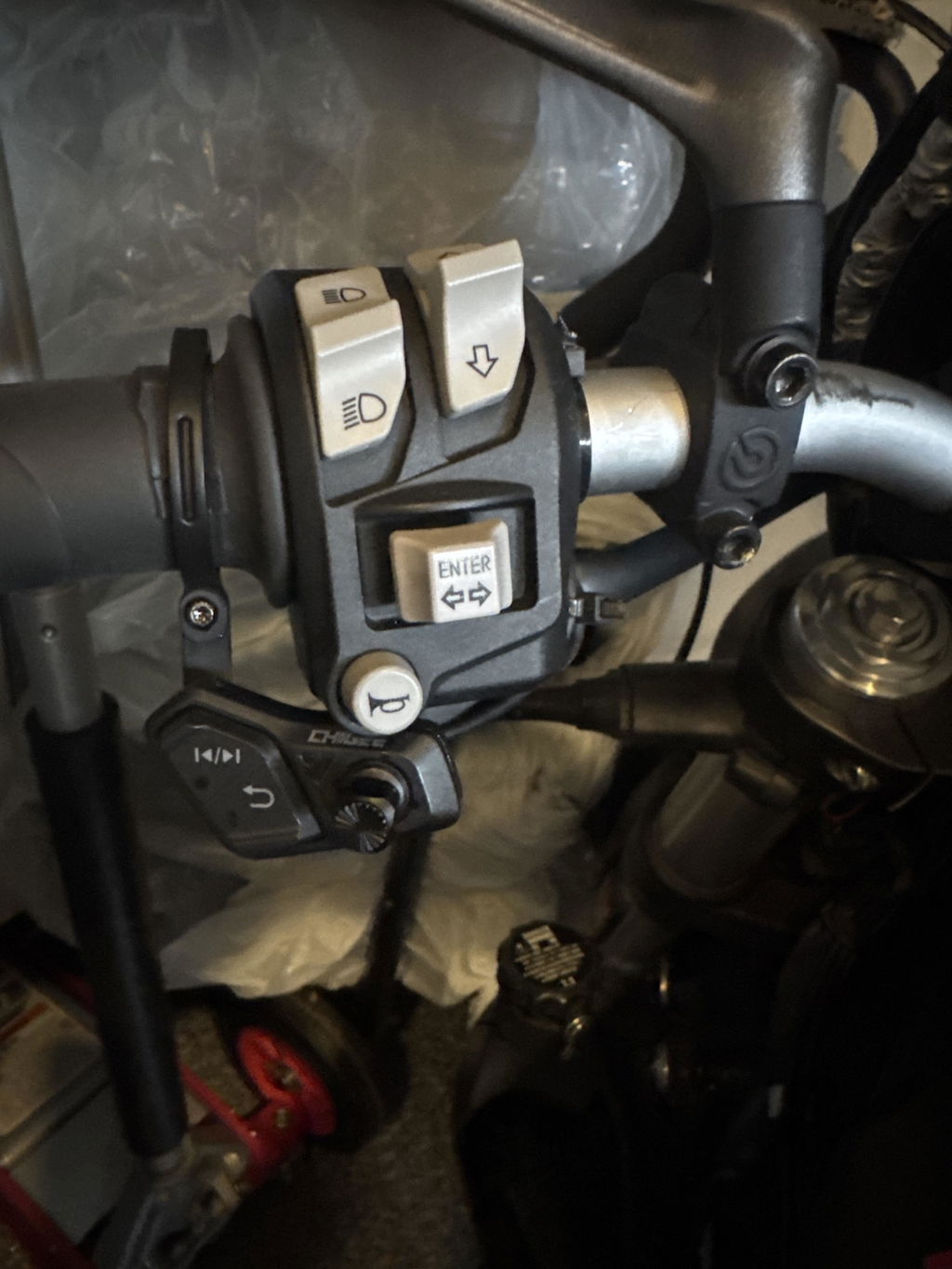
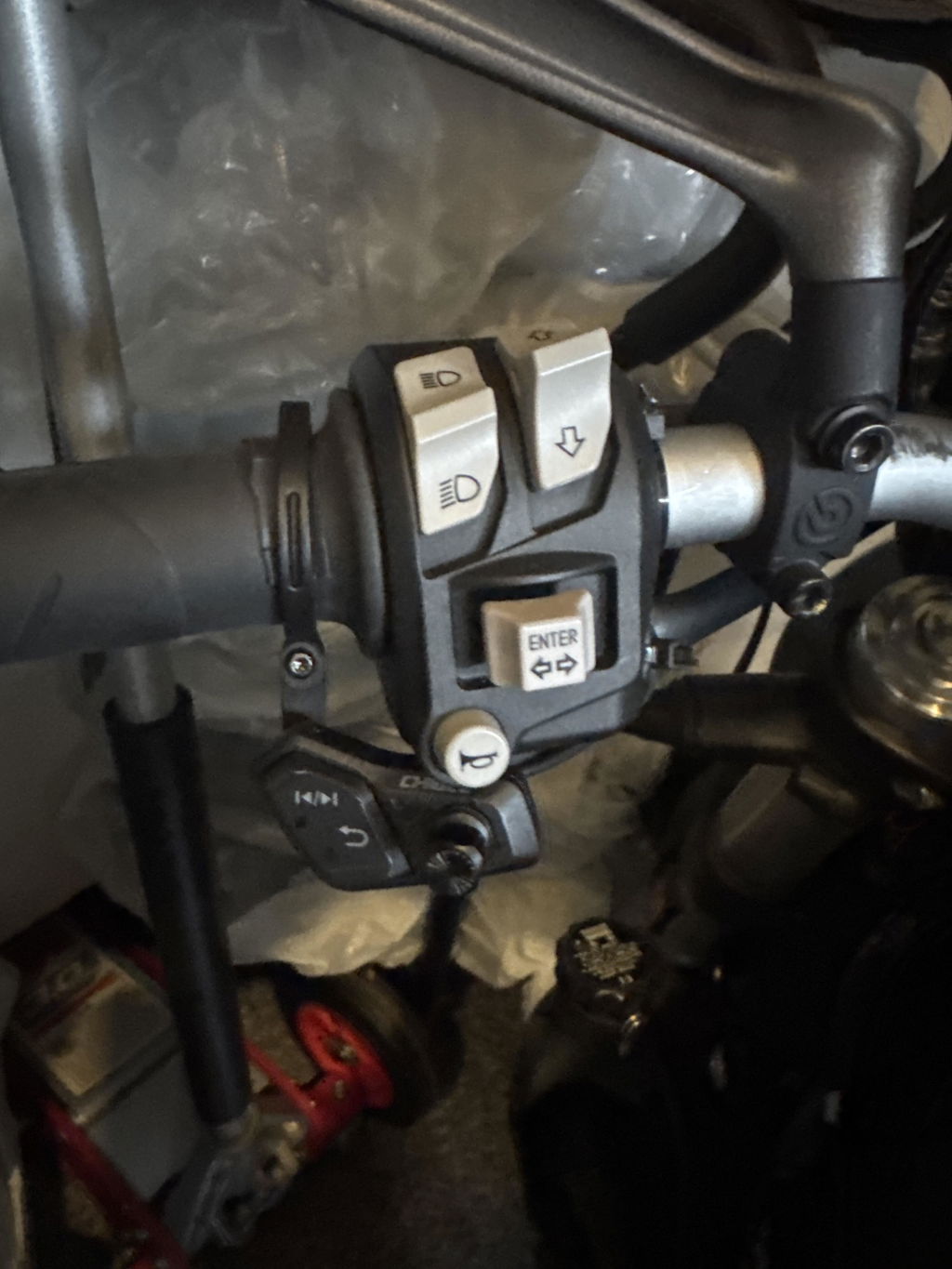
Great little remote, easy to mount and pair. Had a little issue with the mounting bracket but that seems to have been resolved by customer services.
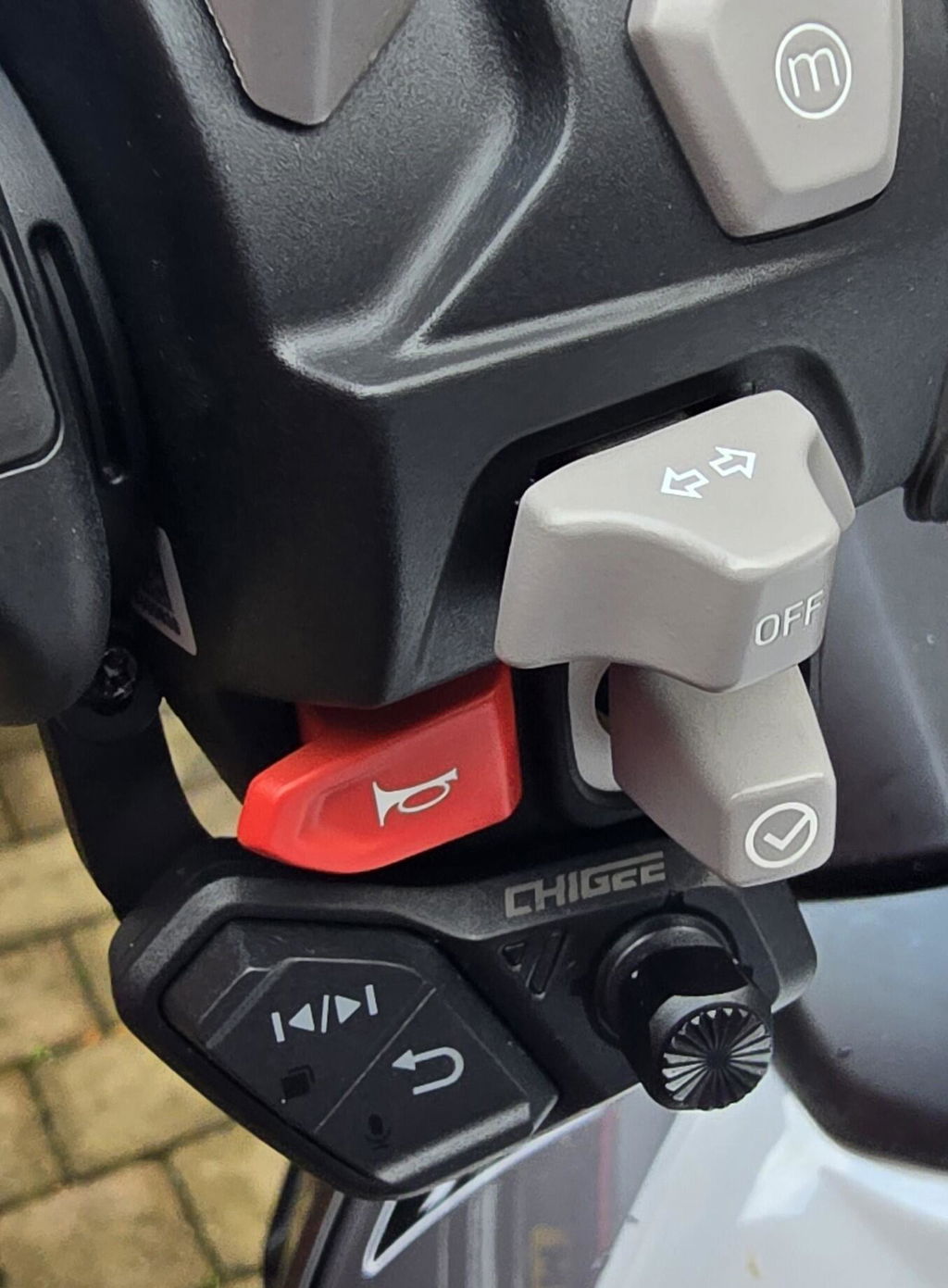
Ottimo
EDIT: I should have considered I could shift the length of the mount more to account for my hand! Thanks for following up on mu review here and via email. That small fix did the trick:).
Now this is a great mount; easy to install and adjust, it allows me to quickly navigate carplay when I need it without gloves. Very much worth it.
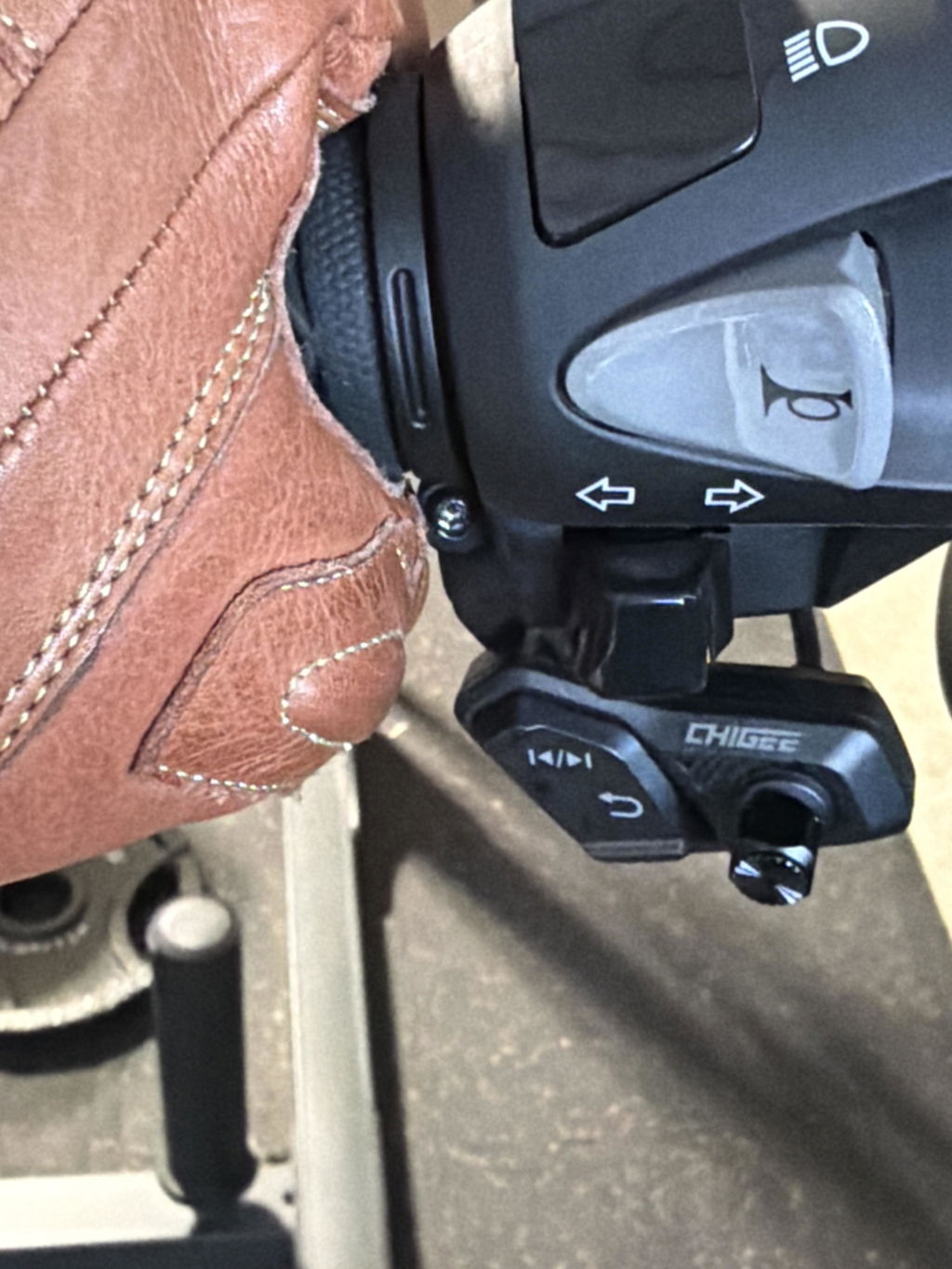
Thank you for sharing your detailed feedback.
We’re sorry to hear that the mounting setup did not meet your expectations.
You may want to try adjusting the length and position of the controller mount to create a little more clearance around your hand and better suit your riding position. Depending on the handlebar and control layout, a small adjustment may help improve the fit.
We hope this may help.
Best regards,
On my Tracer 9, there isn't enough space between the handlebar and the fuel tank. Will there be different mounting options in the future?
Hello, We currently do not have different mounting options, but we will forward your request to our product team. To help us better evaluate your situation, could you send us your bike model and year, photos of the handlebar, and the handlebar diameter?
Specifications
DC 3 V
3 mA
CR2032, 225 mAh
BLE 5.0
-5°C to 65°C
IP67
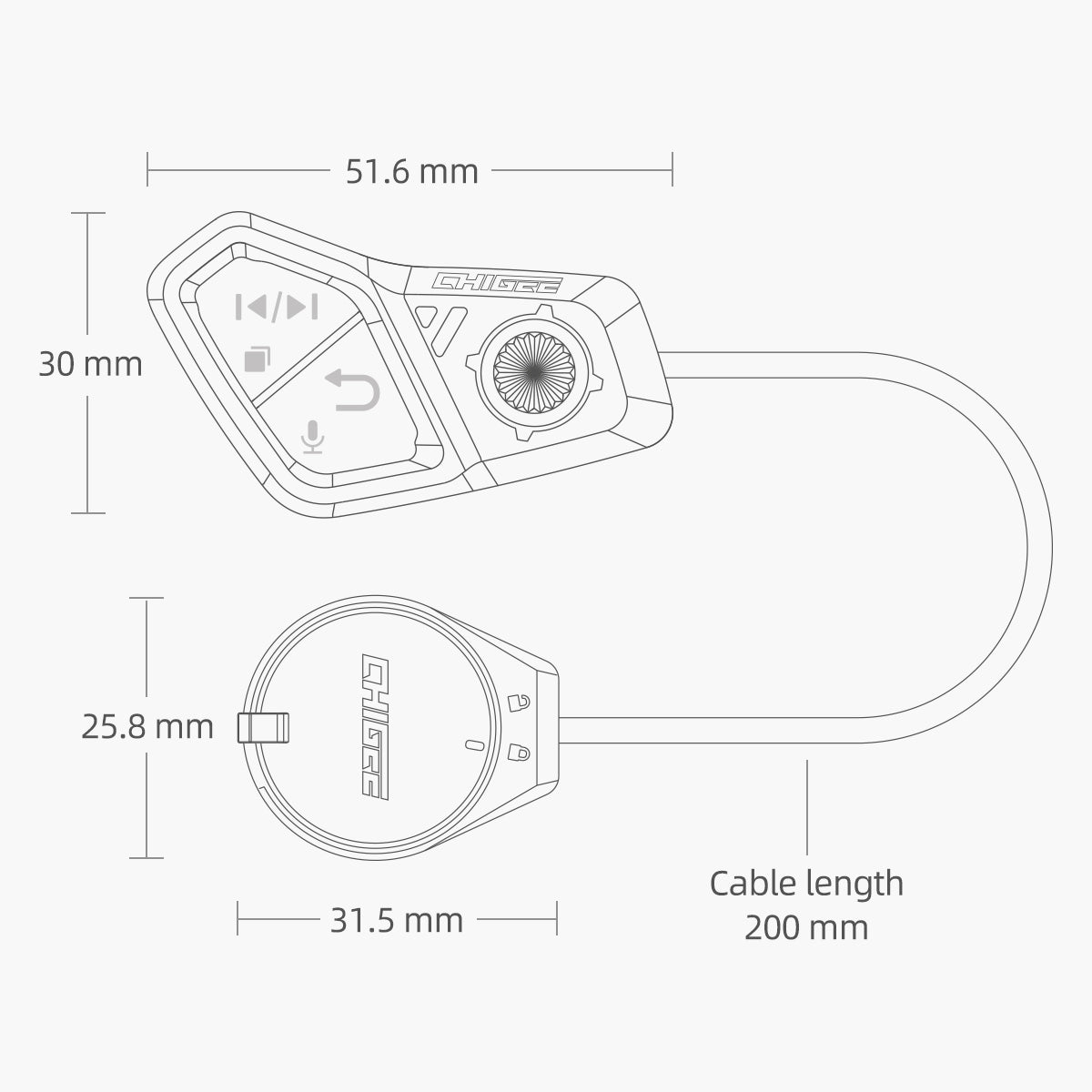
51.6 × 30 × 25.5 mm
200 mm
CGRC Multi vs. CGRC Pro
Choose Your CGRC Controller
Both controllers keep essential display functions within easy thumb reach. Compare their power and control designs to find the right one for your ride.
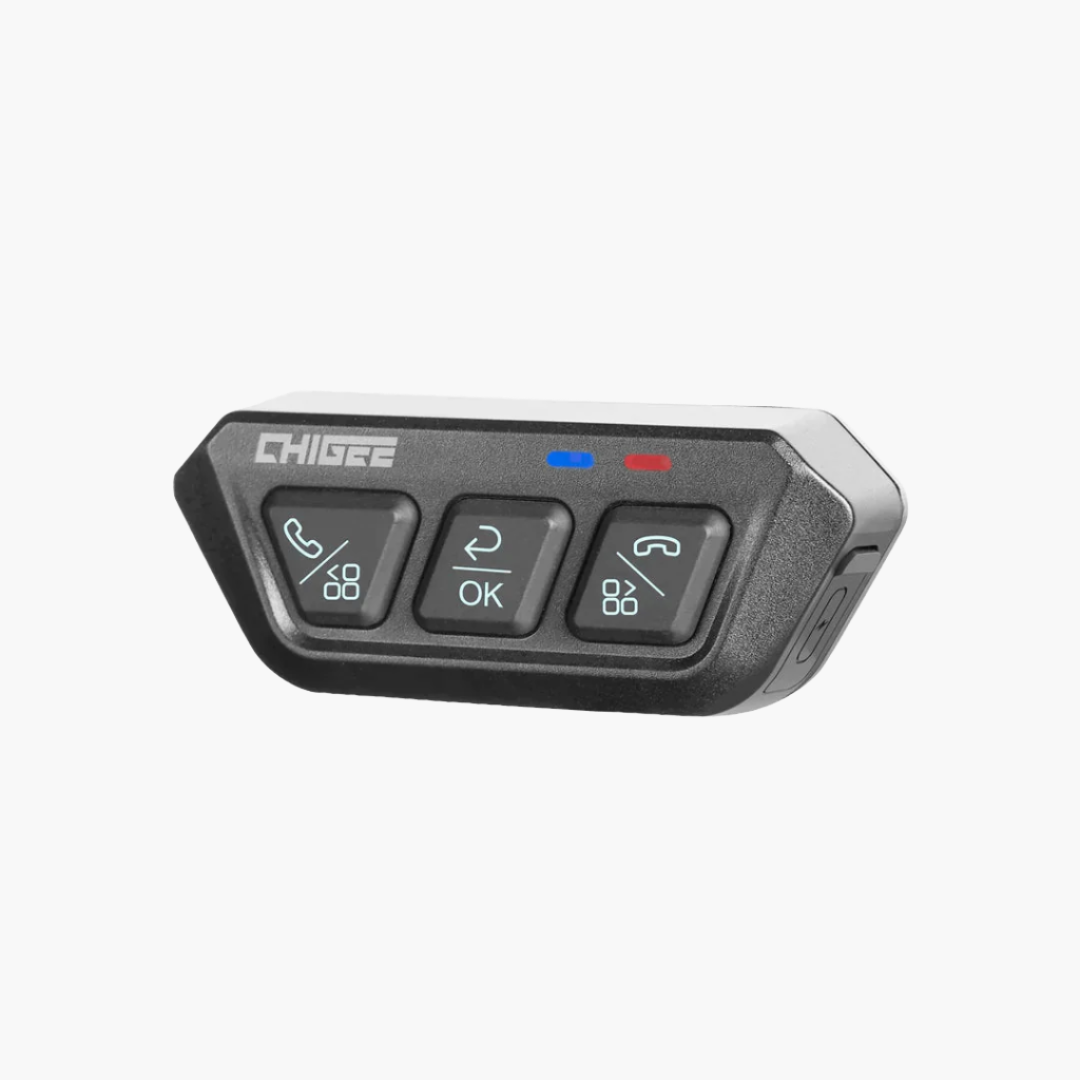
Replaceable CR2032 battery
Built-in rechargeable battery
No charging required
Recharges via USB cable
Joystick + dedicated buttons
Physical shortcut buttons
Supplied bracket; requires clearance around the left-hand switchgear. Does not fit the Yamaha TMAX or TMAX Tech Max.
Multiple mounting options for more flexible positioning
FAQs
For more information, please visit our Knowledge Base. If you still have questions, feel free to contact us directly.
Will CGRC Multi fit a Yamaha TMAX?
No. On the TMAX and TMAX Tech Max, the rear brake and the parking-brake lock are on the left grip, and the throttle is on the right. The box includes one clamp and no second mount.
Can I use it while wearing motorcycle gloves?
Yes. CGRC Multi features clearly separated physical buttons and a tactile joystick that are easier to locate and operate while wearing riding gloves.
It helps reduce repeated screen tapping and keeps frequently used controls within easy reach of your thumb.
Does CGRC Multi need to be charged?
No. CGRC Multi is powered by a replaceable CR2032 coin-cell battery, so no charging cable is required.
One CR2032 battery is included in the box.
How do I install the battery?
Rotate the battery cover to the unlock position and remove it.
Insert the CR2032 battery with the positive side facing upward. Reinstall the cover and rotate it to the lock position.
After installation, press any button to confirm that the controller powers on.
How do I pair CGRC Multi with my CHIGEE display?
Short-press any button on the controller to enter pairing mode. The blue indicator will flash quickly.
On your CHIGEE display, go to:
System Settings > External Devices > Remote Control > Pair
Wait until the display confirms that pairing is complete.
What handlebar size does the mounting bracket fit?
The included bracket fits mounting positions with a diameter of approximately 30–35 mm.
Measure the intended installation position before purchasing to confirm compatibility.
Where should I install the controller?
Install the controller close to the handlebar controls and within comfortable reach of your thumb.
Make sure the controller does not interfere with the clutch lever, switches, cables, steering movement, or other motorcycle controls.
How is the battery compartment installed?
Apply the included 3M double-sided adhesive pad to the back of the battery compartment.
Choose a clean, dry, and suitable mounting position, then press the compartment firmly into place. Keep it away from moving components, control cables, and areas that could restrict handlebar movement.
You may also like