


The BMW F750GS sits at a crossroads that every practical adventure rider knows well: capable enough for gravel and mountain passes, manageable enough for daily commuting, and priced where cockpit tech often lags behind the engine. Riders who own one are deliberate about what goes on the bars – clean lines, nothing that doesn't earn its place. That practicality makes the navigation question frustrating, because the stock connectivity setup forces a workaround the moment you want to use the map app already on your phone.
BMW's Connected App has improved, but it still funnels routing through its own ecosystem rather than letting you run Google Maps, Apple Maps, or Waze directly on the display. On a long day involving fuel stops, rerouting, and a missed turn on a B-road, that limitation adds friction riders didn't sign up for. F750GS forums consistently flag the absence of native Apple CarPlay and Android Auto as the single biggest gap in an otherwise solid mid-range GS package.
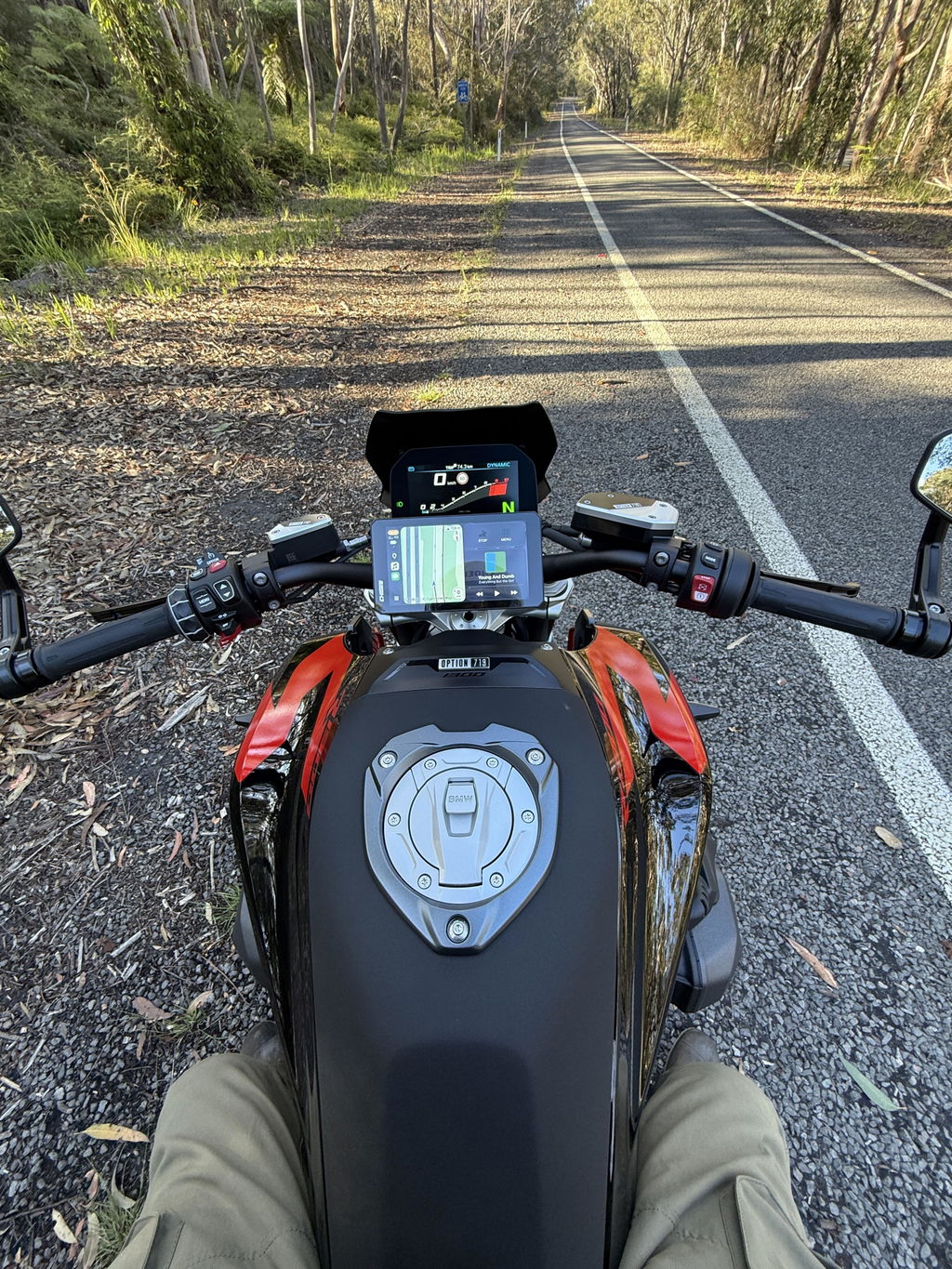
 BMW F750GS cockpit is clean but lacks native CarPlay/Android Auto; aftermarket solutions add seamless phone-based navigation.
The good news is that aftermarket solutions now exist that slot directly into the BMW cockpit without sacrificing the clean bar setup F750GS riders work hard to maintain. Choosing the right one comes down to how you actually ride, not what looks good in a spec table.
Why CarPlay and Android Auto Matter More on the F750GS Than You'd Think
The F750GS isn't bought by riders who stick to city loops. This is a machine built for distance loaded panniers, pre-dawn starts, and days that cover more ground than most riders attempt in a week. That riding profile is exactly where the gap between BMW's Connected App and a full CarPlay or Android Auto setup stops being a minor inconvenience and starts costing you real time and energy.
On a long-distance ride, your navigation needs change constantly. A route that made sense at home the night before looks different when you're 300 kilometers in, running low on fuel, and the next town is off your planned line. Google Maps and Waze handle live rerouting, real-time traffic, and POI search in ways BMW's app simply doesn't match – and when you're deep into a touring day, the last thing you want is a navigation system that slows you down.

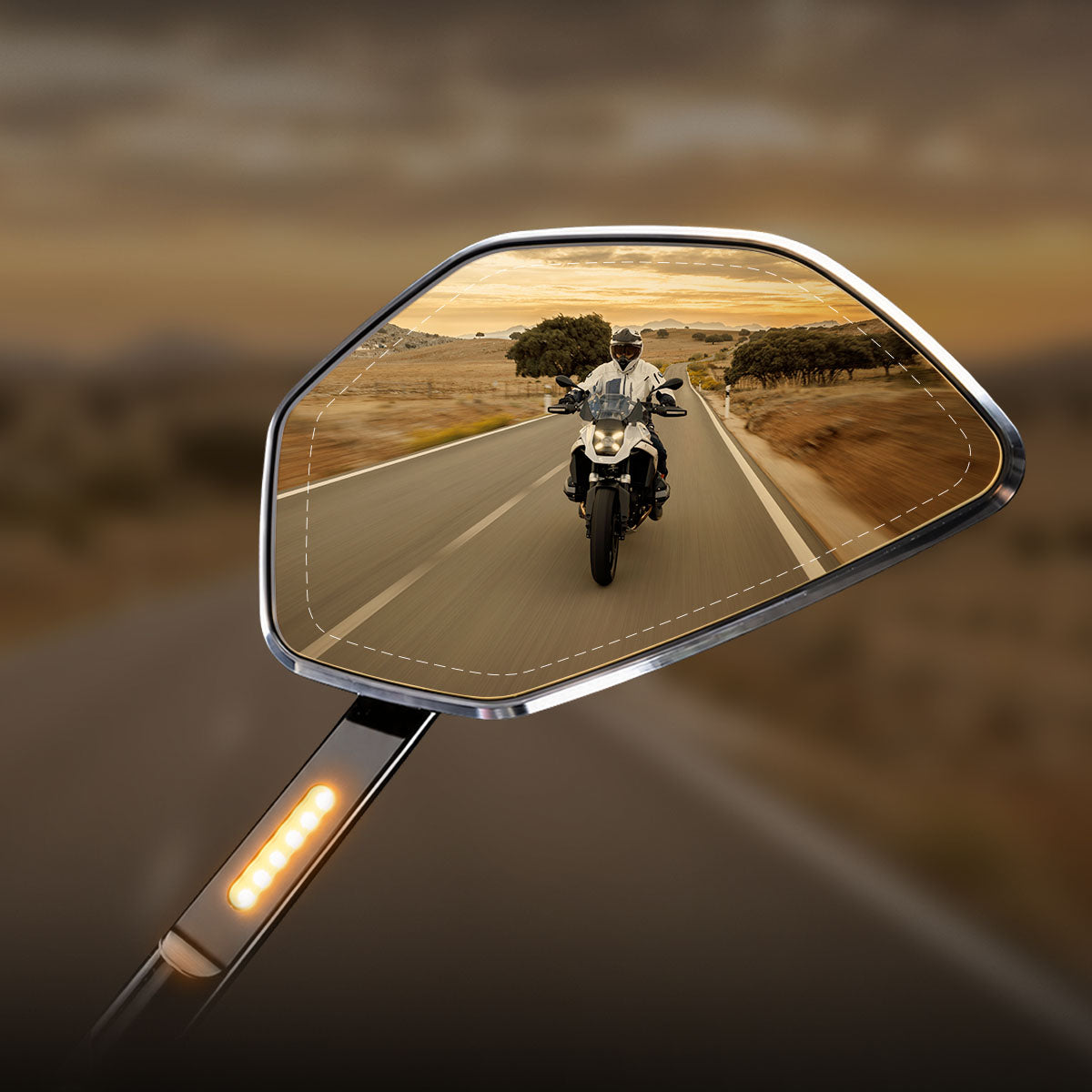
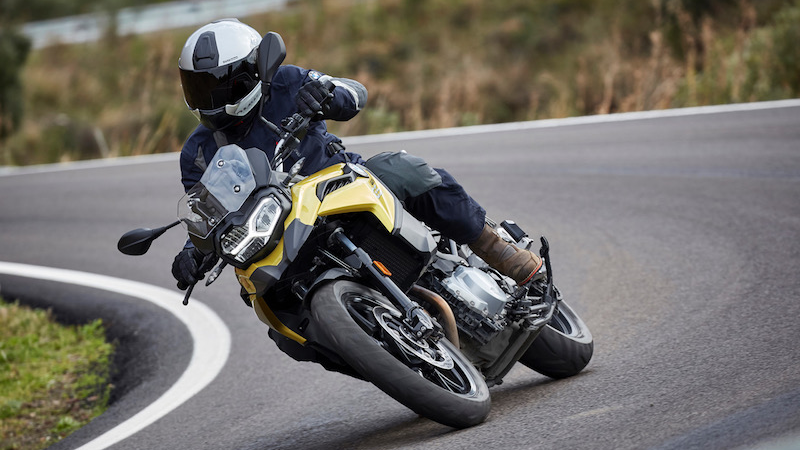
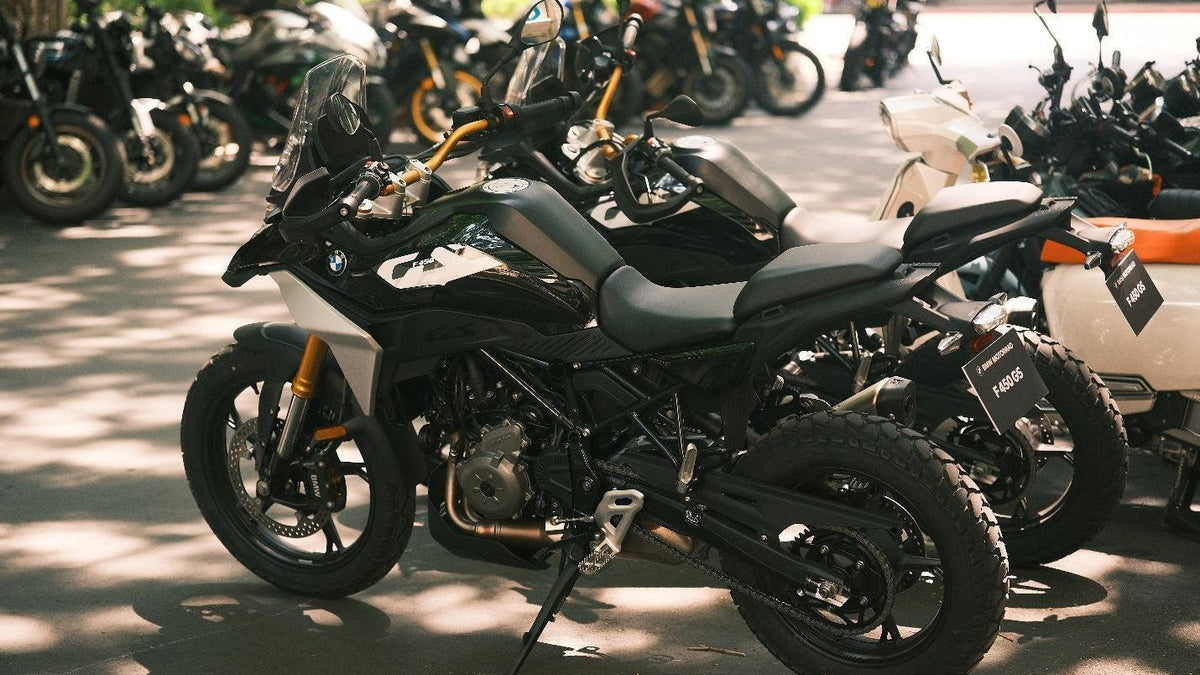
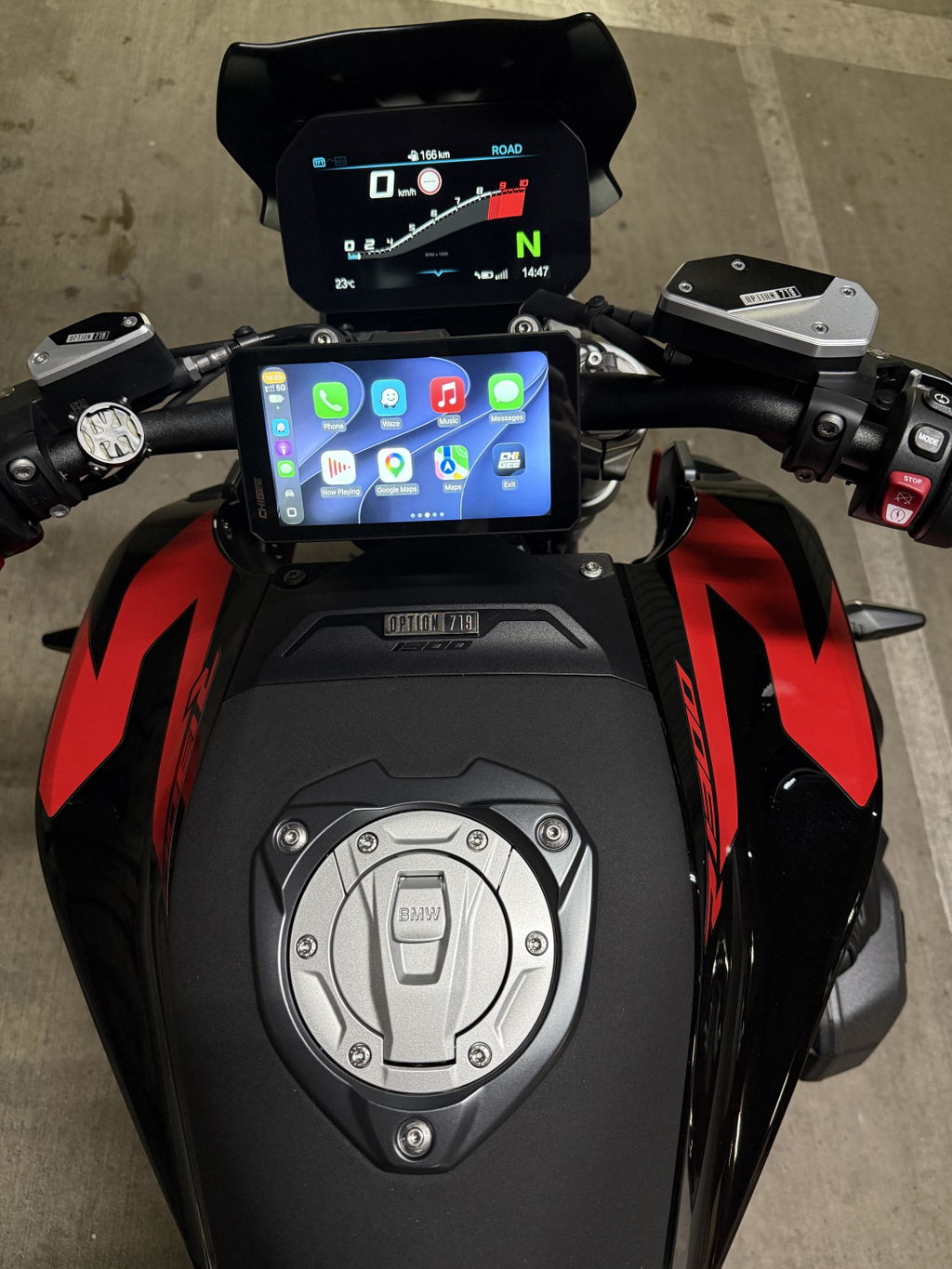
Why BMW F750GS riders benefit from CarPlay and Android Auto: smarter navigation, less distraction, and easier long-distance touring. Source
There's also the mental load factor. Long-distance riding demands sustained focus. Every time a rider has to fumble with a phone mount, squint at a dim screen, or dig through app menus at a red light, that's attention pulled away from the road. CarPlay and Android Auto keep everything – navigation, music, calls, messages – in one interface, controllable without taking eyes fully off the line ahead. For riders putting in serious kilometers, that consolidation isn't a luxury. It's how you finish a long day without feeling like the cockpit worked against you.
The F750GS community skews toward riders who plan hard and ride harder. Multi-day routes, weekend escapes that turn into overnighters, early-morning mountain runs with a group. These riders have already invested time in trip planning on their phones – saved waypoints, offline maps downloaded, playlists queued. CarPlay and Android Auto mean that prep actually lives on the screen in front of them when the ride starts, not buried in a workaround.
What Makes a Good Navigation Upgrade for the F750GS
The F750GS cockpit is tight by design, and the riding profile that comes with it demands a lot from a navigation screen. Most owners are switching between dense city routing and open-road fuel planning within a single day – sometimes within a single hour – and a screen that fumbles either context earns its way off the bars fast. Vibration resistance matters too, because the parallel-twin sends enough buzz through the handlebar at highway speed to rattle anything that isn't properly damped or locked down.
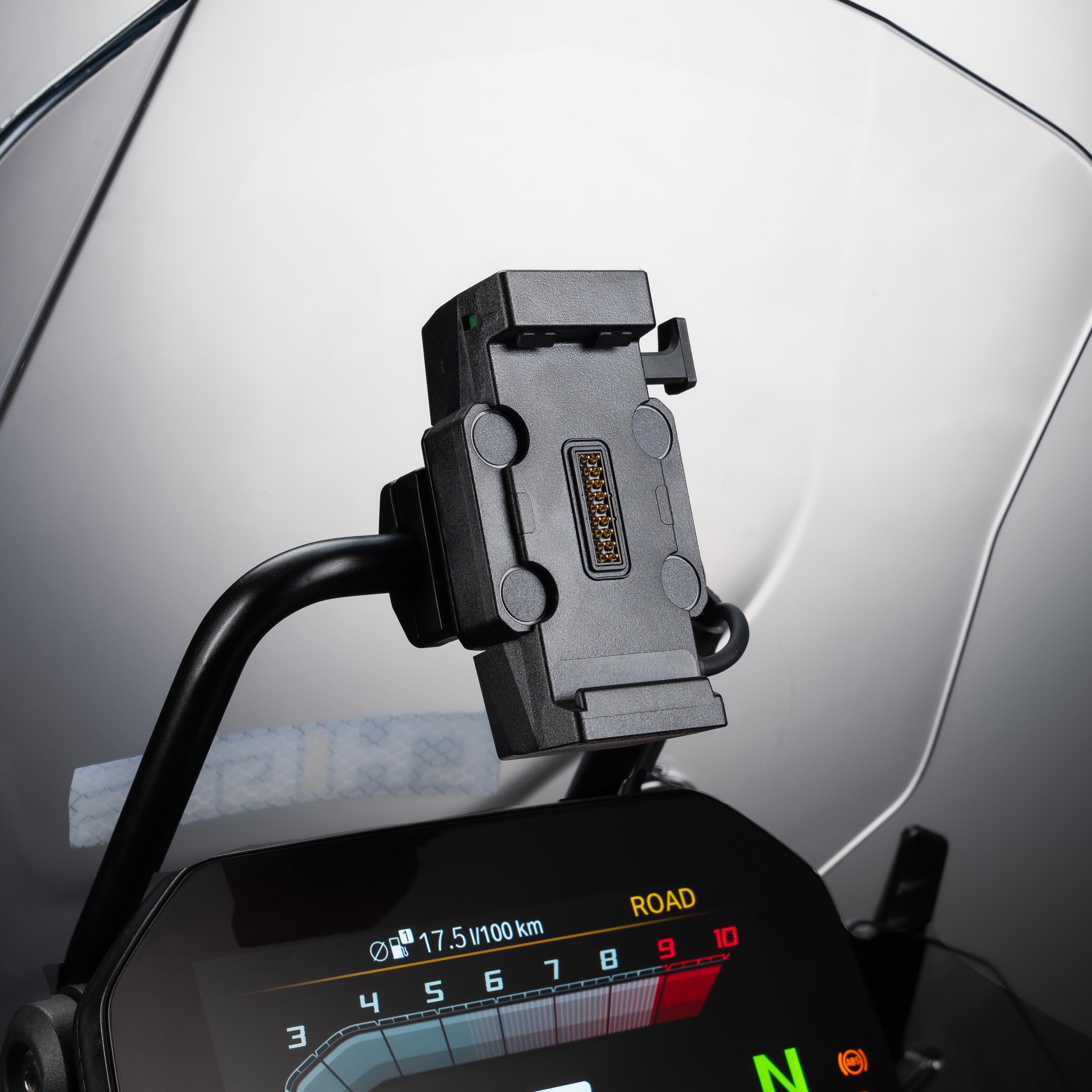
Mount integration is where most aftermarket GPS units fall short on the F750GS. Generic handlebar clamps add width and visual clutter, and they miss the BMW Nav Prep cradle that comes standard on many GS variants. The Nav Prep port is the key – a navigation upgrade that plugs into it draws clean power from the bike's electrical system and locks to the factory mount, with no extra cabling across the cockpit. Riders who invest in the GS for its ergonomic precision notice immediately when an aftermarket add-on disrupts that balance.

BMW F750GS navigation demands a vibration-resistant, sunlight-readable display with seamless Nav Prep integration and clean cockpit ergonomics.
Screen brightness only becomes obvious on the first sunlit ride. A display readable indoors can wash out completely in direct midday sun, and the F750GS tends to go places where pulling over to squint at a map isn't an option. High-nit output with auto-dimming is the standard to hold any candidate to.
How the CHIGEE AIO-6 Fits the F750GS Cockpit
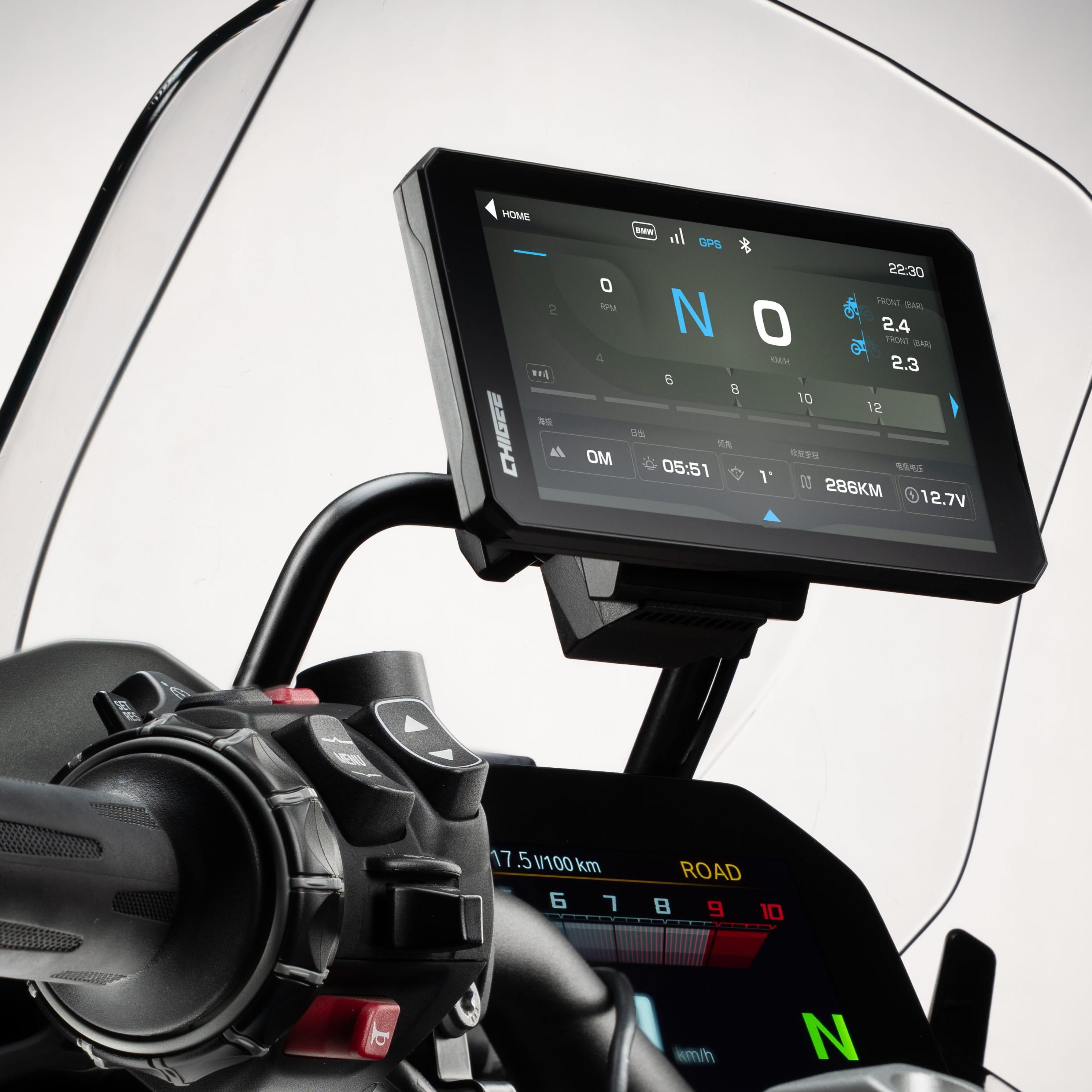
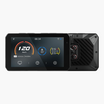
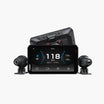
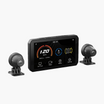
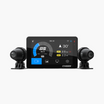
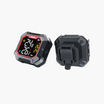
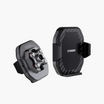
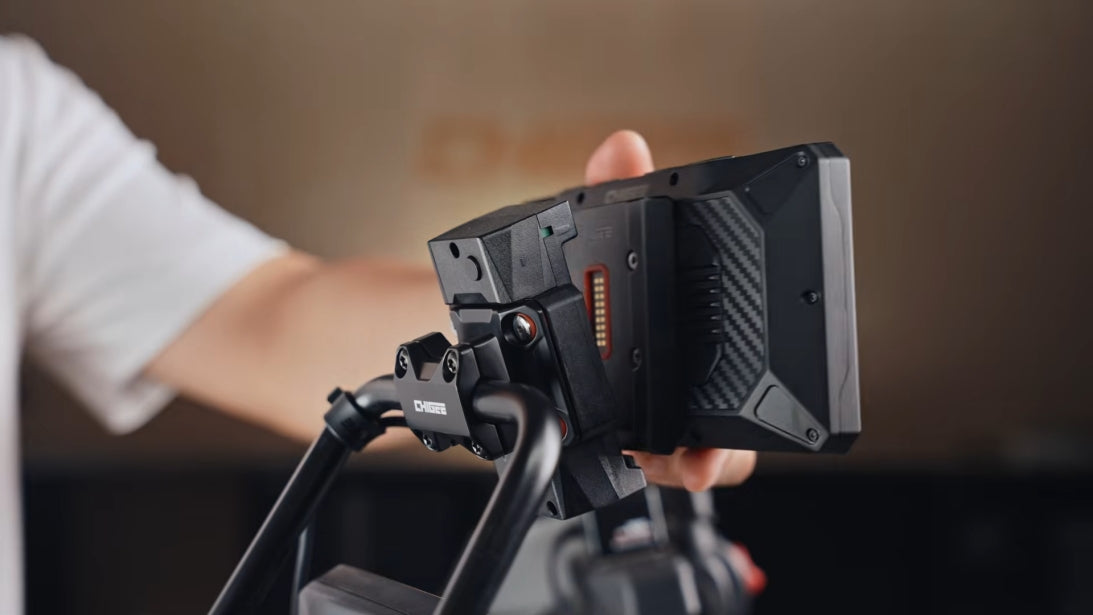
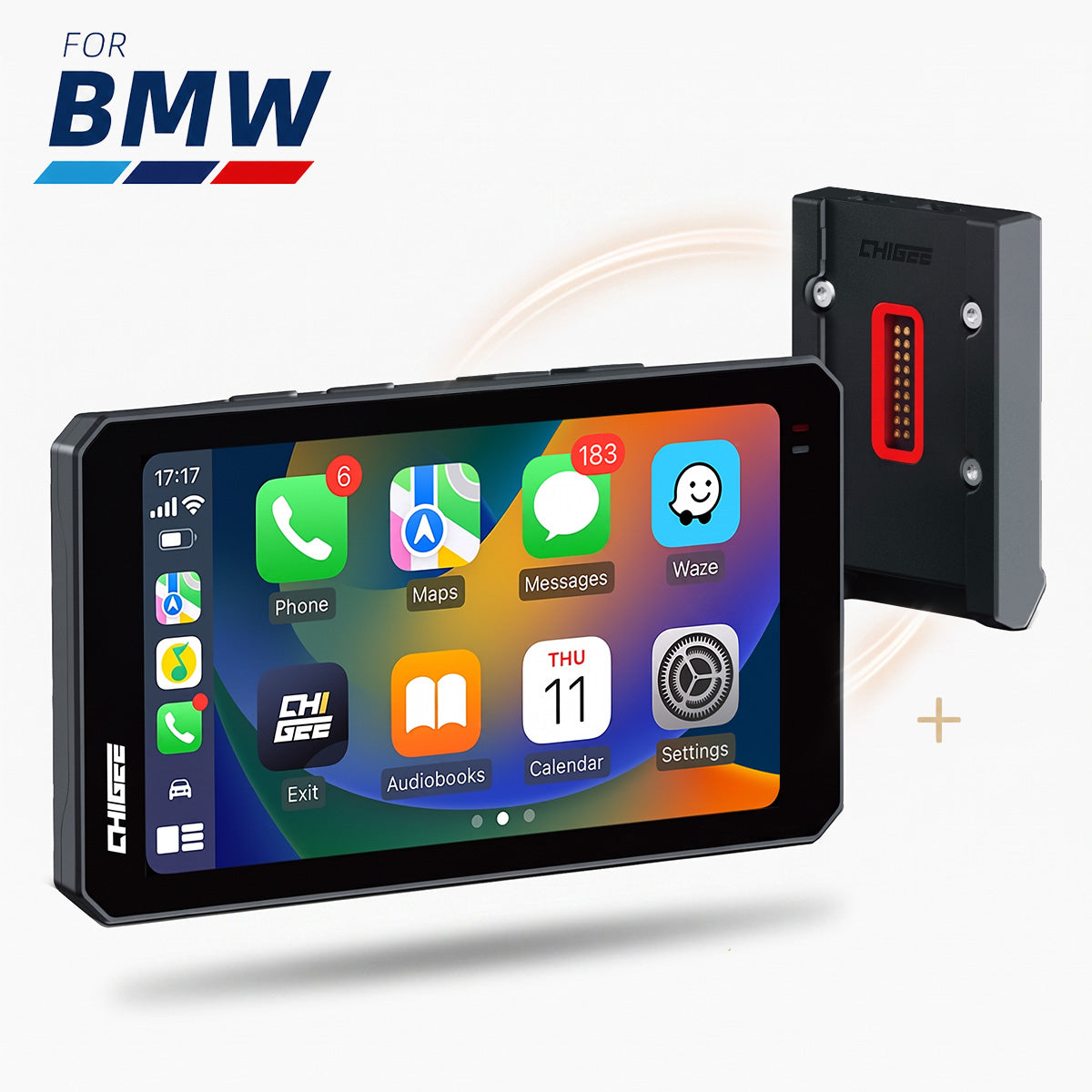
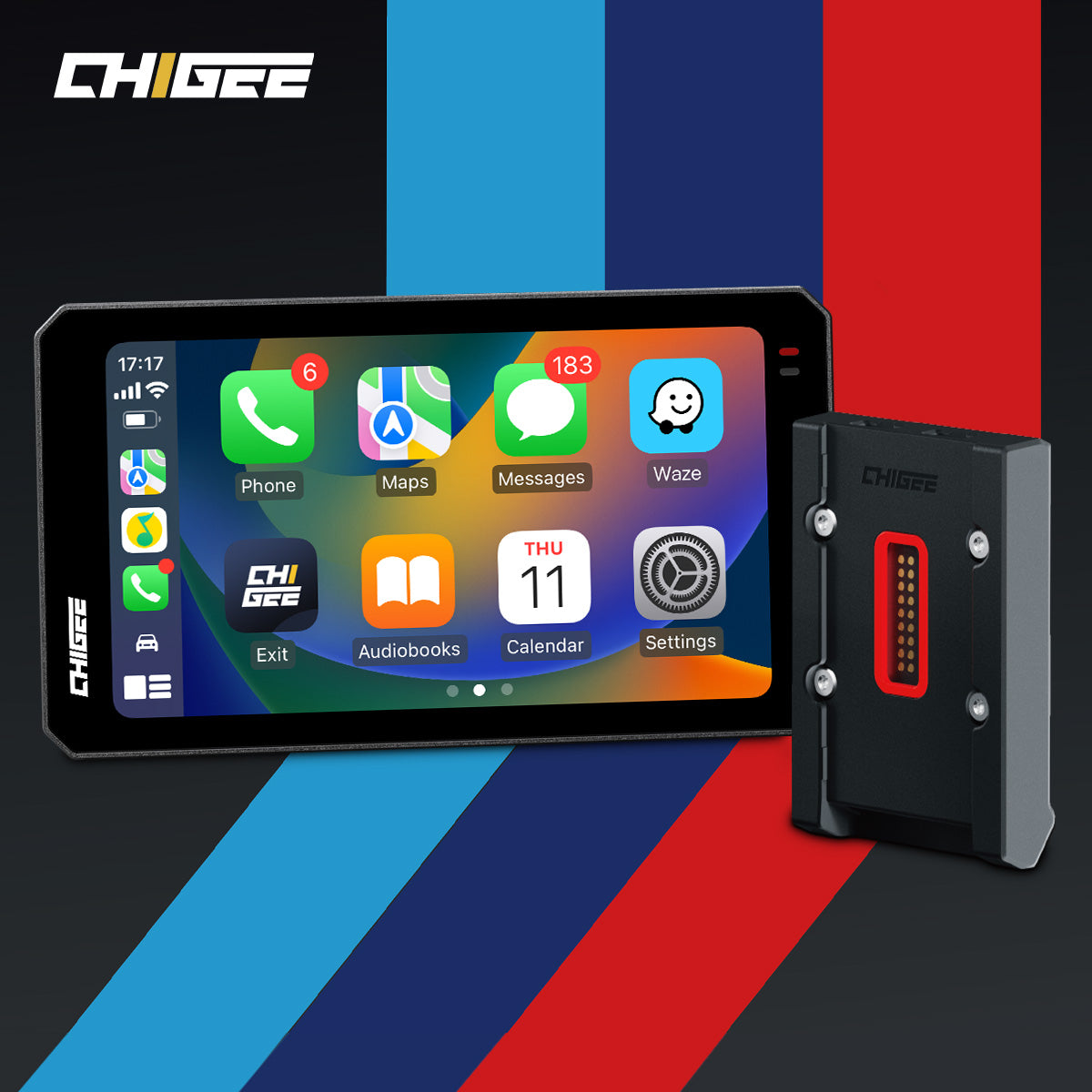
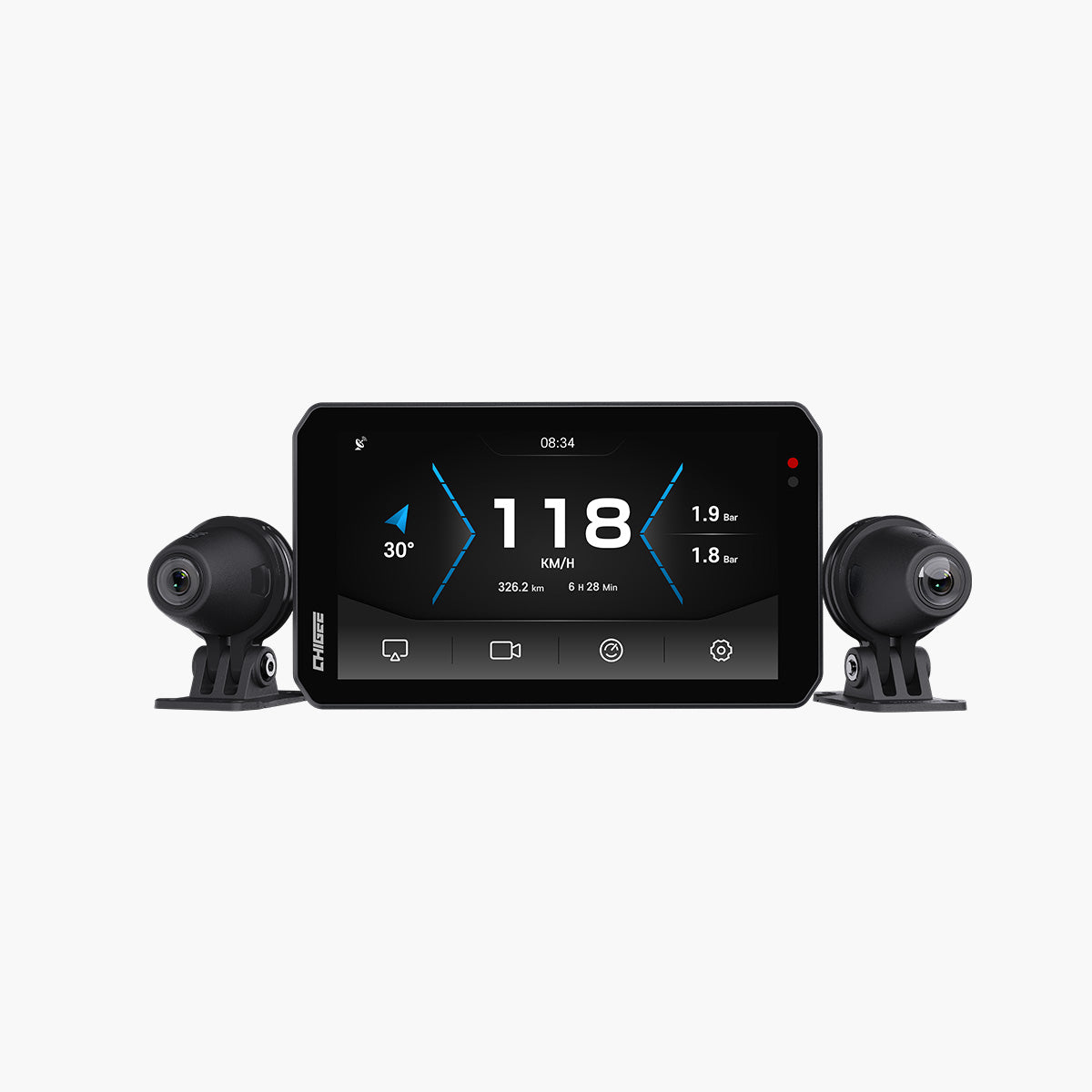
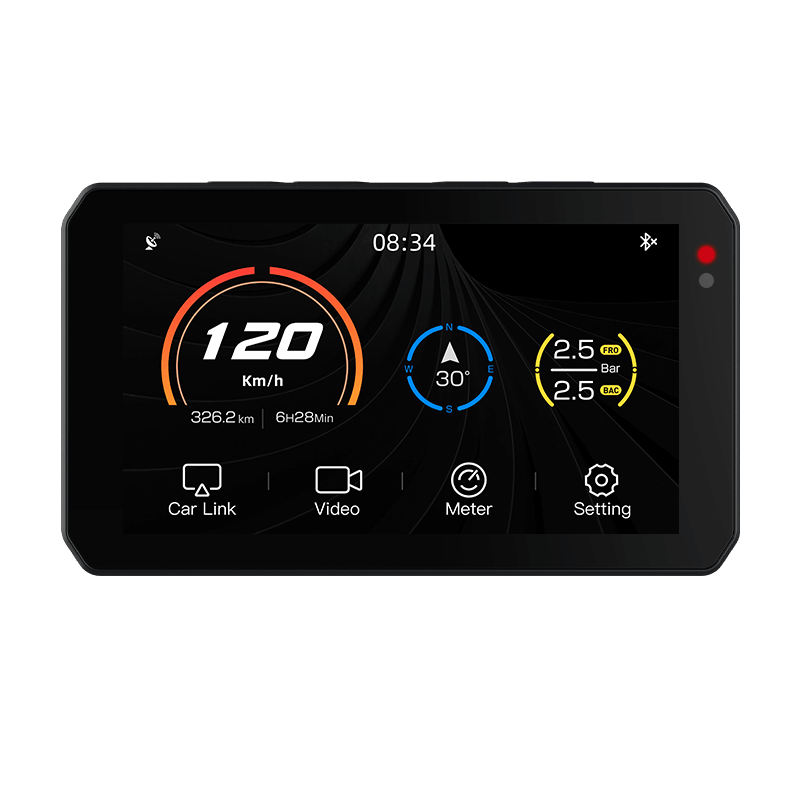
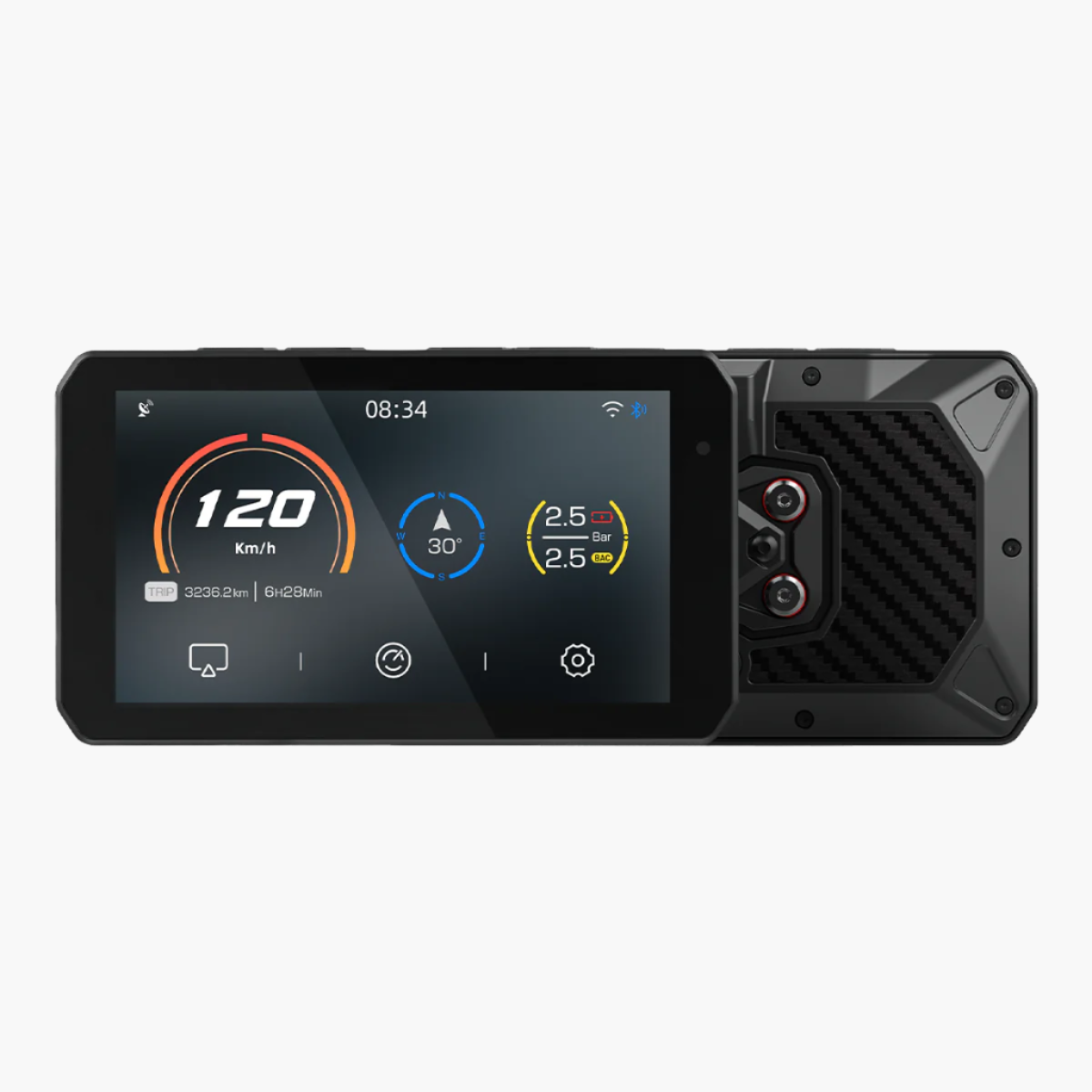
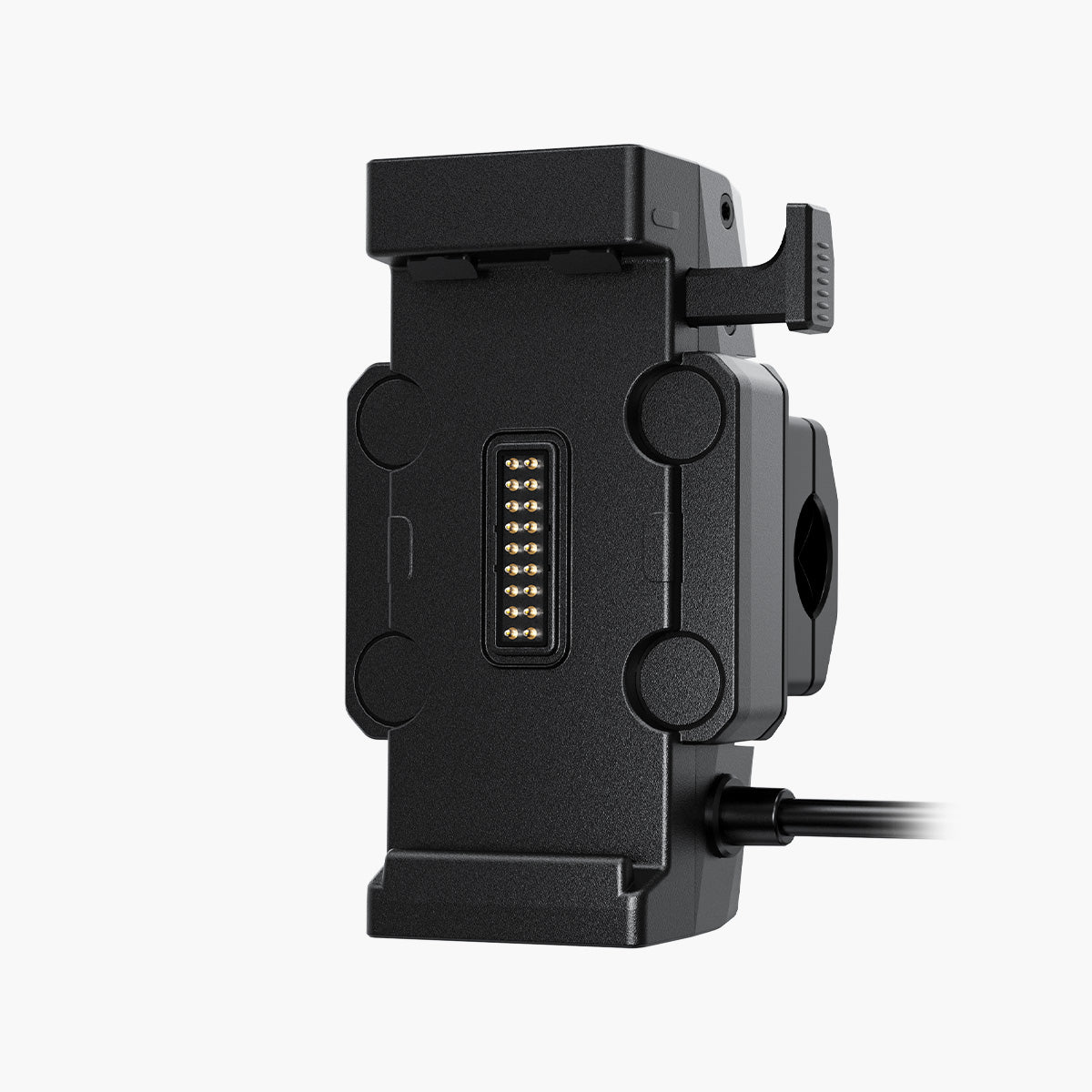
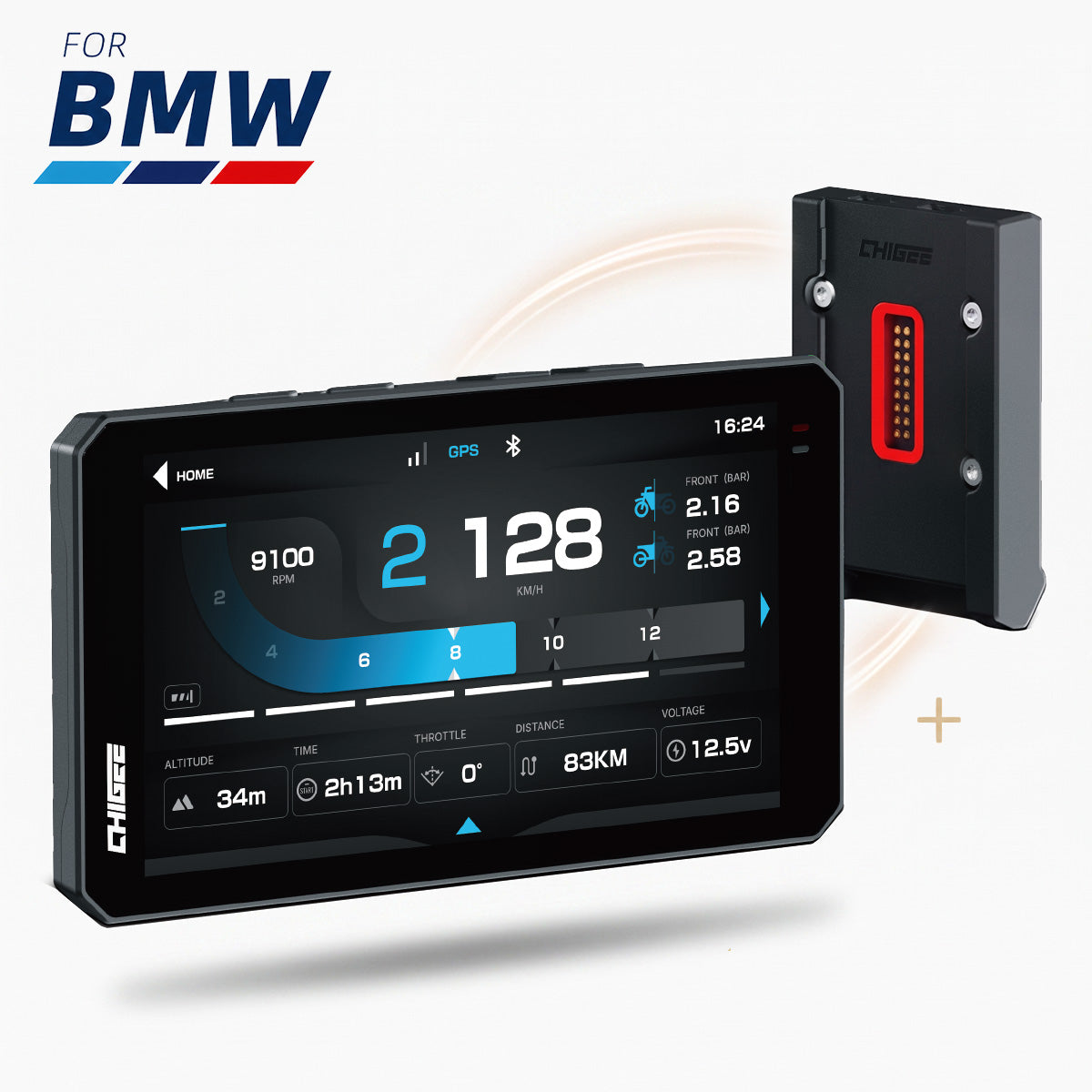
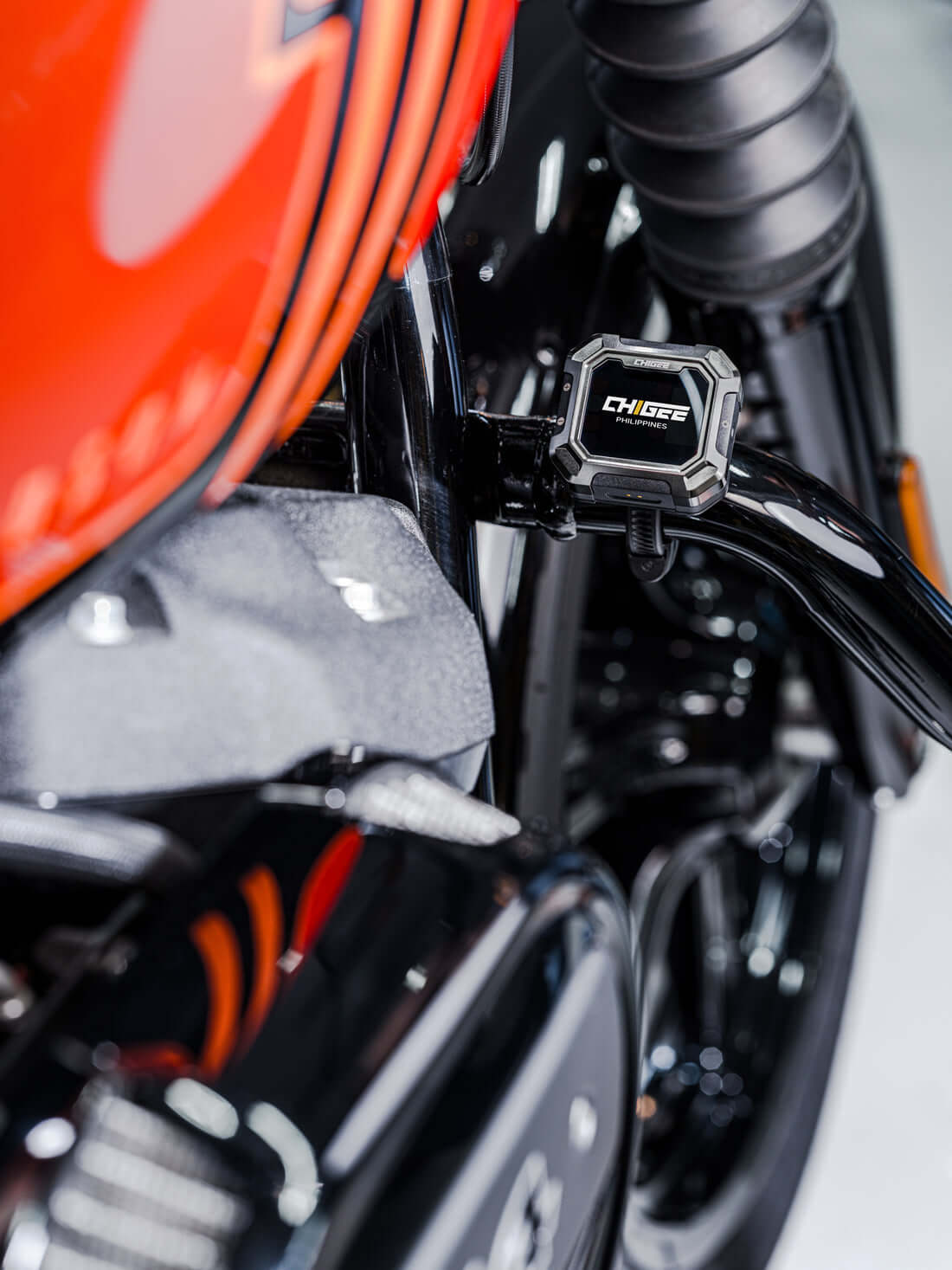
The CHIGEE AIO-6 addresses the F750GS navigation gap through its BMW Quick-Release Module, which connects to the Nav Prep cradle without any rewiring. Power comes from the bike's electrical system, the unit locks with the factory mechanism, and the BMW Wonder Wheel left-handlebar controller works immediately for menu and app navigation. For a rider keeping both hands on the bars through traffic, Wonder Wheel integration isn't a bonus – it's the difference between a screen that's useful and one that's decorative.
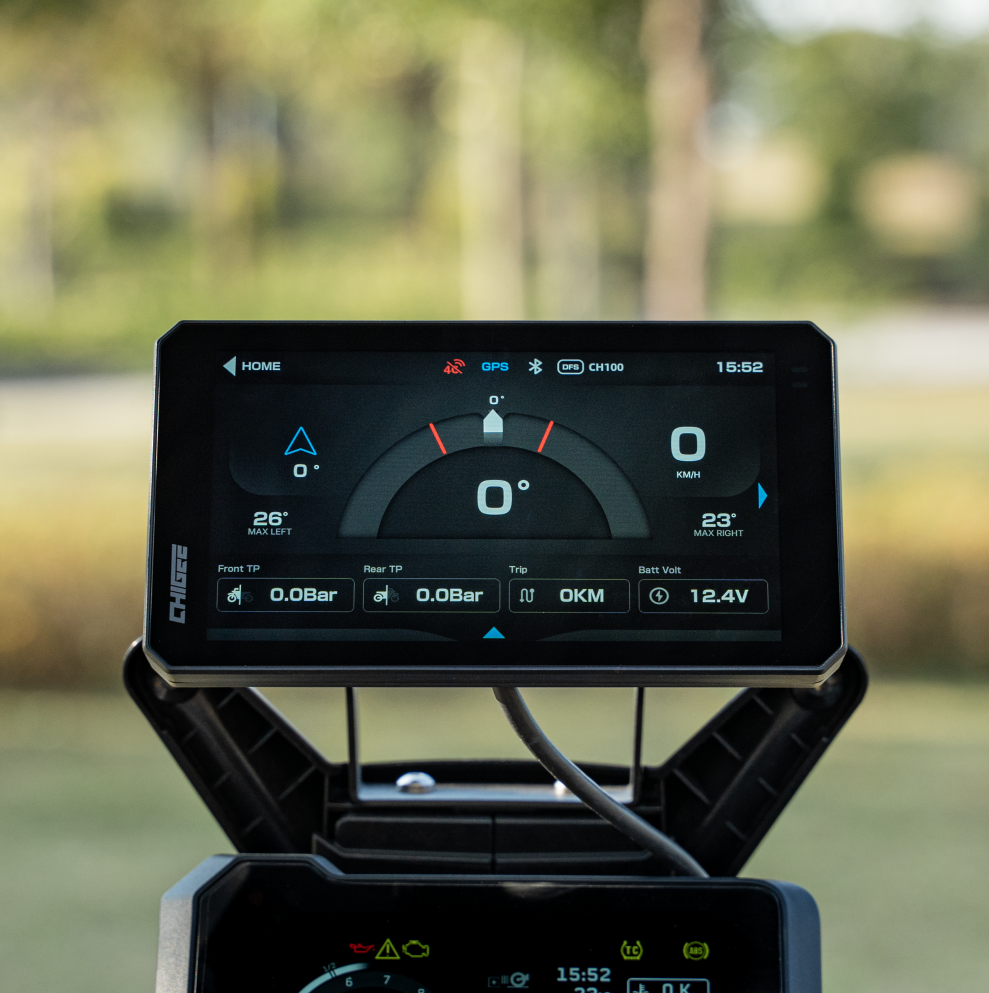
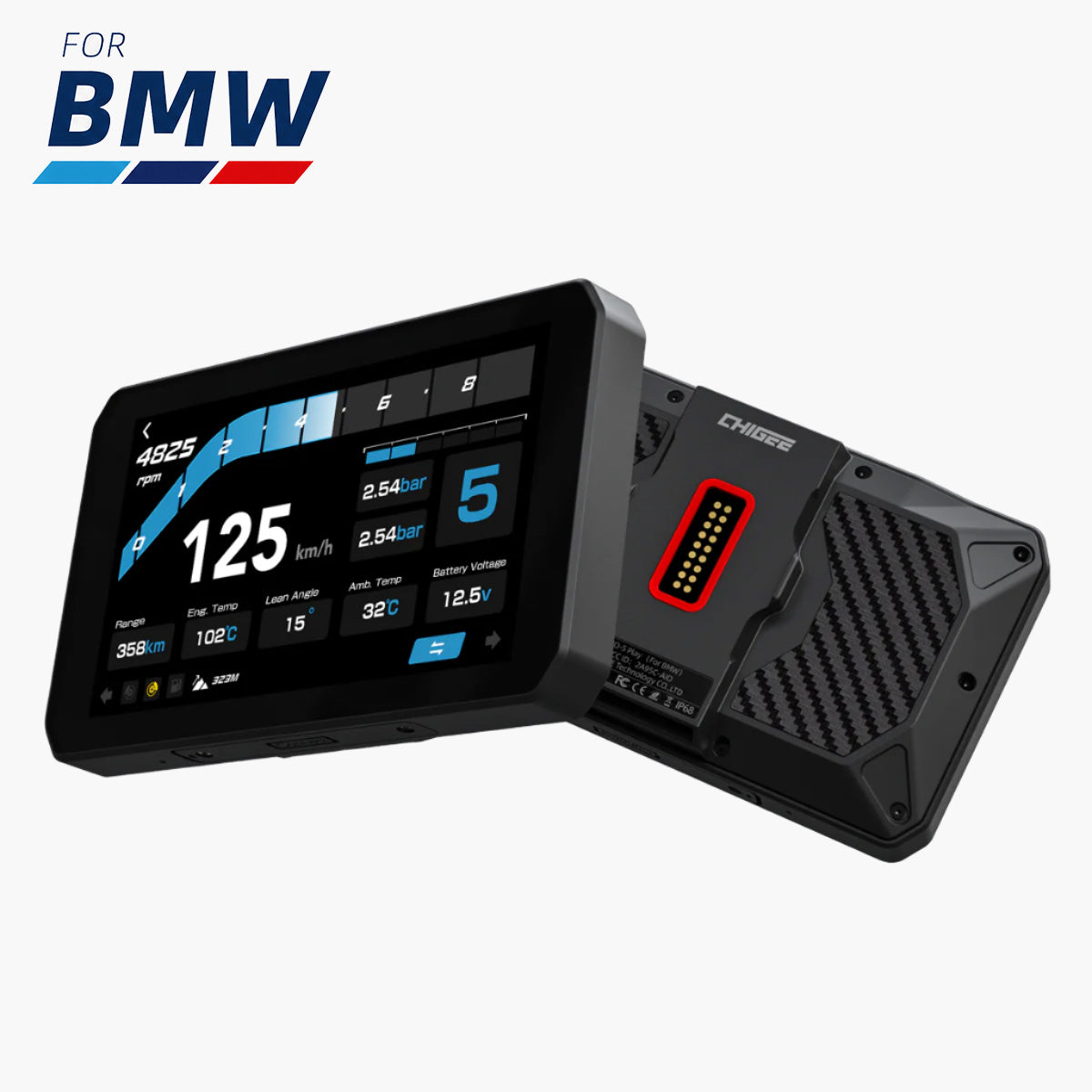
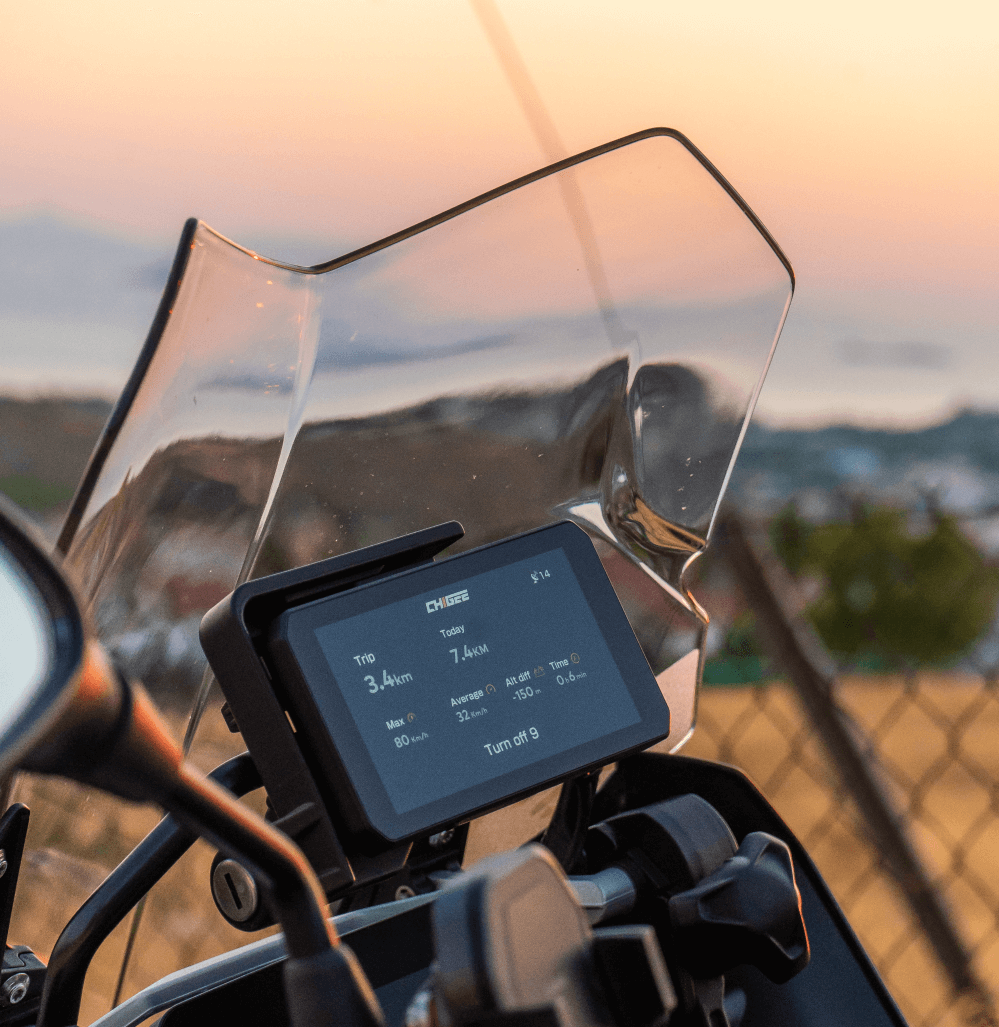
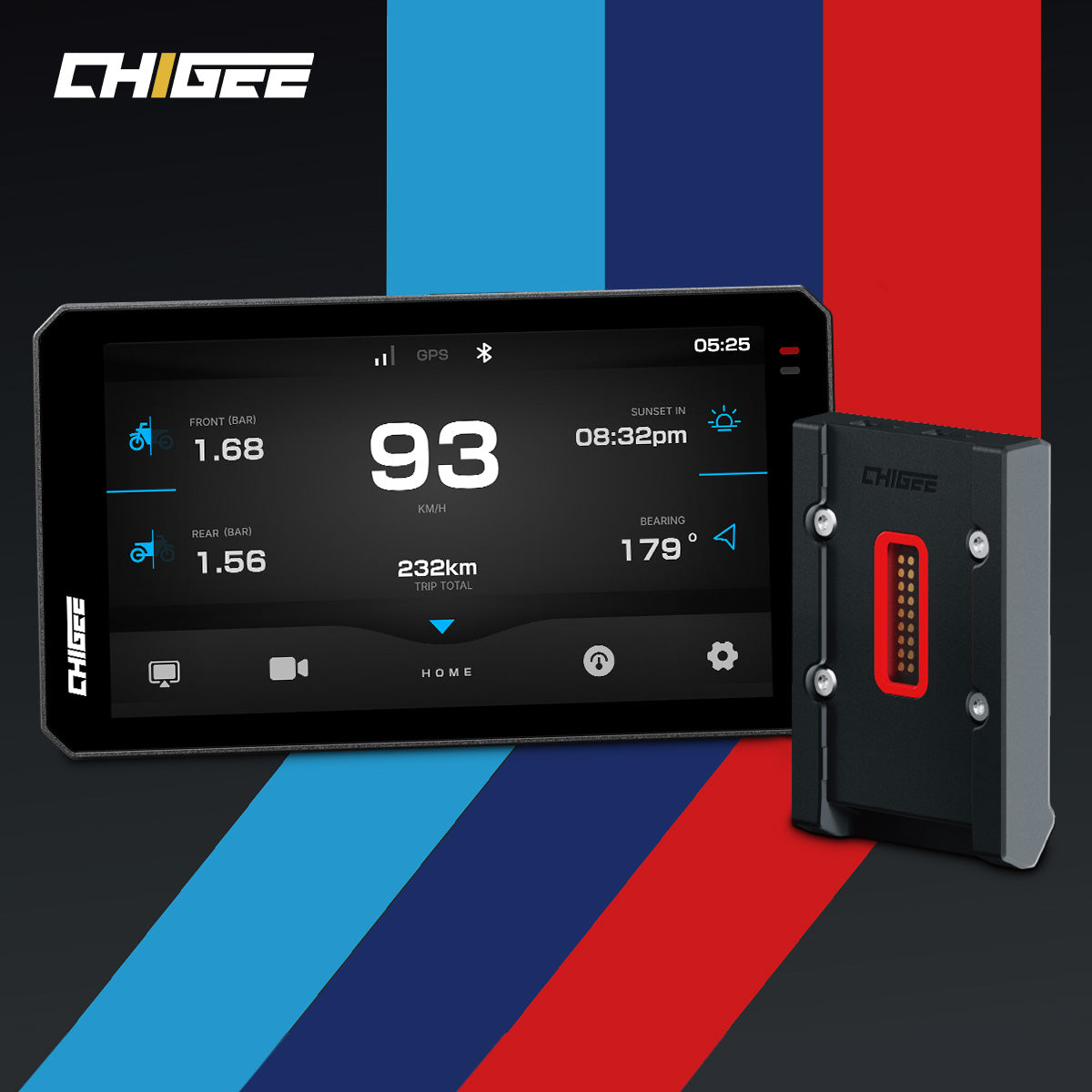
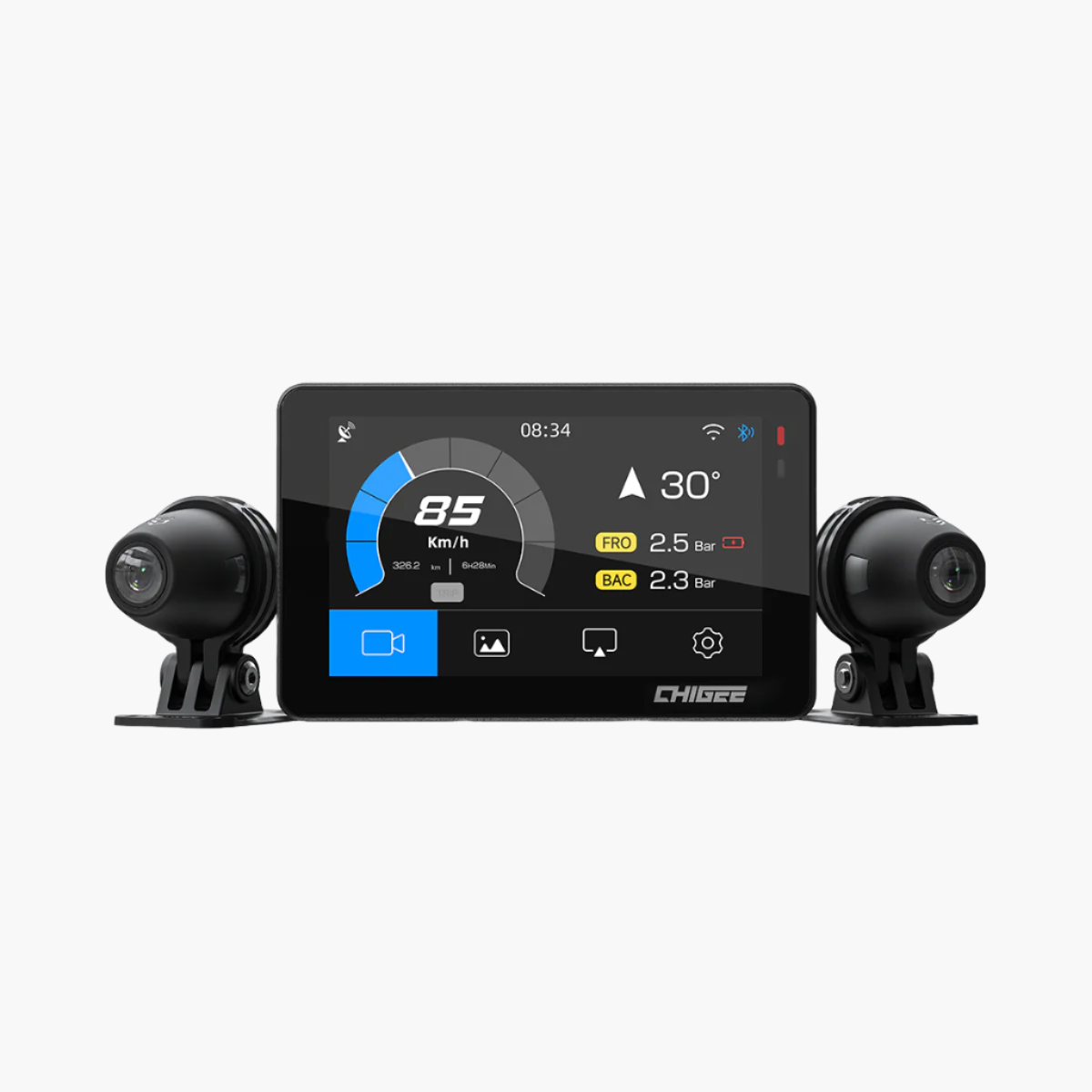
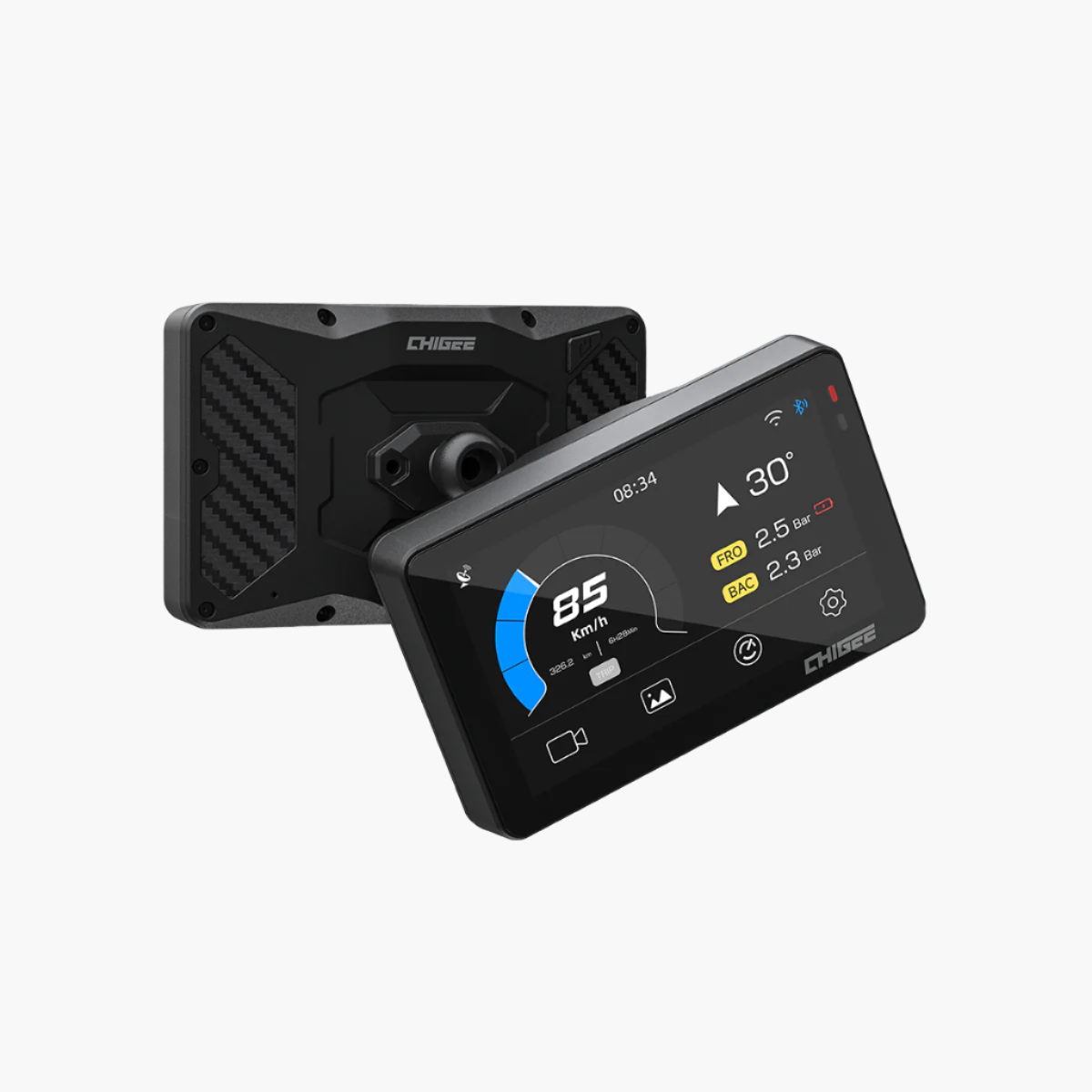
The CHIGEE AIO-6 display stays readable in full sunlight – the first real test any motorcycle screen faces before earning bar space. Apple CarPlay and Android Auto connect wirelessly, pulling in whatever navigation app, music, and call management the rider already uses – no new subscription, no proprietary ecosystem. The Google Maps route planned at home on your phone is already on-screen when the bike fires up.

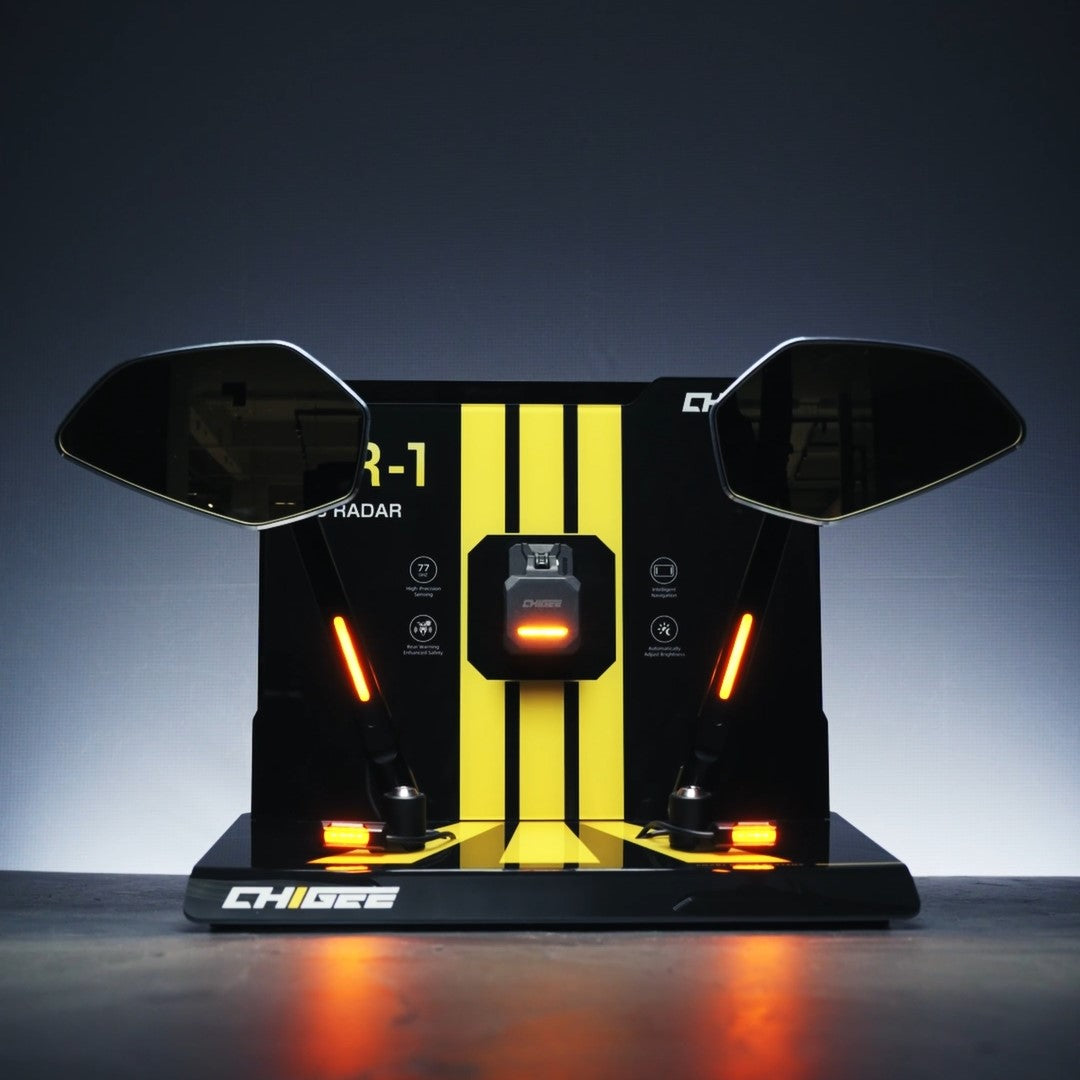
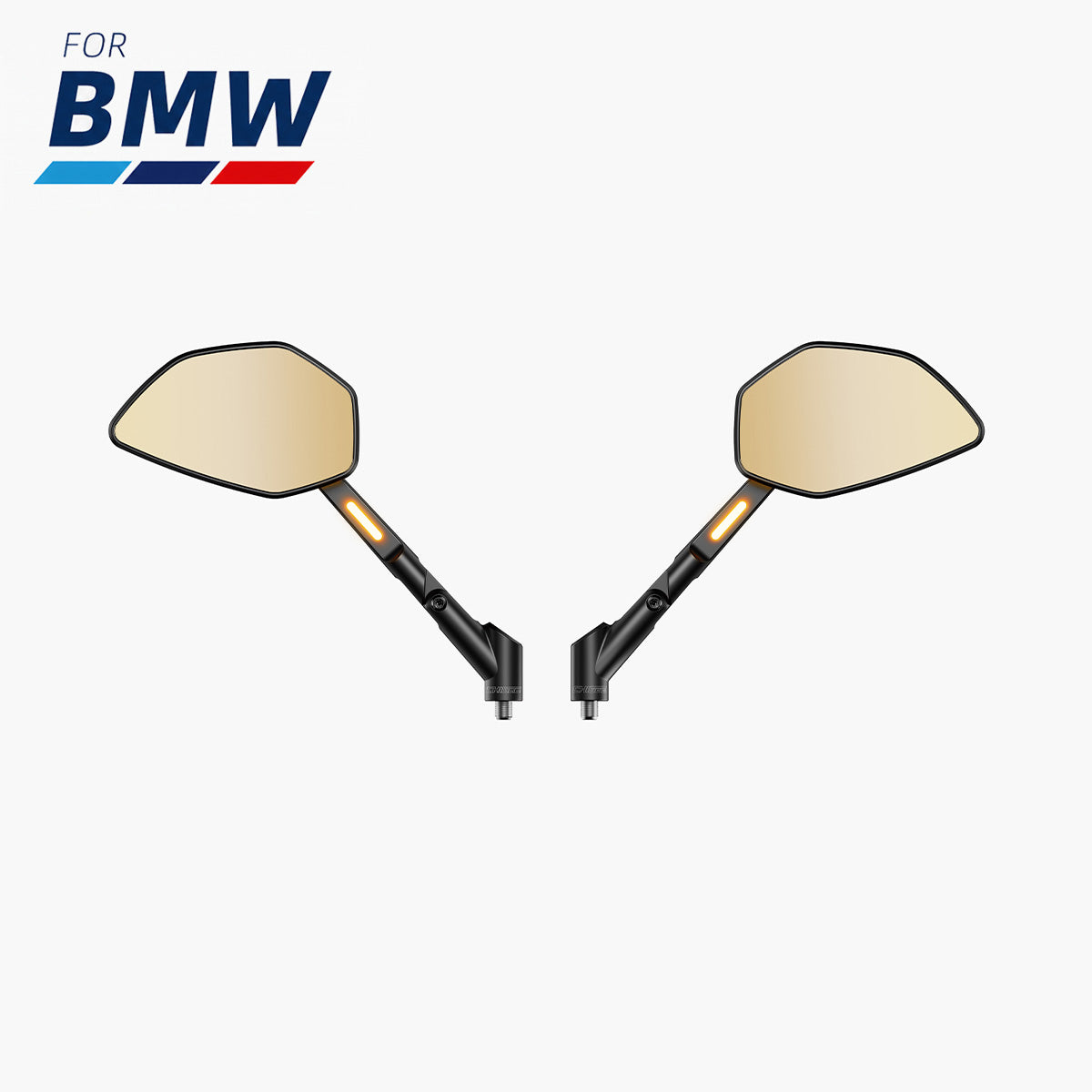
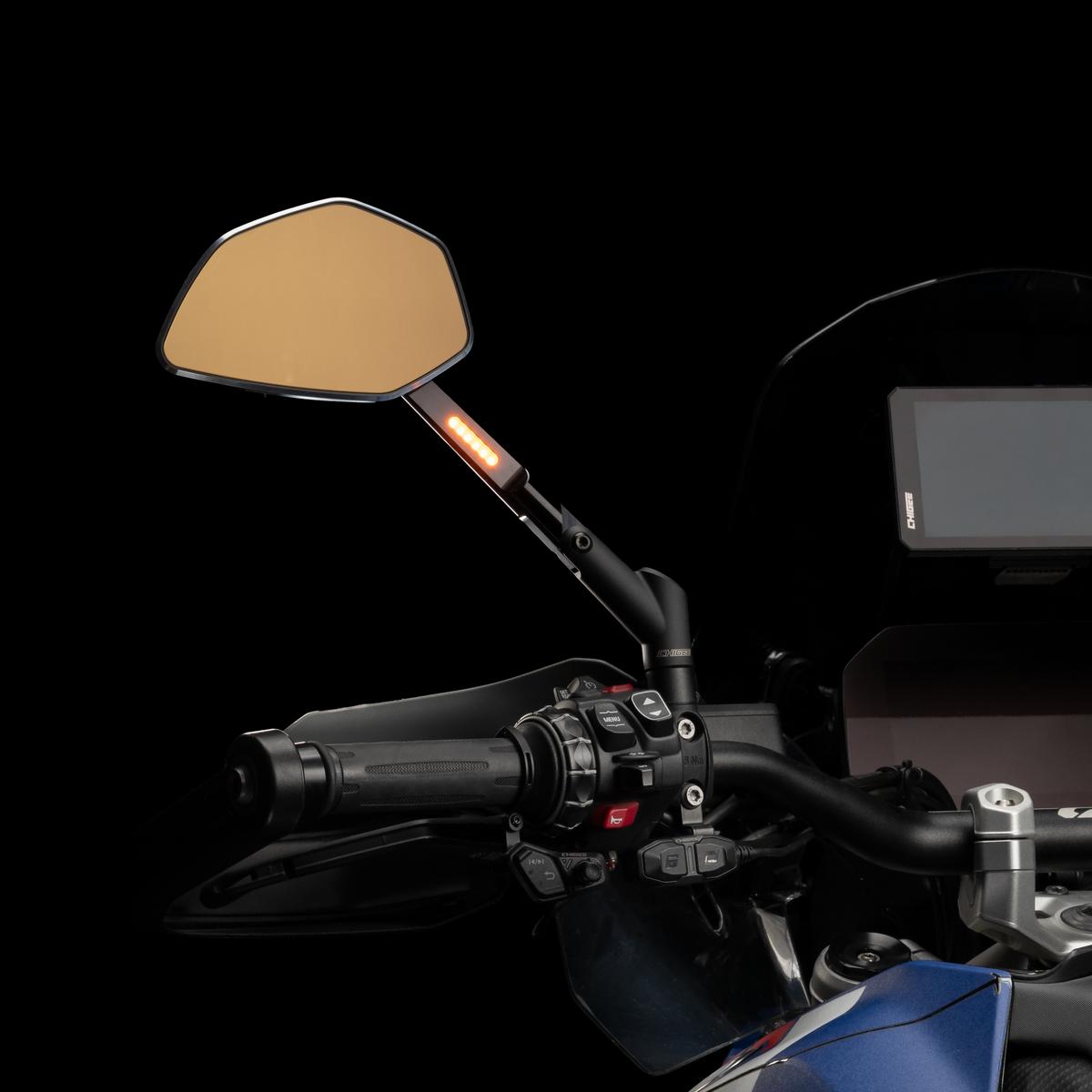
CHIGEE AIO-6 transforms the BMW F750GS with Wonder Wheel control, wireless CarPlay/Android Auto, sunlight-readable display, and LTE safety features. Source
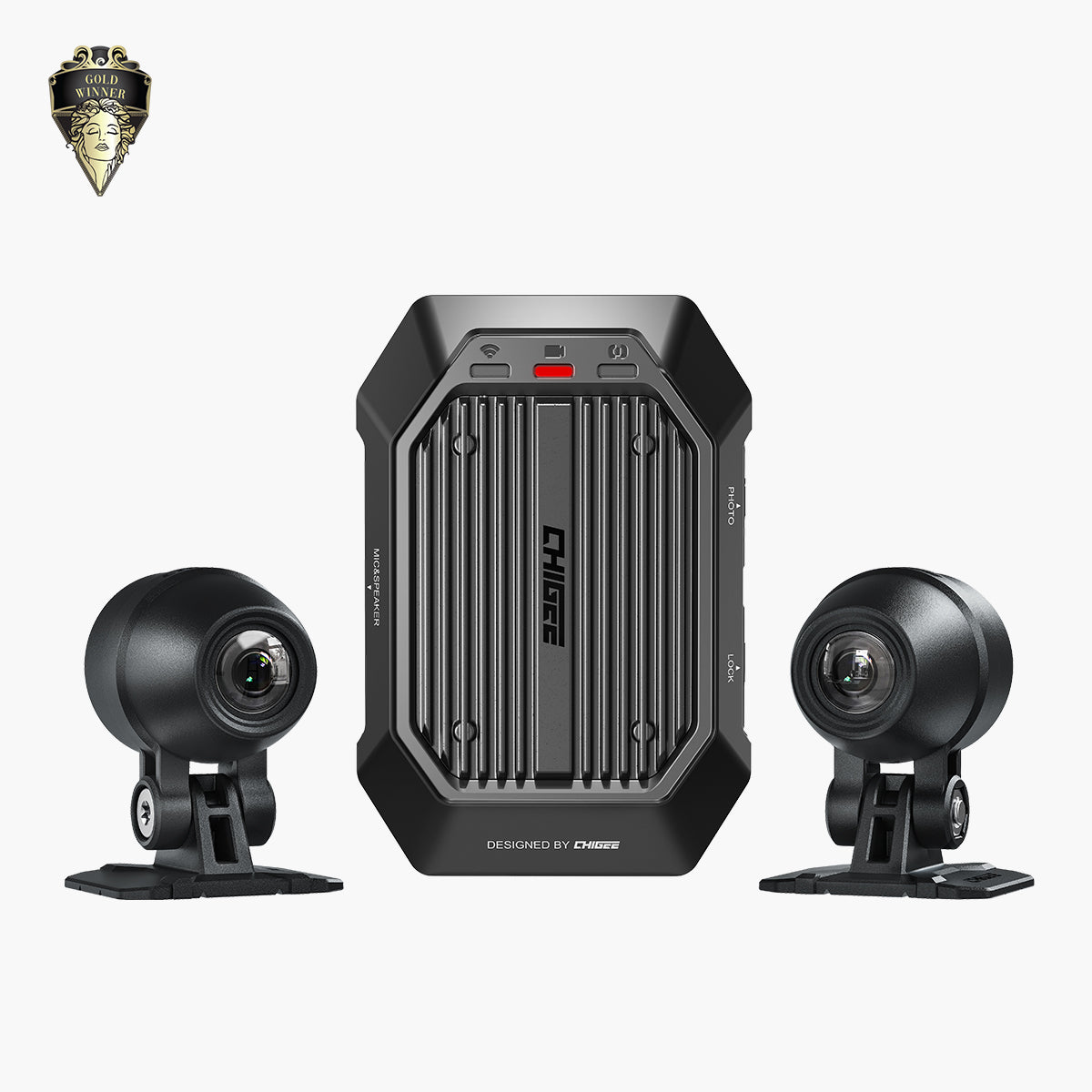
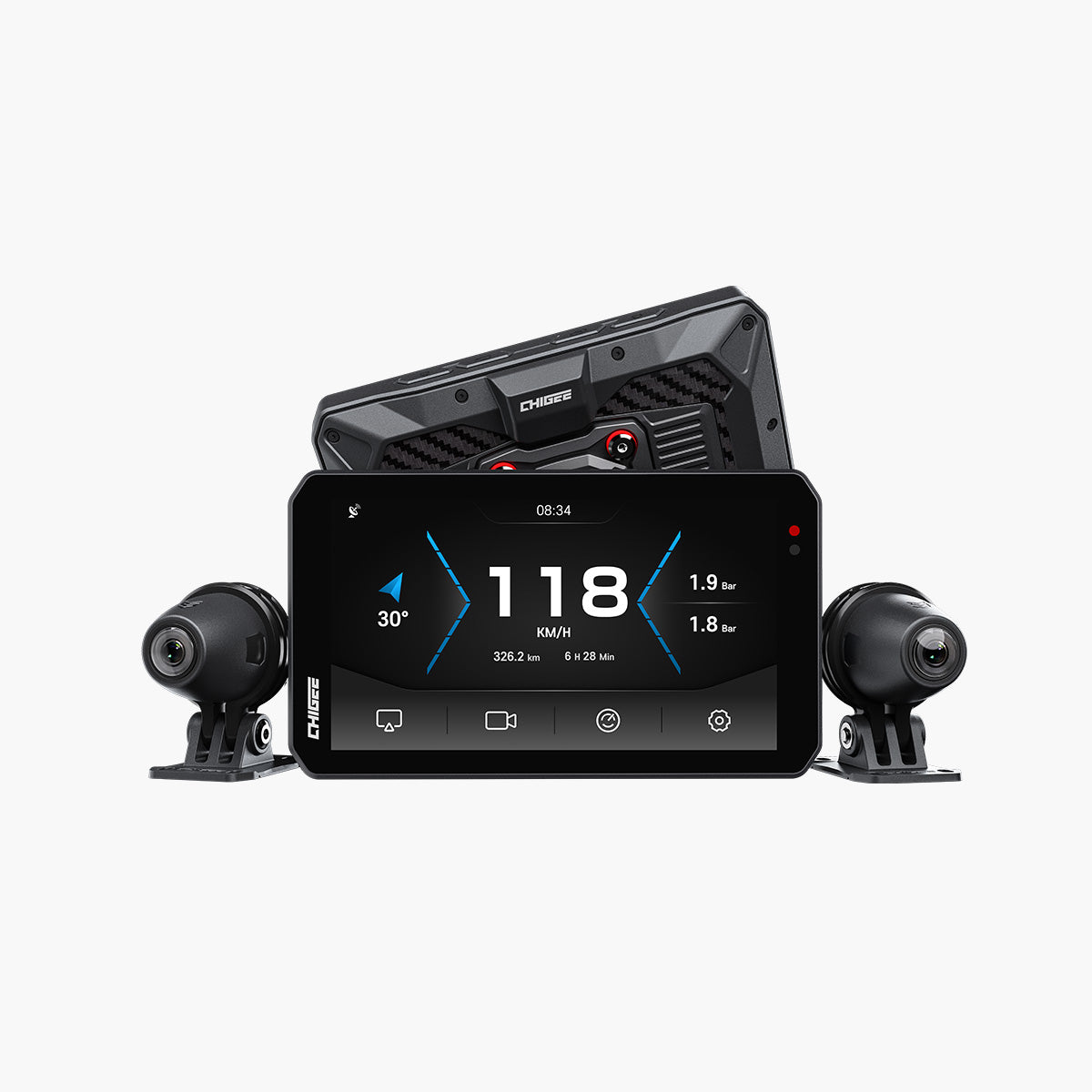
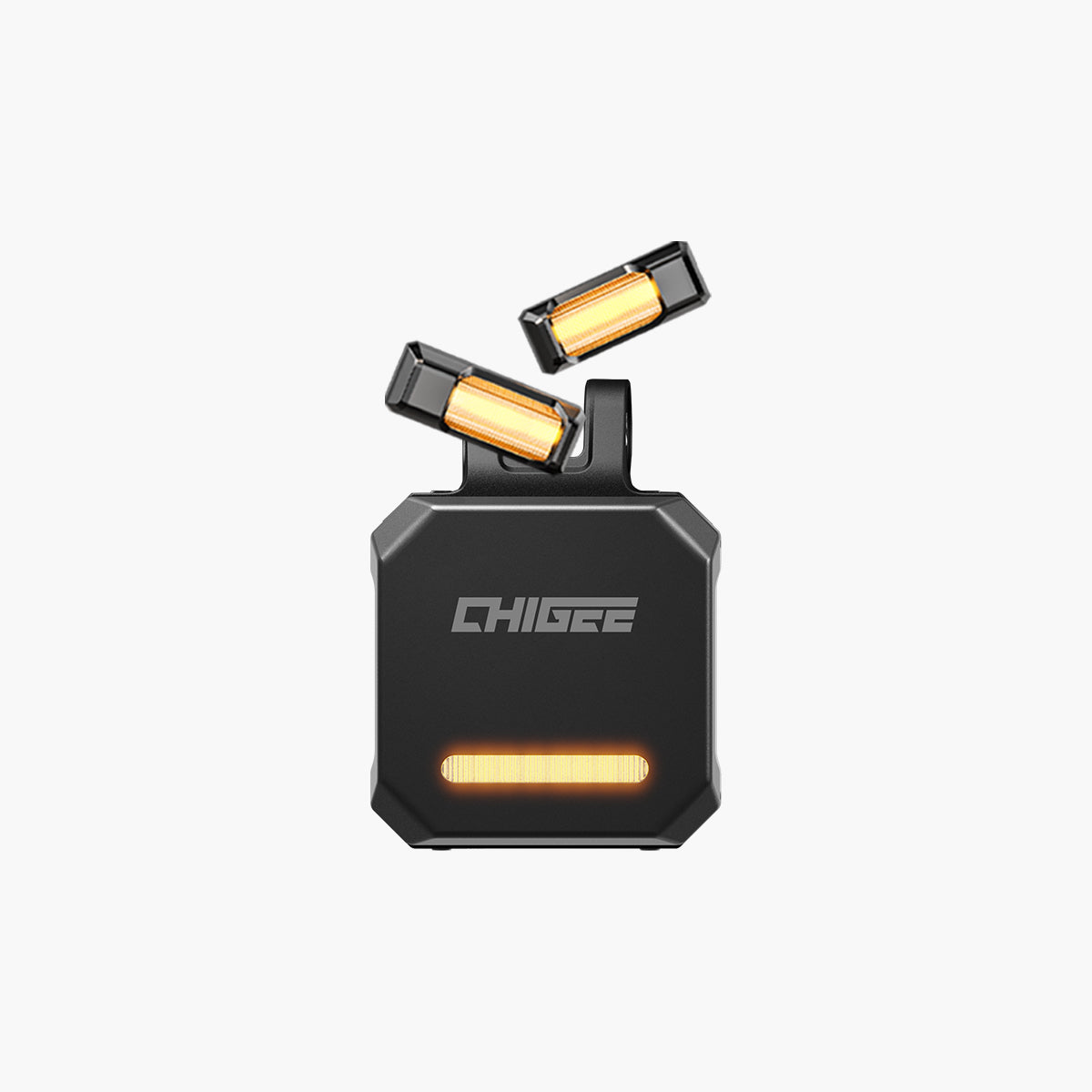
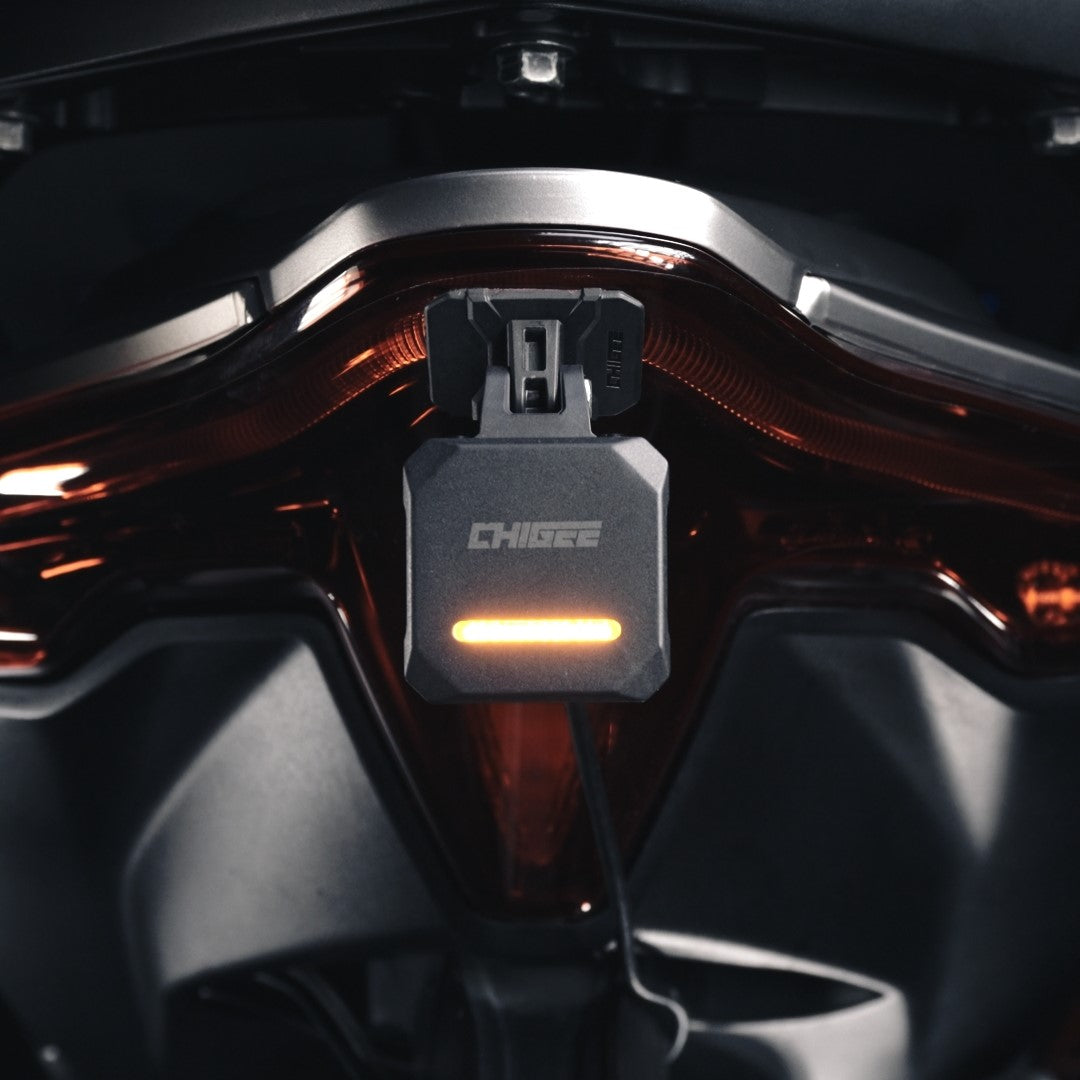
For F750GS owners on long touring days, the AIO-6 LTE adds optional front and rear dashcam recording, real-time GPS tracking, and SOS crash alerts over 4G – all on a single mount without adding a second screen.
Practical Tips for F750GS Navigation Setup
The first thing to sort out is which mounting path your bike supports. F750GS variants equipped with the BMW Nav Prep cradle (Nav Prep 5 or Nav Prep 6) can use the CHIGEE BMW Quick-Release Module for a fully integrated setup – powered directly from the bike's electrical system, locked to the factory mount, with Wonder Wheel control available. If your F750GS doesn't have Nav Prep, the CHIGEE AIO-6 still works the same way for CarPlay and Android Auto; you just mount it using the standard CG Quick-Release Kit on your existing handlebar or stem mount, and power it through your bike's accessory circuit or USB outlet. The navigation experience is identical either way – the only difference is how the screen physically attaches to the bike.
Once mounted, set your most-used navigation app, music source, and contacts as CarPlay home screen shortcuts so everything is reachable with one Wonder Wheel click rather than a deep menu dive. On longer touring days, charge your phone through the bike's USB-C port independently of the display connection so navigation never competes with your phone battery. Preload offline maps before heading into rural or mountain sections with unreliable data – the CHIGEE mirrors whatever the phone displays, so offline maps work the same as live ones from the rider's perspective.

BMW F750GS CHIGEE AIO-6 setup guide: Nav Prep vs standard mounting, Wonder Wheel integration, and touring-ready navigation tips.
Keep the screen centered over the instrument cluster, within the natural sightline. The biggest mistake F750GS owners make when adding cockpit tech is choosing a mount that adds width to the bars.
Frequently Asked Questions
Does the BMW F750GS natively support Apple CarPlay or Android Auto?
No. The F750GS routes navigation through the BMW Connected App and does not support native CarPlay or Android Auto. Devices like the CHIGEE AIO-6 provide a plug-in solution that mirrors your phone's CarPlay or Android Auto interface without modifying the bike's wiring or firmware.
What if my F750GS doesn't have the BMW Nav Prep cradle?
No Nav Prep is not a problem. The CHIGEE AIO-6 mounts using the standard CG Quick-Release Kit on any existing handlebar or stem mount, powered through your bike's accessory circuit or a USB outlet. You won't get Wonder Wheel integration without the BMW Quick-Release Module, but CarPlay, Android Auto, the touchscreen, and the optional wireless remote all work exactly the same way.
Will the Wonder Wheel work with the CHIGEE AIO-6 on the F750GS?
Yes, on F750GS variants equipped with the Nav Prep cradle and the BMW Quick-Release Module. The Wonder Wheel functions as a scroll-and-select controller for CarPlay and Android Auto menus, keeping gloved hands on the handlebar throughout the ride.
Is the installation reversible?
Yes. The BMW Quick-Release Module connects to the existing Nav Prep cradle without cutting wires or drilling. Removing it restores the original mount configuration completely, and the standard CG Quick-Release Kit on non-Nav Prep builds is equally clean to remove.
Closing Thoughts
The BMW F750GS asks for thoughtful gear choices to match its mechanical precision – and for riders who use it the way it was meant to be used, the navigation setup has to keep up with the distance. Adding CarPlay or Android Auto through the CHIGEE AIO-6 with the BMW Quick-Release Module keeps the cockpit clean, the install reversible, and the navigation ecosystem where most riders already live – on their phones. If you're ready to close the gap between what the F750GS delivers on the road and what its cockpit offers for connected riding, the CHIGEE AIO-6 BMW Mount is where to start.
About the Author
Reuben Cabrera is a content writer and motorcycle rider based in the Philippines. He is the founder of phtoll.com – Power. Handle. Throttle. On Long Roads. – a Philippine motorcycle media site covering gear reviews, ride stories, and motorcycle technology. Reuben has logged 60,000+ kilometers across Philippine roads, testing gear in 35°C heat, monsoon rain, mountain cold, and coastal humidity.






Leave a comment
All comments are moderated before being published.
This site is protected by hCaptcha and the hCaptcha Privacy Policy and Terms of Service apply.