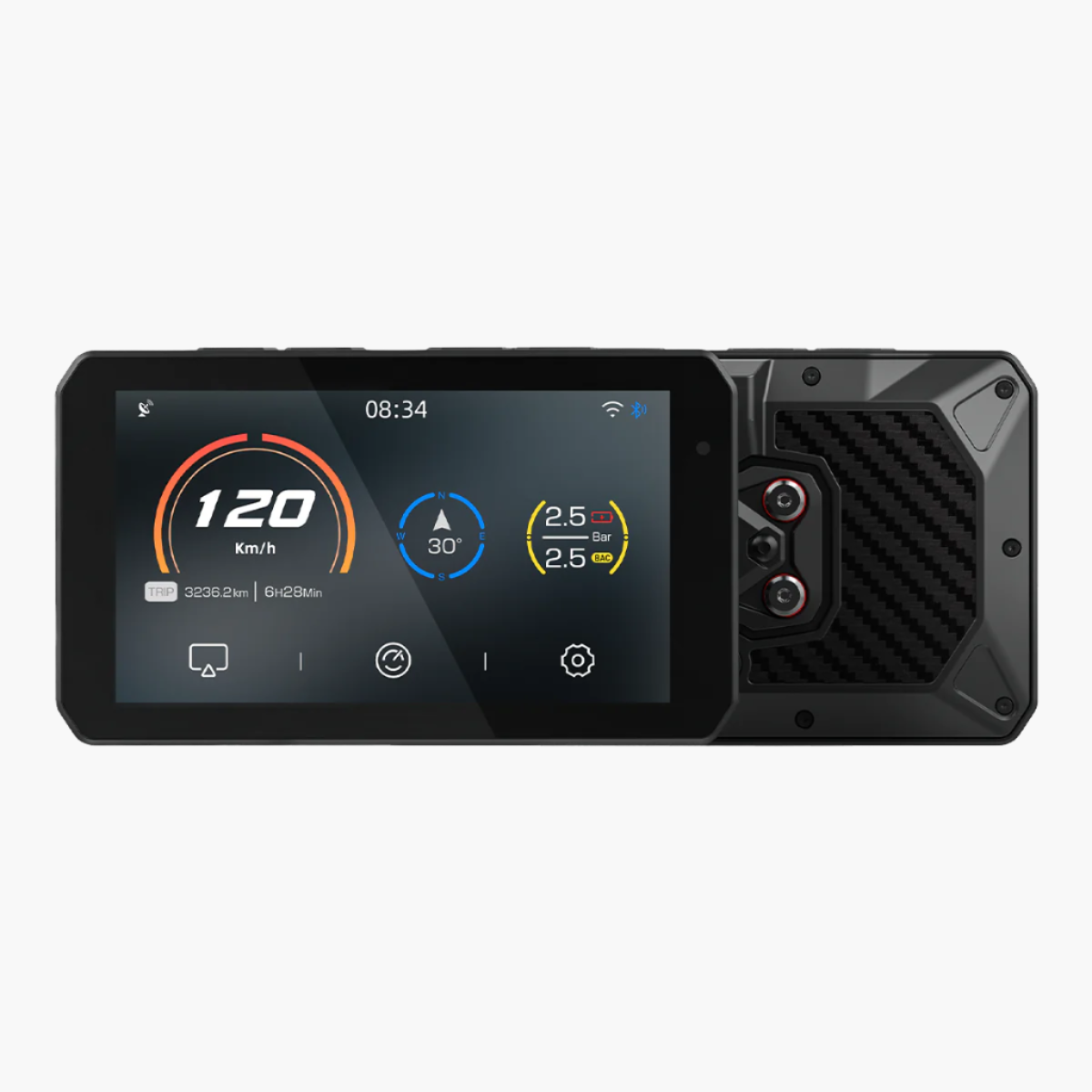
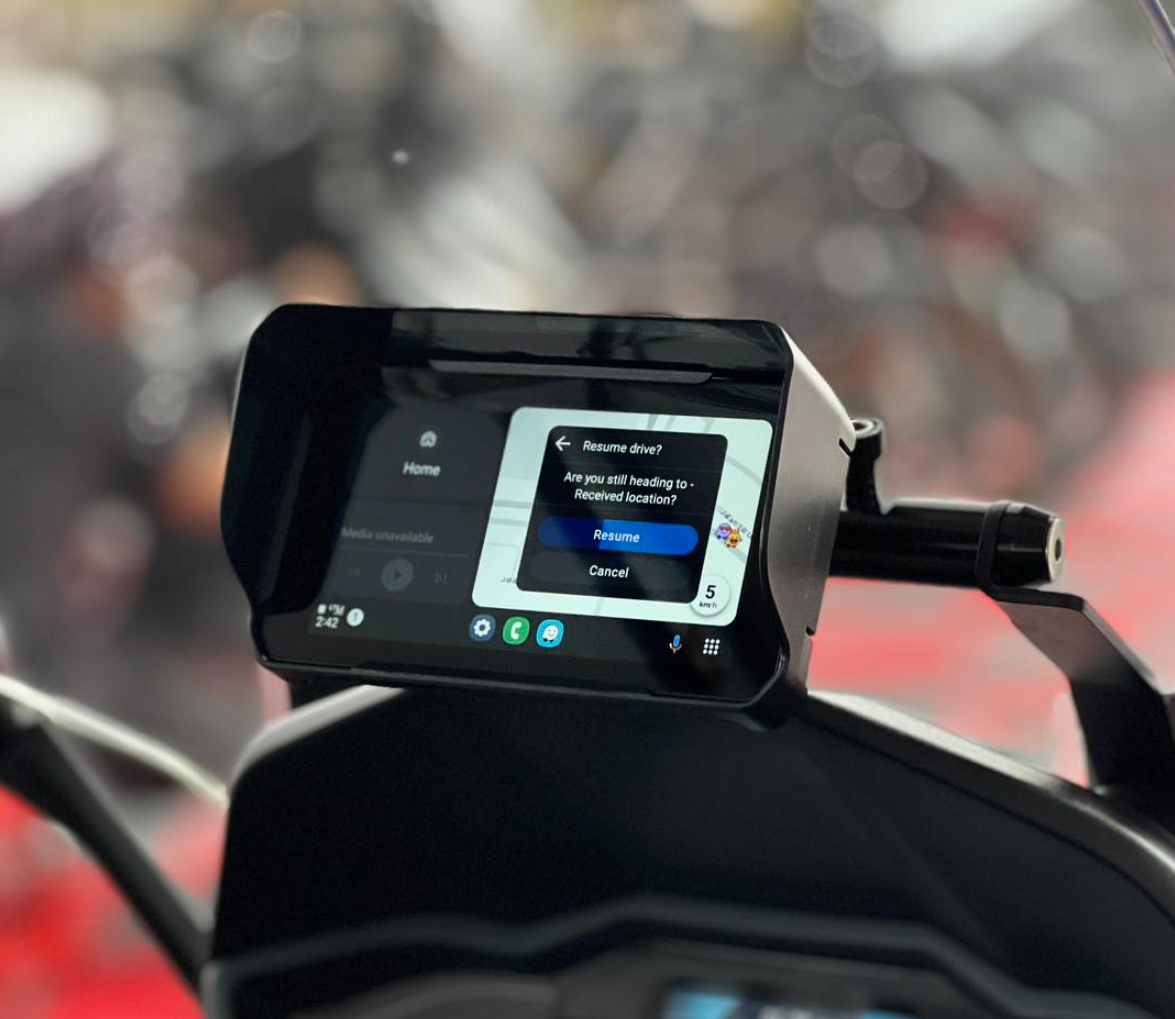
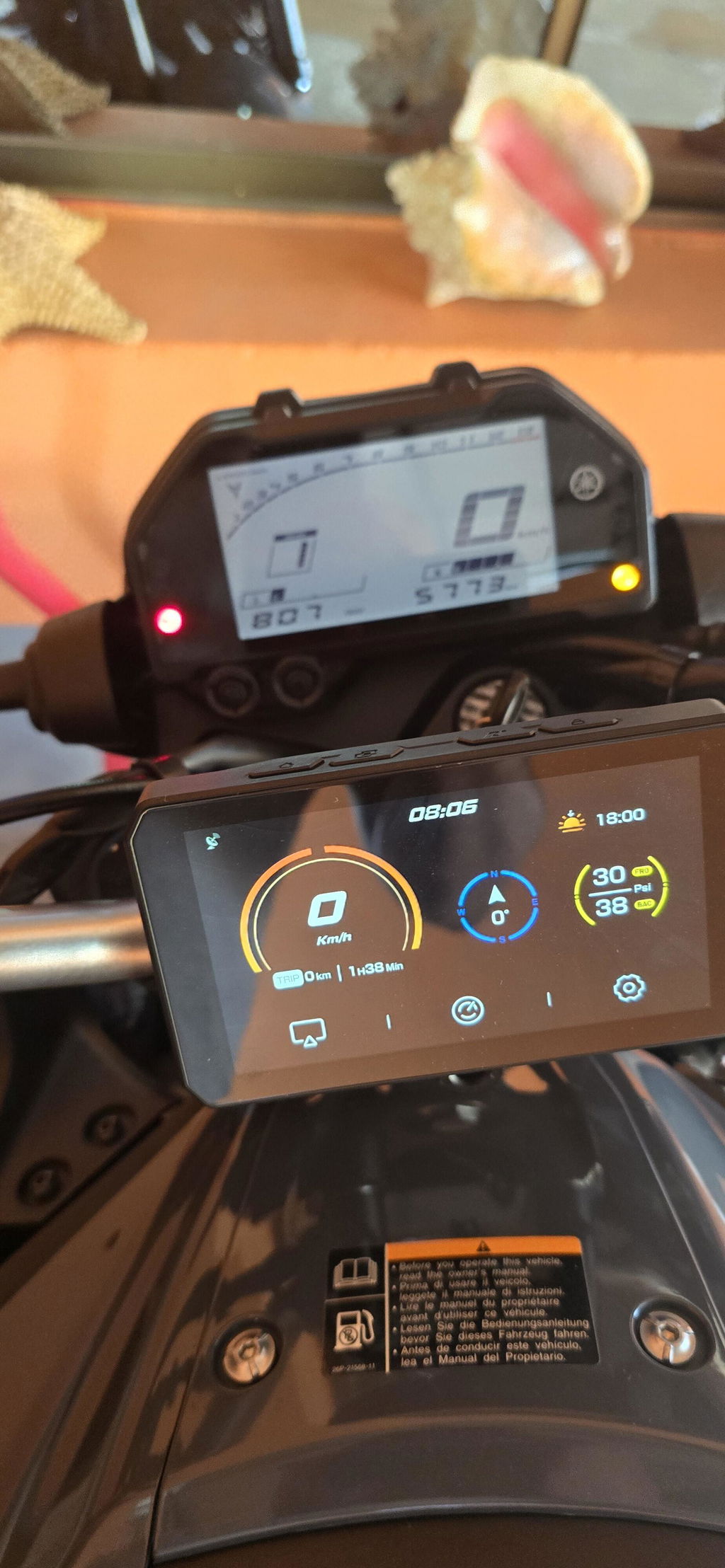
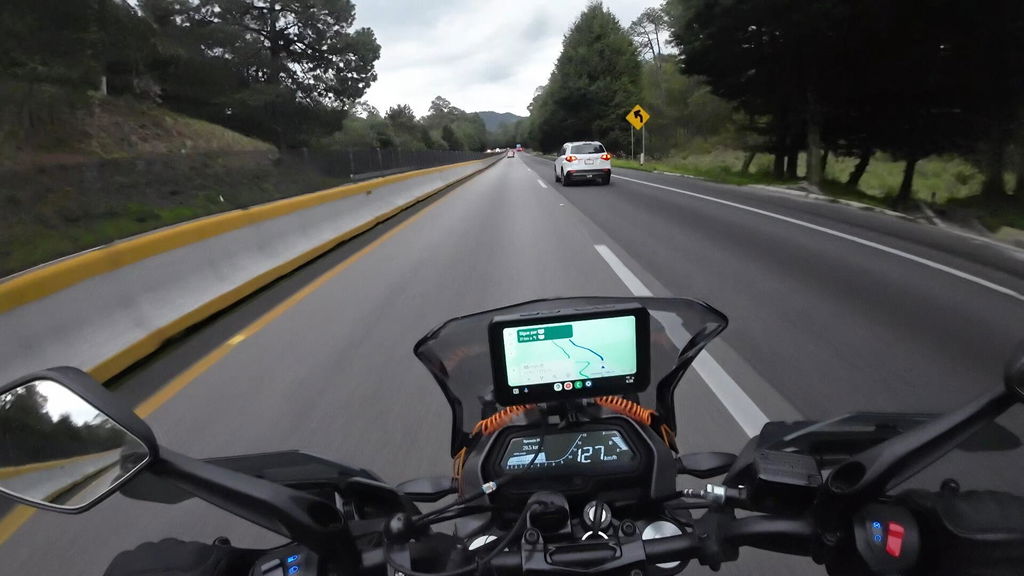
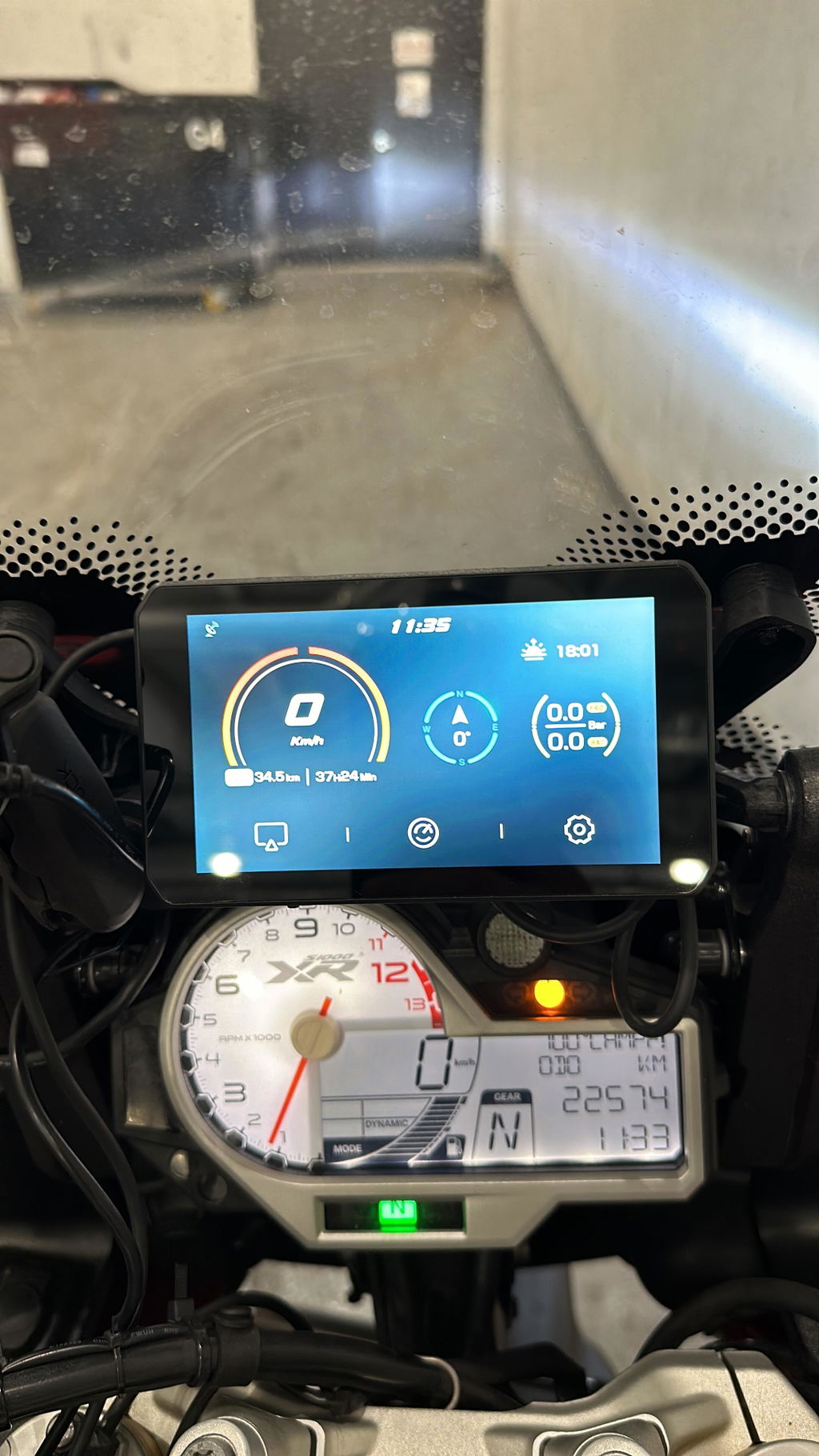
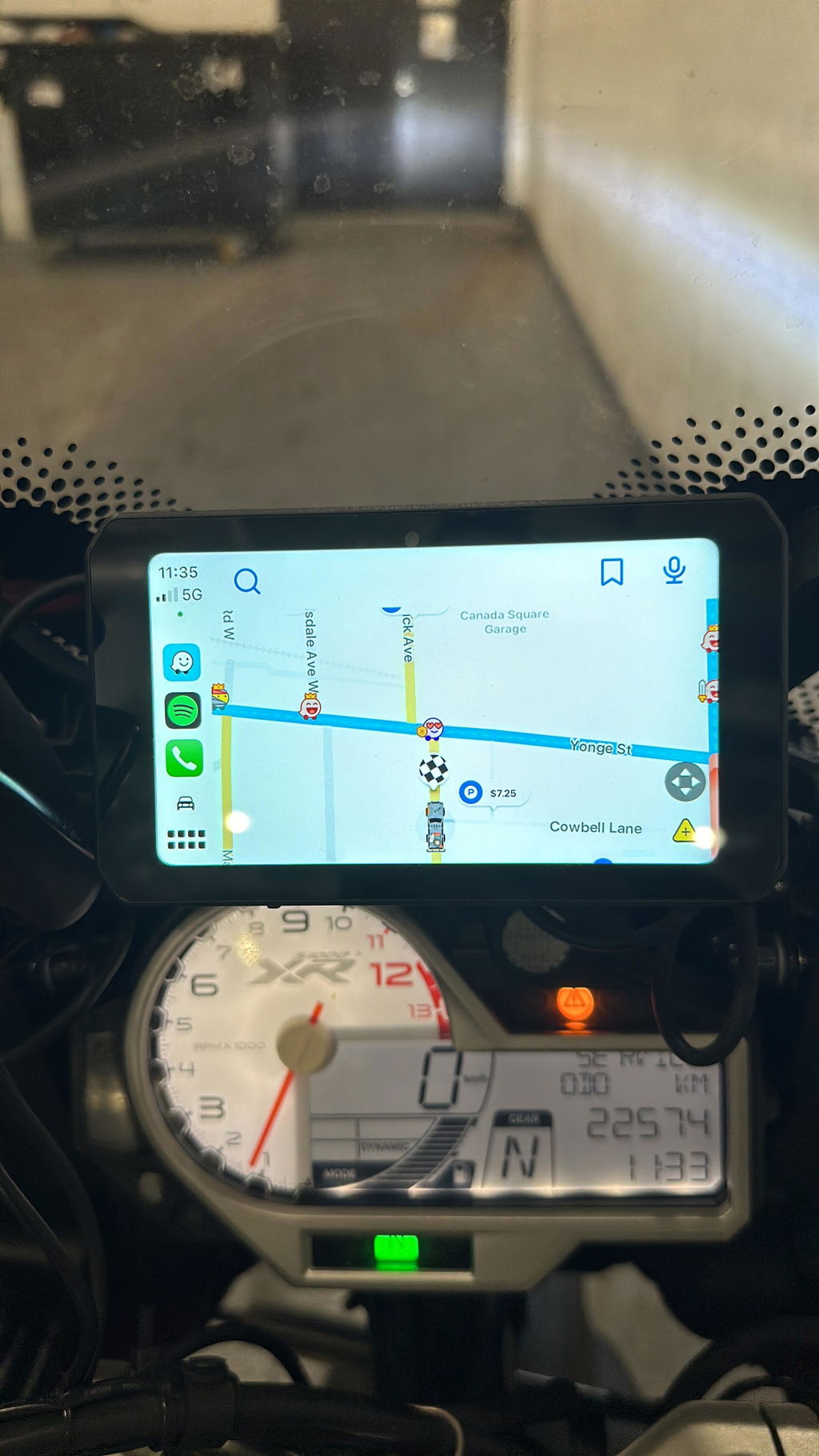
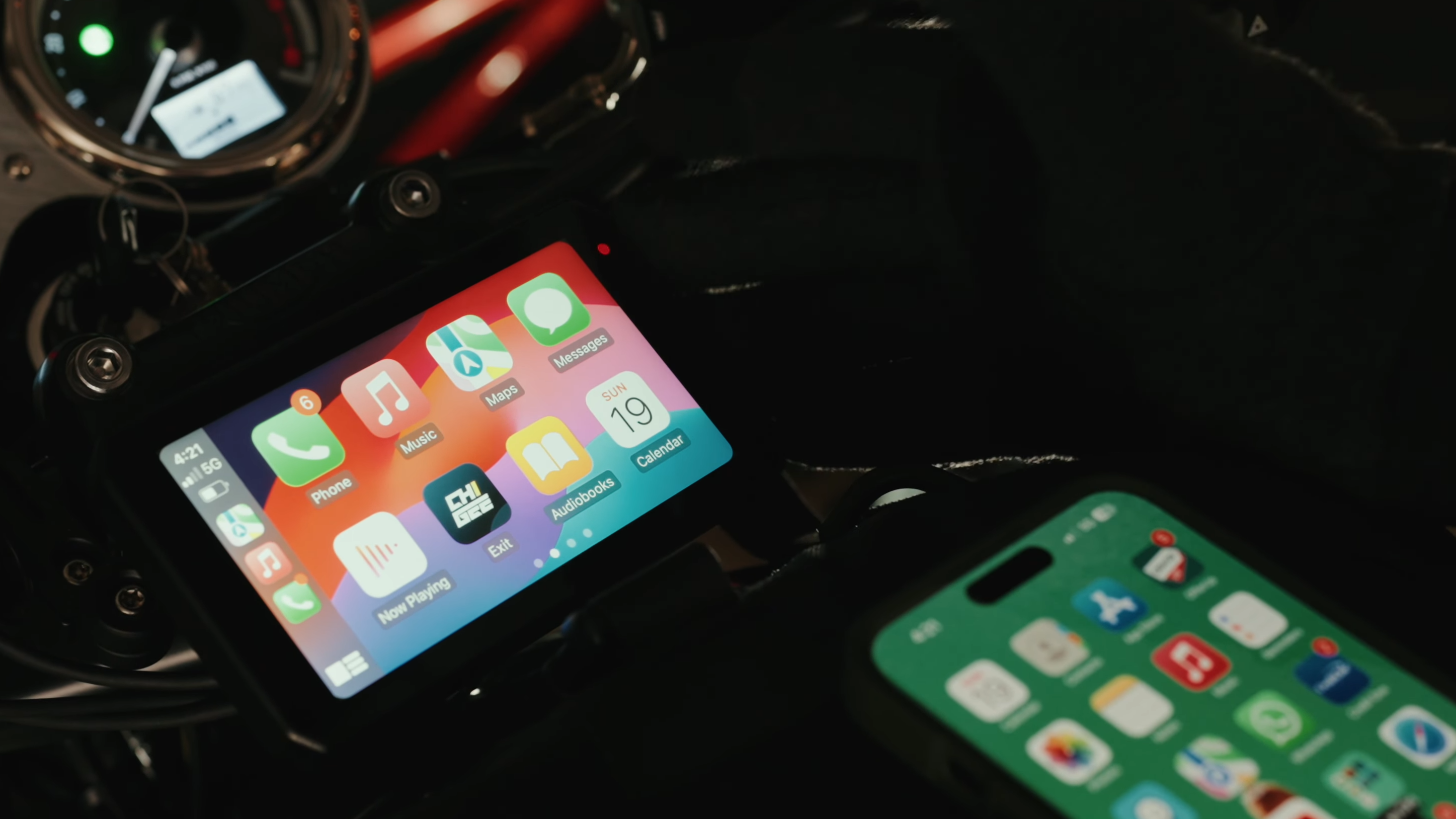
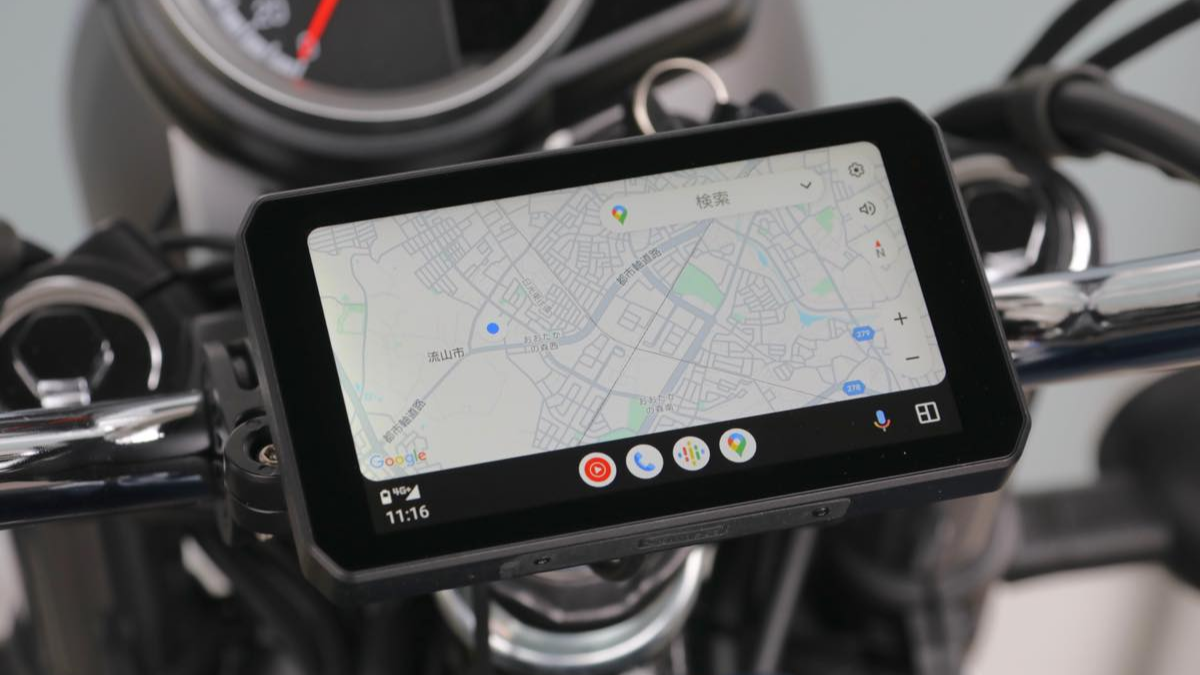
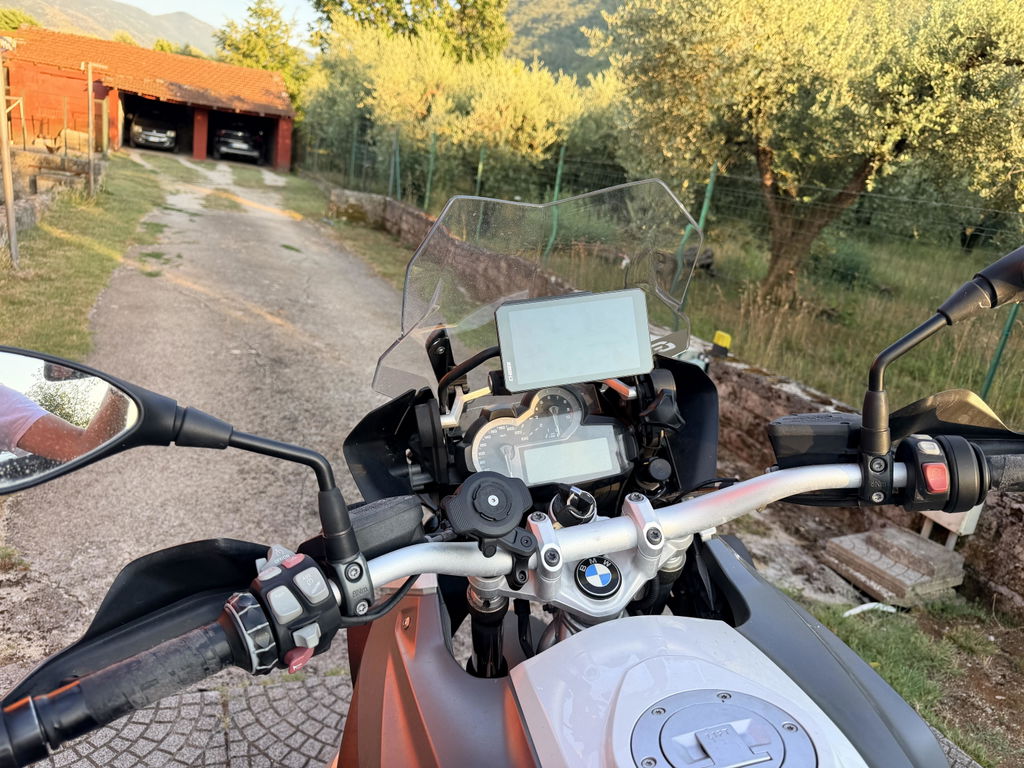
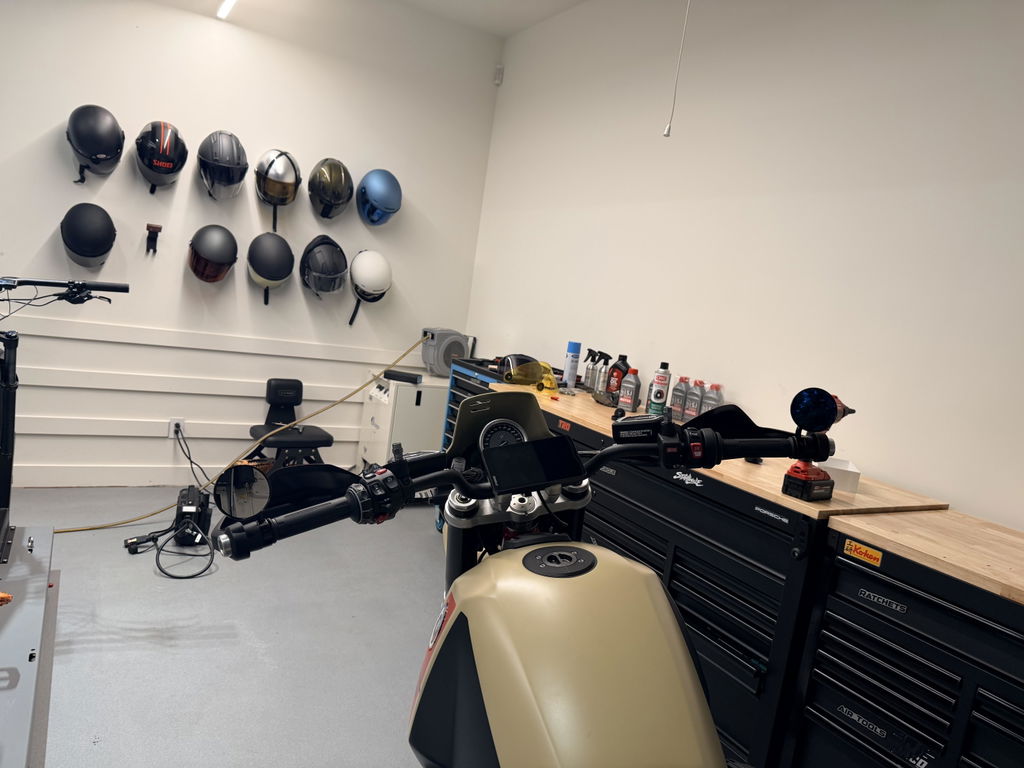
AIO-5 Play is a cutting-edge infotainment display for motorcyclists, seamlessly integrating CarPlay and Android Auto for effortless access to navigation, entertainment, and connectivity. Its high-resolution touchscreen and minimalist controls ensure a distraction-free ride, keeping you focused and safe on the road.
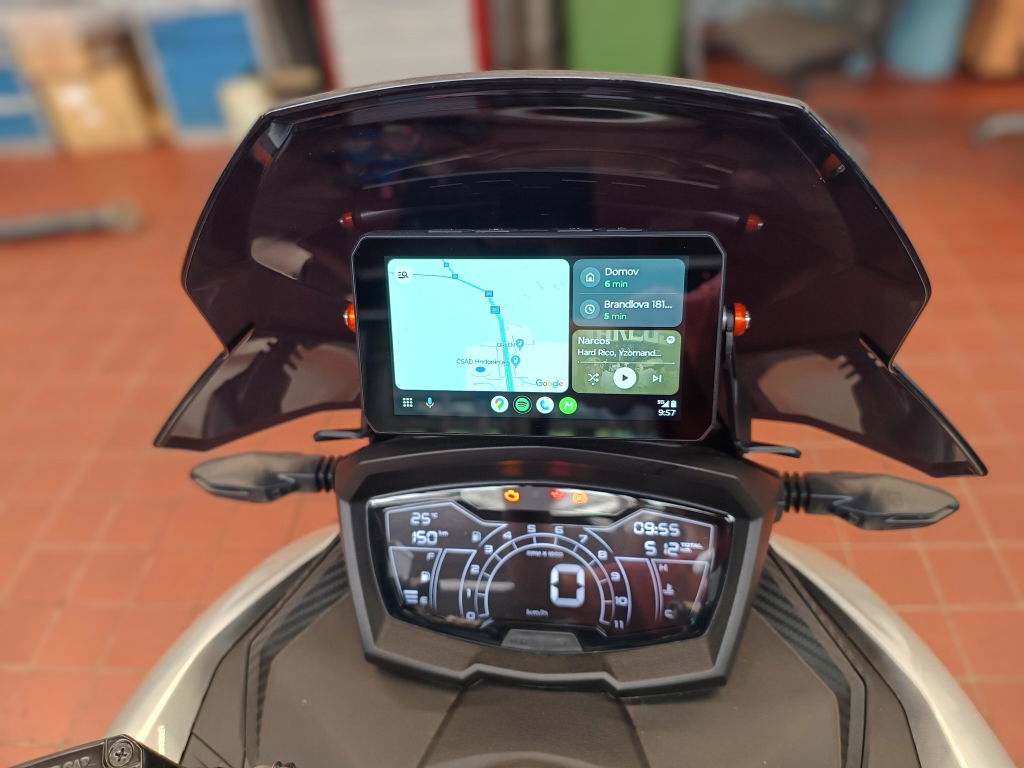
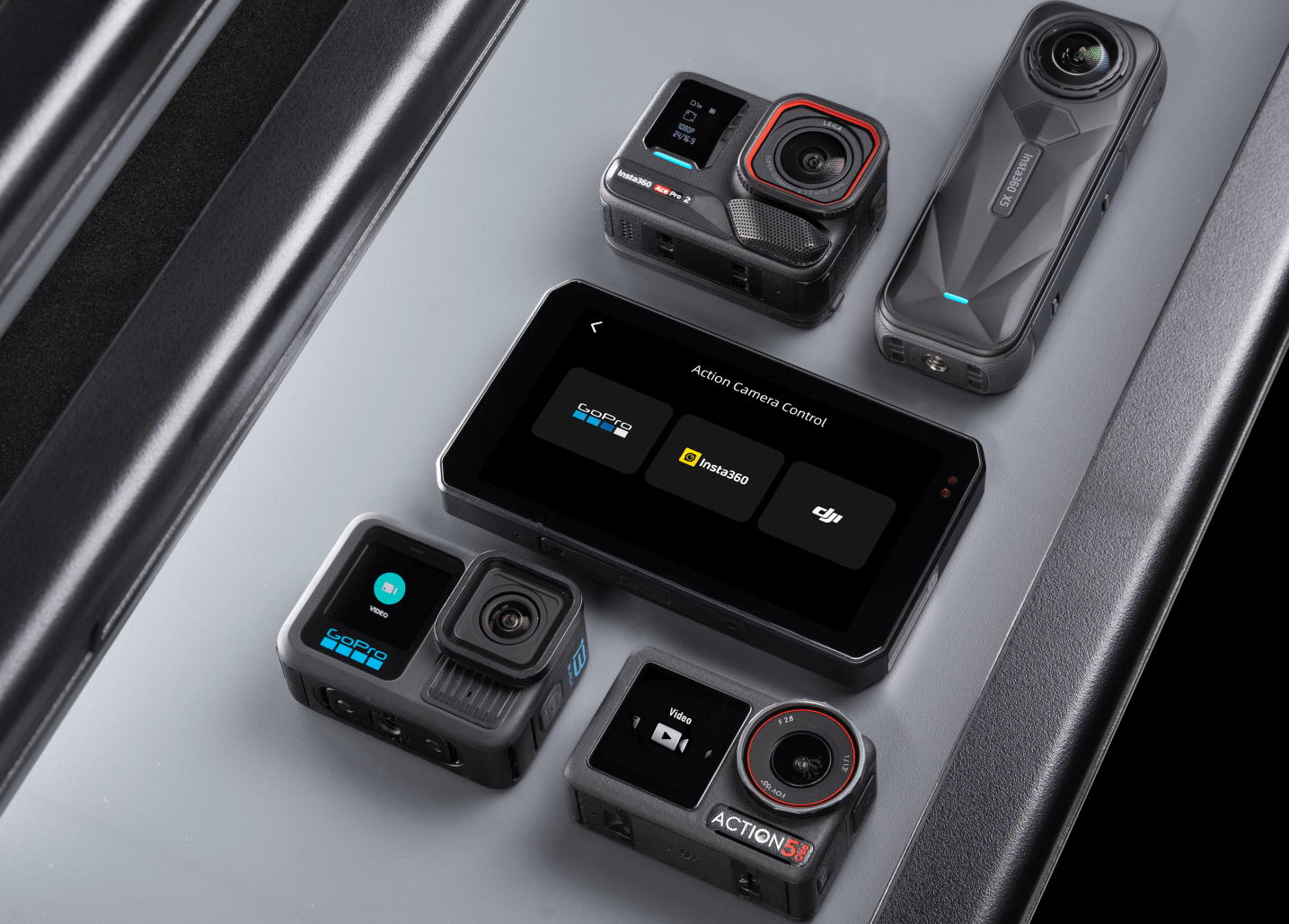
The AIO-5 Series supports action cam live preview (where available) and on-screen control, so you can start/stop recording and capture photos without blind shooting. Supported: Insta360 (X5/X4/Ace Pro/Ace Pro 2), GoPro (HERO10+), DJI (Action 4/5 Pro, Osmo 360).
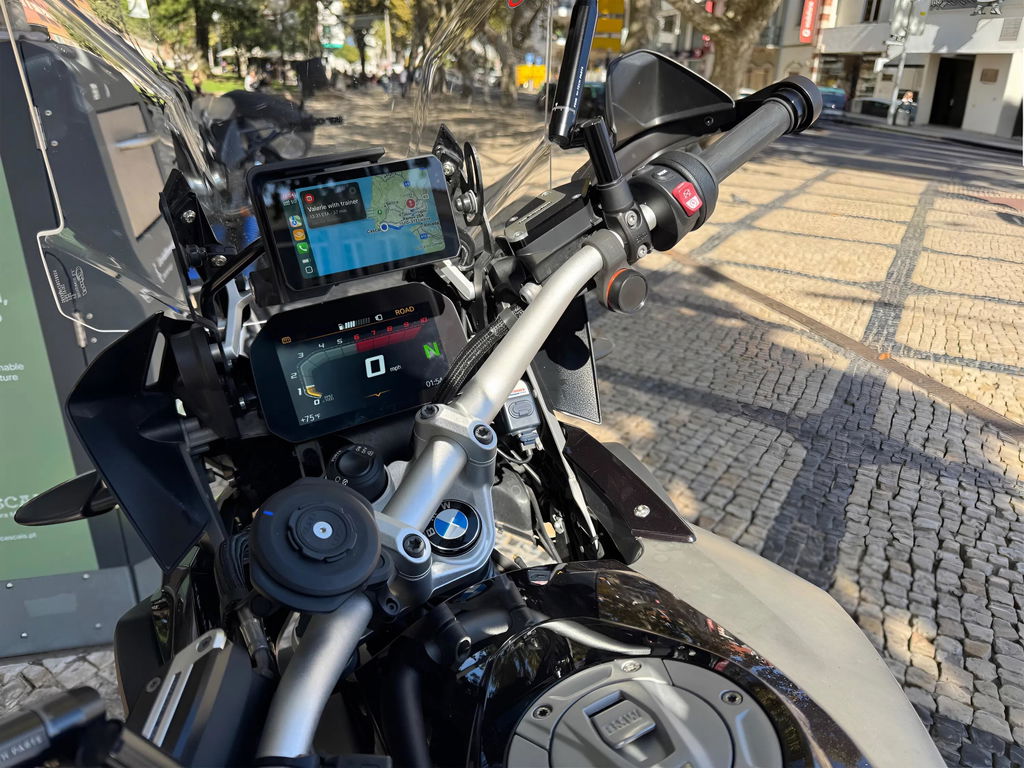
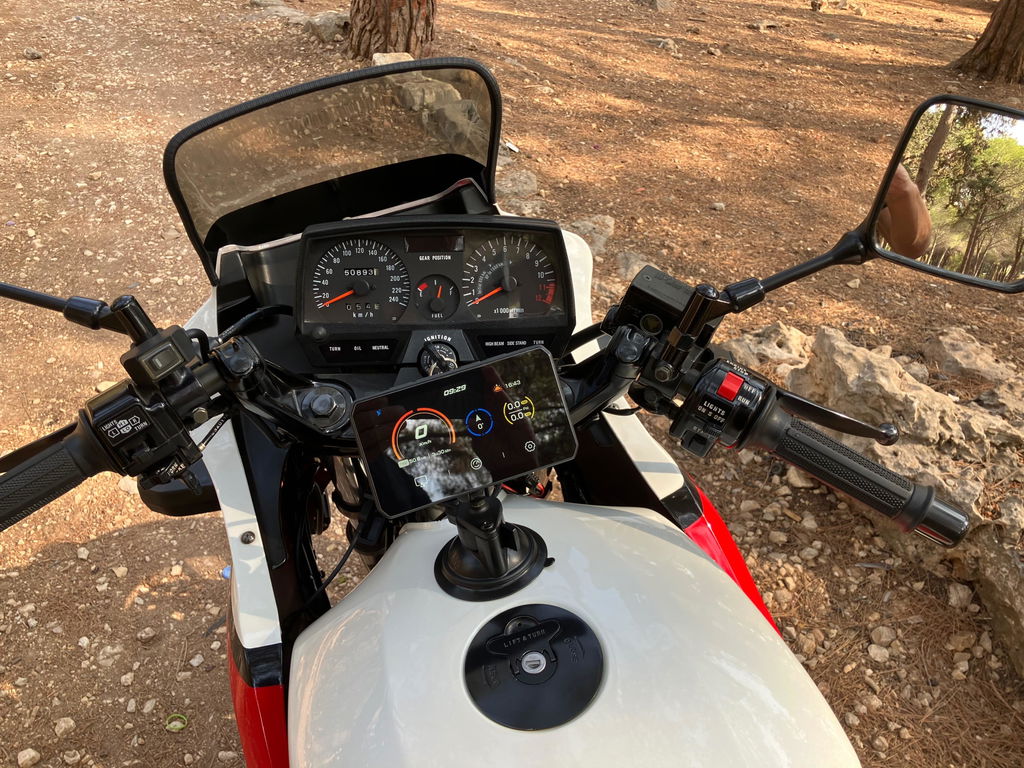
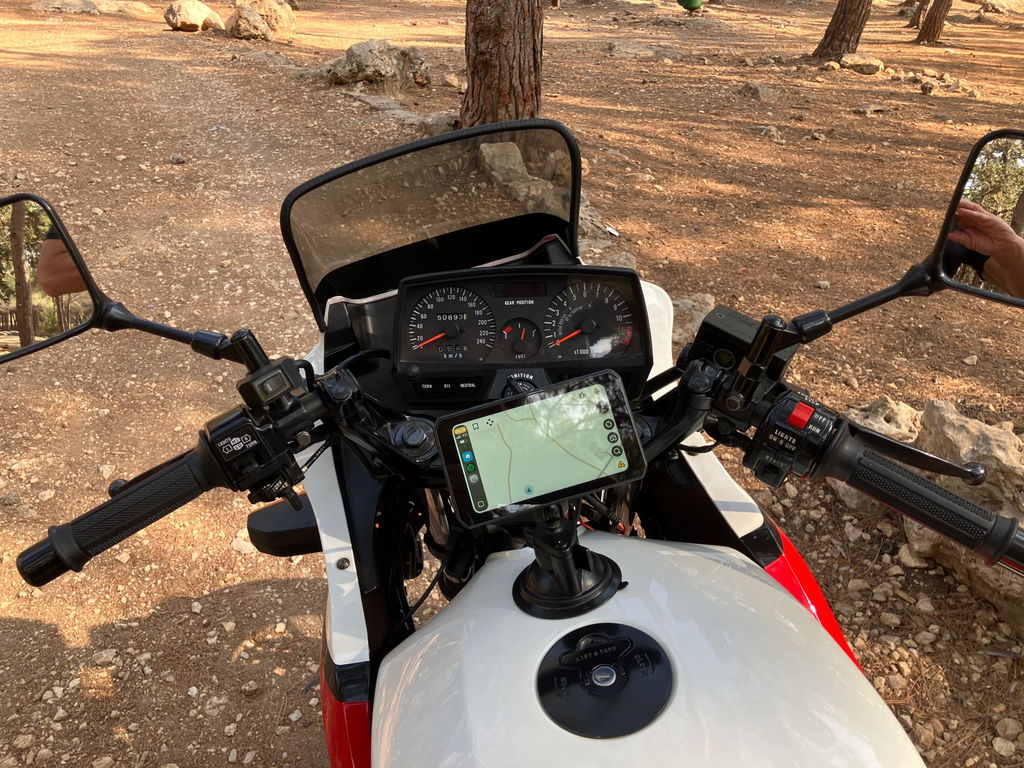
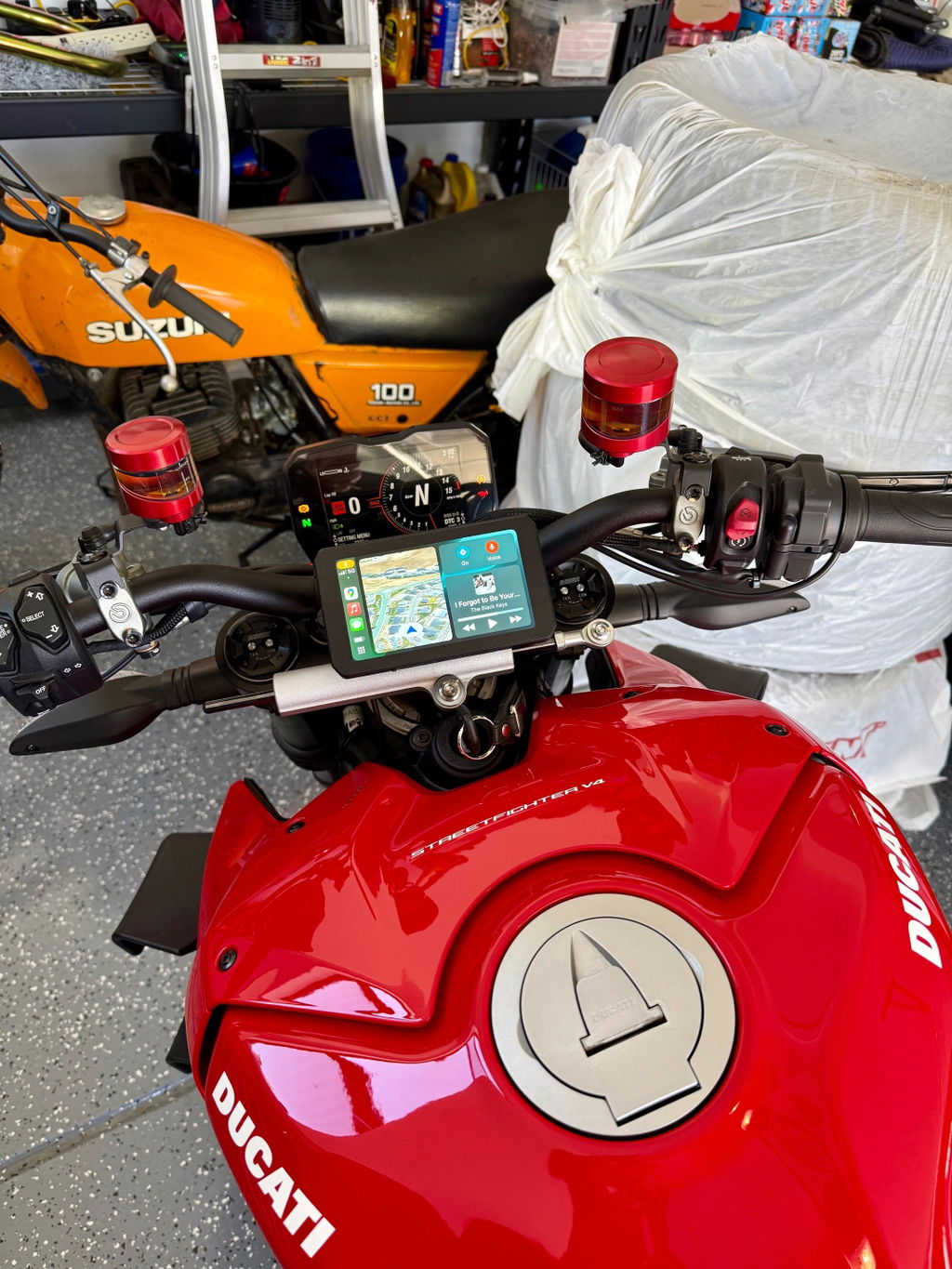
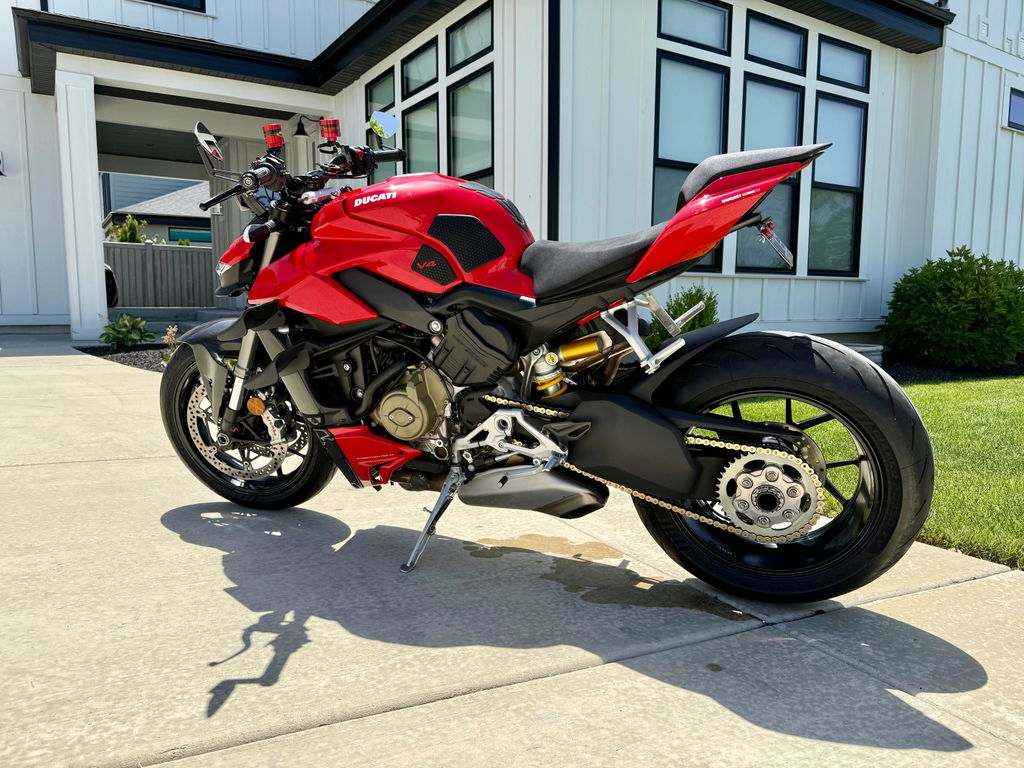
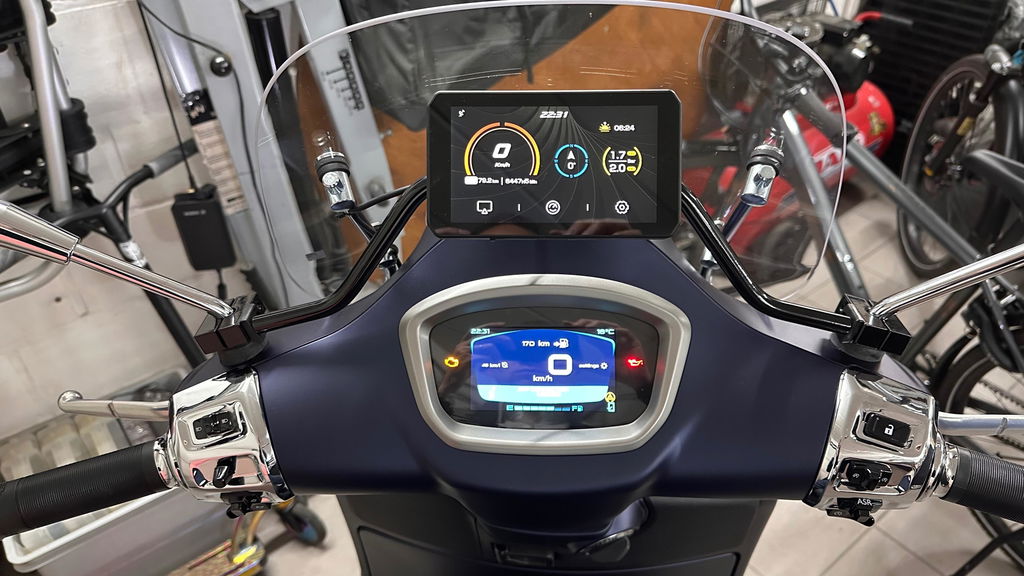
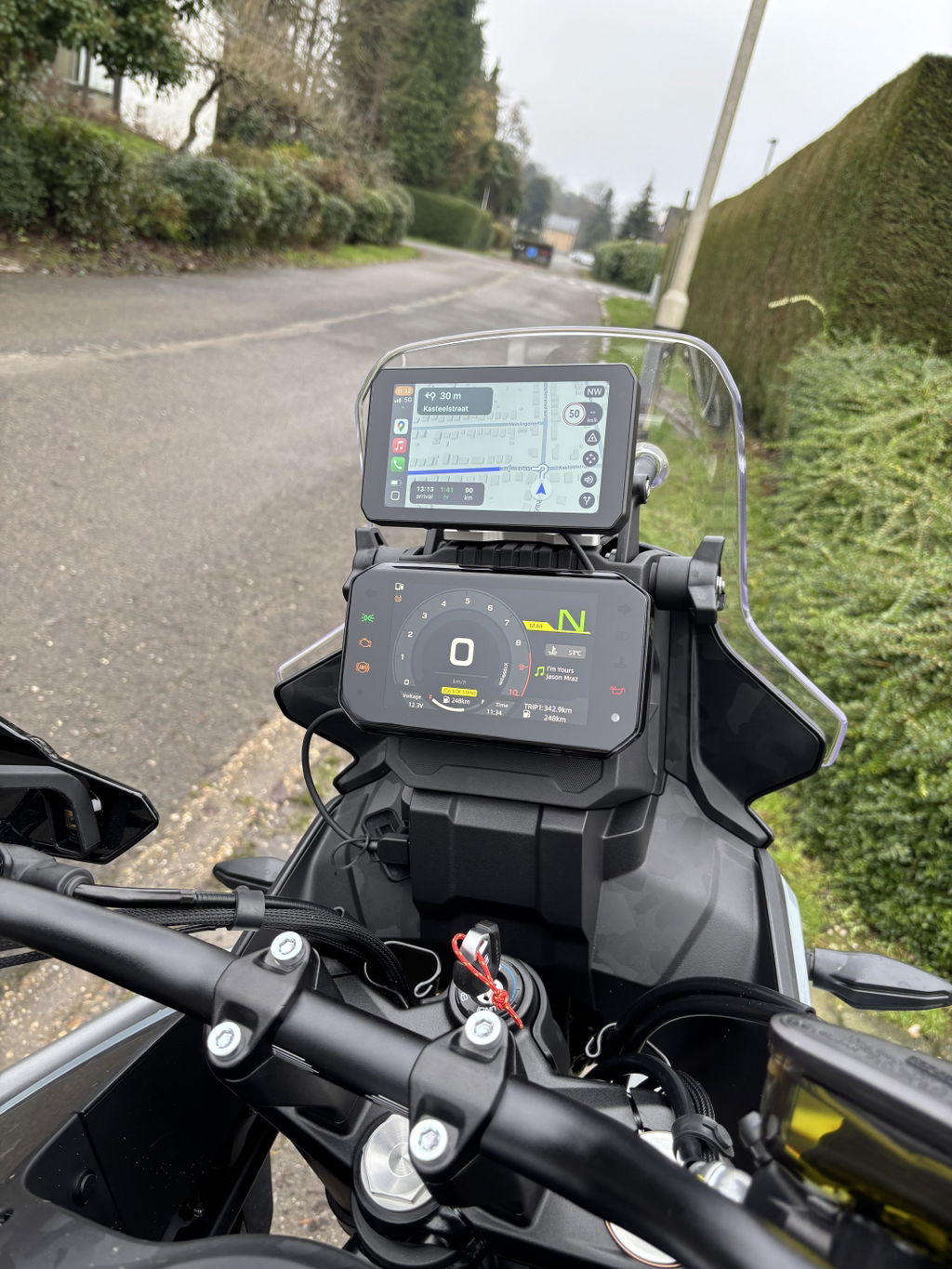
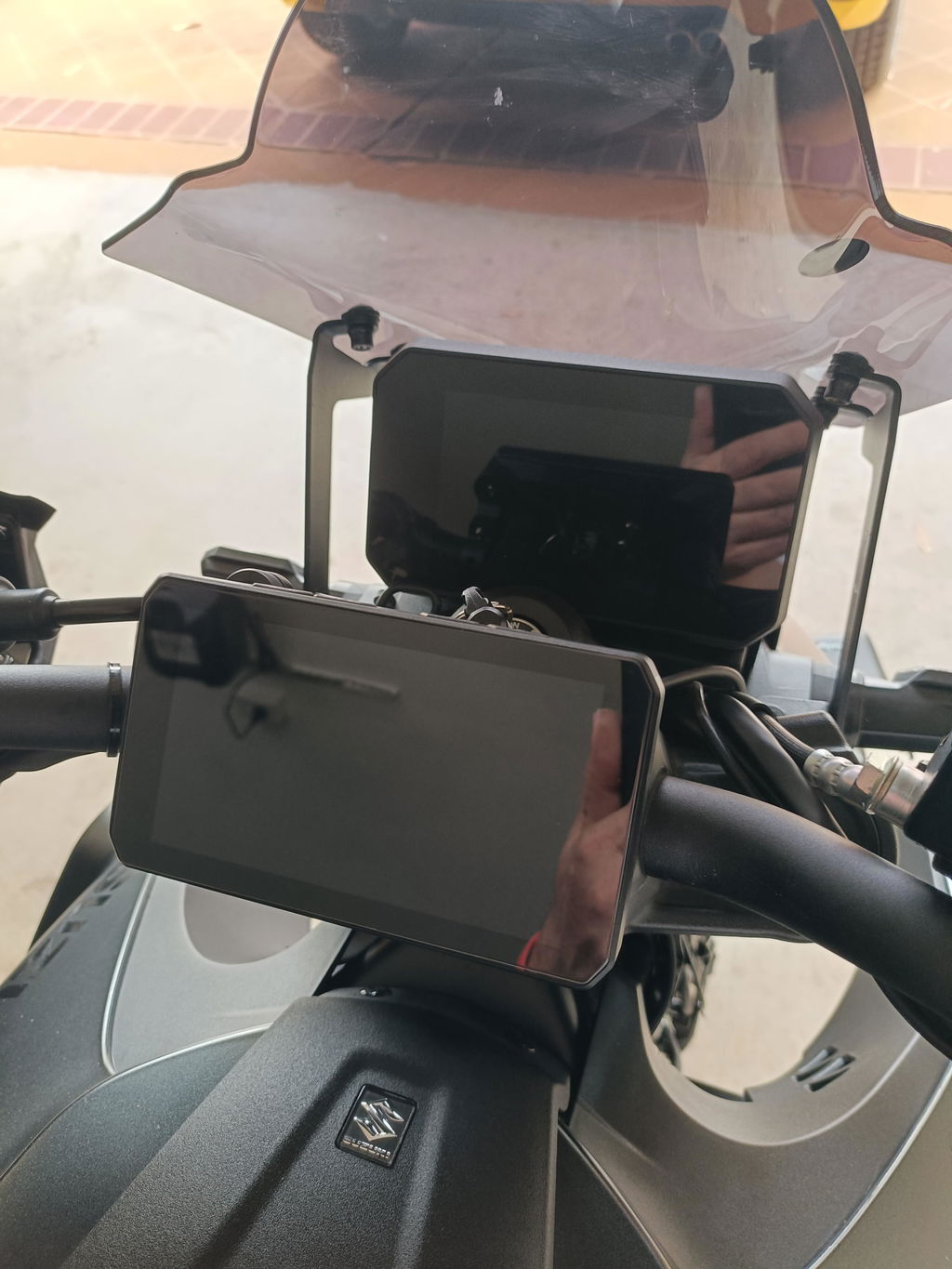
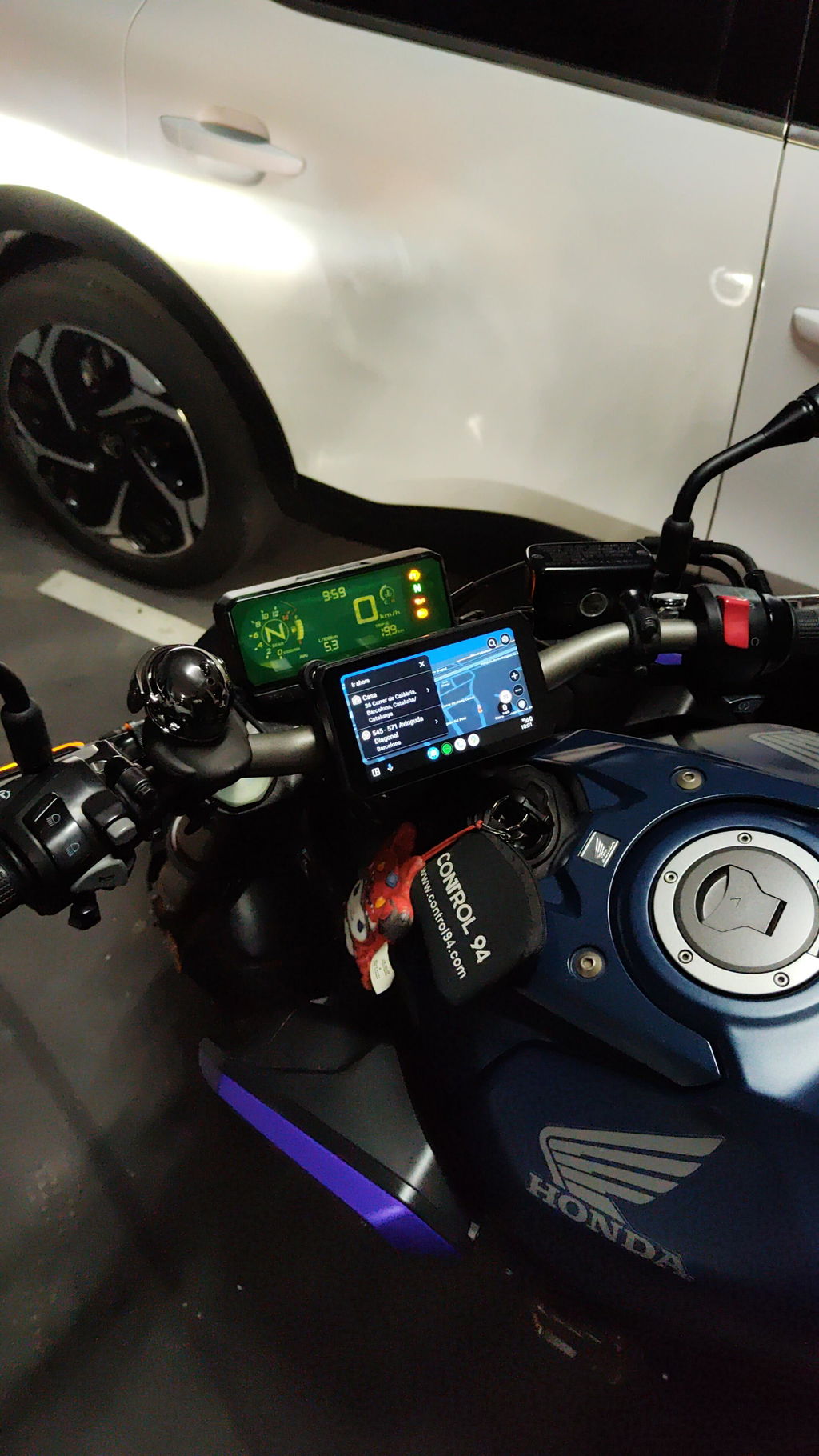
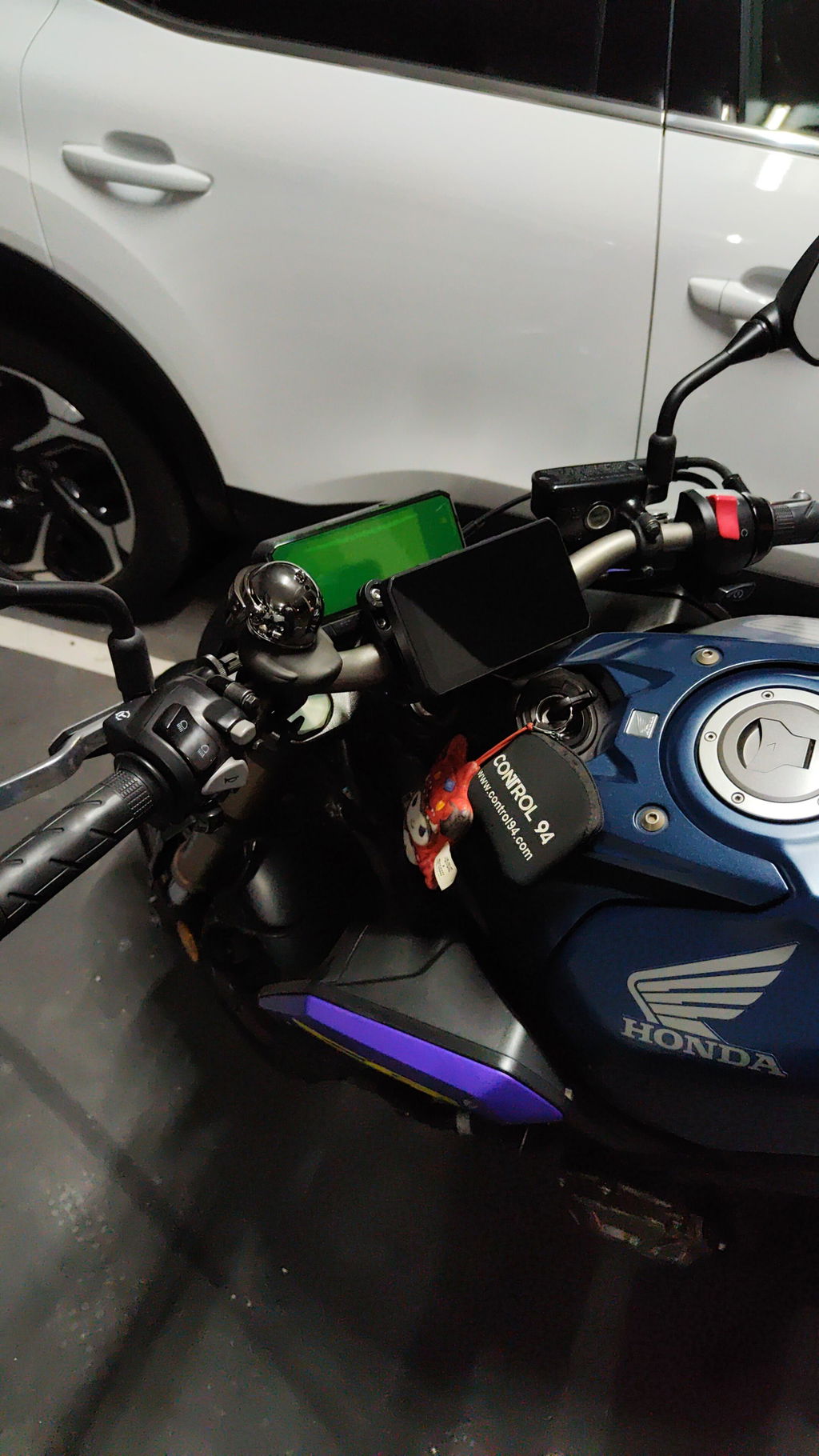
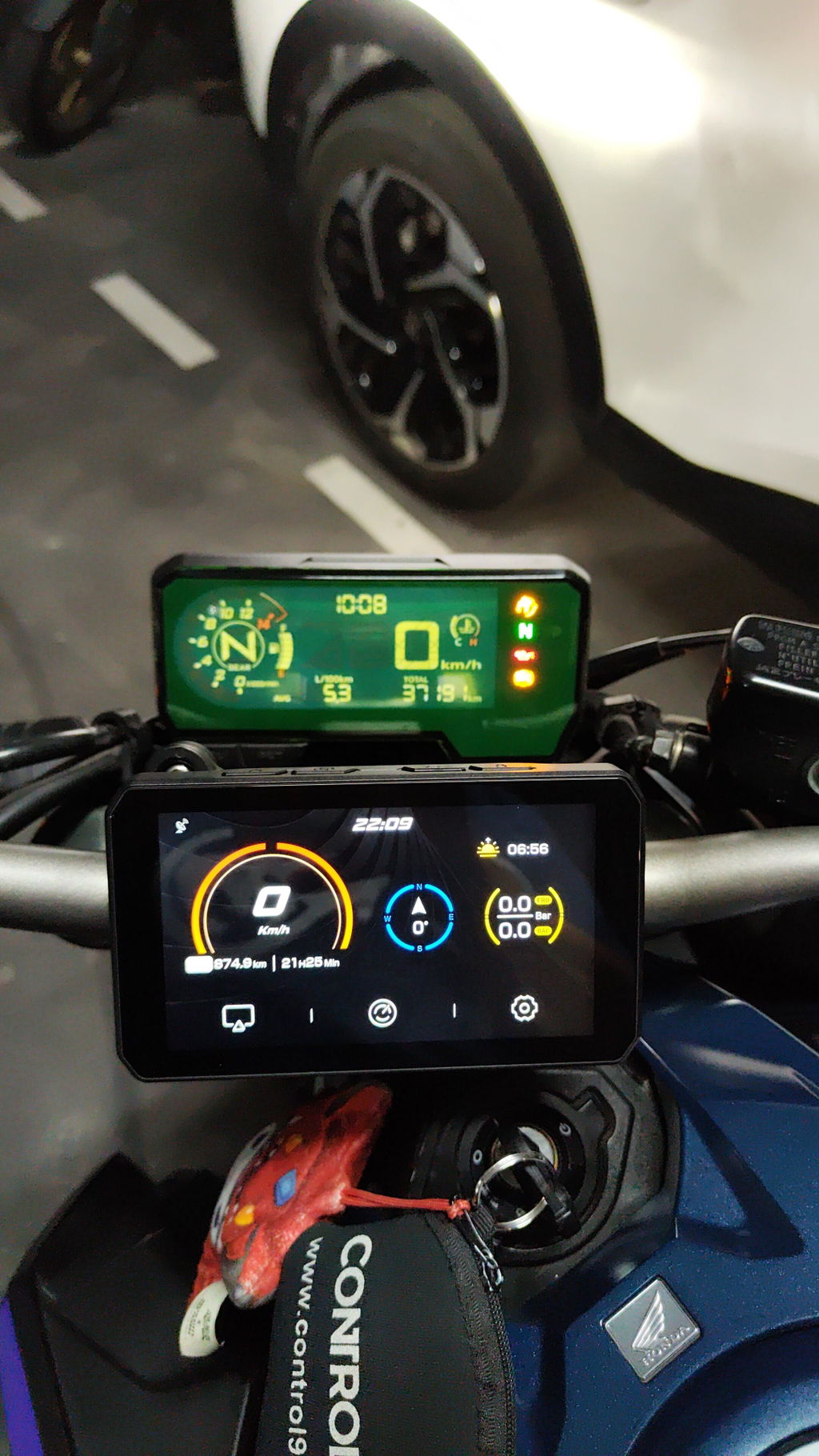
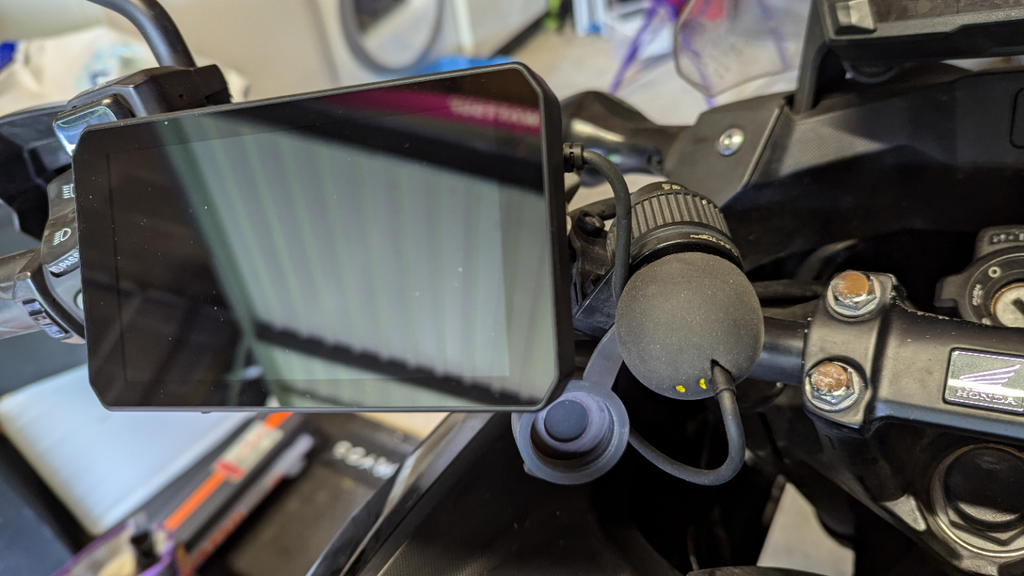
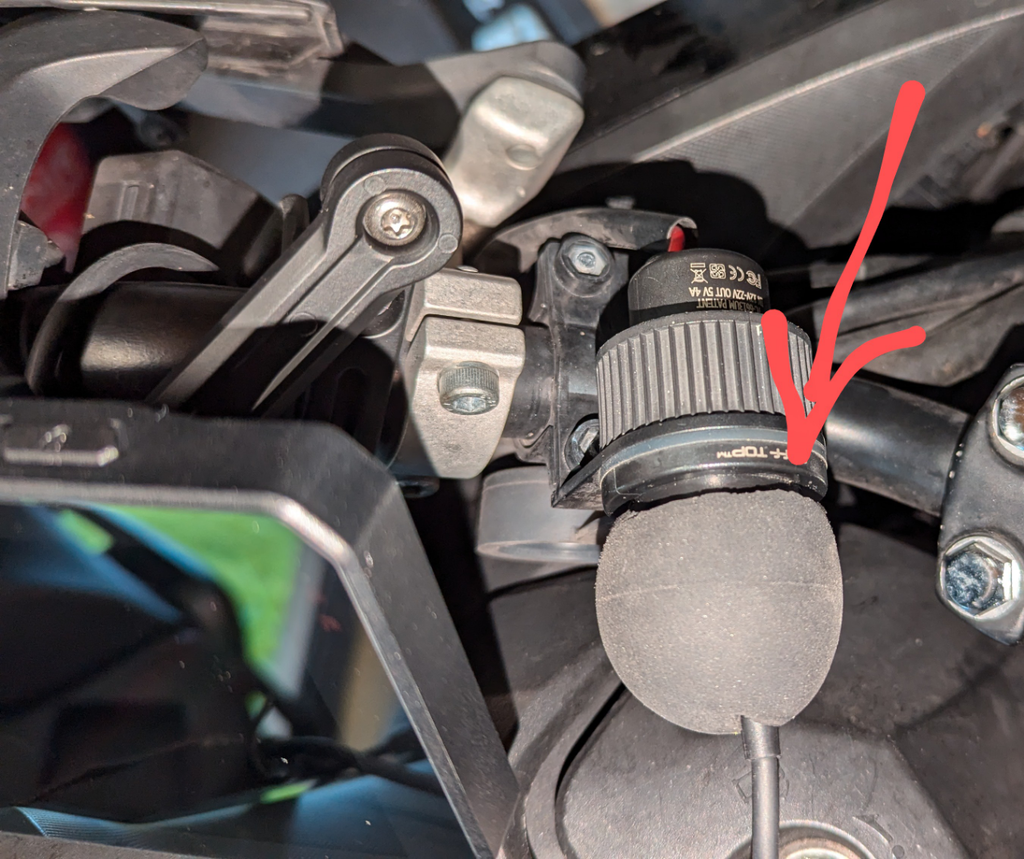
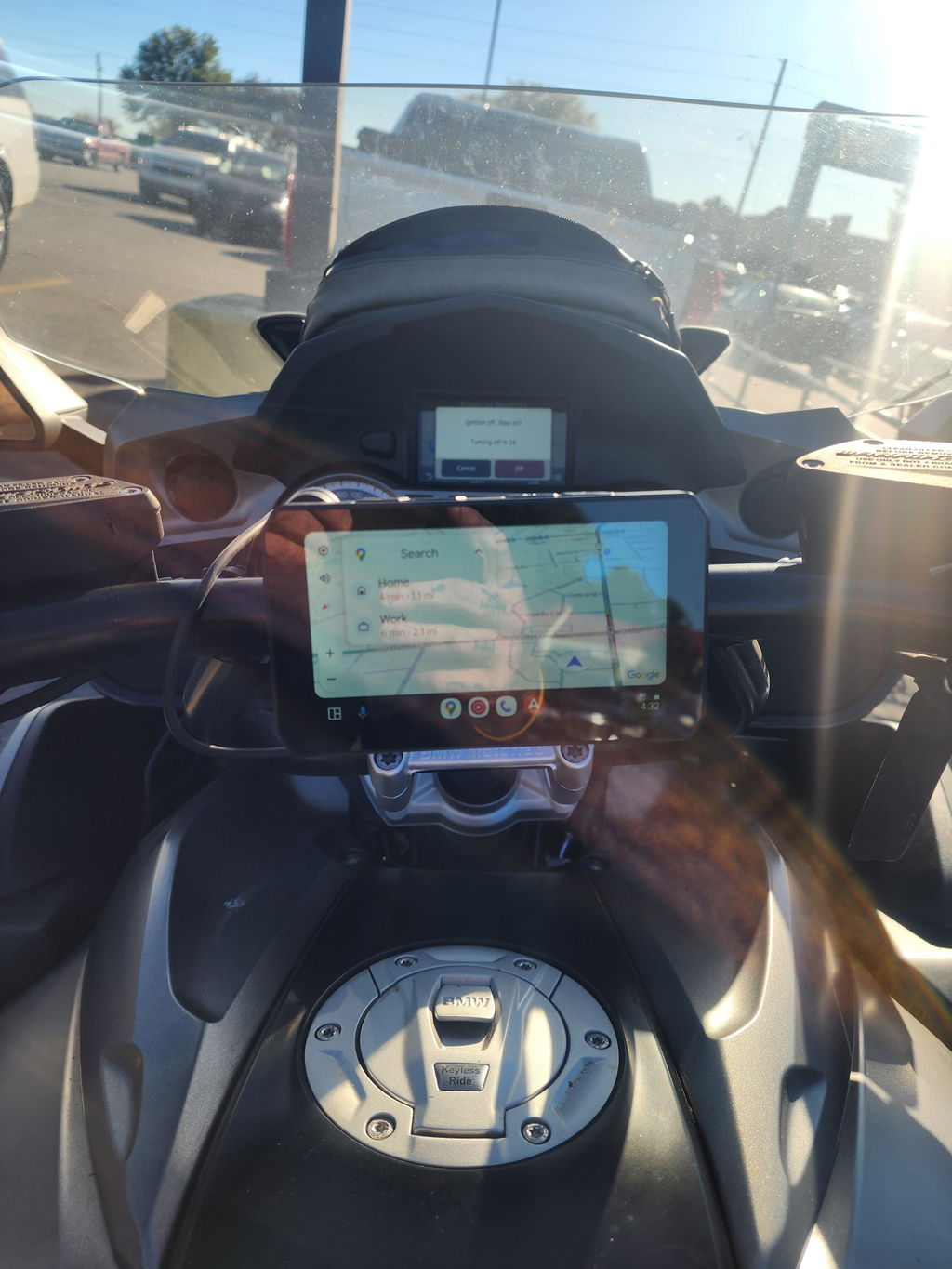
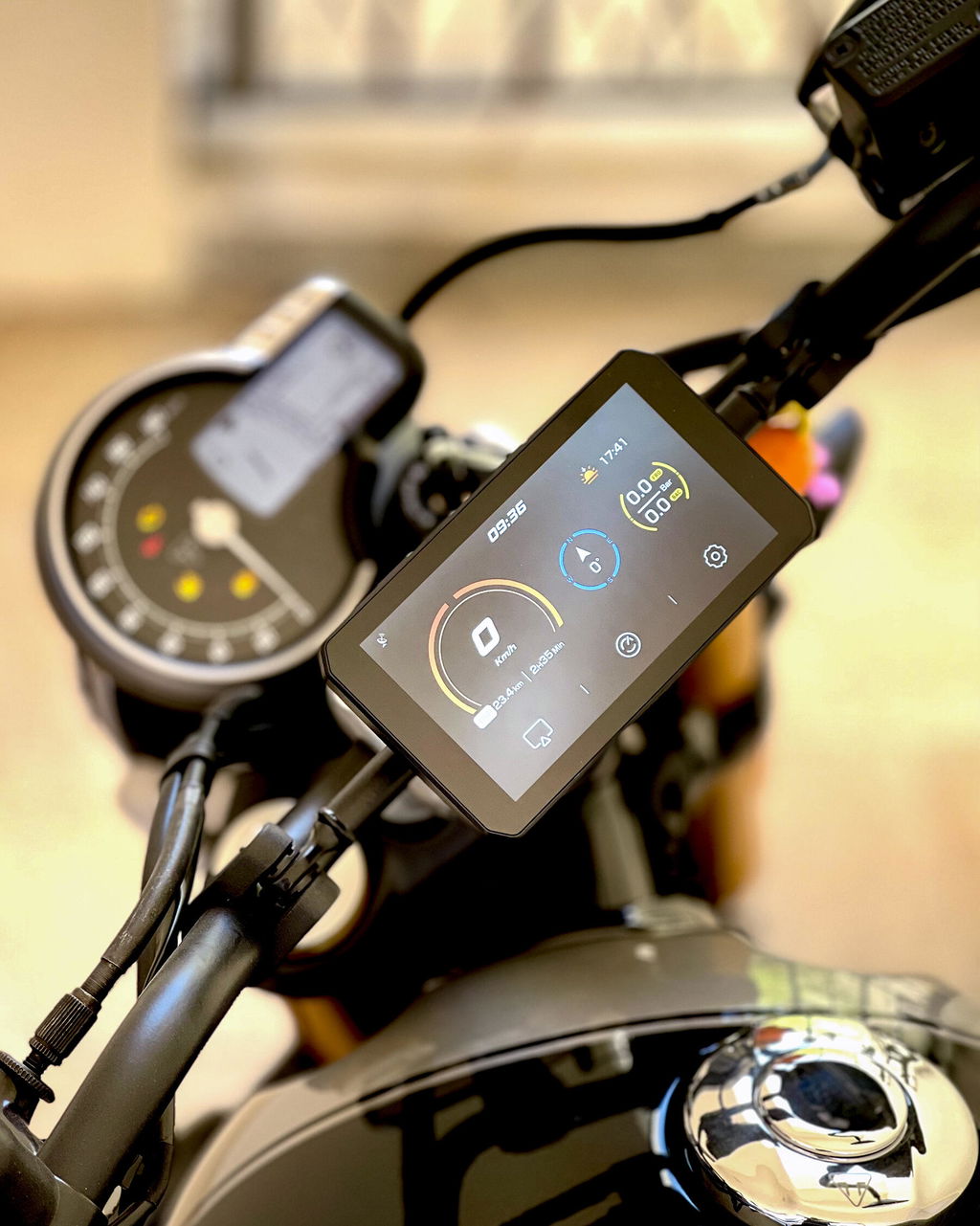
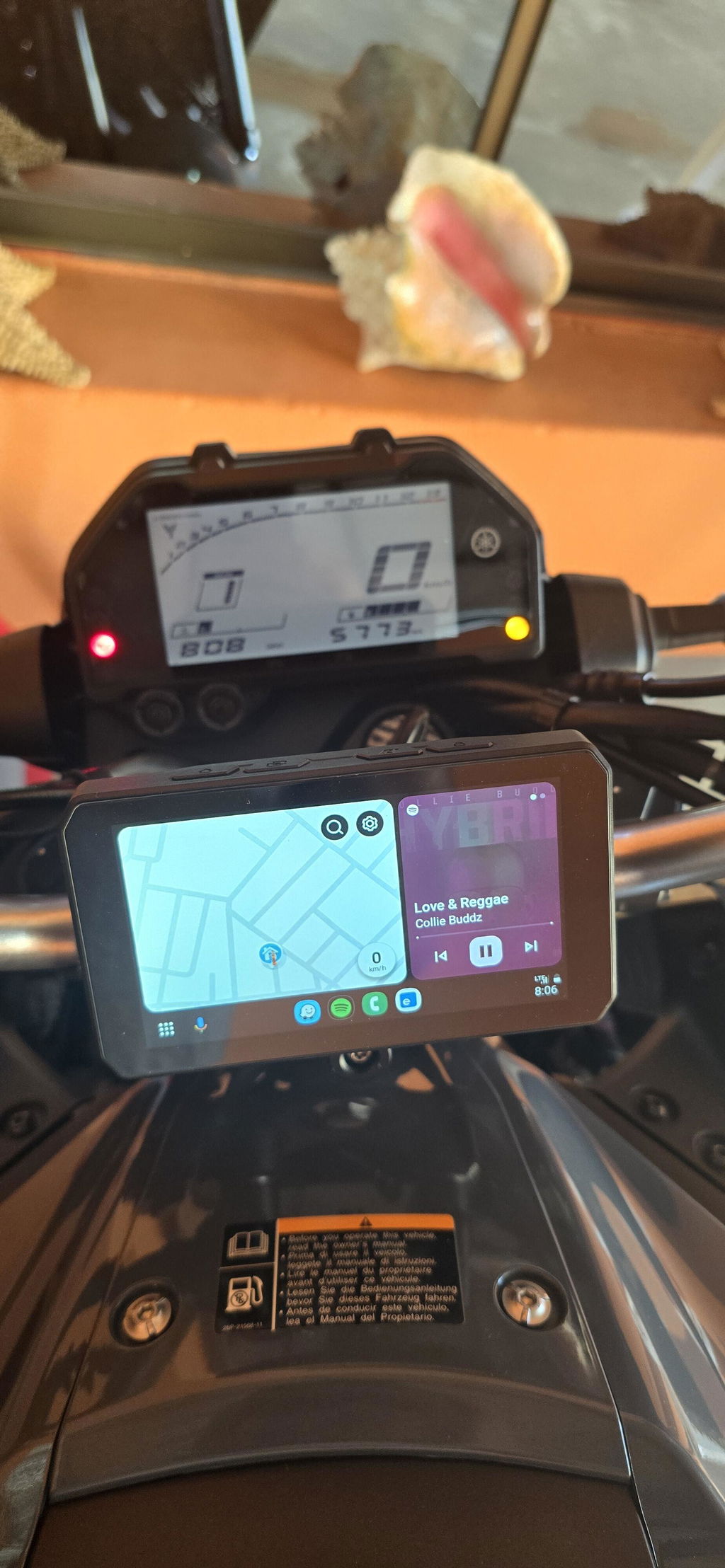
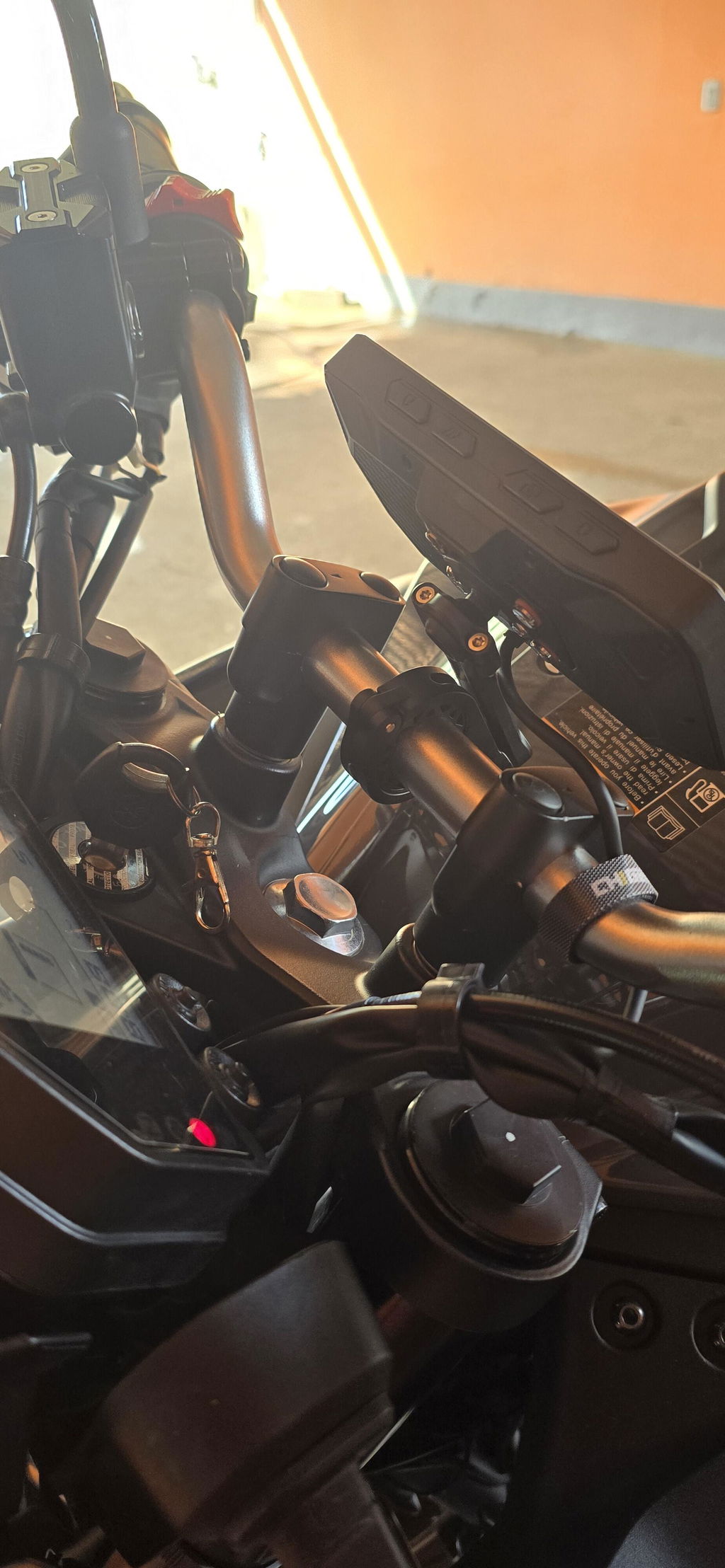
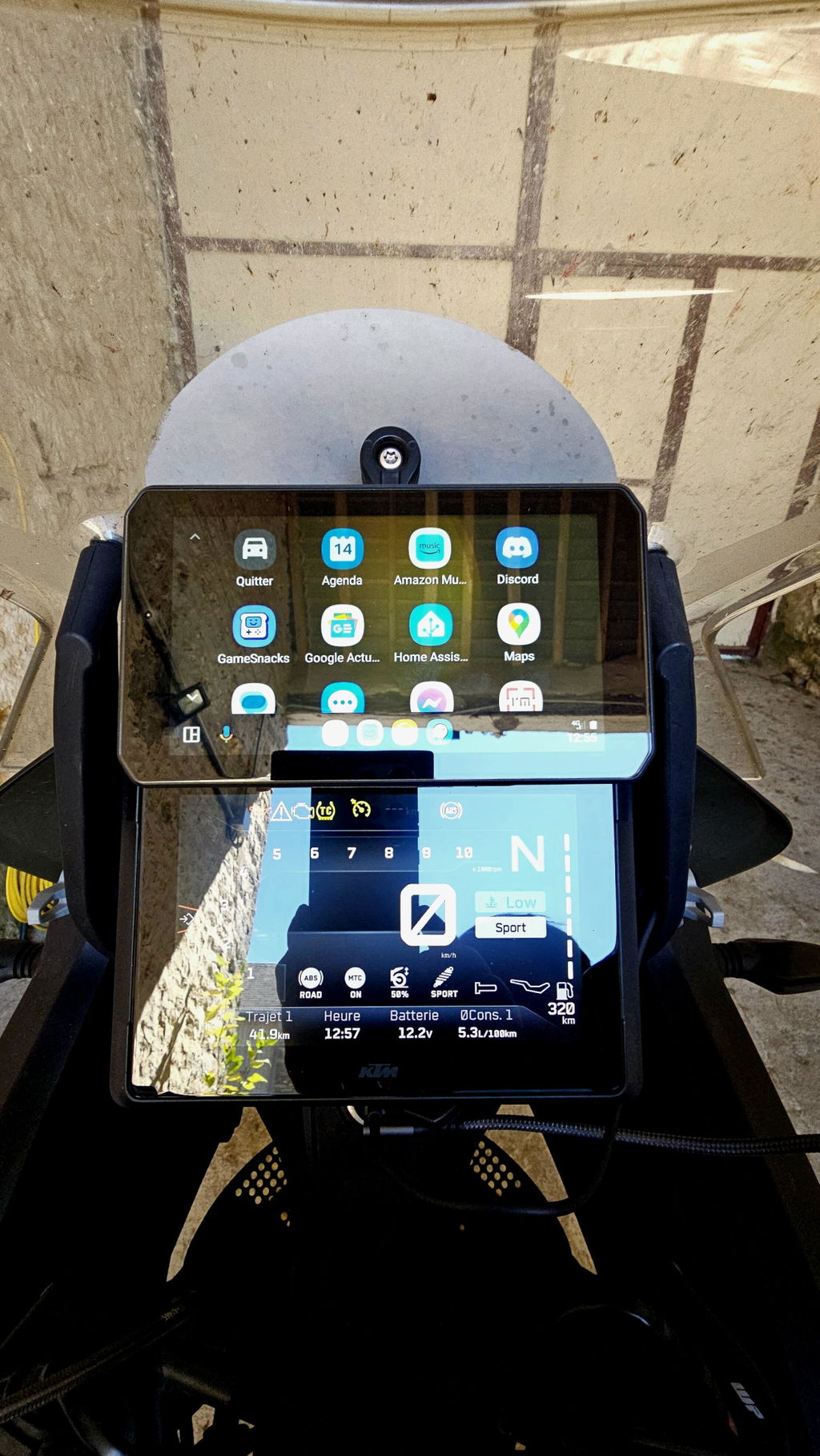
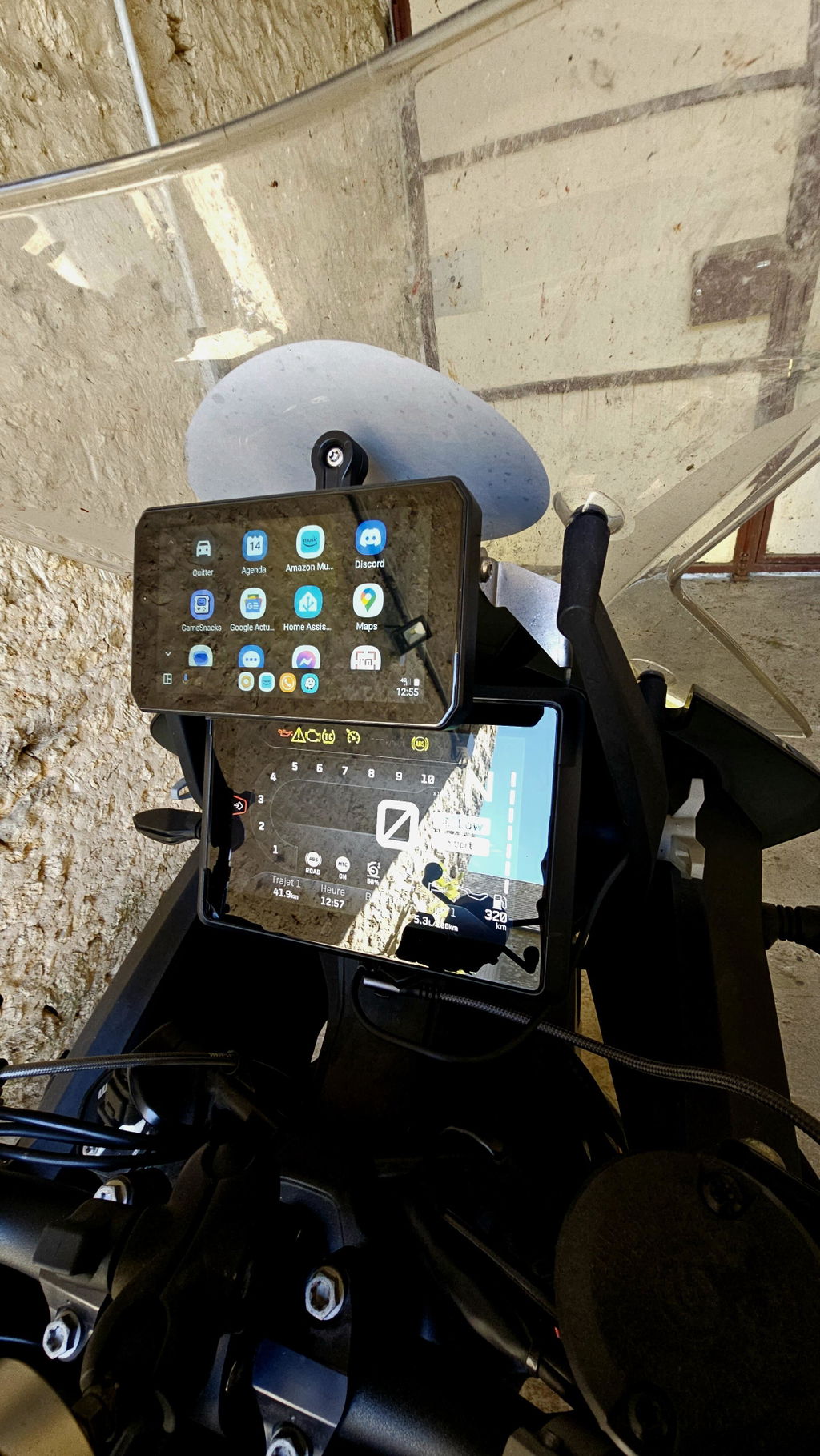
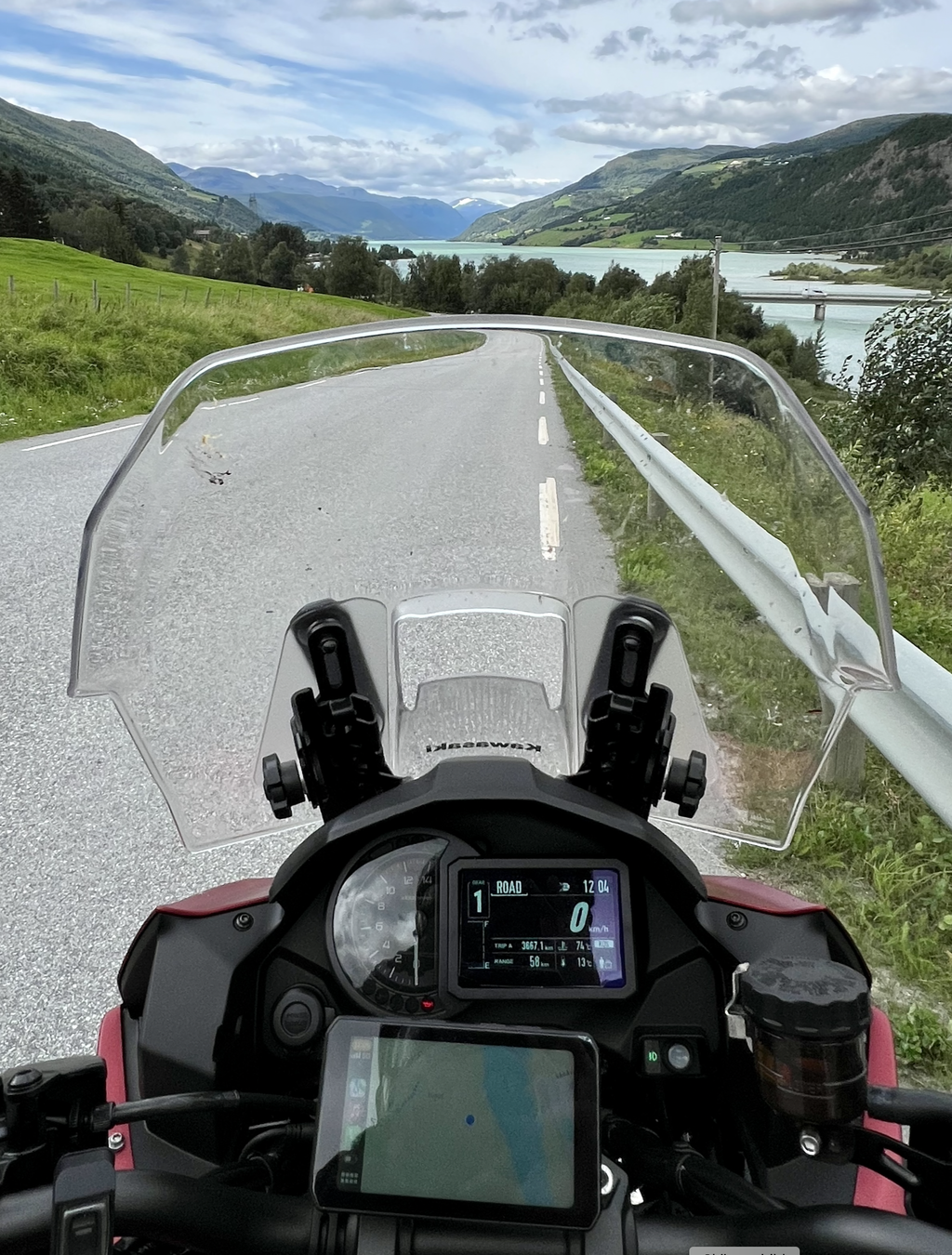
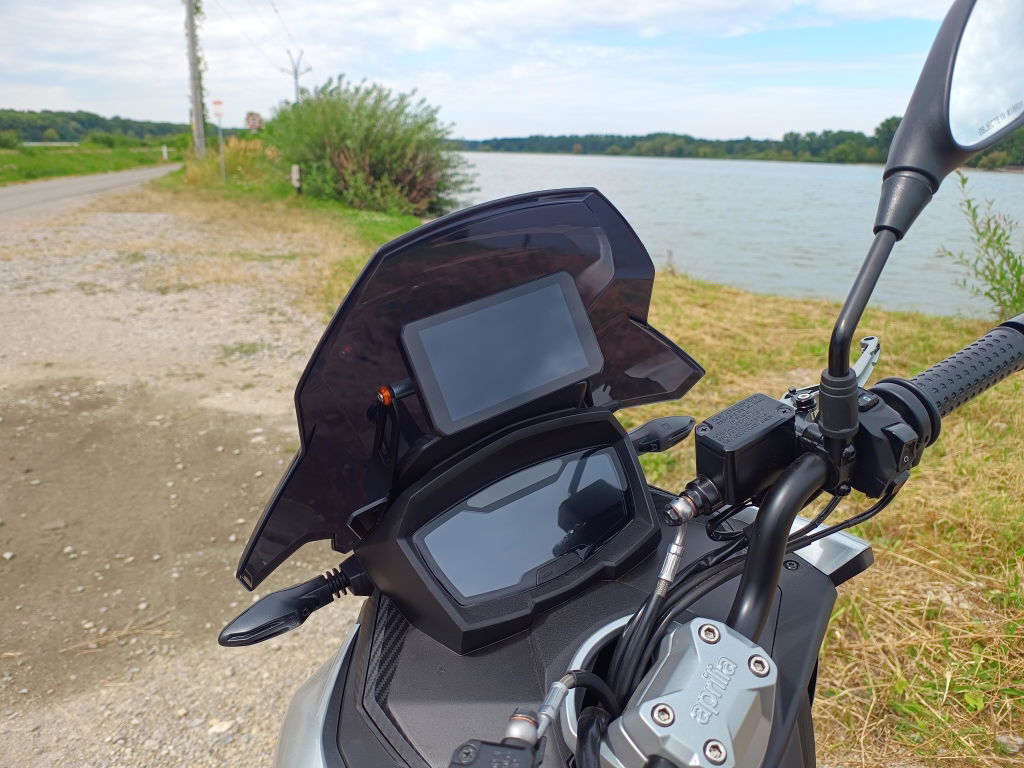
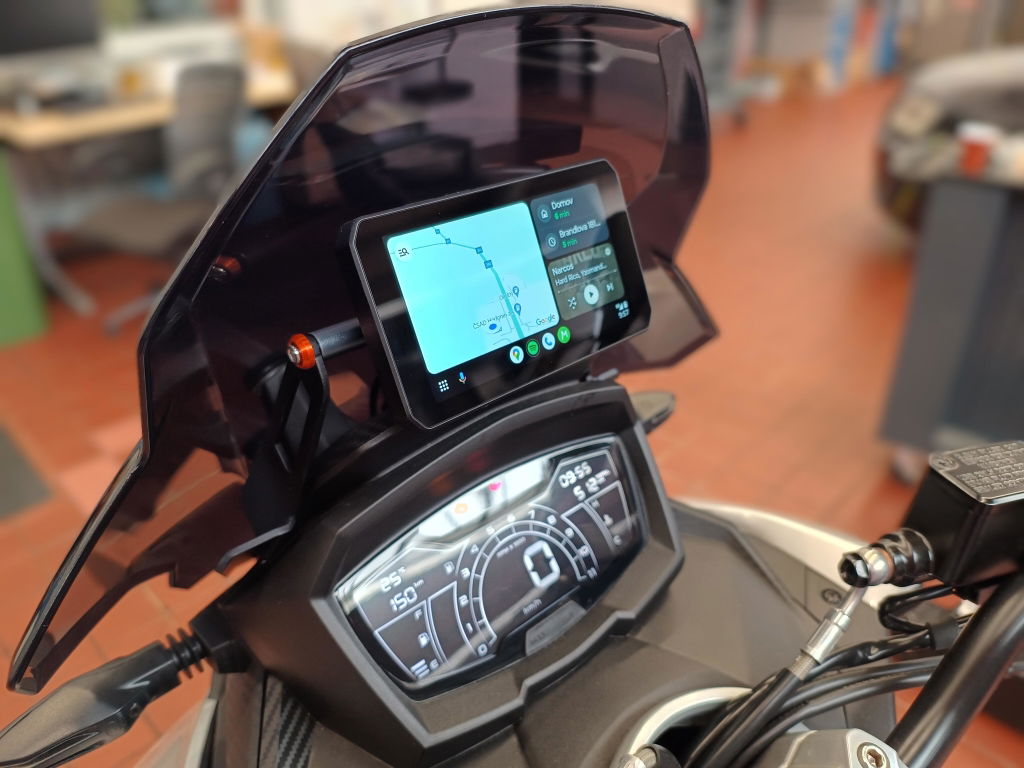
Explore various installation examples of the AIO-5 Play, demonstrating its seamless integration with different motorcycle models.
See What Riders Are Saying
Watch YouTube reviews to hear directly from riders and get more insights into their experiences.
FAQs
For more information, please visit our Knowledge Base. If you still have questions, feel free to contact us directly.
At CHIGEE, we are committed to providing you with top-quality service. Rest assured, we will respond to your ticket as promptly as possible.
Can It Be Powered by a Power Bank?
Yes.
AIO-5 PLAY offers two power options to suit your needs:
1. Connect to Your Bike's Battery
2. Use USB Power
Do I Need the Chigee Go App for AIO-5 Play?
The Chigee Go App is designed for models with dashcam functionality. However, for models like the AIO-5 Play that do not have a camera, there is no need to download the Chigee Go App to use the device. The AIO-5 Play is designed to work seamlessly without the app, making it simpler to use.
How to Choose Between AIO-5 Lite, Play, and Play BMW Edition?
The AIO-5 series is CHIGEE's premium product line, designed to integrate CarPlay and Android Autointo your motorcycle experience.
Each model offers unique features tailored to meet different riders' needs. Please check this article, whick provides a brief comparison.
Will it auto-connect to CarPlay/Android Auto upon startup?
CHIGEE can remember previously connected mobile devices. Once you've activated and connected your phone for the first time, CHIGEE will automatically attempt to search for your phone's CarPlay or Android Auto upon startup (assuming your phone's Bluetooth & WIFI is enabled).
Which navigation app can be used?
We have thoroughly tested the CHIGEE with both the Google Play Store and App Store, ensuring compatibility with the most popular and widely-used navigation apps. To confirm, you can check the list of the top ten tested navigation apps on this page.
CHIGEE works by mirroring mobile apps through CarPlay or Android Auto. In theory, any navigation software that supports CarPlay or Android Auto should be fully compatible with the CHIGEE.
Can I Use Offline Maps?
When mirroring your phone's map to the CHIGEE, no data network is required if offline maps are loaded on your phone. Simply ensure your map app supports CarPlay or Android Auto. The GPS signal always comes from your phone, regardless of whether you're using online or offline maps, and is independent of the CHIGEE device's GPS.
Important Note – Android Auto Voice Assistant
Android Auto voice assistant cannot be triggered through a Bluetooth headset on the Chigee Display.
To use the voice assistant, please tap the on-screen voice button.
Does it support my Bluetooth Headset?
CHIGEE does not establish a direct Bluetooth connection to motorcycle headset devices. Instead, it operates by having the Bluetooth headset pair with your smartphone first. Your smartphone then transmits the audio to the CHIGEE. The CHIGEE is compatible with all Bluetooth headsets, as long as the headset can successfully connect to your smartphone. However, please note that the CHIGEE supports the simultaneous connection of only one headset at a time.
Why isn’t the touchscreen responding when I wear gloves?
Please make sure your gloves are touchscreen-compatible. We recommend gloves with rubberized fingertips or those specifically designed for touchscreens. Fabric gloves may not work reliably with the display.
At CHIGEE, we are committed to providing you with top-quality service. Rest assured, we will respond to your ticket as promptly as possible.
Learn More About CHIGEE Display
Check out the following article to gain a deeper understanding of the CHIGEE Display and how it works.
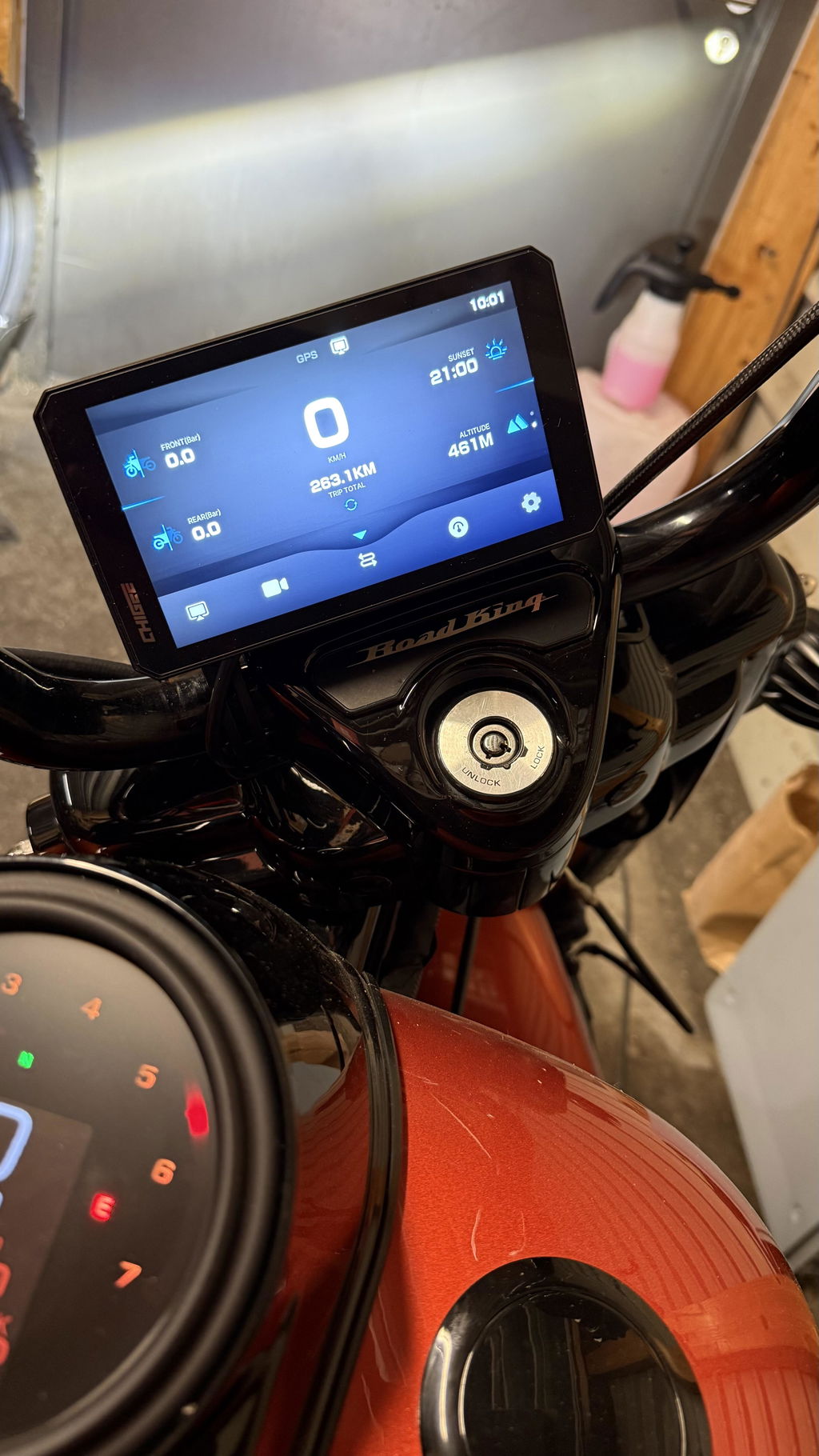
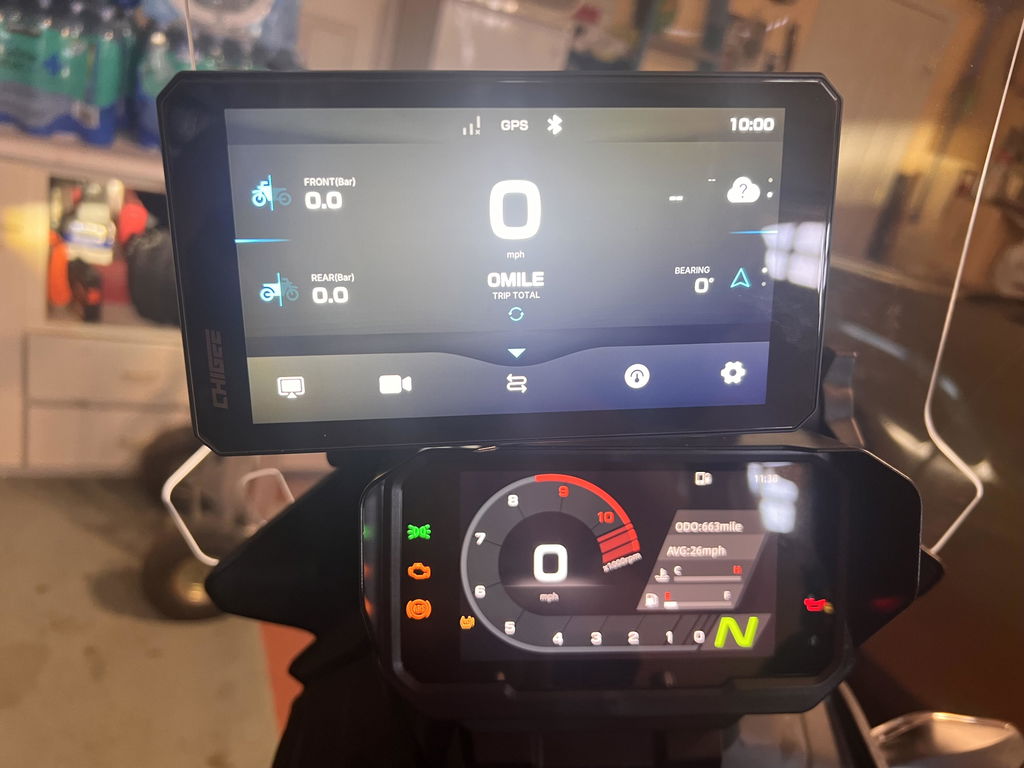
Installation was just snapping it into the dock and connecting CarPlay. WonderWheel worked no problem. The display is a little small but bright and crisp. A bigger display would convince me to upgrade, otherwise I’m happy.
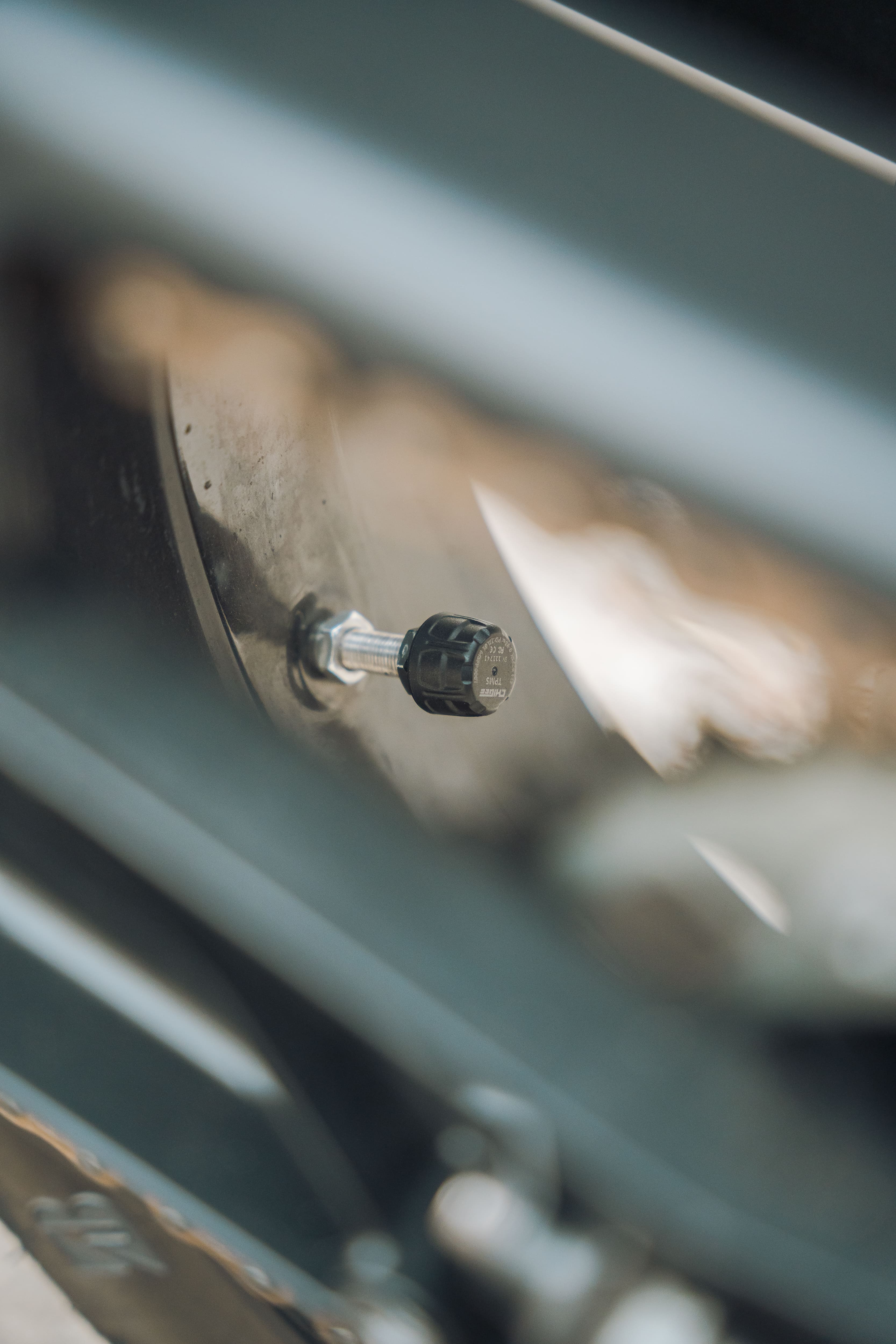
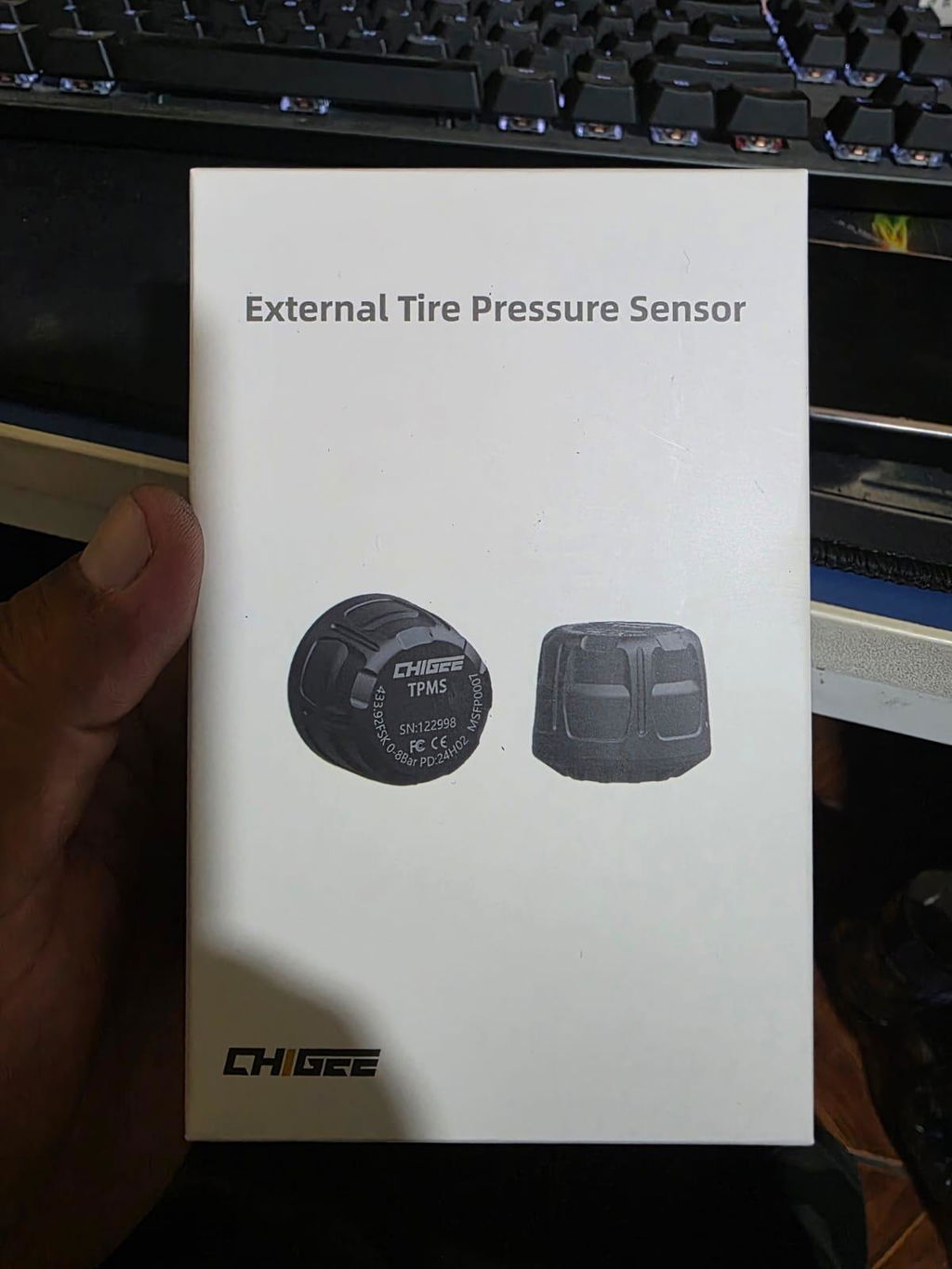
Bmw s1000xr k49 2015 le capteur de pression avant avec la valve plus courte à un espacement de
Bmw s1000xr k49 2015 le capteur de pression avant avec la valve plus courte à un espacement de maximum 2 MM avec l'étrier de frein. Je l'ai arrondi pour augmenter la sécurité. Il serait bien de faire un capteur interne comme les schrader bmw.
Thank you for your detailed feedback.
We are sorry that the external TPMS sensor did not fully meet your expectations on your BMW S1000XR 2015.
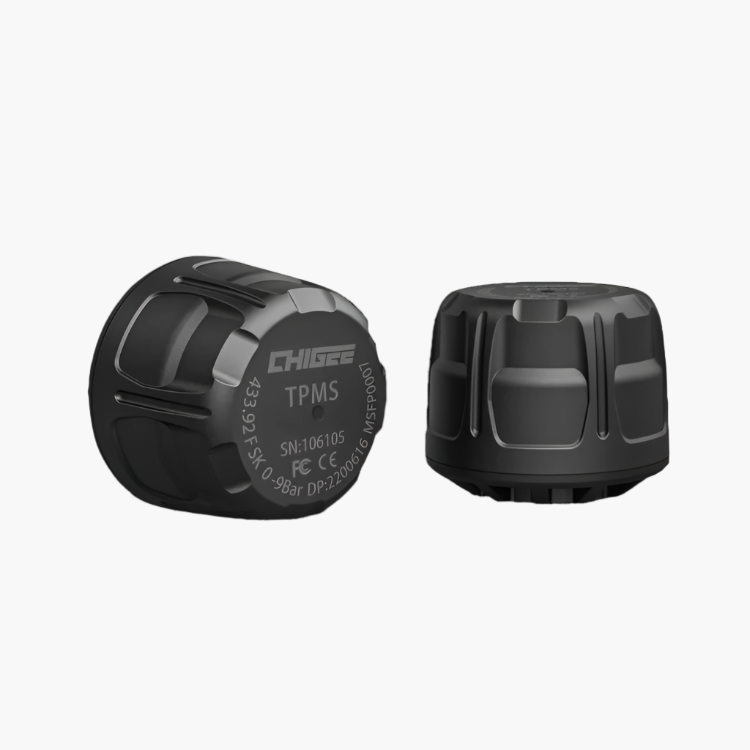
Our external TPMS sensors are designed to fit most motorcycle wheels, but they are not specifically developed for each BMW model. On some motorcycles, the space between the valve and the brake caliper can be very limited, as in your case.
If the clearance is only around 2 mm, we recommend being very careful and not using the external sensor if you feel there is any risk of contact with the brake caliper while riding.
We also understand your suggestion about an internal sensor similar to the BMW Schrader system. We do offer internal TPMS sensors as an alternative, which you may consider if you prefer a more discreet installation and better clearance for this type of wheel setup.
Un système performant. Je regrette que les câbles des leds droites et gauches soient un peu trop courts. Je pense que vous devriez proposer des rallonges.