

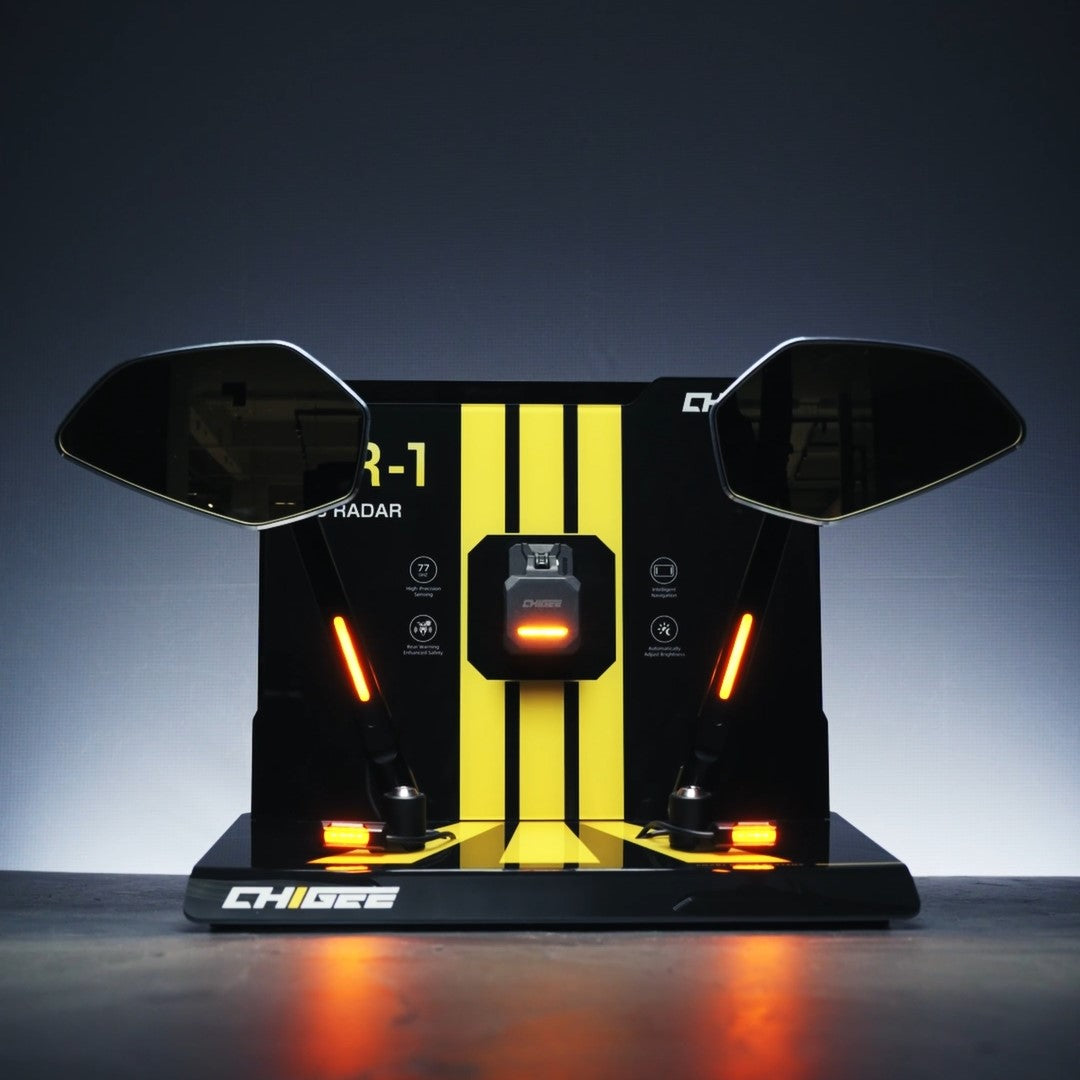

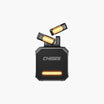

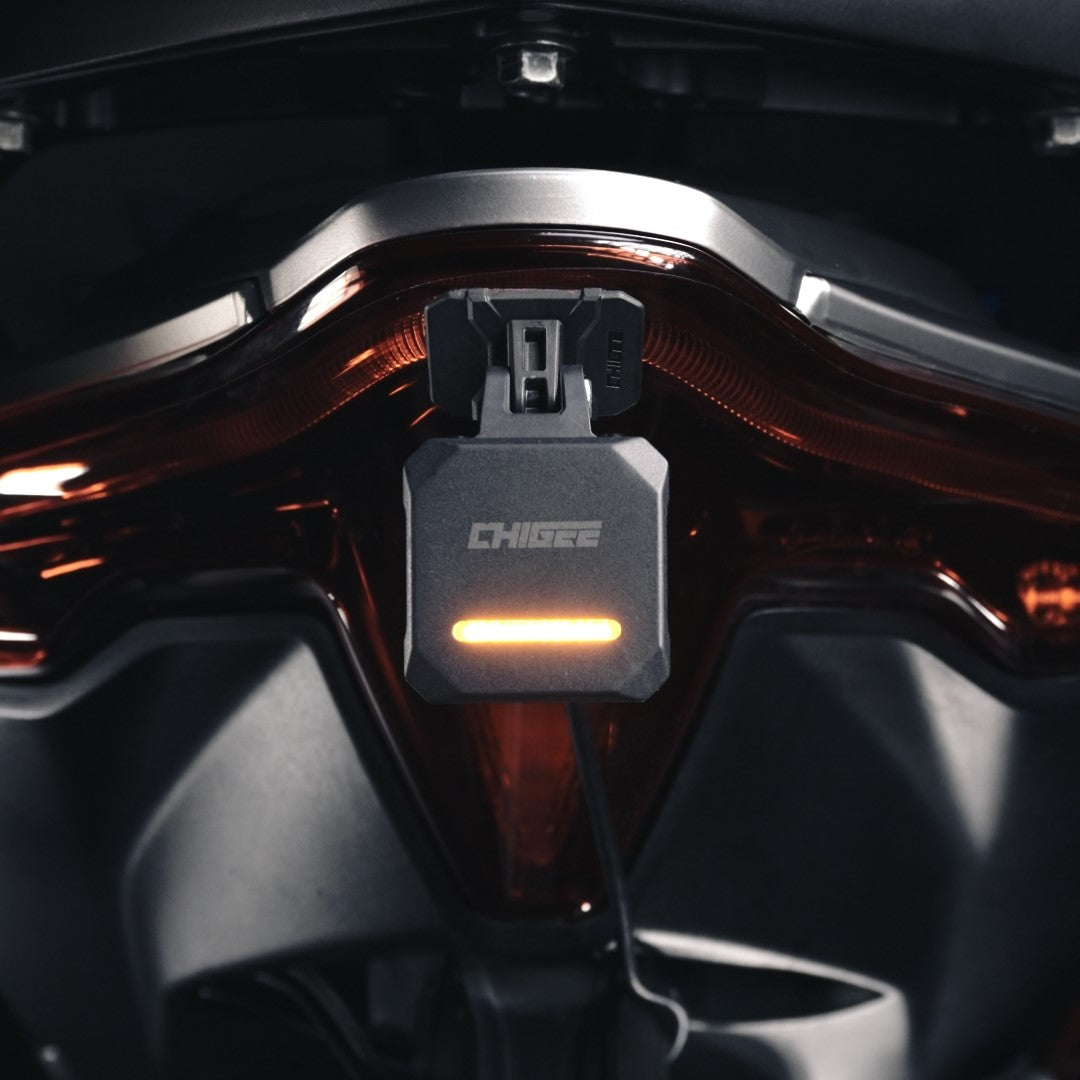
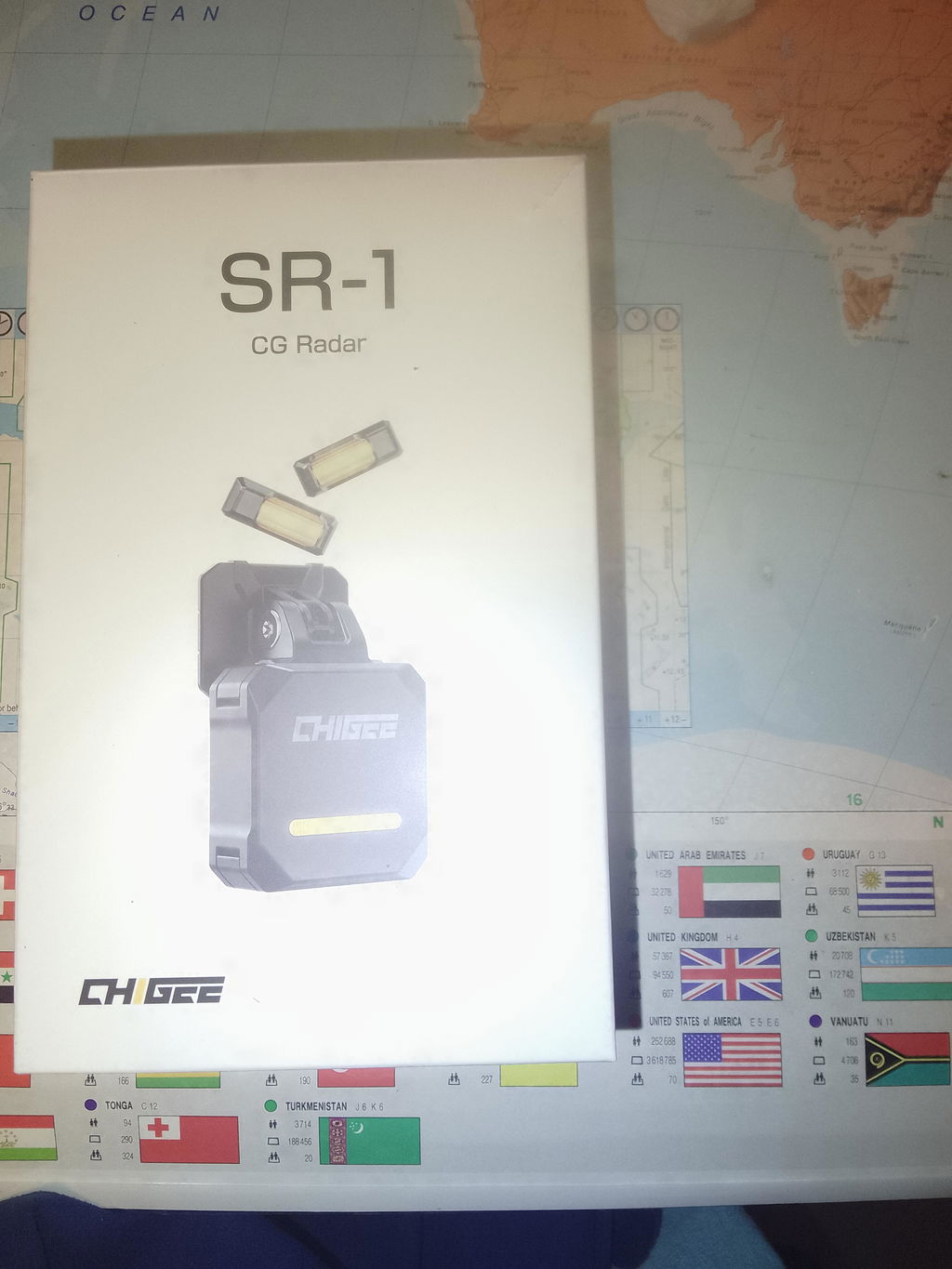
SR-1 ของคุณมาถึง คุณติดตั้ง เดินสายไฟ แล้วขี่ออกไป สิบนาทีต่อมาคุณกำลังค่อยๆ เคลื่อนผ่านการจราจรในเมือง และไฟแสดงสถานะก็สว่างขึ้นทุกครั้งที่ติดไฟแดง เป็นเรื่องง่ายที่จะสรุปว่าเรดาร์ "พูดมากเกินไป" — แต่สิ่งที่เกิดขึ้นจริงคือมันยังใช้ค่าเริ่มต้นจากโรงงานอยู่ สองนาทีในแอป CHIGEE GO ก็แก้ไขได้ และการจับคู่ใช้เวลาน้อยกว่าการใส่ถุงมือ
คู่มือนี้จะอธิบายการเชื่อมต่อโทรศัพท์ทีละขั้นตอน จากนั้นจะพาชมการตั้งค่าเรดาร์ที่คุณจะพบเมื่อเข้าไปแล้ว
สิ่งที่คุณต้องมีก่อนเริ่มต้น
- SR-1 ที่ติดตั้งและเปิดใช้งานอยู่ (เชื่อมต่อผ่าน Bluetooth 5.0 โทรศัพท์ของคุณจึงเพียงแค่เปิด Bluetooth)
- แอป CHIGEE GO ที่ดาวน์โหลดจาก App Store หรือ Google Play
- มอเตอร์ไซค์ของคุณจอดอยู่ — ตั้งค่าเริ่มต้นครั้งแรกในขณะที่จอดนิ่ง ไม่ใช่ขณะขับขี่
การเชื่อมต่อ SR-1: แตะห้าครั้ง
- เปิดแอป CHIGEE GO และแตะ อุปกรณ์ของฉัน.
- แตะ เพิ่มอุปกรณ์.
- เลือก อุปกรณ์เสริม Bluetooth: SR-1.
- แตะ เชื่อมต่อ.
- รอการยืนยัน — เมื่อคุณเห็น การเชื่อมต่อสำเร็จ แสดงว่าคุณเข้าใช้งานได้แล้ว.
นั่นคือขั้นตอนการจับคู่ทั้งหมด จากตรงนี้ แอปจะกลายเป็นแผงควบคุมของคุณ: การตั้งค่าเรดาร์ในชีวิตประจำวันและการอัปเดตเฟิร์มแวร์ทั้งหมดอยู่ในที่เดียว.
แนะนำการตั้งค่าเรดาร์อย่างย่อ
คุณไม่จำเป็นต้องแตะการตั้งค่าเหล่านี้ส่วนใหญ่ซ้ำหลายครั้ง แต่แต่ละอย่างมีไว้เพราะสถานการณ์การขี่จริง ดังนั้นจึงควรรู้ว่ามันทำอะไรก่อนการขี่ครั้งถัดไป.
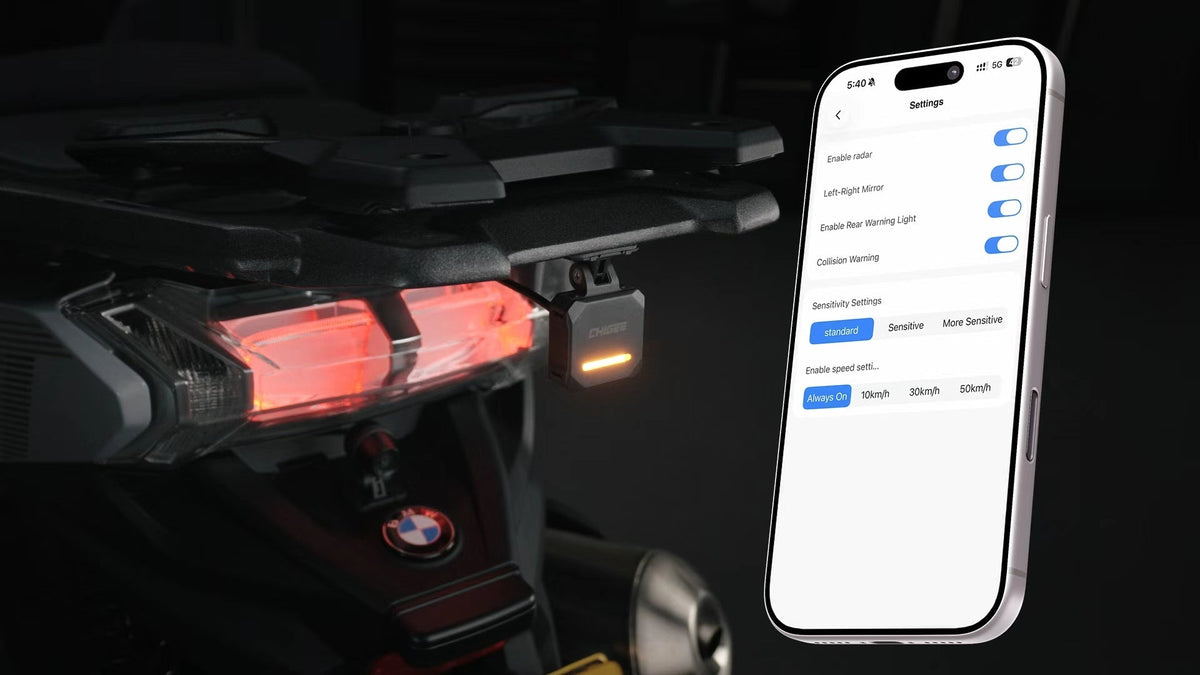
เปิด/ปิดเรดาร์. ในการตั้งค่า คุณสามารถเปิดหรือปิดเรดาร์ได้ทั้งหมด — มีประโยชน์เมื่อคุณกำลังโหลดมอเตอร์ไซค์ขึ้นรถพ่วงหรือทำงานใกล้ๆ ในโรงรถและไม่ต้องการการแจ้งเตือน.
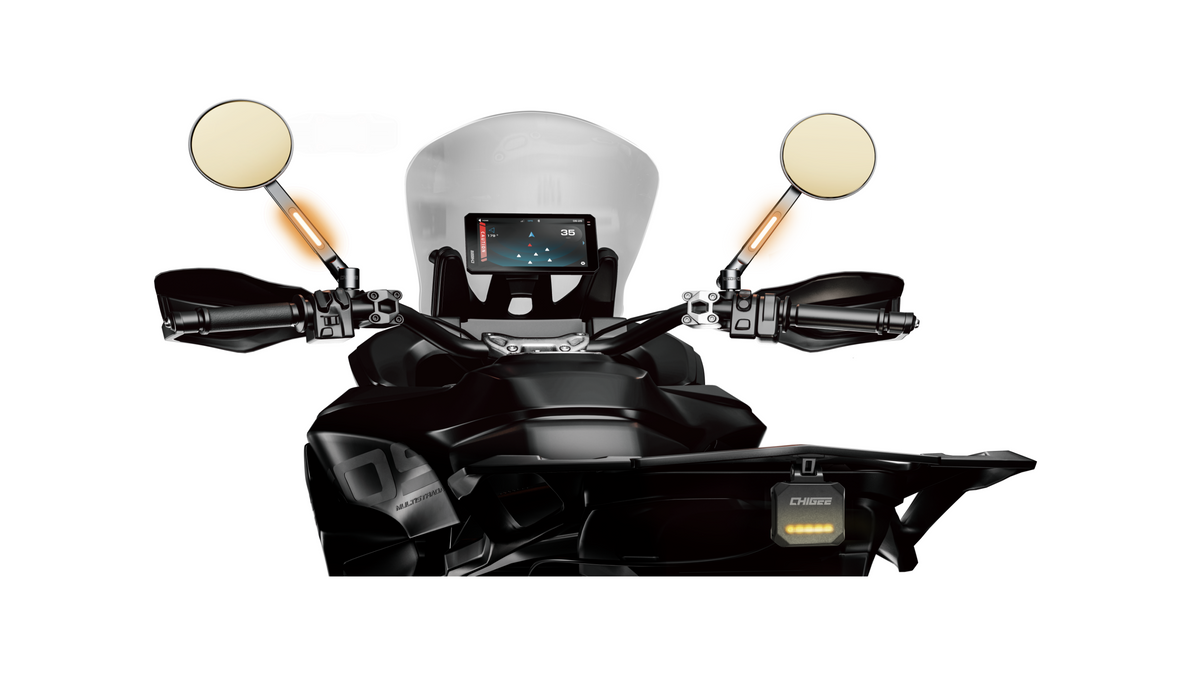
การกลับด้านซ้าย/ขวา. หากไฟแสดงสว่างฝั่งตรงข้ามกับรถที่กำลังเข้ามา — เช่น รถเข้ามาทางซ้ายแต่ไฟฝั่งขวาสว่าง — ให้เปิดตัวเลือกนี้เพื่อสลับด้าน หากติดตั้งเรดาร์อย่างถูกต้อง การตั้งค่านี้ควรปิดไว้; โดยค่าเริ่มต้นจะปิด.
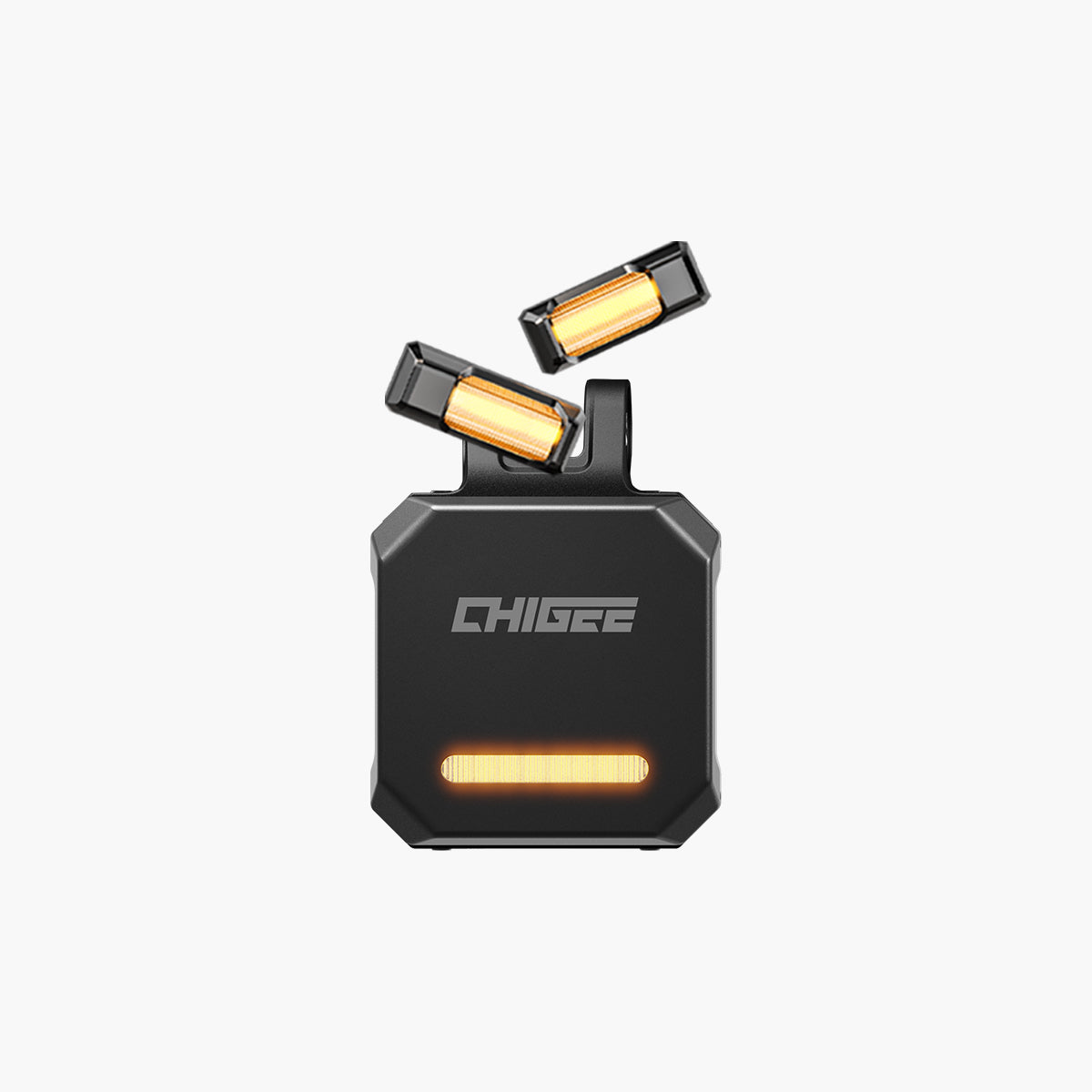
ไฟเตือนด้านหลัง. ไฟที่หันไปทางท้ายของ SR-1 สามารถเปิดหรือปิดได้ ขึ้นอยู่กับว่าคุณต้องการให้เรดาร์สื่อสารกับการจราจรที่อยู่ด้านหลังคุณอย่างไร.
คำเตือนการชน. CHIGEE แนะนำให้เปิดไว้ — ช่วยเพิ่มการรับรู้ในการขี่เมื่อมีรถเข้ามาใกล้จากด้านหลังอย่างรวดเร็ว เรดาร์ไม่เบรกหรือบังคับเลี้ยวให้คุณ แต่ทำให้คุณมองไปในจังหวะที่เหมาะสม สำหรับรายละเอียดว่าชั้นการแจ้งเตือนทำงานอย่างไรเมื่อมีหรือไม่มีจอแสดงผล ดู วิธีที่ SR-1 และจอแสดงผล CHIGEE สร้างการรับรู้แบบหลายชั้น.
ความไว. กำหนดว่าเรดาร์จะแจ้งเตือนสิ่งที่อยู่ด้านหลังคุณเร็วแค่ไหน ปรับให้เข้ากับวิธีที่คุณขี่จริง — นักขี่เส้นเขาช่วงสุดสัปดาห์กับคนที่ขับขี่ประจำวันในจราจรหนาแน่นอาจได้การตั้งค่าที่ต่างกัน และทั้งคู่ก็ถูกต้อง.
ความเร็วเริ่มทำงาน. ค่านี้กำหนดความเร็วที่ต่ำกว่าเกณฑ์ซึ่งเรดาร์จะเงียบ คุณเลือกจากขั้นความเร็วที่ตั้งไว้ล่วงหน้าในแอป และคำแนะนำอย่างเป็นทางการคือ 10 กม./ชม. ซึ่งช่วยให้เรดาร์ไม่ส่งการแจ้งเตือนขณะจอดรถ, วิ่งแทรกในรถเยอะ หรือค่อยๆ เลื่อนที่ไฟแดง หากการขี่ครั้งแรกๆ รู้สึกว่ามีเสียงเตือนบ่อย โดยปกติแล้วควรเริ่มตรวจสอบที่การตั้งค่านี้.
การอัปเดตเฟิร์มแวร์ก็อยู่ที่นี่เช่นกัน
เมื่อเชื่อมต่อแล้ว แอปยังจัดการอัปเกรดเฟิร์มแวร์สำหรับ SR-1 ด้วย การตรวจสอบอัปเดตทันทีหลังจับคู่ครั้งแรกถือเป็นนิสัยที่ดี — การปรับปรุงพฤติกรรมการตรวจจับจะถูกส่งผ่านช่องทางนี้ โดยไม่ต้องใช้สายเคเบิลหรือไปที่ร้าน.
คำถามที่พบบ่อย
ฉันจำเป็นต้องมีจอแสดงผล CHIGEE เพื่อใช้แอปกับ SR-1 หรือไม่?
ไม่จำเป็น SR-1 จับคู่กับโทรศัพท์ของคุณโดยตรงผ่านบลูทูธในแอป CHIGEE GO ซึ่งเป็นที่จัดการการตั้งค่าและการอัปเดตเฟิร์มแวร์เหล่านี้.
ทำไมไฟแสดงสถานะถึงแสดงด้านที่ผิด?
นั่นคือจุดประสงค์ของฟีเจอร์กลับด้านซ้าย/ขวา — เปิดใช้งานเพื่อสลับด้านของสัญญาณไฟเลี้ยว หากติดตั้งเรดาร์อย่างถูกต้อง คุณก็ไม่จำเป็นต้องใช้มัน
ควรตั้งค่าความเร็วในการเปิดใช้งานเป็นเท่าไหร่?
คำแนะนำอย่างเป็นทางการของ CHIGEE คือ 10 กม./ชม. ซึ่งช่วยป้องกันการแจ้งเตือนบ่อยครั้งเมื่อขับช้าหรือจอดรถ
ฉันจะอัปเดตเฟิร์มแวร์ของ SR-1 ได้อย่างไร?
เชื่อมต่อผ่านแอป CHIGEE GO ก่อน จากนั้นอัปเดตเฟิร์มแวร์ได้จากในแอปเมื่อจับคู่เรดาร์แล้ว






แสดงความคิดเห็น
ทุกความคิดเห็นจะถูกตรวจสอบก่อนเผยแพร่
เว็บไซต์นี้ได้รับการคุ้มครองโดย hCaptcha และมีการนำนโยบายความเป็นส่วนตัวของ hCaptcha และข้อกำหนดในการใช้บริการมาใช้