

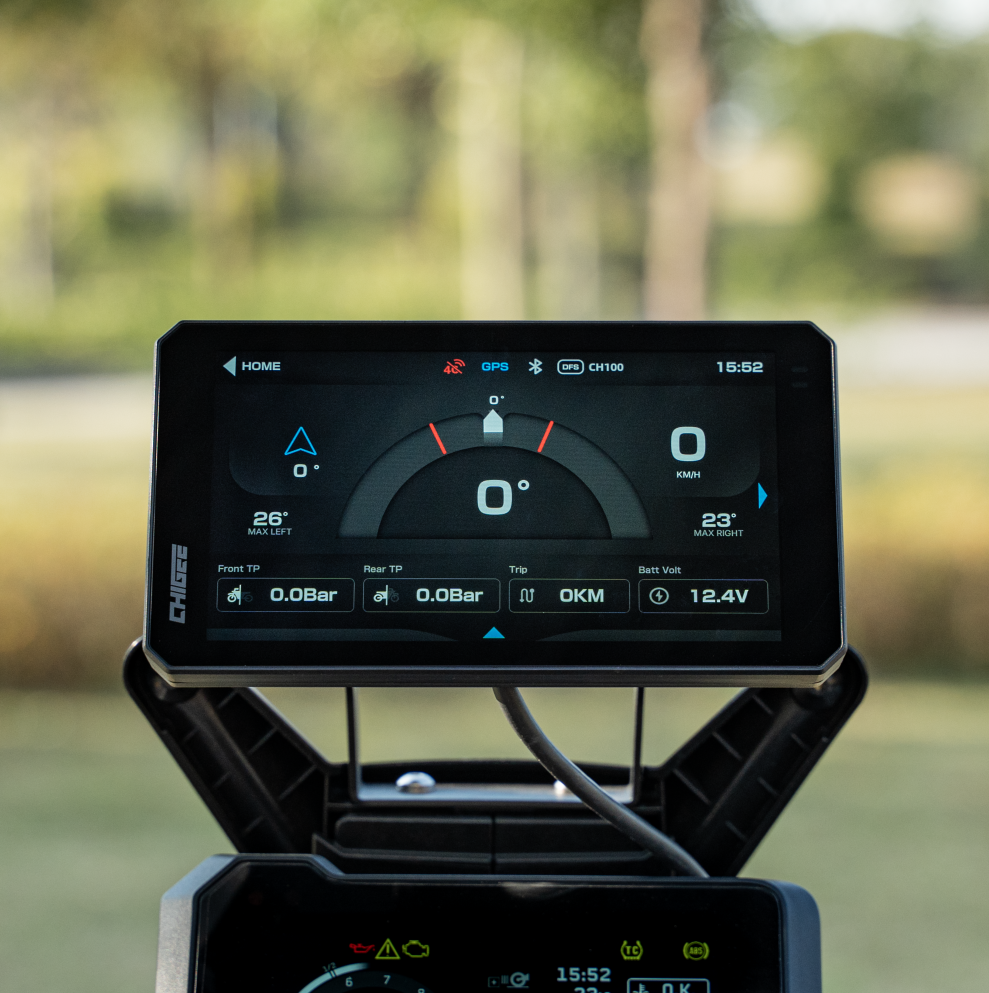
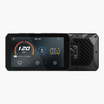
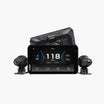
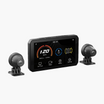
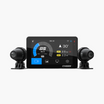

You pull into the driveway after a good ride, and your memory is already editing. That third corner felt smooth. You're pretty sure you carried more speed than usual through the long sweeper. The problem is that memory is a poor witness. It remembers feelings, not facts — and it always flatters the rider.
Your footage doesn't. And once your CHIGEE display lays ride data over that dashcam footage, the ride stops being a story you tell yourself. It becomes a record you can study.
What data gets recorded on your footage
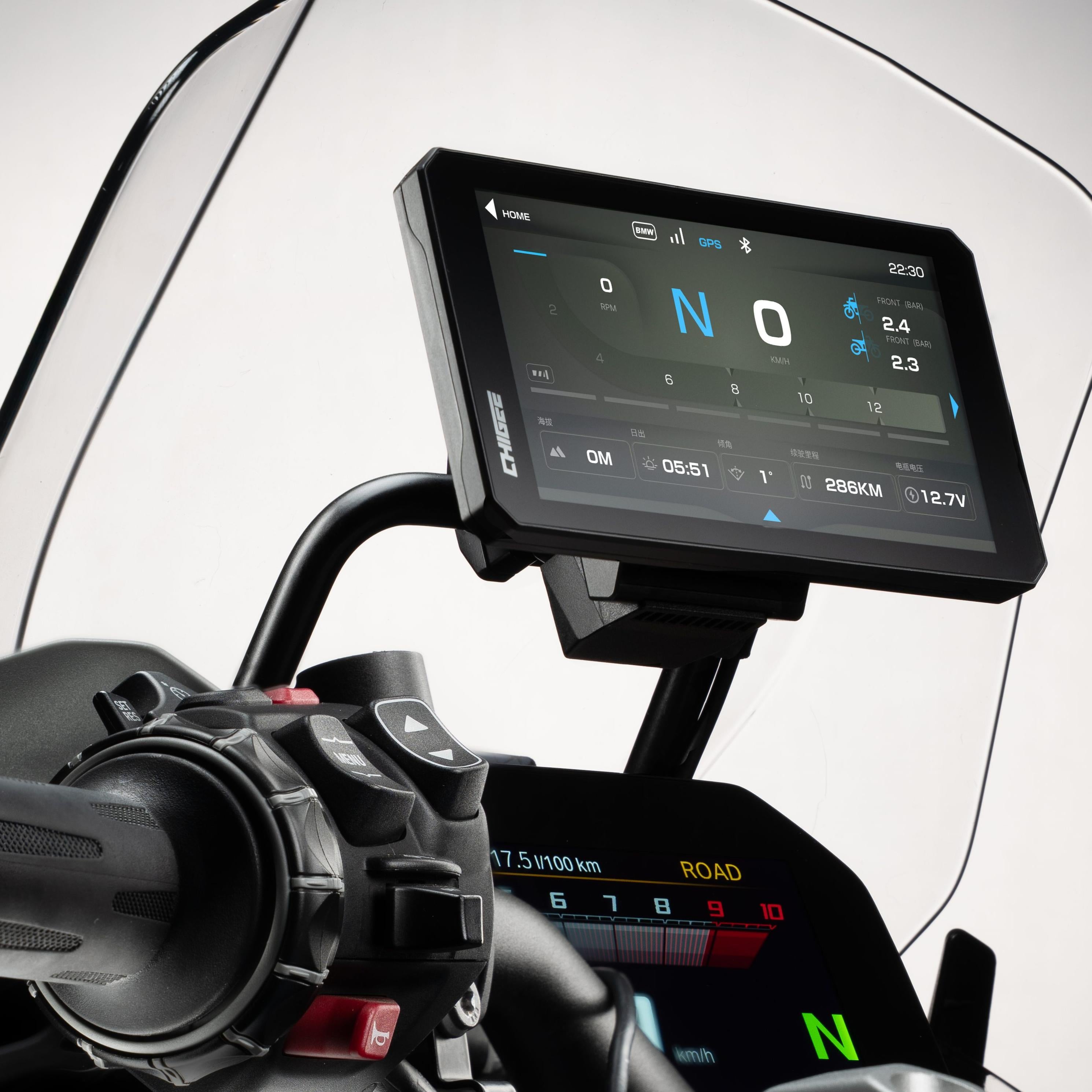
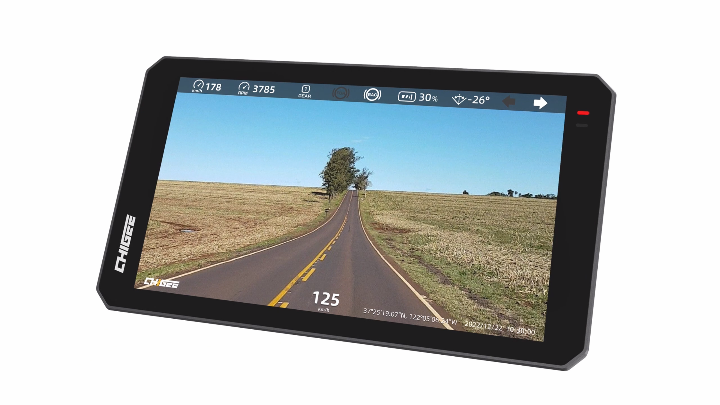
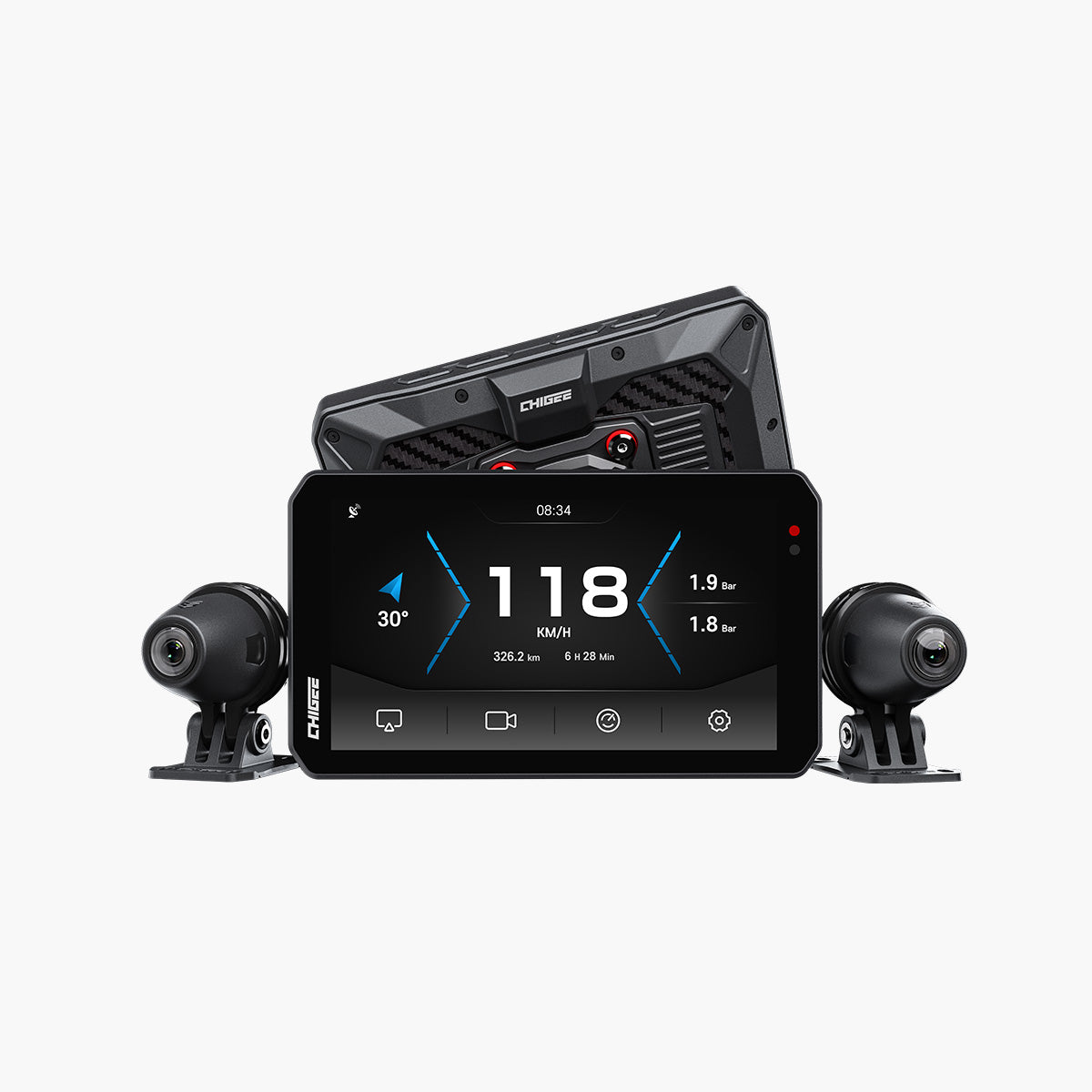
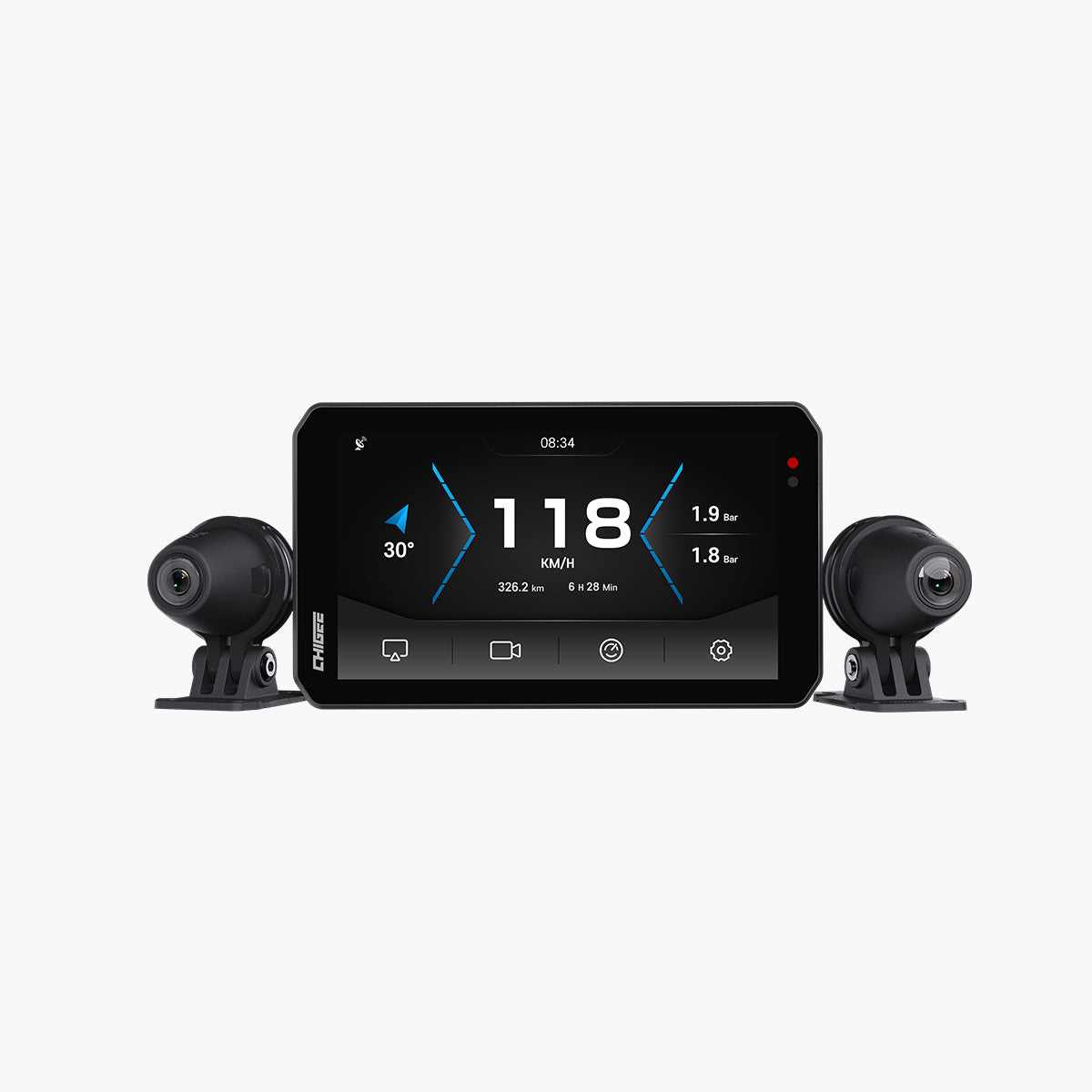
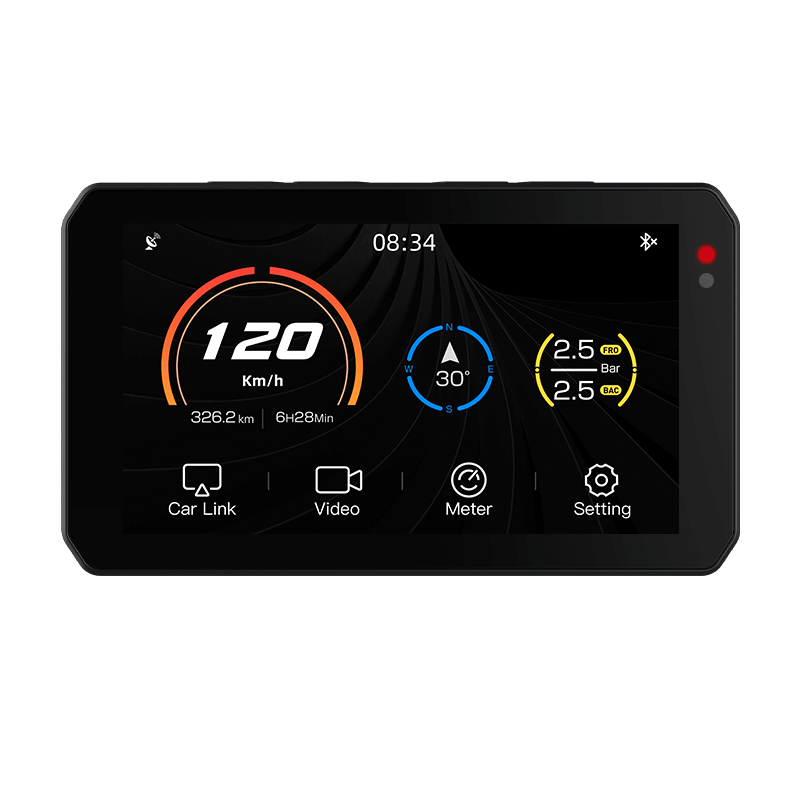
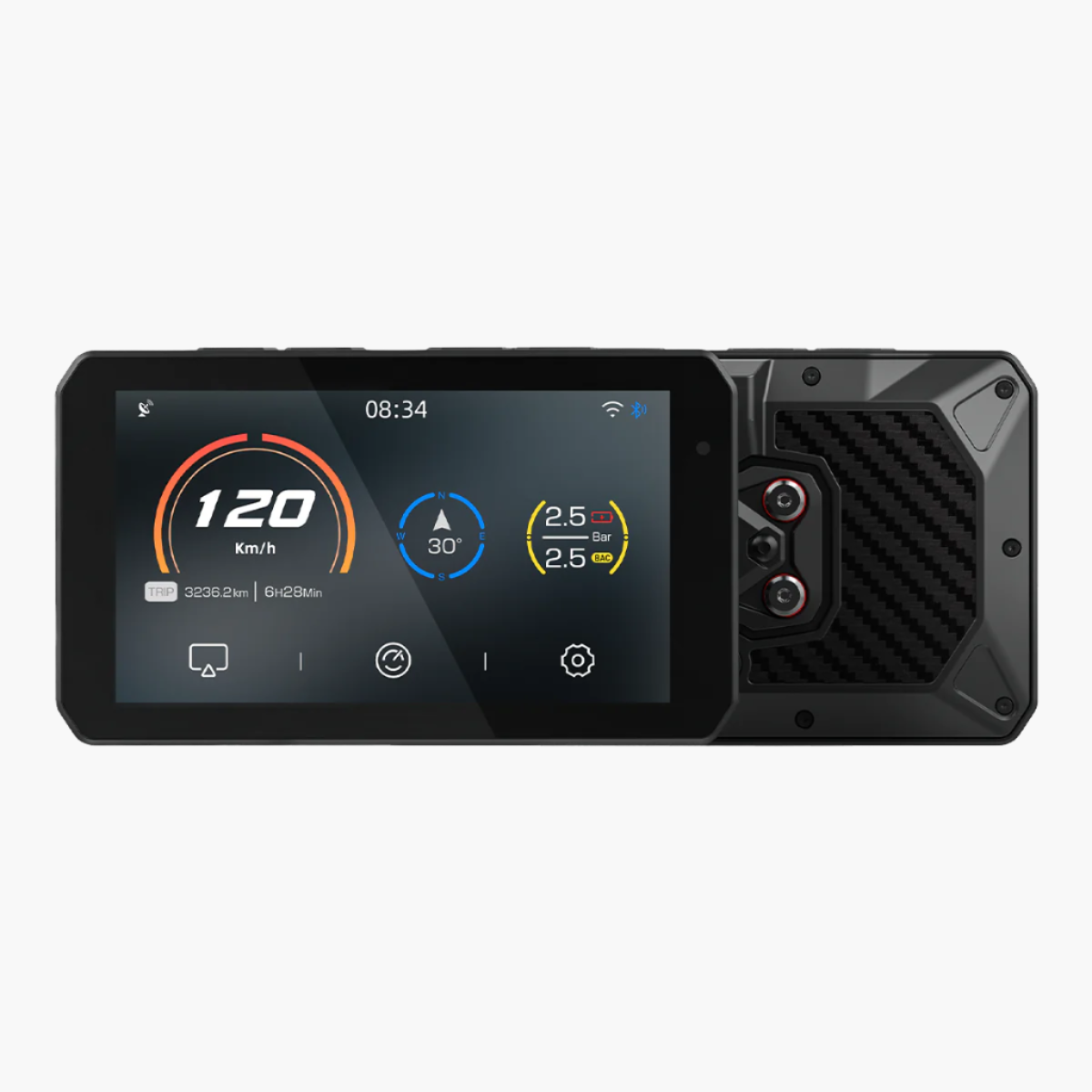
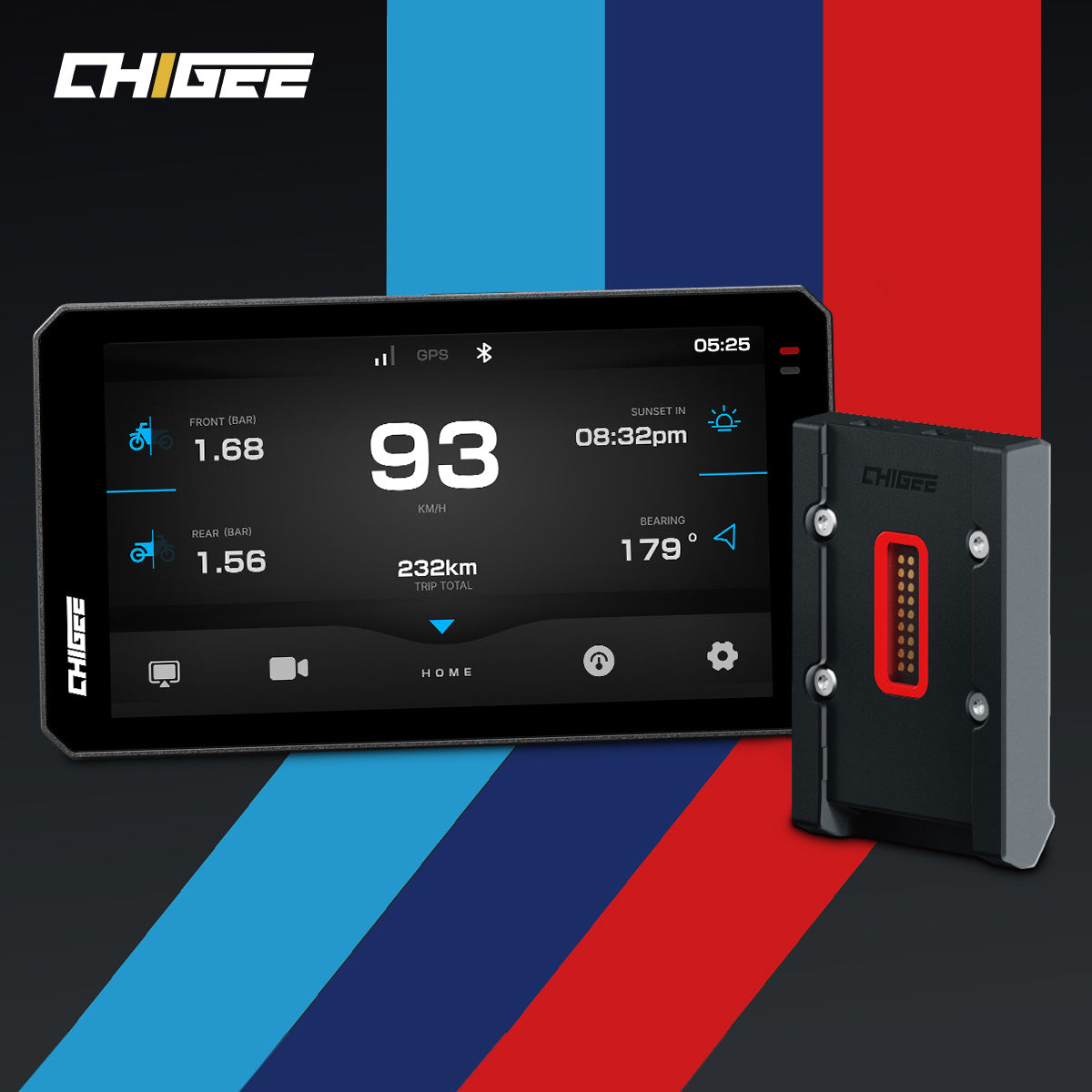
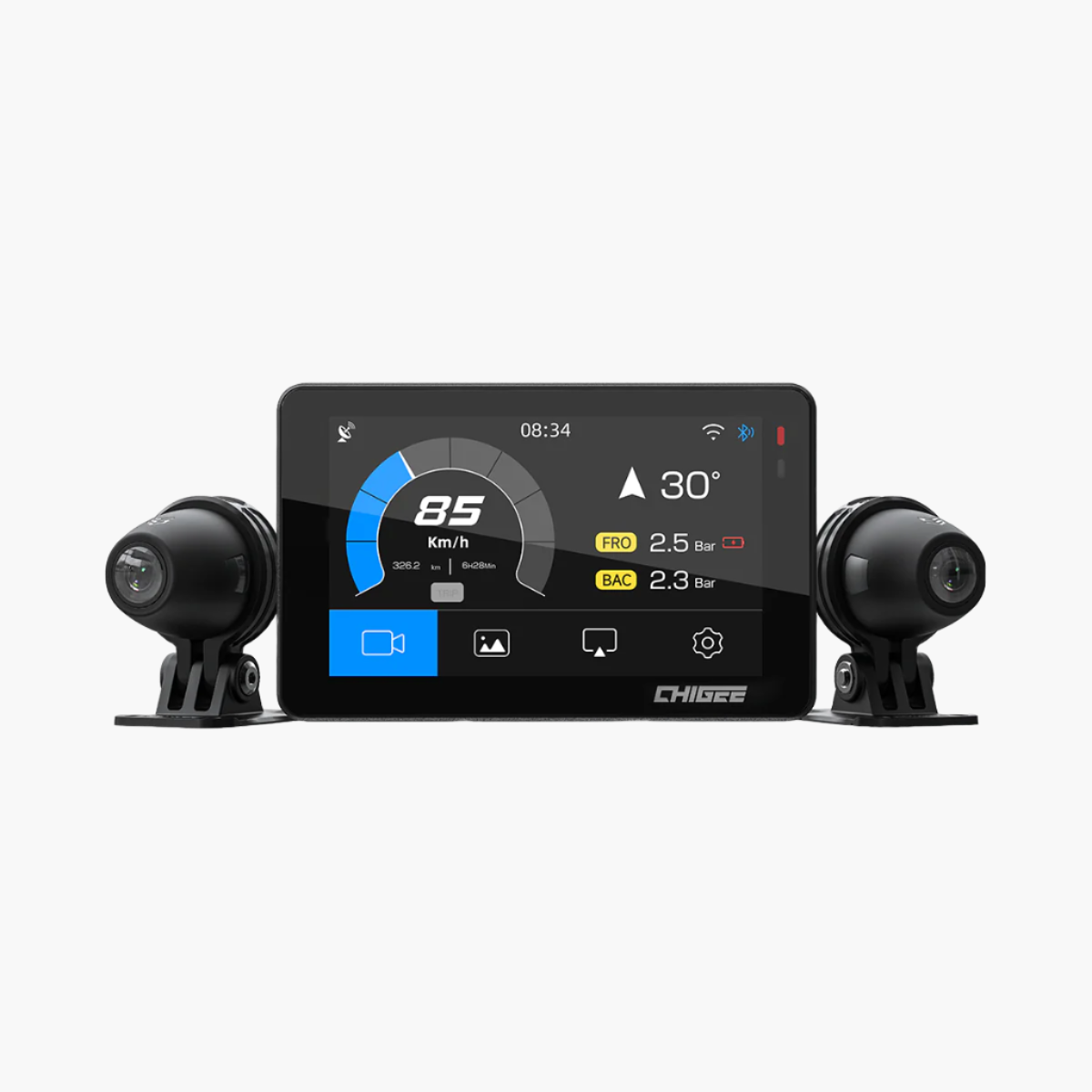
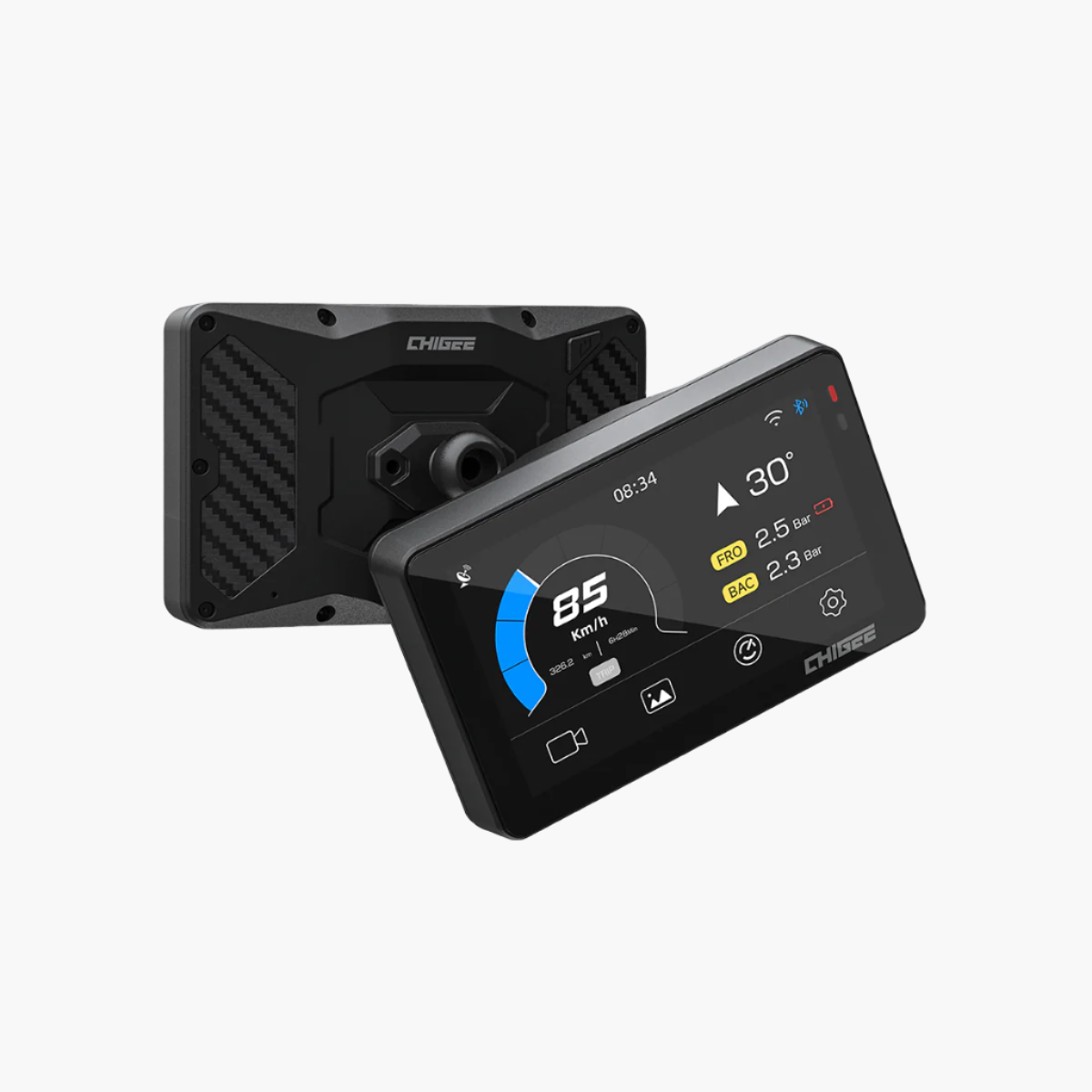
On the device, you can add the basics straight onto the clip: time, speed, and GPS location. Export the ride through the CHIGEE GO app and the overlay grows into a full strip across the top of the video — speed, rpm, gear, brake, throttle, lean angle, even your turn signals.
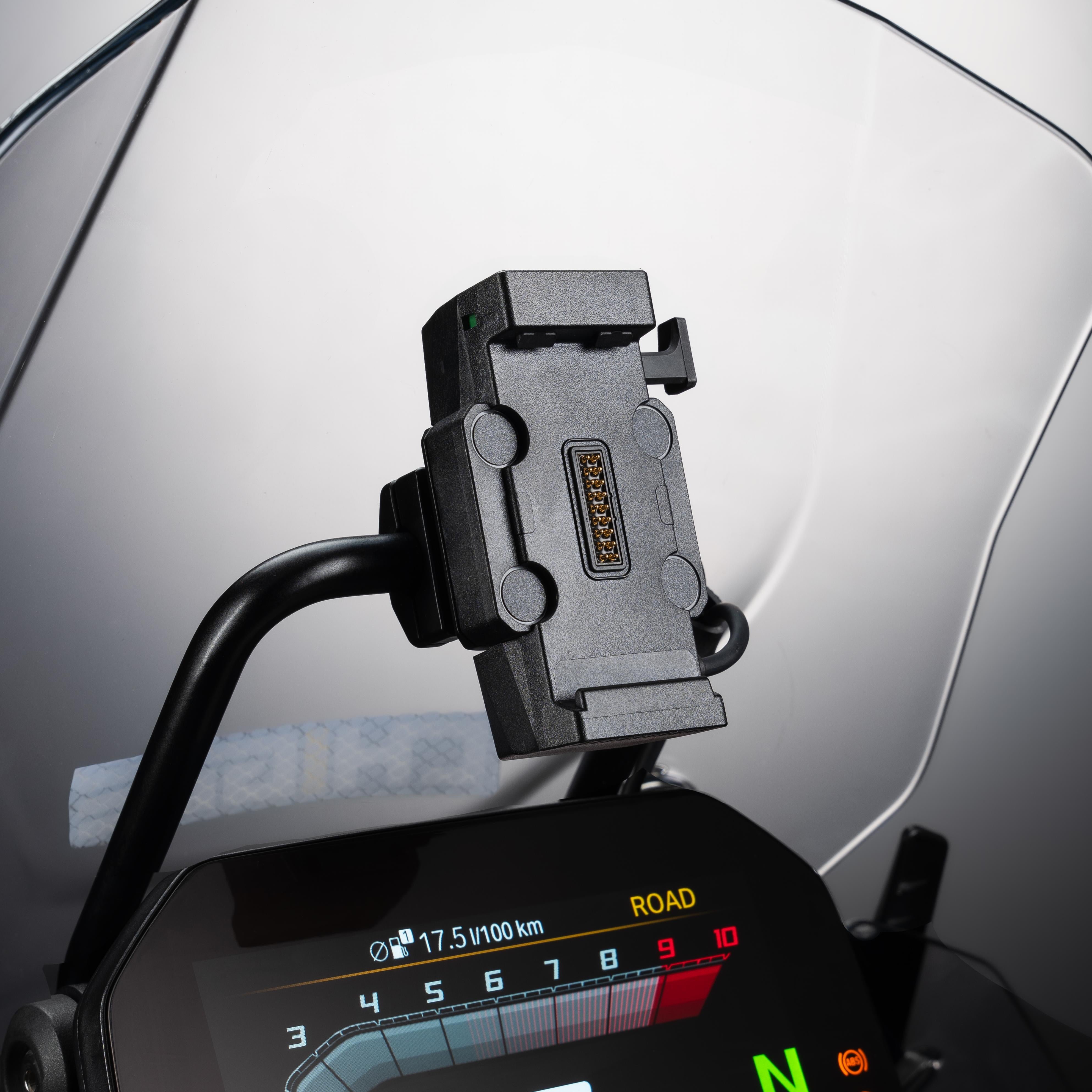
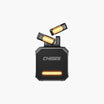
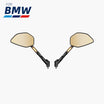
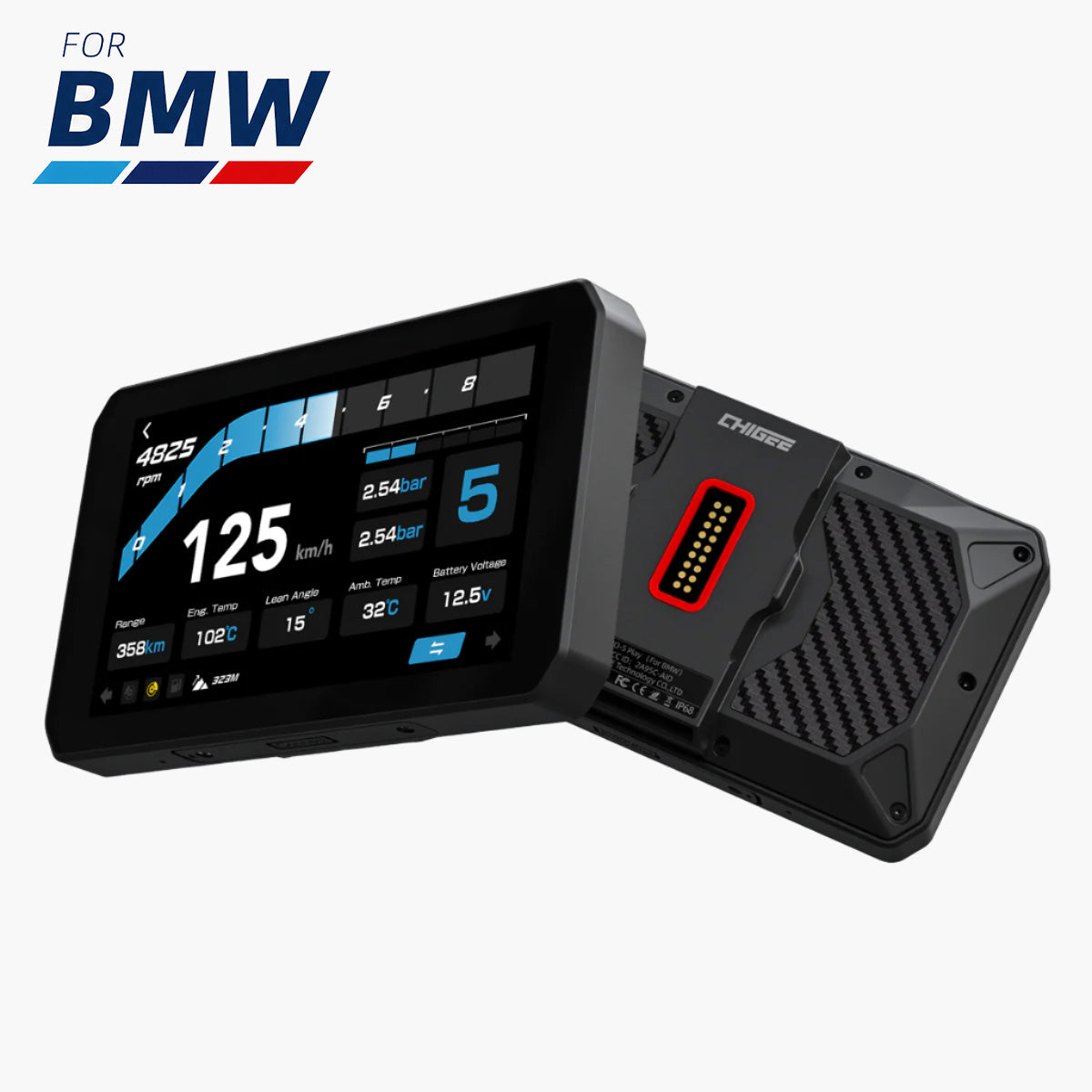
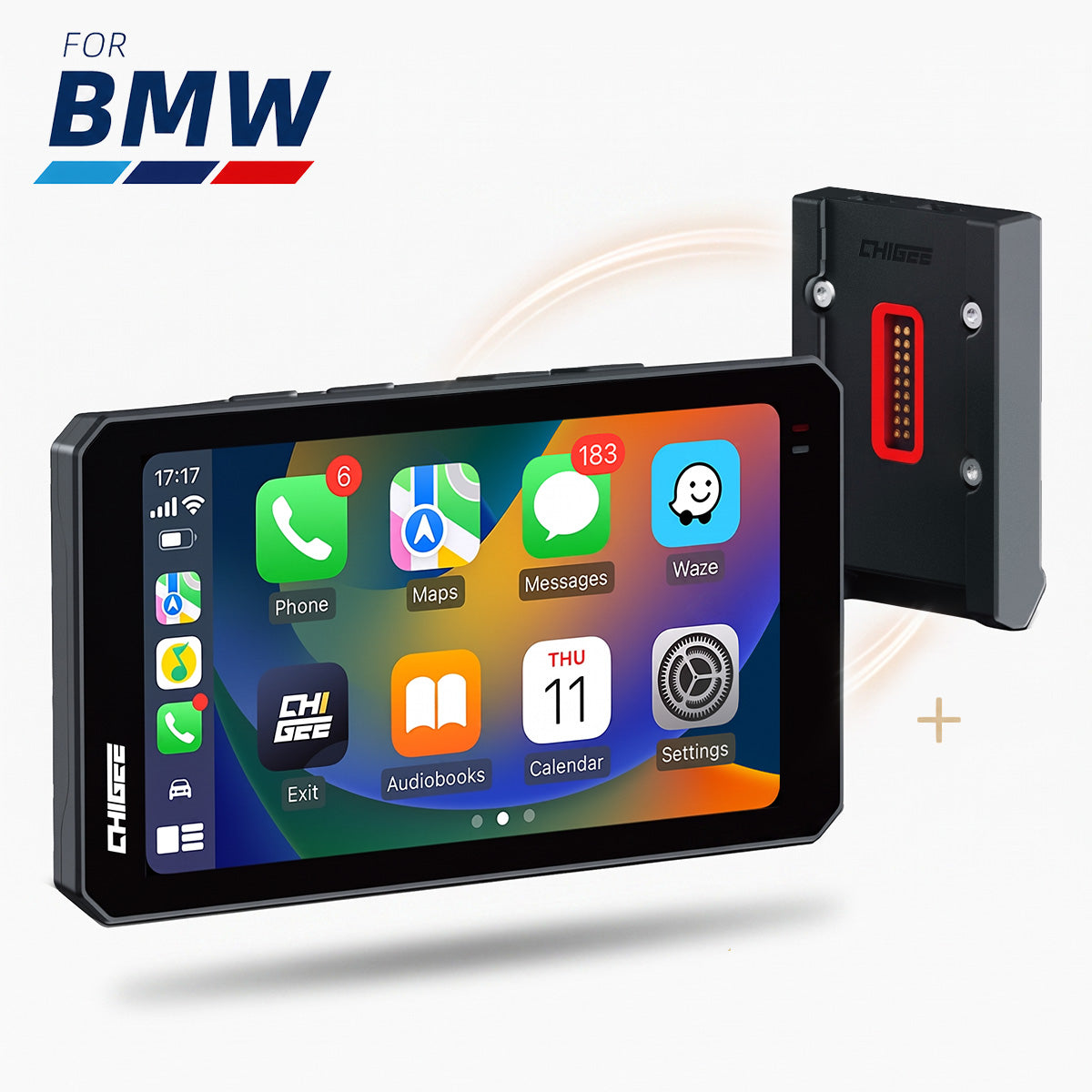
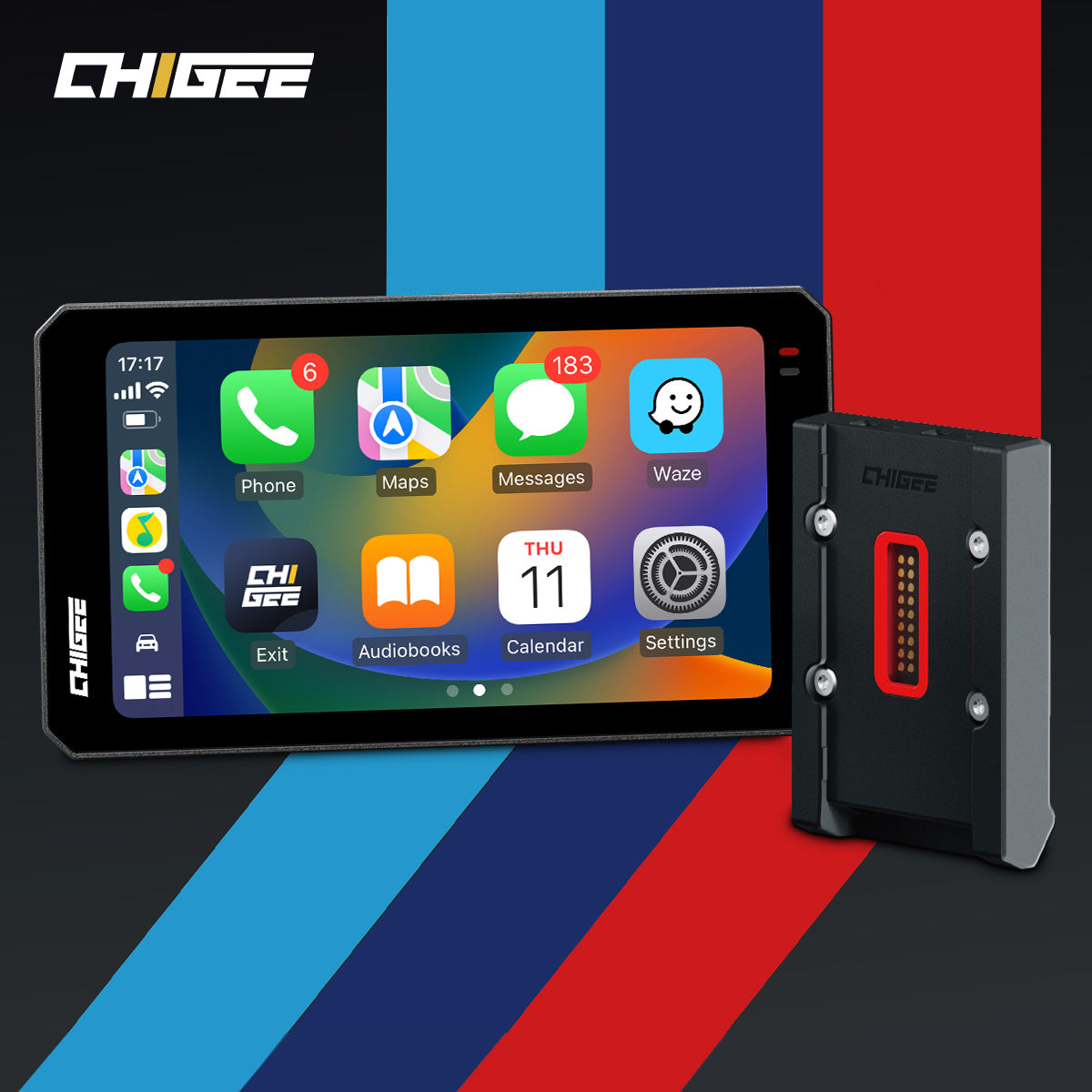
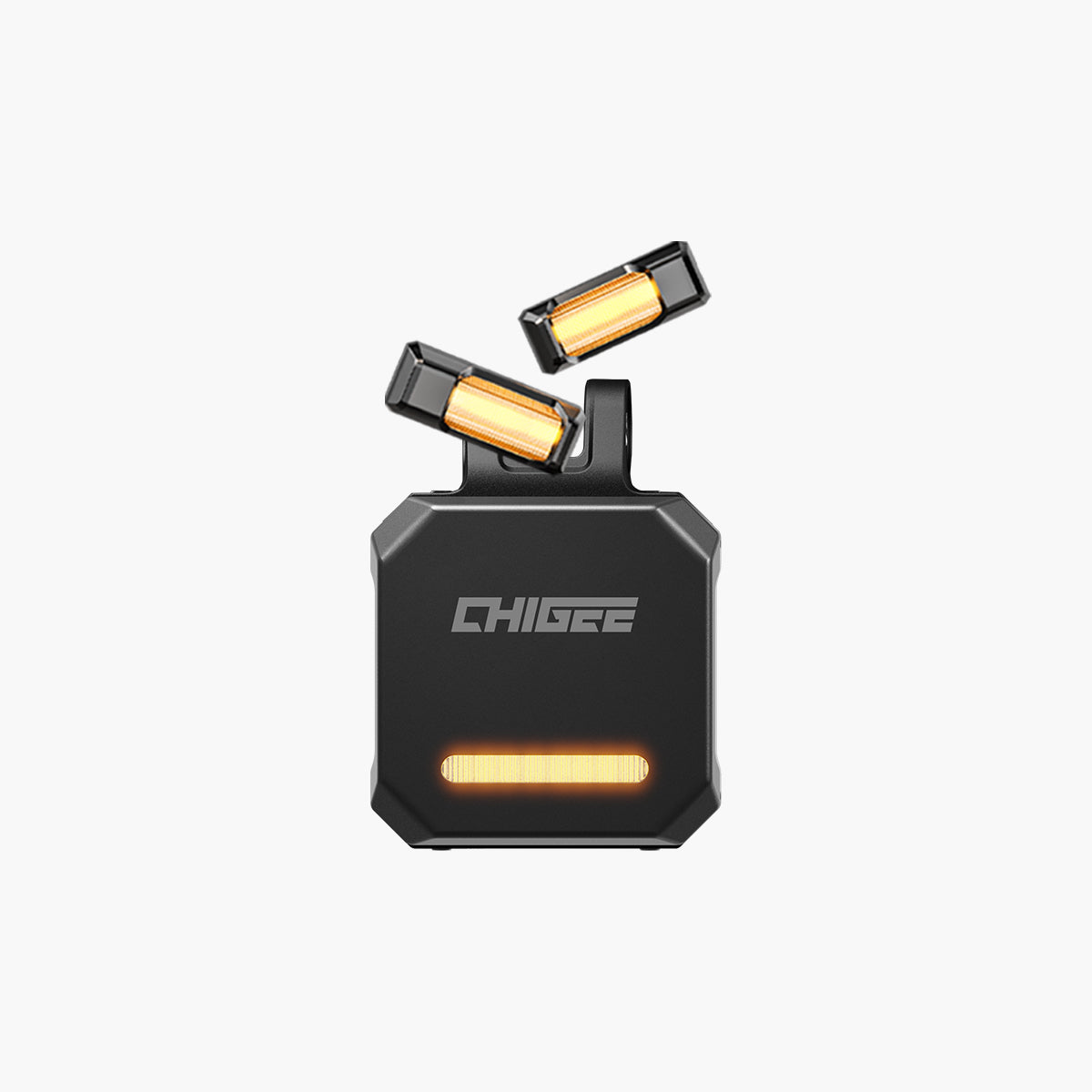
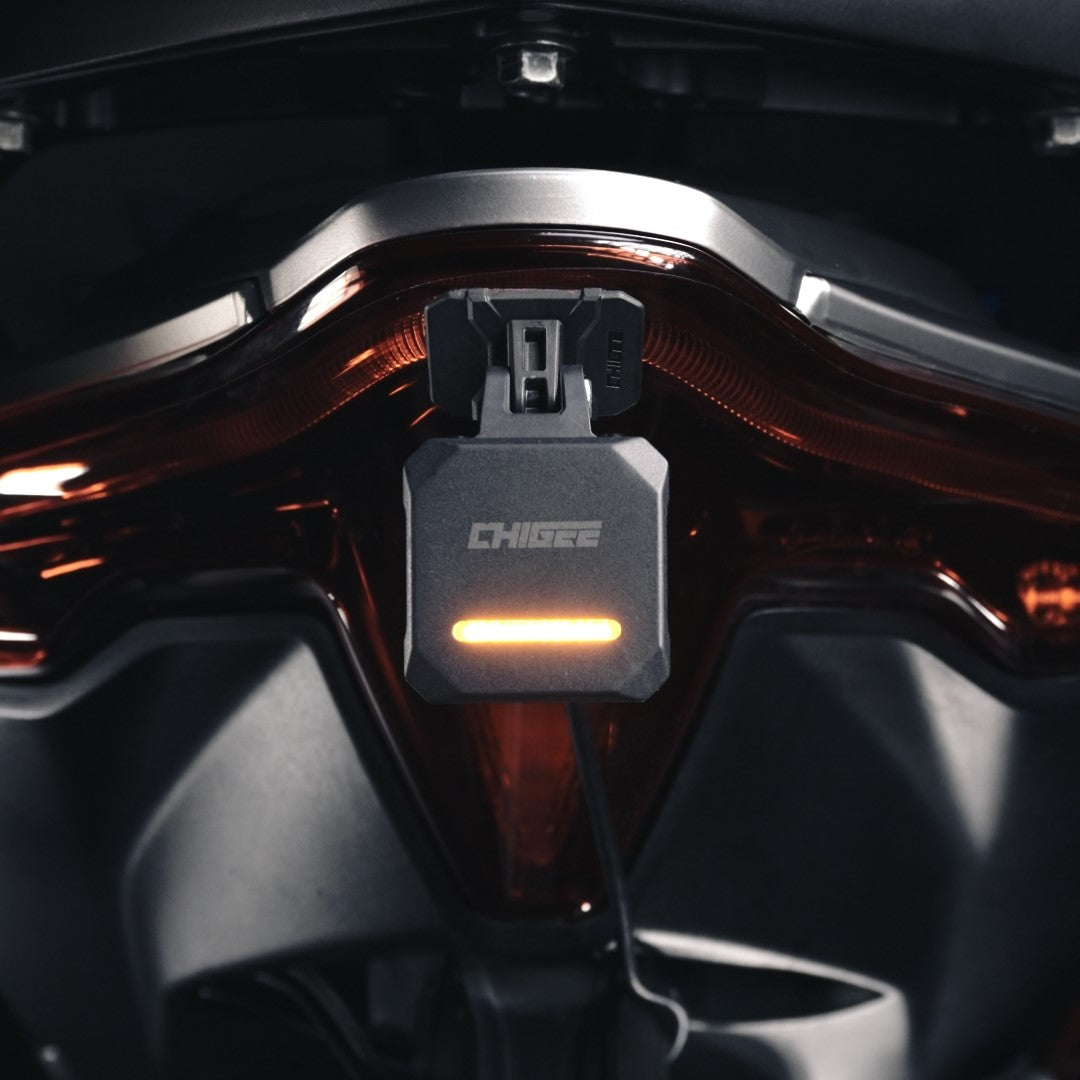
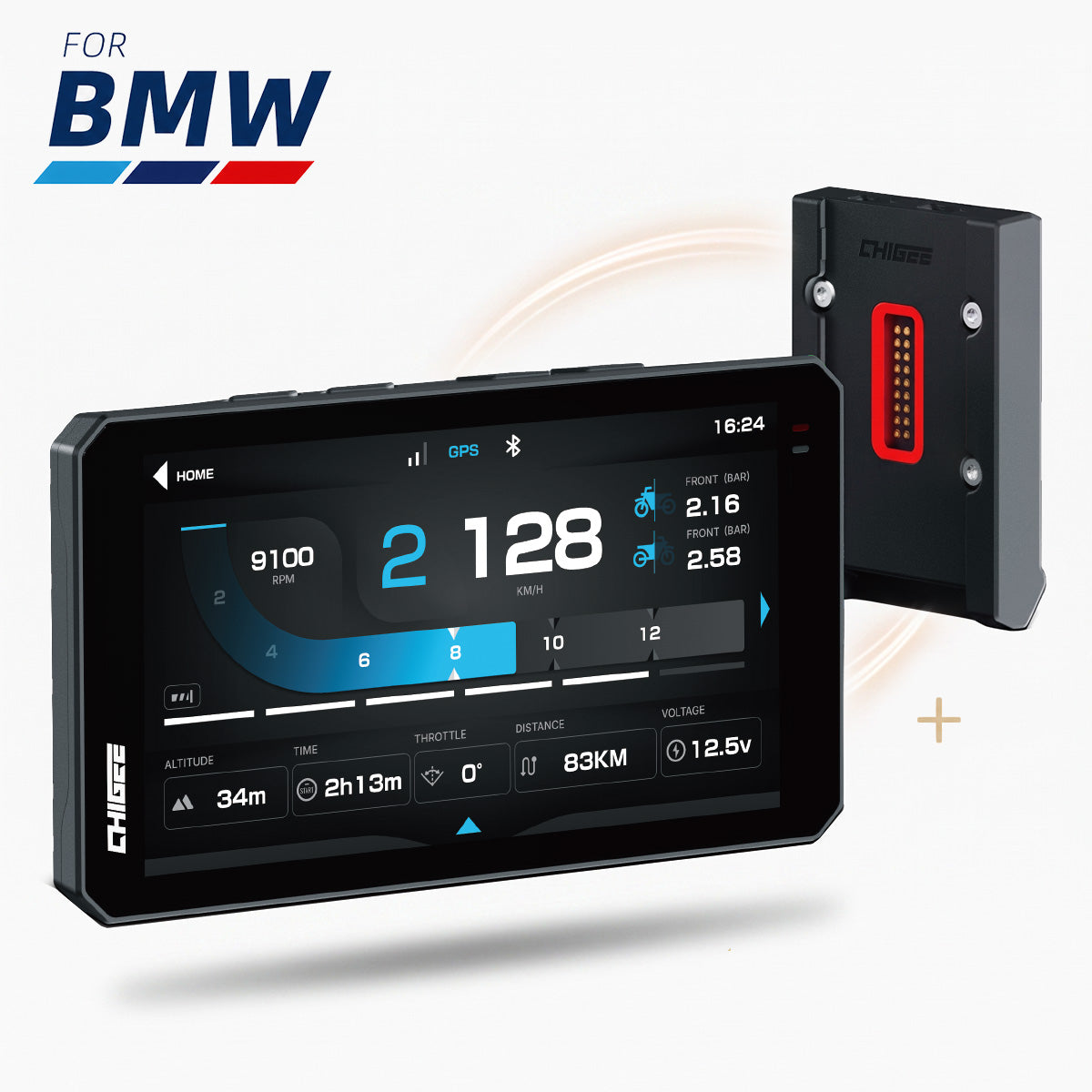
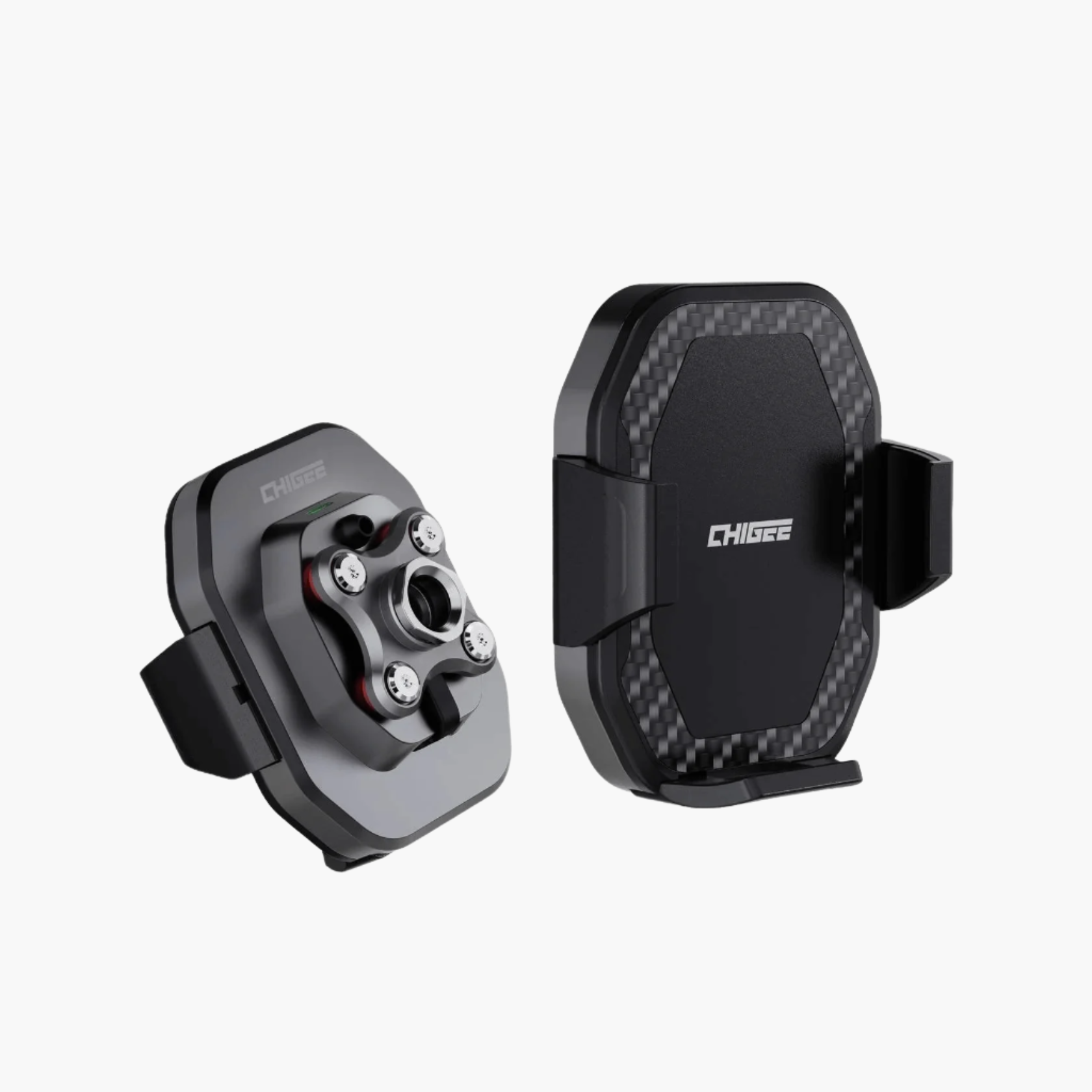
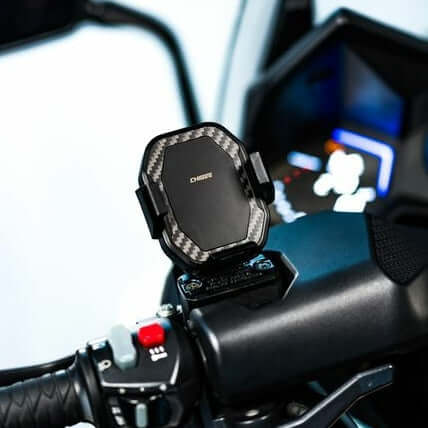
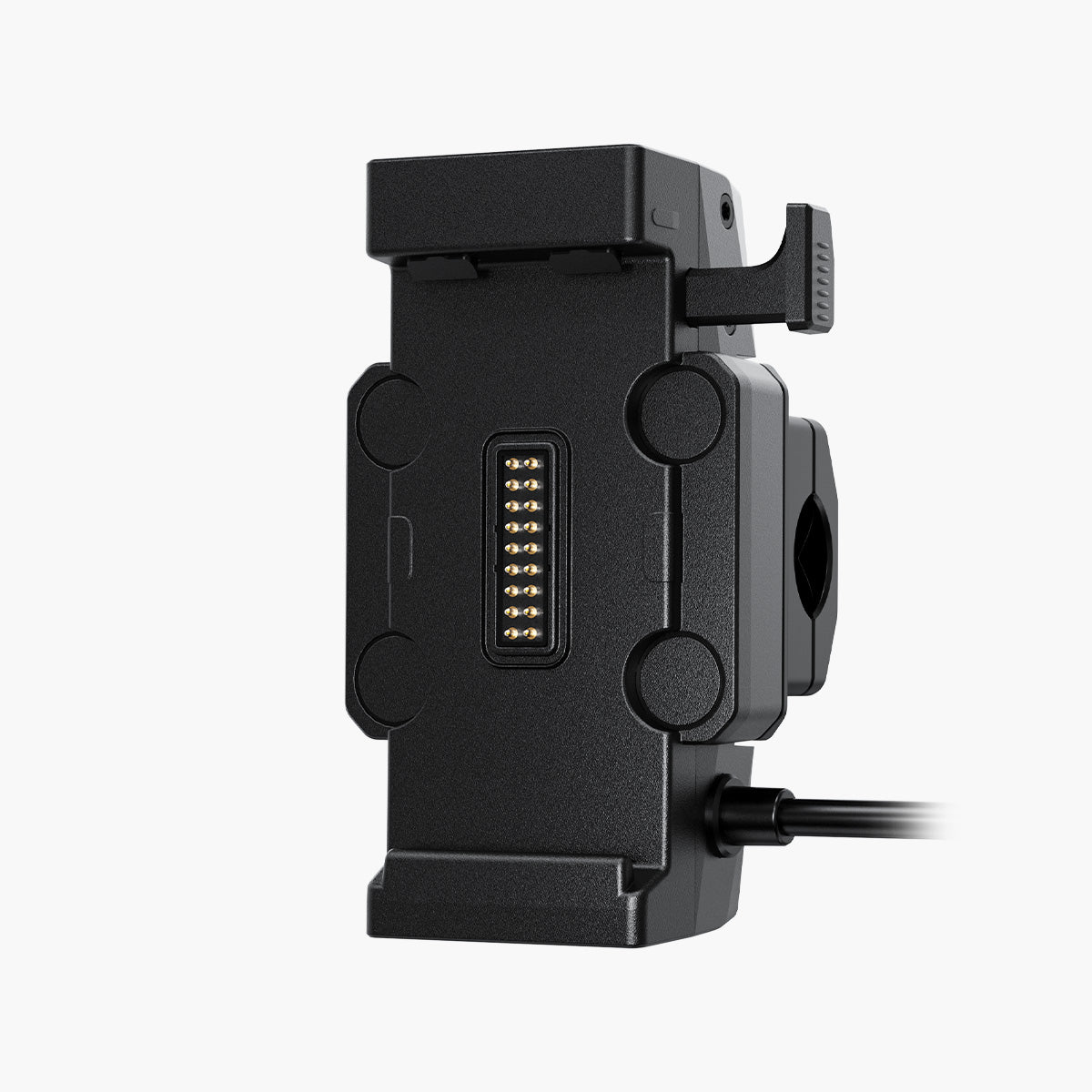
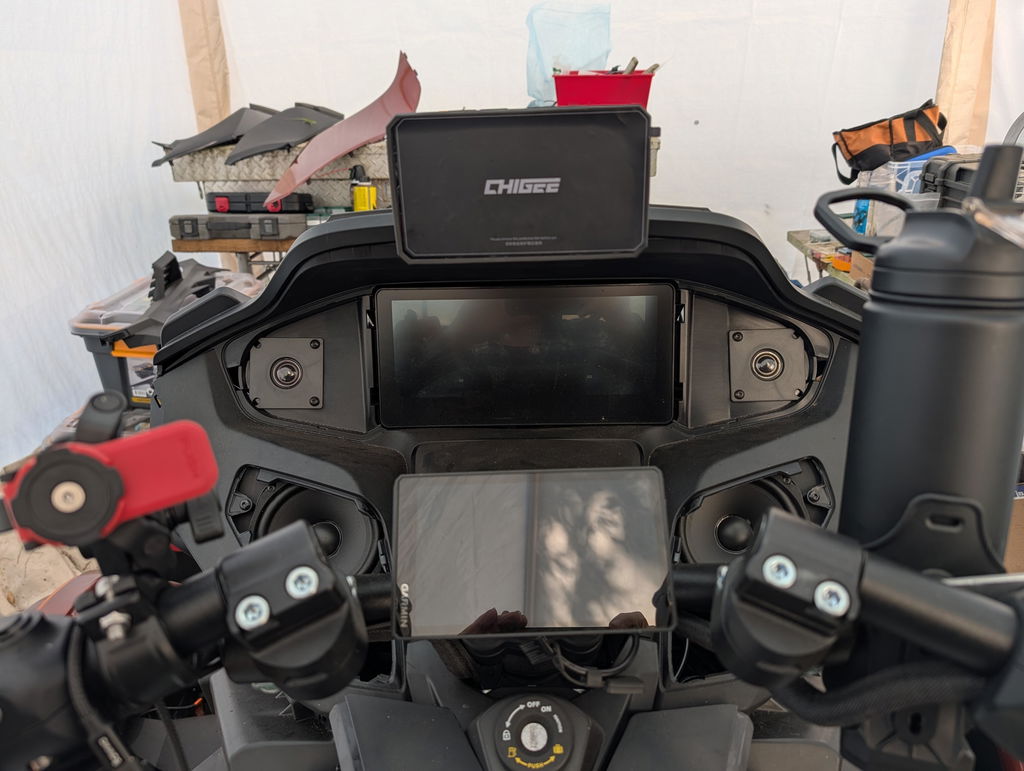
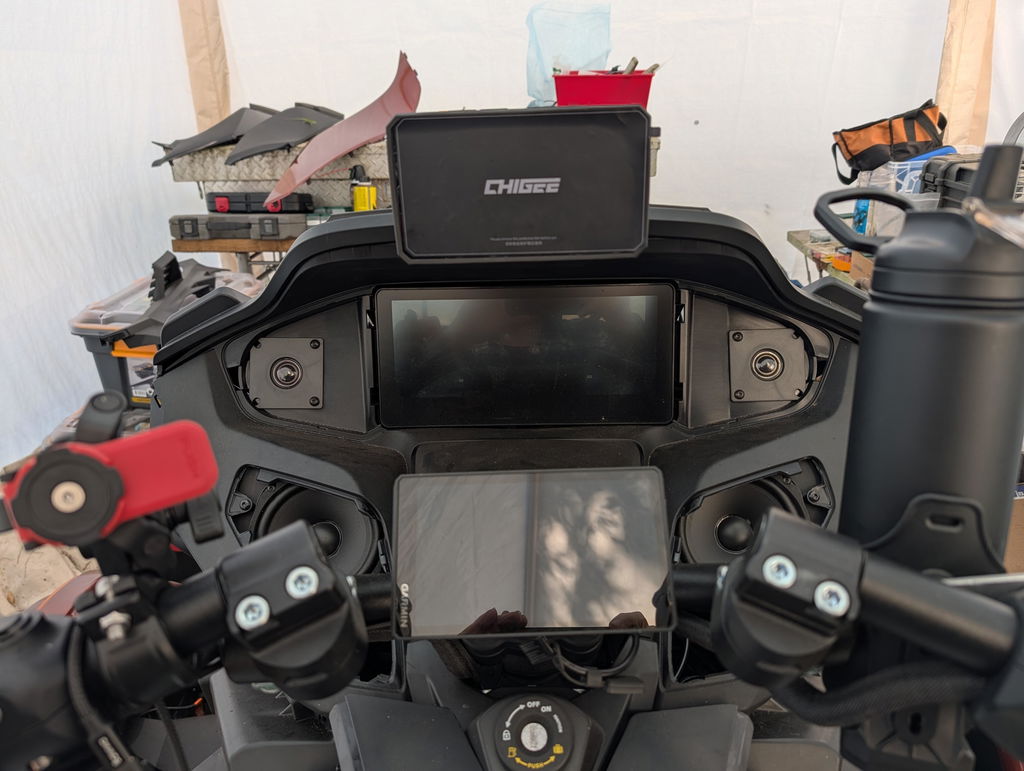
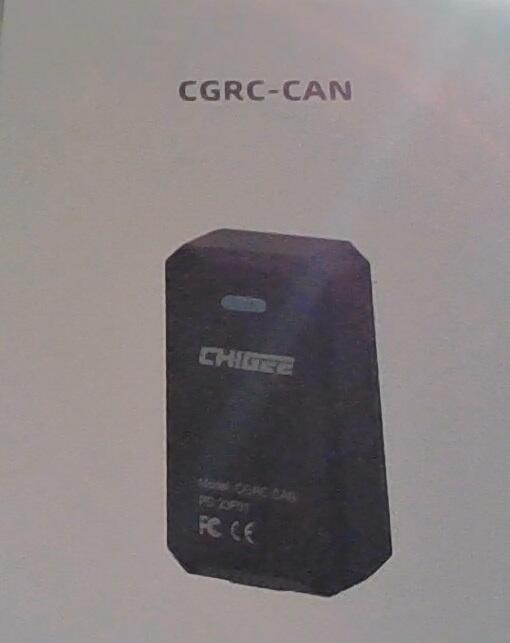
On most motorcycles, that bike-side data — rpm, gear, brake, throttle, and signals — is read from the bike through an optional OBD module, so exactly what shows up will vary a little from machine to machine. On a BMW, an AIO-6 reads the bike's own data in one of two ways. The first is the CGRC LIN for BMW module. The second is the BMW Quick-Release module, made for bikes with Nav Prep 5/6: it mounts the AIO-6 in a clean, factory-style fit, and on compatible models it unlocks native data reading and Wonder Wheel control. Speed and lean angle the unit works out on its own.

It all bakes into the export, ready to watch or share, with nothing else to install.
None of this is fancy. It's the same handful of things a riding coach would ask about: how fast, what gear, how hard on the brakes, how far over. You just don't need a coach in your ear to collect it.

Brakes and line: the part you can't see from the saddle
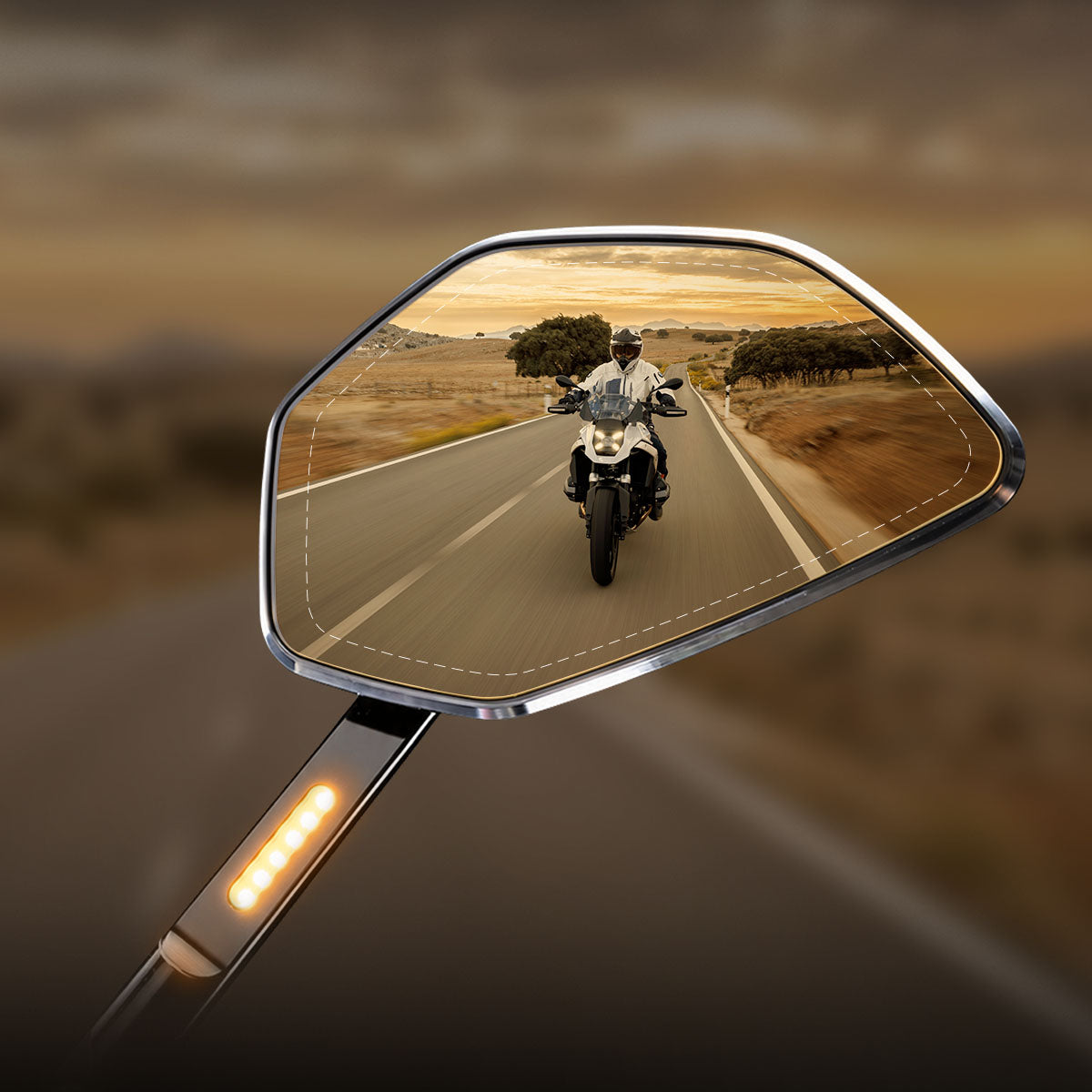
You can't see your own line from the saddle. You feel it — and a corner you ran wide on can still feel clean and tidy at the time. The GPS track and the front camera let you watch your road position from the outside. You can see where you drifted toward the center line, where you ran wide, and whether you used the whole lane or cut the corner short.
The brake trace tells you why. Look at three things. First, your braking point: is it in the same spot each pass, or are you braking late at a corner that keeps catching you out? Second, front versus rear. Most of your stopping power is at the front, and good riders lead with the front while still using the rear. Lean on the rear alone and you waste most of your braking; never touch it and you give up some stability and low-speed control, most of all when settling into a corner or riding in the wet. Third, how long the braking lasts. Brake pressure still showing after you tip in means you're trailing the brakes into the turn — a real skill when it's deliberate, and a warning sign when it's because you came in too hot.
In traffic, the most useful trace is the humblest one: the turn signal. Skip through your lane changes and count how many you actually signaled. Check whether the signal came before you moved, or only as an afterthought. It's an honest record of a habit most riders think they're better at than they are.
Throttle, gear and rpm: the smoothness test
The bike's own numbers hold the deeper lessons, and throttle is the big one. Watch the throttle trace through a single corner. Smooth riding looks like one steady opening from the apex out to the exit — a clean rising line. Nervous riding looks like a stutter: 0, 30, 0, 25, on and off. Every step is a small jolt the bike (and any passenger) feels. A stutter usually means you came in a bit too fast and are correcting, or you don't yet trust the corner enough to commit to the gas.
Gear and rpm work together. The clearest tell is a gear change inside the corner. If the gear number flips between entry and exit, you picked the wrong gear going in. The fix is to choose your gear before you tip in, not mid-bend. Check the rpm at entry too. Too low and the engine bogs with no drive on tap; too high and it buzzes with nowhere left to go. Both cost you a smooth exit. The sweet spot is a gear that lets you roll out of the corner on one even opening of the throttle — no shift, no drama.
Through all of this, try not to treat your ride data as a scoreboard. Faster is the easiest thing to read off a screen and the worst thing to chase on a public road. Smoother and steadier is the real goal — and, as it happens, that's usually what makes a rider quicker anyway.
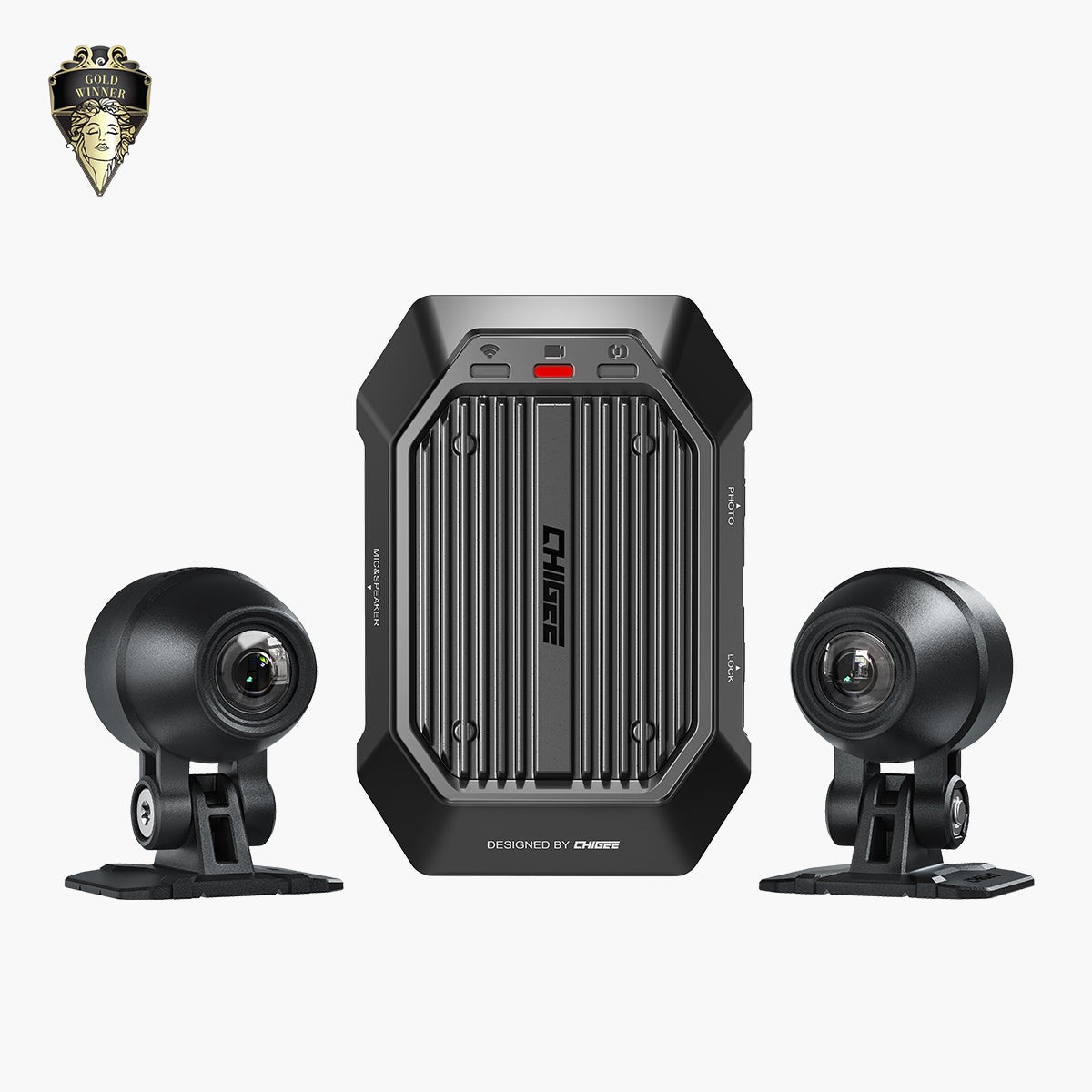
It isn't all about fixing mistakes. The AIO displays also work with action cameras — DJI, Insta360, GoPro and the rest — and show the camera's live view right on the screen as you ride. The display syncs your real-time GPS to that footage too, so the video and your route stay lined up. That pays off later, when you sit down to look back. Instead of skipping through an hour of road to find the good bit, you can match a spot on the map to the moment on camera. The highlight reel gets easier to cut, and the story of the ride gets easier to tell.

What the data won't do
Be honest about what you're looking at. The overlay tells you what happened. It doesn't tell you why. It won't fix your body position or where your eyes go. It's a prompt to think, not an instructor. A number can confirm you ran wide. It can't tell you that you were staring at the apex instead of the exit.
There's an ego trap here, too. It's easy to turn a review into a highlight reel and learn nothing. The footage earns its keep when you go looking for the moments you'd rather forget.
And one rule worth keeping: this is all for after the ride. The screen does its job at home with a coffee, not glanced at mid-corner. While you're moving, your attention belongs on the road and your mirrors. The data will still be there when you stop.
The quiet habit
The riders who improve fastest usually aren't the ones with the most talent or the priciest bike. They're the ones who pay honest attention to what they actually did, not what they meant to do. For a long time that took a coach, a track day, or a friend following with a sharp eye.
A timestamp, a speed, and a line on a map don't replace any of that. But they do one thing those rarely can: they wait for you, patiently, until you're ready to look. That's the real value of the data — not that it makes the ride look more impressive, but that it makes you a more honest student of it.
The rider stays in command
In the end, this is how CHIGEE sees its job. The bike is yours. The skill is yours. Technology isn't there to ride for you, and it isn't there to scare you into caution. It's there to be an honest witness to the ride, and to hand you something you can learn from. Good gear should leave a rider more capable, not more dependent.
That's the whole idea behind a screen, a few cameras, and a handful of honest numbers. Not to make the ride look more impressive, but to keep the craft of riding where it belongs: with the rider.
Frequently asked questions
What ride data can a CHIGEE display show on my footage?
On the device, you can add time, speed, and GPS location to the clip. Export through the CHIGEE GO app and you also get rpm, gear, brake, throttle, lean angle, and turn signals, laid in a strip across the top of the video.
Do I need an extra accessory to see rpm, gear, brake, and throttle?
Yes. On most motorcycles, an optional OBD module reads that data from the bike. Speed and lean angle the display works out on its own, so you'll still see those without it.
Can I read my ride data on a BMW?
Yes. An AIO-6 reads a BMW's own data through the CGRC LIN for BMW module, or through the BMW Quick-Release module on bikes with Nav Prep 5/6.
Do I need third-party software to view the overlay?
No. The data bakes into the video when you export it in the CHIGEE GO app. There's nothing else to install, and the clip is ready to watch or share.
Will reviewing my ride data make me faster?
That's the wrong goal. The point is to ride smoother and more consistently, and that's usually what makes a rider quicker anyway. Save the review for after the ride; while you're moving, your eyes belong on the road.







Leave a comment
All comments are moderated before being published.
This site is protected by hCaptcha and the hCaptcha Privacy Policy and Terms of Service apply.