SR-1 Radar Buying Guide: Motorcycle Compatibility & Alerts

The SR-1 Millimeter-wave Radar System helps riders improve rear awareness by detecting approaching vehicles from behind and providing clear visual warning alerts.

This guide explains how SR-1 works, what motorcycles it fits, what’s included in the standard kit, which CHIGEE displays are compatible, and what to know before installation.

Before You Buy
SR-1 can be used in two ways:
  • Standalone Mode: Use SR-1 with the included external indicator lights. No CHIGEE Display is required.
  • Display Integration Mode: Pair SR-1 with a compatible CHIGEE Display for on-screen radar graphics, sound alerts, and radar settings.
Motorcycle Compatibility

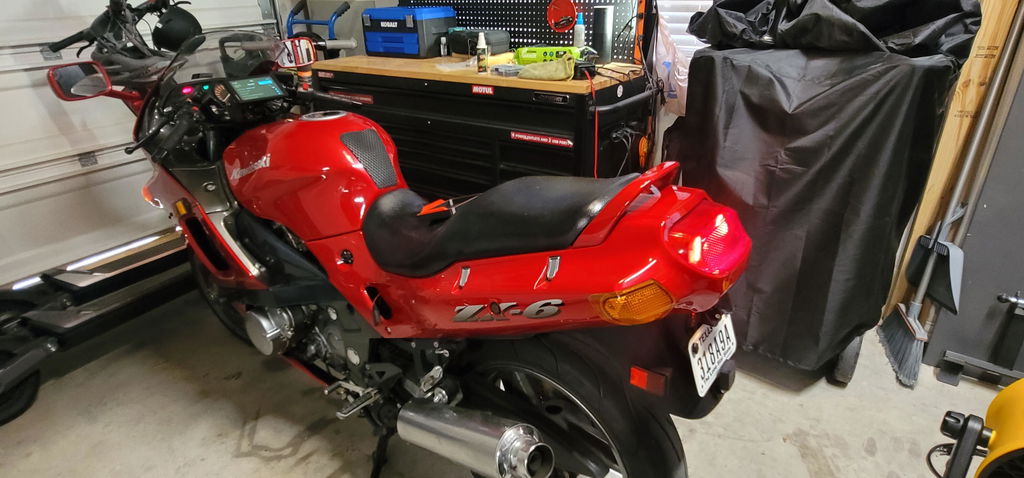
SR-1 is designed to work with most motorcycles that use a standard 12V electrical system.

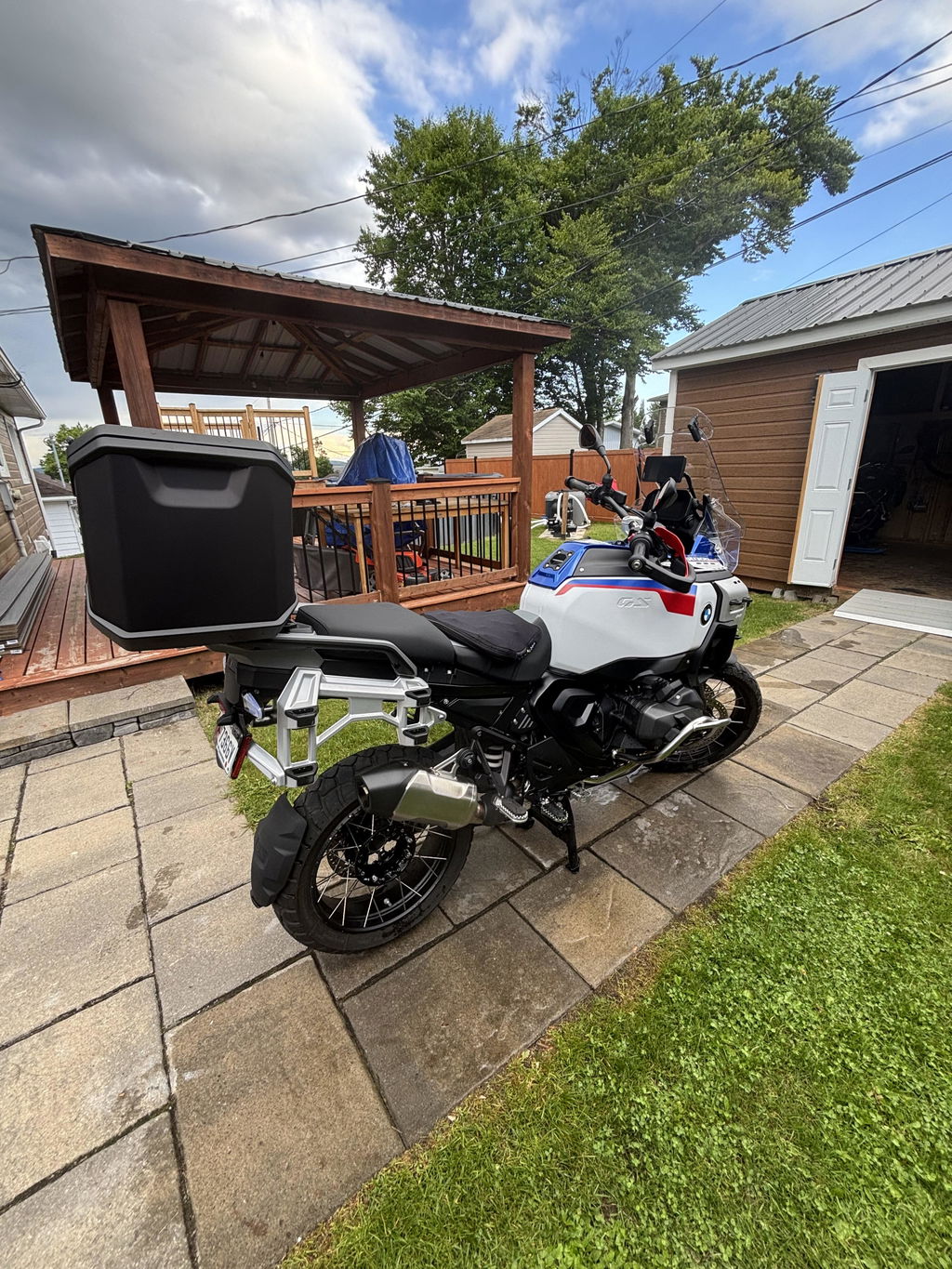
It can be installed on a wide range of motorcycle types, including:

  • Adventure bikes
  • Sport bikes
  • Cruisers
  • Touring motorcycles
  • Naked bikes
  • Commuter motorcycles

SR-1 does not require proprietary motorcycle connectors, a model-specific harness, or permanent modification to your bike. In most cases, installation only requires mounting the radar module at the rear of the motorcycle, installing the warning lights, and connecting the wiring harness to the motorcycle’s power system.

What’s Included in the Standard SR-1 Kit?

The standard SR-1 kit includes the main components needed for standalone radar warning operation:

  • SR-1 radar module
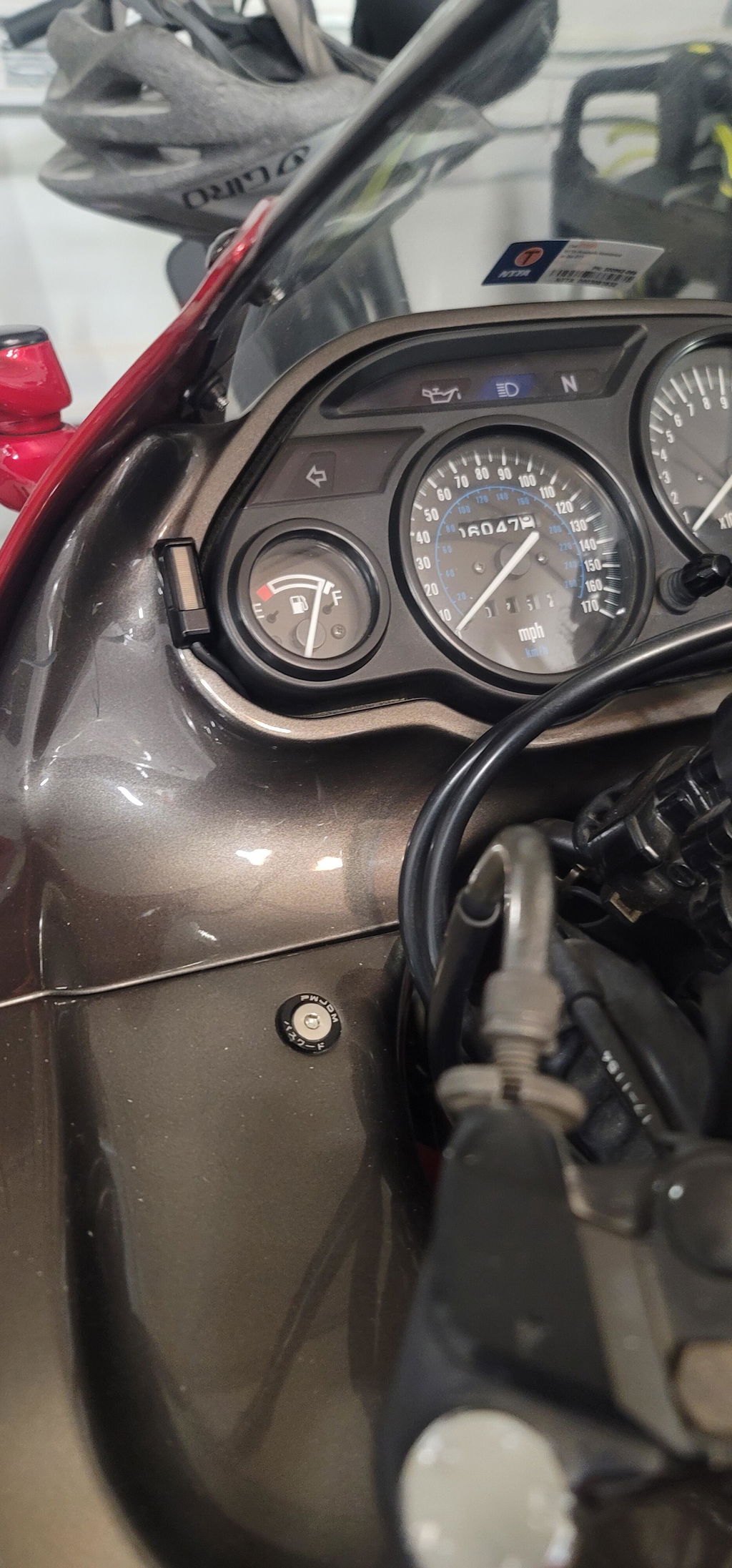
  • Two standalone indicator lights
  • Required wiring and mounting accessories

The included indicator lights provide the core visual warning function. They are designed to be installed without replacing your existing motorcycle mirrors or display system.

Can SR-1 Work Without a CHIGEE Display?
Yes. SR-1 can be used independently without a CHIGEE Display.
In standalone mode, the radar module detects approaching vehicles from behind and sends alerts through the included flashing indicator lights. This provides the basic SR-1 warning function without requiring screen integration.
Standalone mode is suitable for riders who want radar-based visual alerts but do not use a CHIGEE display.

Using SR-1 with a CHIGEE Display

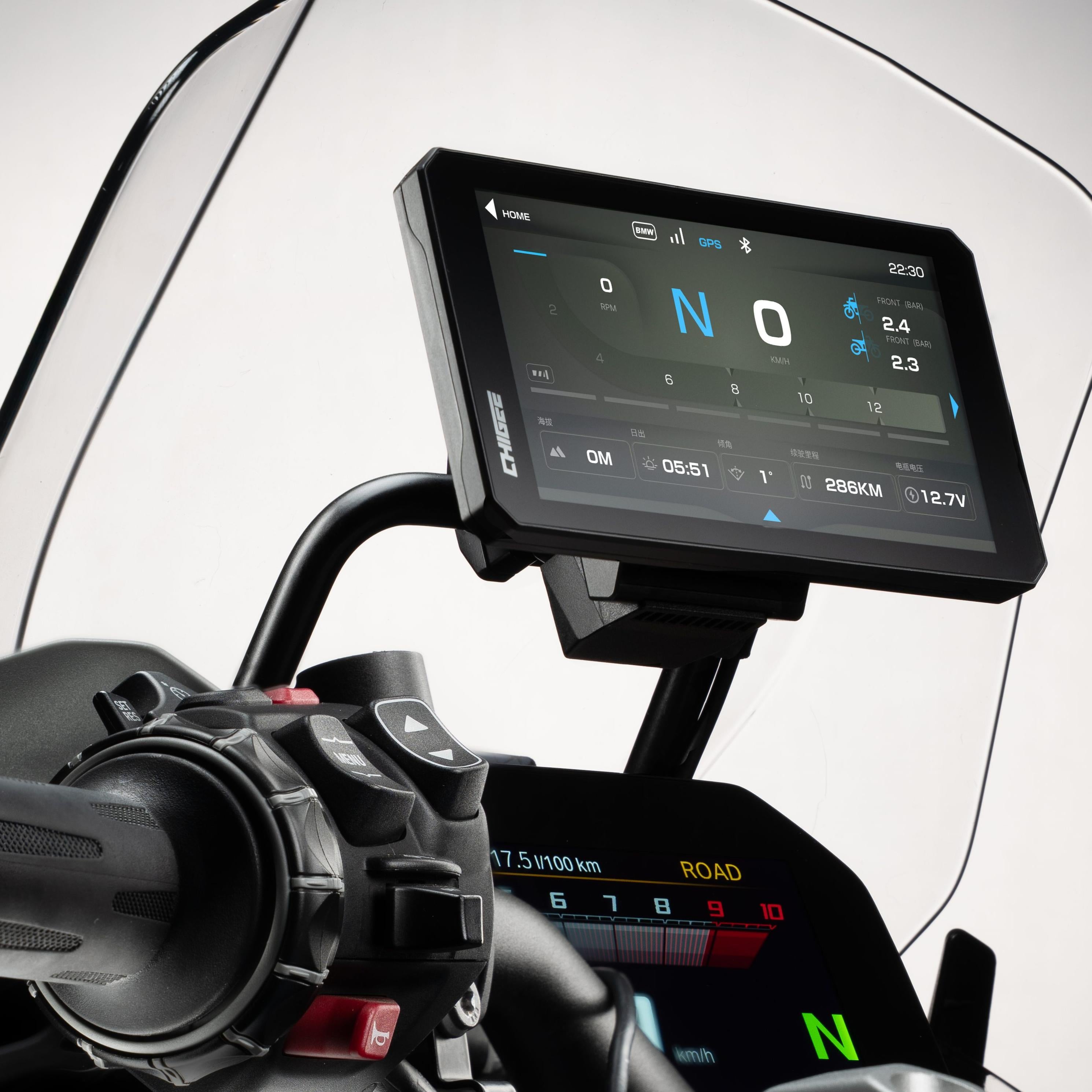
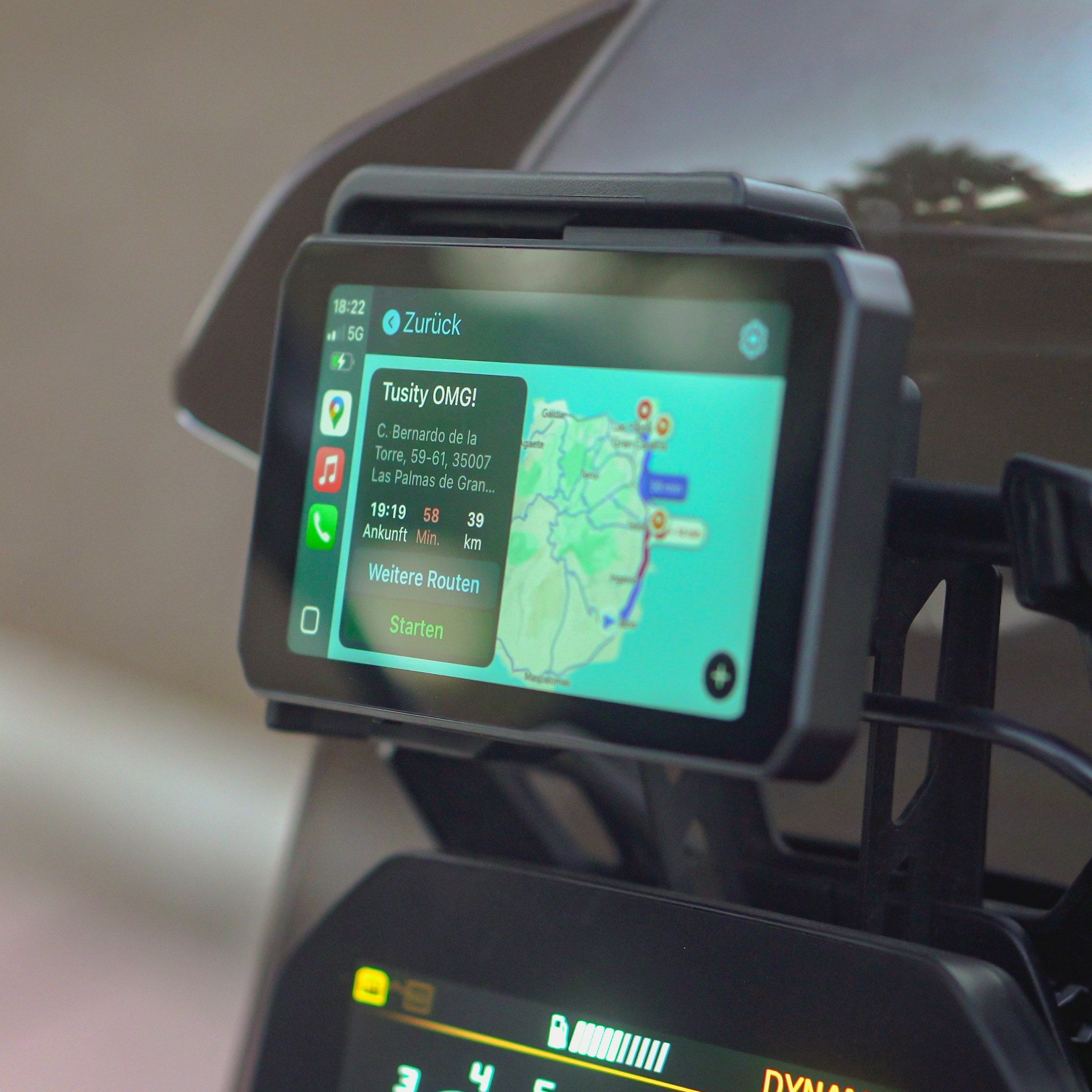
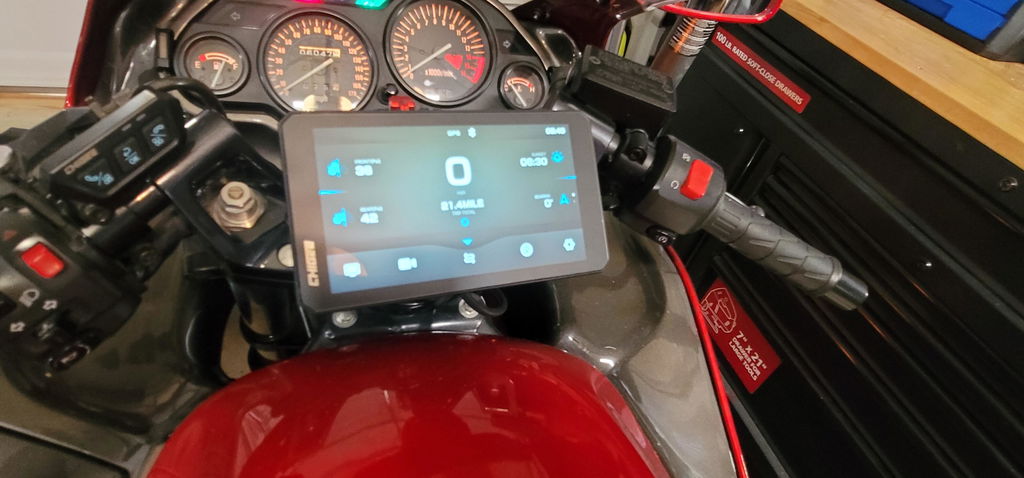
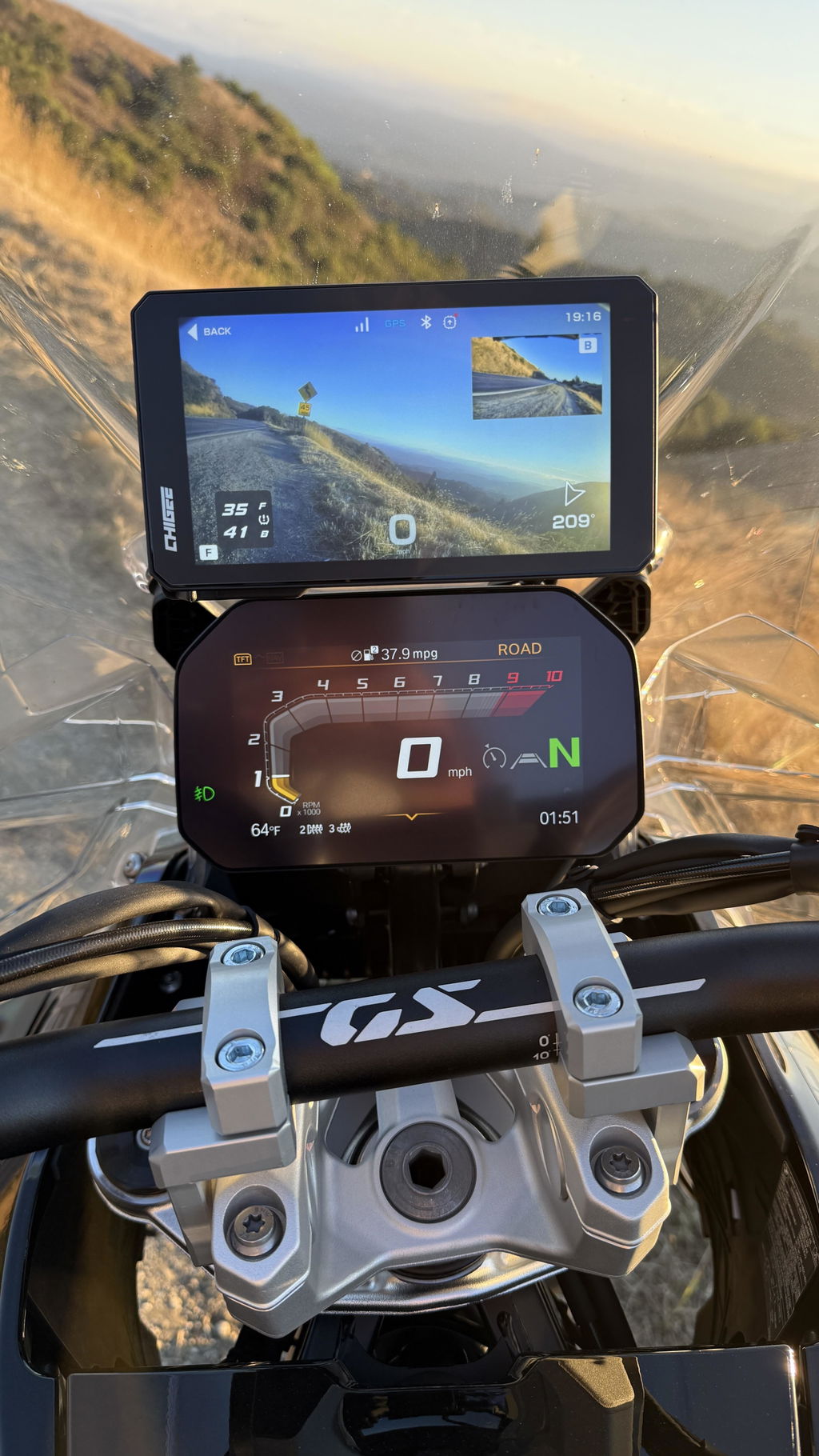
SR-1 can be paired with compatible CHIGEE Displays to show radar alerts directly on the screen. You can also access radar settings from the display menu and enable audible alerts through the display speaker.

Compatible Displays: AIO-5 and AIO-6 series only.

When SR-1 is connected to a compatible CHIGEE Display, installing the included amber light strips is optional. The radar can work normally with the display alone, and alerts will appear on the screen.

The amber light strips are mainly for standalone use without a CHIGEE Display, or for riders who want an additional visual alert.

Visual Alerts and Sound Alerts
The SR-1 radar module and indicator lights provide visual warnings only. They do not produce sound alerts on their own.
To receive audible radar alerts, you must pair SR-1 with a compatible CHIGEE Display and enable Sound Alerts in the display settings.

Bluetooth Headset Limitation
Radar alert sounds cannot be transmitted to a Bluetooth headset. Even if your phone or CHIGEE display is connected to a Bluetooth headset, SR-1 radar alert sounds will only play through the CHIGEE display’s built-in speaker.


Optional Upgrade: CG Radar Rearview Mirrors
The CG Radar Rearview Mirrors are optional upgrades for SR-1.
They combine the rearview mirror and radar warning indicator into one integrated setup, helping keep the cockpit cleaner while still providing visual radar alerts.
These mirrors are not included in the standard SR-1 package unless specifically selected at purchase.

Basic Installation Guide

SR-1 installation includes three main steps:

1. Radar Module Installation
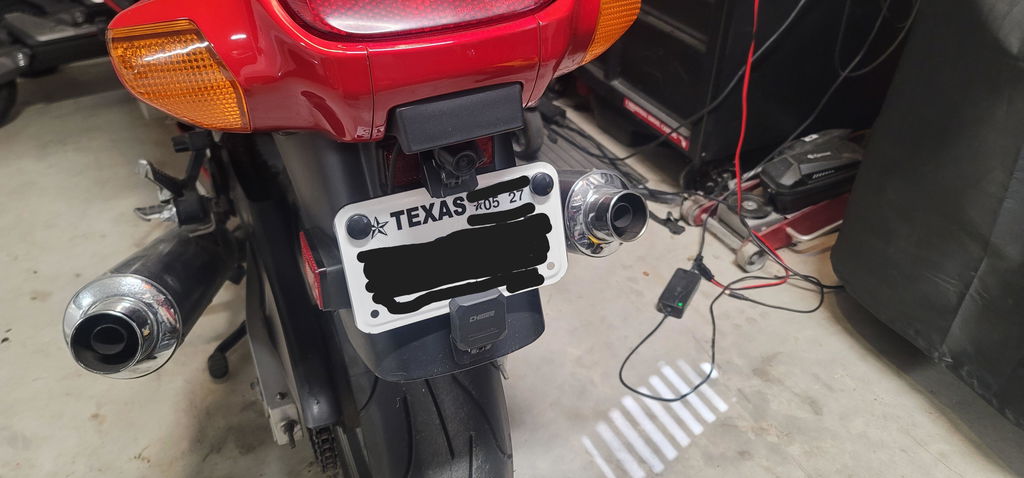
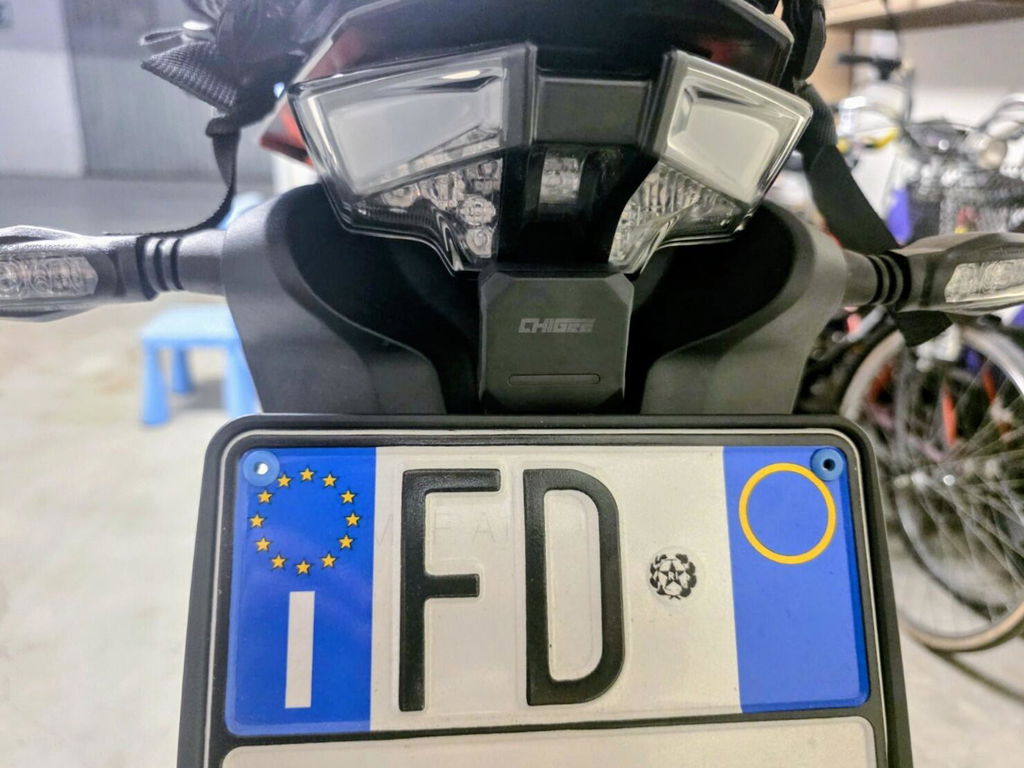
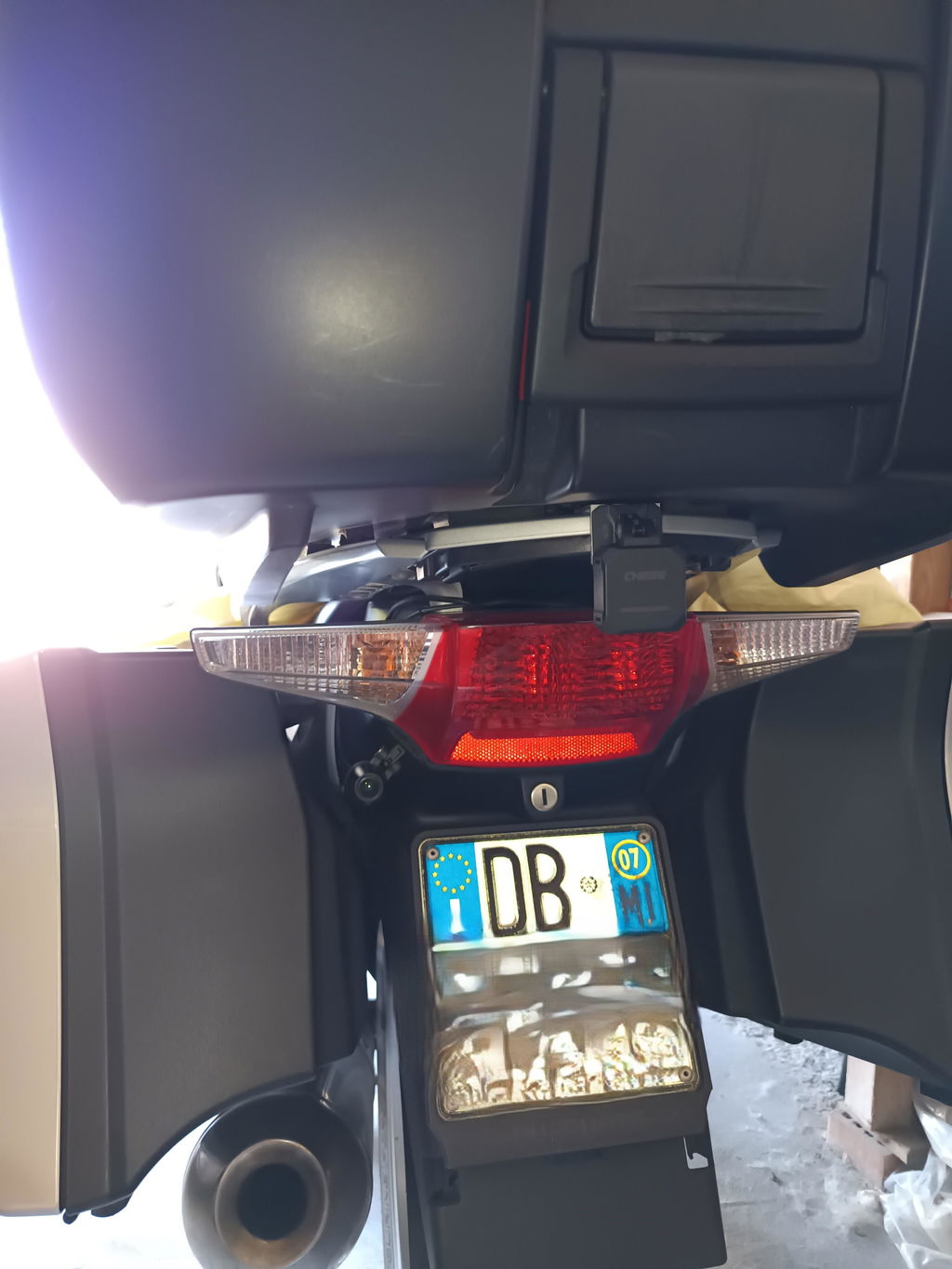
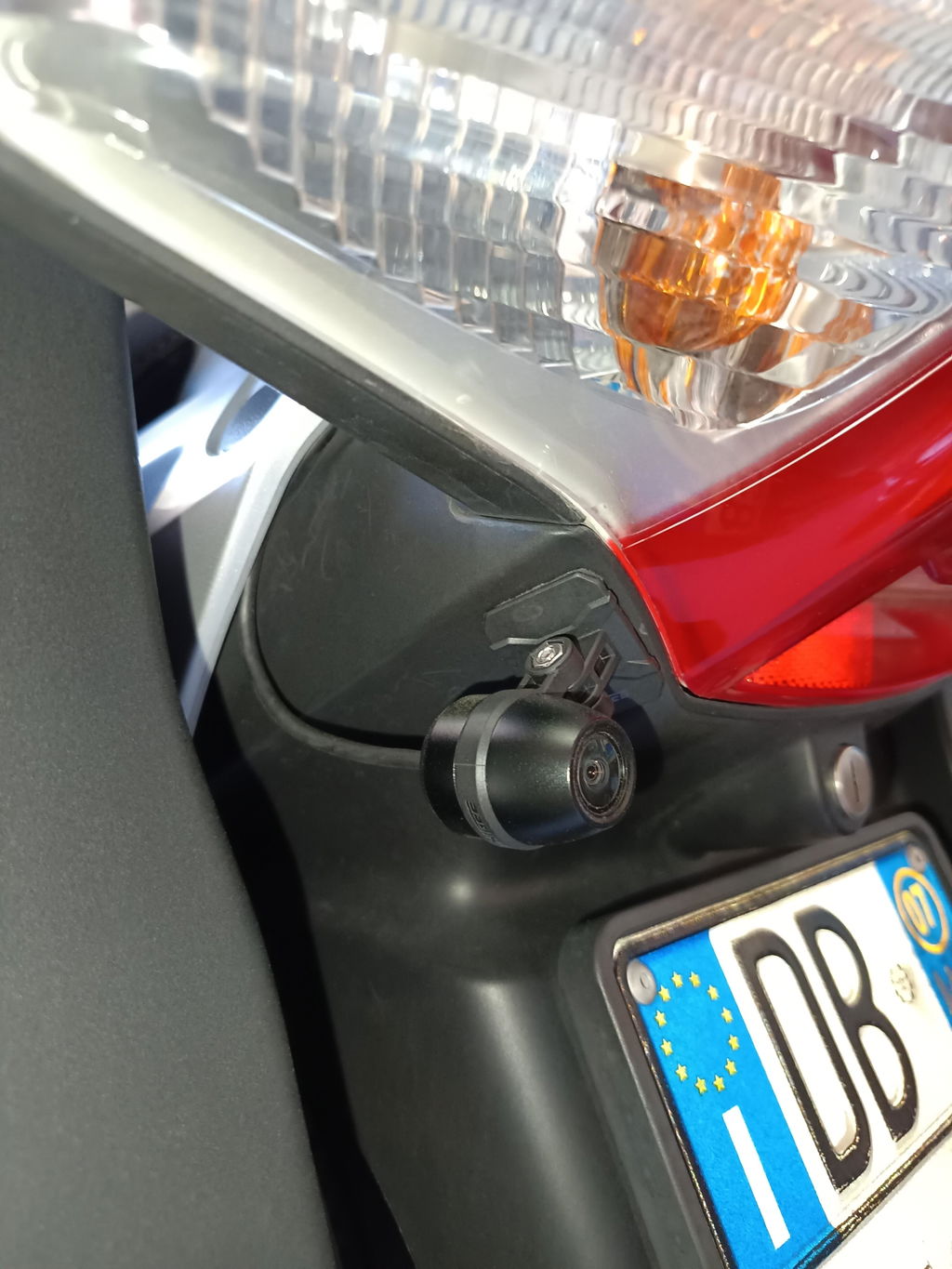
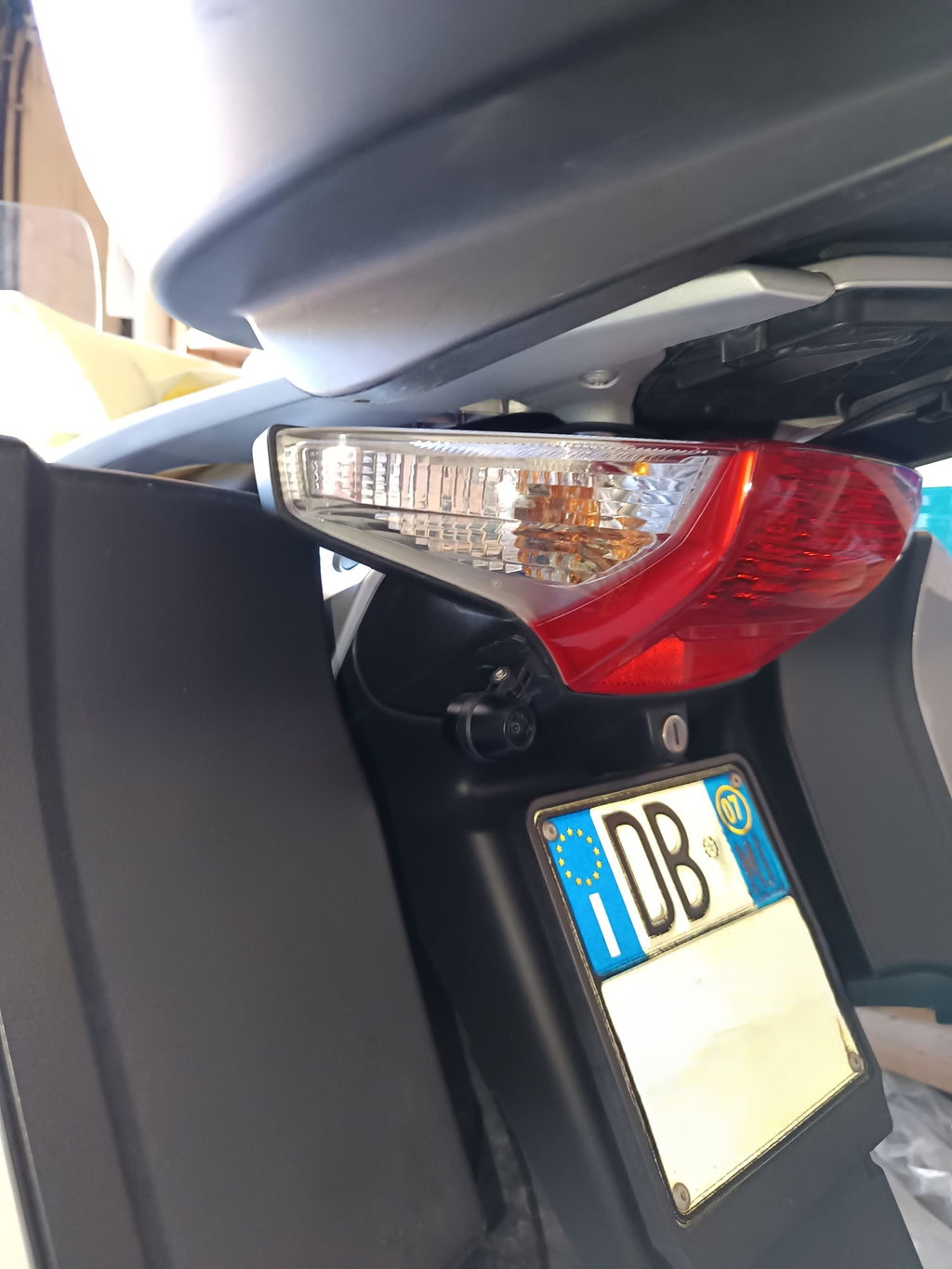
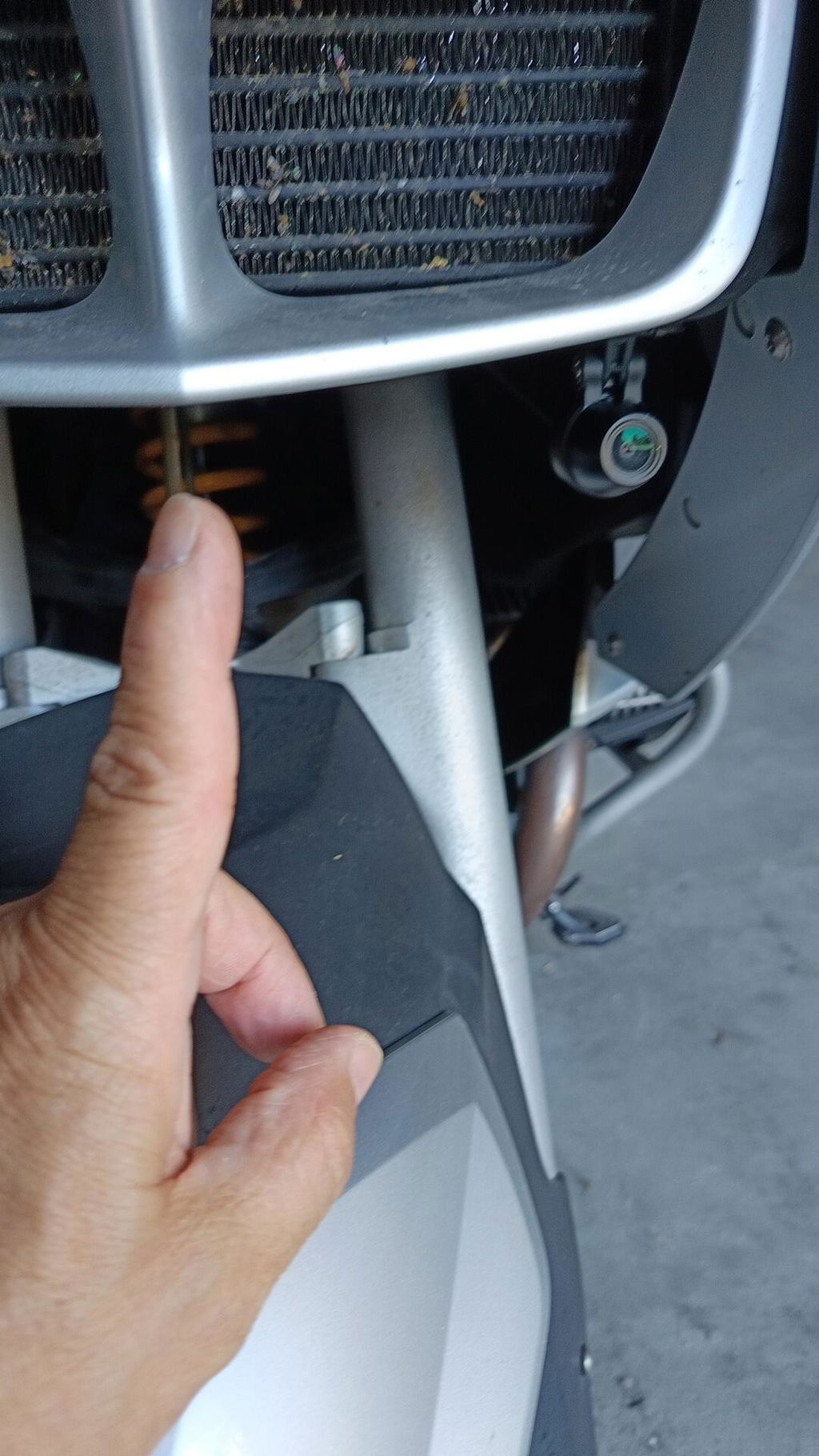
Mount the radar module at the rear of the motorcycle. Make sure it is securely fixed, facing backward, and not blocked by luggage, body panels, license plate holders, or other accessories.

2. Warning Light Installation
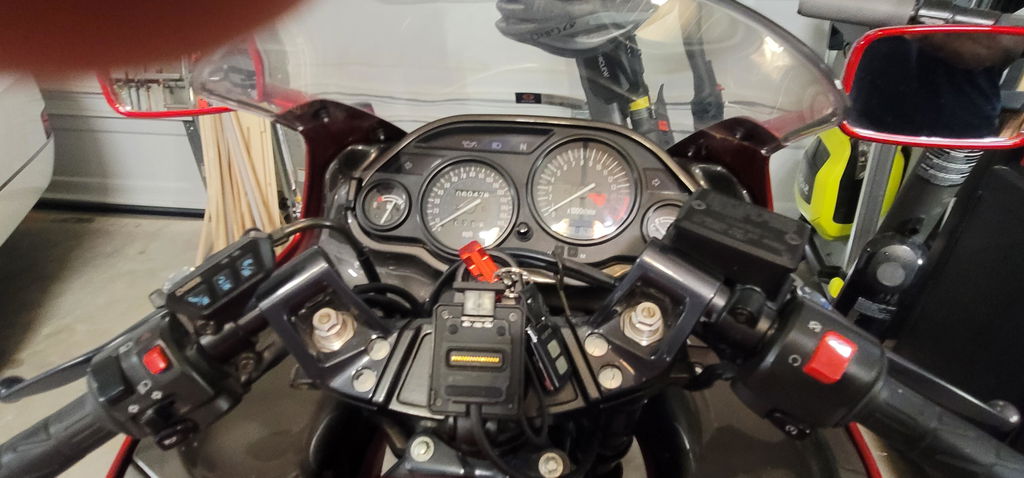
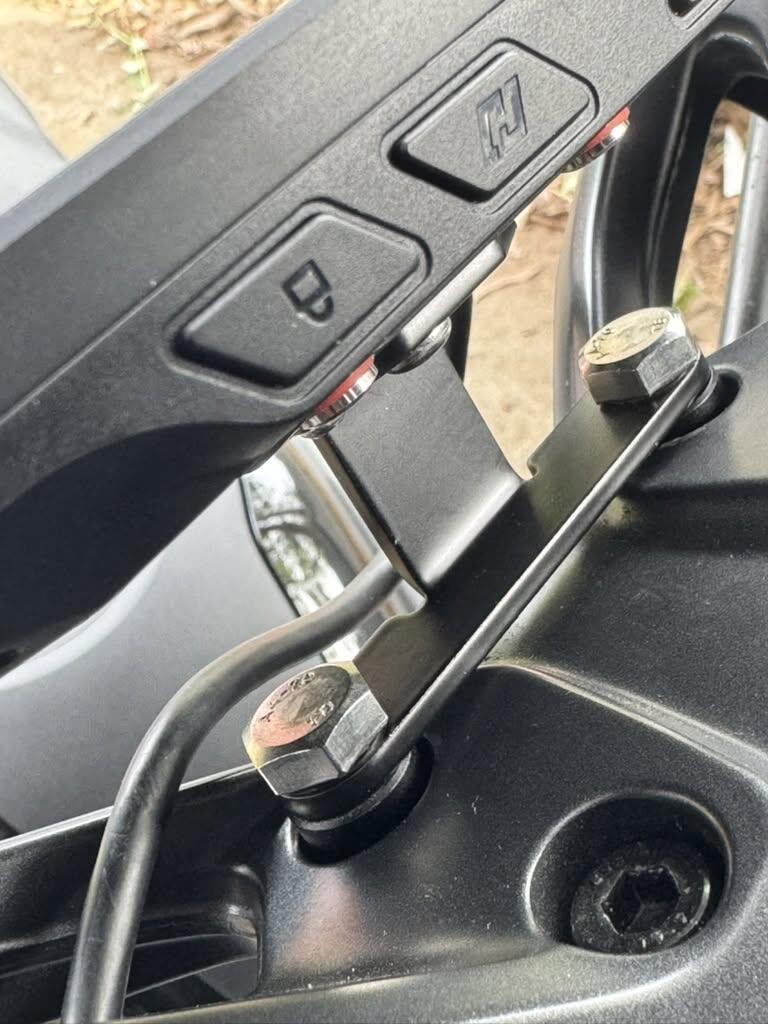
Install the two warning lights where they are clearly visible to the rider. They can be attached to the original rearview mirrors or installed with the optional M10 warning light brackets.

Note: If you use SR-1 with a compatible CHIGEE Display, you can choose to use the radar module with the display only, without installing the external warning lights. The system will still provide radar alerts through the display.

3. Product Wiring
Connect the SR-1 wiring harness according to the wiring diagram in the user manual. After wiring is complete, power on the system and check that the warning lights work normally.

For riders who would like a visual reference during installation, YouTuber AdvExplorerOz has created a video that includes helpful sections showing the SR-1 installation process.
Recommended timestamps:
  • 09:37 — CHIGEE SR-1 Hex EzCan / MotoCAN connection and configuration
  • 12:04 — CHIGEE SR-1 cable routing
Please use this video as a visual reference together with the official SR-1 manual. Actual wiring may vary by motorcycle model and setup.