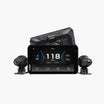
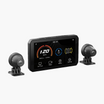
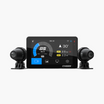




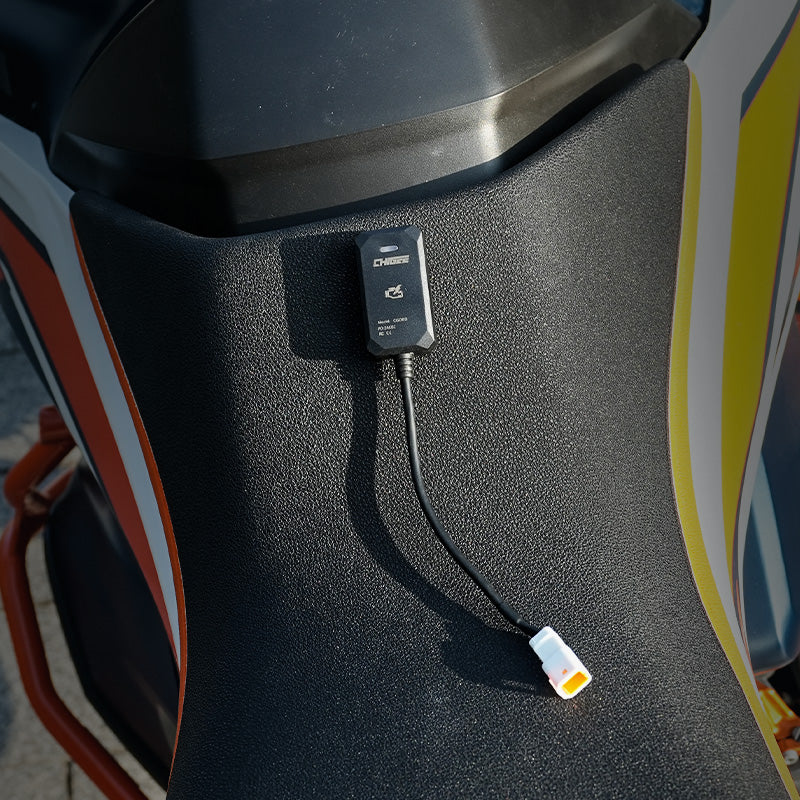


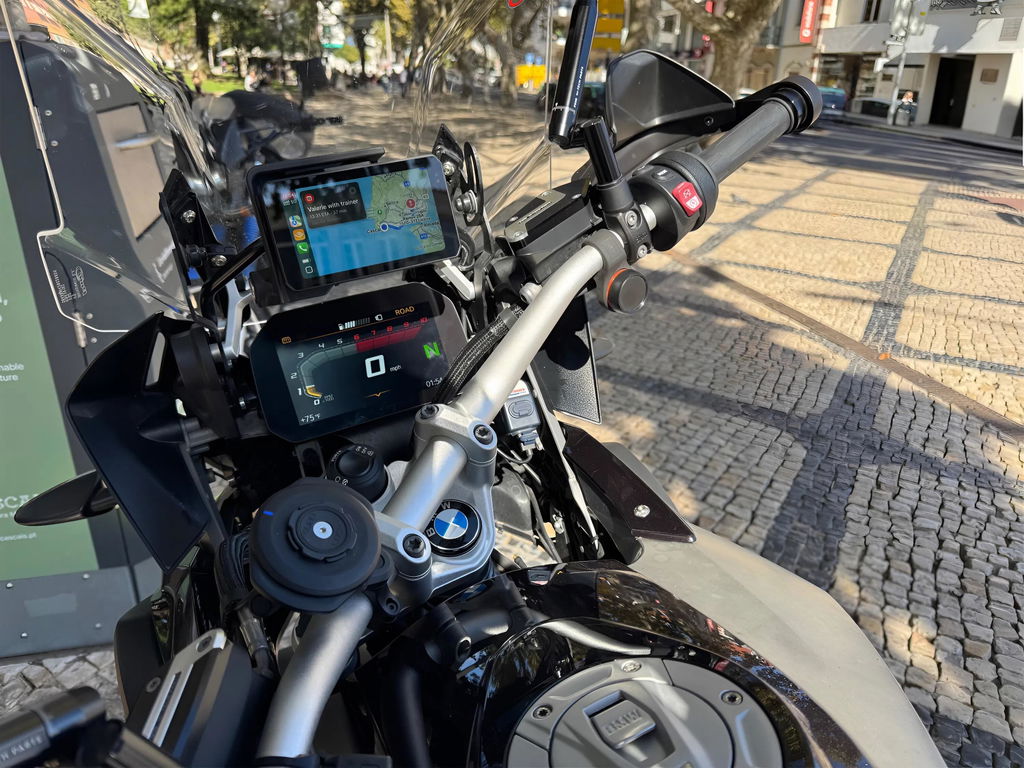
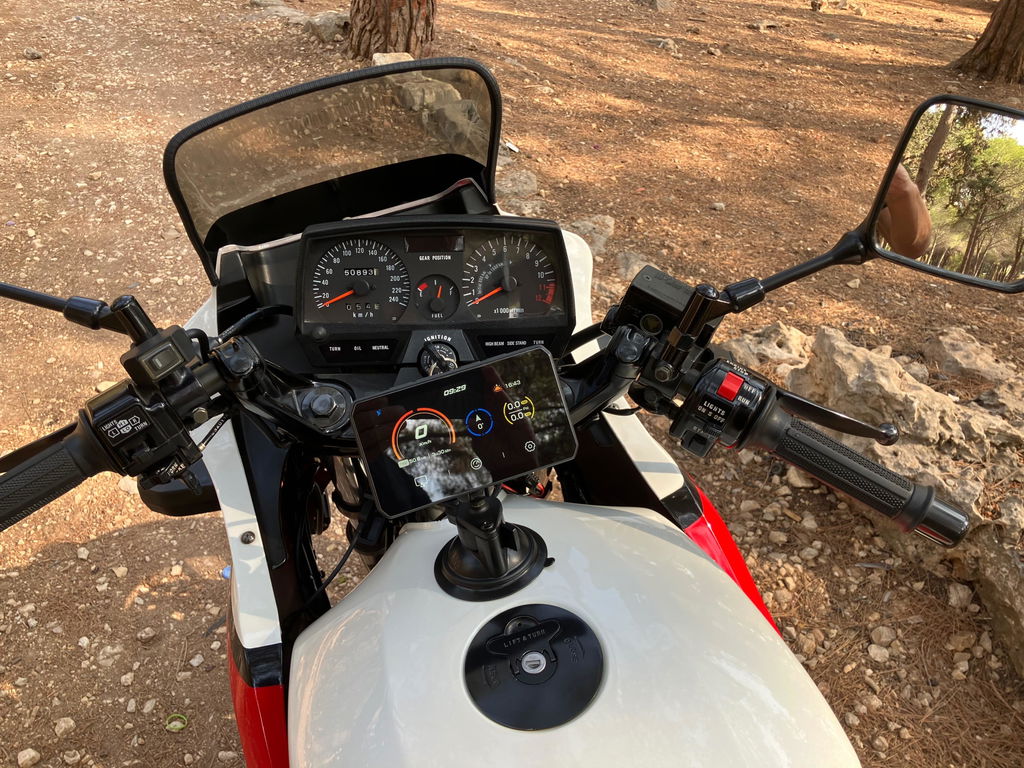
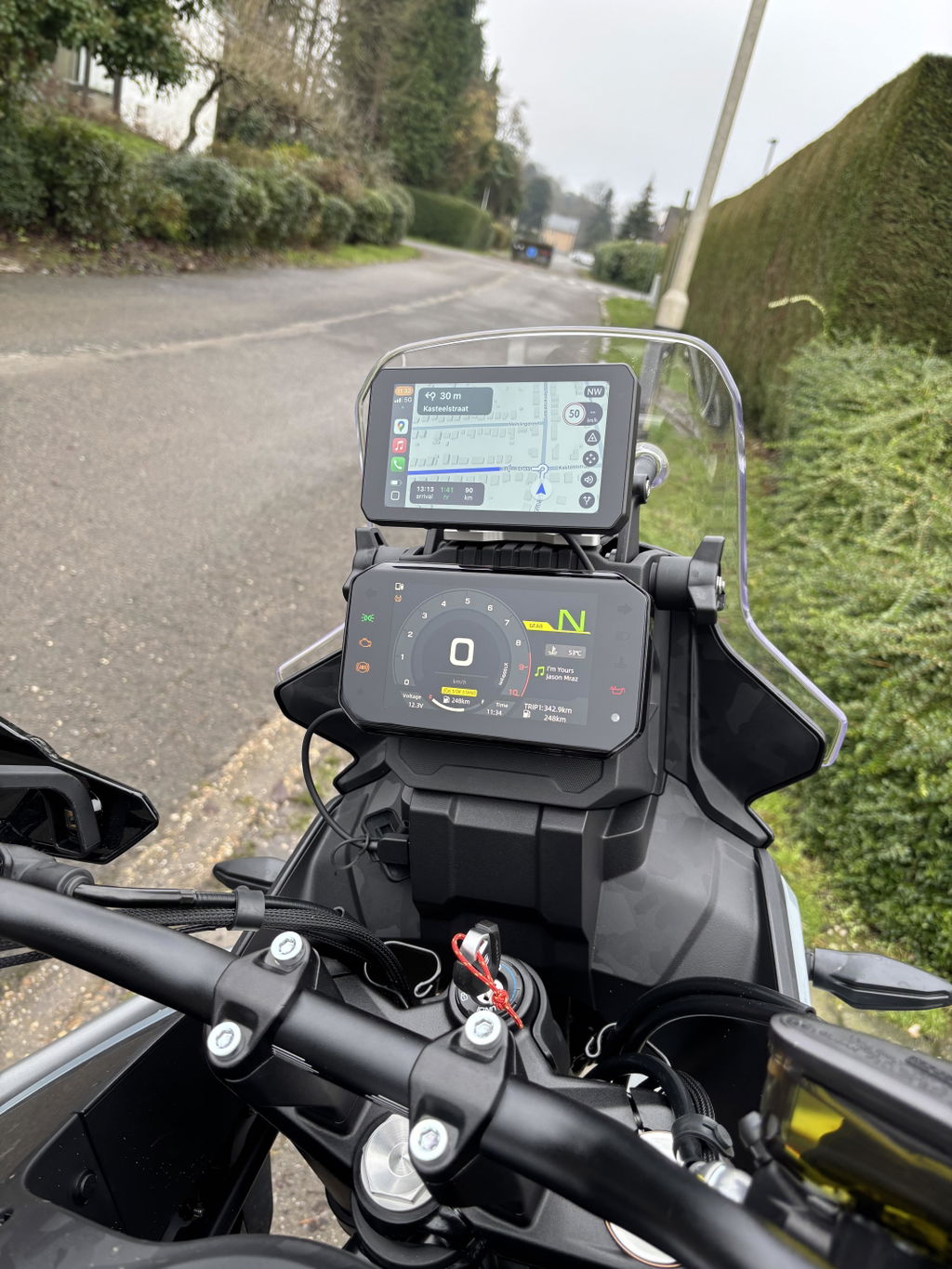
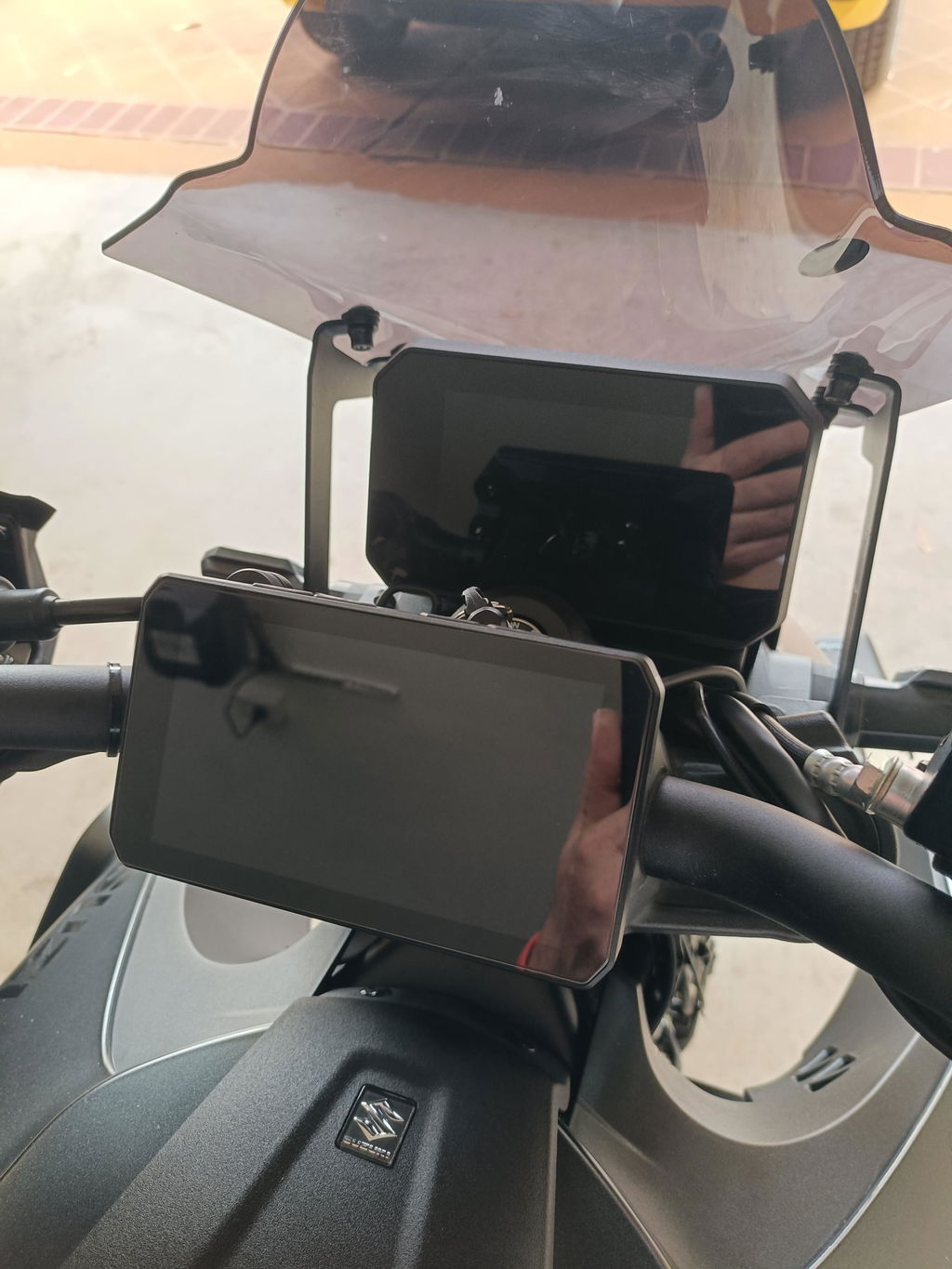
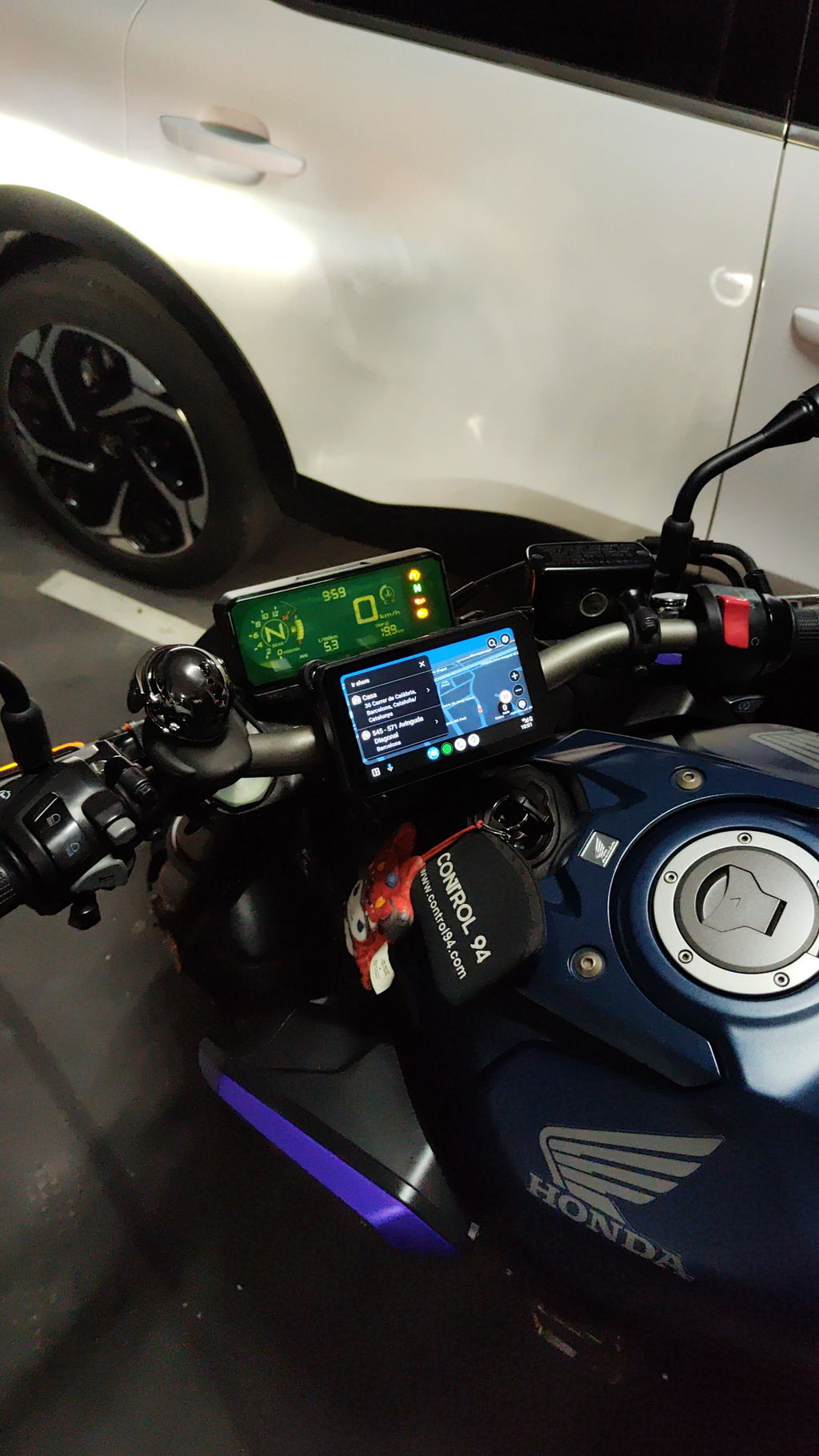
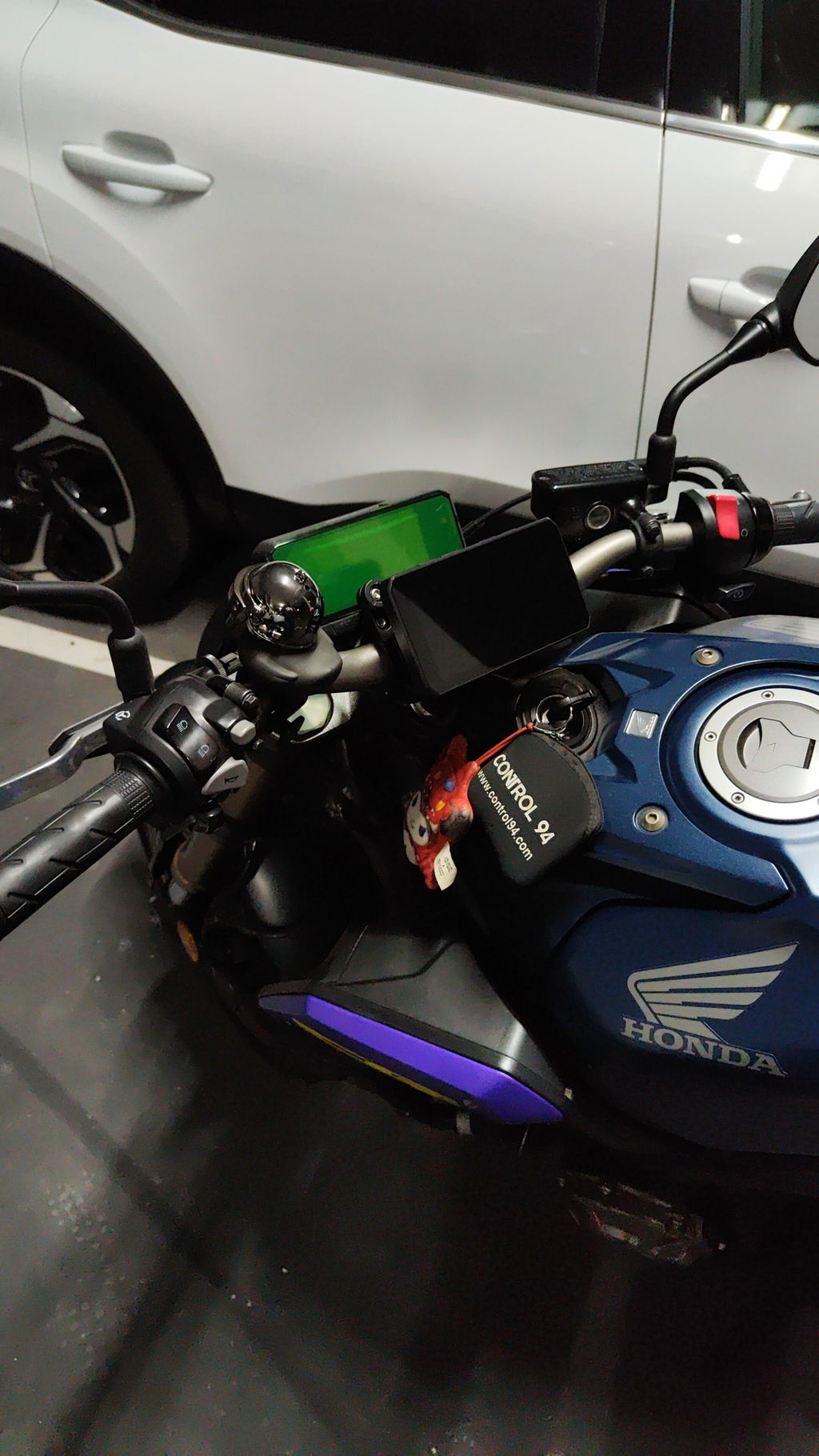
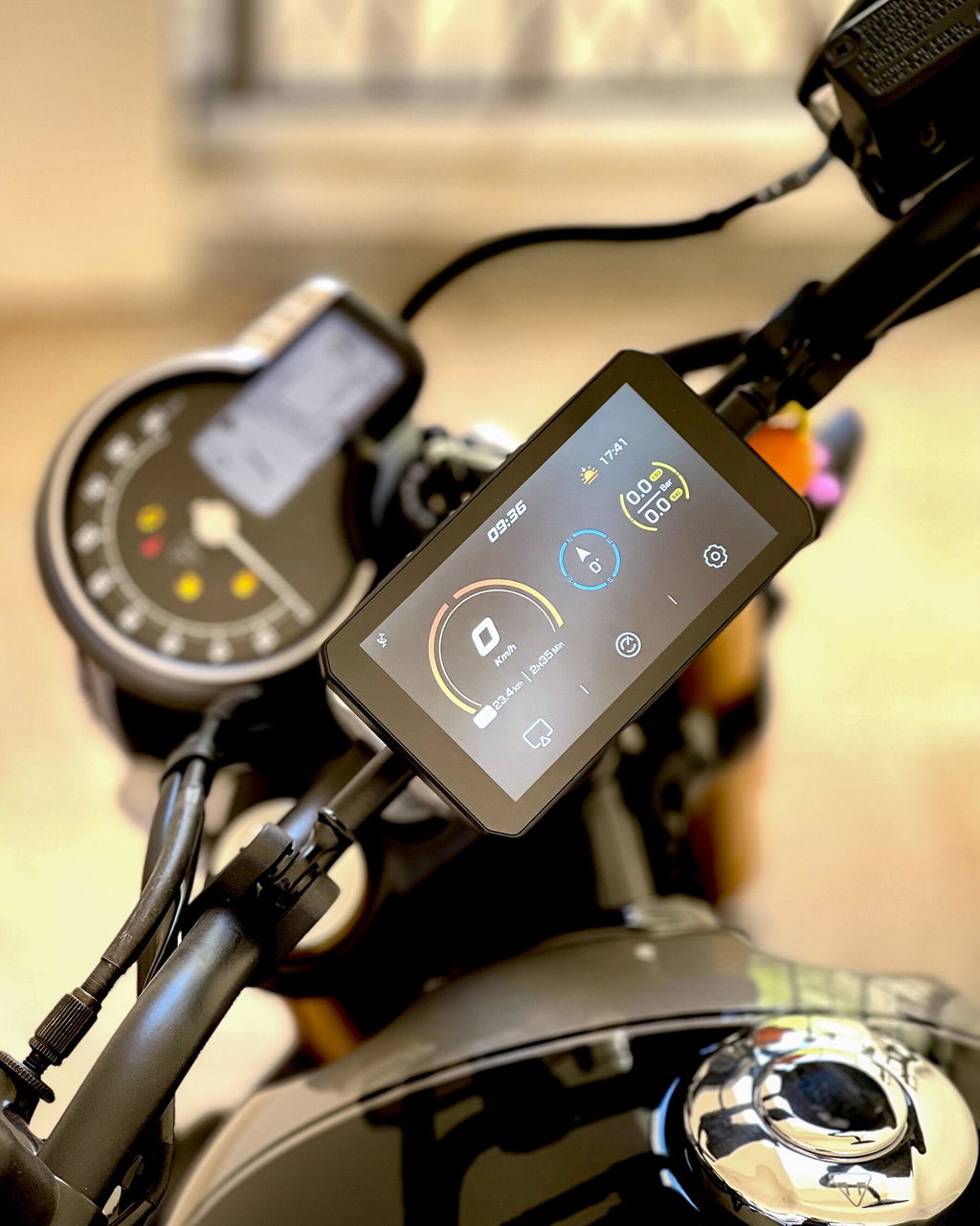
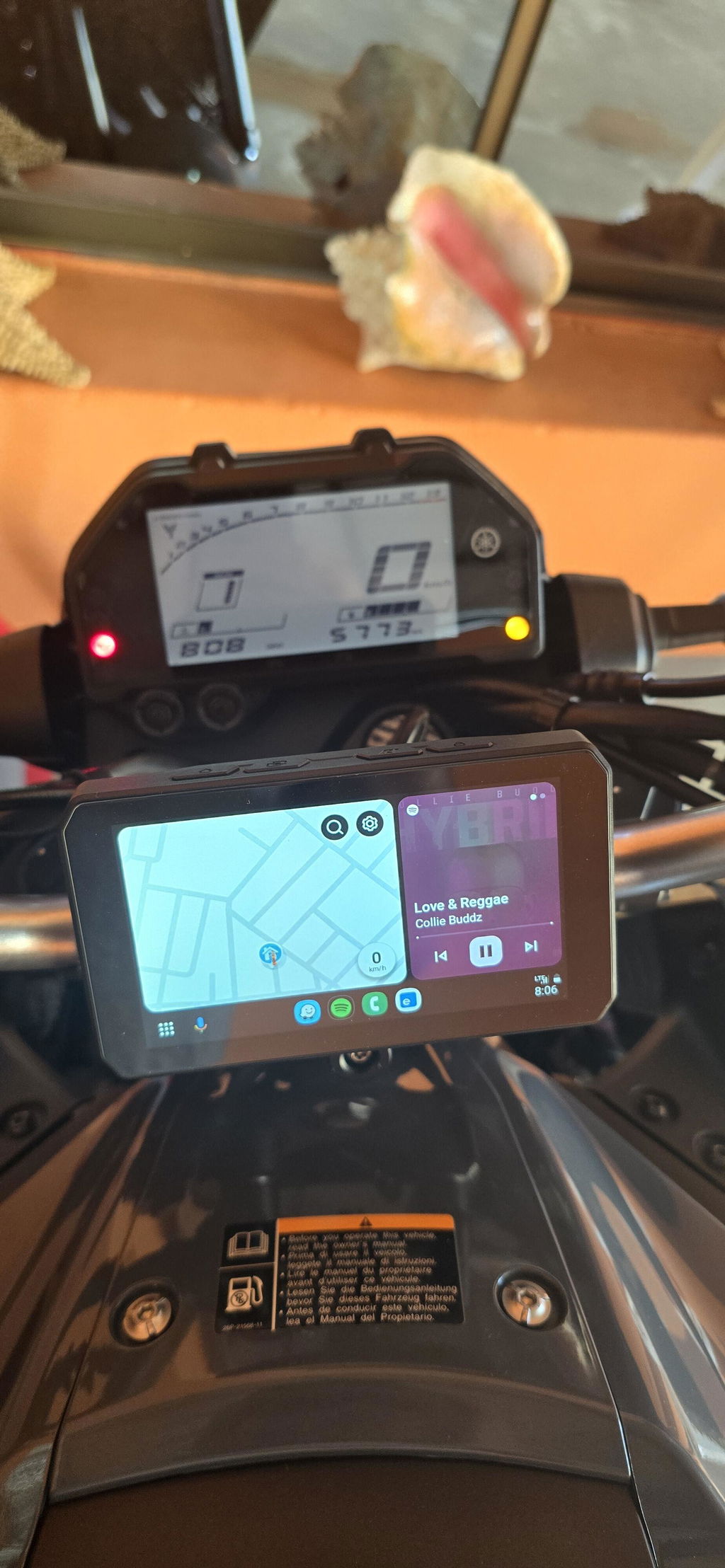
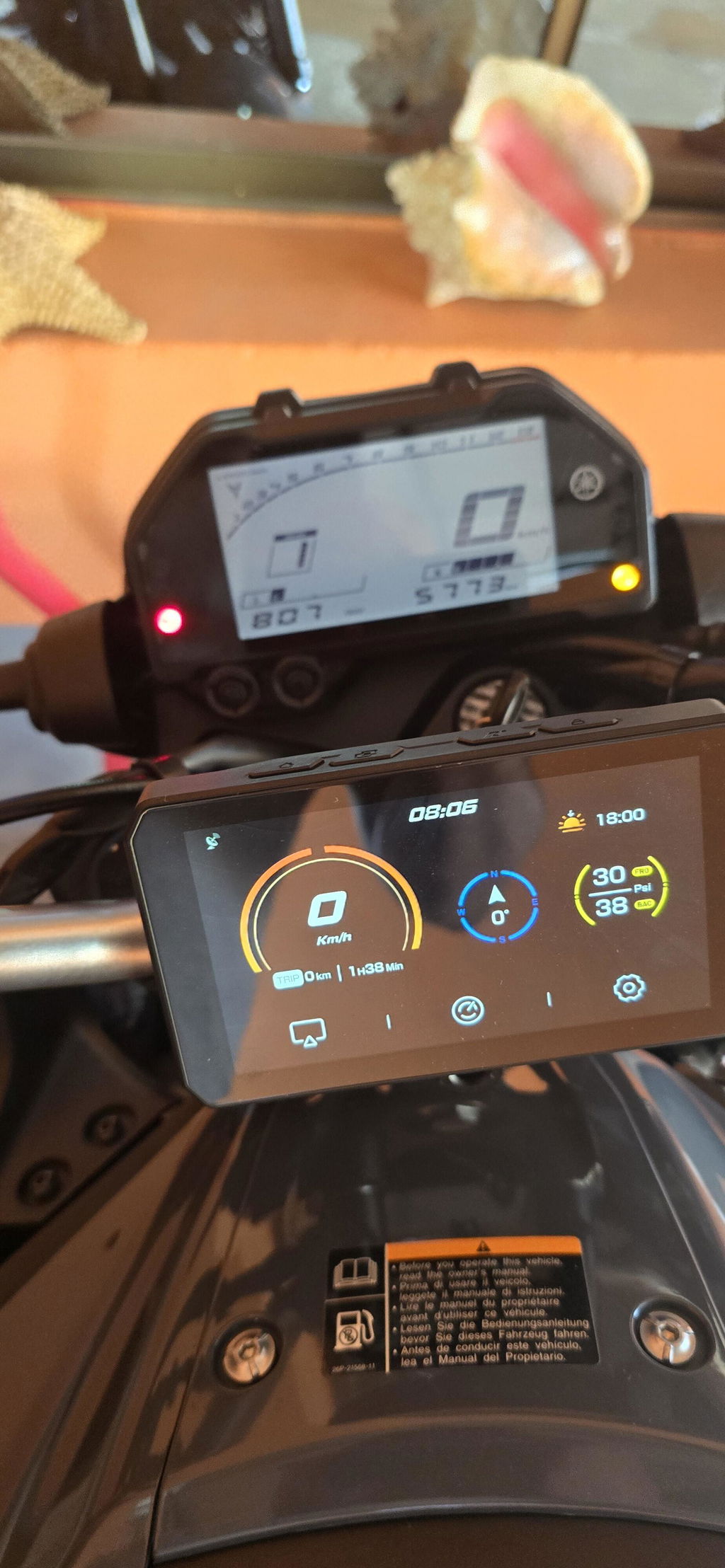
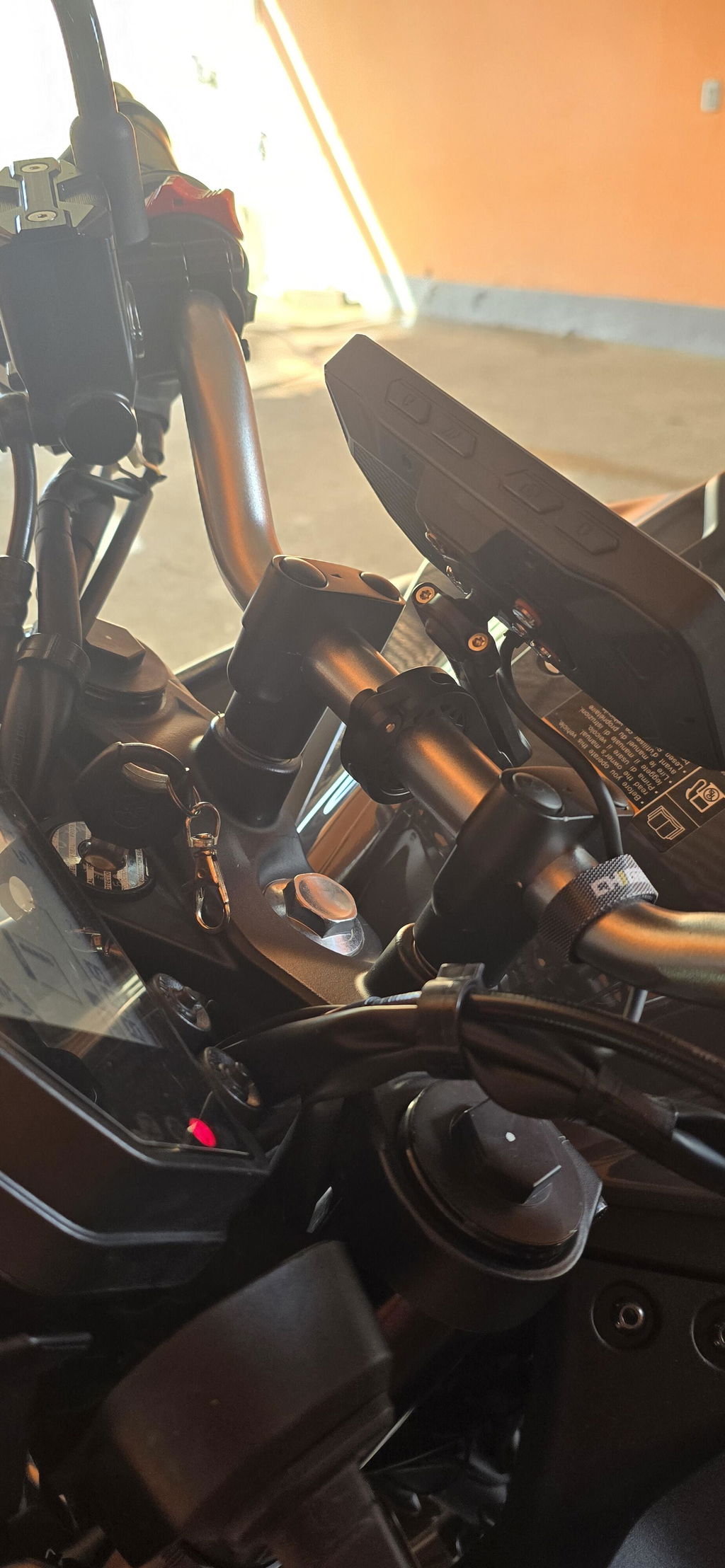
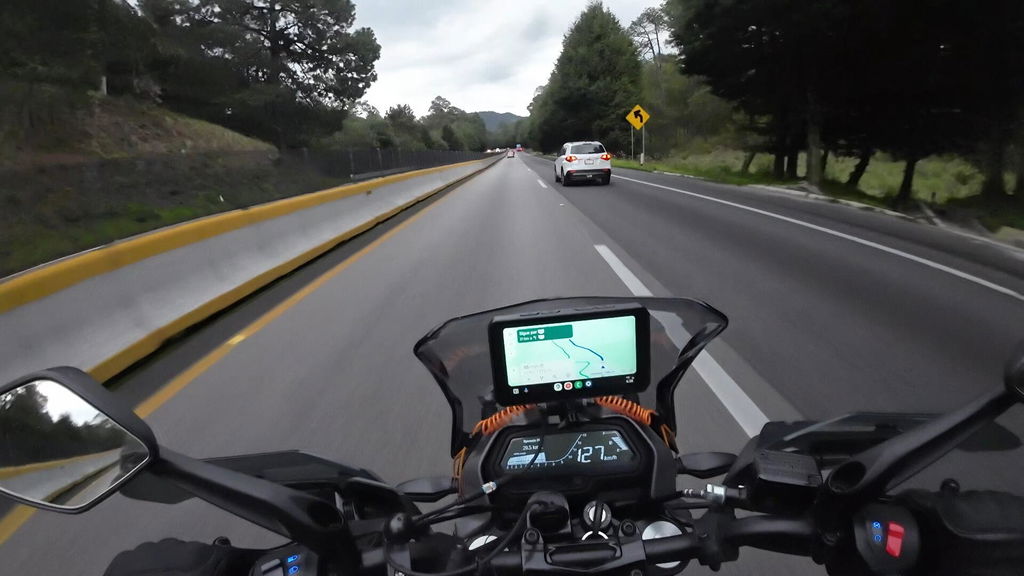
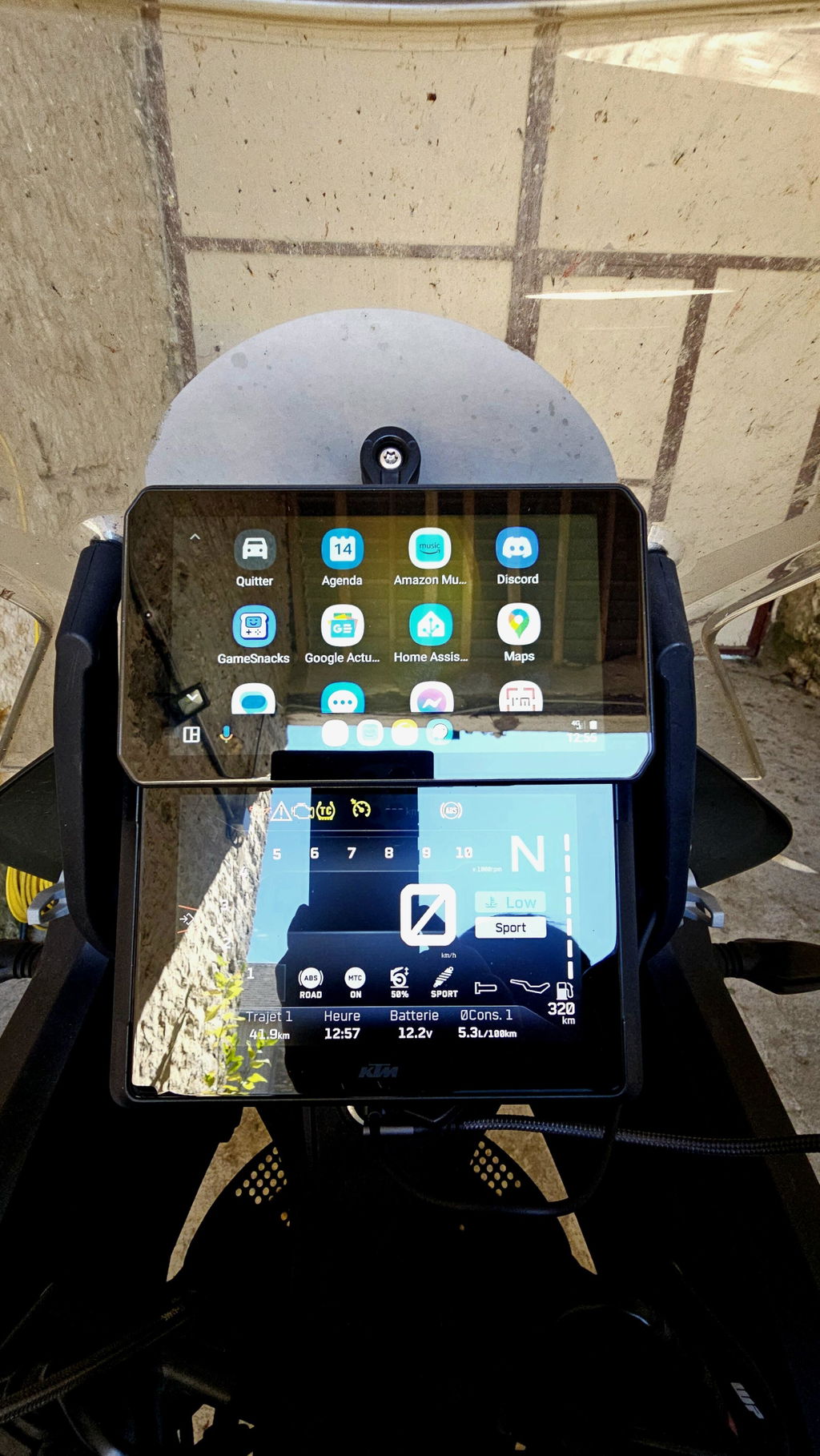
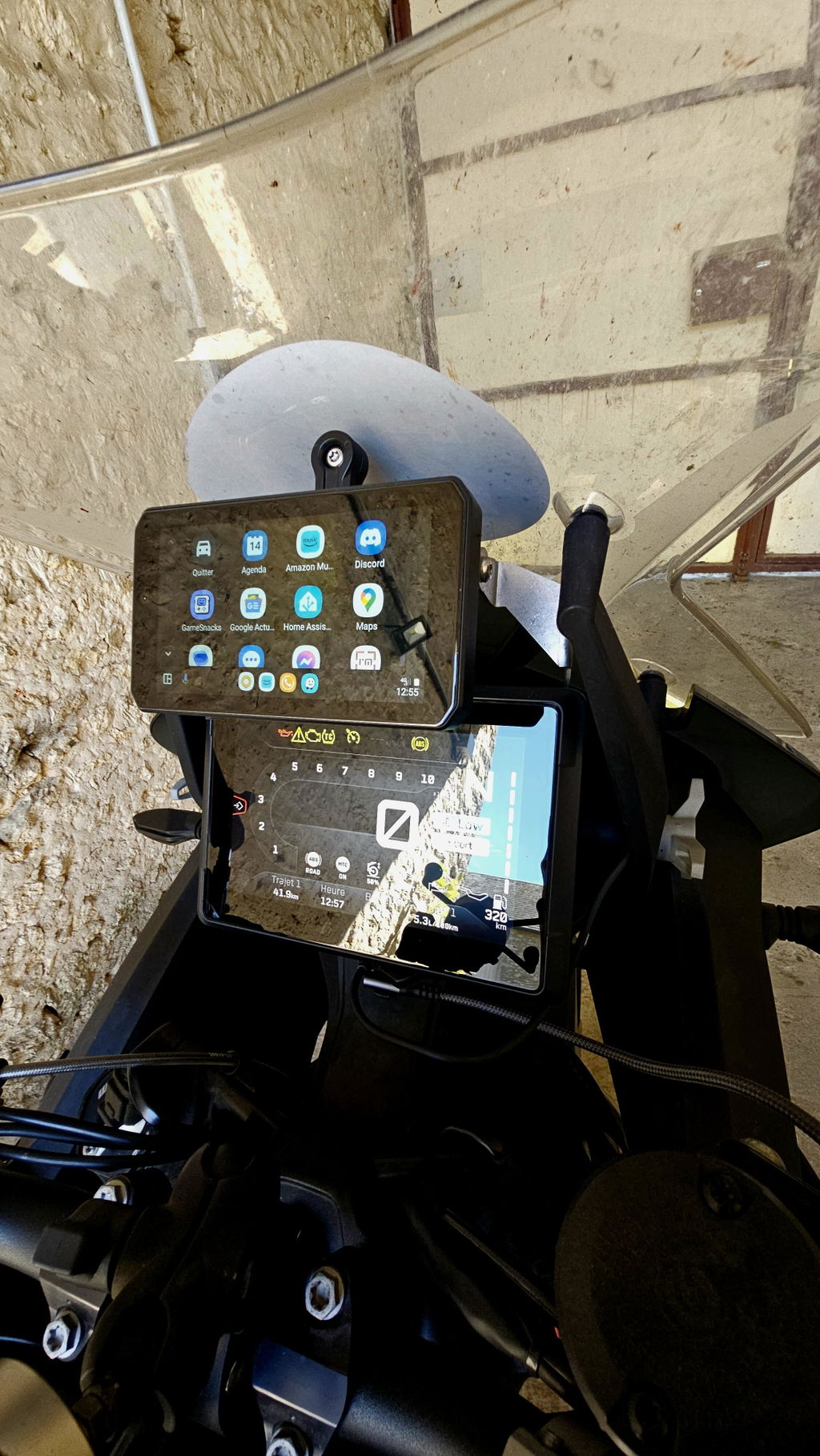
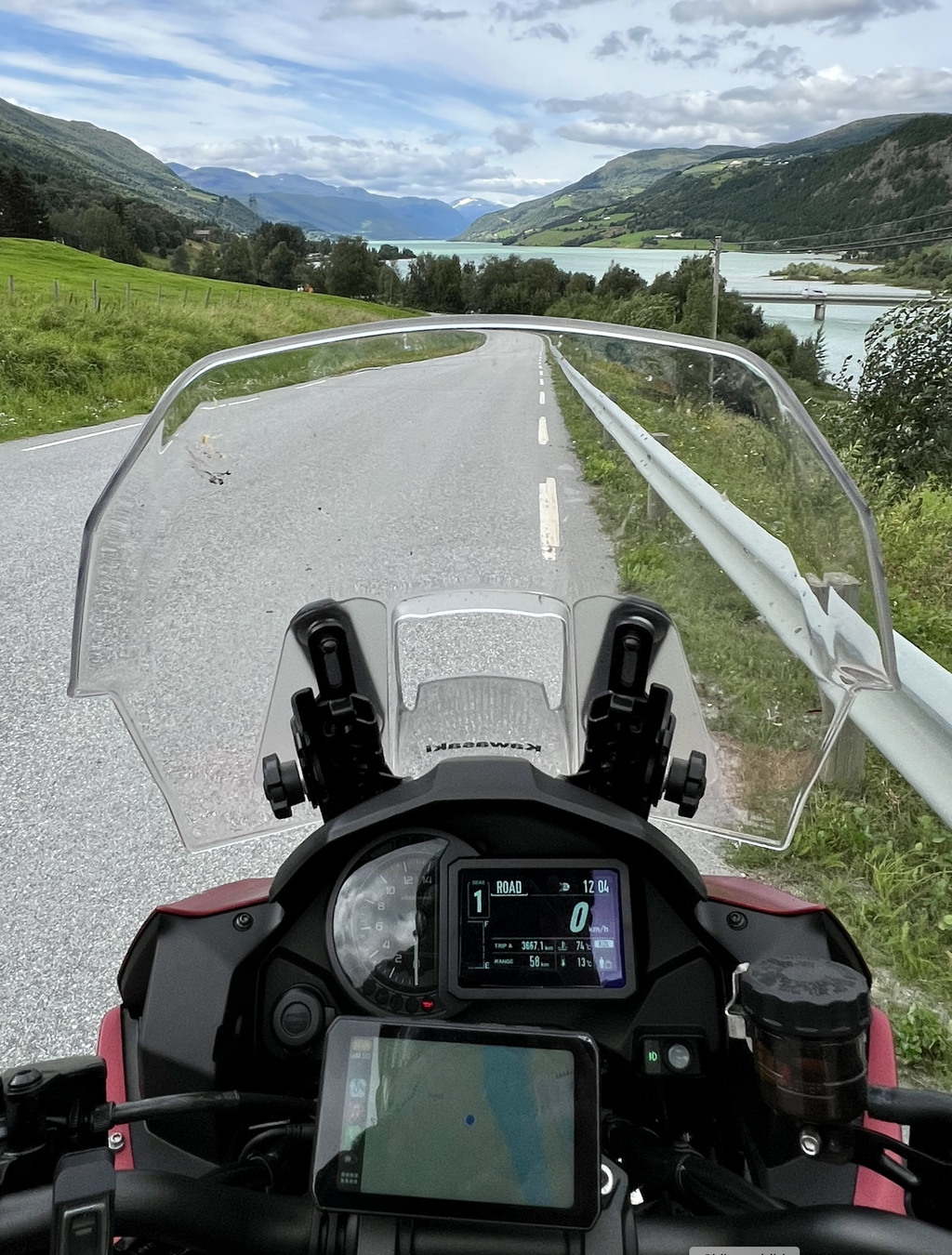
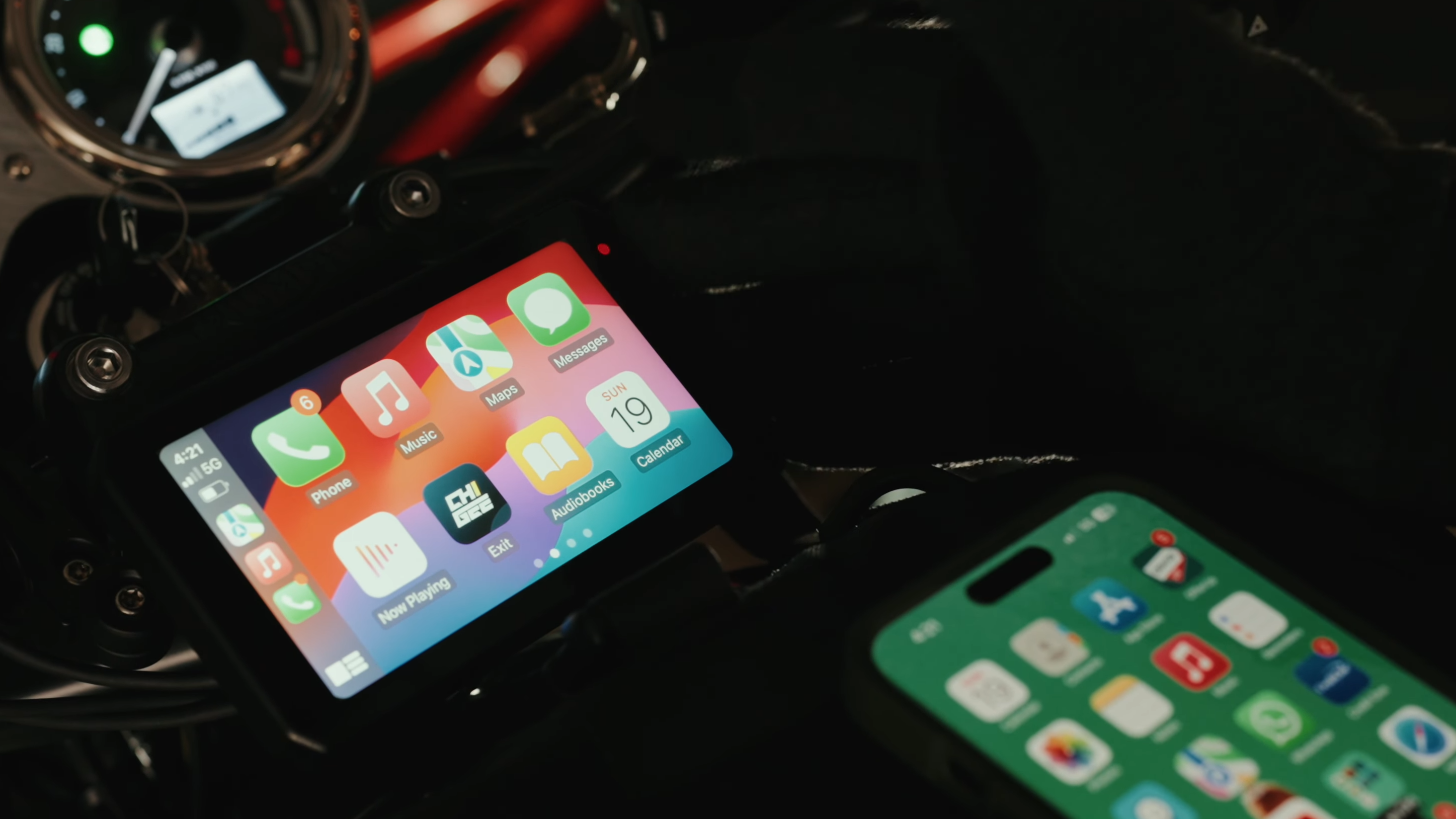
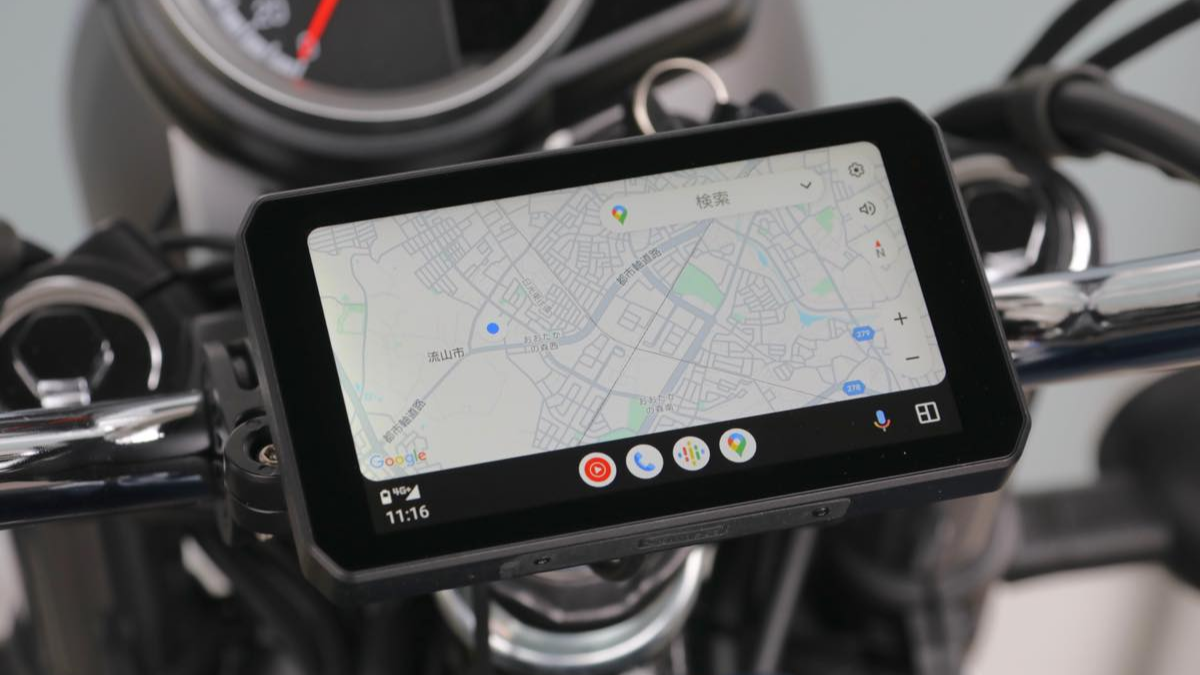
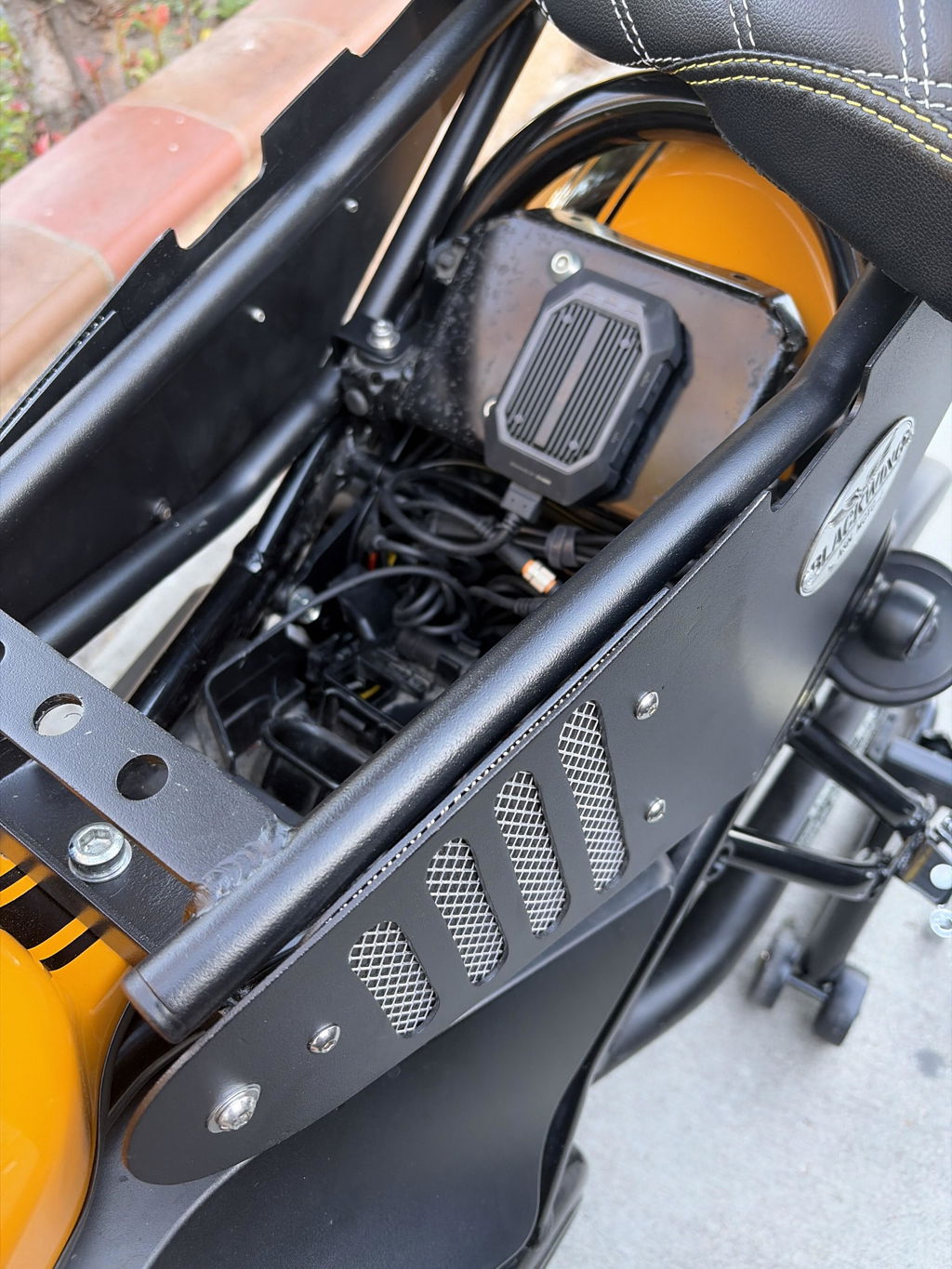
App interface needs serious improvements. First time startup, my live camera feed works. After that it goes dark. I now have to adjust my camera based on recorded footage. I have to connect to the app to connect to the hotspot... to connect to the app. I tried deleting app and reinstalling, that didn't work. It made me have to open up my bike seat just to press a button to confirm my account. Formatting the SD card required me to open up my seat to confirm the format on the device. If this product was not international, I would return
Thank you for sharing your feedback.
We sincerely apologize for the poor experience the app and setup process caused you.
If you encounter any issues with the product or app, please contact our customer support team directly and provide the following information:
* Your device model
* CHIGEE GO app version
* A screenshot or video showing the problem
This will help our team understand your issue in detail and, if necessary, escalate it to our technical team for further investigation and improvement.
We truly appreciate your valuable feedback, as it helps us improve the product and app experience.
Sincerely,
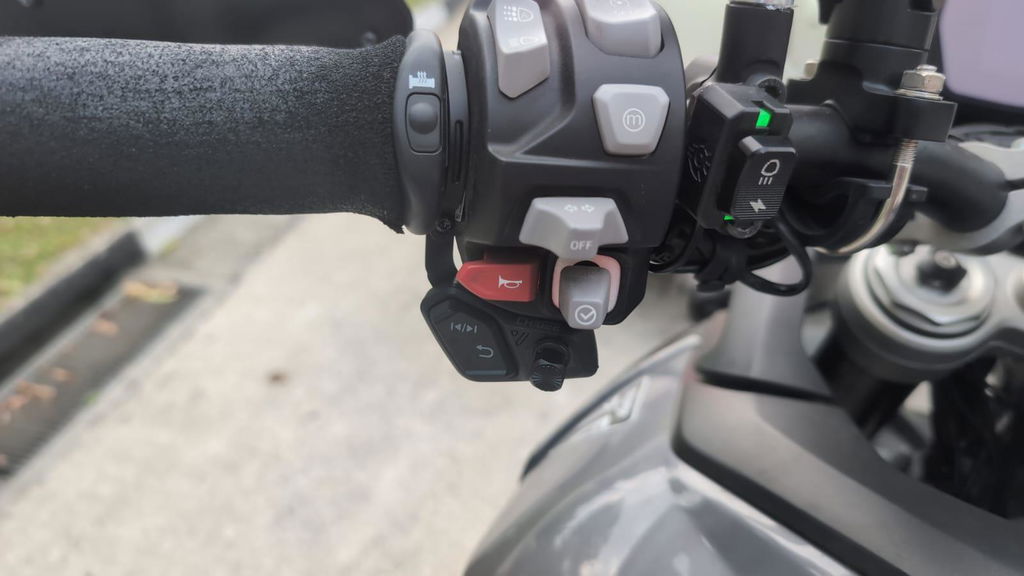
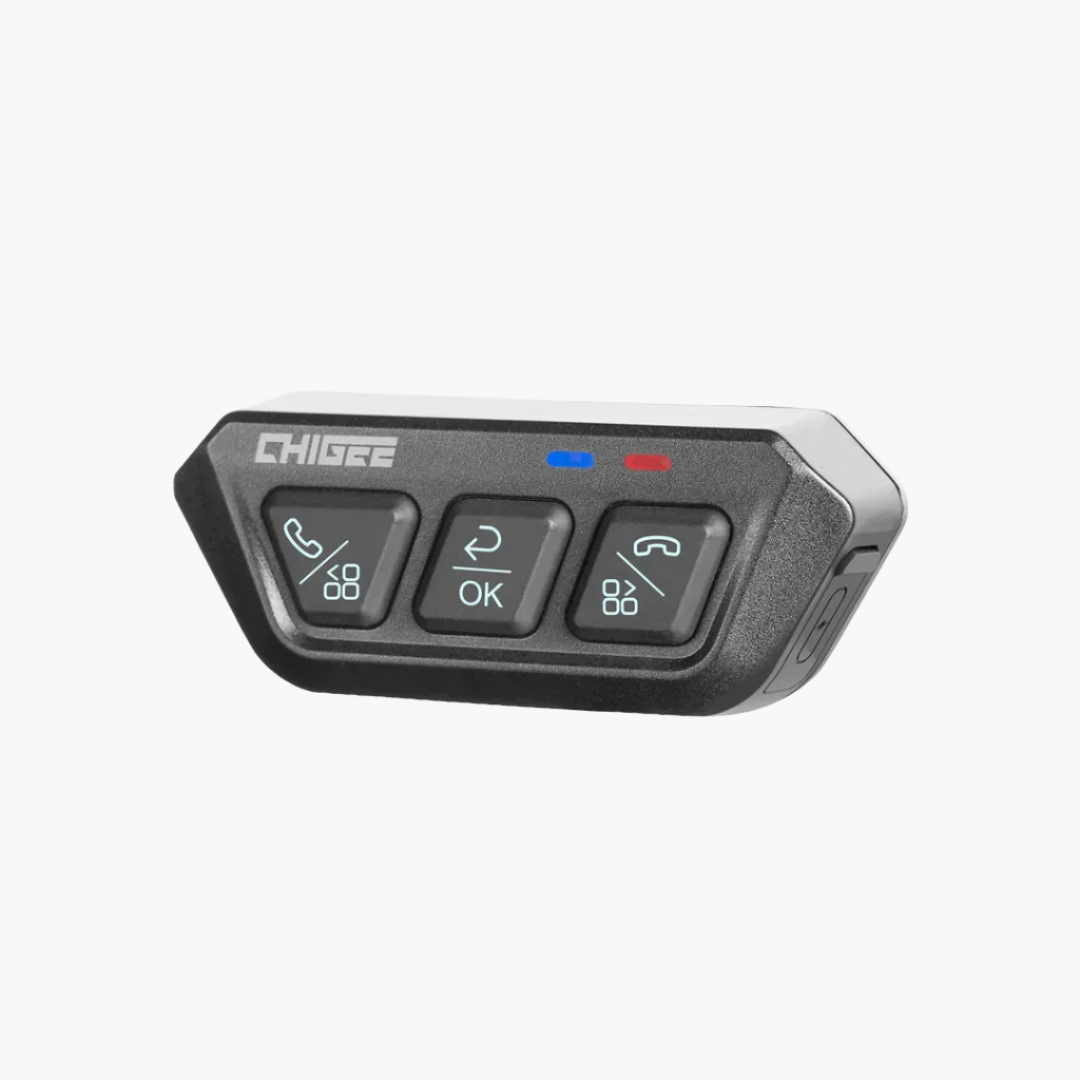
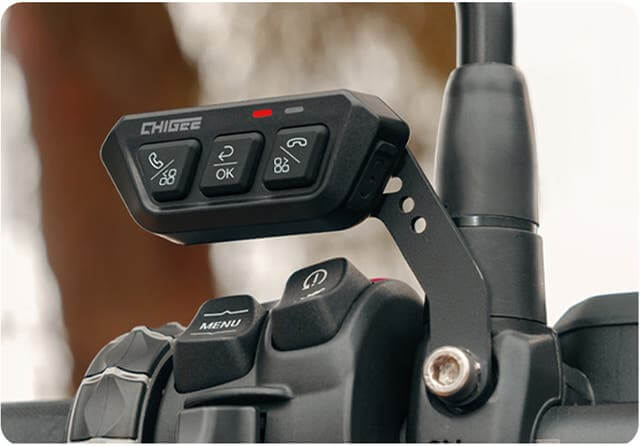
The new remote is so good easy to navigate with gloves the toggle switch is easy and quick to get to the page you want quick and safely while riding top product as the whole CHIGEE range quality gear highly recommended
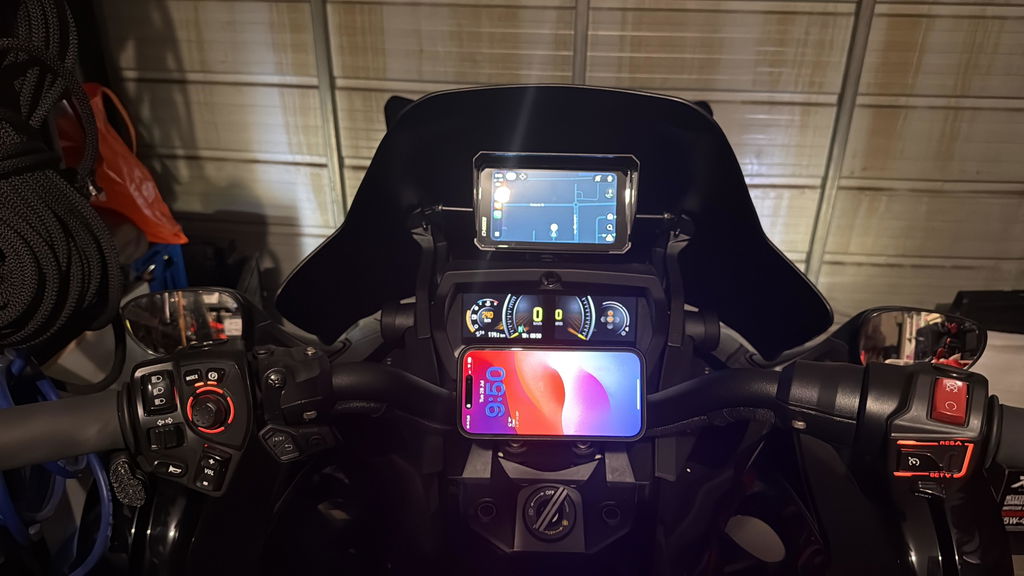
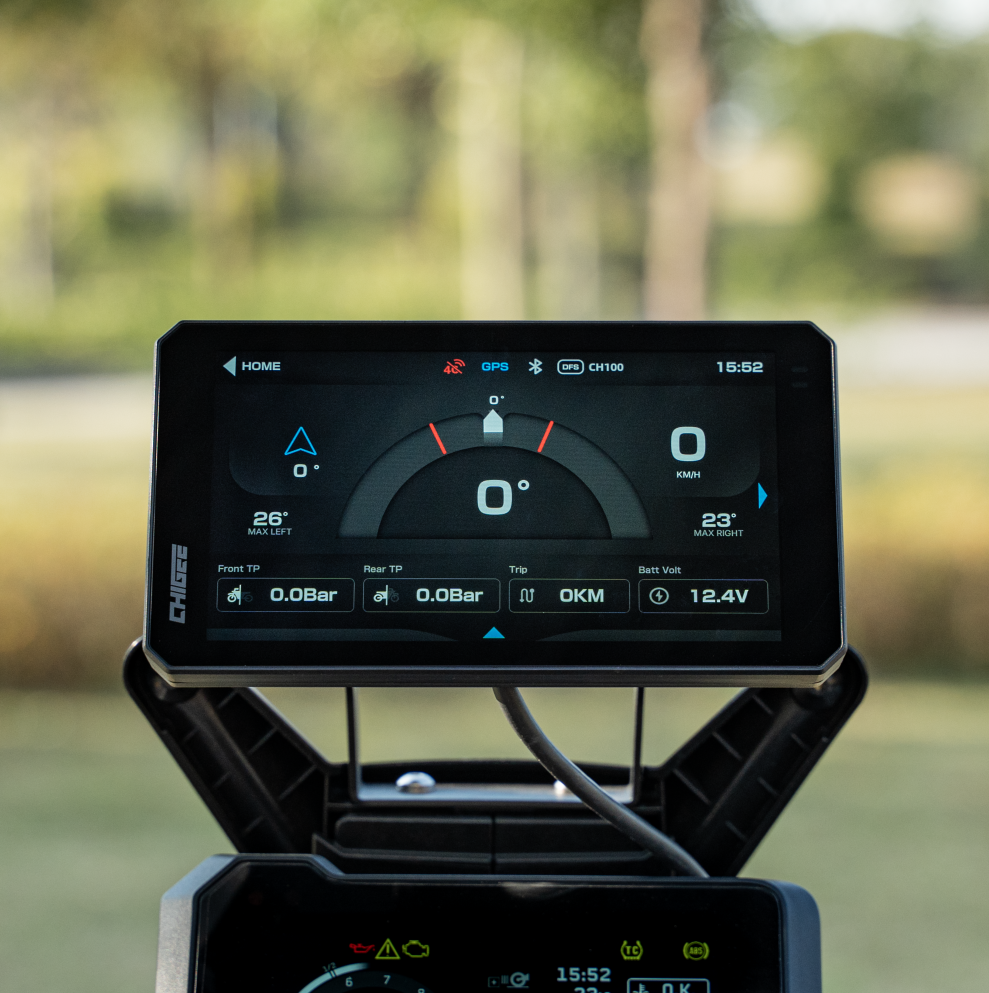
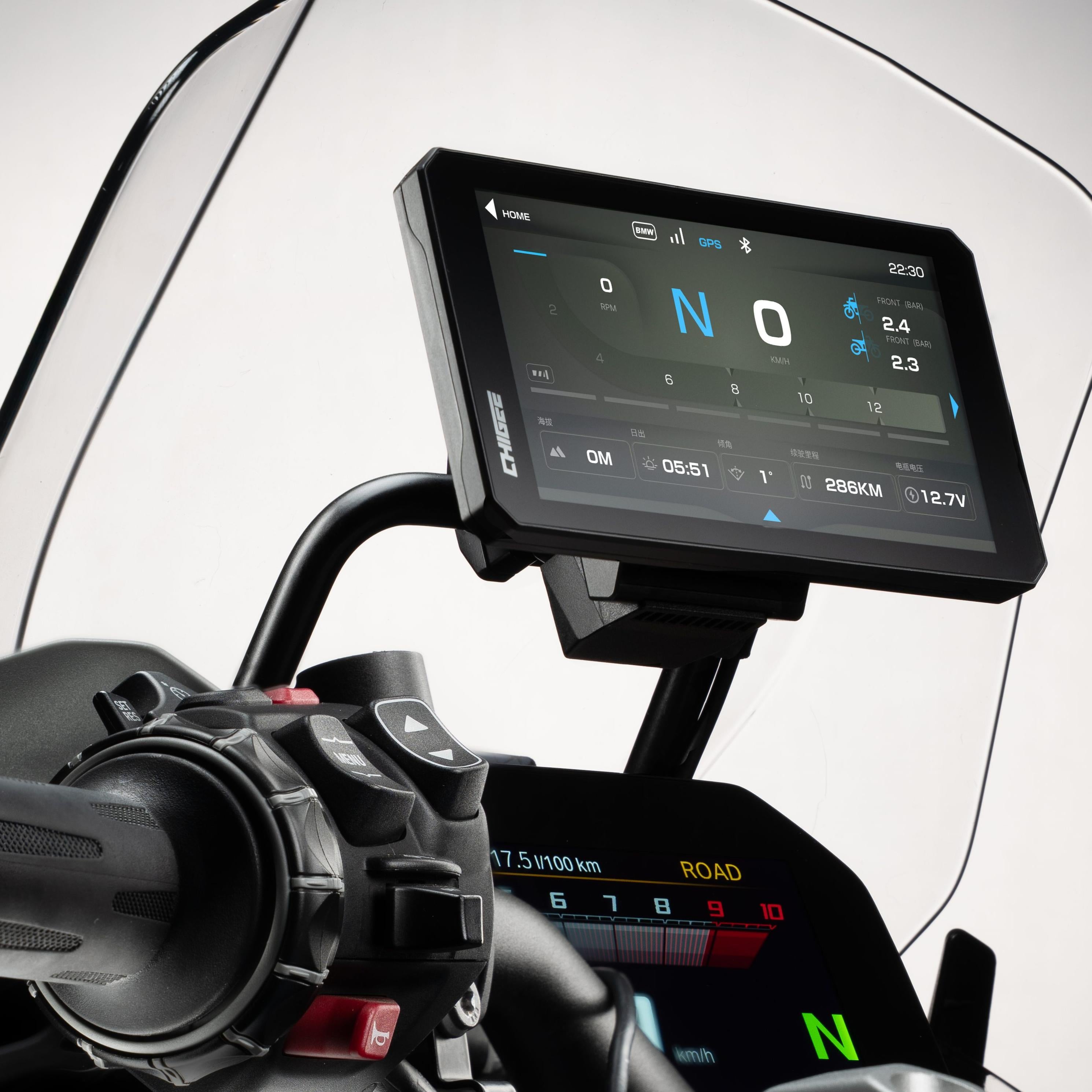
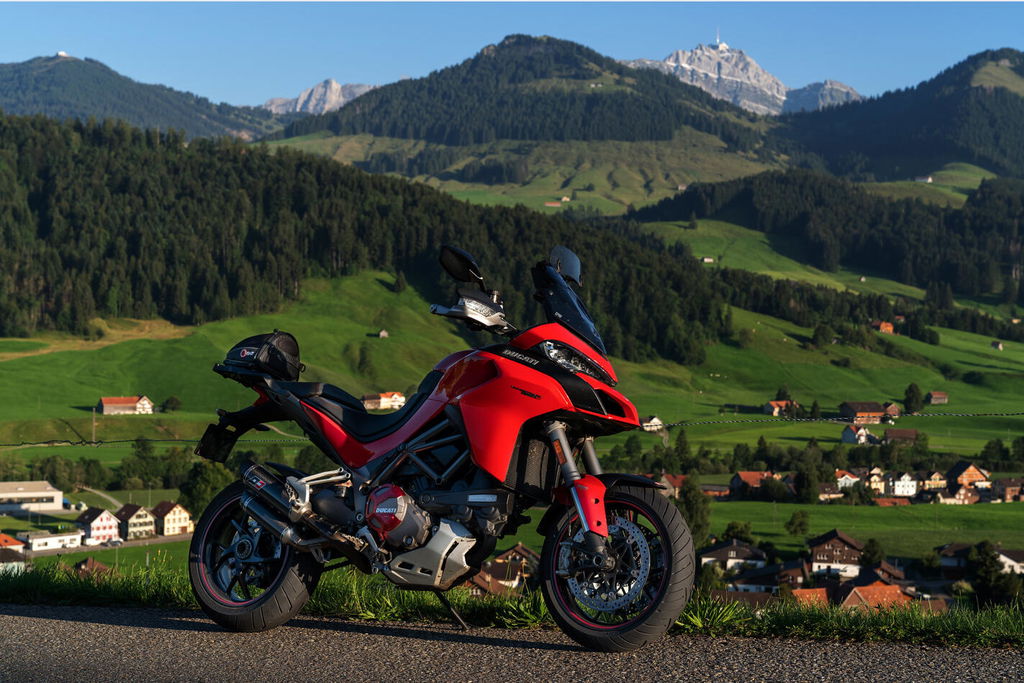
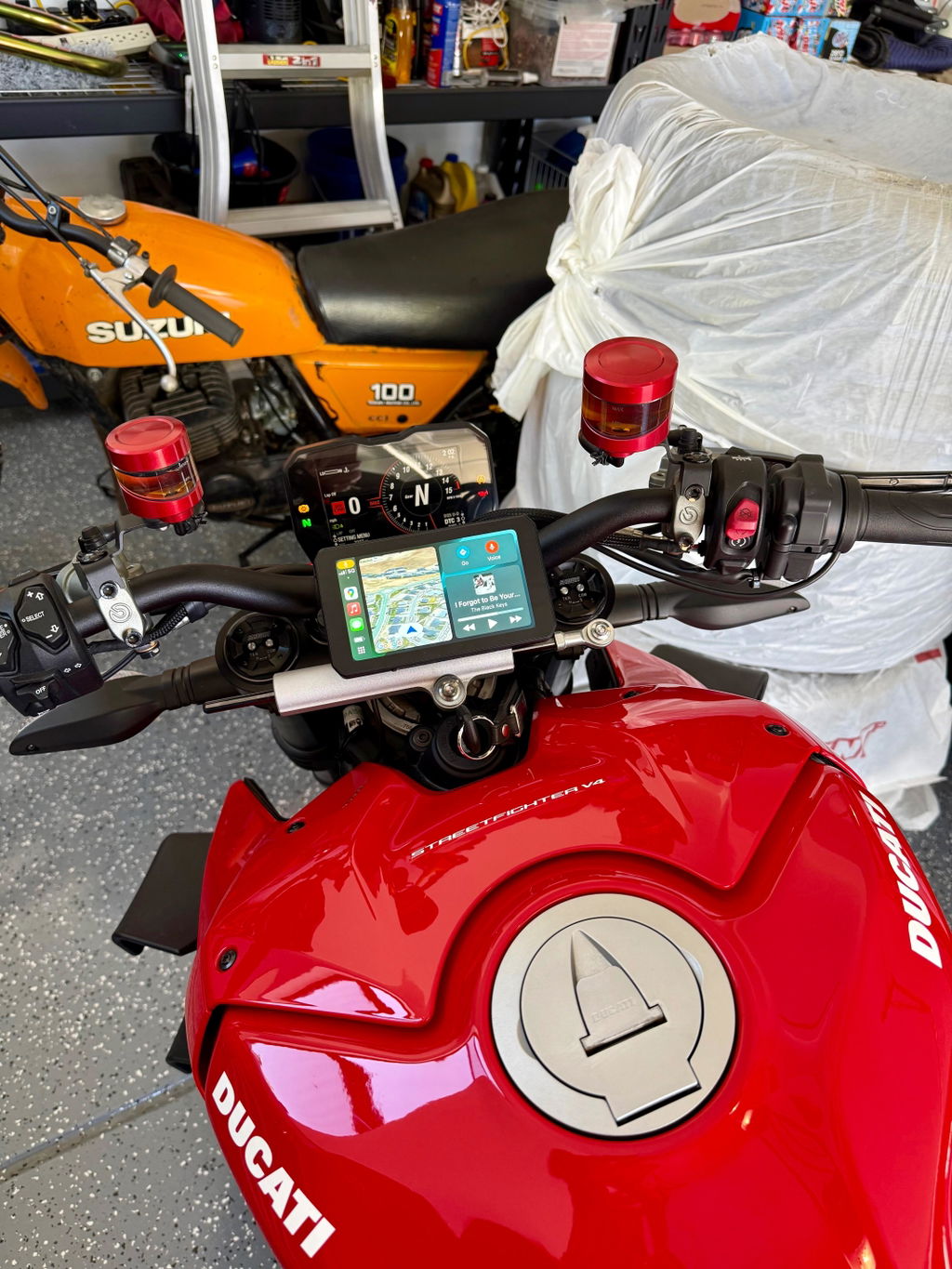
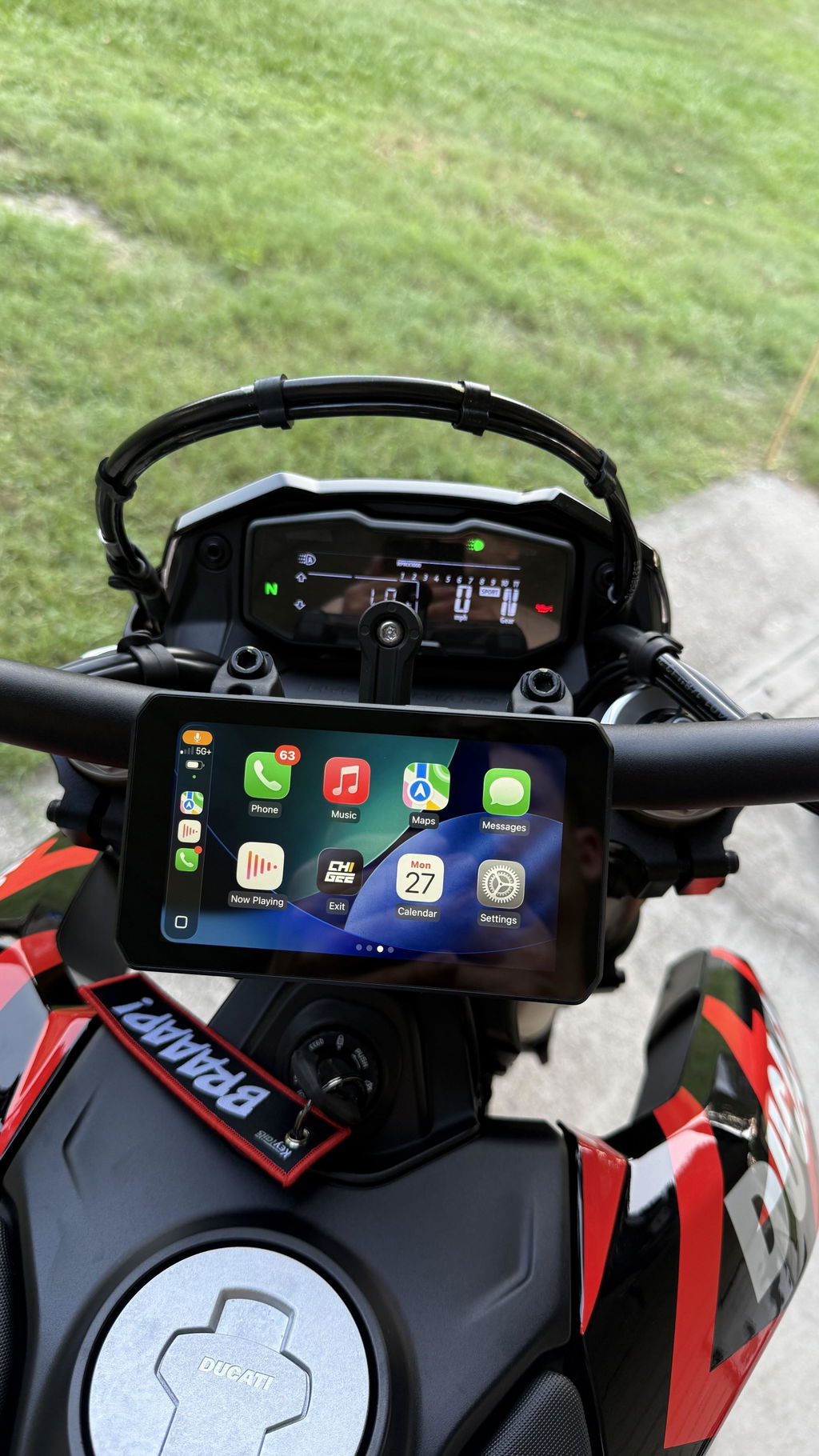
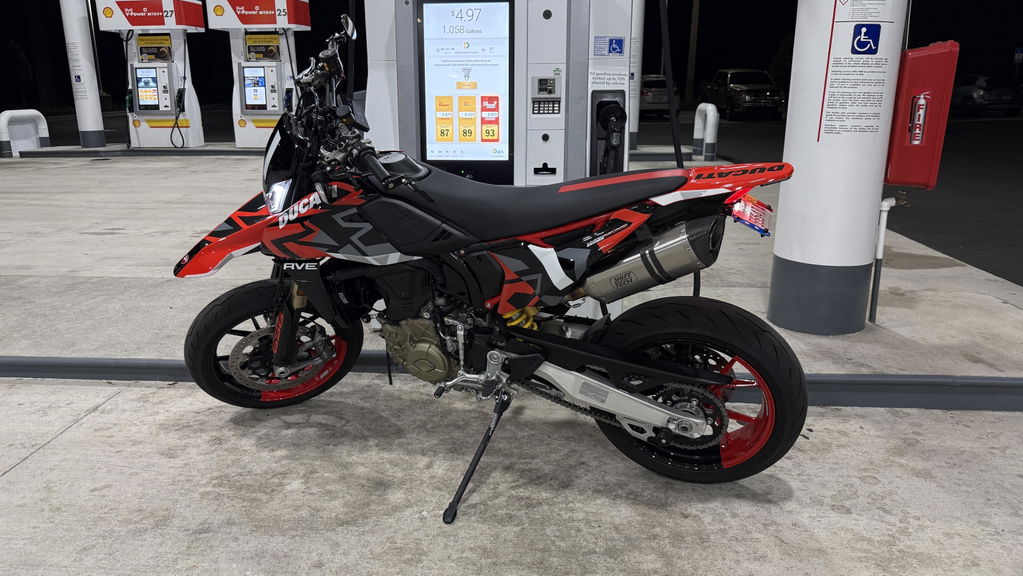
I put this on my Ducati 698 Mono RVE and it fits perfect! Plugged right into the USB port on the bike. It pairs effortlessly to my phone and have had no issues with it what so ever. I bought this for a trip up to the Tail Of The Dragon and really looking forward to having GPS right in front of me. The screen works great touch screen wise even with gloves on. I honestly can’t think of a single flaw yet at all. I can’t recommend this upgrade enough!
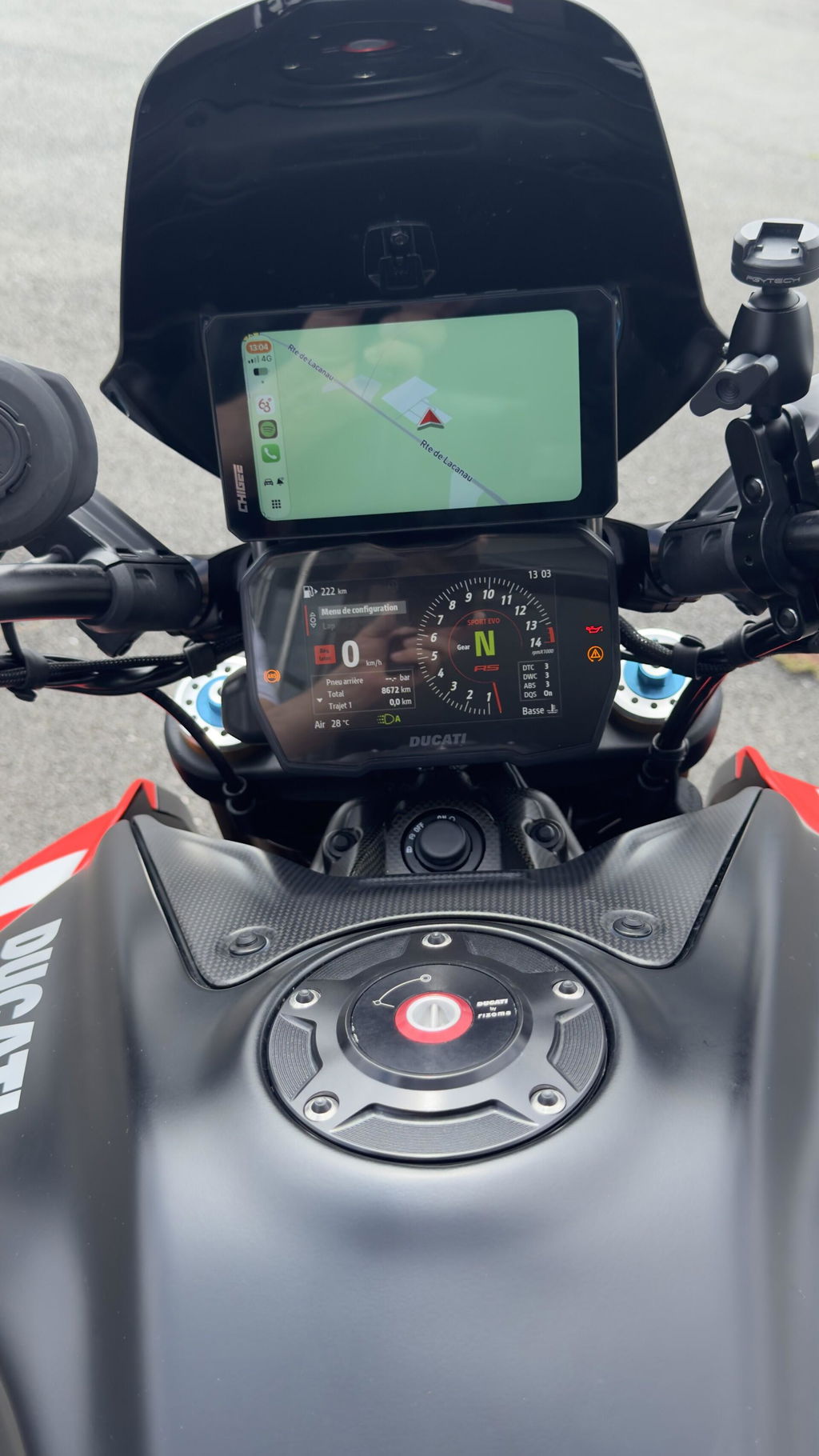
Parfait correspond exactement à ce que je voulais.
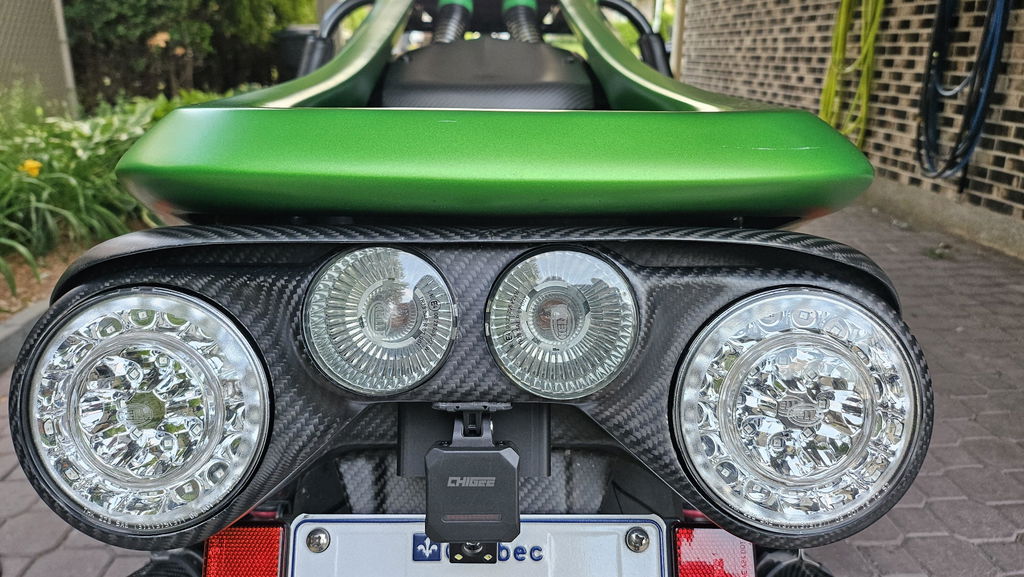
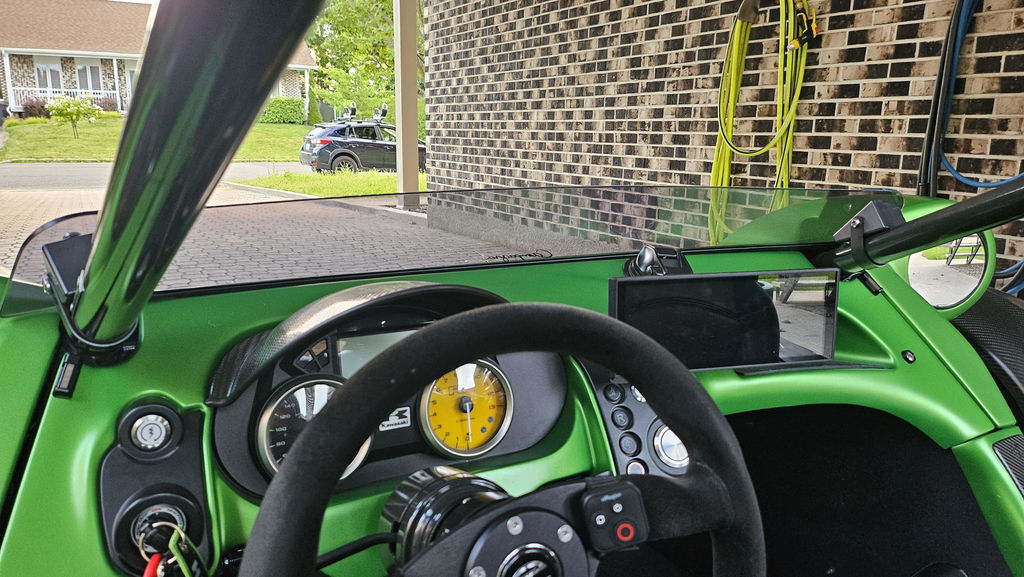
Installé sur un T-rex de Campagna. J'ai dû couper et allonger les fils de l'alimentation et des led. Fonctionne parfaitement. Quelques fausses alarmes. Une prochaine mise à jour devrait améliorer son fonctionnement.
Its a super upgrade as compared to the older version when you click and click with no response or not sure what it will do. With this alone, its straight forward with the joystick. The only pain point is the limited installation placement as its only can be installed in one way. Luckily am able to squeeze through the gap between my controls and the grip. As am using Grip puppies, there's no way you can install over it.