

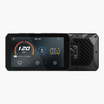
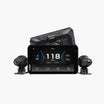
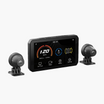
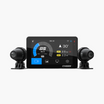
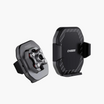

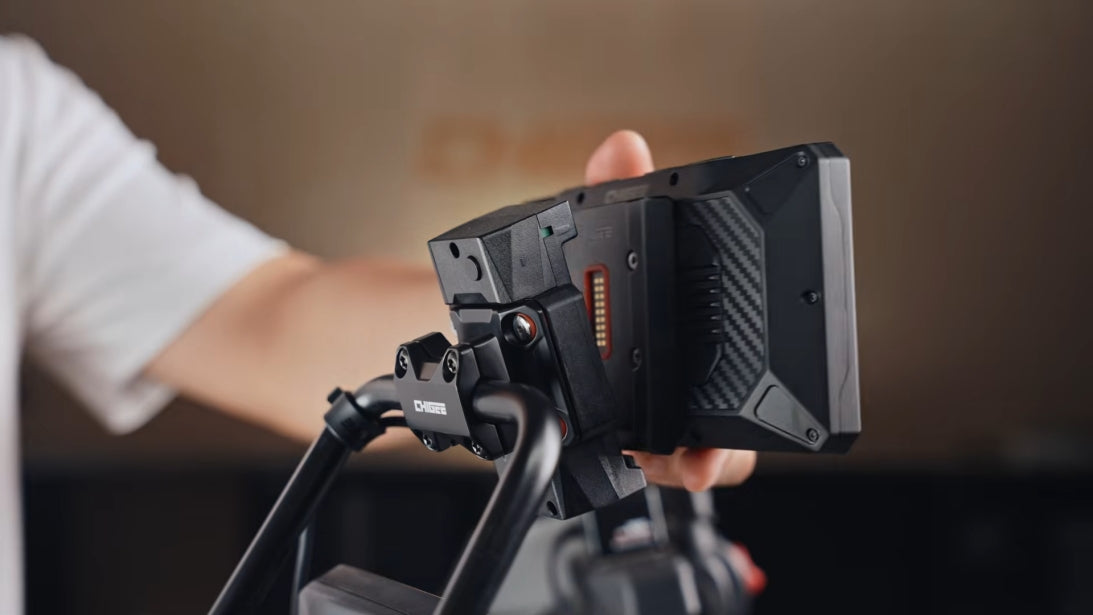
Für BMW-Motorradfahrer war die Montage eines Aftermarket-Displays schon immer mit drei ungelösten Problemen verbunden: Die werkseitige Navigationshalterung benötigt an jedem Stopp einen mechanischen Schlüssel; Motorräder, die nie mit einer Navigationshalterung ausgeliefert wurden, hatten keine integrierte Möglichkeit, BMW-OEM-Strom und native Fahrzeugdaten an ein Display zu übertragen; und die Wunder-Rad-Steuerung zusammen mit einem modernen Display-Ökosystem funktionsfähig zu halten, hing von Hardware ab, die nicht jede Konfiguration bieten konnte.
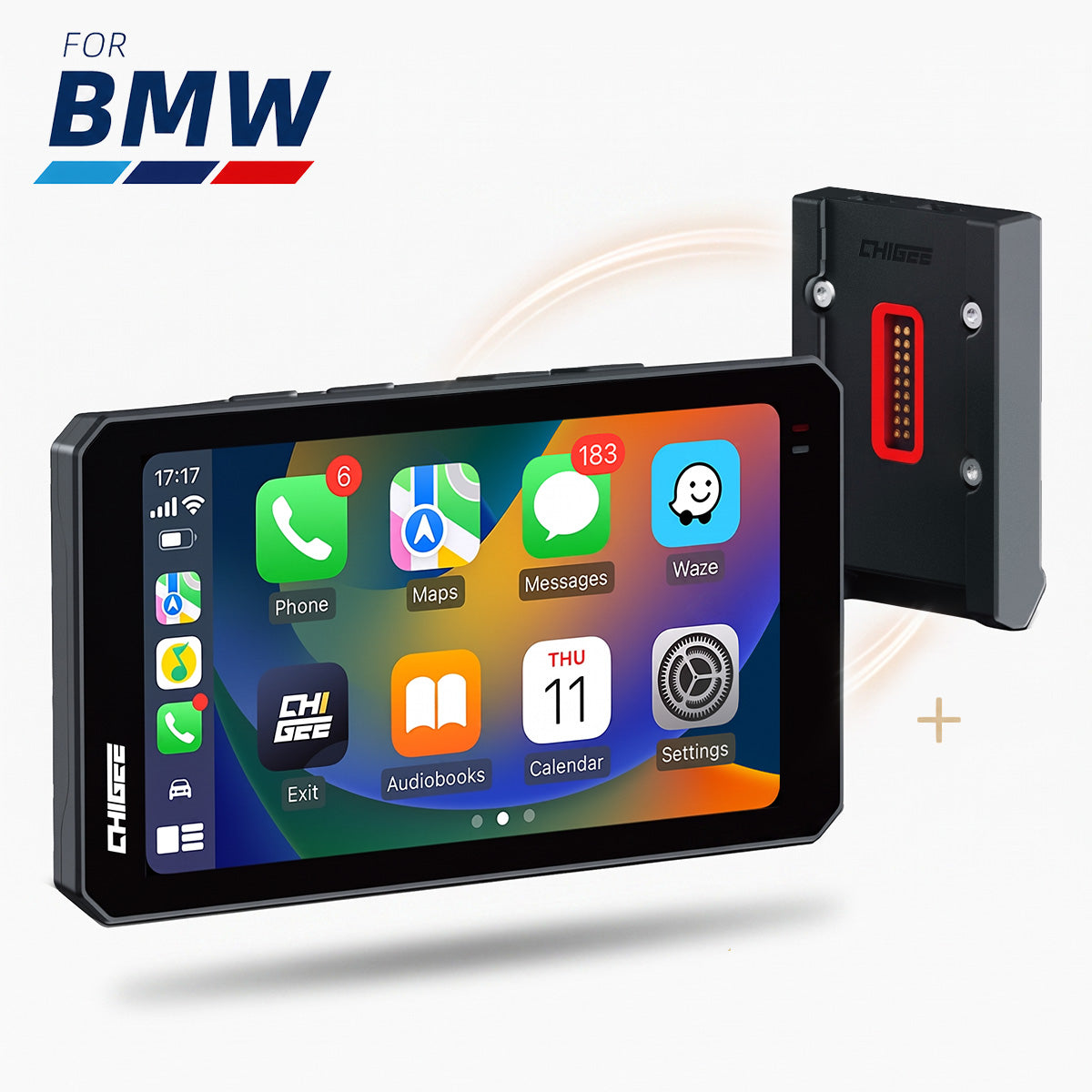
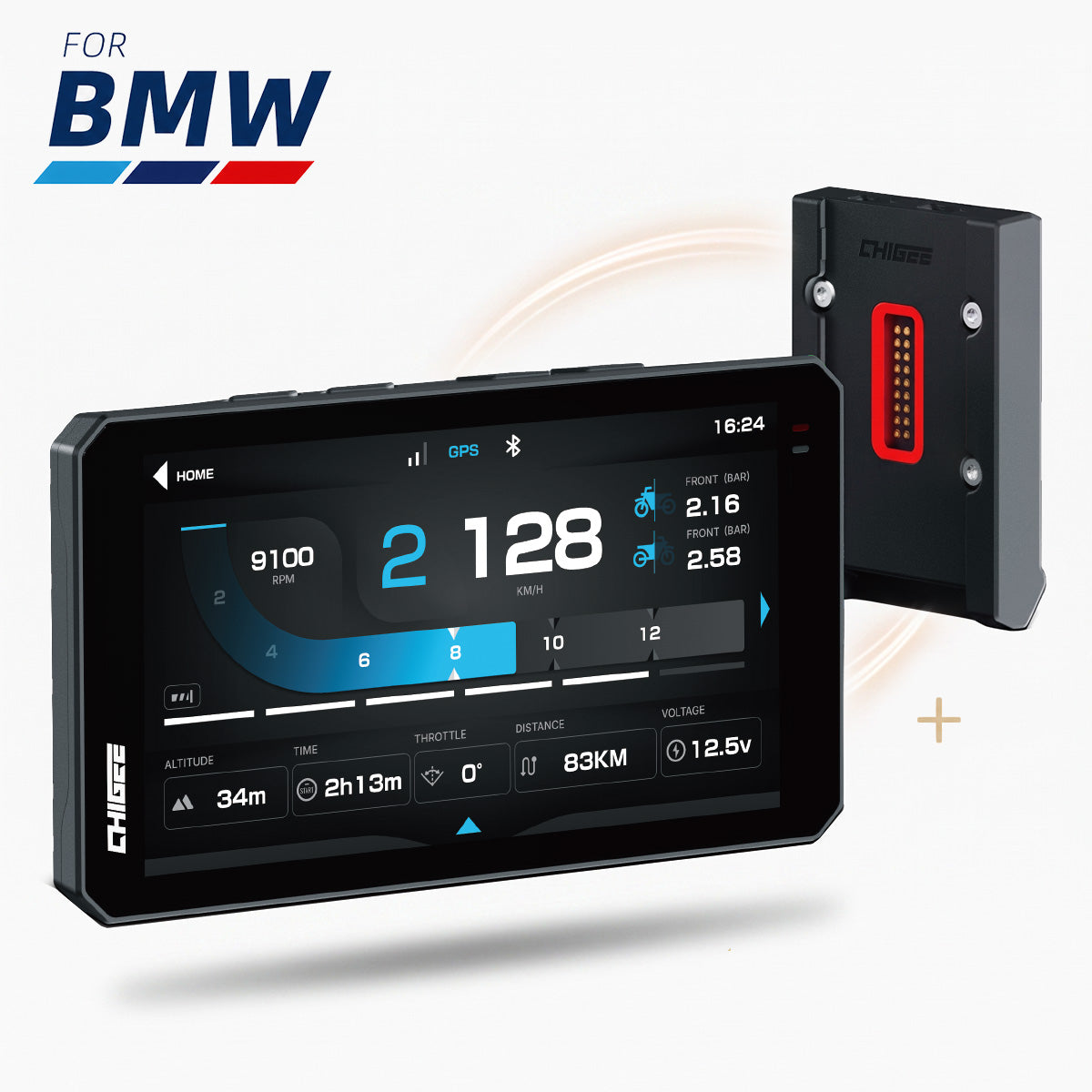
Diese Lücke — zwischen dem, was BMW-Motorräder können, und dem, was Motorradfahrer tatsächlich nutzen konnten — ist genau das, was die neu eingeführte BMW elektromagnetische Schnellmontage-Halterung schließen soll. Das Ziel ist nicht, ein weiteres Zubehörteil zur Liste hinzuzufügen. Es geht darum, ein Display so mit Ihrem BMW arbeiten zu lassen, wie es Werksausstattung tut — OEM-Strom, native Fahrzeugdaten, Wunder-Rad-Steuerung — und dabei die Kompromisse zu beseitigen, die damit einhergingen, angefangen beim Schlüssel. Dabei wird nichts aufgegeben.
In der Praxis bedeutet das drei Dinge: schlüssellose elektromagnetische Verriegelung, direkte Installation mit oder ohne werkseitige Halterung und vollständige Durchleitung von BMW-Fahrzeugdaten und Wunder-Rad-Signalen an ein kompatibles Display. Hier erfahren Sie, wie jedes funktioniert und wie Sie herausfinden, ob Ihr BMW geeignet ist.
Schlüssellose Verriegelung durch Ihre Zündung
Wenn Sie mit der traditionellen BMW-Halterung gelebt haben, kennen Sie das Spiel: Verriegeln Sie sie beim Parken, entriegeln Sie sie bei der Rückkehr und hoffen Sie, dass der kleine Schlüssel noch dort liegt, wo Sie ihn gelassen haben. Es funktioniert — es ist nur eine weitere Sache, an die Sie bei jedem Stopp denken müssen.
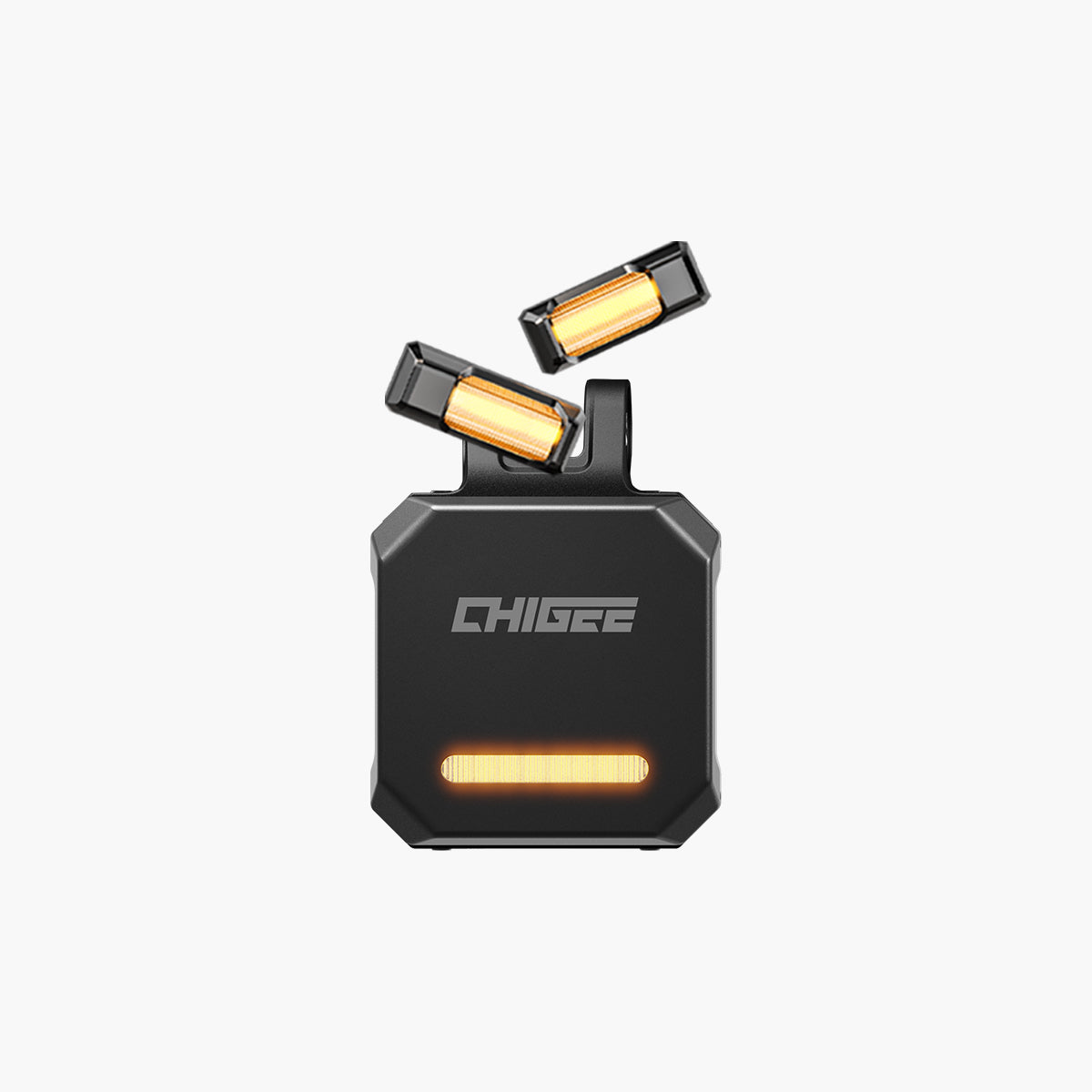
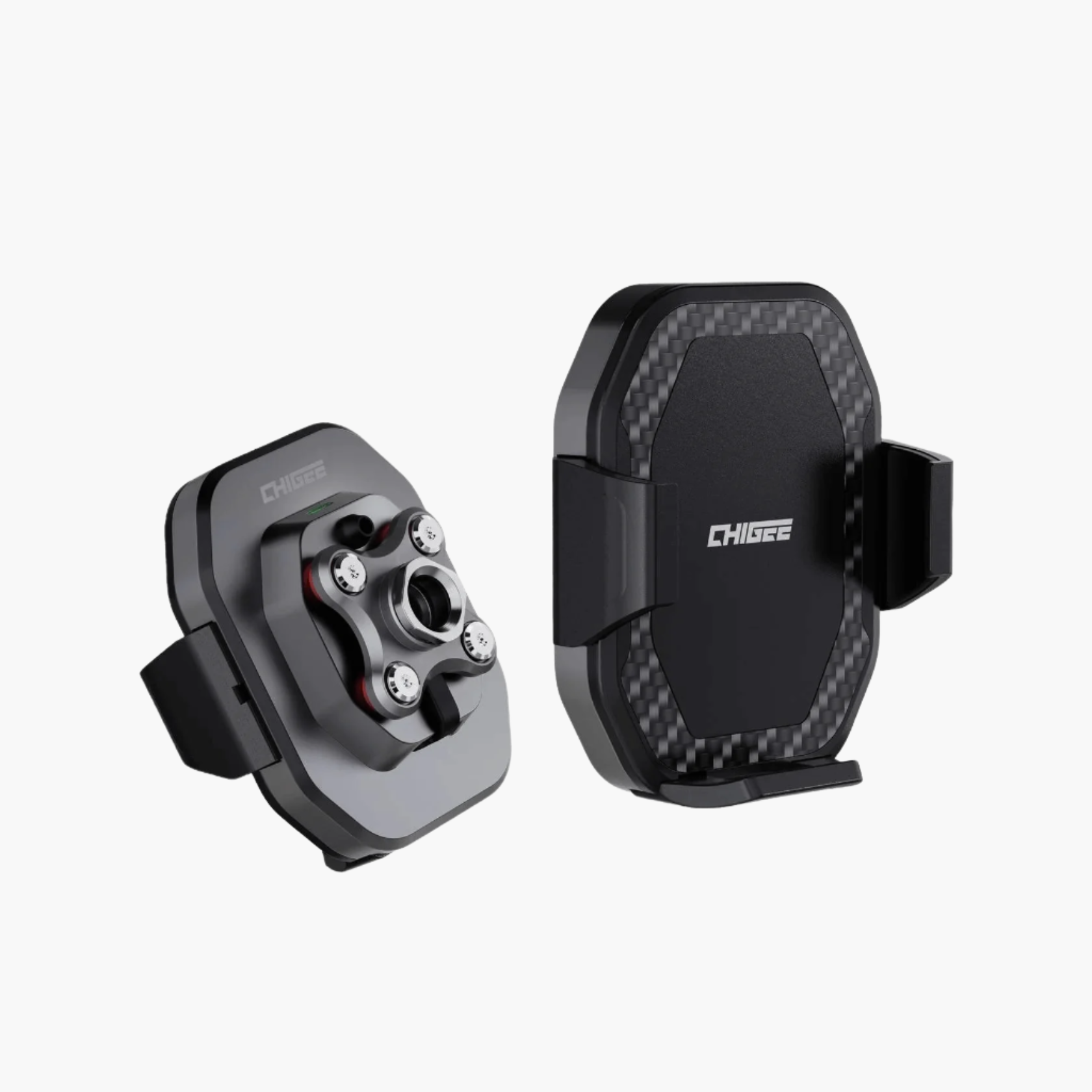
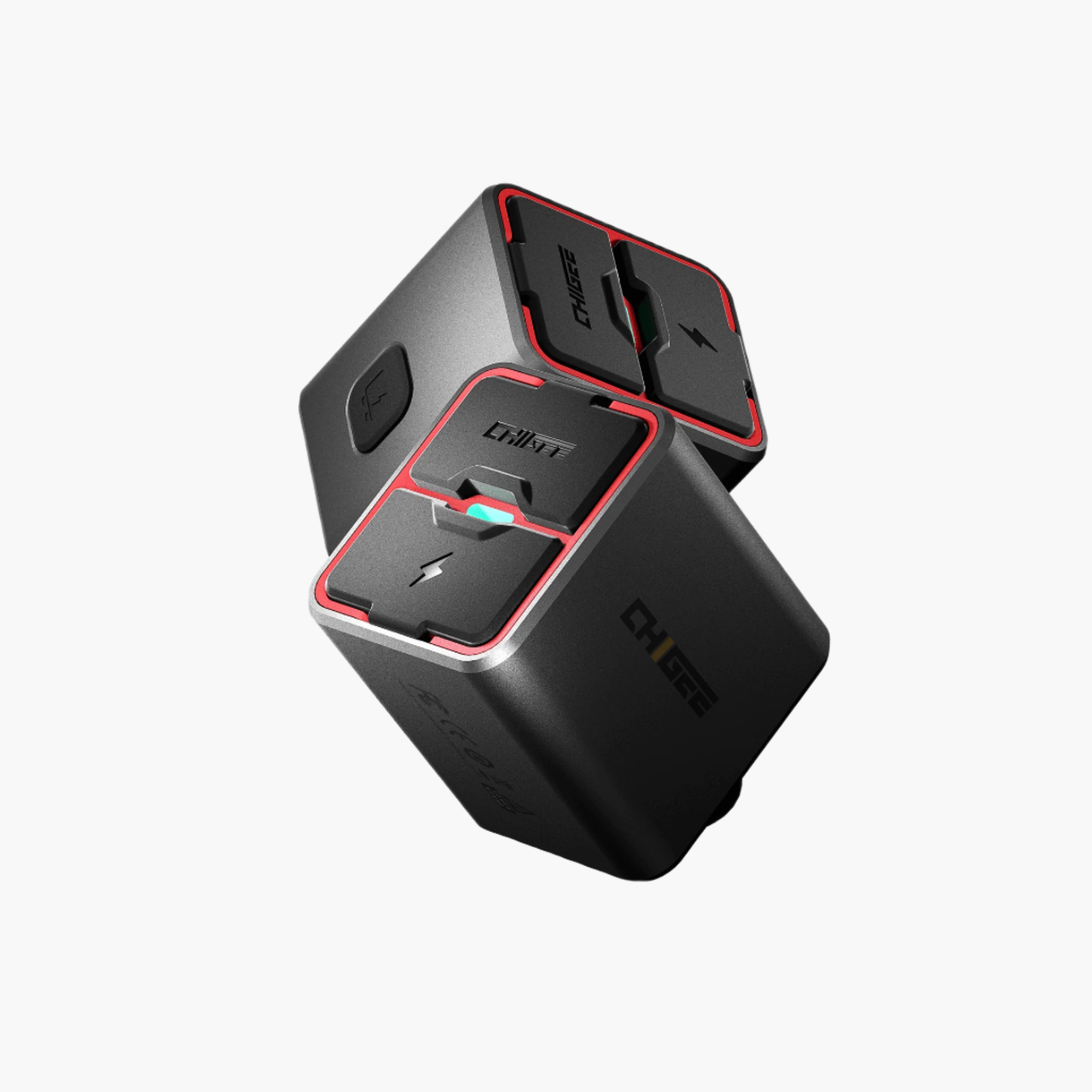
Die elektromagnetische Halterung überträgt diese Aufgabe stattdessen auf Ihren Zündschalter. Motorrad aus? Die Halterung ist verriegelt, Punkt. Sie gehen weg und Ihr Display ist bereits gesichert – nichts zu drehen, nichts zu merken. Motorrad an? Halten Sie die Entriegelungstaste 2 Sekunden lang gedrückt, drücken Sie den Entriegelungshebel und heben Sie das Display ab. Sie haben ein 10-Sekunden-Fenster; verpassen Sie es, verriegelt sich die Halterung leise wieder.
Wissenswert: Das Einschalten des Motorrads löst das Display nicht von selbst – es aktiviert nur die Entriegelungsfunktion. Niemand kann Ihr Display also an einer roten Ampel greifen, und Sie können auch nicht versehentlich mit entsperrtem Display losfahren.
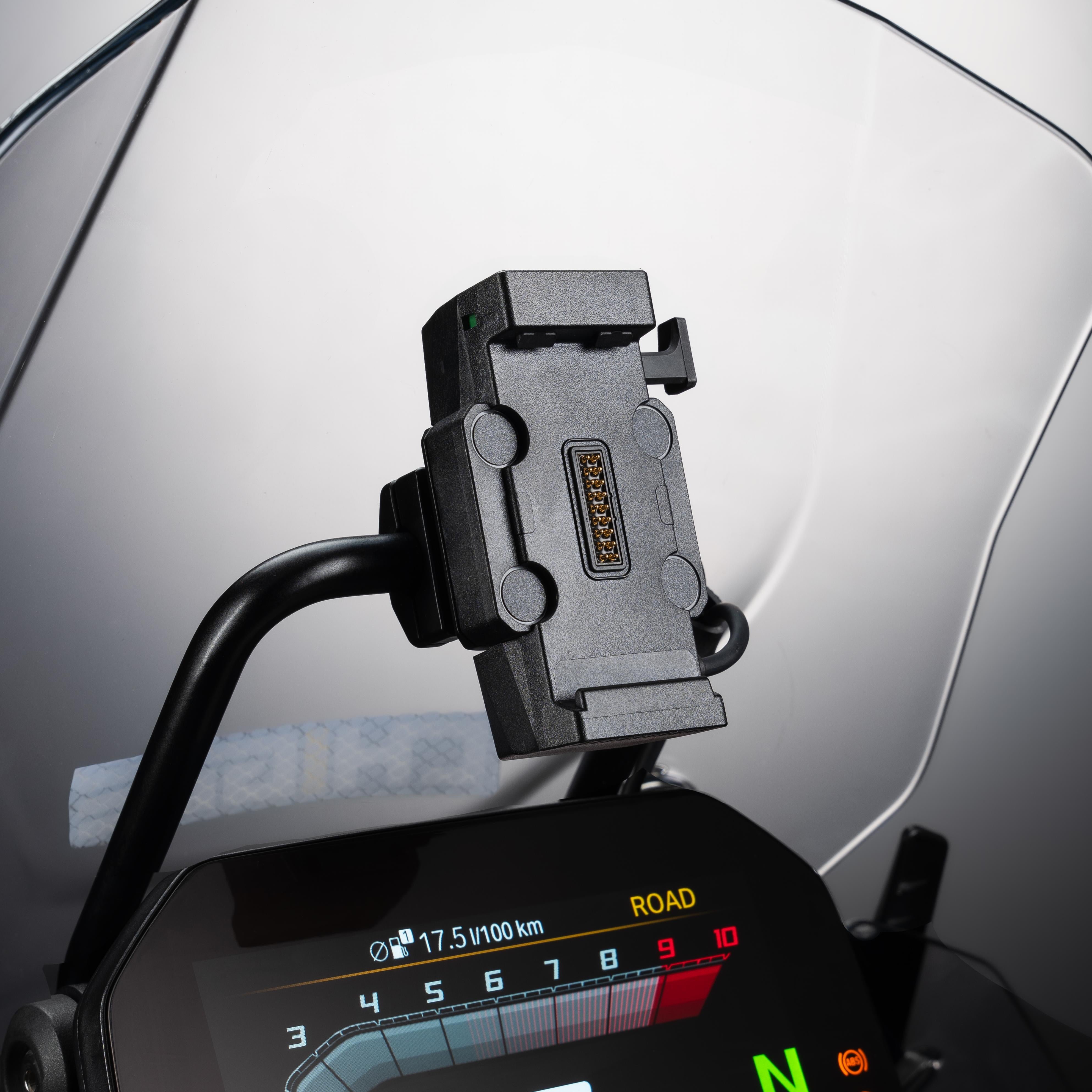
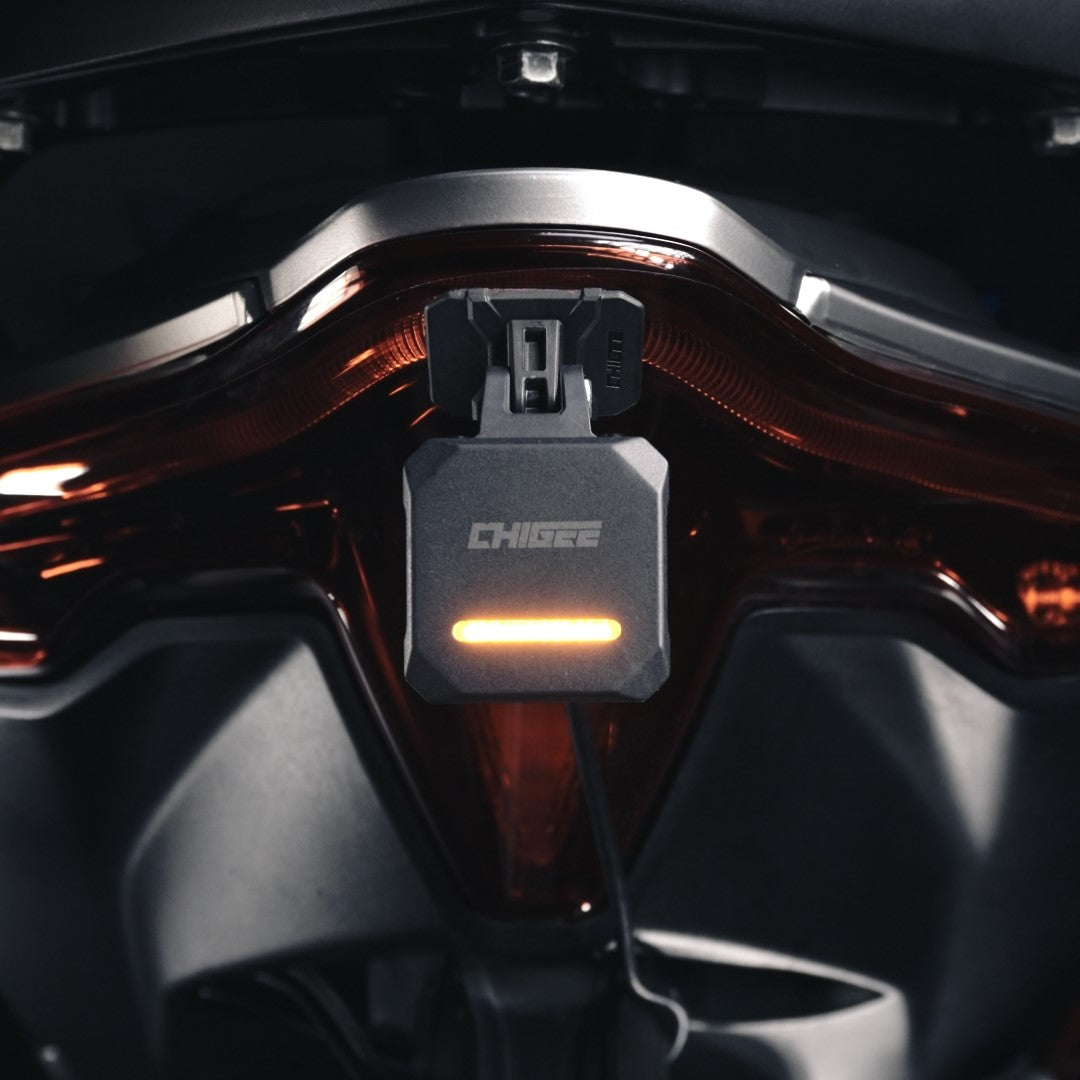
Außerdem gibt es ein kleines Verriegelungsstatus-Fenster, das Ihnen auf einen Blick zeigt, wie der Stand ist. Grün: vollständig verriegelt, losfahren. Rot: entriegelt – noch nicht losfahren. Halb rot, halb grün: Das Display sitzt nicht richtig, setzen Sie es erneut ein, bis Sie durchgehend Grün sehen. Und falls Ihre Batterie jemals stirbt, während das Display verriegelt ist? Es gibt eine manuelle Notentriegelung – öffnen Sie die Abdeckung mit dem mitgelieferten T6-Torx-Werkzeug und Sie können das Display trotzdem mitnehmen.

Keine werksseitige Navigationshalterung? Sie brauchen keine.
Hier ist der Teil, der die Tür für viele weitere BMW-Besitzer öffnet. Ob Ihr Motorrad mit einer Navigationshalterung ausgestattet ist oder nicht, es gibt einen Weg für Sie.
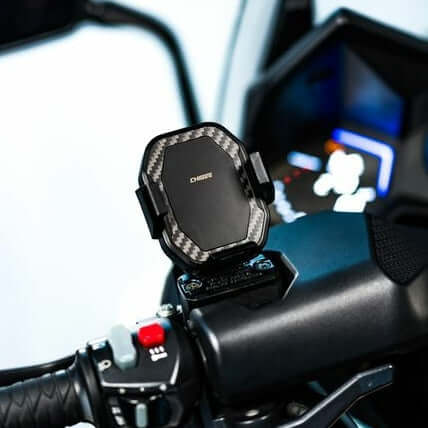
Haben Sie bereits die werksseitige Halterung? Die elektromagnetische Halterung nimmt einfach ihren Platz ein – gleiche elektrische Funktionen, ohne den Schlüssel.
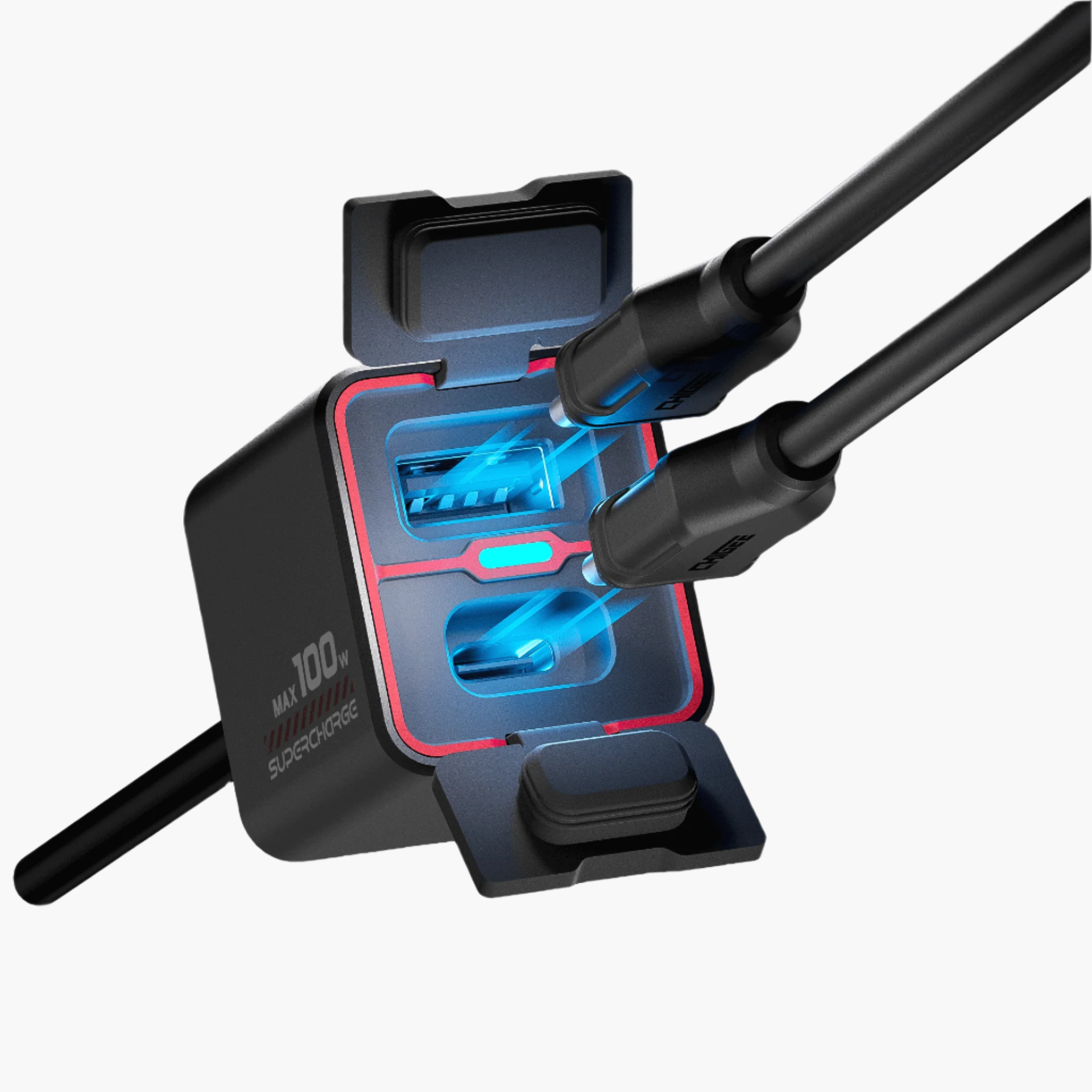
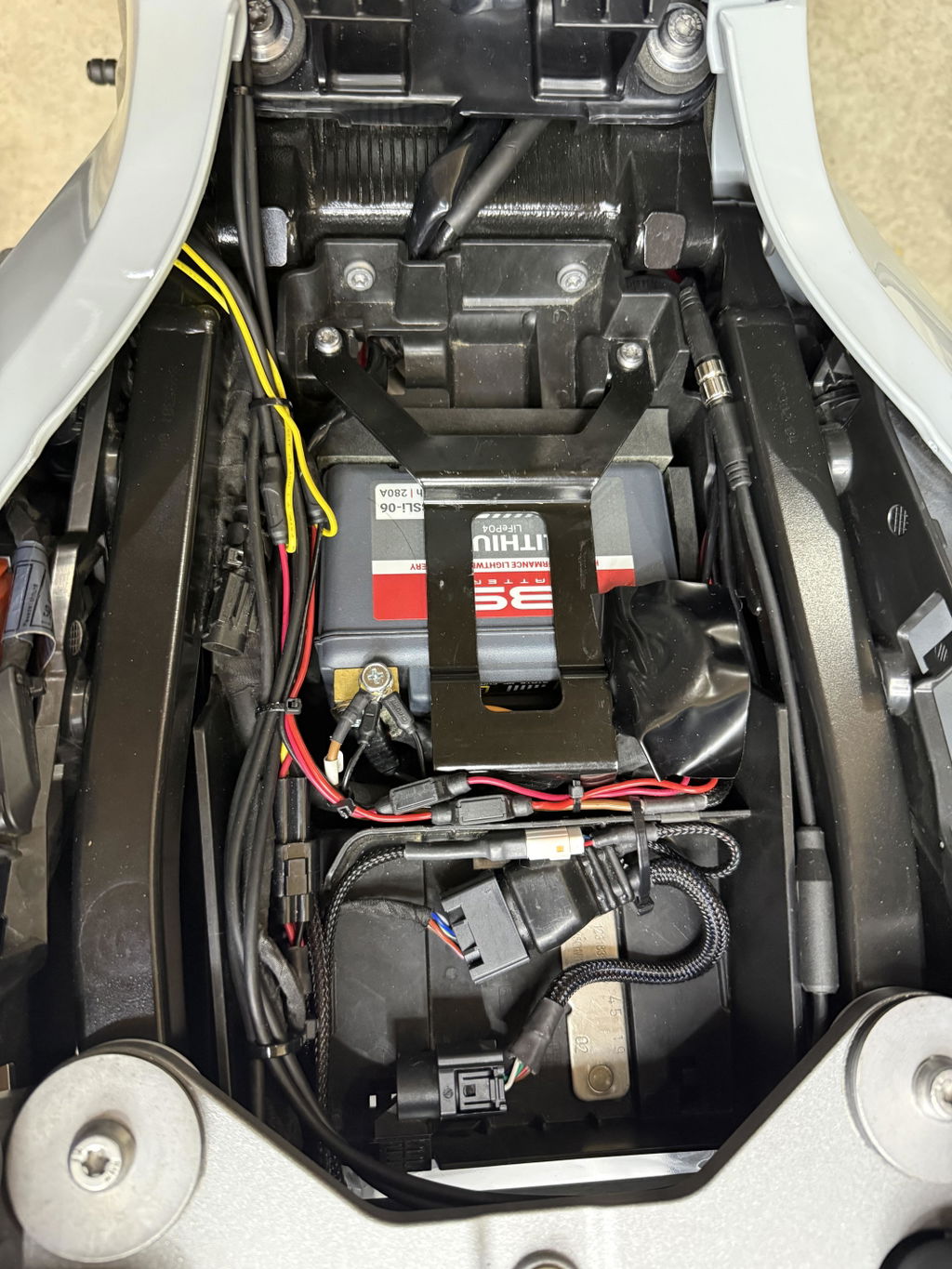
Noch nie gehabt? Kein Problem – und Sie müssen nicht zuerst die mechanische Halterung kaufen. Im Karton befindet sich eine Klemme aus Aluminiumlegierung, die für Ø12–16 mm Querstangen geeignet ist. So montieren Sie die Halterung direkt an Ihrem Cockpitbügel und stecken sie in den BMW-OEM-LIN-Stromanschluss Ihres Motorrads. Genau das ist die Idee.
In jedem Fall, fließt der Strom über die BMW-OEM-Verbindung — saubere 12V, kein zusätzliches universelles Stromkabel, das sich bis zu Ihrem Display schlängelt. Fügen Sie die vier Silikon-Vibrationsdämpfer und die IP69K-Wasserdichtigkeitsklasse hinzu, und Sie erhalten ein Cockpit, das ab Werk sauber aussieht und bei echtem Fahrtwetter stabil bleibt.
Zwei Dinge, die Ihr Motorrad in beiden Fällen benötigt: einen kompatiblen BMW-OEM-LIN-Stromanschluss und einen sinnvollen Montageort. Und eine eiserne Regel — nur 12V-Systeme, niemals 24V.

Native BMW-Daten und Wunder-Rad, im CHIGEE-Ökosystem
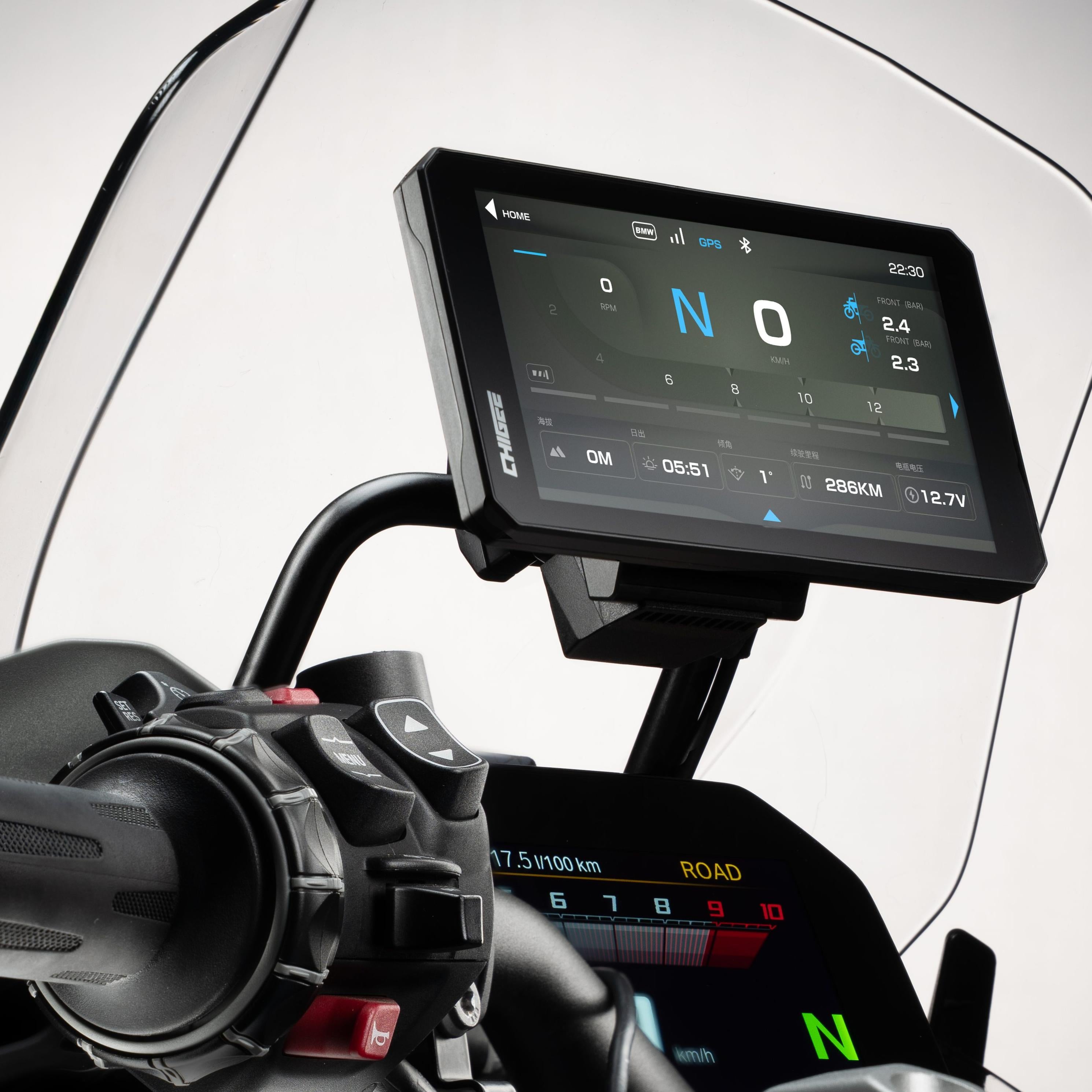
Hier verdient die Halterung den "Ökosystem"-Teil ihrer Aufgabe. Elektrisch verhält sie sich genau wie die originale BMW-Halterung – ihr 18-poliger Stecker überträgt BMW-Fahrzeugdaten und Wunder-Rad-Signale an das Display, genau wie beim werksseitigen Aufbau.
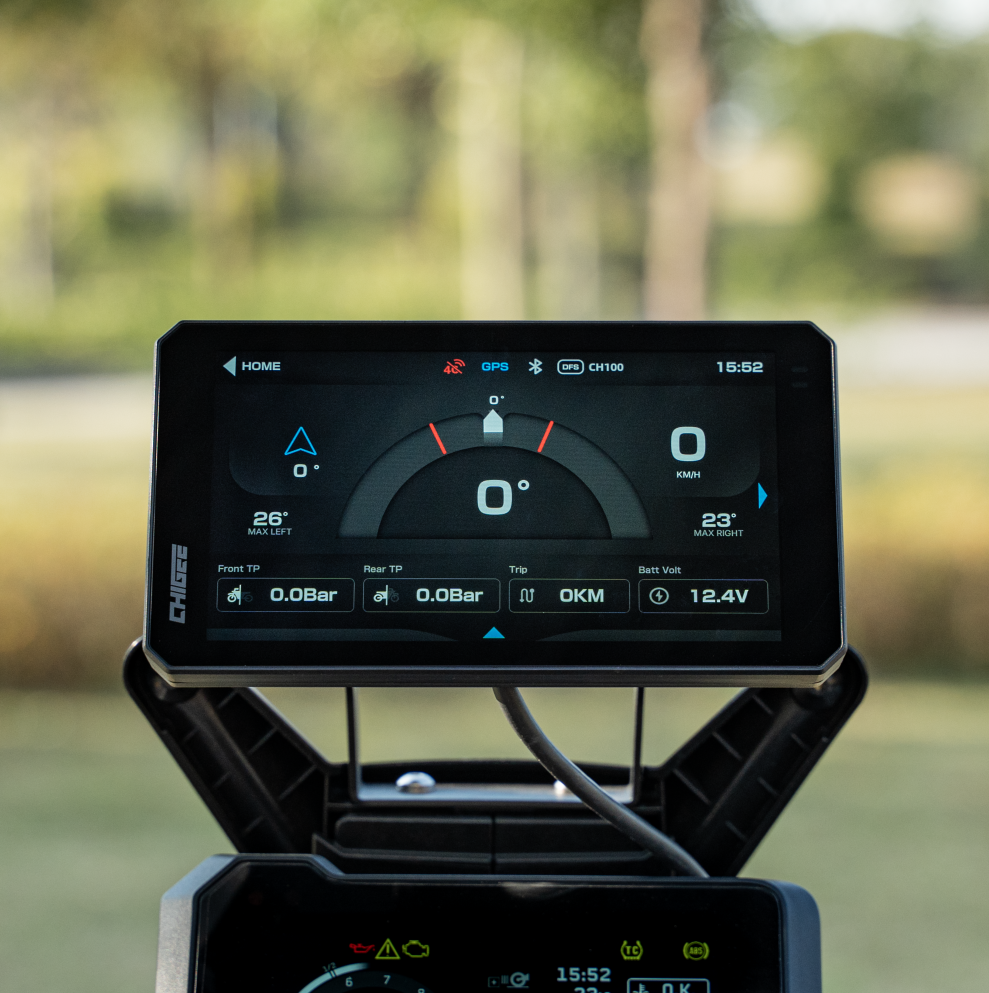
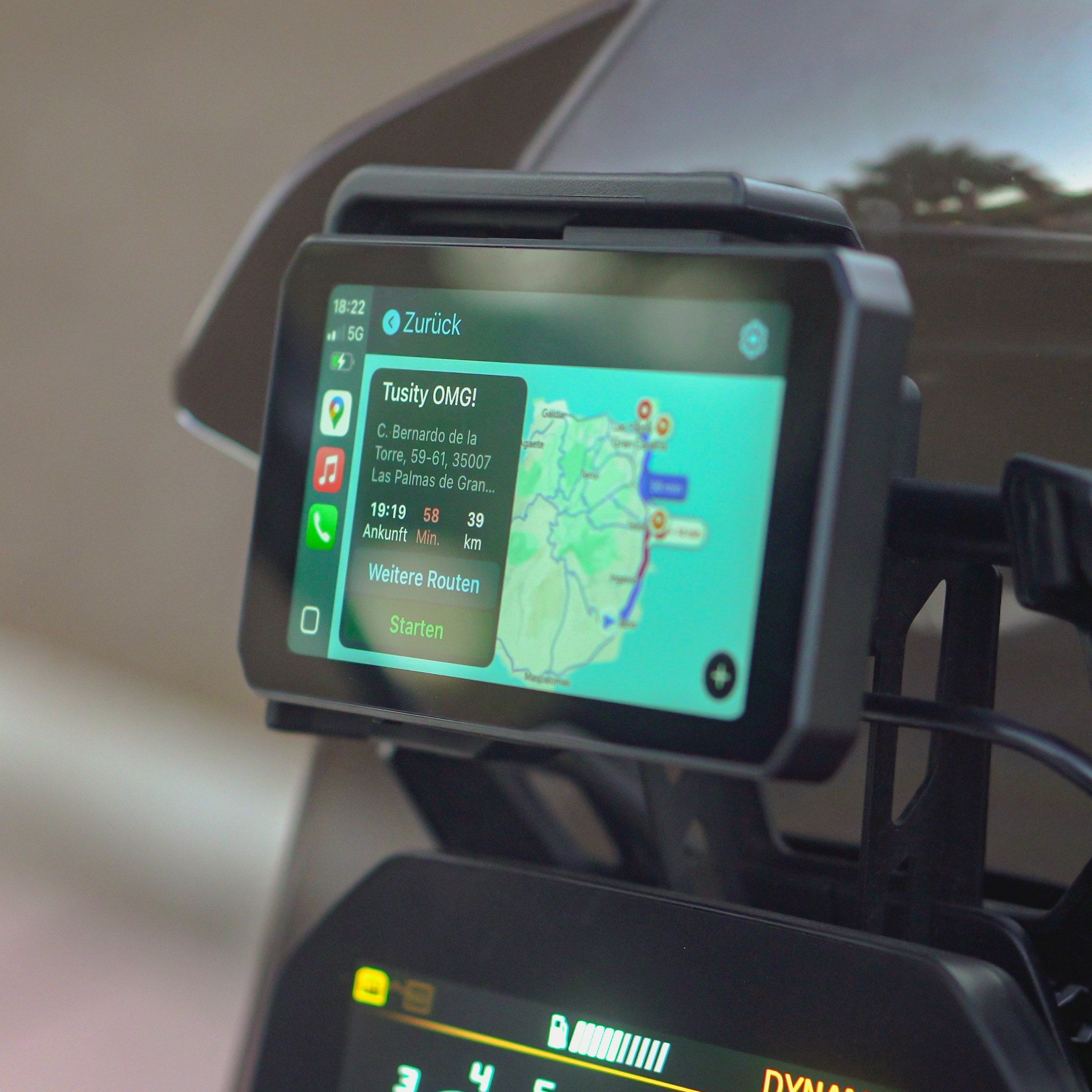
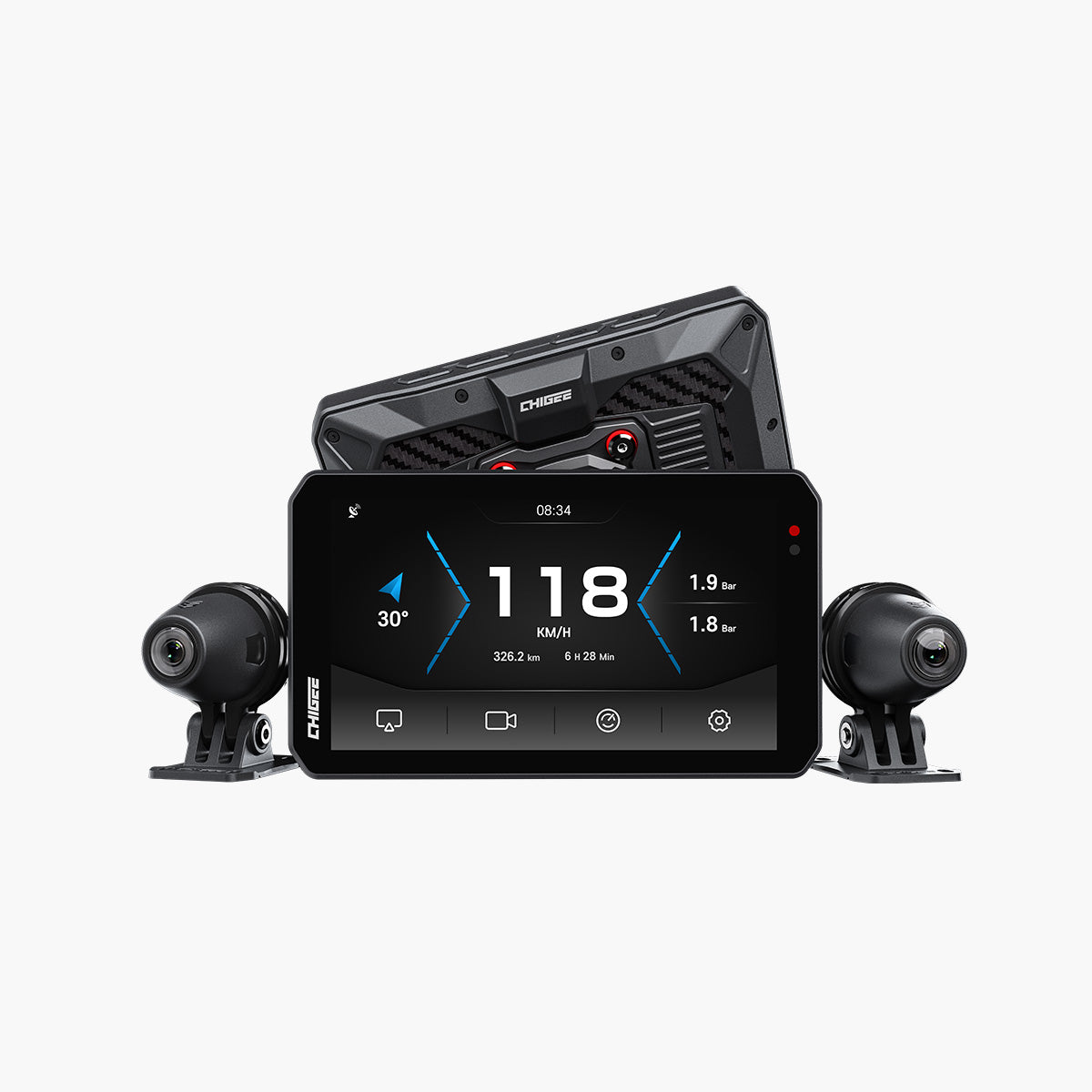
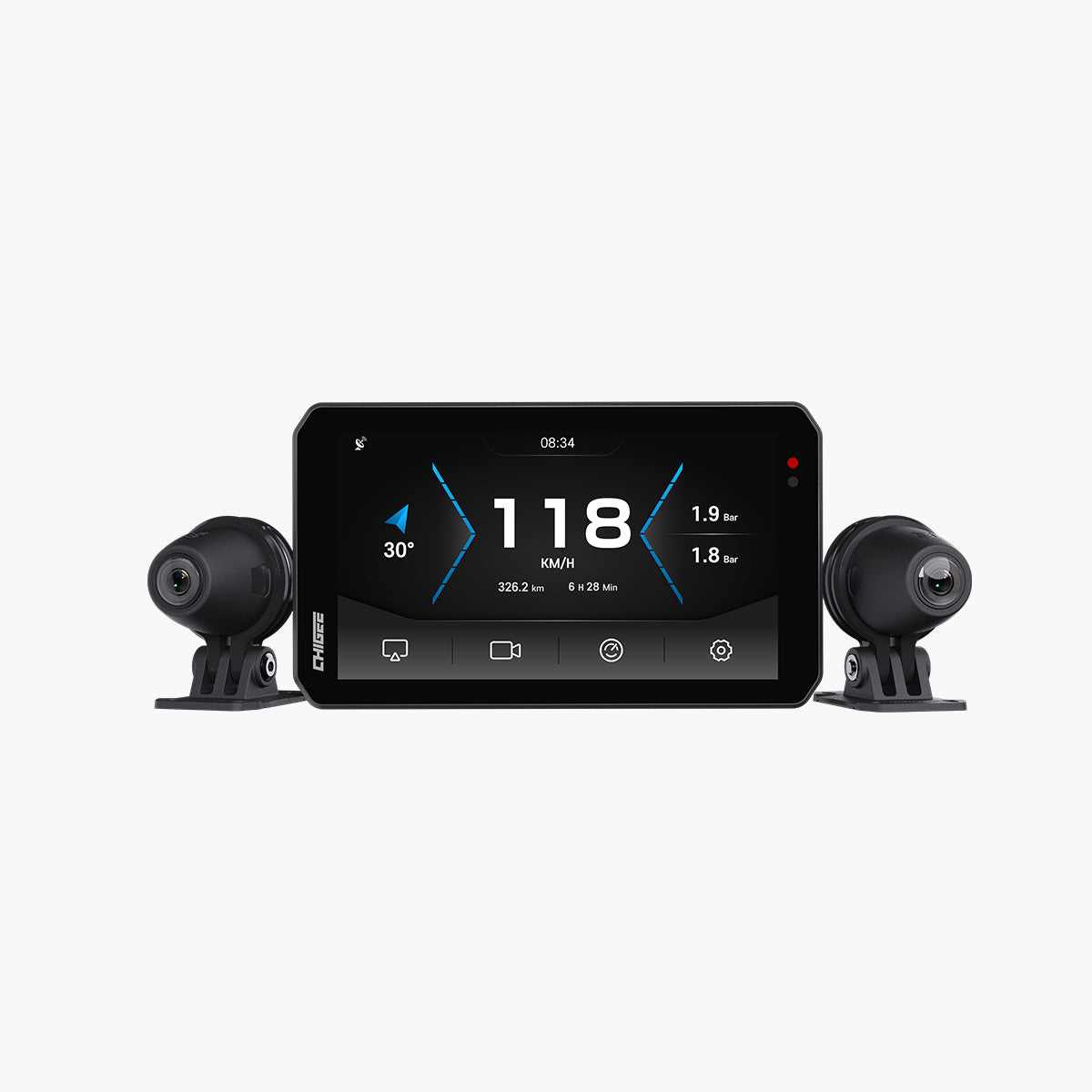
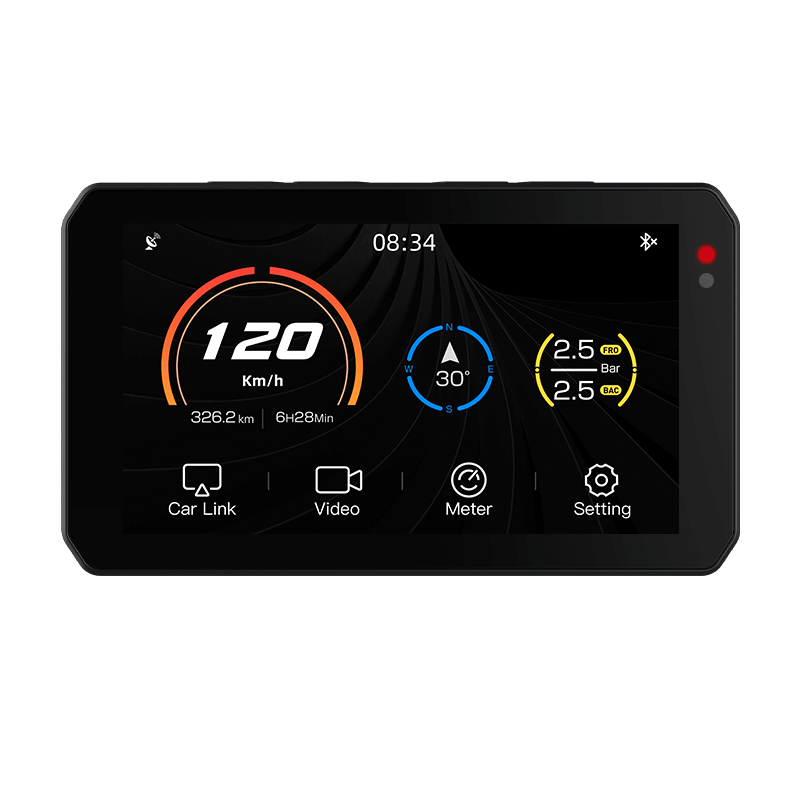
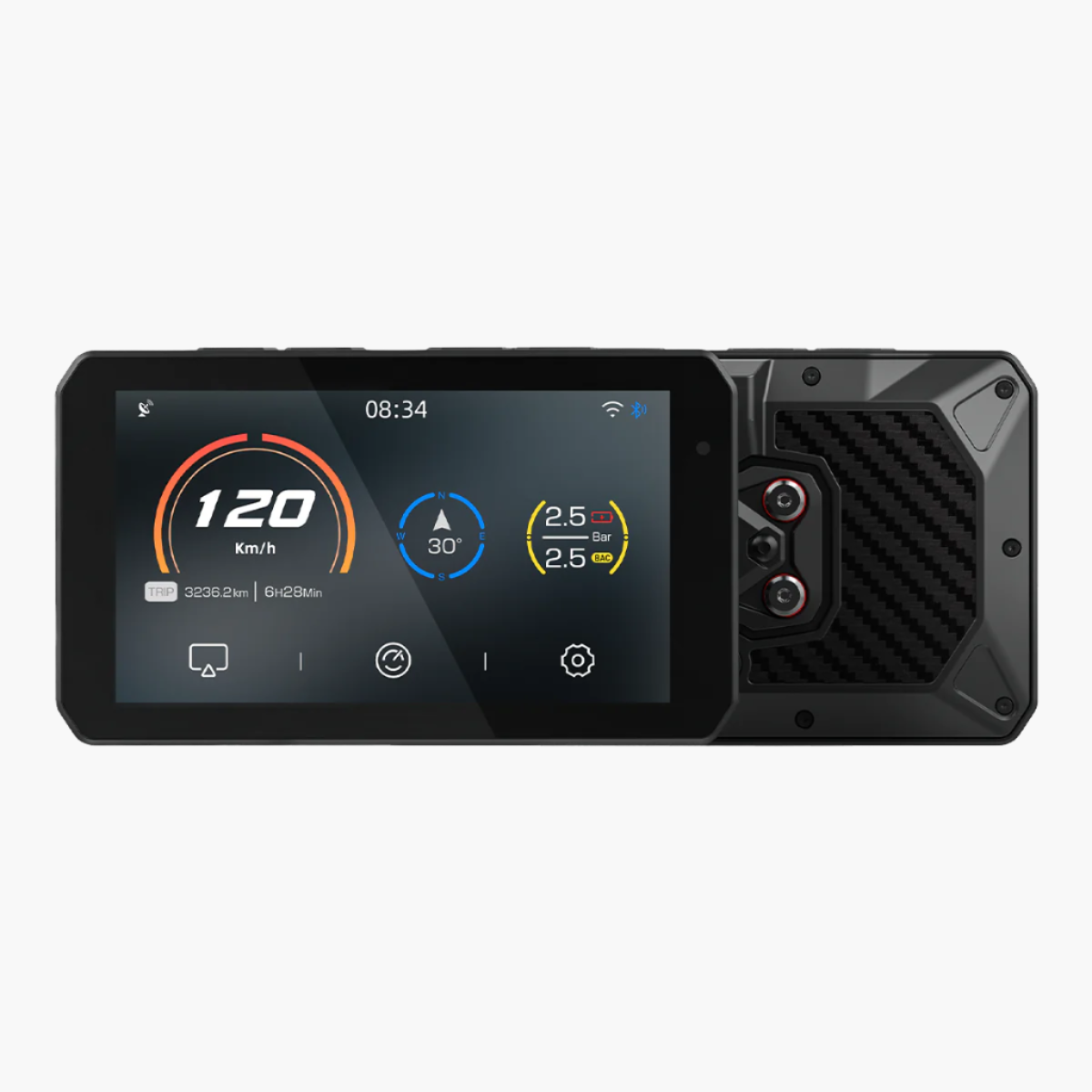
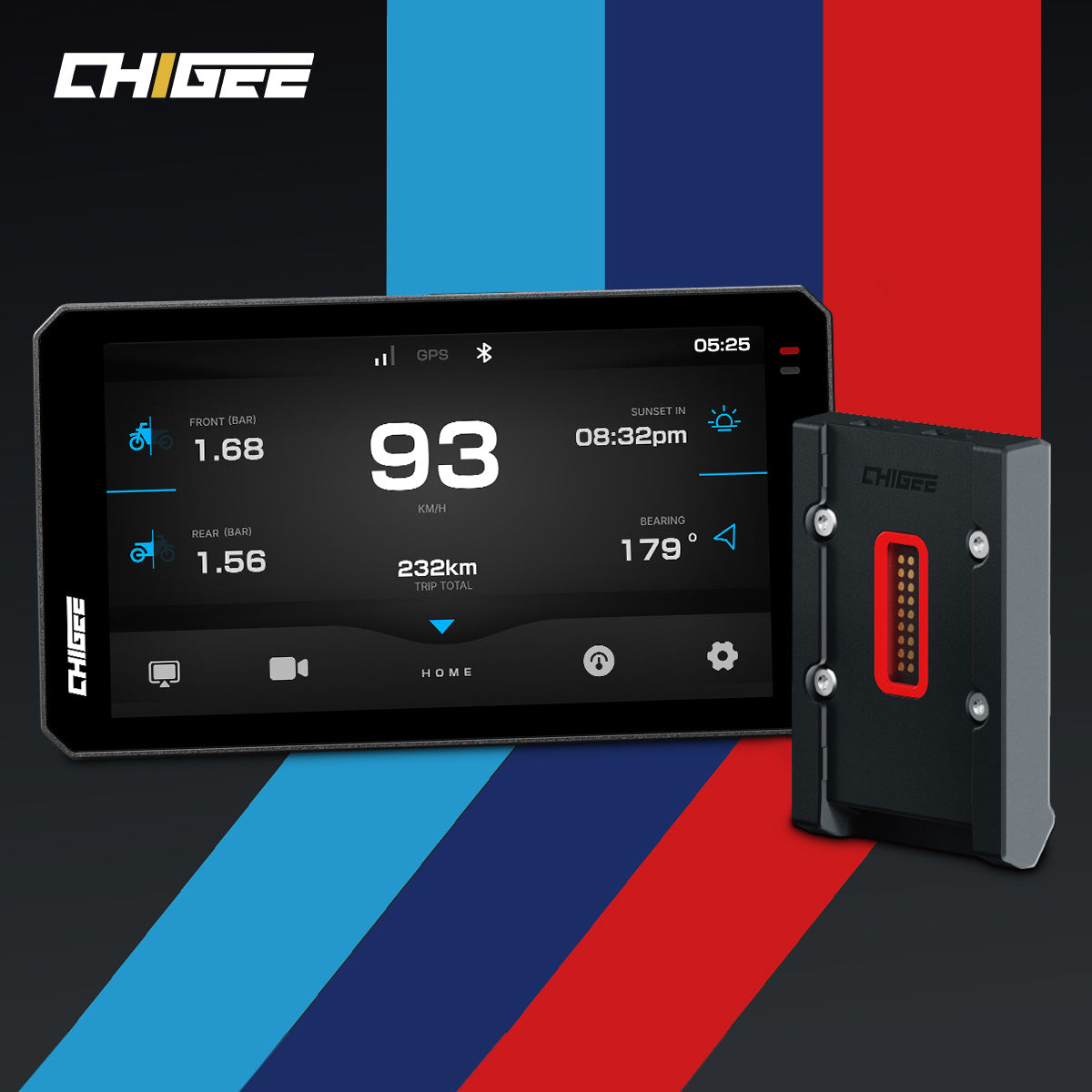
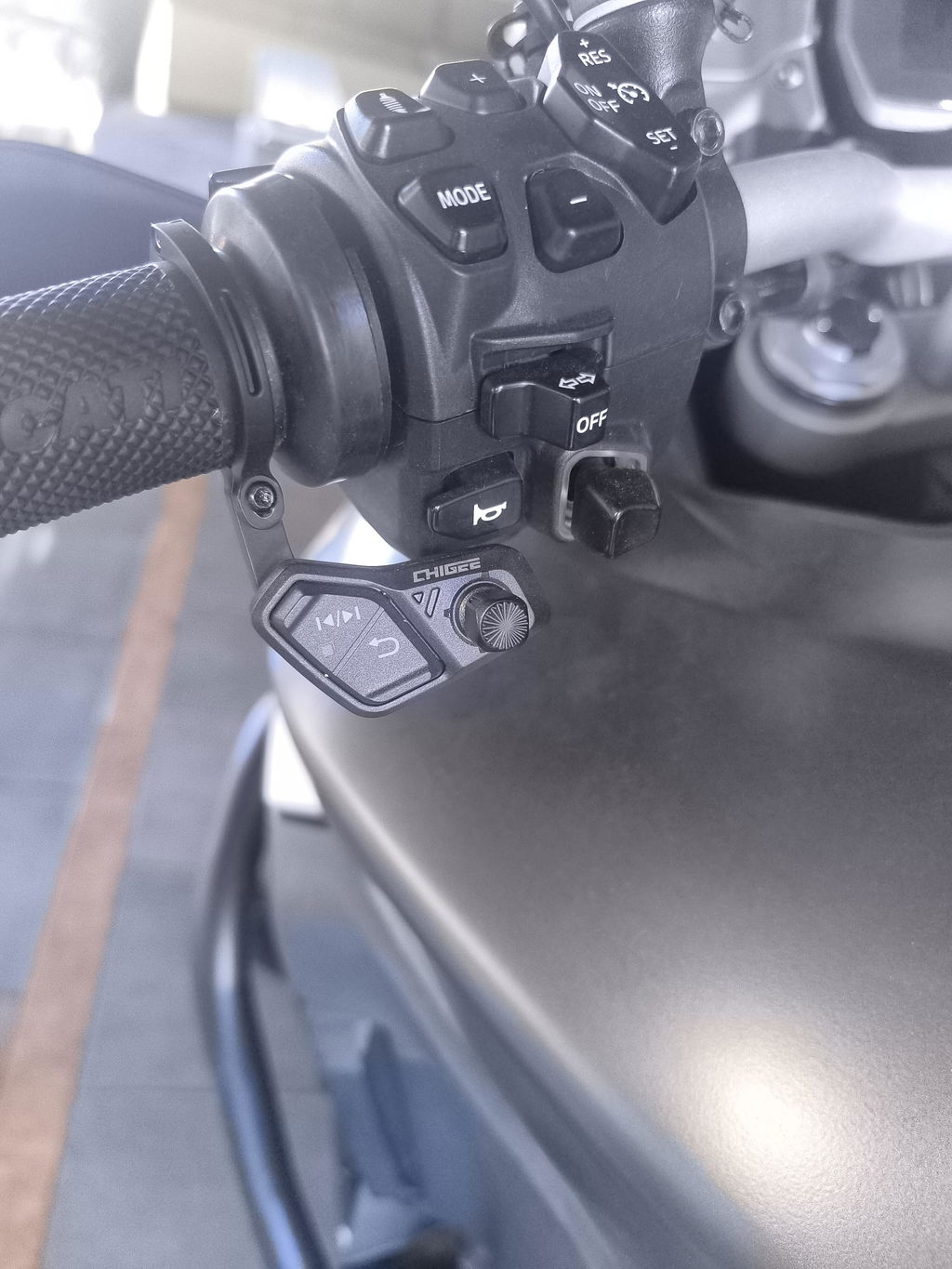
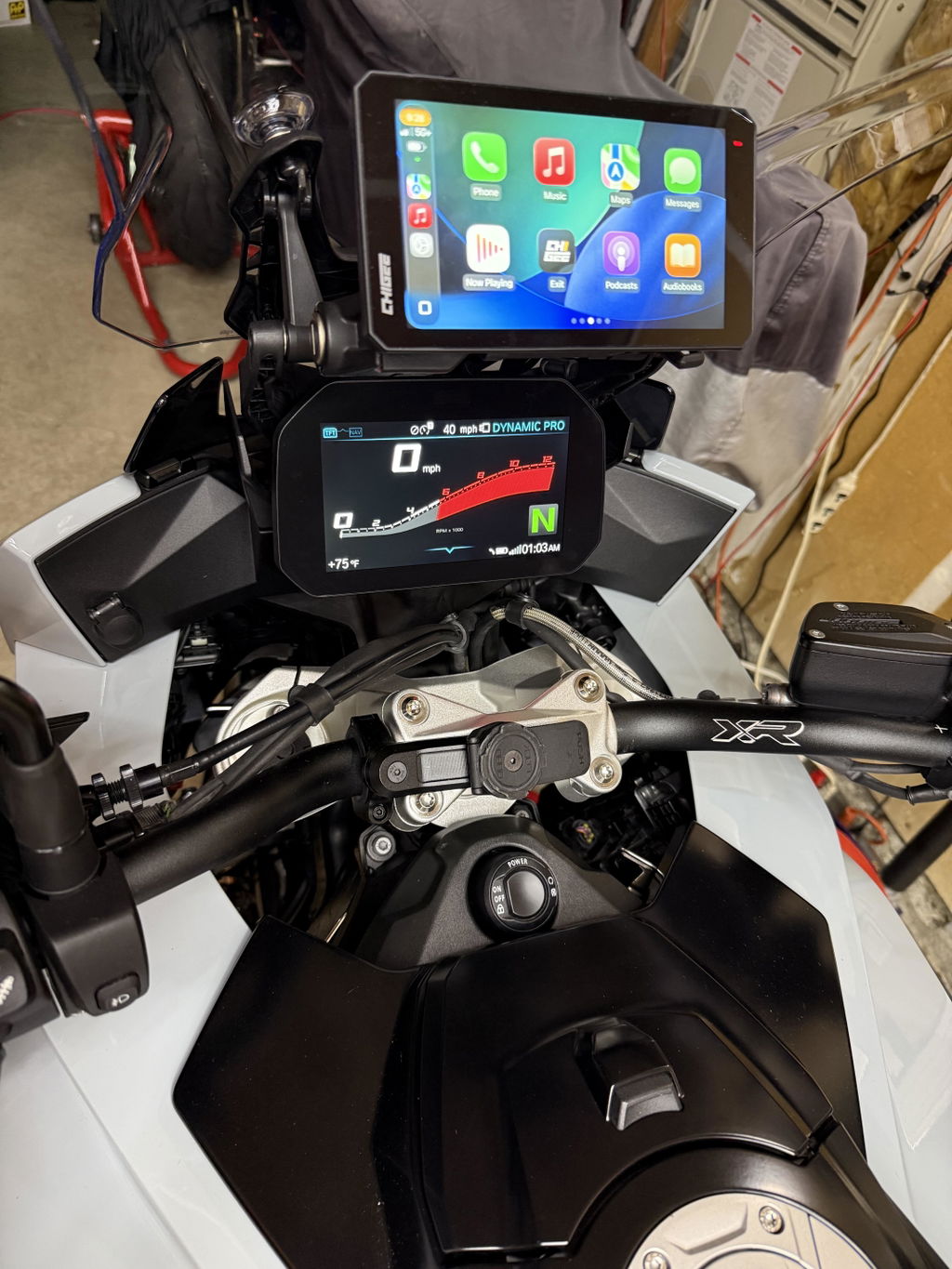
In der Praxis bedeutet das, dass die Informationen, die Ihr BMW bereits erzeugt – Geschwindigkeit, Drehzahl, Kilometerstand, Temperatur, Schräglage, was auch immer Ihr Motorrad unterstützt – auf demselben CHIGEE-Bildschirm erscheinen, auf dem auch Ihre Navigation und CarPlay laufen. Und das Wunder-Rad bleibt nützlich: Scrollen und Auswählen mit dem linken Daumen, statt während der Fahrt nach dem Touchscreen zu greifen.
Zwei Dinge sagen wir Ihnen lieber vorab, als dass Sie sie später entdecken:
Zuerst: Die Halterung leitet Daten weiter — sie erzeugt sie nicht. Was angezeigt wird, hängt vom Modell, Baujahr, den Sensoren und der Werkskonfiguration Ihres BMWs ab. Zwei BMWs am selben CHIGEE-Display können unterschiedliche Informationen anzeigen, und dieser Unterschied kommt von den Motorrädern, nicht von der Halterung.
Zweitens: Die Steuerung über das Wunder-Rad benötigt SA 272 (Vorbereitung für das Navigationssystem). Diese Werksoption bringt die NAV-LIN-Verkabelung in Ihr Motorrad, und keine Halterung der Welt — einschließlich der eigenen von BMW — kann sie nachträglich hinzufügen. Nicht sicher, ob Sie sie haben? Überprüfen Sie Ihr Datenblatt, bitten Sie Ihren BMW-Händler, sie anhand der VIN nachzuschlagen, oder gehen Sie die Schnellstartanleitung für die elektromagnetische BMW-Halterung für die vollständige Checkliste vor dem Kauf durch.

Welche Displays funktionieren?
Die kurze Liste:
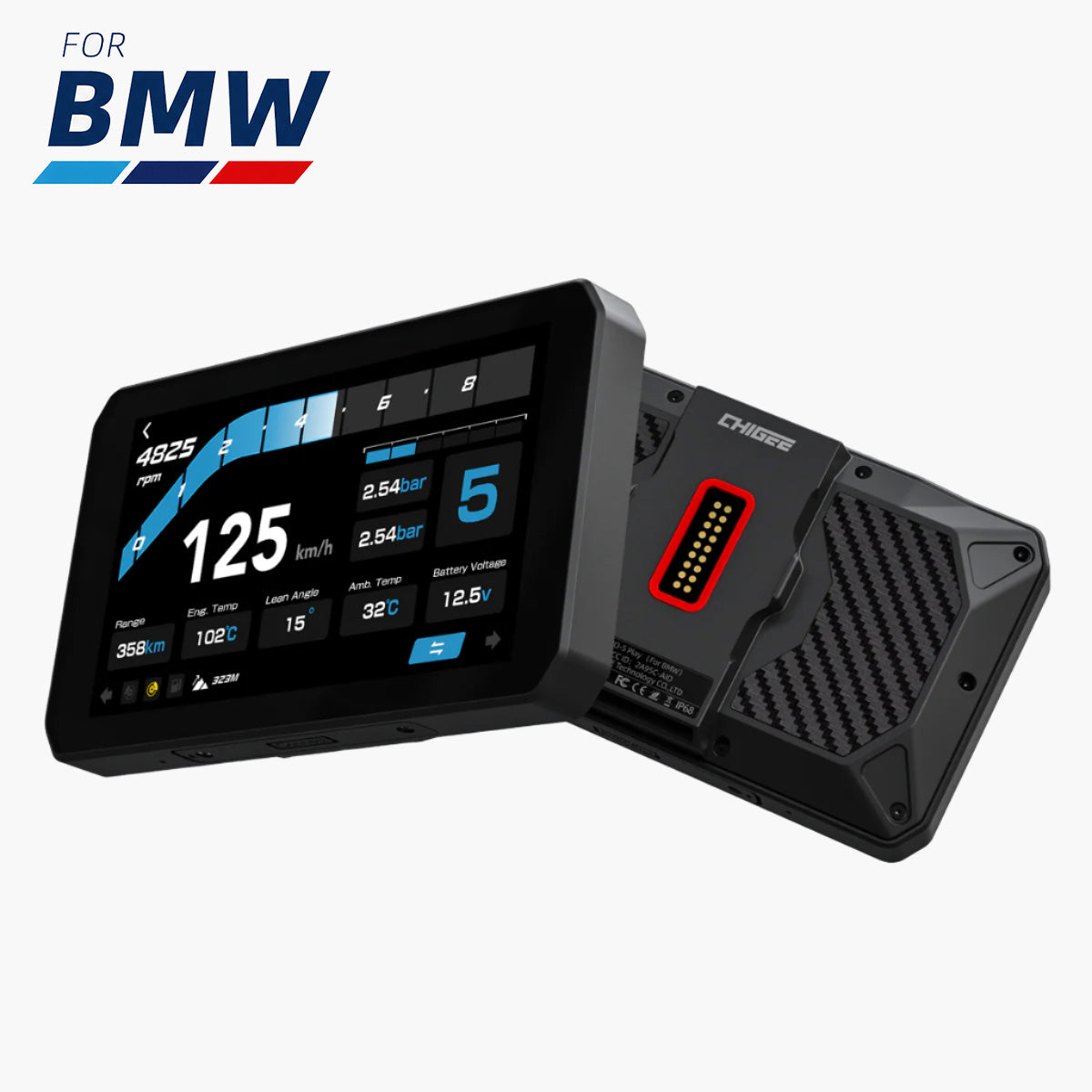
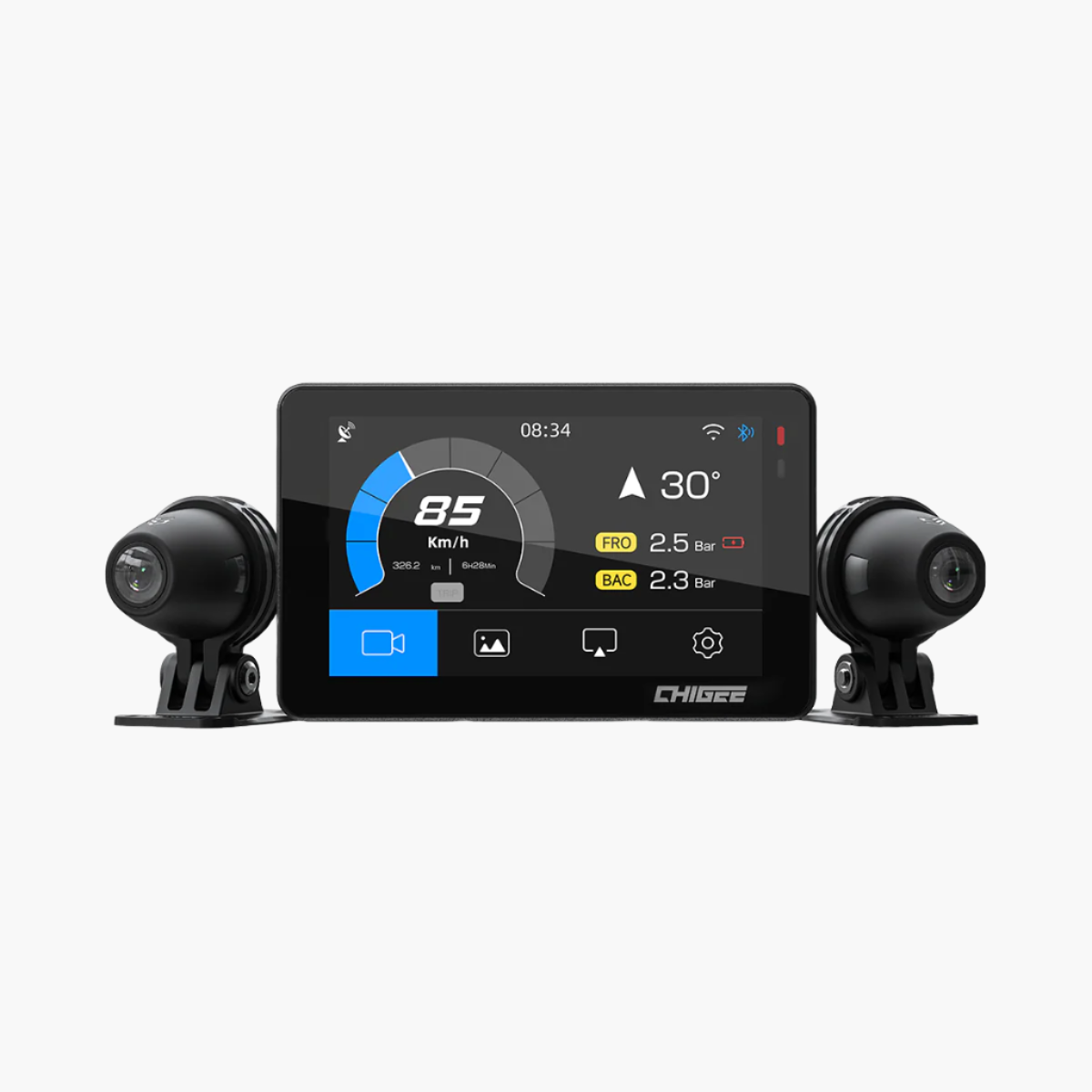
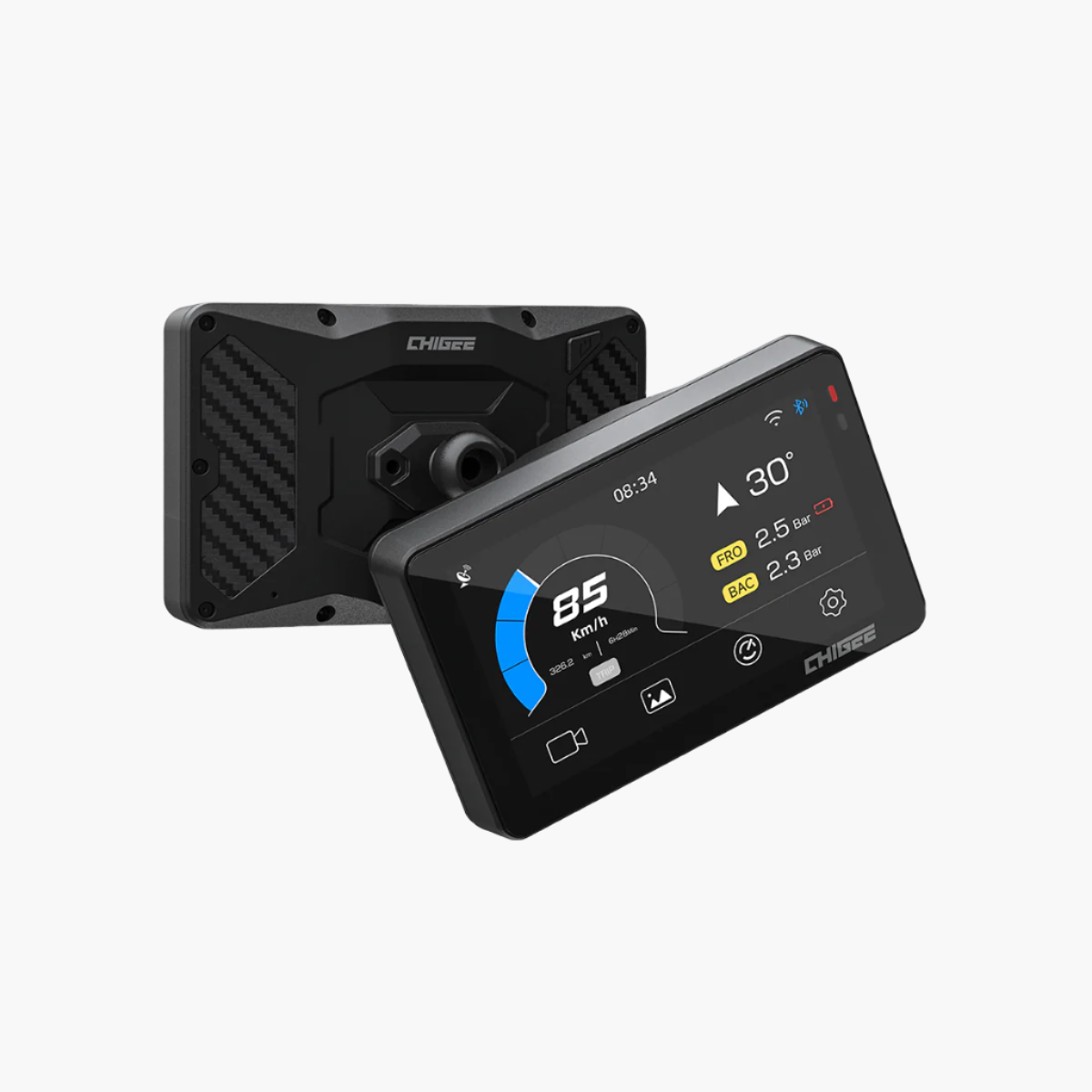
- AIO-5 Play for BMW — wird direkt montiert, sofort einsatzbereit.
- AIO-6 Max und AIO-6 LTE — funktionieren mit dem BMW Schnellmontage-Modul installiert.
- BMW Navigator V und VI — voll unterstützt: Das Display rastet ein, schaltet sich ein, reagiert auf das Multifunktions-Steuerrad und liest BMW-Fahrzeugdaten.
Und das sollte ausdrücklich erwähnt werden: Die Halterung ist nicht auf CHIGEE-Displays beschränkt. Da sie die elektrische Schnittstelle der originalen BMW-Halterung nachbildet, ist die Faustregel für jedes Display erfrischend einfach – was es an der serienmäßigen BMW-Halterung kann, kann es auch an dieser. Stromversorgung, BMW-Fahrzeugdaten und die Steuerung über das Multi-Controller-Rad funktionieren auf die gleiche Weise.
Die Kehrseite ist ebenfalls wahr. Wenn ein Display an der originalen Halterung keine Radsteuerung oder BMW-Daten unterstützt, kann diese Halterung das nicht auf magische Weise hinzufügen. Das Garmin zūmo XT3 ist ein gutes Beispiel: Es lässt sich montieren und schaltet sich problemlos ein, aber weder an der einen noch an der anderen Halterung gibt es Radsteuerung oder BMW-Daten – das ist eine Einschränkung des Displays, nicht der Halterung.
Eine Vorsichtsmaßnahme, bevor Sie Annahmen treffen: Einige Drittanbieter-Displays werden als „kompatibel mit BMW-Navigationshalterungen“ beworben, aber ähnliche Montagemaße garantieren keine volle Funktionalität. CHIGEE hat nicht jedes Drittanbieter-Display auf dem Markt getestet, daher kann das Verhalten über die oben aufgeführten Modelle hinaus nicht bestätigt werden. Wenn Ihres nicht aufgeführt ist, ist es sicherer, vor der Bestellung den Support zu kontaktieren.
Mehr als Werksnavigation: Was ein CHIGEE-Display hinzufügt
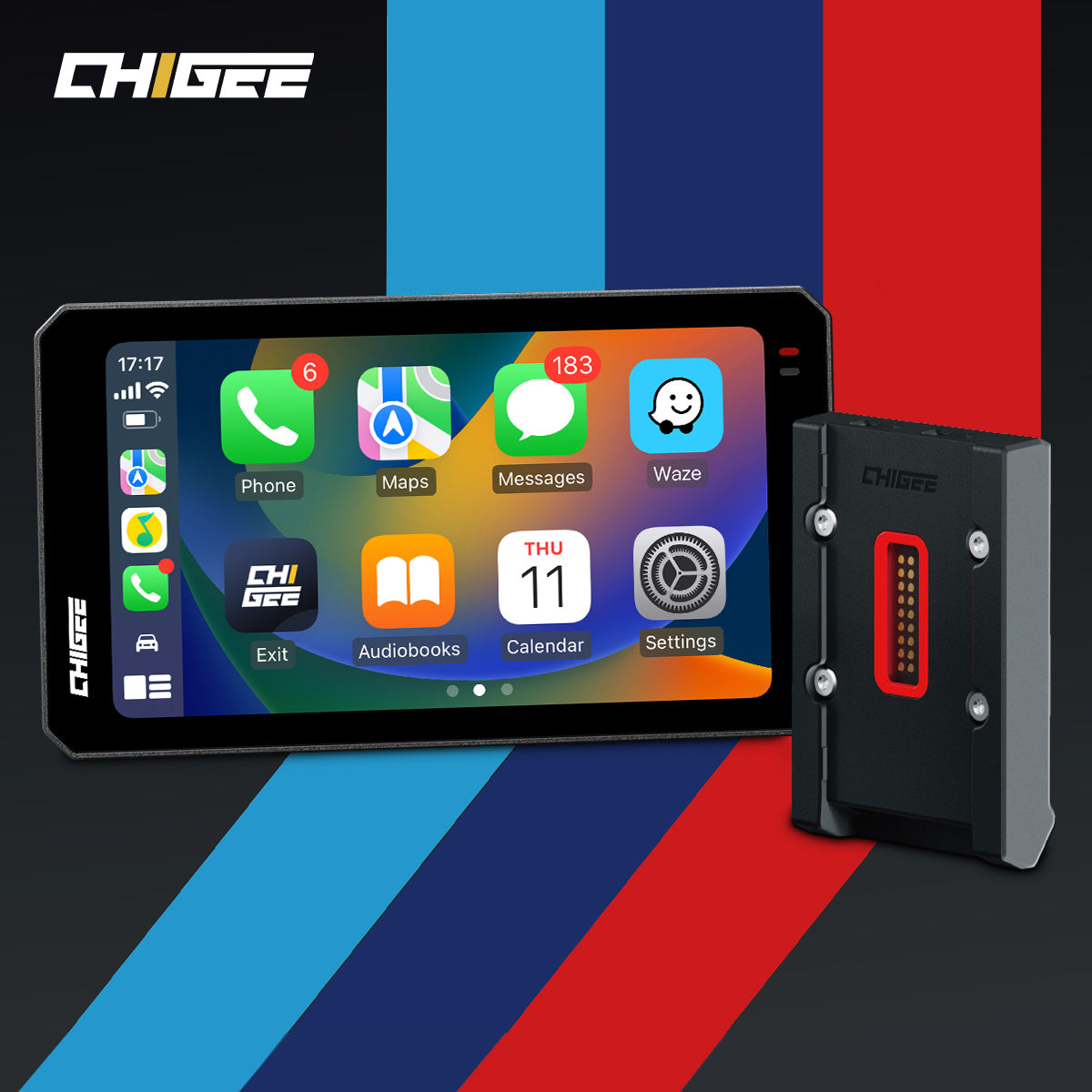
Genau hier wird das Zusammenspiel speziell für BMW-Besitzer interessant. Wenn Sie ein CHIGEE-Display an dieser Halterung montieren, müssen Sie sich nicht zwischen der BMW-Welt und allem anderen entscheiden – Sie erhalten beides auf einem Bildschirm.
Die BMW-Seite bleibt erhalten: native Fahrzeugdaten, Wunder-Rad-Steuerung, OEM-Stromversorgung. Aber über CarPlay und Android Auto laufen auf demselben Bildschirm auch die Navigations-Apps, die Motorradfahrer tatsächlich selbst wählen — Waze für Echtzeit-Gefahrenmeldungen, Google Maps oder jede unterstützte App, die zu deinem Fahrstil passt. Das ist eine sinnvolle Erweiterung des BMW-Navigationsökosystems: die Werkserfahrung, die du bezahlt hast, plus das App-Ökosystem, das das Werk nie angeboten hat, ohne ein zweites Gerät am Lenker.

Für wen das ist
Die elektromagnetische Schnellmontage-Halterung von BMW ergibt am meisten Sinn, wenn du dich hier wiedererkennst:
- Du fährst ein BMW-Motorrad ohne die werkseitige Navigationshalterung und möchtest eine Schnellmontage-Halterung, die ein CHIGEE-Display in die BMW-OEM-Stromversorgung und native Fahrzeugdaten einbindet – ohne zuerst die mechanische Halterung zu kaufen.
- Du hast bereits die werkseitige Halterung , bist es aber leid, bei jedem Halt einen Schlüssel mitzuführen und zu drehen.
- Du besitzt mehr als ein BMW-Motorrad – oder ein zweites ist unterwegs. Mit einer kompatiblen Halterung an jedem Motorrad wechselt ein Display in Sekunden zwischen ihnen: entriegeln, abnehmen, auf das andere Motorrad aufstecken, und das Display übernimmt die Daten dieses Motorrads. Kein Neuverkabeln, kein Doppelkauf, kein Schlüsselgehampel zwischen zwei Garagen.
- Du willst das vollständige Integrationsbild: ein Display für Navigation, Dashcam-Ökosystem, BMW-Daten und Wunder-Rad-Steuerung, in Sekunden montiert und abgenommen.
Es ist kein Display und kein Zusatz-Gadget — es ist die Montageebene, die Ihr CHIGEE-Display mit dem verbindet, was Ihr BMW bereits kann.
Fazit
Sie behalten OEM-Strom. Sie behalten native Fahrzeugdaten. Sie behalten die Wunder-Rad-Steuerung, wo Ihr BMW sie unterstützt. Und das Anbringen oder Entfernen Ihres Displays dauert jetzt Sekunden statt eines Schlüssels. Detaillierte Kompatibilitätsinformationen finden Sie auf der Produktseite, und unser Support-Team ist verfügbar, wenn Sie sich nicht sicher sind, ob Ihr BMW infrage kommt.





Hinterlasse einen Kommentar
Alle Kommentare werden vor der Veröffentlichung geprüft.
Diese Website ist durch hCaptcha geschützt und es gelten die allgemeinen Geschäftsbedingungen und Datenschutzbestimmungen von hCaptcha.